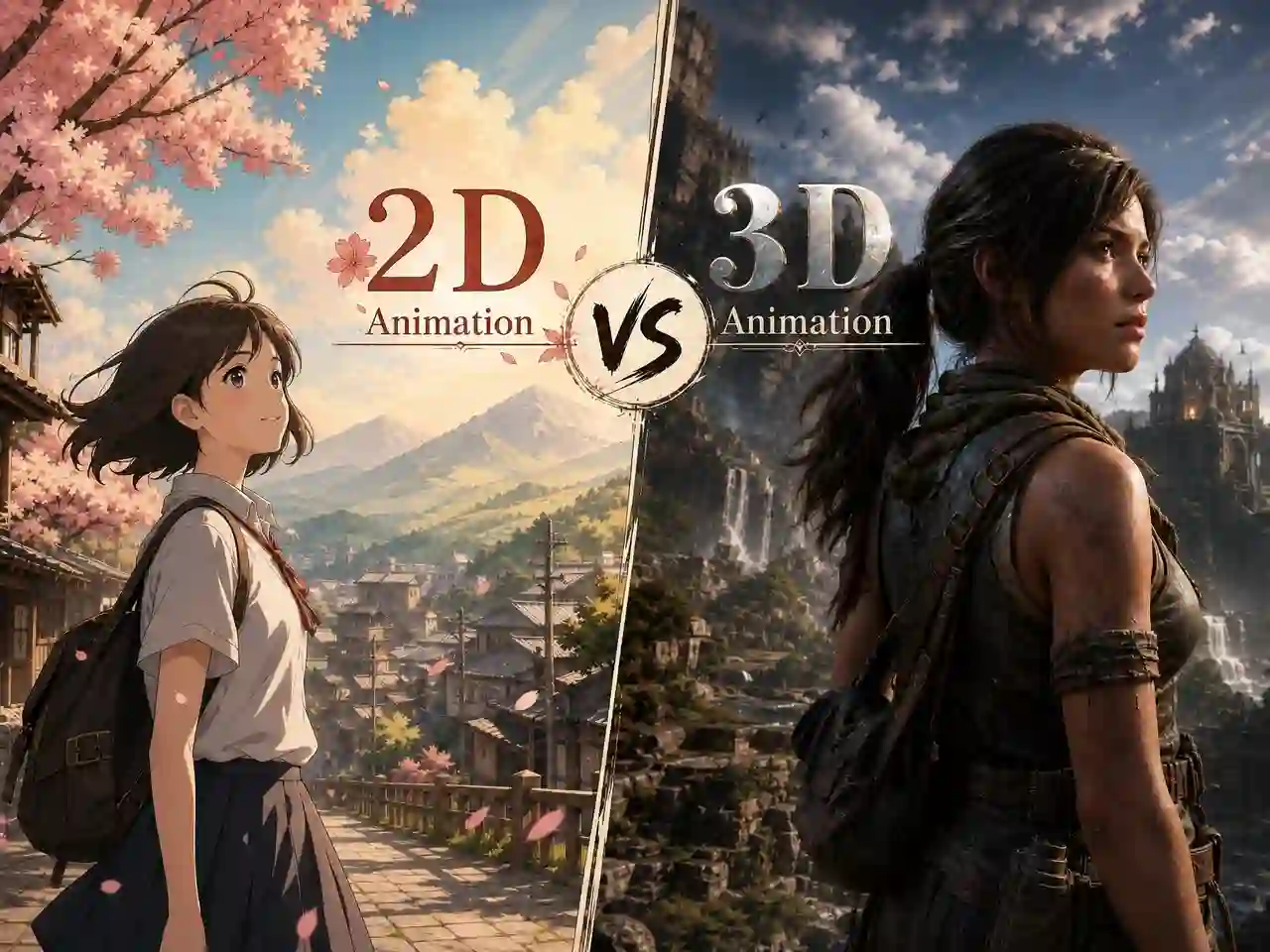
2D vs 3D Animation Explained: Differences, Pros & Cons, and How to Choose
Whether you’re a creator, marketer, or storyteller, choosing between 2D and 3D animation is one of the first - and most consequential - decisions you’ll make. Both styles have distinct workflows, cost profiles, visual identities, and ideal use cases.
This guide breaks down everything you need to know: what each style is, how they compare, real-world examples, and how AI tools like Anijam AI are making both formats faster and more accessible than ever.
What Is 2D Animation?
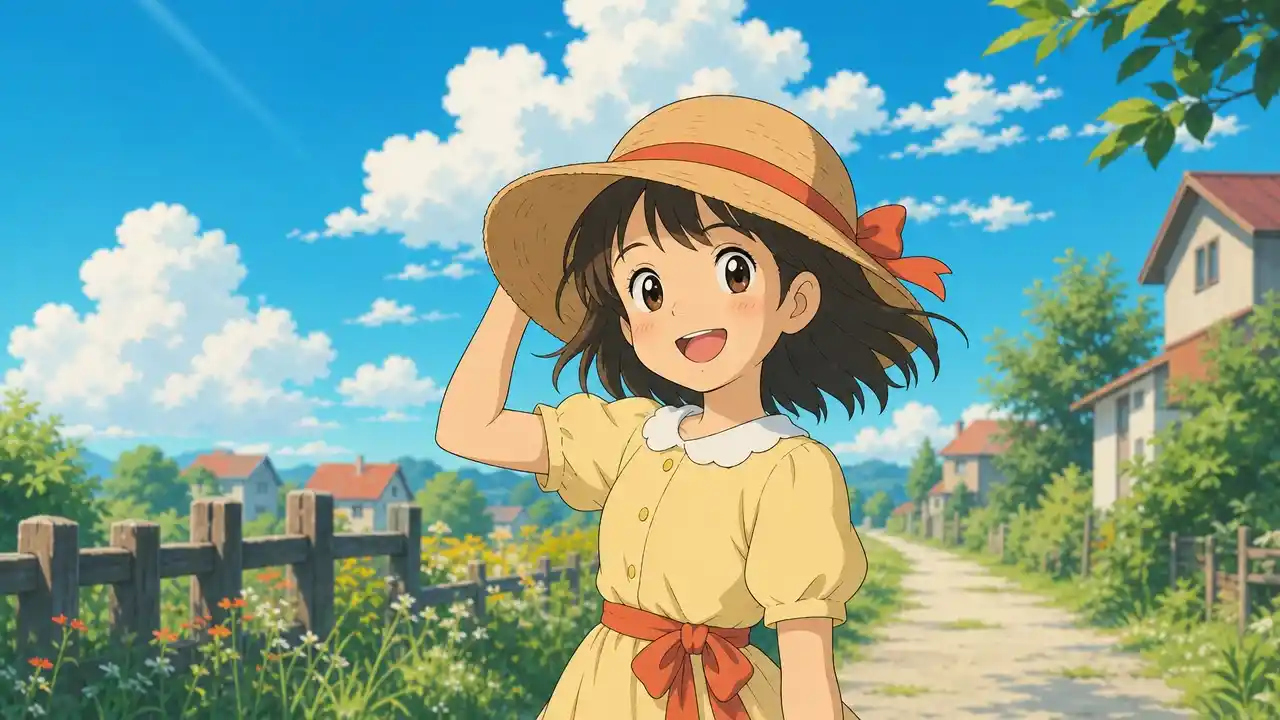
2D animation is the art of creating movement within a two-dimensional space - characters and objects only have height and width, with no real depth. Frames are drawn (or digitally illustrated) in sequence and played back to create the illusion of motion.
Classic examples include hand-drawn Disney films like Snow White and The Lion King, Saturday morning cartoons, and anime such as Naruto and Demon Slayer. In the digital era, 2D animation is produced using tools like Toon Boom Harmony, Adobe Animate, and - increasingly - AI-powered platforms that automate much of the production pipeline.
What makes 2D unique:
- Flat, illustrative visual style
- Emphasis on artistic expression and character personality
- Highly stylizable - from clean vector lines to painterly backgrounds
- Faster and cheaper to produce at small scale
- Iconic in anime, explainer videos, advertising, and social content
2D Animation: Pros and Cons
| Pros | Cons |
|---|---|
| Lower production cost at entry level | Lacks depth and realism - hard to show complex 3D environments convincingly |
| Faster turnaround, without 3D modeling, rigging, or rendering farms | Scaling up is linear: every new scene requires new assets |
| Near-unlimited stylistic range - 2D visual style is infinitely flexible | Camera angles are limited to the 2D plane |
| Strong emotional resonance | Less competitive for high-end film and gaming industries |
| Easy to repurpose as GIFs, social reels, print materials, and web assets |
What Is 3D Animation?
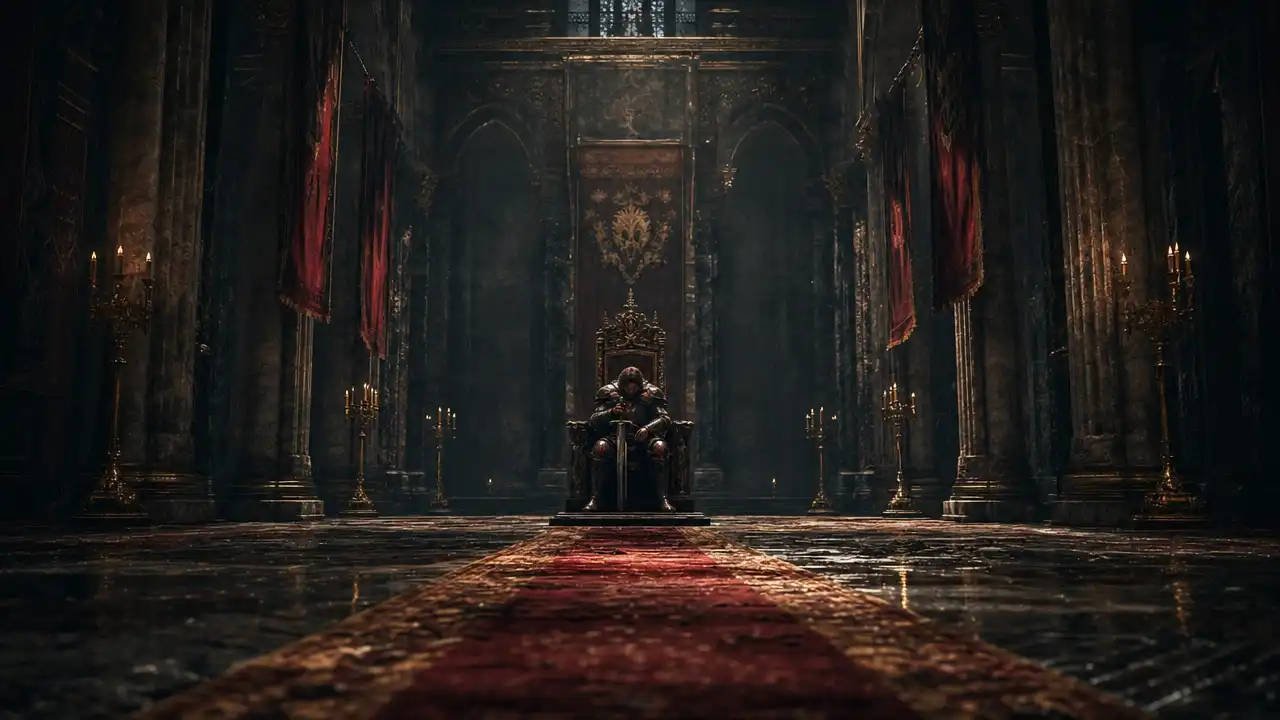
3D animation creates movement within a three-dimensional digital space. Rather than drawing each frame, animators build digital models with depth (X, Y, and Z axes), apply textures and lighting, rig them with virtual skeletons, and then animate those rigs.
Think Pixar’s Finding Nemo, DreamWorks’ Shrek, or virtually every AAA video game released in the past decade.
What makes 3D unique:
- Models exist with full depth, volume, and perspective
- Realistic lighting, shadows, and physics simulation
- One rigged model can be reused across dozens of scenes
- Higher upfront production complexity
- Dominant in film VFX, gaming, architectural visualization, and product animation
3D Animation: Pros and Cons
| Pros | Cons |
|---|---|
| Photorealistic results - unmatched for depth, lighting, and immersive environments | Higher upfront cost and longer production time |
| Asset reusability - one rigged character can appear in dozens of scenes with different angles | Complex software pipeline: modeling - rigging - texturing - lighting - rendering |
| Full camera freedom - animate from any angle, achieve cinematic flythroughs | Heavy computing requirements for rendering |
| Strong industry demand - leads to Hollywood, gaming, and VR/AR career opportunities | Steeper learning curve for beginners |
| Hybrid potential - cel-shading can make 3D look like 2D |
2D vs 3D Animation: Key Differences at a Glance
| Feature | 2D Animation | 3D Animation |
|---|---|---|
| Workspace | Flat, 2-dimensional plane | Full 3D space (X, Y, Z axes) |
| Production Style | Frame-by-frame drawing | Rigged 3D models + rendering |
| Visual Feel | Stylized, illustrative | Realistic, volumetric |
| Startup Cost | Lower | Higher |
| Scalability | Cost grows with project size | Assets reusable across scenes |
| Best For | Anime, explainers, ads, social | Film, games, product viz, VR/AR |
| Learning Curve | Drawing skill-focused | Technical, software-heavy |
| Rendering Time | Fast | Slow (can take hours per frame) |
| Stylistic Freedom | Near-unlimited visual styles | Realistic to cel-shaded |
| Camera Freedom | Limited to 2D plane | Full cinematic freedom |
2D vs 3D Animation Examples
Classic 2D Animation Examples
- Disney’s The Lion King (1994) - hand-drawn cel animation at its peak
- Studio Ghibli films (Spirited Away, My Neighbor Totoro) - richly painted 2D backgrounds
- Traditional anime (Dragon Ball, Naruto, Sailor Moon) - Japan’s iconic 2D tradition
- Modern web animation - YouTube explainers, Kurzgesagt, TED-Ed
Classic 3D Animation Examples
- Pixar’s Toy Story (1995) - the first feature-length 3D animated film
- DreamWorks’ Shrek - pushed 3D character expressiveness
- Disney’s Frozen and Moana - stunning 3D environments and hair simulation
- AAA video games - virtually all modern titles use 3D animation
Hybrid / Notable Crossover Examples
- Spider-Man: Into the Spider-Verse - 3D models rendered to look hand-drawn in 2D comic style
- Attack on Titan, Demon Slayer - blend 2D anime with 3D CGI for select action sequences
2D vs 3D Animation in Anime
Anime has a complex and evolving relationship with both styles. Traditional anime is 2D - the classic anime aesthetic is built on 2D cel animation. But 3D CGI anime is growing.
| Aspect | 2D Anime | 3D CGI Anime |
|---|---|---|
| Visual Feel | Organic, expressive, nostalgic | Smooth, volumetric, sometimes stiff |
| Cost | Lower for simple styles | Varies - can be higher or lower |
| Production Speed | Slower for complex scenes | Faster for crowds and mechanicals |
| Fan Reception | Generally preferred by traditional fans | Growing acceptance with good execution |
| Examples | Demon Slayer, Jujutsu Kaisen | Beastars, Land of the Lustrous |
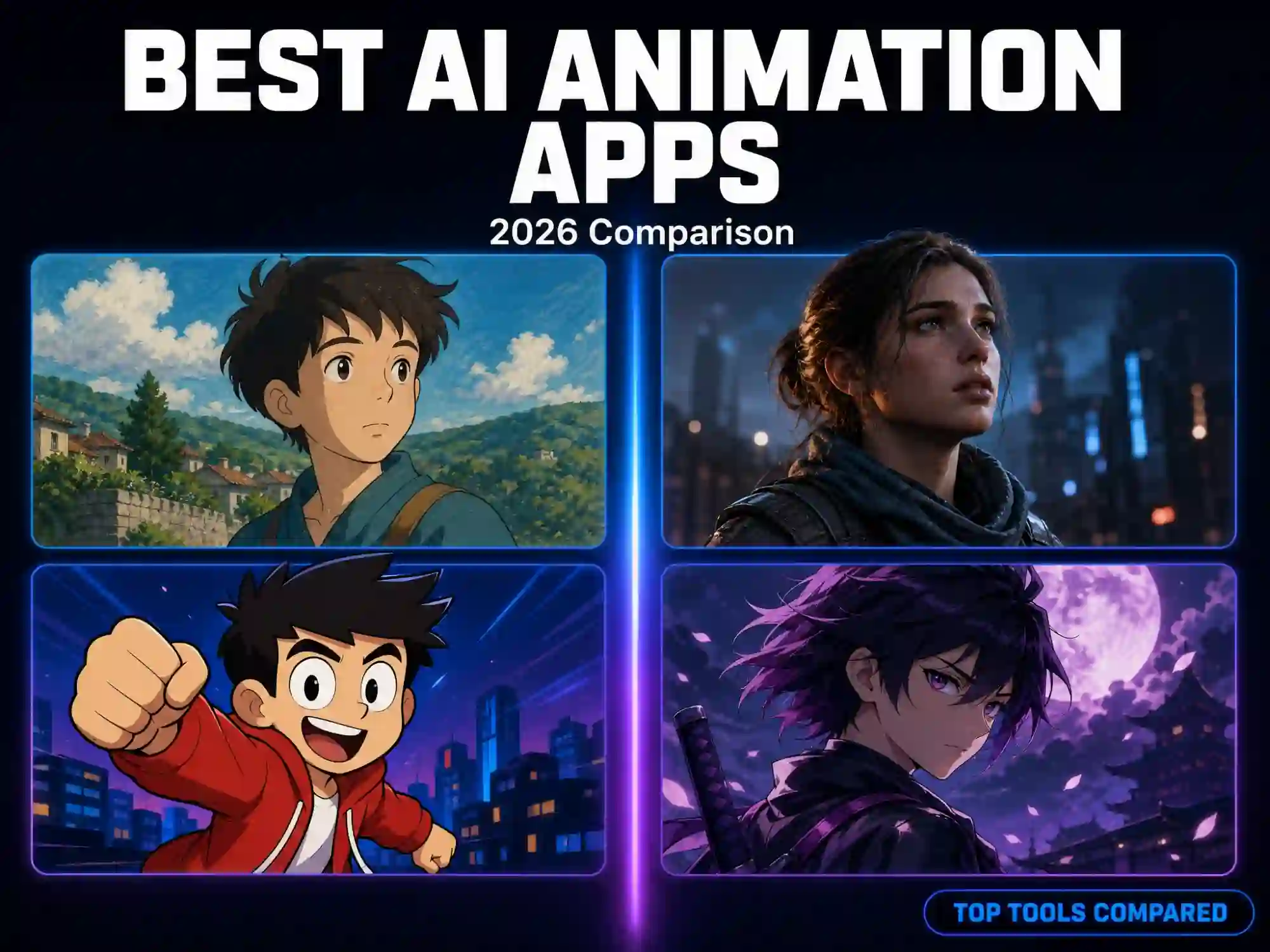
Anijam AI specifically supports anime-style 2D aesthetics - including a Ghibli-inspired style - letting creators produce anime-style content without traditional studio resources.
Which Style Is Right for Your Project?
Choose 2D Animation When:
- Creating explainer videos, educational content, or branded storytelling
- Budget is limited and you need a fast turnaround
- You want a stylized, artistic, or anime-inspired look
- Making social media content (Reels, TikTok, YouTube Shorts)
- Emotional relatability and warmth matter more than realism
Choose 3D Animation When:
- You need realistic product visualization or architectural walkthroughs
- Creating for gaming, VR, or immersive experiences
- You want cinematic camera work and dramatic lighting
- Your project will reuse assets extensively across many scenes
- You need to depict realistic physics, simulations, or environments
How to Create 2D and 3D Animations with Anijam AI
Anijam AI is an all-in-one AI animation platform that handles the entire production pipeline - from script and scene generation to character consistency, lip sync, and timeline editing. Whether you want the warmth of 2D or the depth of 3D, Anijam AI makes it possible in minutes.
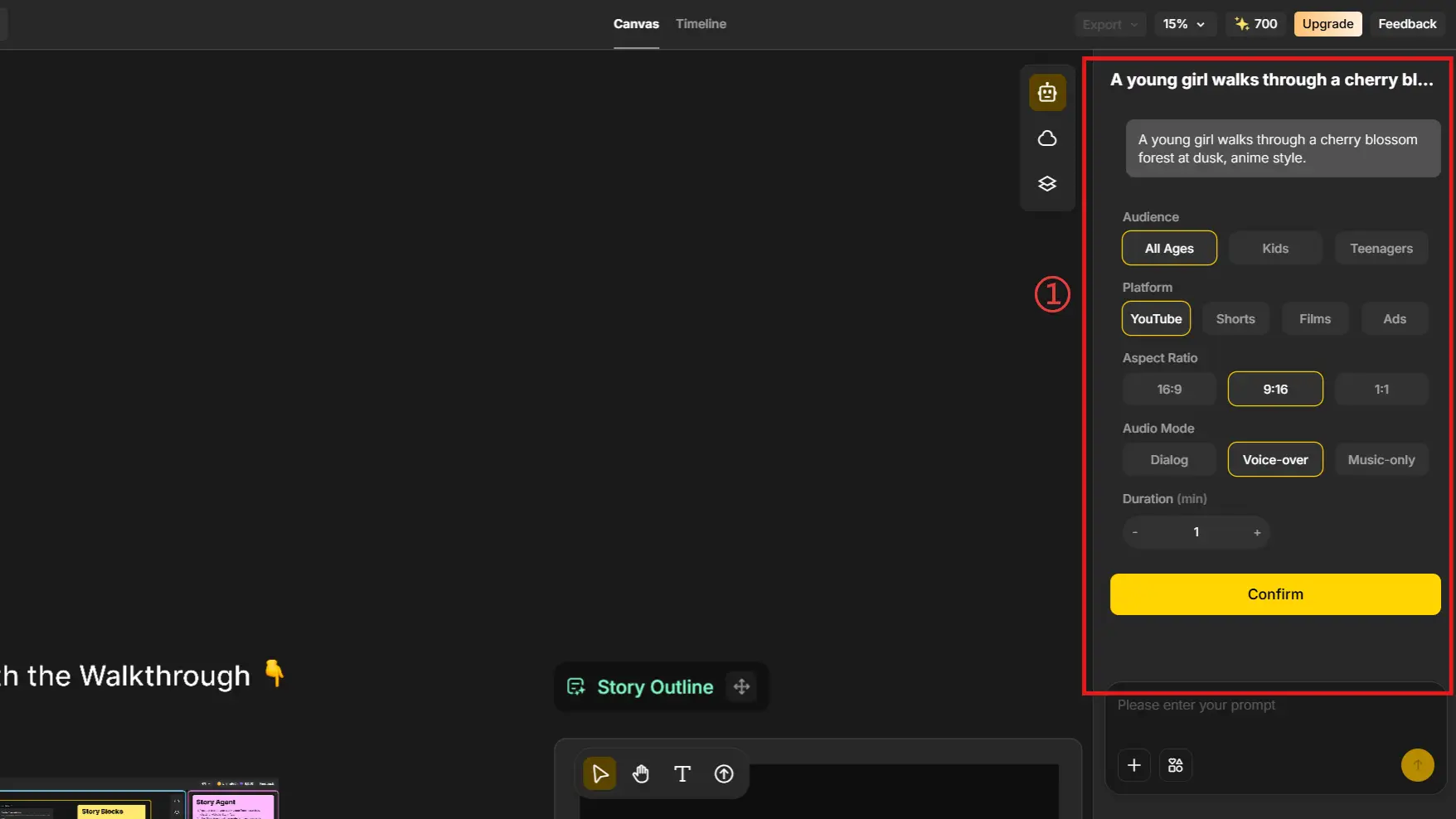
Step 1: Define Your Project Settings and Storyboard Plan
Open Anijam and set up your project. Once your settings are complete, Anijam will generate a story outline for you - giving you a structured starting point before a single frame is made.
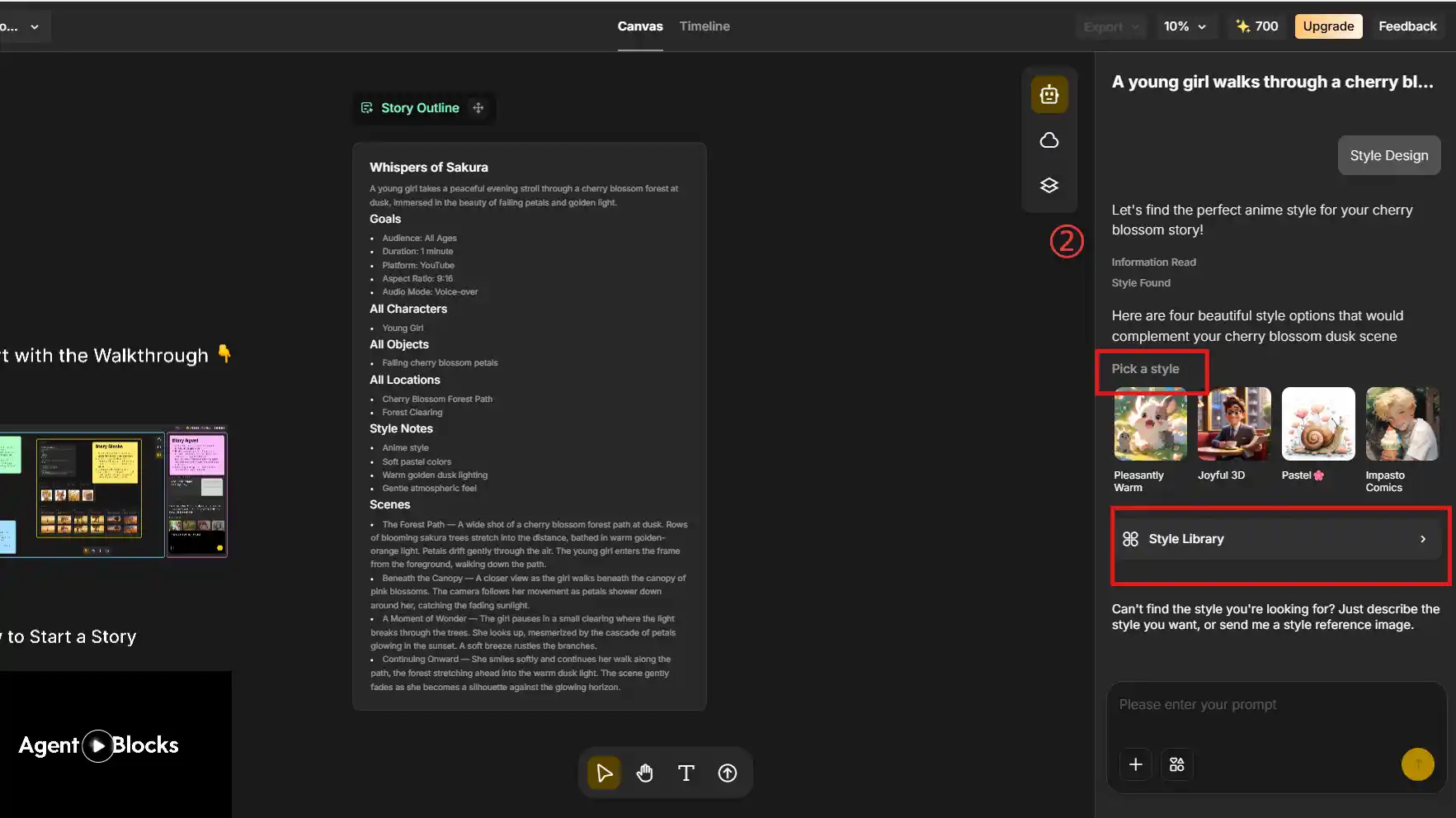
Step 2: Define Style and Elements
Anijam offers an extensive library of styles to choose from. You can describe your desired aesthetic - whether 2D or 3D - or provide a reference image. Anijam’s Cartoon Style tool delivers classic 2D flat animation, while its Ghibli Animation style produces the soft, hand-painted aesthetic perfect for emotional narratives, anime-style shorts, and social content. Once the style is finalized, Anijam will create concept art for your animated video.
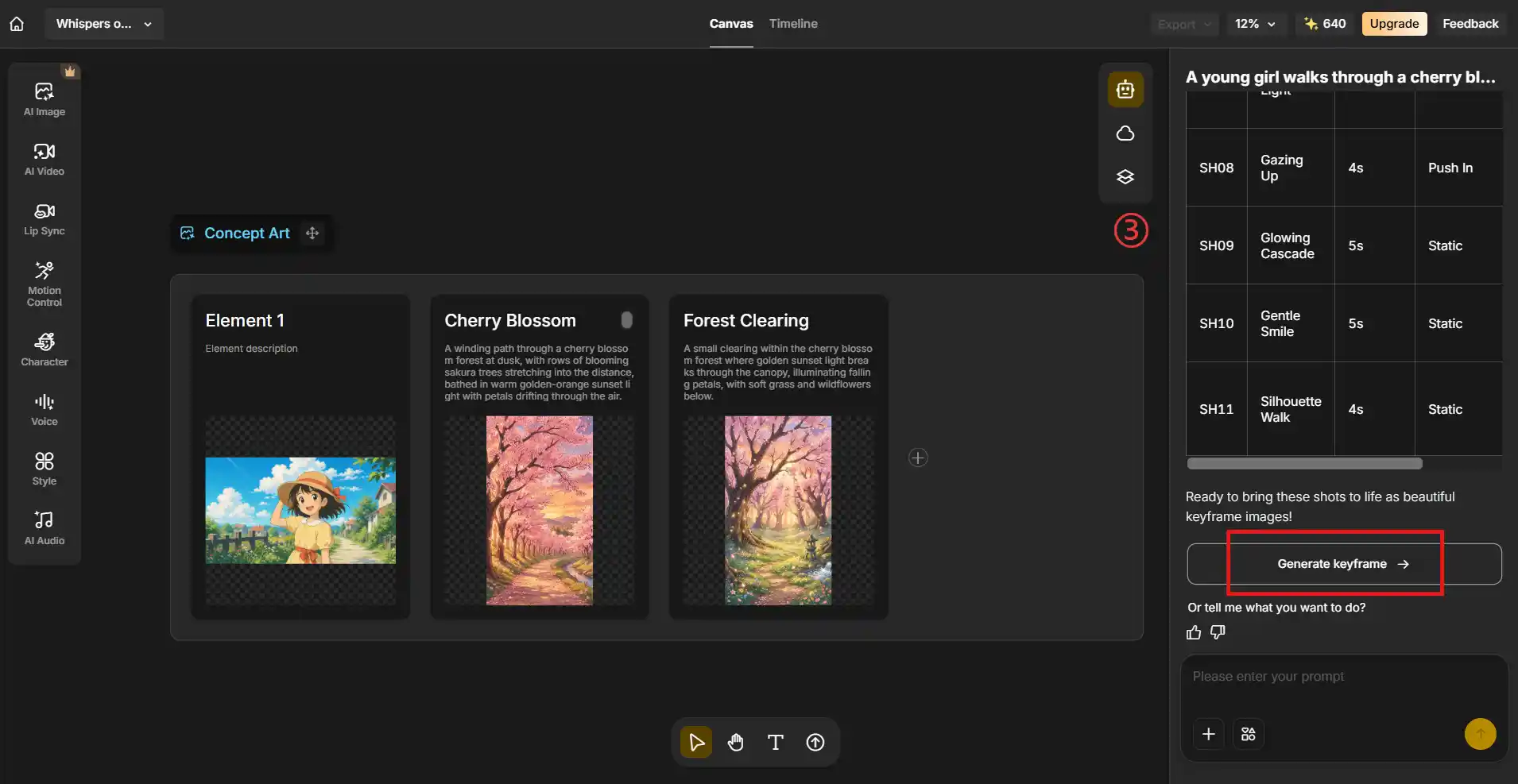
Step 3: Generate an Animated Video
Once the outline, style, and key elements are established, Anijam generates a shot-by-shot storyboard and uses those concepts to produce animation keyframes - ultimately delivering the final video.
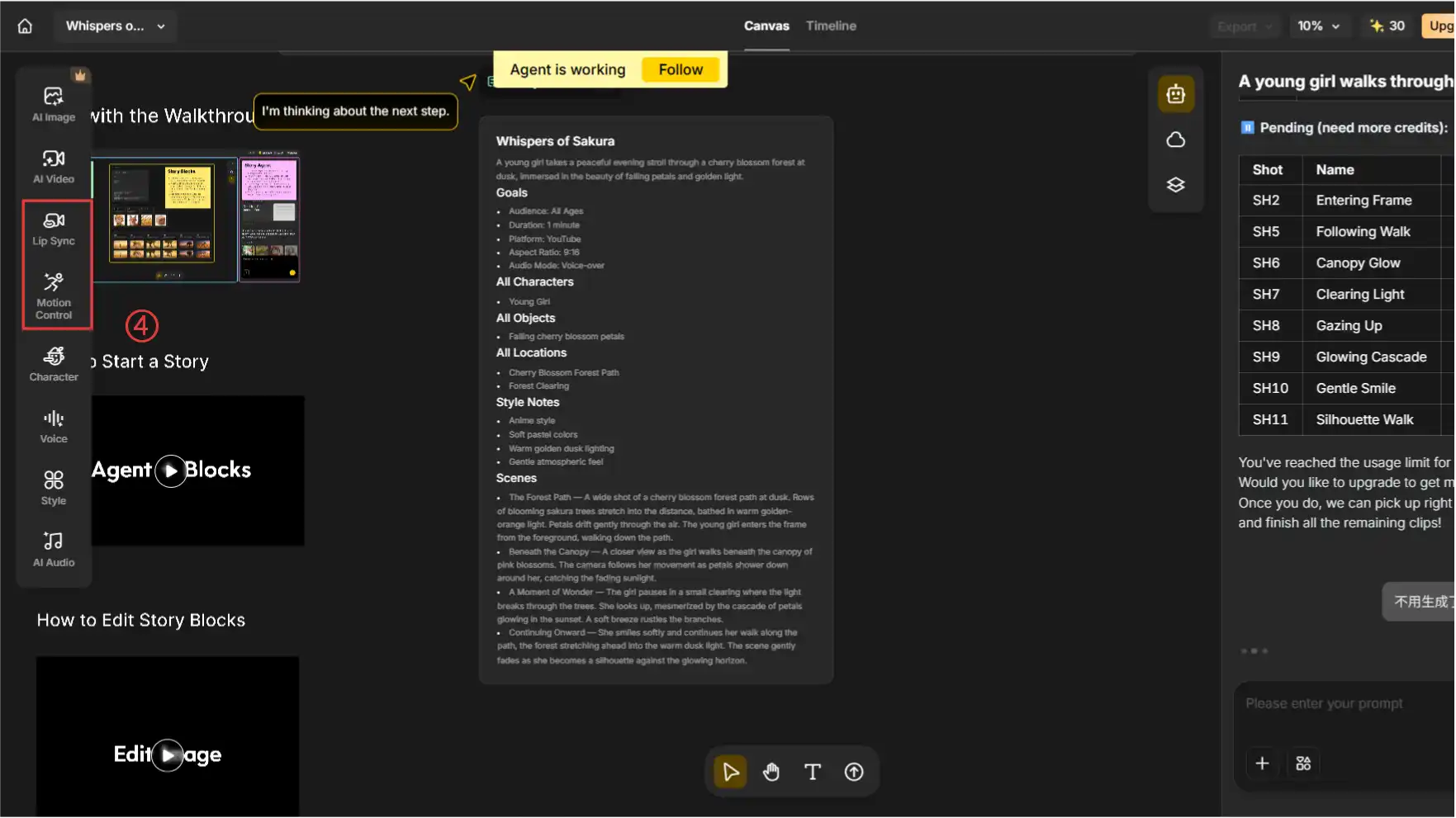
Step 4: Synchronize Dialogue and Action Animation
Anijam is equipped with an advanced AI lip-sync system that automatically aligns character speech with uploaded voiceovers or audio tracks. It’s compatible with multiple languages and vocal styles. You can also control character movements, camera work, and scene atmosphere directly on the canvas using simple text commands.
Step 5: Polish Scenes and Export Your Video
Fine-tune your animation using Anijam’s timeline editor - adjust scene timing, reorder clips, and refine transitions before publishing. When ready, export in high quality, including 1080p and up to 4K on supported plans.
Traditional Production vs Anijam AI
| Traditional Route | With Anijam AI |
|---|---|
| 2D: Weeks of drawing and animating | Minutes - from text prompt to animated scene |
| 3D: Days of modeling, rigging, rendering | Instant - AI handles the full pipeline |
| Character consistency: Extremely difficult | Built-in across all scenes |
| Lip sync: Requires specialized software | One-click with 30+ language voices |
| Style variety: Requires different skill sets | Switch styles in the Style Library |
| Budget: $1,500 - $200,000+ per minute | Fraction of the cost and time |
✨ Start Creating for Free
Whether you’re a content creator, educator, marketer, or storyteller, Anijam AI removes the technical barrier between your ideas and a finished, polished animation - in 2D or 3D.

Frequently Asked Questions
Is 2D or 3D animation better for anime?
Traditional anime is predominantly 2D, and most fans prefer the organic, expressive qualities of 2D anime. However, 3D CGI anime (like Beastars or Land of the Lustrous) is growing and offers advantages for complex mechanical or crowd scenes. The better choice depends on your story and target audience.
What software is used for 2D vs 3D animation traditionally?
Common 2D tools include Adobe Animate, Toon Boom Harmony, and After Effects. Common 3D tools include Blender (free), Autodesk Maya, Cinema 4D, and Unreal Engine. AI platforms like Anijam AI replace or complement these tools for creators who don’t want to learn complex software.
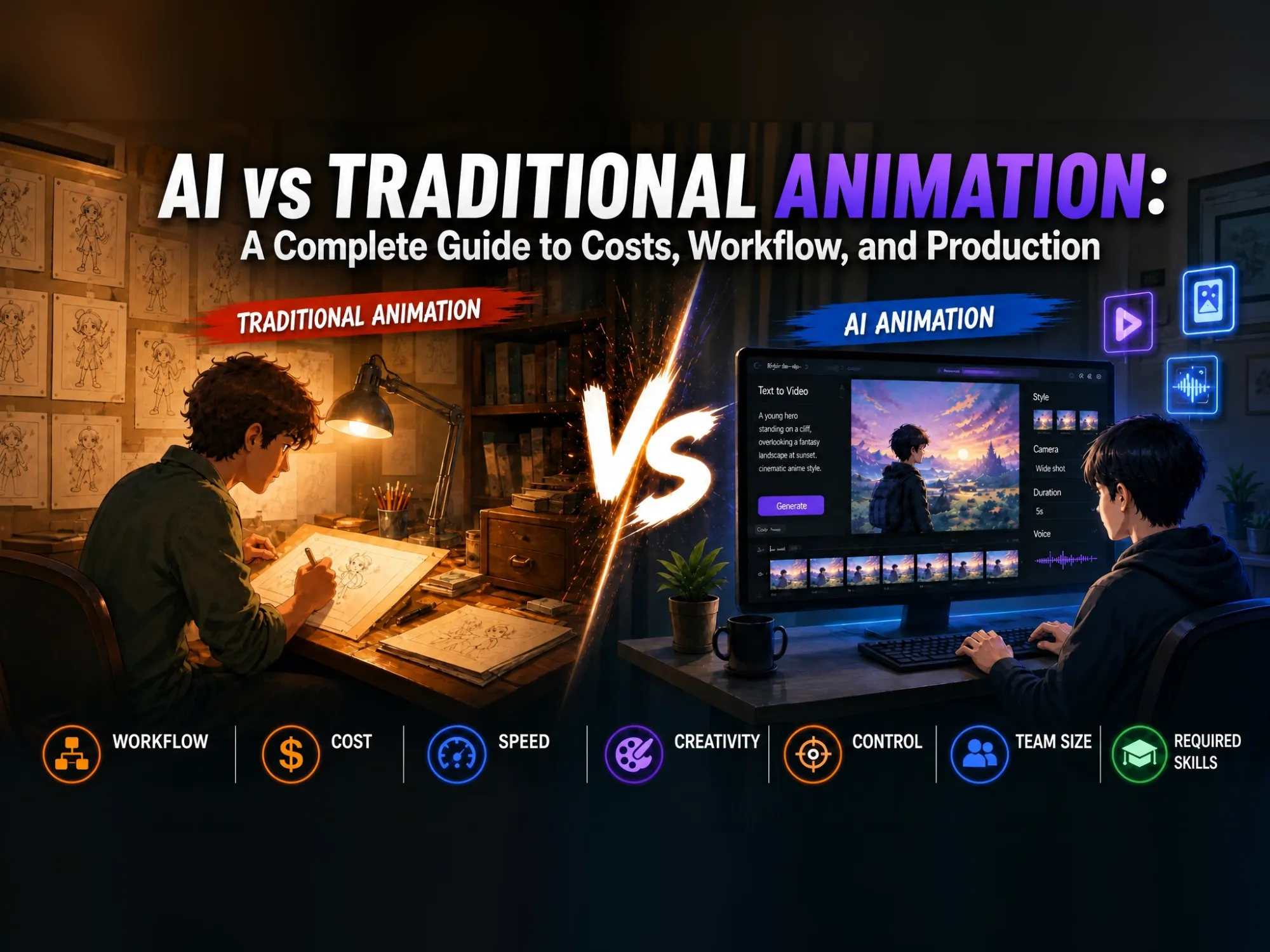
Is 2D or 3D animation more expensive?
Traditional 3D animation is generally more expensive upfront - starting around $3,000-$7,000/minute vs. $1,500-$3,000/minute for basic 2D. However, 3D becomes cost-competitive at scale because models and assets are reusable. AI animation tools dramatically reduce costs for both formats.
What are the best examples of 2D and 3D animation?
Notable 2D examples: Disney’s The Lion King (1994), Studio Ghibli’s Spirited Away, and Demon Slayer. Notable 3D examples: Pixar’s Toy Story, Finding Nemo, and Frozen. Hybrid: Spider-Man: Into the Spider-Verse uses 3D models styled to look like 2D comics.
Is 2D or 3D animation easier?
Neither is objectively easier - it depends on your skills and creative goals. 2D animation is often easier for artists and storytellers, while 3D animation feels more approachable for people comfortable with software and technical workflows. In 2026, AI tools are making both styles easier to create, even for beginners.
How do the costs of 2D and 3D animation compare?
Traditional 2D animation ranges from $1,500 to over $50,000 per minute, while 3D animation is more expensive, ranging from $3,000 to over $200,000 per minute depending on whether it is entry-level, mid-range, or premium. Costs are driven by project complexity, style, duration, and technical factors like rendering or software licenses. However, AI animation tools drastically undercut these traditional prices, offering polished results at a fraction of the cost and time.
by Evan
Evan is an AI content creator and video technology writer at Anijam AI, focused on how generative AI is transforming storytelling and video production. He shares social trends, creative workflows, prompt strategies, and practical insights to help creators turn ideas into engaging videos and visual content.