


Minecraft Animation Maker: Animate Any Minecraft Story with AI
Create epic Minecraft-style animations from a text prompt with Anijam's AI animation agent. Whether it's a blocky survival adventure, a Creeper jump scare, or a cinematic Ender Dragon showdown - bring your Minecraft world to life in minutes. No download. No rigging. No timeline headaches.
The AI-Powered Minecraft Animation Maker Built for Everyone
Anijam is a first-of-its-kind AI animation agent that handles your entire Minecraft animation pipeline on a single canvas. Describe your scene, characters, and action - and Anijam's AI generates the full animated sequence for you.
Unlike Mine-imator, Blender, or Blockbench - which require hours of manual keyframing, rigging, and rendering - Anijam works through conversation. You type what you want, and the AI builds it: Minecraft characters with expressive motion, voxel-style environments, dynamic camera angles, and perfectly synced dialogue. Whether you want a free online Minecraft animation maker for YouTube intros, a 3D Minecraft animation for social media, or an easy 2D Minecraft animation for storytelling, Anijam delivers all inside your browser, completely free to start.
How to Make a Minecraft Animation with Anijam - 3 Easy Steps
Step 1: Describe Your Minecraft Scene or Story
Type your Minecraft animation idea in plain language - no prompting expertise required. Describe your characters (Steve, Alex, or a custom blocky hero), the environment (overworld, nether, end dimension), and the action (battle, build, parkour, story cutscene). Anijam's AI agent instantly generates a storyboard outline, scene breakdown, and character assets tailored to your Minecraft animation concept.
Step 2: Customize Your Characters, Style & Motion
Select the Minecraft-inspired visual style from Anijam's style library - featuring voxel block aesthetics, pixelated textures, and game-accurate color palettes. Customize your Minecraft character's appearance, voice, facial expressions, and motion using Anijam's built-in character editor. Use motion control to adjust how characters move, gesture, and interact in every scene. Swap backgrounds, add dialogue, or upload your own audio for lip-synced voice acting.
Step 3: Generate, Download & Share Your Minecraft Animation
Click Generate and let Anijam's AI render your full Minecraft animation video. Fine-tune pacing, scene order, and lip sync timing with the integrated timeline editor. When you're happy with the result, export in HD - watermark-free - and share directly to YouTube, TikTok, or Instagram. No software download required.
Blocky 3D Characters That Actually Move
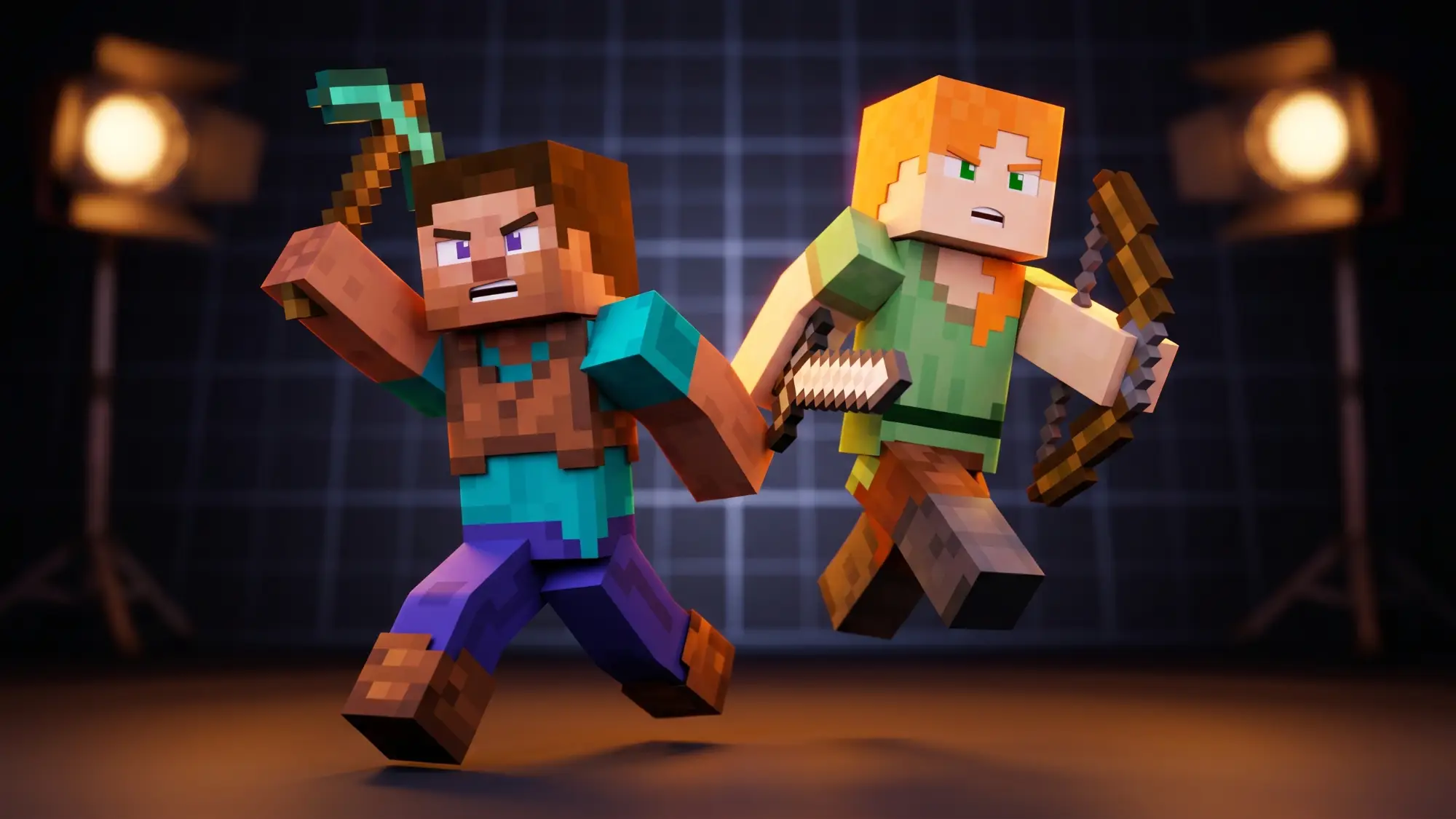
Anijam generates true 3D Minecraft character animations with expressive motion, fluid movement, and consistent voxel-style design. Create Steve, Alex, or fully original blocky heroes - and keep them visually identical across every scene in your animation.
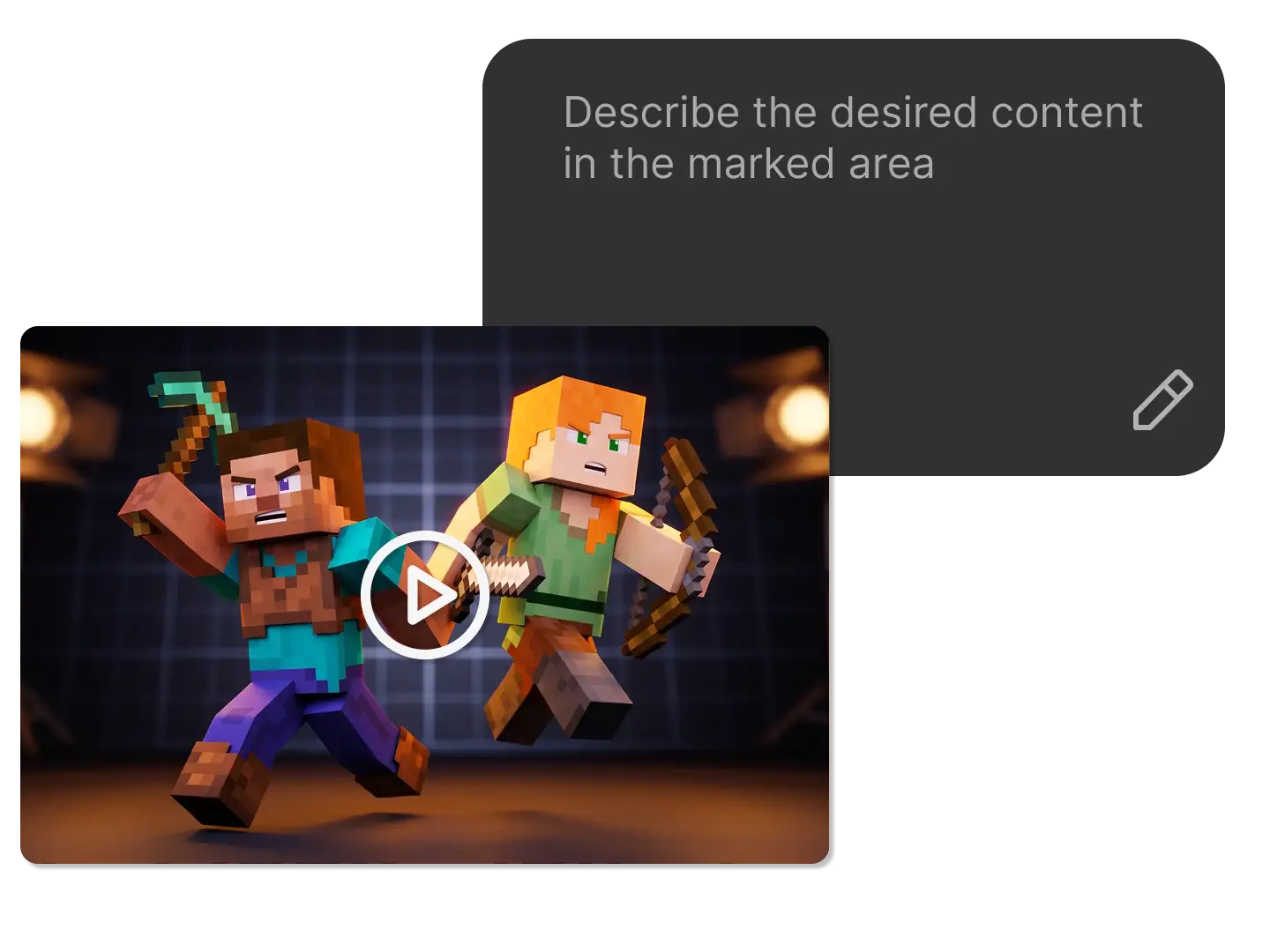
Text to Minecraft Animation - Just Describe It, Anijam Builds It
The fastest Minecraft animation maker online isn't Mine-imator or Blender - it's Anijam's AI agent. Type "Steve discovers a hidden underground dungeon and fights off a zombie horde at torchlight" and watch Anijam construct every frame: blocky characters with motion, voxel-textured environments, camera angles, and mood-matching audio - all generated from your words, on a single canvas, in under a minute.
Minecraft Character Animation with Lip Sync & Voice
Anijam's animation-optimized lip sync engine makes your Minecraft characters actually talk. Upload your own voice line, pick from Anijam's multilingual voice library, or type the dialogue and let AI generate a natural-sounding performance. Characters' mouths, expressions, and gestures sync perfectly with every word - making your Minecraft character animation feel alive in ways that static templates never could.
Full 3D Minecraft Scene Generation - On One Canvas
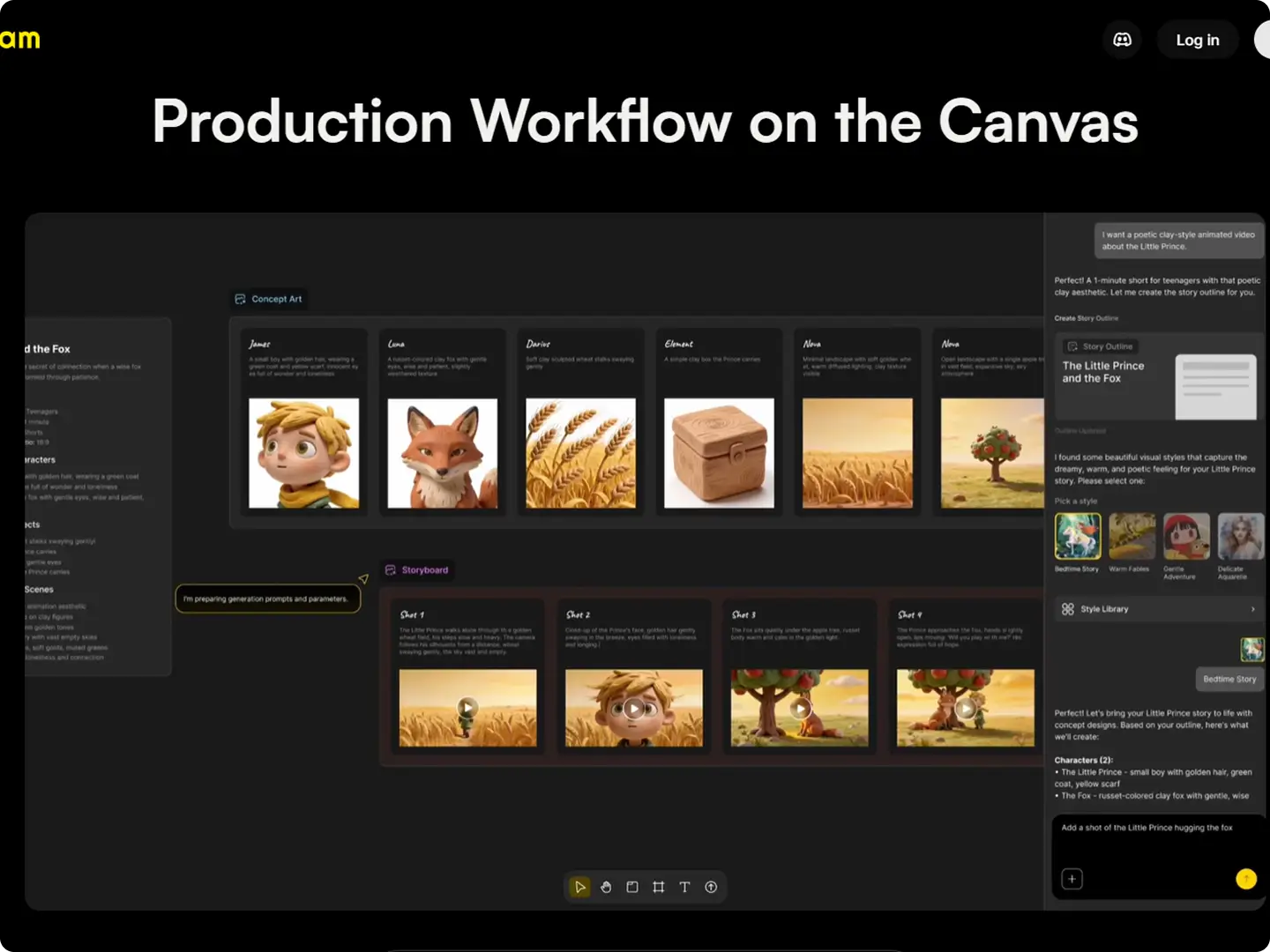
Anijam's canvas is your entire studio. On a single workspace, you can build multi-scene Minecraft animations: design characters, compose shots, add motion, record voice, fine-tune the timeline, and preview the final video - without switching apps. It's the most complete 3D Minecraft animation maker online, and it's free to start. No installation, no learning curve, no limits on imagination.
Motion Control: Direct Every Move of Your Minecraft Characters
Anijam's motion control system gives you full command over how your Minecraft characters move and perform. Set walk cycles, running animations, attack sequences, or idle poses. Control camera movement with pan, zoom, and cut transitions. Adjust gestures, head turns, and body language - giving your Minecraft animation a cinematic quality that rivals professionally made fan films, all from a browser window.
Create Any Animation - Just Describe It
No image? No references? No problem. Just type what you want to see and Anijam's AI will generate a complete story outline, build your characters, and animate the whole scene from your text alone.
Unlock Endless Possibilities with Anijam's Minecraft Animation AI
From gaming channel intros and TikTok clips to full Minecraft short films and branded content, Anijam gives every creator the power of AI-driven Minecraft animation - no technical skills, no downloads, no limits.
Minecraft Animations for Social Media
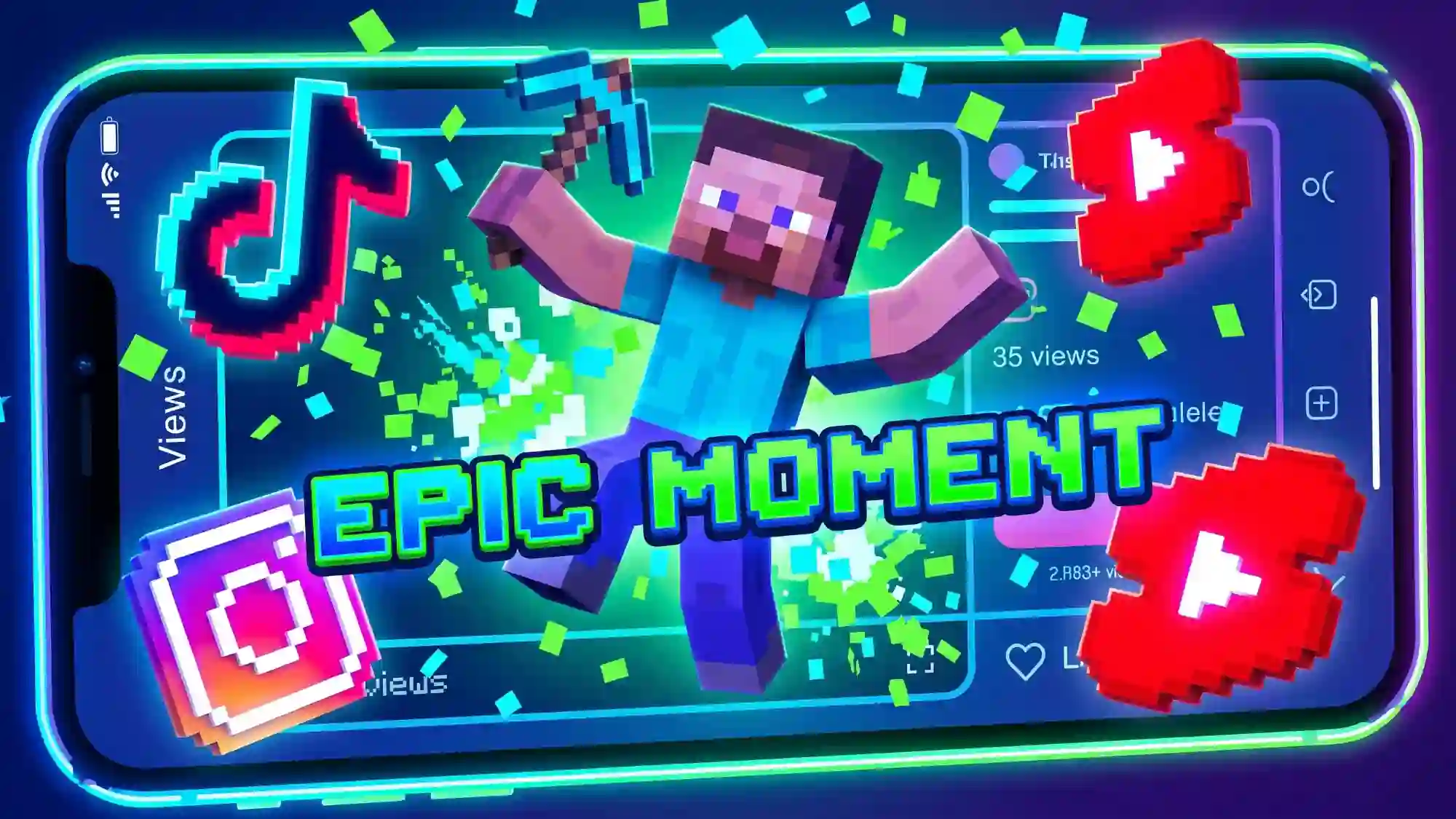
Create viral Minecraft-aesthetic videos for TikTok, Instagram Reels, and YouTube Shorts. Blocky characters, voxel explosions, and iconic Minecraft moments have one of gaming's most engaged fan communities - and Anijam lets you tap into it with zero animation skills.
Why Anijam Is the Best Minecraft Animation Maker Online

Free Trial - Start Creating Instantly
Jump into Minecraft animation without any upfront cost. Test ideas, explore features, and create your first animated video in minutes - no commitment required.

100% Online - No Download Needed
Create Minecraft animations directly in your browser. No installation, no GPU requirements, no setup - just open and start animating from any device.

Minecraft Style Library & Custom Looks
Choose from a wide range of Minecraft-inspired styles - from classic voxel visuals to stylized variations. Customize and reuse styles to keep your animations consistent and unique.

Fast AI Generation in Minutes
Turn ideas into fully animated Minecraft scenes in minutes. No rendering queues, no complex setup - just instant results powered by AI.

Beginner-Friendly, No Skills Required
No animation experience? No problem. Anijam handles the complexity so anyone can create cinematic Minecraft animations with simple prompts.

Watermark-Free HD Export
Download your finished Minecraft animation in crisp 1080p HD without watermarks. Ready to upload to YouTube, share on TikTok, or use in your gaming channel - from day one of your free trial.
What Creators Say About Anijam's Minecraft Animation Maker
FAQ
What is a Minecraft animation maker?
A Minecraft animation maker is a tool that lets you create animated videos using Minecraft-style characters, environments, and aesthetics - without building or recording inside the actual game. Tools range from dedicated software like Mine-imator (which requires manual keyframing and rigging) to AI-powered platforms like Anijam, where you describe your scene in text and the AI generates the full animation automatically. Anijam is the easiest Minecraft animation maker available online today - no download, no technical skills, and free to start.
Is there a free Minecraft animation maker online?
Yes. Anijam offers a free online Minecraft animation maker that runs entirely in your browser - no software download required. You can generate Minecraft-style animated videos from text prompts, customize characters and environments, add AI voice and lip sync, and export in HD without a watermark. The free trial gives full access to Anijam's core features. Premium plans unlock longer videos, 4K export, and commercial use rights.
How do I make a 3D Minecraft animation with AI?
With Anijam, making a 3D Minecraft animation takes three steps: (1) Describe your scene, characters, and action in plain text on Anijam's canvas. (2) Customize the Minecraft visual style, character appearance, motion, and voice settings. (3) Click Generate - Anijam's AI builds the full 3D animated video with character motion, voxel environments, dynamic cameras, and lip-synced dialogue. No rigging, no keyframing, no Blender required. Your 3D Minecraft animation is ready to download and share in minutes.
What makes Anijam better than Mine-imator or Blender for Minecraft animation?
Mine-imator and Blender are powerful tools, but both require significant technical knowledge - manual keyframing, character rigging, lighting setup, and rendering pipelines that can take days to learn. Anijam is an AI animation agent: you describe what you want in natural language and the AI builds the animation for you. It handles character consistency, lip sync, motion control, and timeline editing automatically. For beginners, content creators, and educators who want fast, professional Minecraft animations without a steep learning curve, Anijam is the clear choice.
Can I animate Minecraft characters with lip sync on Anijam?
Yes. Anijam features a dedicated animation lip sync engine that makes Minecraft characters speak with perfectly matched mouth movements and facial expressions. You can upload your own recorded voiceover, type dialogue and have Anijam generate a synthetic voice, or choose from a multilingual voice library. The AI syncs mouth shapes, emotions, and timing precisely to the audio - making your Minecraft character animations feel natural and cinematic.
Can I use Minecraft animations made with Anijam on YouTube or TikTok?
Yes. Anijam exports your Minecraft animations in 1080p HD without watermarks, ready for immediate upload to YouTube, TikTok, Instagram, or any platform. Free trial output is for personal and non-commercial use. Upgrading to a premium plan unlocks full commercial usage rights - so you can monetize your Minecraft animation content on YouTube, use it in sponsored posts, or include it in client-facing projects.
Do I need to download any software to use Anijam as a Minecraft animation maker?
No. Anijam is a fully browser-based Minecraft animation maker - there is nothing to download or install. It runs directly in Chrome, Firefox, or any modern browser on Windows, Mac, or tablet. Simply visit anijam.ai, describe your Minecraft scene, and start creating. The entire animation pipeline - character design, motion control, lip sync, timeline editing, and export - is available online for free.