


Whiteboard Animation: Turn Any Idea into an AI Whiteboard Video
Create professional whiteboard animation videos in minutes with Anijam's AI agent. Just describe your idea, paste a script, or upload an image - the AI writes the story, draws the hand-sketched visuals, adds voice and lip sync, and hands you a ready-to-share whiteboard explainer video. No drawing skills, no template dragging, no editing experience required.
All-in-One AI Whiteboard Animation Creator
Anijam is an AI whiteboard animation generator that handles the entire pipeline in one place - script writing, hand-drawn scene composition, character and icon consistency, voiceover, and lip sync. Instead of dragging pre-made whiteboard clip-art onto a timeline, you simply chat with Anijam's AI agent and describe what you want your whiteboard video to say. Anijam is also available as a mobile app, so you can turn an idea into a whiteboard animation from your phone, keep every project synced across devices, and pull from a library of trending, constantly-updated whiteboard and explainer-video templates whenever inspiration strikes.
Classic Black-Marker Whiteboard Style
The traditional whiteboard look - simple black line art on a plain white background with a hand-drawing motion effect. Anijam's AI sketches every icon and character in sequence, matched to your narration, for the clean explainer-video feel audiences already recognize.
Animate Any Whiteboard Story in Minutes
Type a topic or a rough idea and Anijam's AI instantly writes a whiteboard-friendly script, breaks it into scenes, and sketches the hand-drawn visuals for each one. From product explainers to lesson videos, get a full whiteboard animation without opening a design tool.
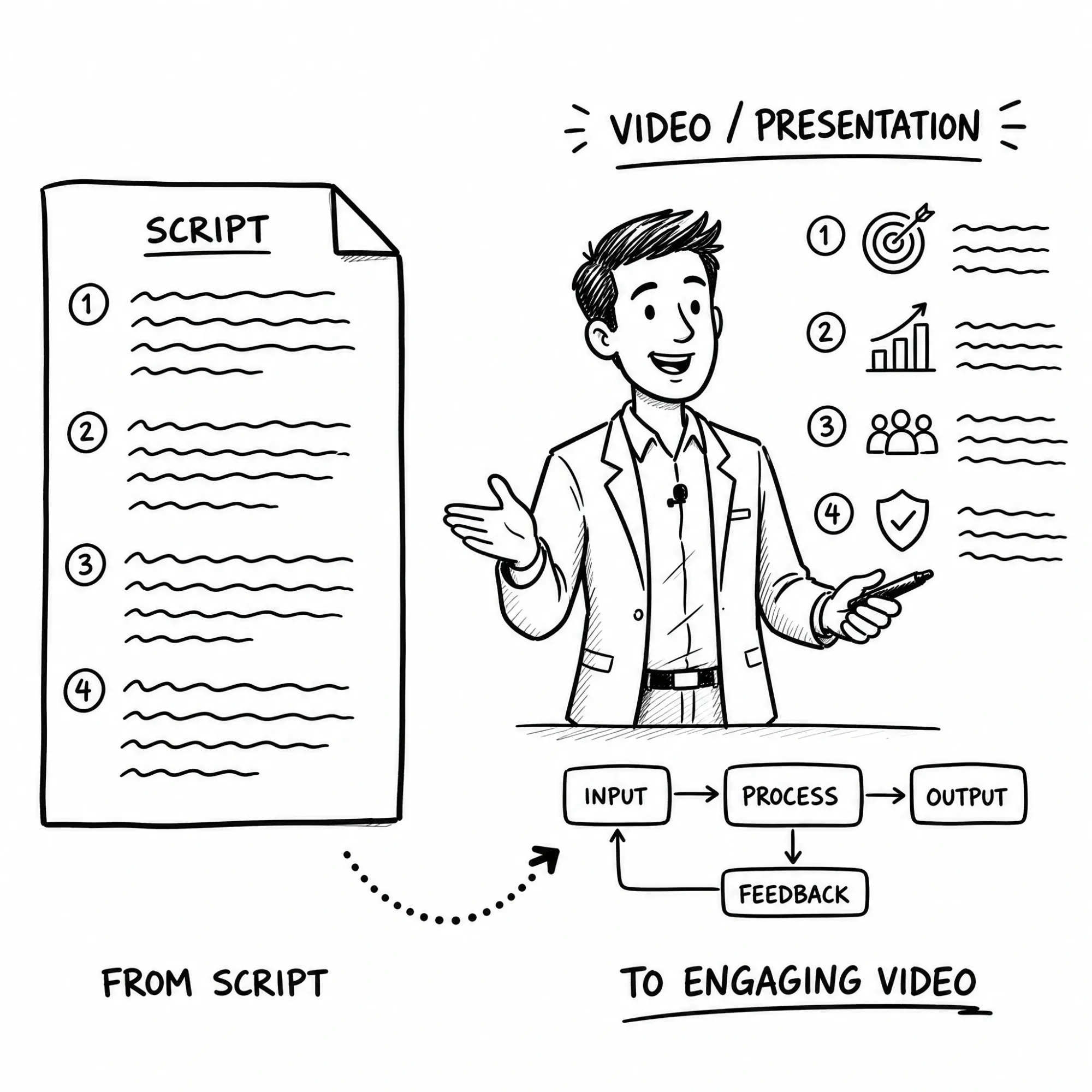
Turn Scripts & Documents into Whiteboard Explainer Videos
Already have a script, slide deck, or training document? Paste or upload it and Anijam's AI agent converts it into a scene-by-scene whiteboard explainer video automatically - matching visuals to your narration instead of forcing you to storyboard by hand.
Natural Voiceover & Lip Sync for Talking Whiteboard Characters
Add narration with a rich AI voice library in 30+ languages, upload your own recording, or generate a script-matched voiceover in one click. When your whiteboard story includes a talking presenter or character, Anijam's lip-sync engine keeps their mouth movement perfectly timed to the audio.
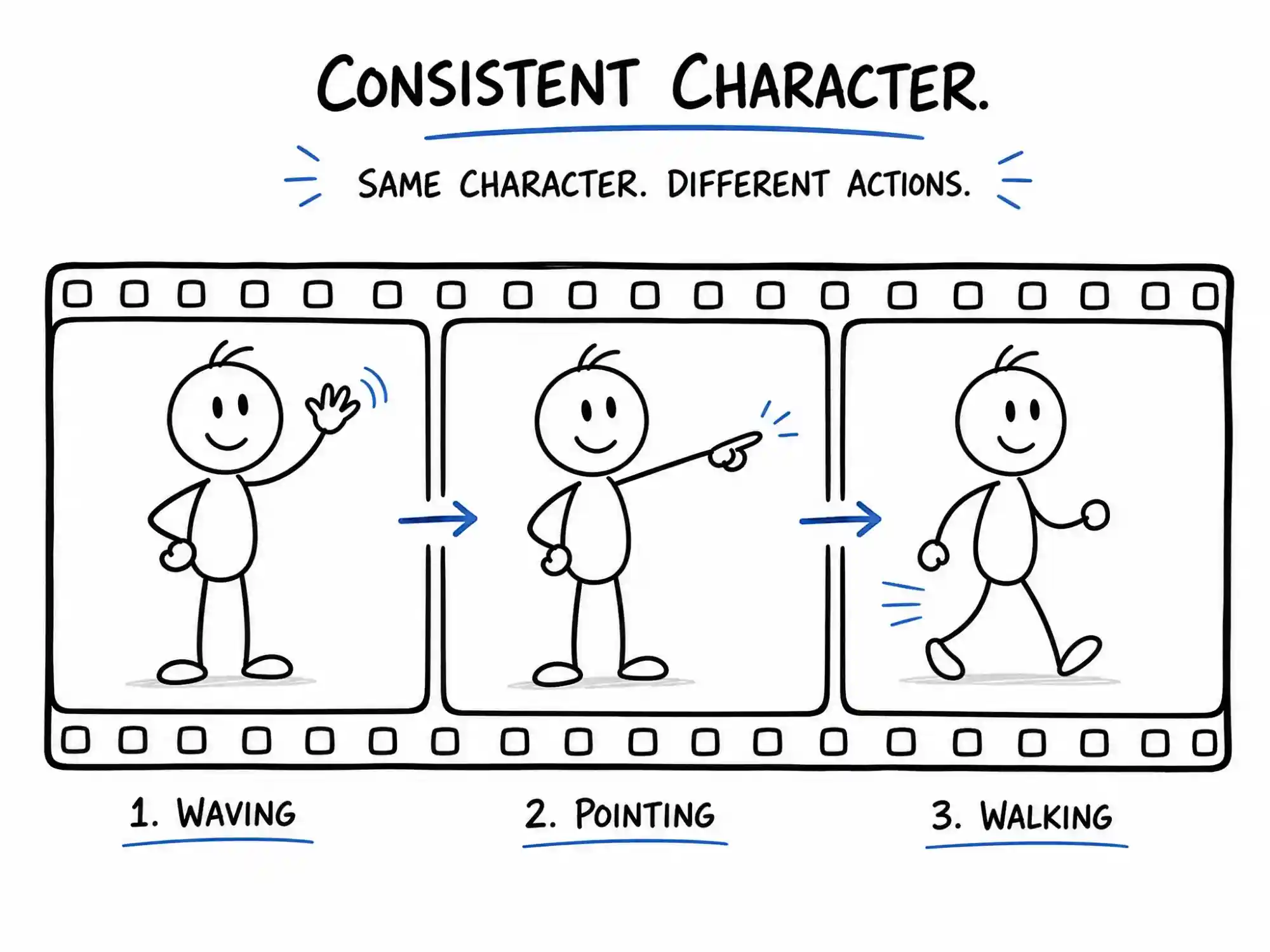
Consistent Characters & Icons Across Every Scene
Design a stick figure, mascot, or icon set once and Anijam keeps it visually consistent throughout the whole video - same line weight, same proportions, same style - scene after scene, without redrawing anything by hand.
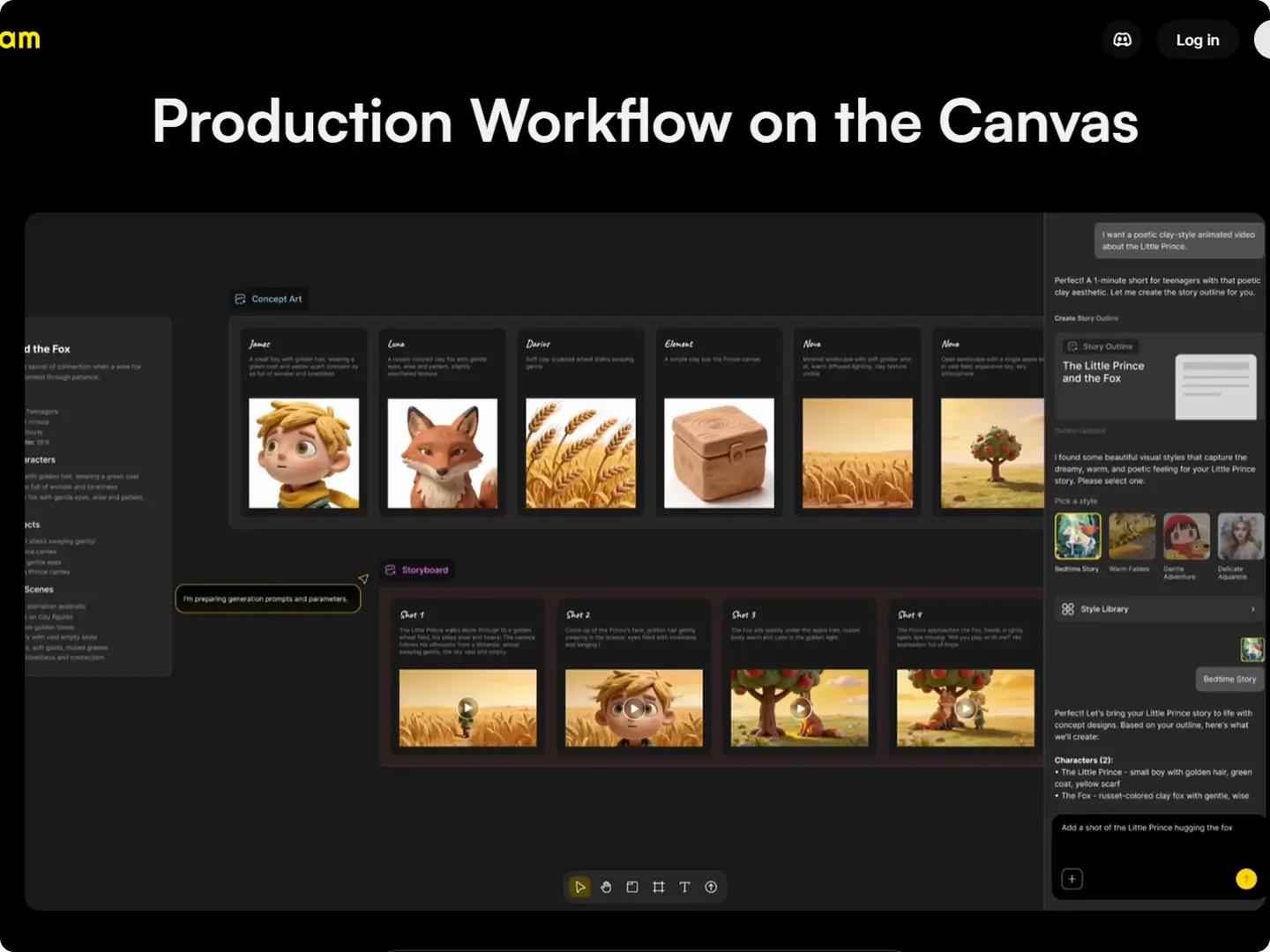
Full Canvas Workflow: Idea to Finished Whiteboard Video
Write, sketch, voice, and edit your whiteboard animation in a single canvas. Use the built-in timeline editor to adjust drawing speed, scene timing, and lip sync - then export directly, without switching between separate script, design, and editing apps.
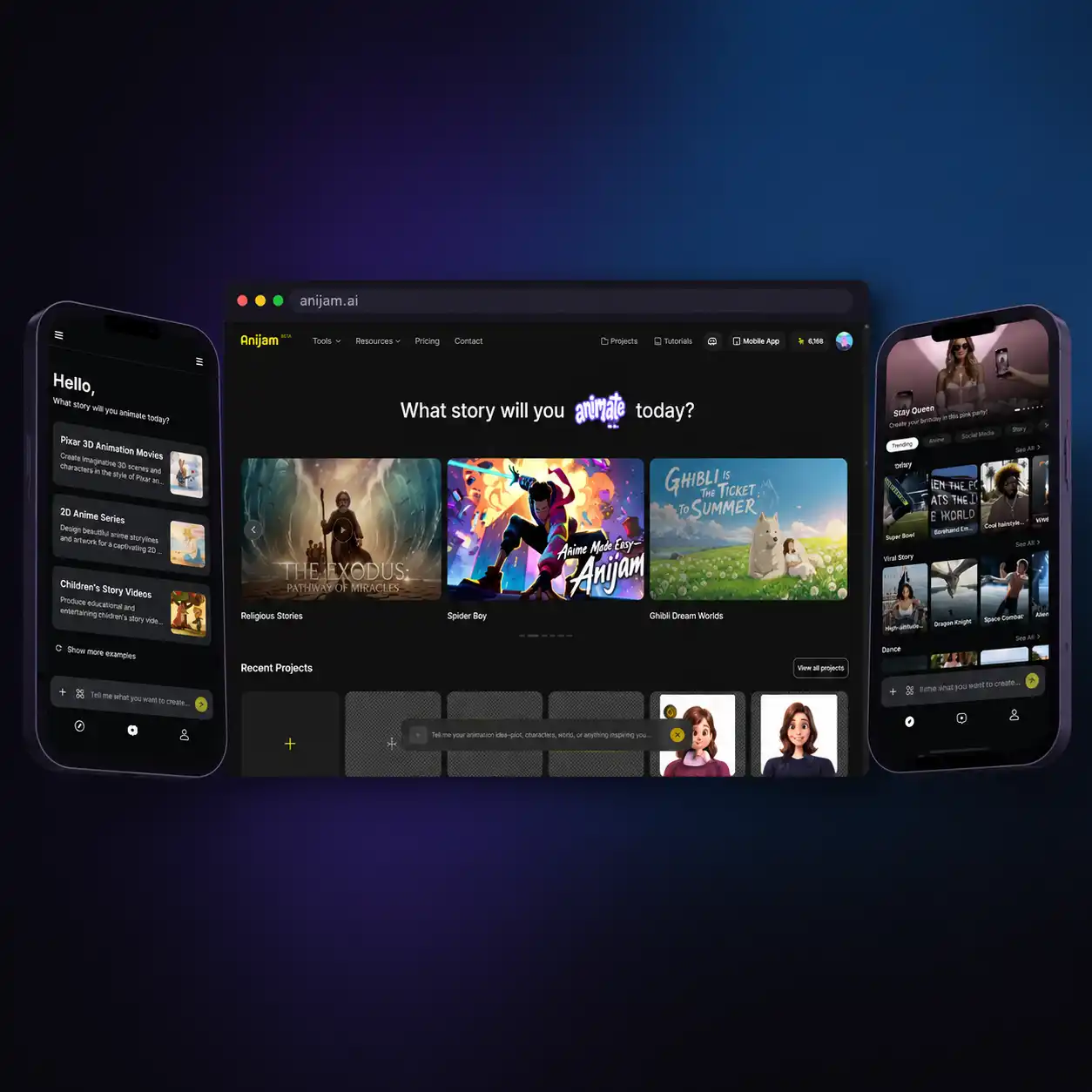
Create Whiteboard Animations Anywhere with the Anijam App
Sketch out an idea on the train, finish a scene at your desk, and publish from your phone - the Anijam app keeps every whiteboard animation project synced across devices. Browse a library of trending, regularly updated whiteboard and explainer-video templates right from the app whenever you need a quick starting point.
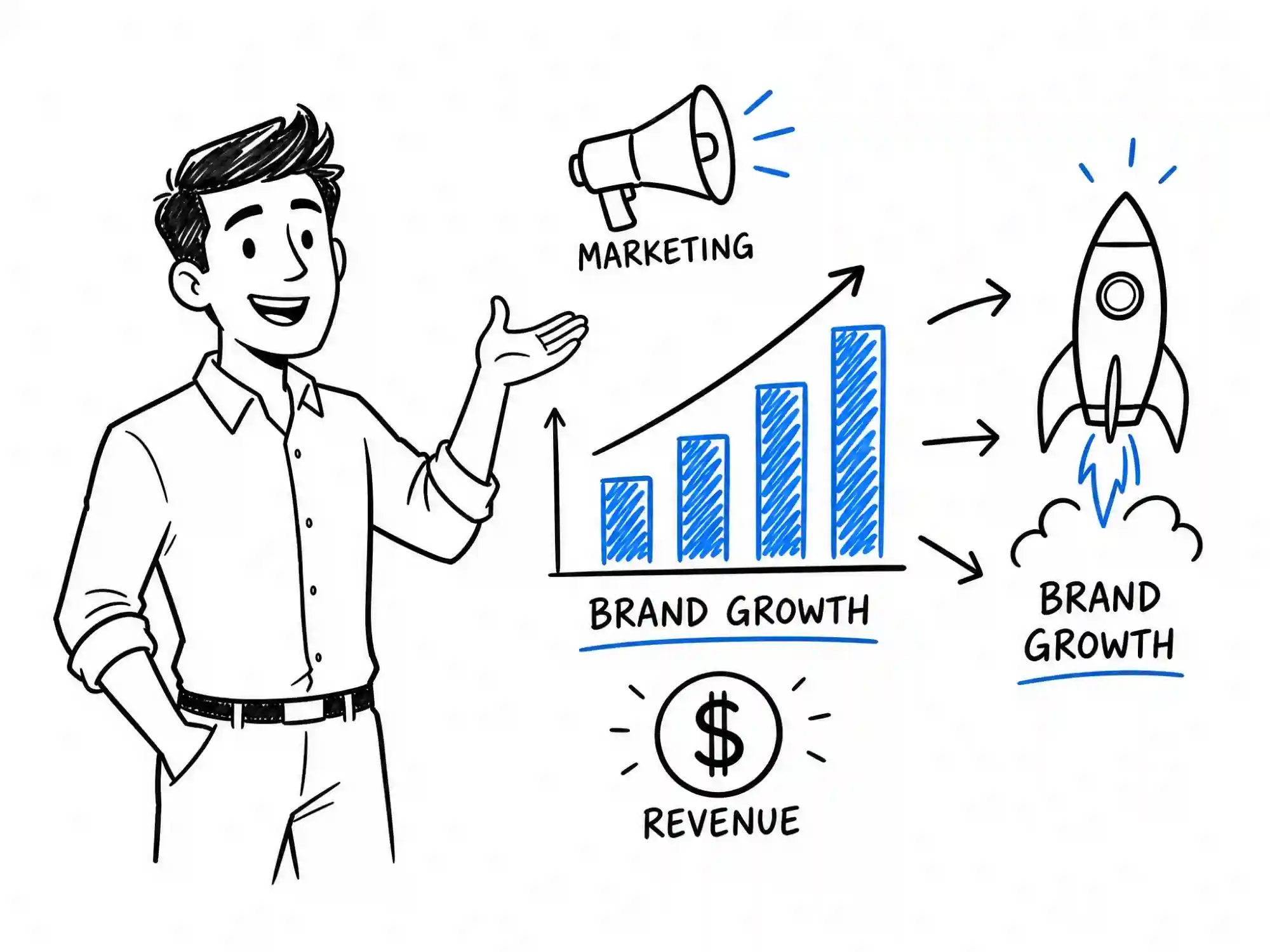
Marketers & Brand Teams
Turn product pitches and campaign scripts into whiteboard-style ads and promo videos. Consistent icons, on-brand colors, and a clear narrative make complex offers easy to understand.
How to Create a Whiteboard Animation with Anijam
Step 1: Share Your Idea, Script, or Image
Type a topic, paste a full script or document, or upload a reference image. Anijam's AI agent instantly turns it into a structured whiteboard story outline with scene-by-scene visuals.
Step 2: Pick a Whiteboard Style & Voice
Choose a hand-drawn look - classic black-marker sketch, colored doodle, or chalkboard - or train a custom style from your own brand illustrations. Select a voice from the built-in library, upload your own audio, or generate AI narration.
Step 3: Fine-Tune & Export Your Whiteboard Video
Use the timeline editor to adjust drawing speed, pacing, and lip sync scene by scene. When it looks right, download or share your whiteboard animation video anywhere - YouTube, LinkedIn, TikTok, or your website.
Why Choose Anijam for Whiteboard Animation

Fast Generation
Generate a complete whiteboard animation video in minutes, not days. Skip the manual storyboarding and clip-art dragging that traditional whiteboard software requires.

Free to Start
Anijam offers a free plan to try whiteboard animation generation, voice, and lip sync - explore the full workflow before you decide to upgrade.

Text, Script, Image & Audio - All Supported
Start your whiteboard animation from a text prompt, a full script or document, a reference image, or an audio track. Anijam builds the video from whatever you already have.

No Skills, No Barriers
No drawing, no manual storyboarding, no keyframing. Anijam's conversational AI agent handles the whiteboard sketching, pacing, and voice for you.

Commercial-Ready Output
Export whiteboard videos ready for ads, training programs, and branded content, with full commercial usage rights included in premium plans.

Watermark-Free Videos
Publish clean, professional whiteboard animation videos without a watermark on eligible plans - ready to share the moment they're done.
Explore Anijam's Other Cutting-Edge AI Video Tools



What Our Users Say
Explore More AI Video Creation Guides
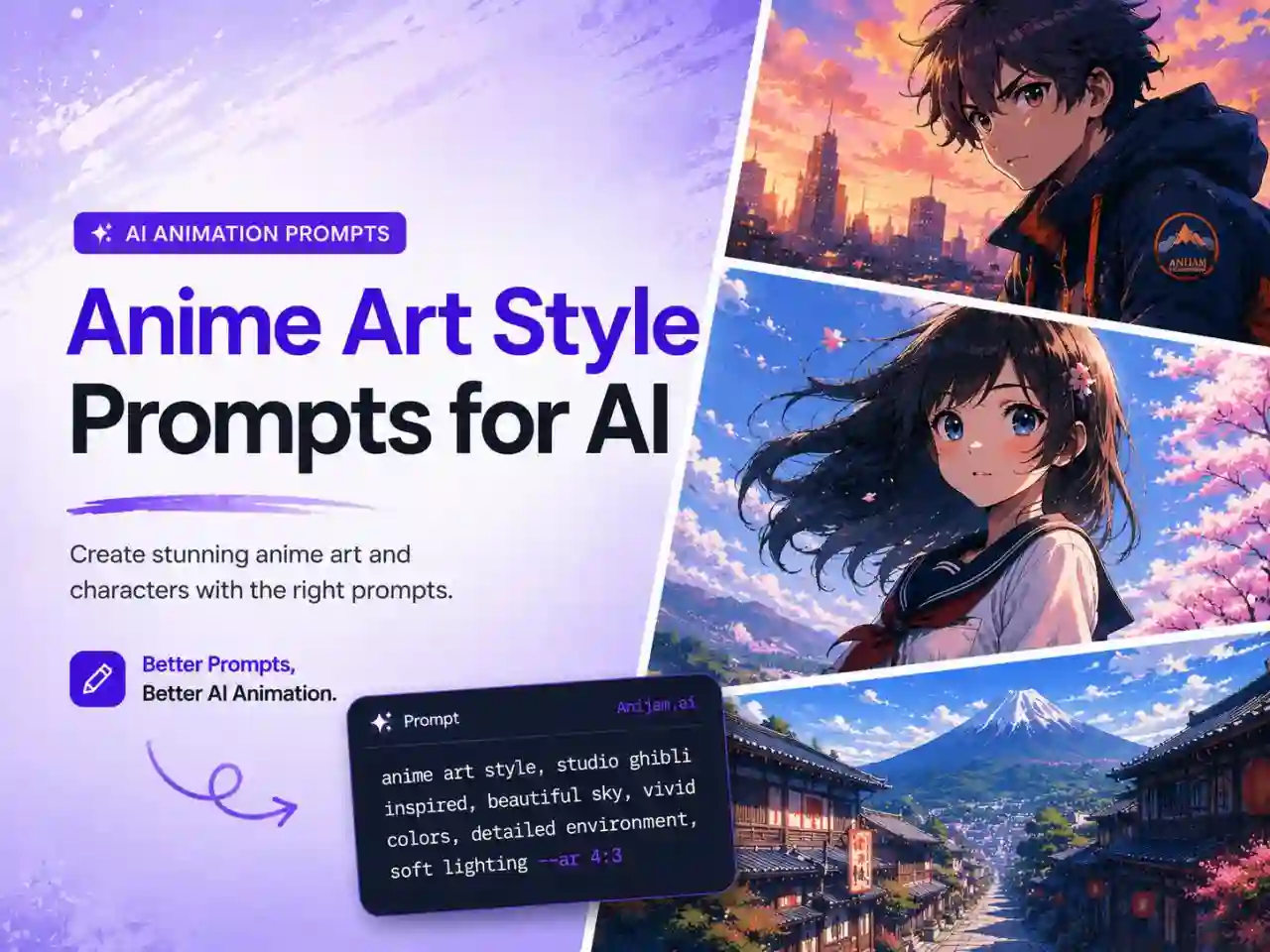
Anime Art Style Prompts for AI: 80+ Copy-Paste Prompts for Images & Videos (2026)
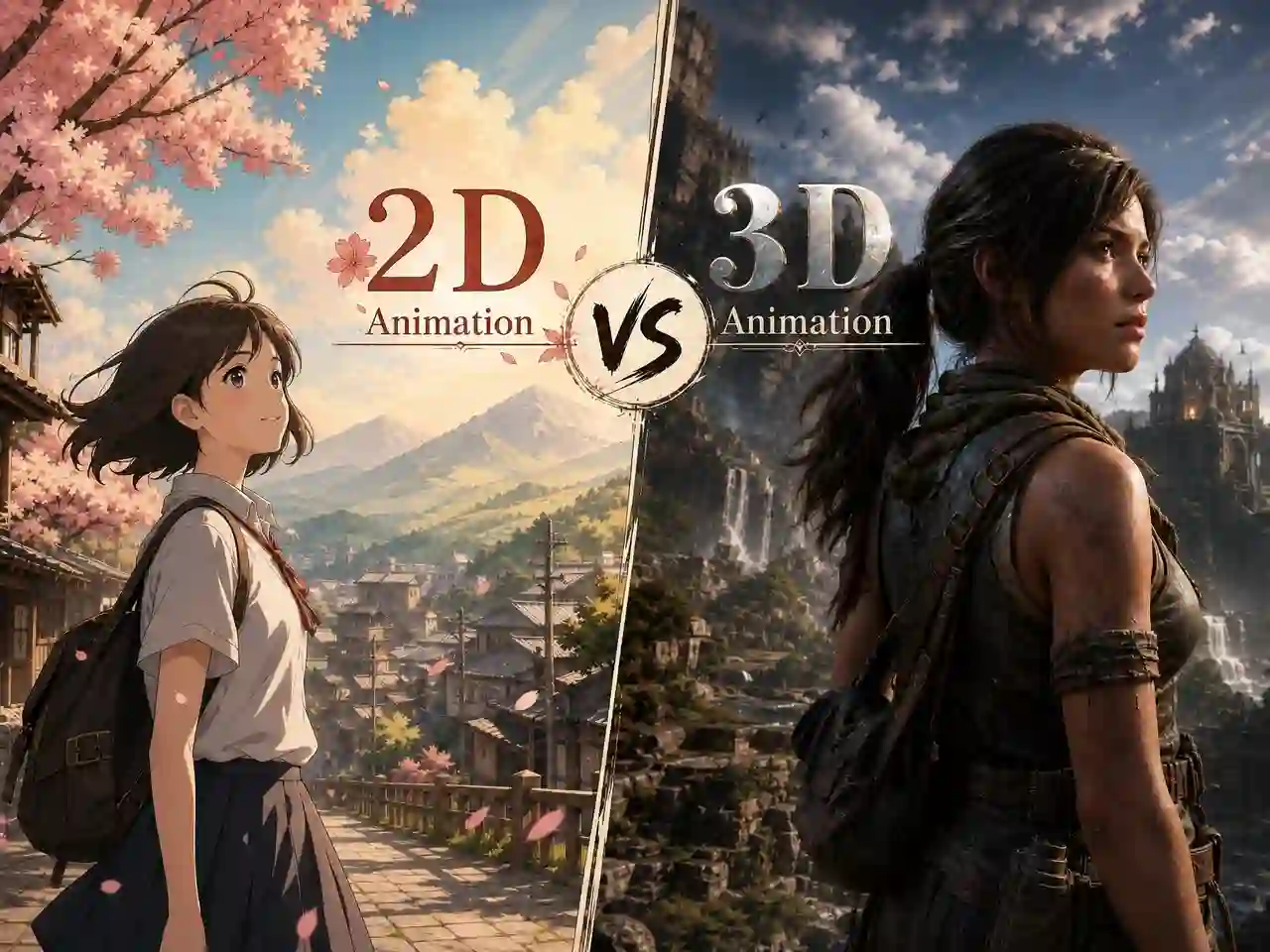
2D vs 3D Animation: Key Differences, Pros & Cons, and How to Create Both with AI
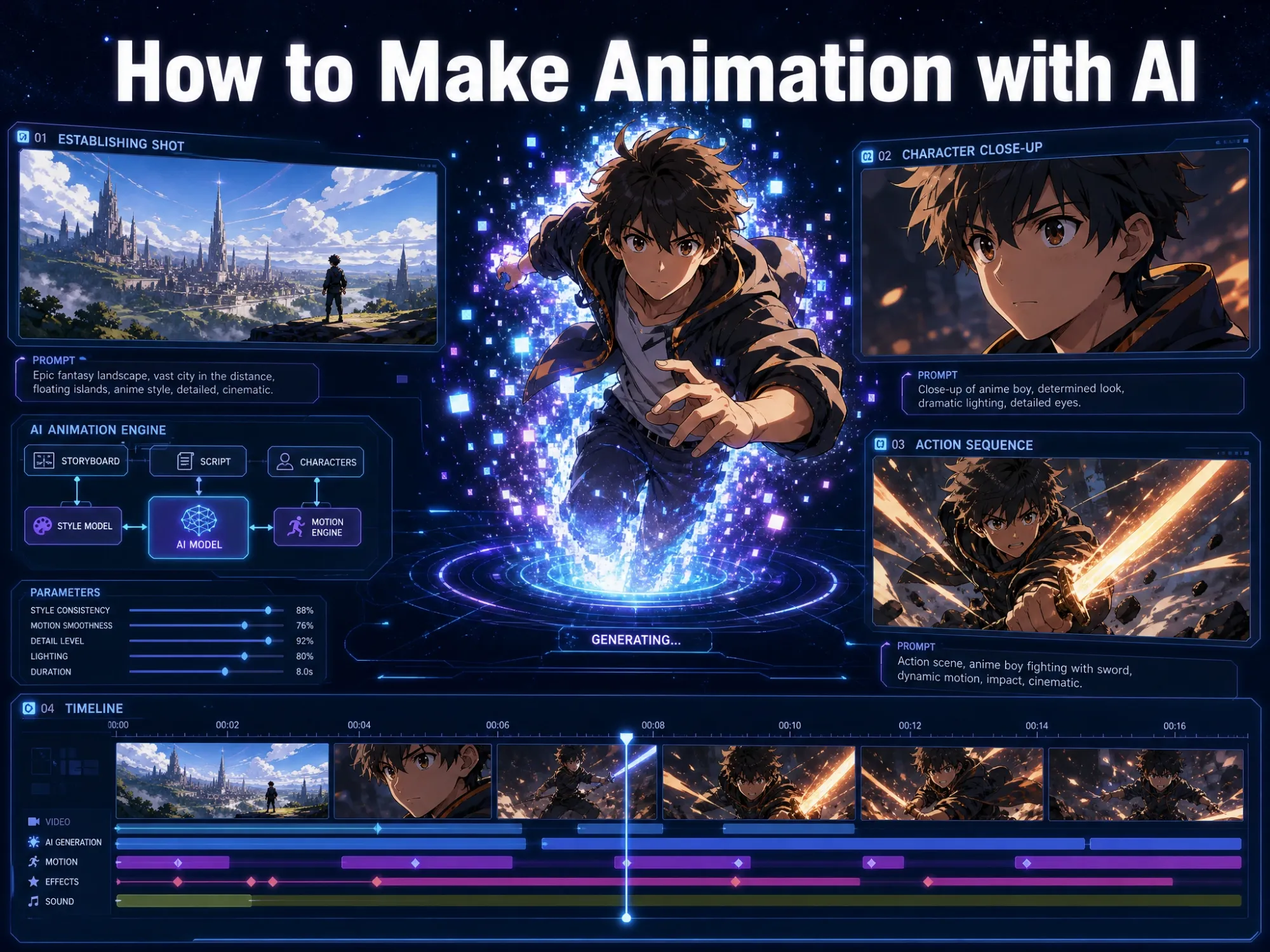
How to Make Animation with AI: Step-by-Step Guide for Beginners (2026)
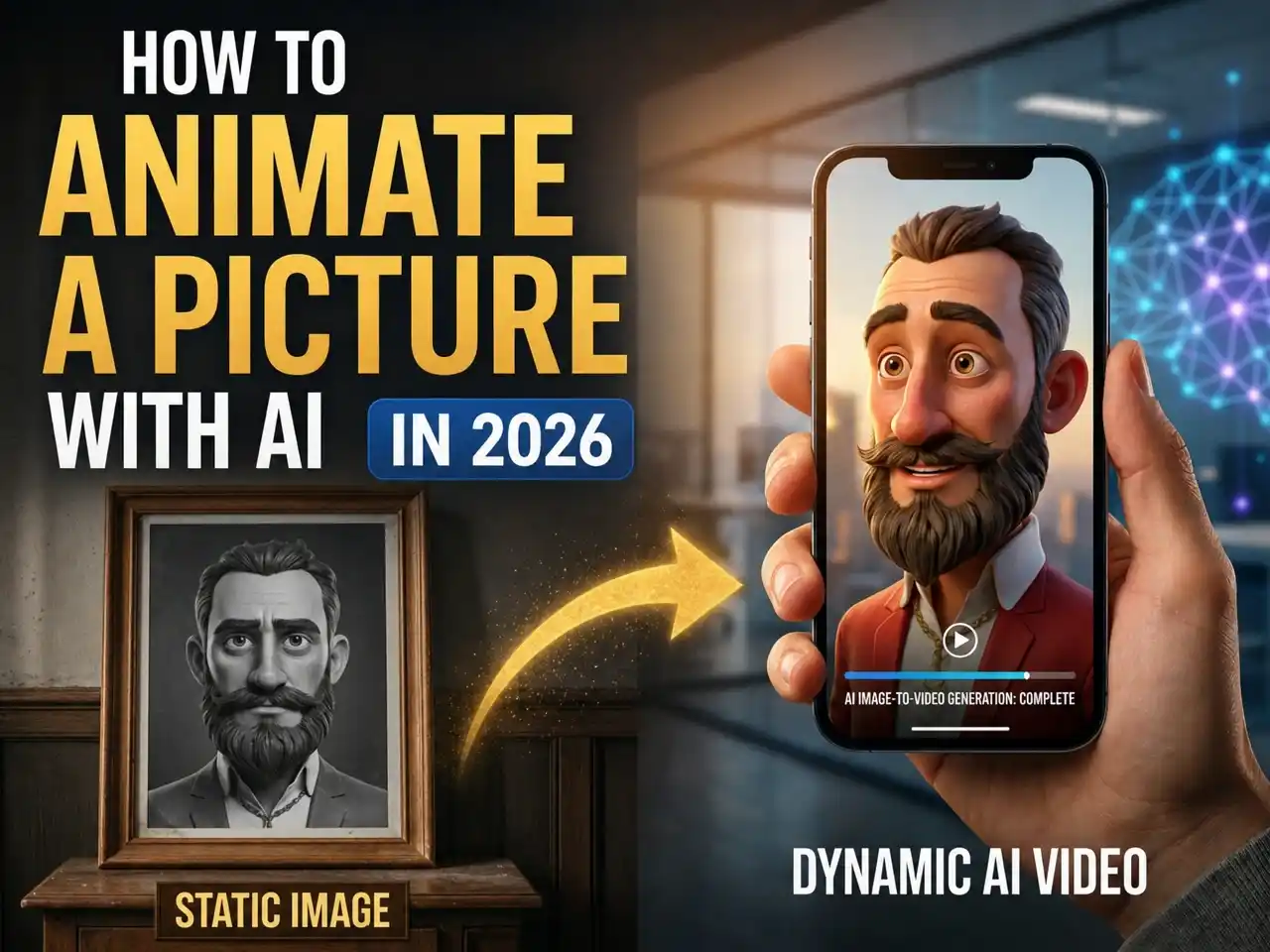
How to Animate a Picture with AI in 2026 (Step-by-Step Beginner's Guide)
FAQ
What is whiteboard animation?
Whiteboard animation is a video style designed to look like content is being hand-drawn on a whiteboard or plain background, usually paired with narration. It's popular for explainer videos because simple, sequential sketches make complex or dry topics easy to follow. With an AI whiteboard animation generator like Anijam, you get that same hand-drawn look without physically drawing or filming anything.
Is Anijam's whiteboard animation tool free?
Yes. Sign up and log in to claim free credits, and you can earn more through daily check-ins - use them to generate whiteboard animation videos, try different hand-drawn styles, and test voice and lip sync. Upgrade to a premium plan for watermark-free exports, higher resolution, and full commercial usage rights.
How is Anijam different from a traditional whiteboard animation maker?
Traditional whiteboard animation software gives you a library of clip-art and a timeline you assemble by hand. Anijam's AI agent writes the story, sketches each whiteboard scene, keeps characters and icons consistent, and adds voice and lip sync automatically - so you describe the video instead of manually building it.
Can I create a whiteboard animation from a script or document?
Yes. Paste a script or upload a document and Anijam's AI will break it into whiteboard scenes, match the hand-drawn visuals to your narration, and generate a full explainer video - ideal for training material, lesson content, or existing marketing copy.
Can I use whiteboard animation videos on YouTube or for commercial projects?
Yes, your whiteboard animation videos can be published anywhere, including YouTube. Commercial use - for ads, client work, or monetized content - requires a premium Anijam plan, which includes full commercial usage rights.
Does Anijam have a whiteboard animation app for mobile?
Yes. The Anijam app lets you create and edit whiteboard animation videos from your phone, keeps projects synced with the desktop version, and gives you access to a library of trending, regularly updated whiteboard and explainer-video templates.