


AI YouTube Video Maker
Jump on Shorts trends with ready-made templates, or use Anijam's AI YouTube video maker to create full-length videos in one creative workspace.
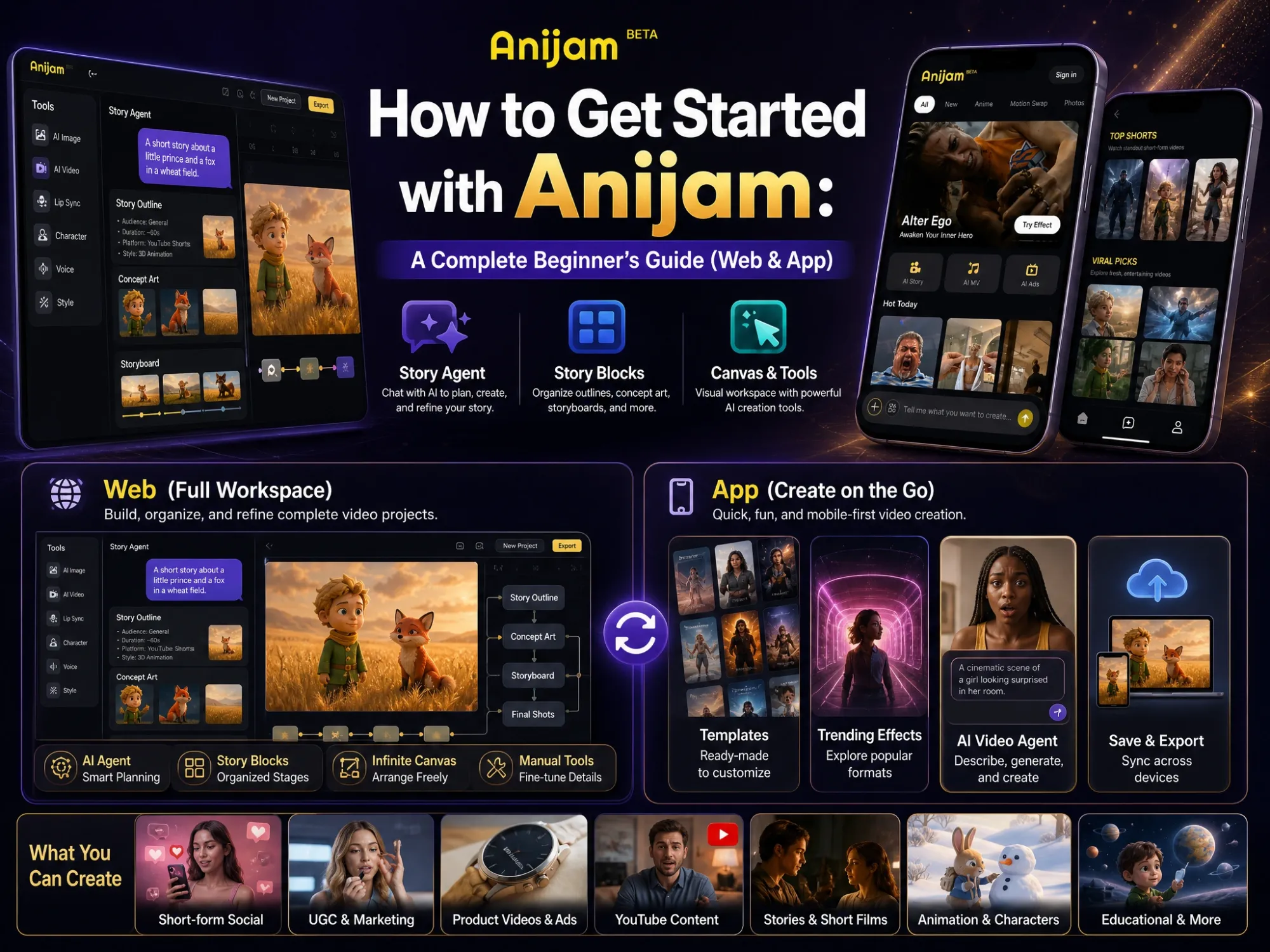
What You Can Create with Anijam AI Youtube Video Maker
From Shorts to full explainers, Anijam is an AI YouTube video maker that covers the formats a channel needs. Pick a scenario, add your idea, script, or image, and the agent handles the production.
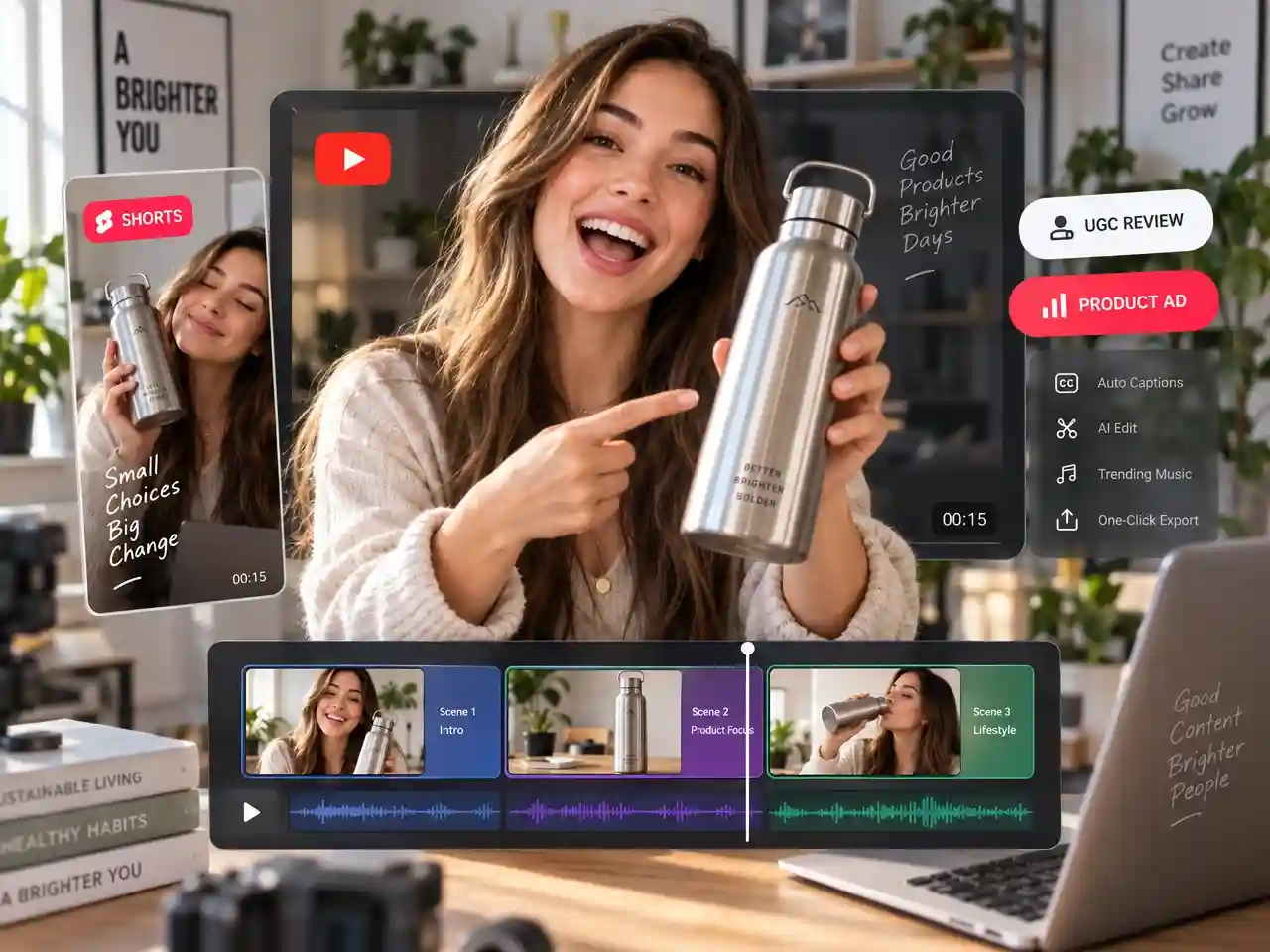
Create YouTube Shorts and Product Promos
Create attention-grabbing Shorts, UGC-style product reviews, and promotional videos from ideas, images, or trending templates. Add engaging visuals, quick scenes, and voiceovers for content that fits your channel or brand.
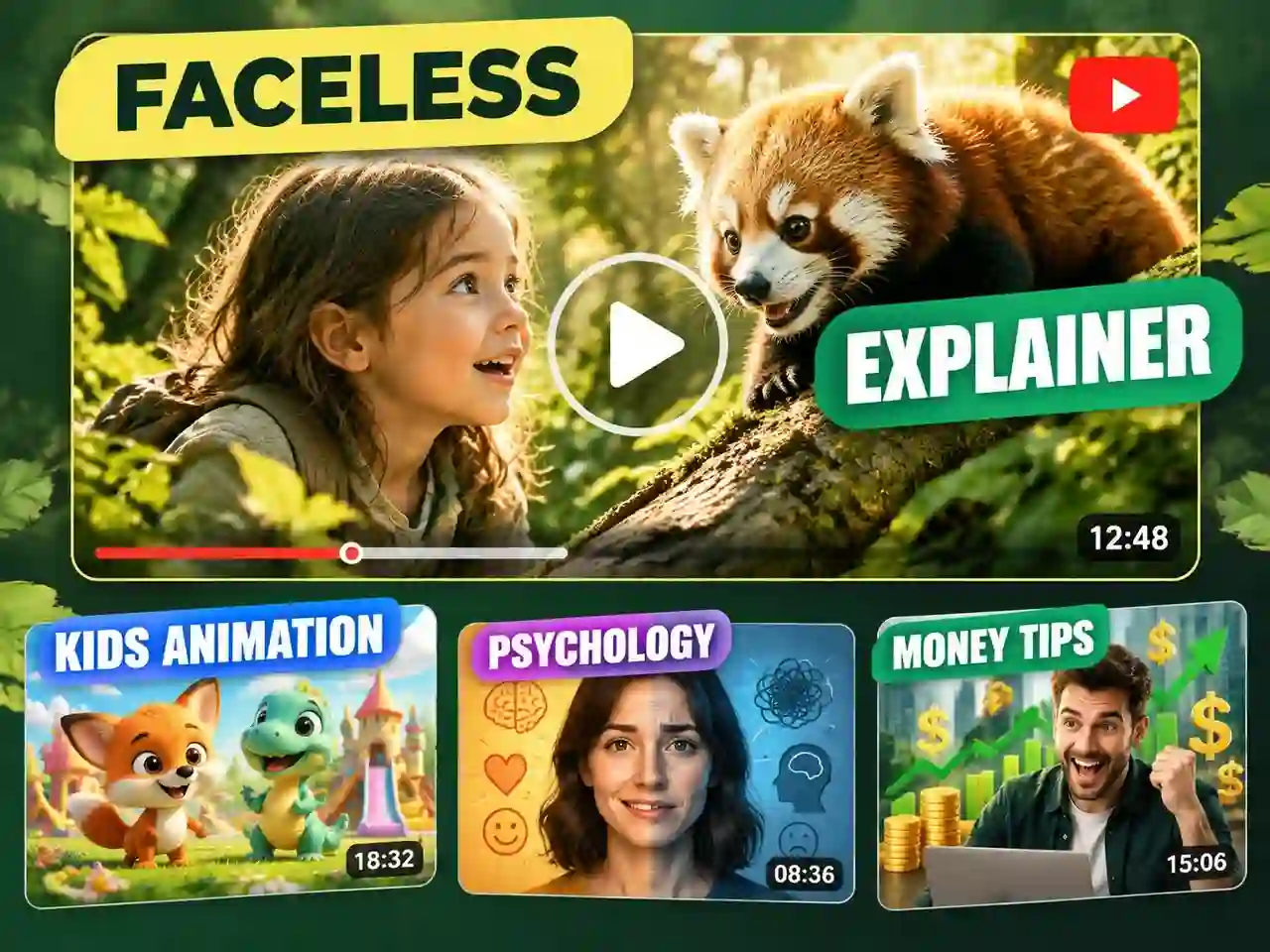
Make Faceless Explainer and Educational Videos
Turn a topic or uploaded script into a faceless YouTube video with visual scenes and narration. Create science explainers, tutorials, countdowns, and educational content without appearing on camera.
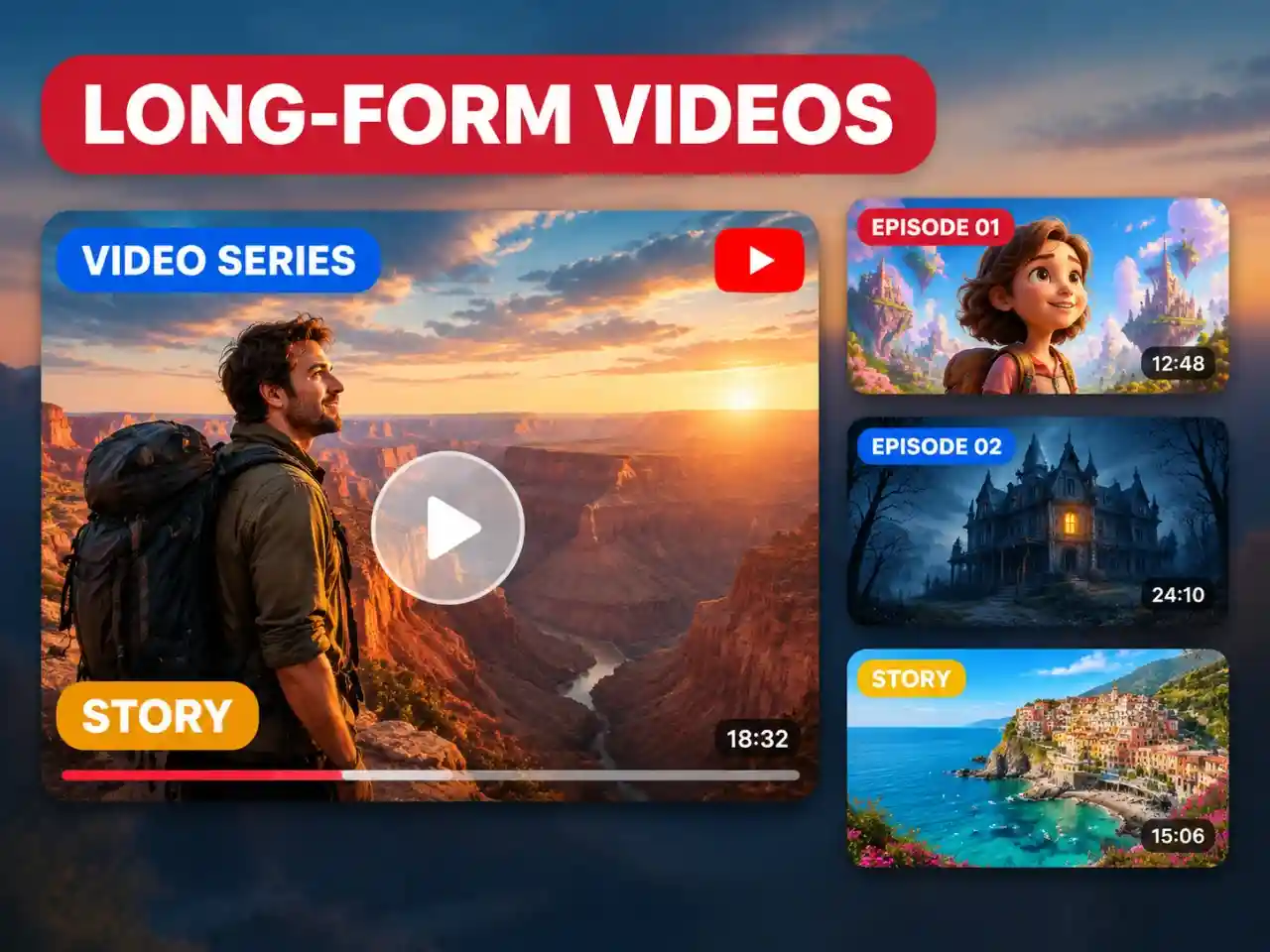
Turn Scripts into Story and Episode Videos
Develop story ideas or uploaded scripts into multi-scene videos with recurring characters and a consistent visual style. Create fictional stories, anime-inspired narratives, and episodes for your YouTube channel.
Make YouTube Shorts & Channel Videos in One Canvas
Discover trending templates for YouTube Shorts, or use Anijam's AI agent to turn scripts and story ideas into complete YouTube videos. Generate visual concepts, add AI voiceovers and lip sync, maintain consistent characters, and refine every shot on one canvas.
How to Use an AI YouTube Video Maker
Step 1: Choose a Template or Start with an Idea
For YouTube Shorts, pick a trending template and add your own content. For channel videos, share an idea, upload images or a script, and let Anijam's AI agent develop a story outline and guide you through the video creation process.
Step 2: Customize Your Video
Choose a visual style, video model, aspect ratio, and AI voice or your own audio. For template-based Shorts, customize the available inputs; for AI Agent projects, refine the planned scenes before generating your video.
Step 3: Refine Scenes and Export
Edit your video on the canvas, adjust individual scenes, and finalize the result for YouTube. Download your video when it's ready.
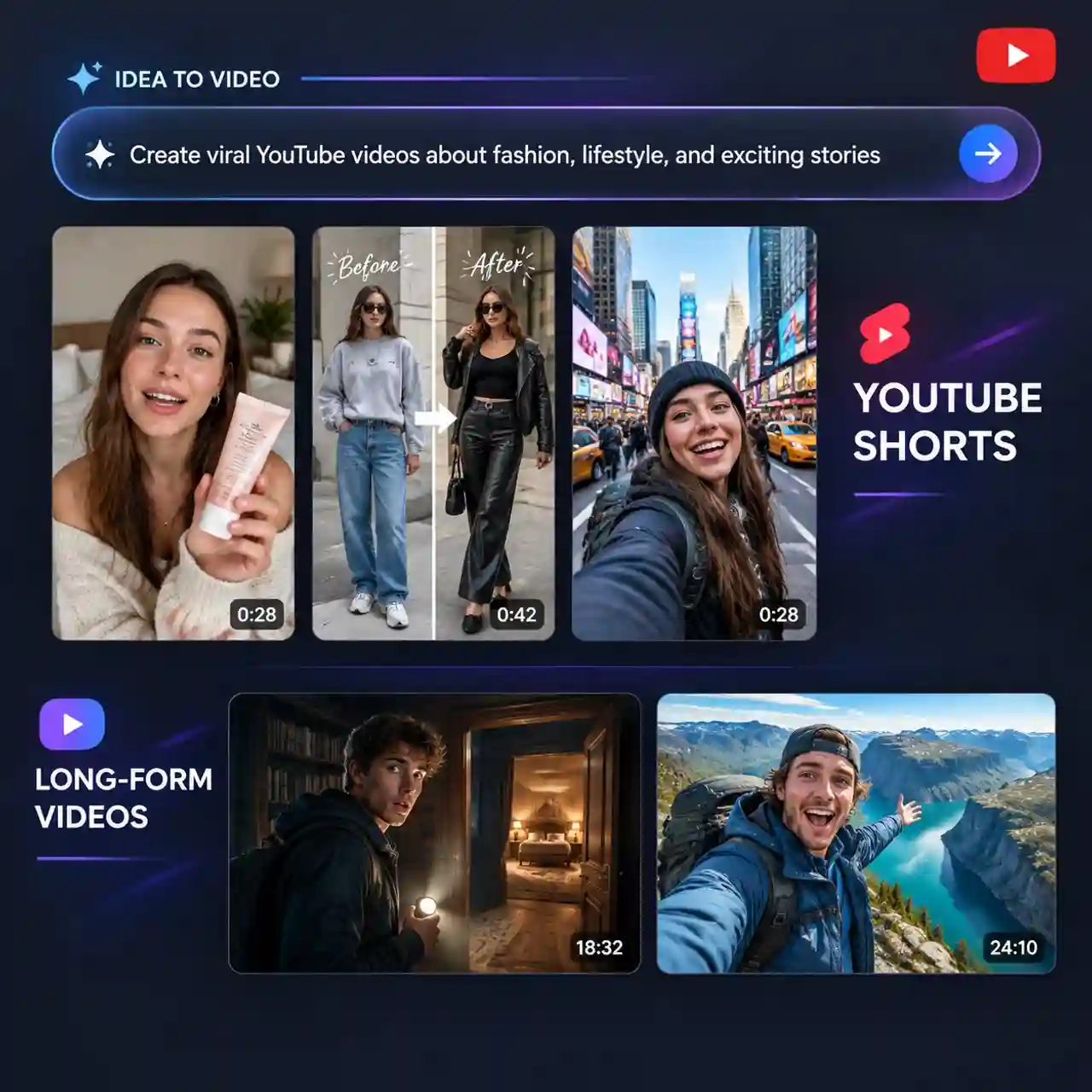
Turn Ideas and Scripts into Multi-Scene Videos
Start with an idea, upload a script, or add an image. Anijam's AI agent develops a story outline, plans the scenes, and guides you through creating a complete YouTube video—not just a standalone clip.
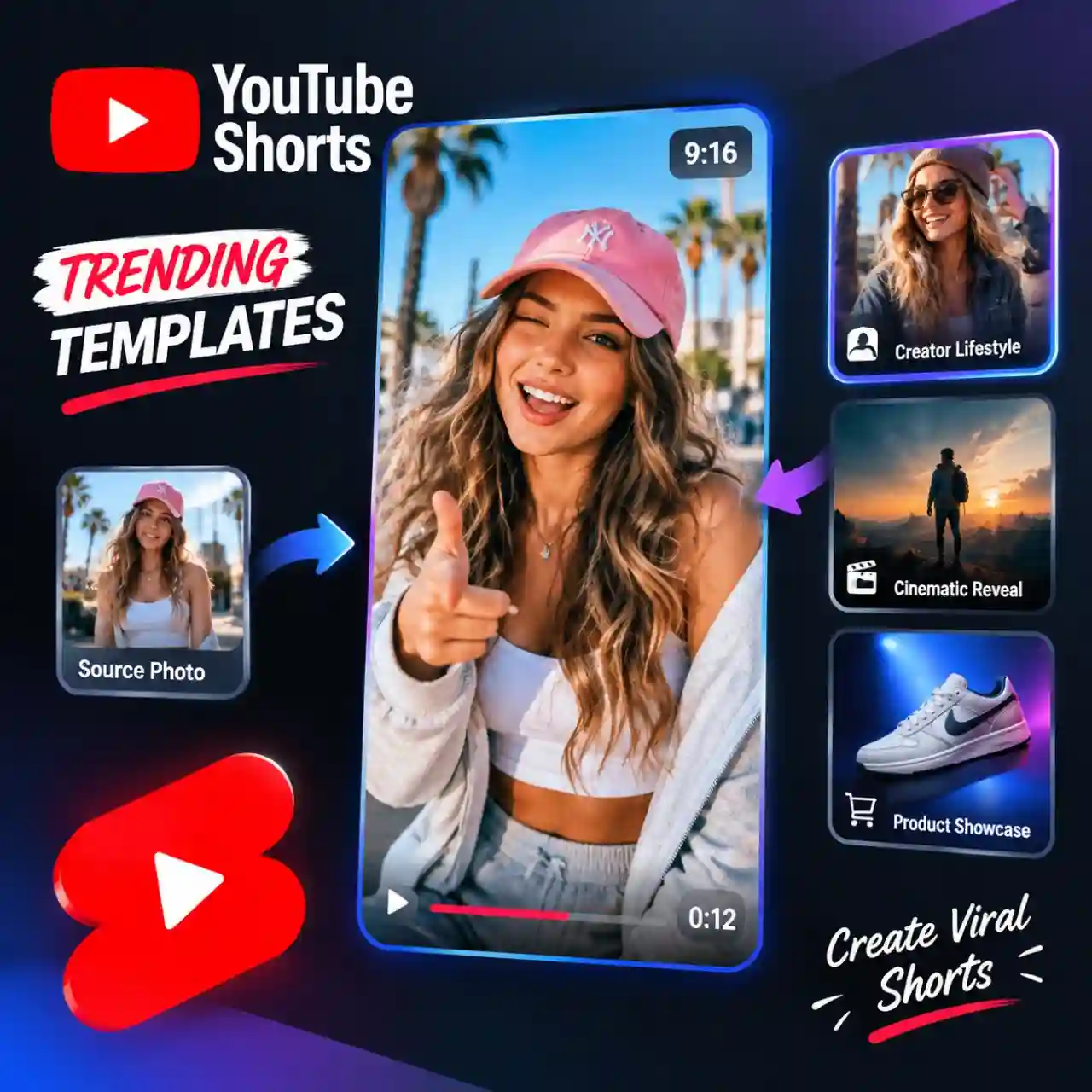
Create YouTube Shorts with Trending Templates
Skip the blank page and start with a ready-made video template. Explore trending styles, customize the available inputs, and turn a familiar format into your own Short without planning every scene from scratch.
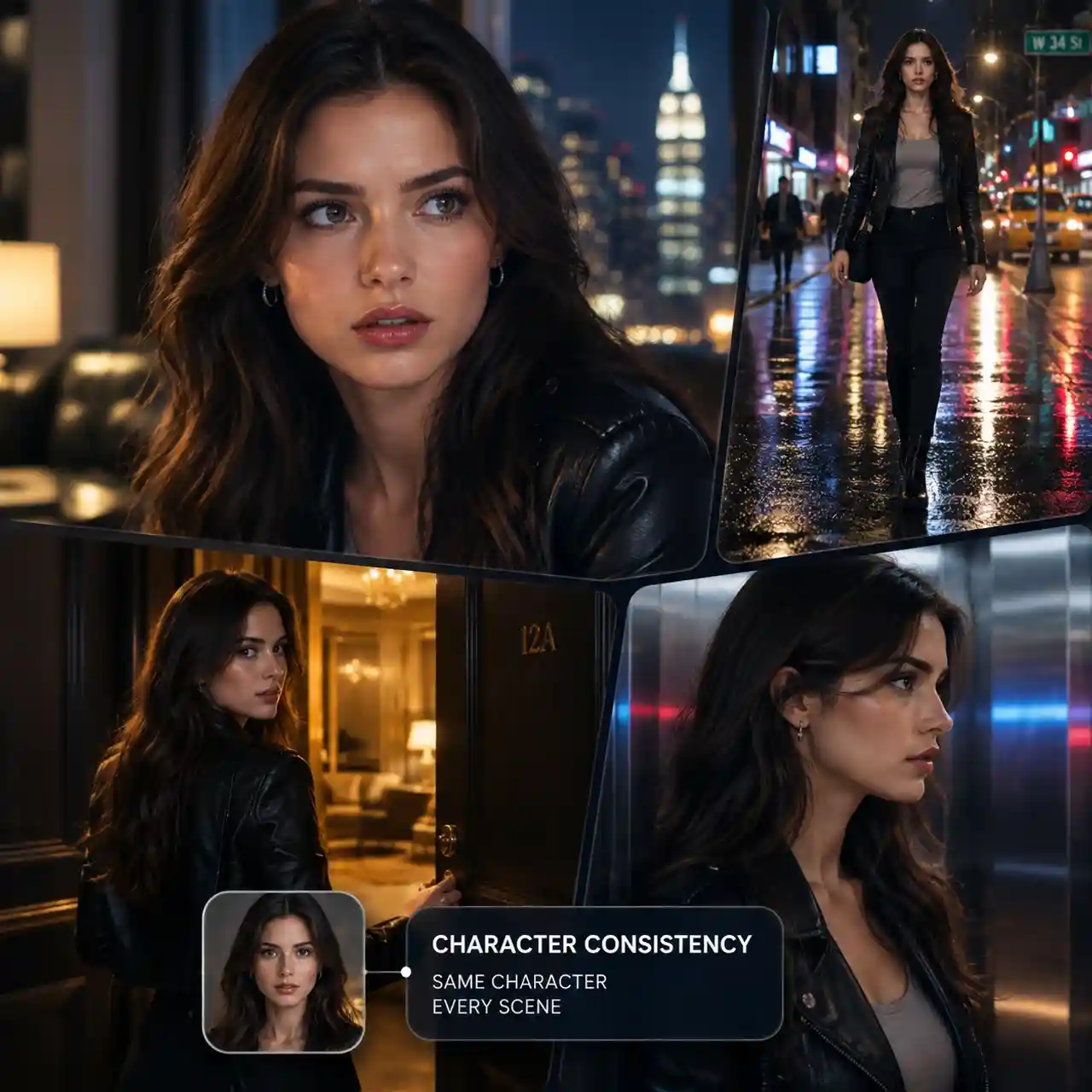
Keep AI Characters Consistent Across Scenes
Create a character once and reuse the same face, outfit, and visual style throughout your video. Build story-driven YouTube content, recurring hosts, and multi-part series without redesigning your characters for every scene.
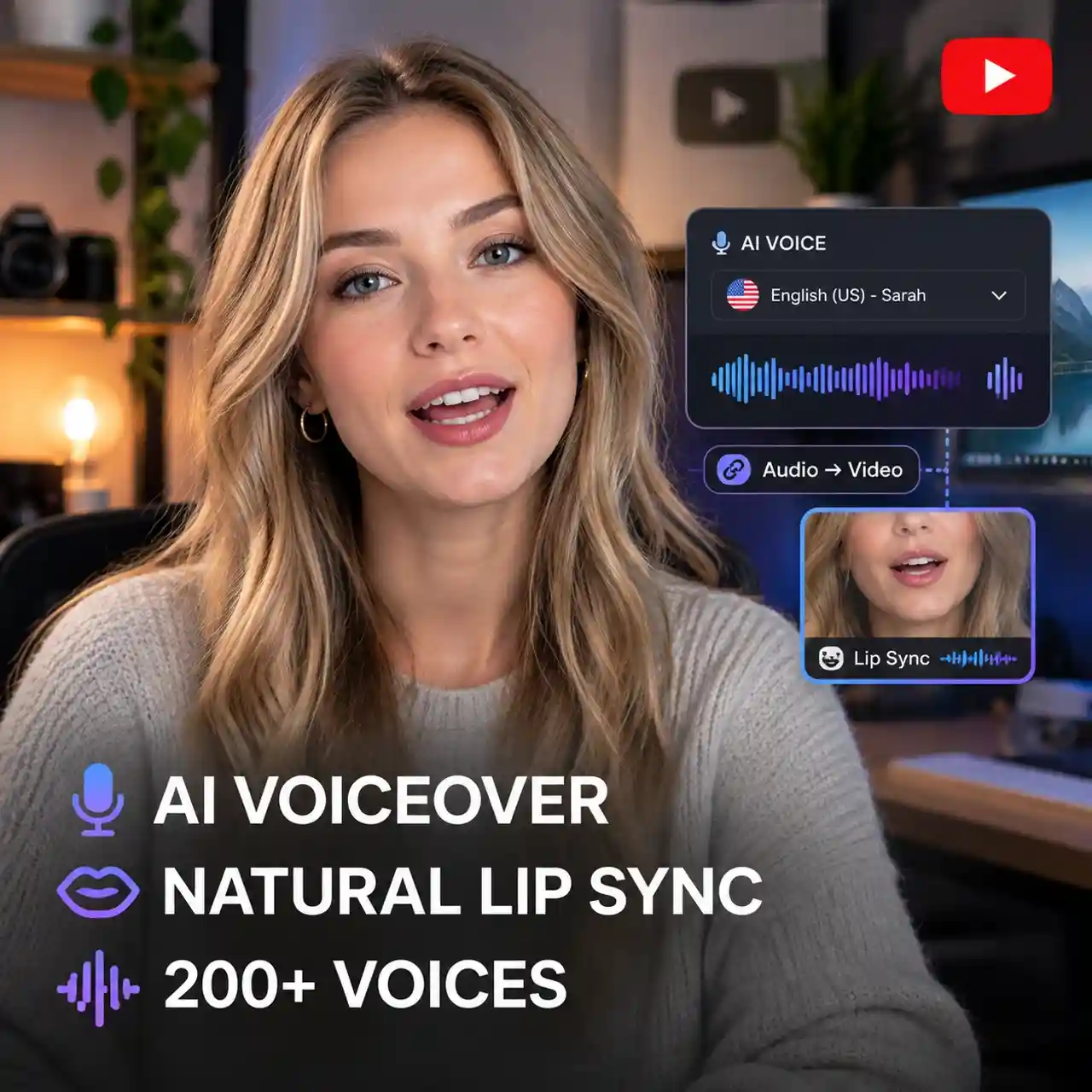
Add AI Voiceovers and Natural Lip Sync
Give your videos a voice with AI narration in 30+ languages, or upload your own audio. Anijam syncs character mouth movements to dialogue, helping you create talking scenes and narrated videos without switching between separate tools.
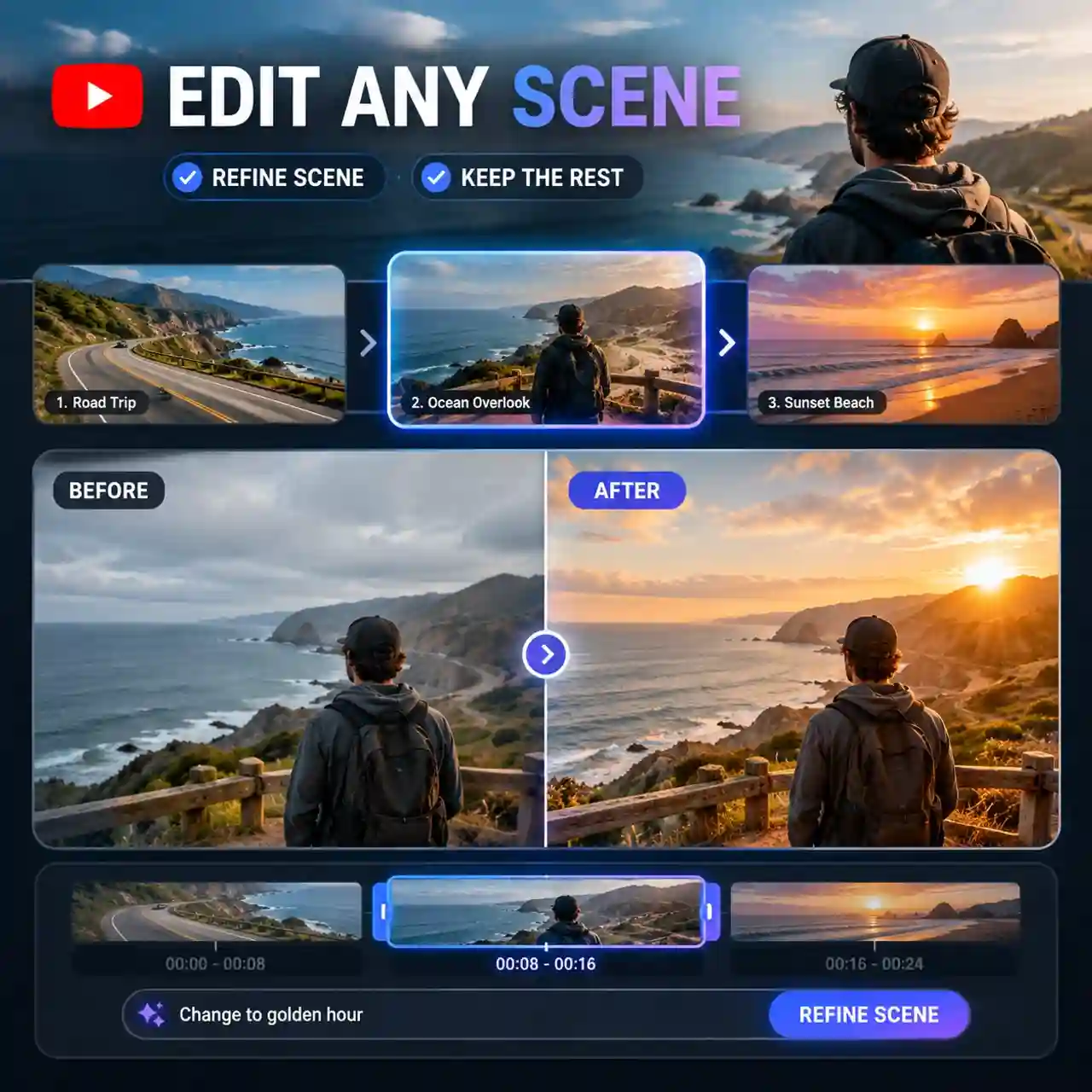
Refine Individual Scenes Without Starting Over
Adjust scene details, motion, camera moves, and timing on Anijam's canvas. Fine-tune a specific shot while keeping the rest of your video intact, so you can improve the final cut without rebuilding the entire project.
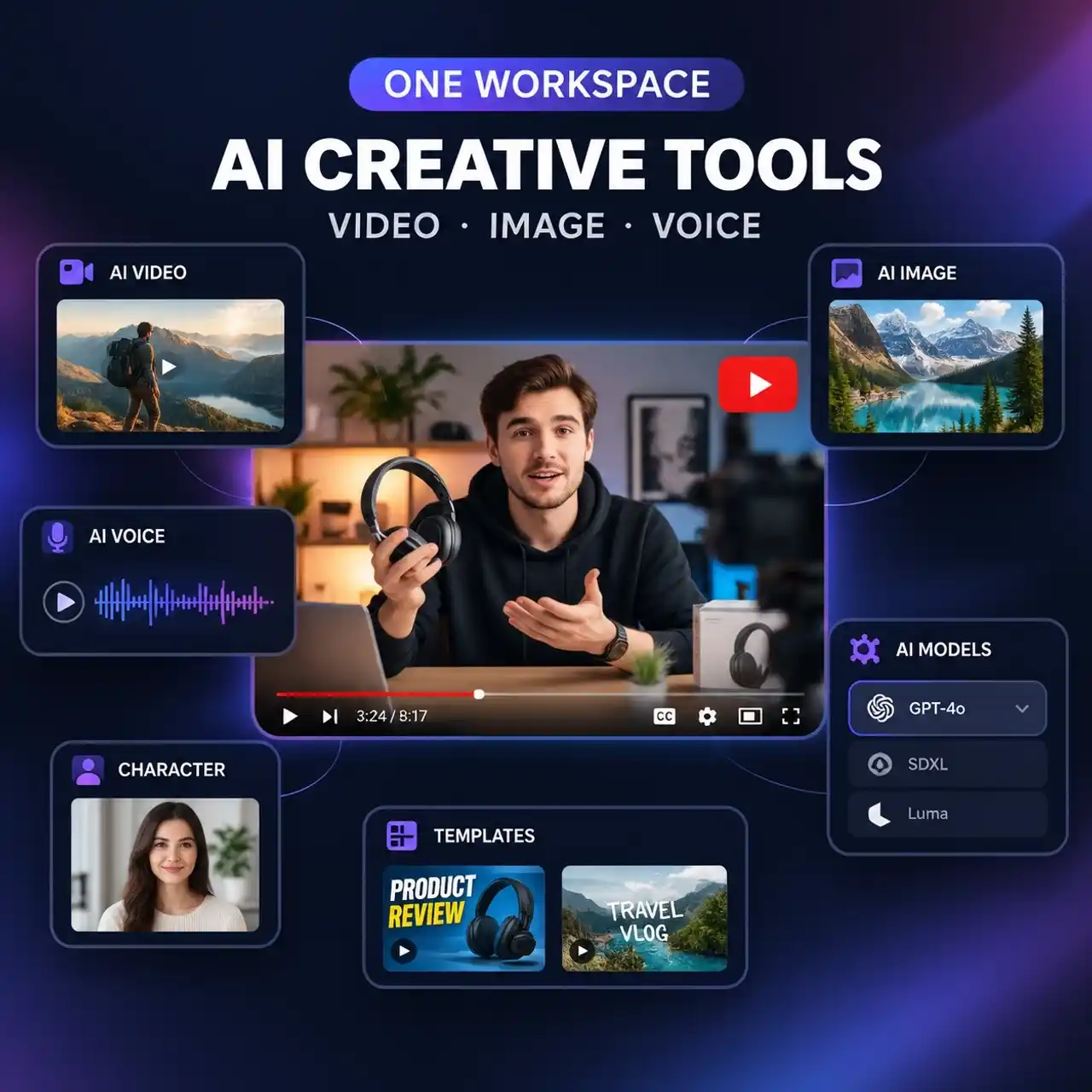
Access AI Creative Tools and Models in One Workspace
Bring your creative workflow together with a range of AI video and image models, plus tools for different content creation needs. Generate videos, create visuals, and explore more ways to bring your YouTube ideas to life without constantly switching between separate platforms.
Why Creators Choose Anijam for YouTube Videos Creation

Free Credits to Start
Anijam is an AI YouTube video maker free to start: sign up for bonus credits and check in daily for more.

Easy to Use
Create YouTube videos without complicated editing. Simply describe your idea in chat and follow the AI agent's guidance to develop scenes, customize your video, and bring your ideas to life.

Web and Mobile App
Start a project on the web and keep editing in the Anijam app, with your scenes and characters in sync. On your phone it works as a YouTube AI video generator app for ideas on the go.

Watermark Free
Export videos without watermarks at up to 1080p, with video upscaling available for higher-quality results. Download your videos ready to upload to YouTube.

Commercial Use for Your Channel
Create videos for monetized YouTube channels, brand campaigns, and client projects with commercial use rights. You remain responsible for meeting YouTube's monetization and content policies.

Keep Your Projects Private
Your videos stay private by default, giving you control over drafts and unreleased content before you decide to publish or share them.
Explore More Anijam AI Creative Tools


What Our Users Said About Anijam AI Youtube Video Maker
More about AI Video Creation & Inspiration
FAQ
What is an AI YouTube video maker?
An AI YouTube video maker turns ideas, scripts, or images into videos with the help of AI. With Anijam, you can start from a prompt, an uploaded script or image, or a trending template. Its AI agent helps plan scenes and develop your video, while the canvas lets you refine the result before exporting.
Can I use Anijam's AI YouTube video maker for free?
Yes. You can get started with Anijam using sign-up credits and earn additional credits through daily check-ins. Use your credits to explore AI video creation, try different templates, and turn your ideas into YouTube videos.
Do I need a script to make YouTube videos with AI?
No. You can start with a simple idea, upload a script or image, or choose a trending template. Anijam's AI agent can help develop your concept into a scene-by-scene video plan, so you can start creating without writing a complete script first.
Can I use an AI video maker for both YouTube Shorts and regular videos?
Yes. Anijam supports different creative workflows for vertical YouTube Shorts and standard landscape videos. Start with a trending template for short-form content, or use the AI agent and canvas to develop story-driven videos, explainers, tutorials, and product promos scene by scene. Choose an aspect ratio that fits your intended format.
Can AI-generated YouTube videos be monetized?
Yes, AI-generated videos can be eligible for YouTube monetization, provided they meet YouTube's monetization policies. Your content should offer original value and avoid repetitive, mass-produced videos with little meaningful variation. You must also have the necessary commercial rights for the visuals and audio you use. Using Anijam does not guarantee monetization approval.
Do I need to disclose AI-generated videos on YouTube?
Not every AI-assisted video requires disclosure. YouTube requires creators to disclose content that is meaningfully altered or synthetically generated and appears realistic, such as a realistic scene that never happened or footage that makes a real person appear to say or do something they did not. Clearly fantastical scenes and routine AI assistance, such as generating an outline, generally do not require disclosure. Check YouTube's current disclosure guidelines before uploading.