


AI Kids Video Generator for Stories, Learning & More
Turn a bedtime story, lesson, or simple idea into an animated kids video with Anijam AI kids video generator. Create characters, scenes, narration, and engaging stories without video editing skills.
Create AI Kids Videos for Every Kind of Story and Learning Idea
Whether you're making a learning video, animated kids story, or YouTube series, Anijam helps you turn simple ideas into engaging kids videos with AI-powered storytelling, characters, voices, and animation.
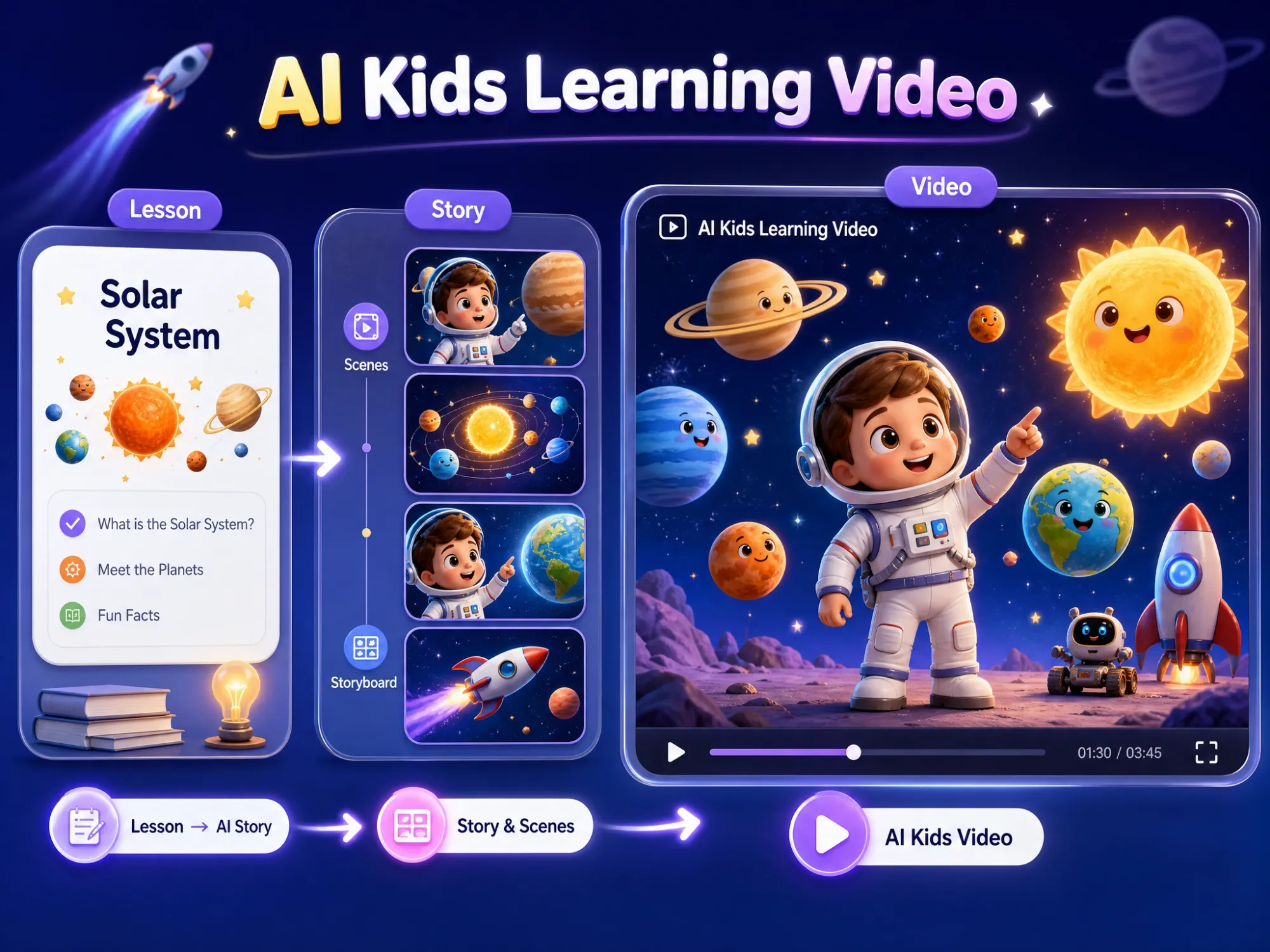
Turn Lessons into Learning Videos
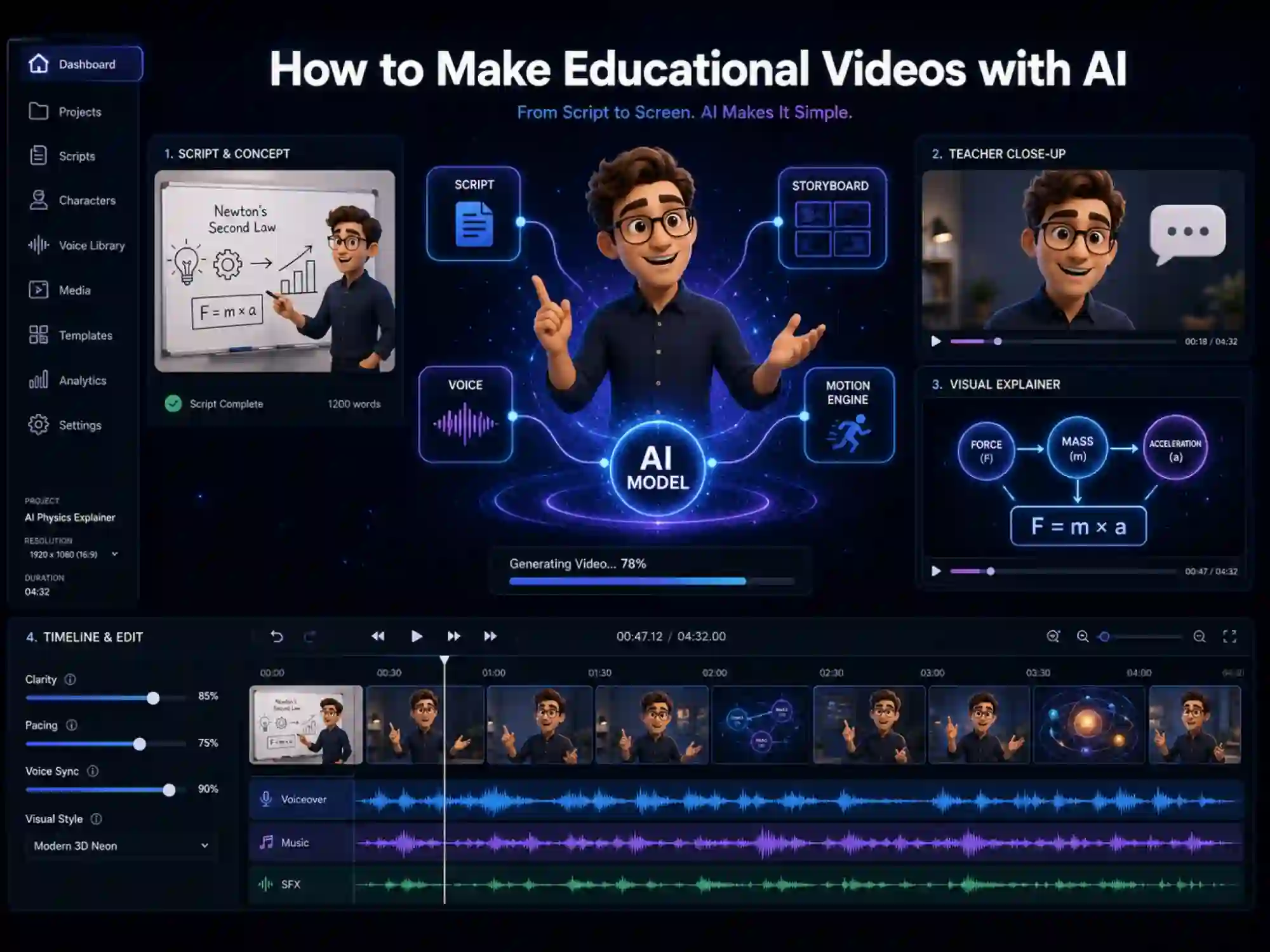
Transform a science topic, math lesson, vocabulary list, or classroom concept into an animated learning video. Anijam can break your lesson into scenes, create supporting visuals, and turn complex ideas into a story children can follow.
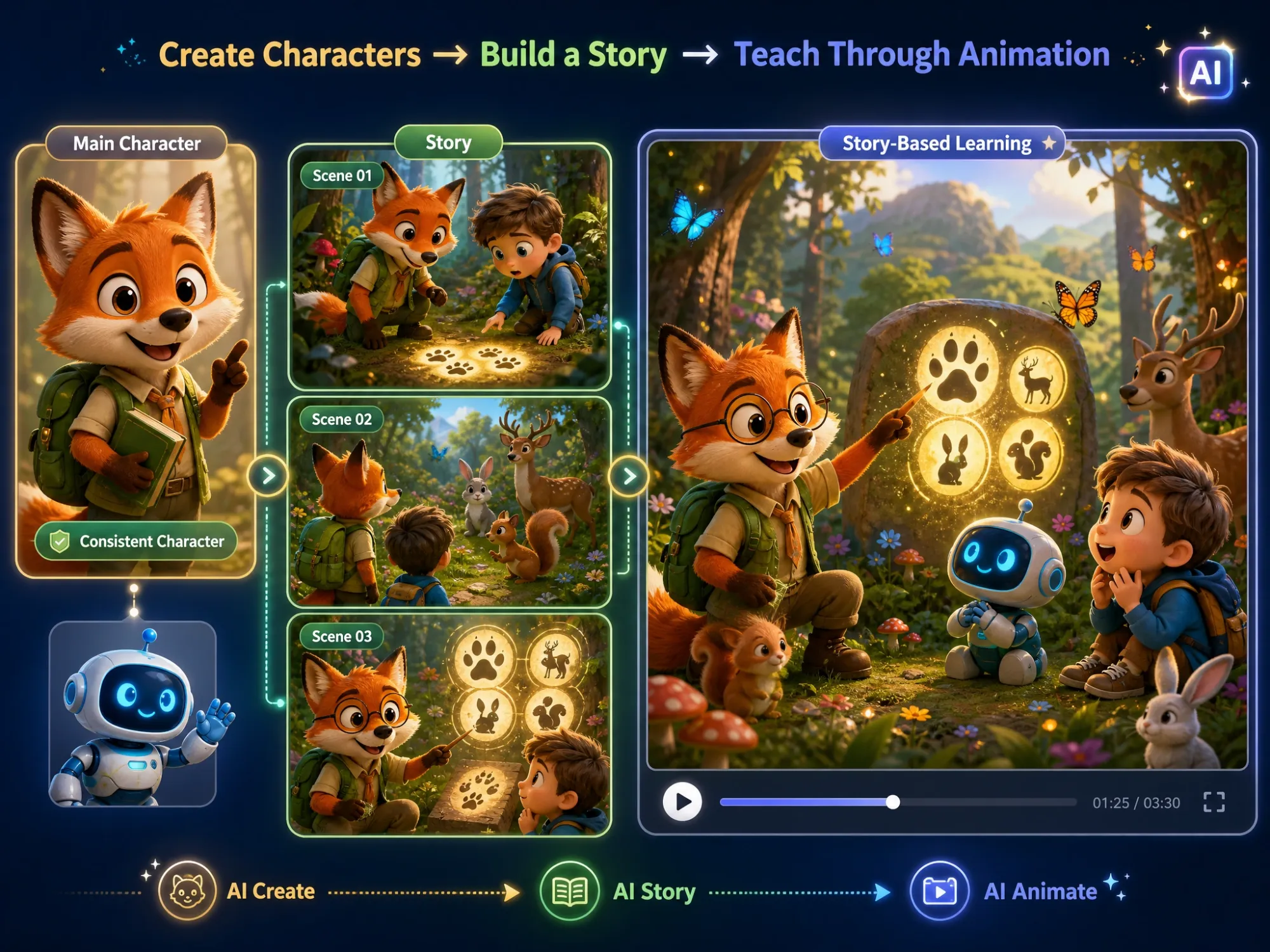
Teach Through Stories and Characters
Make learning more memorable with recurring characters, simple stories, and visual examples. Create an adventurous science lesson, a funny math story, or a friendly language-learning conversation instead of another static worksheet.
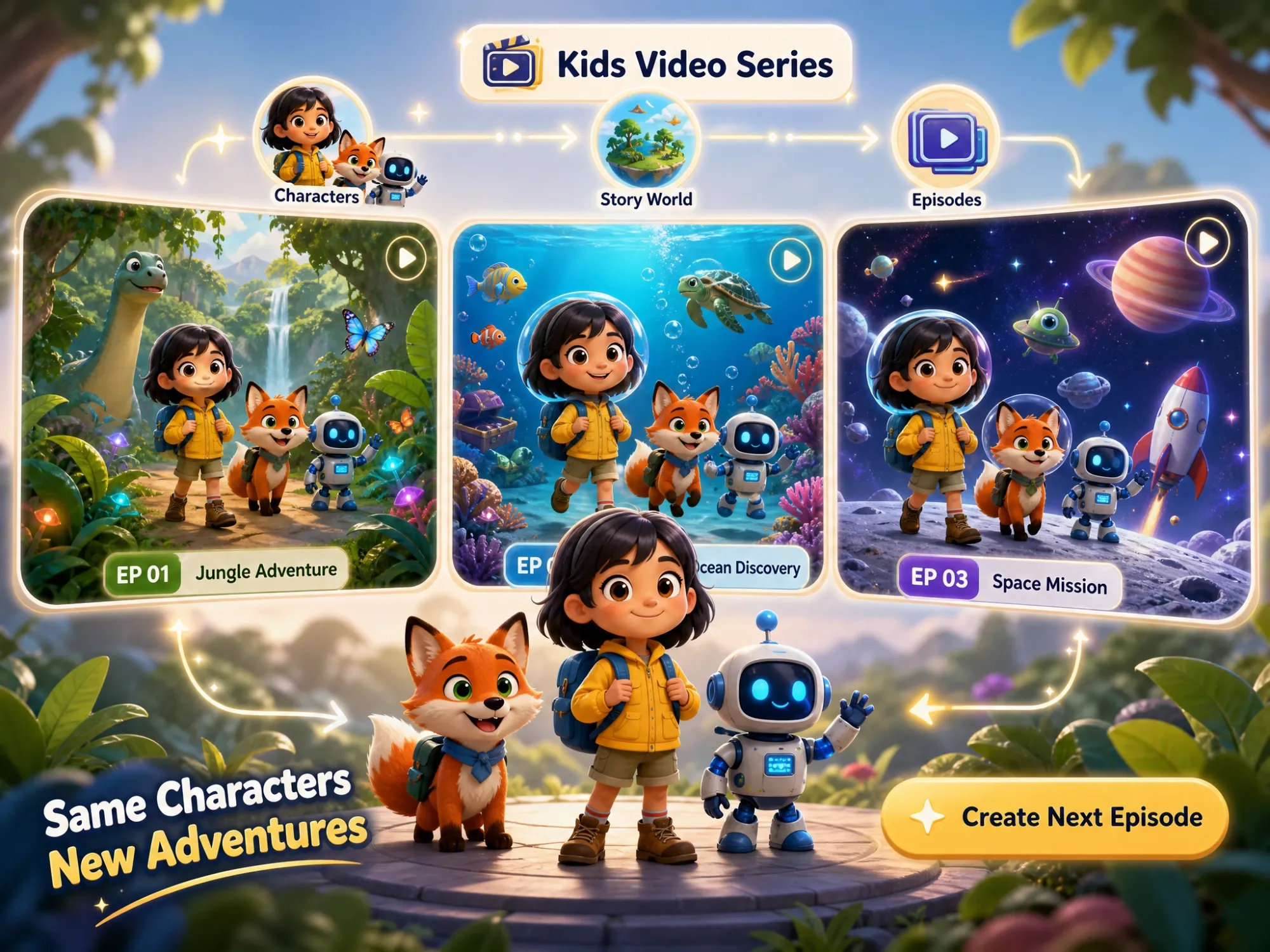
Build Kids YouTube Video Series
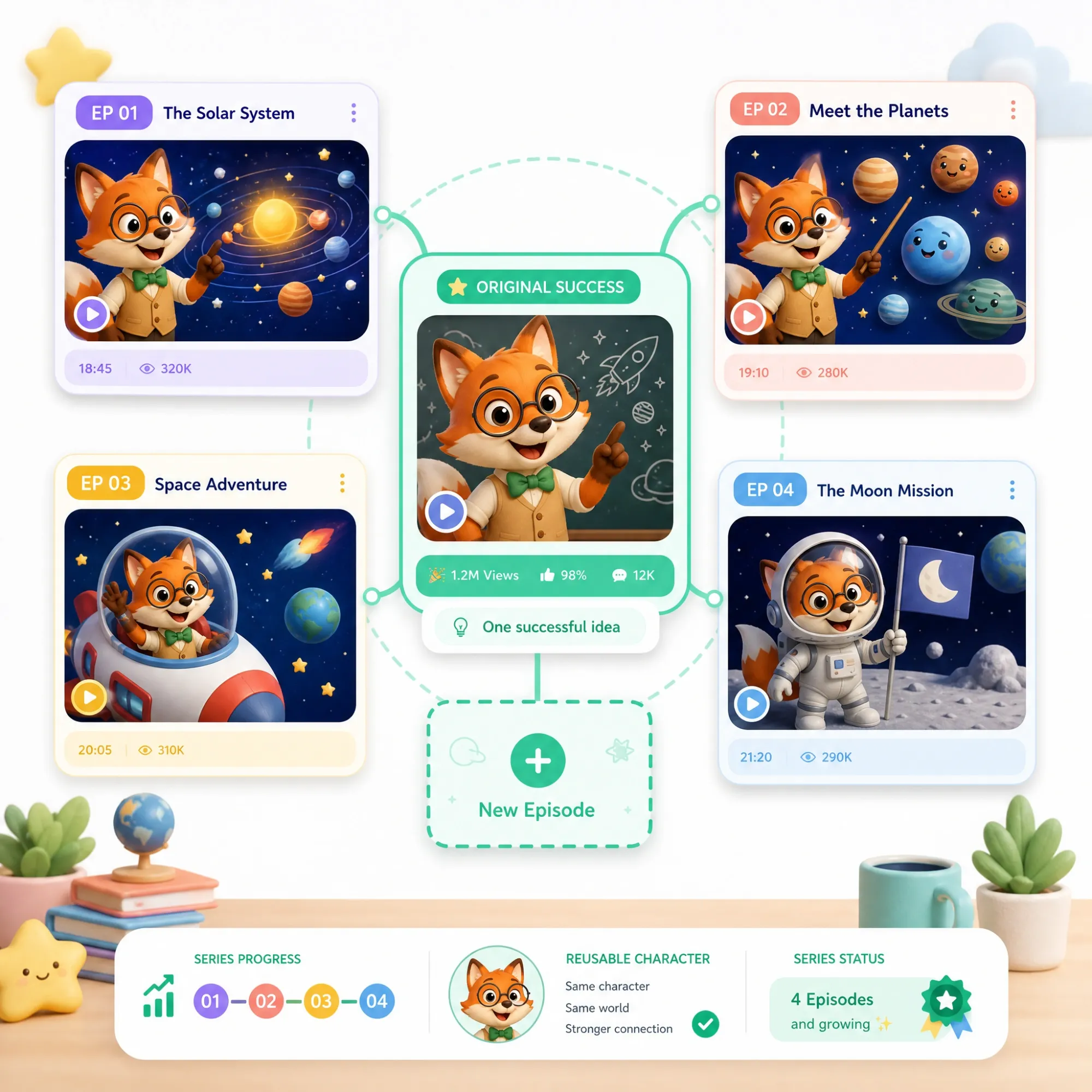
Create animated stories, learning videos, funny cartoons, and recurring episodes for a kids YouTube channel. Reuse familiar characters and visual styles to turn one successful idea into a consistent series of videos.
Your Complete AI Kids Video Creation Studio
Create bedtime stories, classroom lessons, science explainers, funny cartoons, and kids YouTube content with Anijam AI. Start with an idea, script, image, or trending template, and let our AI agent help turn it into a complete video with storytelling, characters, animation, voice, and lip sync.
Everything comes together on one AI-powered canvas, where you can build, organize, and refine your video in one place. When you're ready to create more, extend your characters and stories into connected episodes and series without starting from scratch.
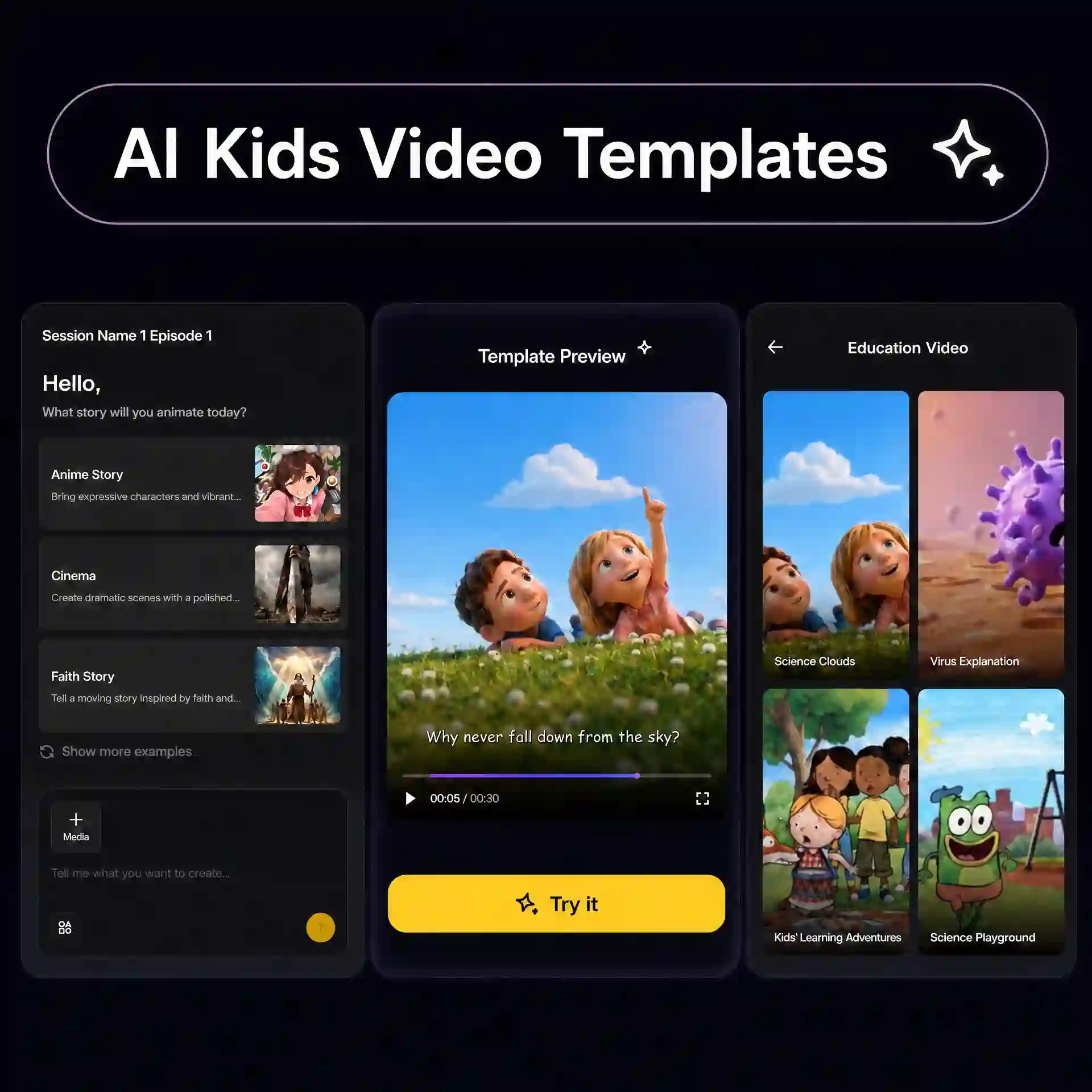
Start with a Prompt or a Trending Kids Template
Start your kids video wherever inspiration strikes. Describe a topic, story, lesson, or character in a simple prompt, or choose a trending kids video template for a ready-made creative direction. Anijam turns your starting idea into a foundation you can build on.
Build the Story, Scenes & Storyboard with AI
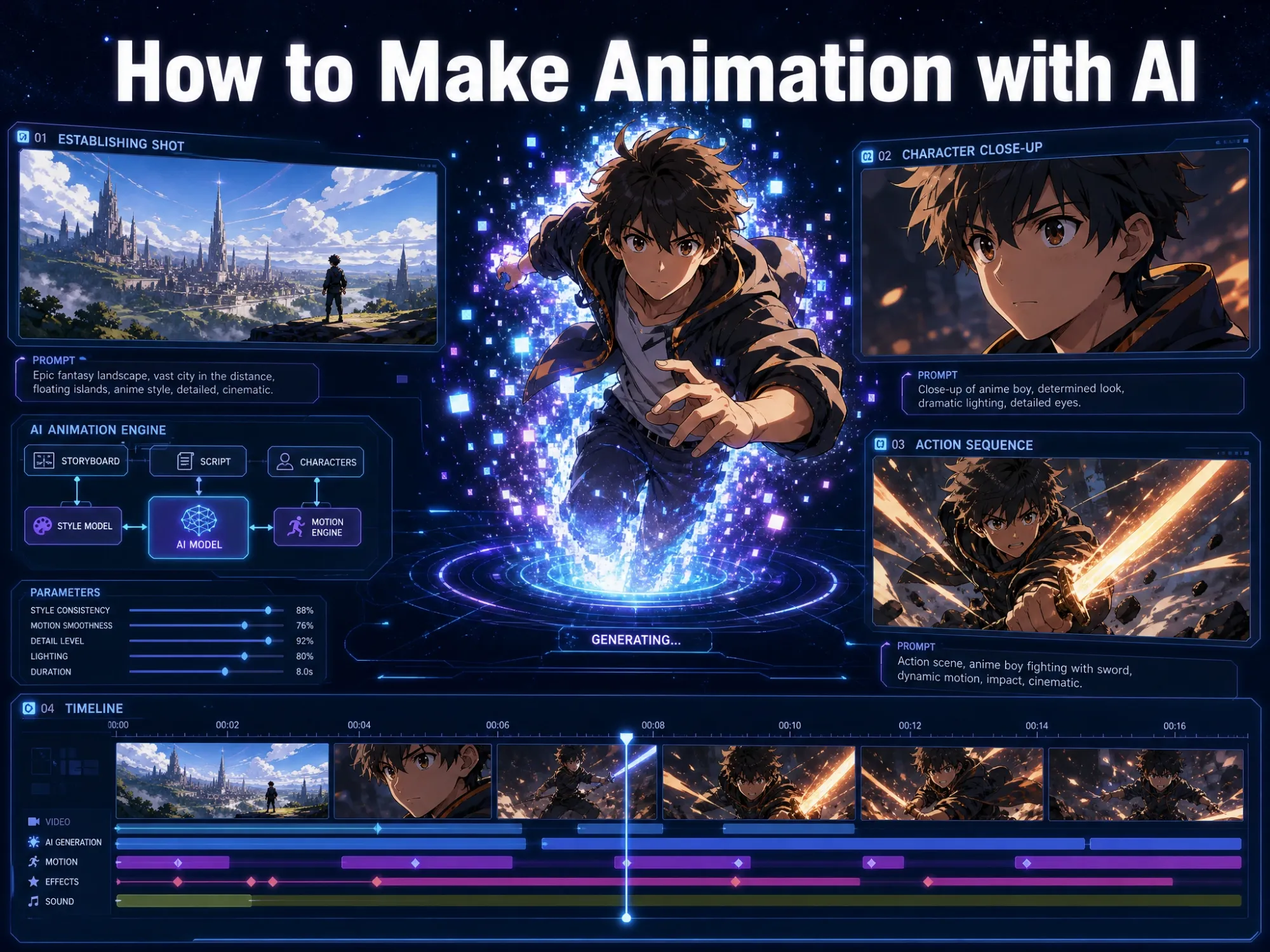
Turn a simple idea into a structured kids story with characters, scenes, dialogue, and visual direction. Anijam's Story Agent organizes it into an outline, concept art for every character and setting, and a shot-by-shot storyboard, so you can see how each scene fits together before bringing the story to life.
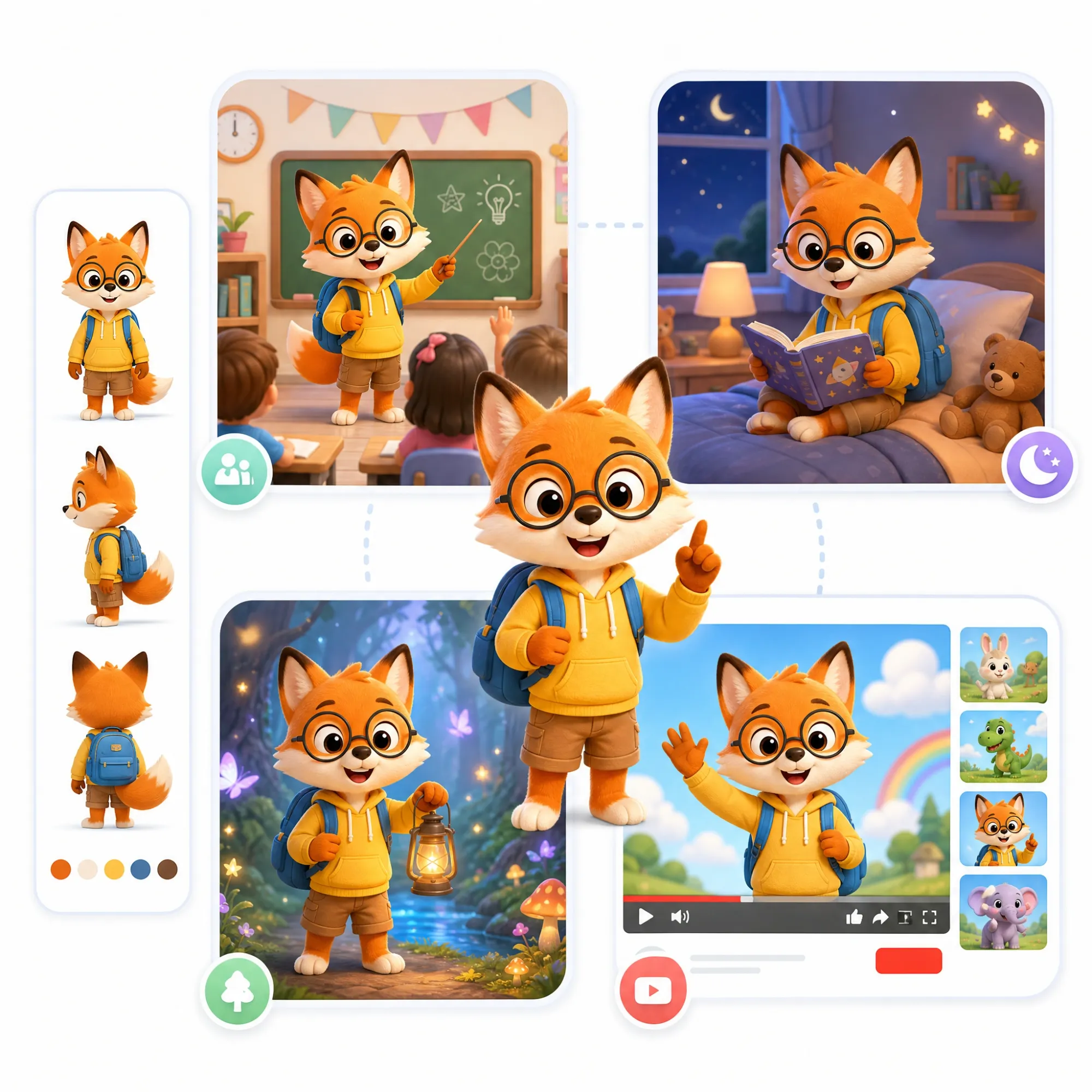
Create Characters That Stay Consistent
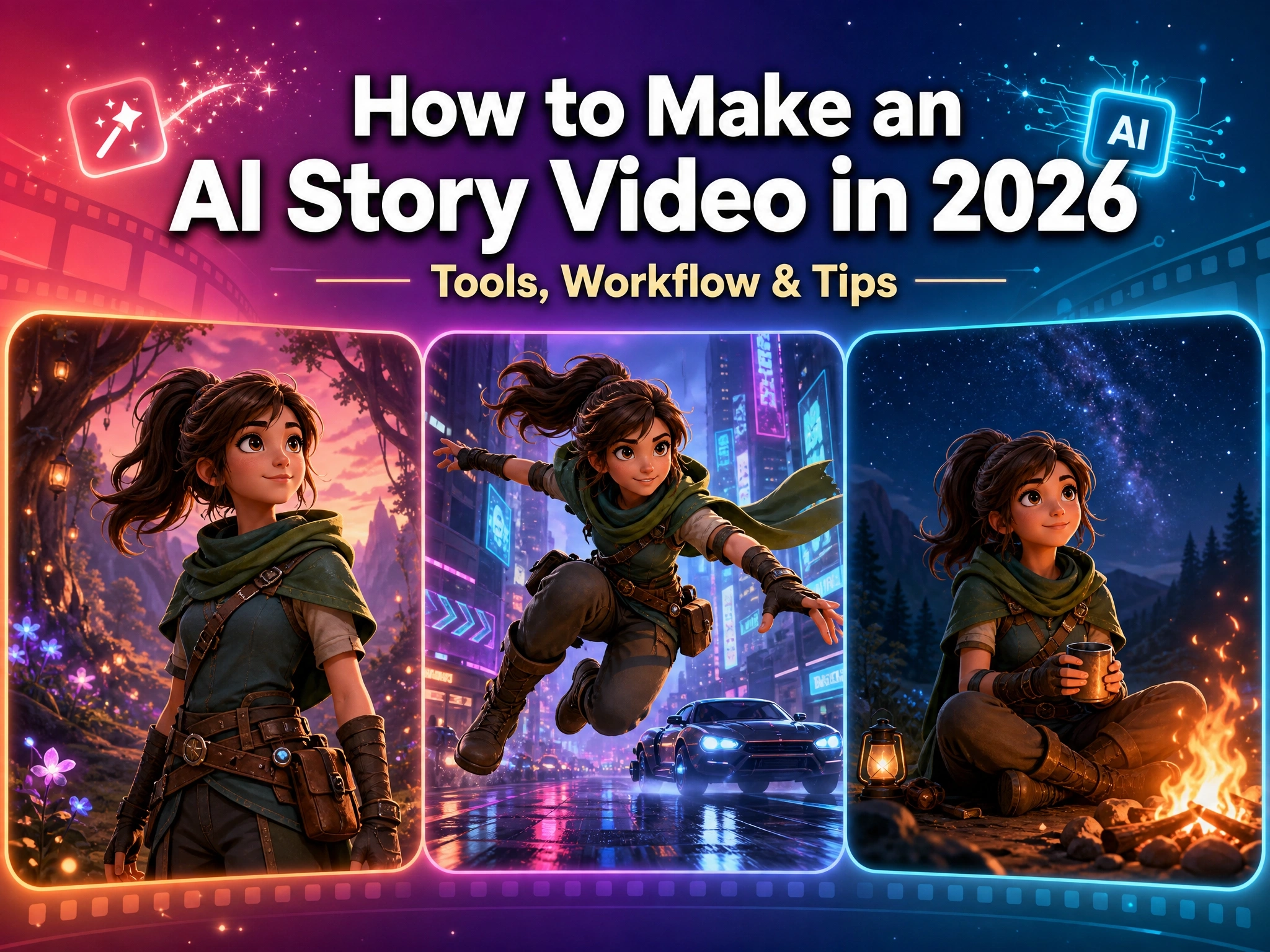
Design teachers, children, animals, robots, mascots, and other characters to lead your story without appearing on camera. Keep each character's look consistent across scenes and episodes with the character animation toolkit, or upload your own image and bring it into the story with AI voice and lip sync.
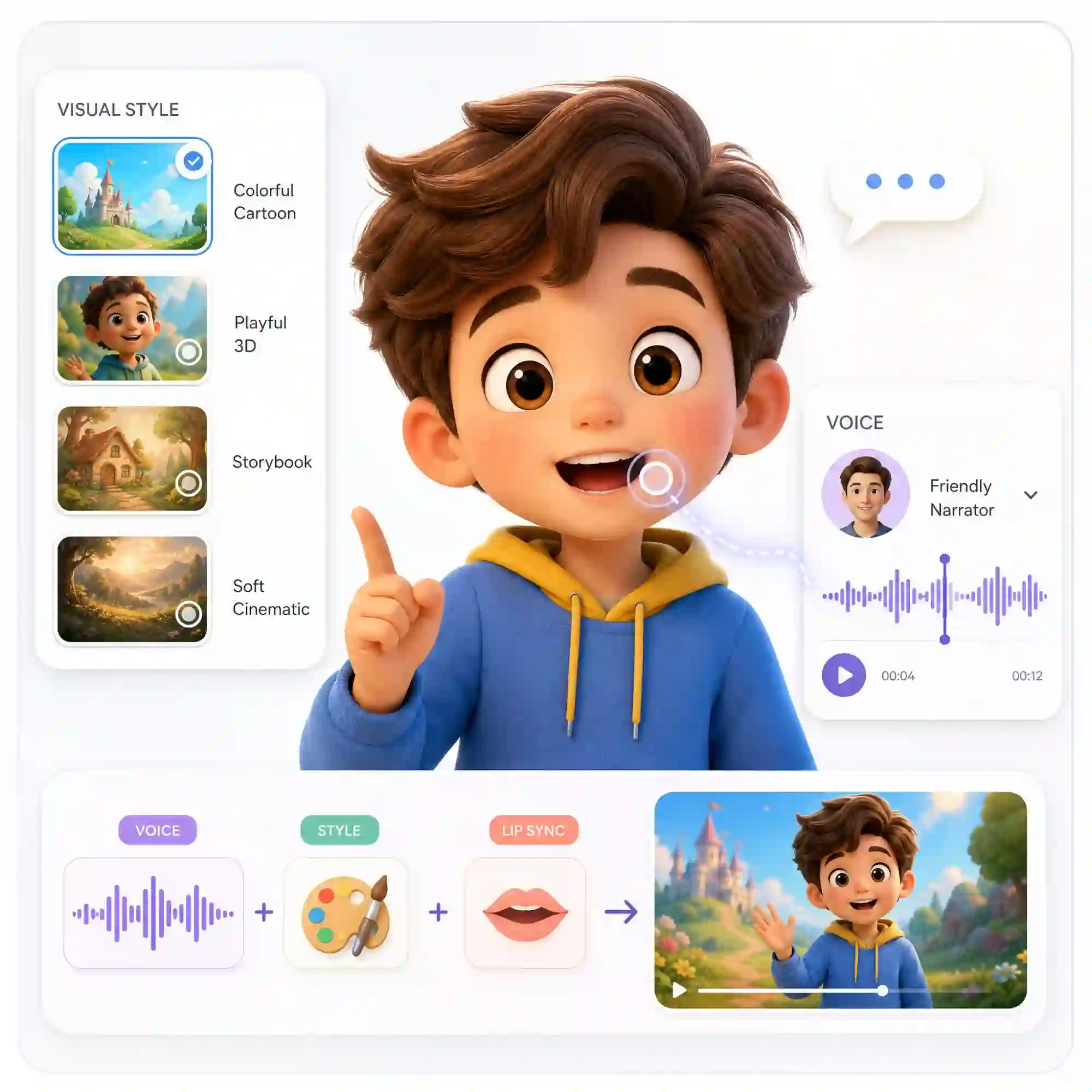
Bring Every Scene to Life with Style and Voice
Choose the visual direction from Anijam's Style Library — colorful cartoon, playful 3D, storybook, or Ghibli-inspired — then add narration from the voice library, character dialogue, and expressive animation. Style, voice, and lip sync come together automatically for every scene.
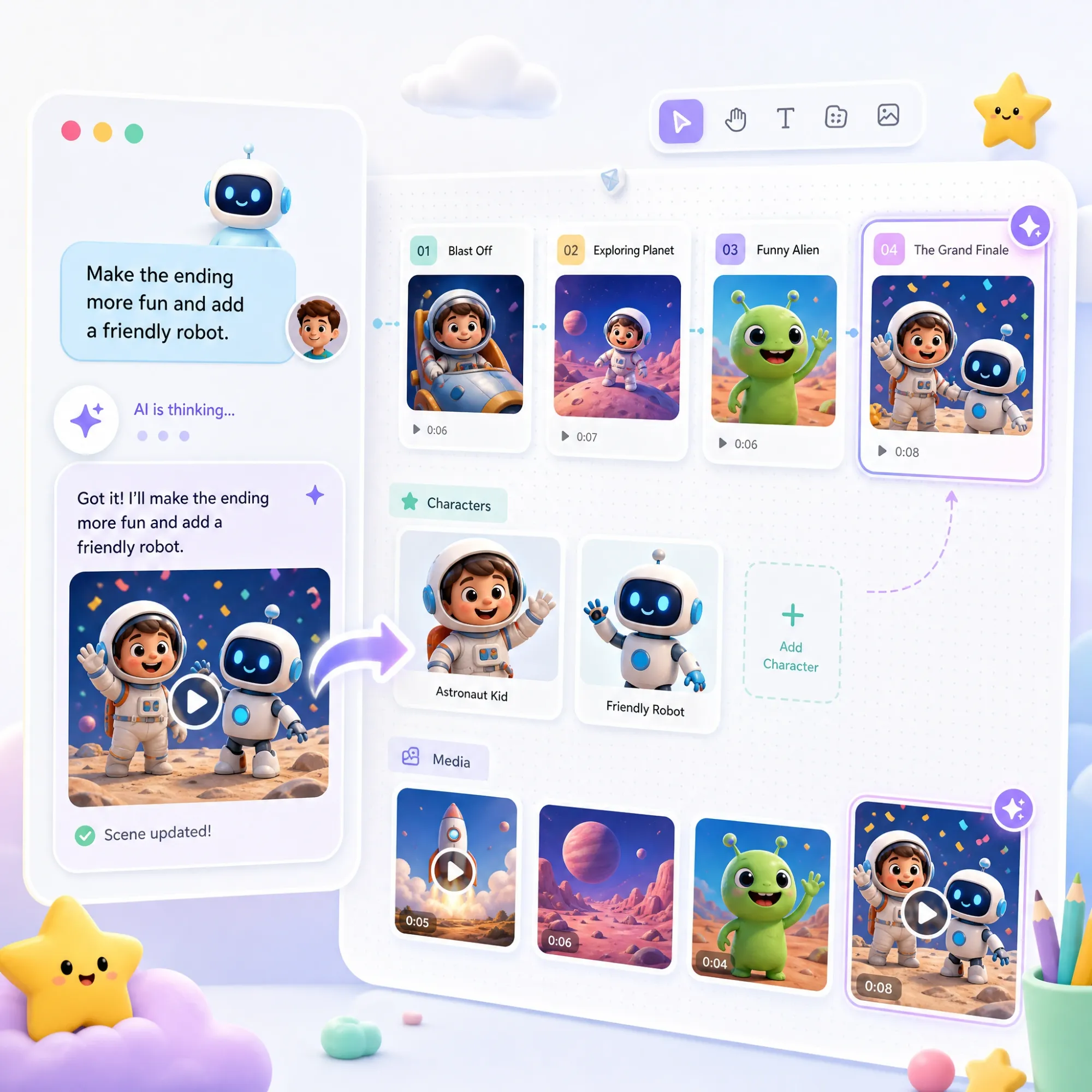
Refine Your Video with Prompt-Based Editing
Keep improving your video by chatting with the Story Agent. Type a prompt to refine your story, scenes, characters, or visuals without rebuilding everything manually — your entire project stays organized on one AI-powered, infinite canvas.
Turn One Kids Video into a Series
Take a successful story beyond a single video. Extend your characters, visual style, and story world into connected episodes for a learning series, a bedtime story collection, or a kids YouTube channel — without starting from scratch every time.
How to Make AI Kids Video with Anijam AI
Step 1: Chat With the Story Agent
Open Anijam and chat with the Story Agent — upload any references (image/video/audio) you have, and describe what you want the video to be about: a bedtime story, a lesson topic, or a funny scene with talking animals. The Story Agent builds out an outline, concept art for your characters and settings, and a shot-by-shot storyboard as organized Story Blocks you can review before anything gets animated. Or skip ahead and start from a ready-made kids video template.
Step 2: Customize Style, Characters & Voice
Pick a kid-friendly visual style (3D cartoon, Ghibli-soft, flat storybook), adjust the characters, and choose a narrator voice from Anijam's voice library or use your own uploaded audio. The AI handles lip sync and scene transitions automatically.
Step 3: Preview, Edit & Export
Preview each shot on Anijam's infinite canvas, then refine it with prompts instead of a timeline — type "make the ending funnier" or "generate the next shot" and the Story Agent updates just that part. When you're happy with it, download your finished AI kids video or share it straight to YouTube, a classroom, or social media.
Why Creators Choose Anijam AI Kids Video Generator

Free to Start
Get generous free credits from Anijam to explore AI kids video creation. Sign up or check in daily to earn credits and start creating without paying upfront.

Fast Generation
Go from an idea to a finished kids video in minutes, not the days a traditional animation team would need.

One AI Agent for the Whole Workflow
Go beyond one-click video generation. Anijam's AI agent can help develop the story, characters, scenes, voices, and animation together, so you can turn one idea into a polished kids video or an ongoing series.

Easy to Use
You don't need animation or editing experience. Chat with Anijam's AI agent for step-by-step guidance, then create, organize, and refine your video on one intuitive canvas from start to finish.

Watermark-Free
Create polished kids videos without an Anijam watermark. Export clean, professional videos ready for YouTube, social media, classroom content, and more.

Available on Web & Mobile App
Start a video on the web canvas and finish it on the Anijam app, with trending kids-video templates synced across every device.
Explore More of Anijam's AI Video Tools

What Our Users Said
More About AI Video Creation & Inspiration
FAQ
What is an AI kids video generator?
An AI kids video generator is a tool that creates animated kids videos automatically — script, characters, narration, and motion all produced from a text prompt. With Anijam, parents, teachers, and creators describe a topic or idea and get a finished, kid-friendly video without animation software or editing skills. It works equally well for a fun ai kids learn video or a purely entertaining clip.
Is Anijam free to use for kids' videos?
Yes. You get free credits just for signing up, and you can earn more by checking in daily — no payment needed to start creating and testing AI kids videos. When you're ready for more, paid plans add extra credits along with 4K exports, watermark-free downloads, full commercial usage rights, and AI voice narration in 30+ languages.
Do I need video editing skills to create kids videos?
No. Anijam is designed to guide you through the entire creation process. Chat with the AI agent to develop your idea, then create and refine your story, characters, scenes, voice, and video on one canvas instead of switching between multiple editing tools.
How does Anijam keep content age-appropriate?
You set the target age range when describing your topic, and Anijam adjusts pacing, vocabulary, and visual complexity accordingly — simpler scenes and slower narration for younger children, more detail for older students.
Can I create a whole series with the same characters?
Yes. Anijam's character consistency tools let you save a character's design and reuse it across multiple videos, which is ideal for a recurring lesson series, a channel mascot, or a multi-part story.
How long does it take to make an AI kids video?
Most short kids videos come together in minutes rather than the days a traditional animation team would need, since the Story Agent generates the script, storyboard, characters, and voice together instead of one at a time. Longer or more detailed projects — a multi-scene story or a full episode — take a bit more time, mainly for reviewing the storyboard and refining scenes with prompts.