


AI Tutorial Video Maker
Describe what you want to teach and chat with Anijam AI tutorial video maker to get a full script, animated characters, and a natural voiceover - all generated automatically. Pick a ready-made template or start from a blank canvas, and turn any how-to idea into a polished how-to video in minutes, right from your browser or your phone.
All-in-One AI Tutorial Video Maker with Ready-Made Video Templates
Anijam is a complete AI tutorial video generator built for creators, educators, and businesses of every skill level. Its AI agent turns a simple topic or script into a full tutorial video - handling scene breakdown, character design, voiceover, and lip sync automatically, all inside one canvas.
Unlike screen recorders or basic slideshow tools, Anijam's tutorial video maker comes with a growing library of ready-made tutorial video templates - for software walkthroughs, cooking demos, fitness routines, onboarding guides, and more - so you never have to start from a blank page. Pick a template, drop in your topic, and let the AI handle the rest.
Clean, On-Brand Software Walkthroughs
Turn a feature list or release note into a narrated software tutorial video - complete with a friendly presenter character, animated UI callouts, and clear step-by-step pacing. No screen recorder, no re-shooting every time your interface changes.
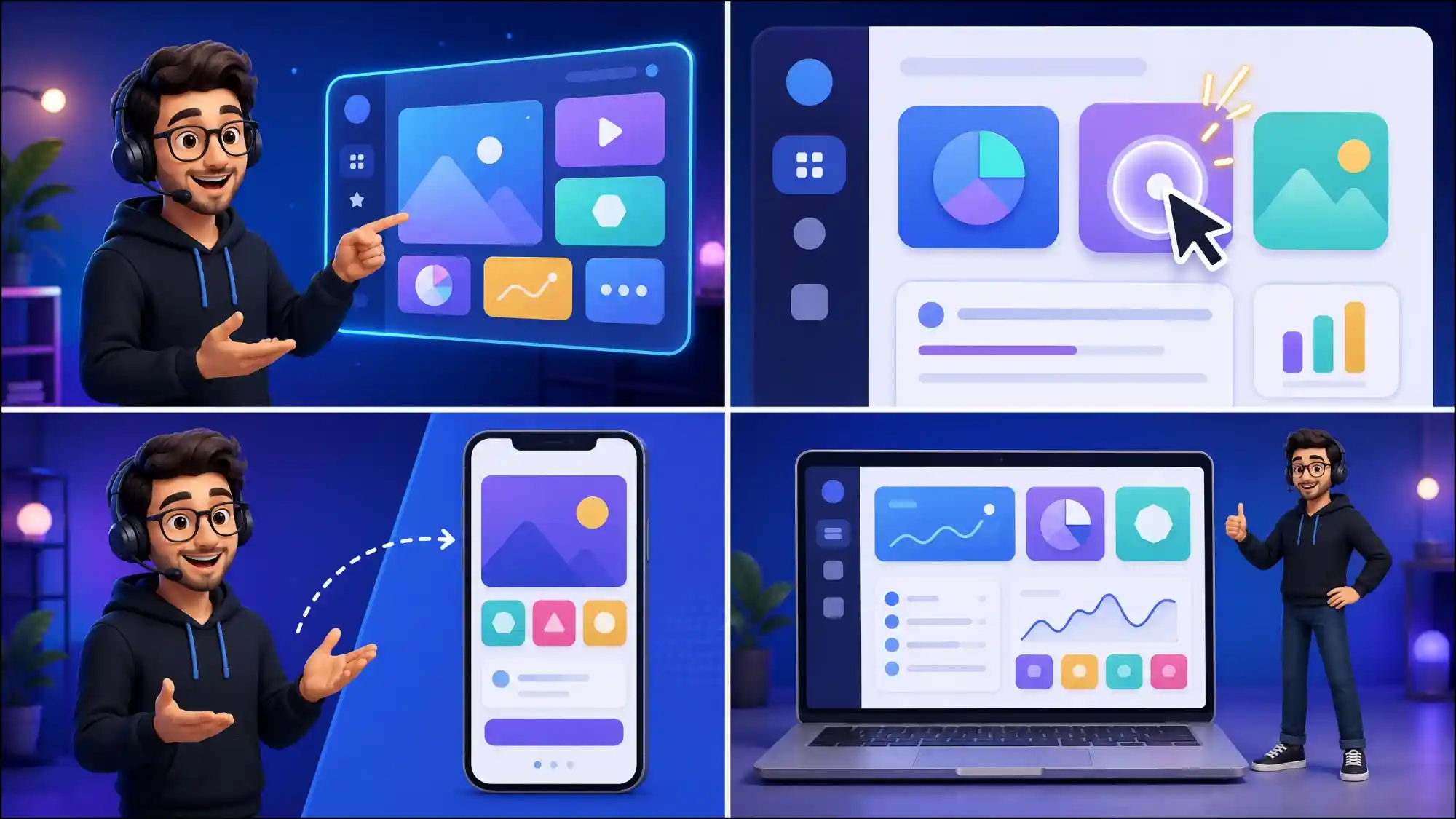
Turn Any Topic Into a Tutorial Video in Minutes
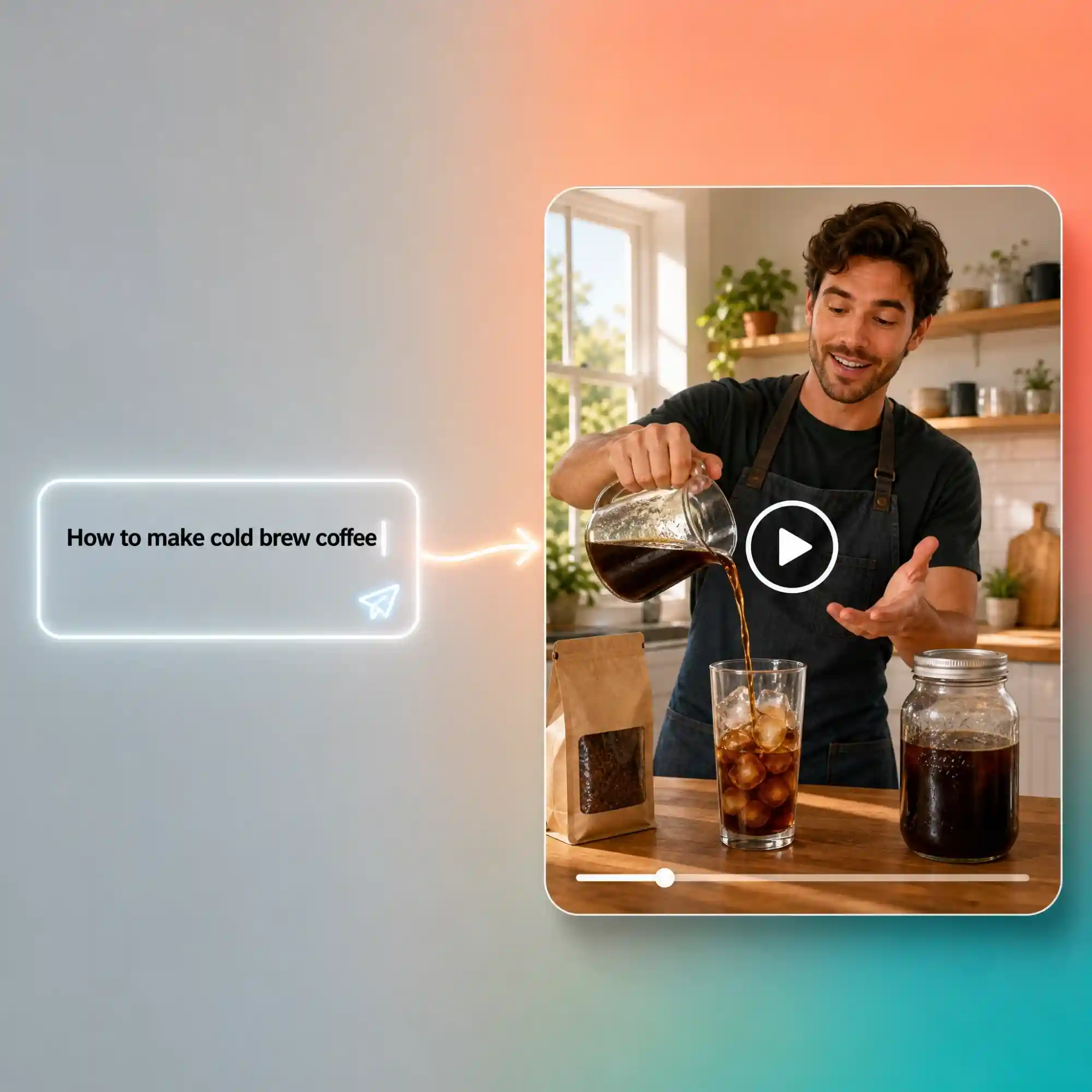
Type a topic, a step list, or a rough outline, and watch Anijam's AI instantly generate a full script, scene breakdown, and animated visuals for your tutorial video. From software walkthroughs to cooking demos, skip the storyboard and editing timeline - no filming or screen recording required.
Start Faster with Tutorial Video Templates
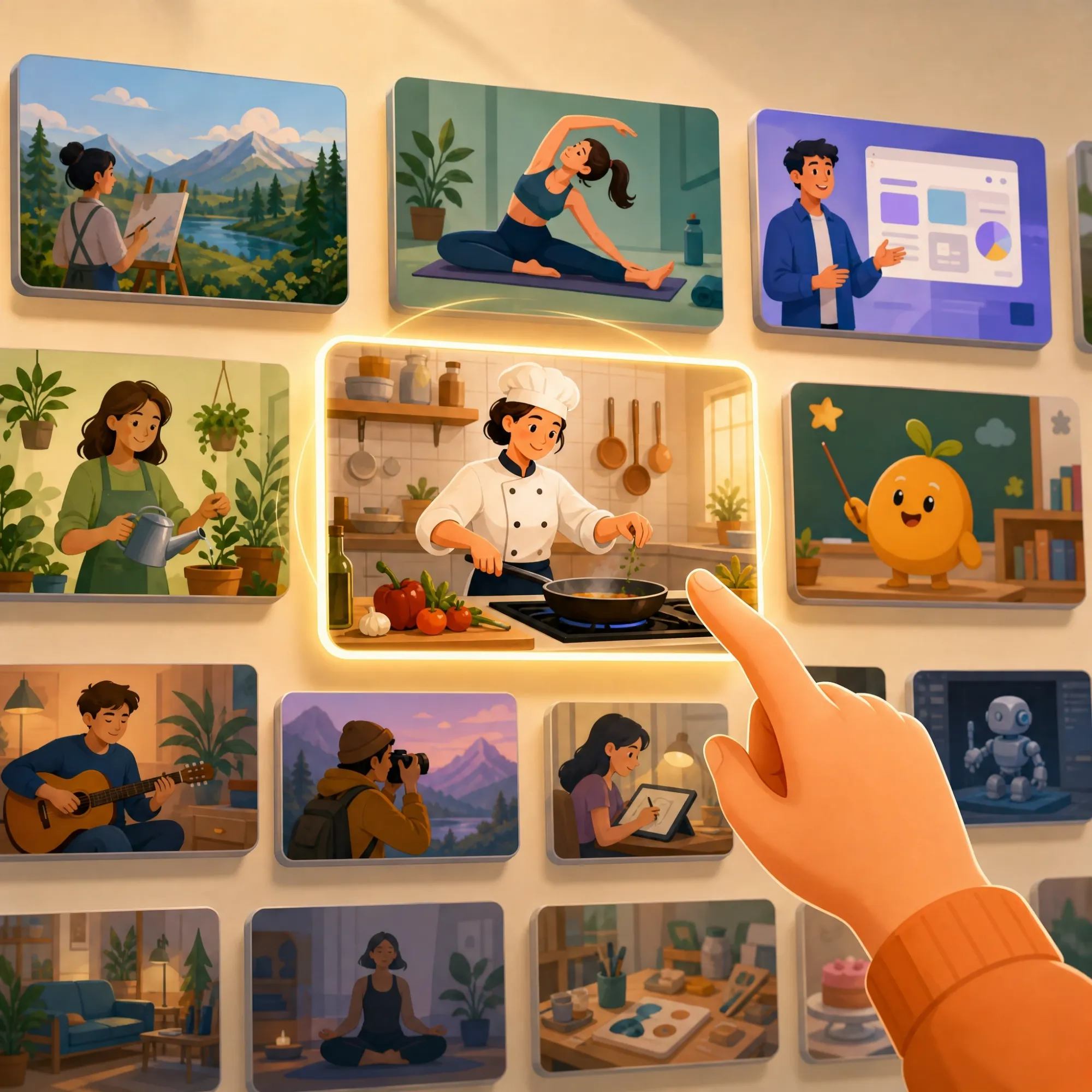
Not sure where to start? Anijam's tutorial video maker gives you a library of ready-made tutorial video templates for software demos, how-to guides, product explainers, fitness routines, and educational content. Pick a template, swap in your own topic and script, and generate a finished tutorial video without designing a single scene from scratch.
Consistent Presenter Character Across Every Video
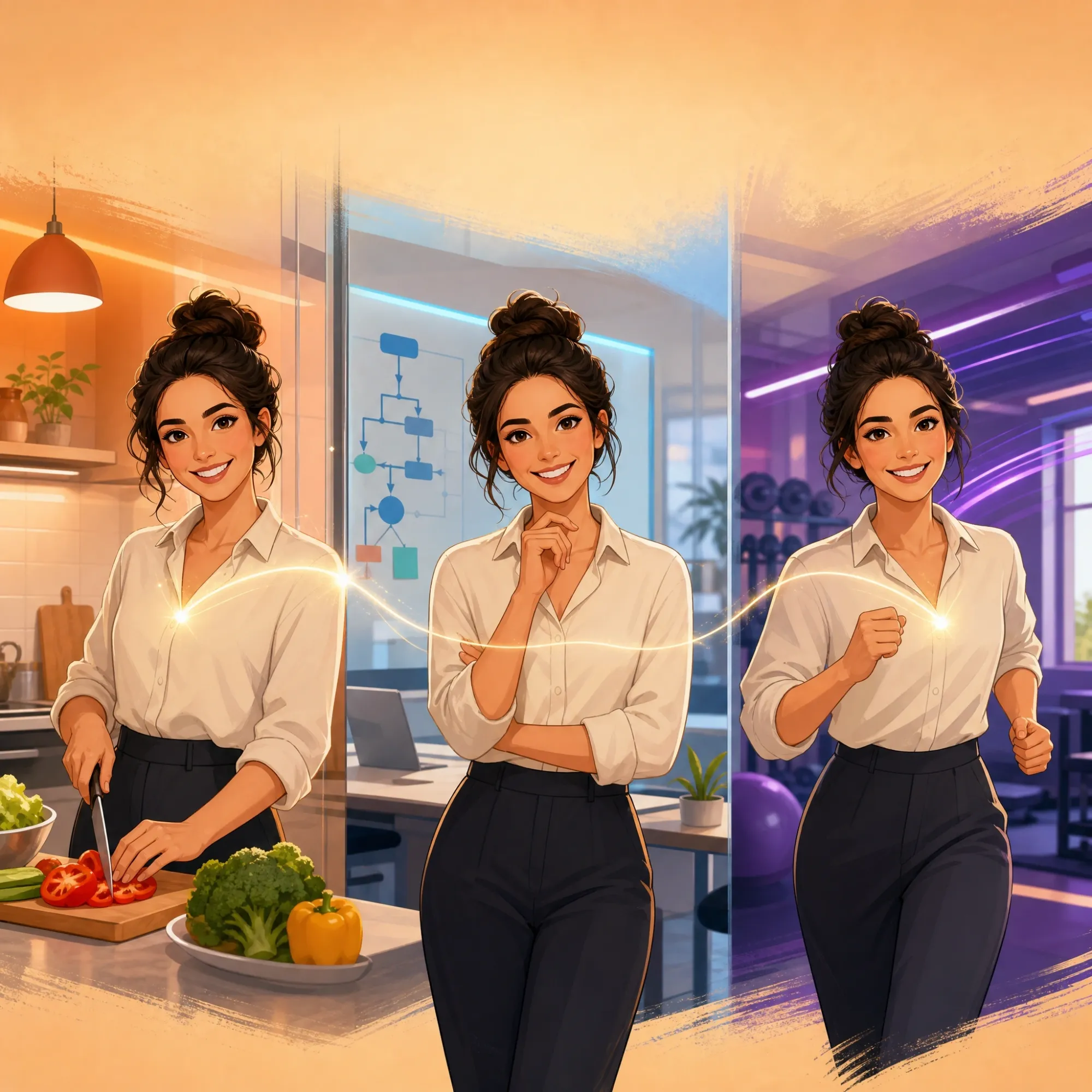
Design your own animated presenter once, and Anijam keeps them looking identical across every tutorial video and every episode of your series. No re-designing a mascot for each new video, no visual drift between uploads - just a recognizable, on-brand host your audience learns to trust.
Natural Voiceover & Lip Sync
Choose from a library of AI voices in 30+ languages, or upload your own narration. Anijam automatically syncs your presenter's mouth movements to the voiceover, so your tutorial video sounds - and looks - like it was recorded by a real presenter, without a microphone or a camera.
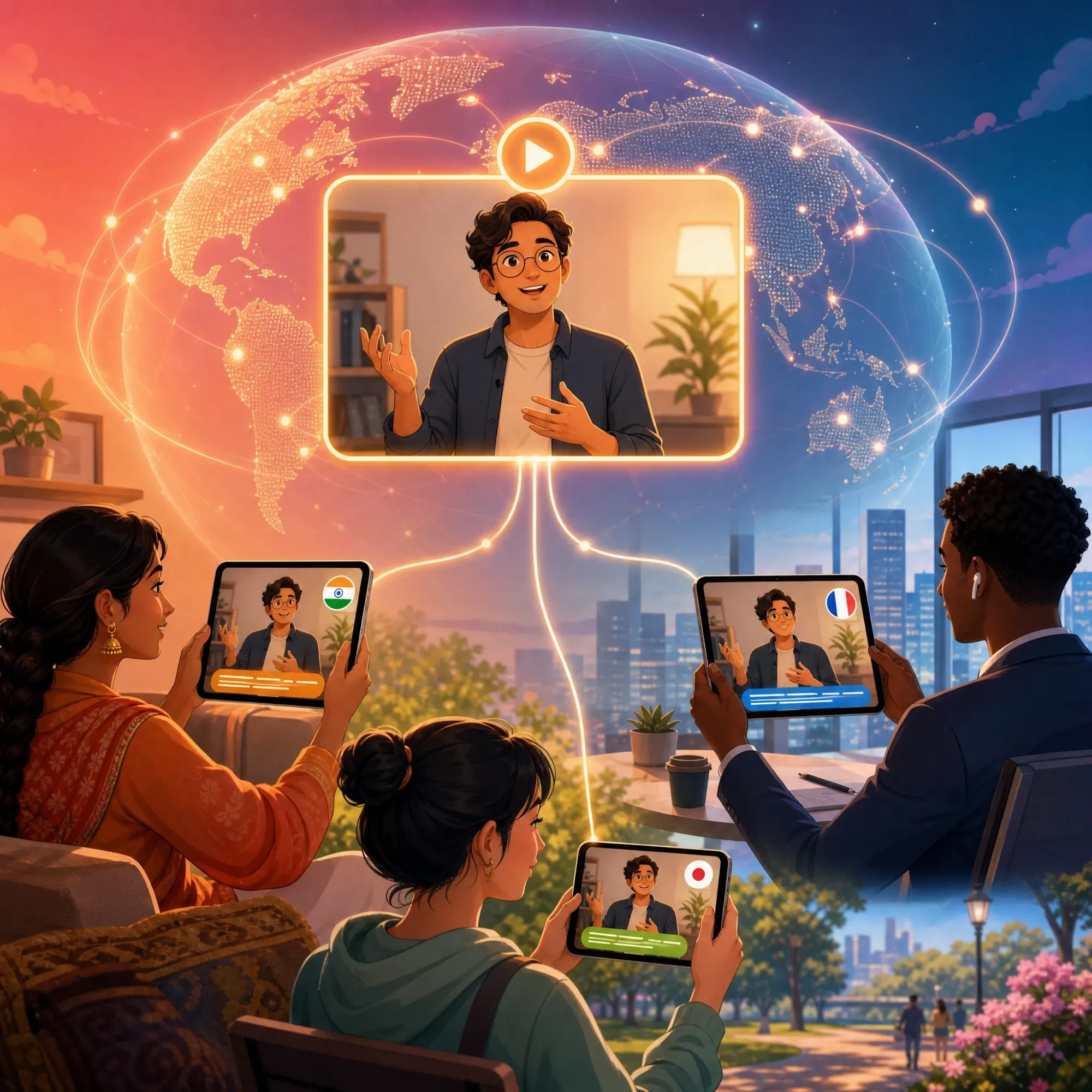
Reach a Global Audience with Multi-Language Tutorials
Generate the same tutorial video in multiple languages without re-shooting or re-recording anything. Switch the voice, and Anijam automatically re-syncs the lip animation - perfect for software companies, course creators, and brands teaching audiences across different markets.
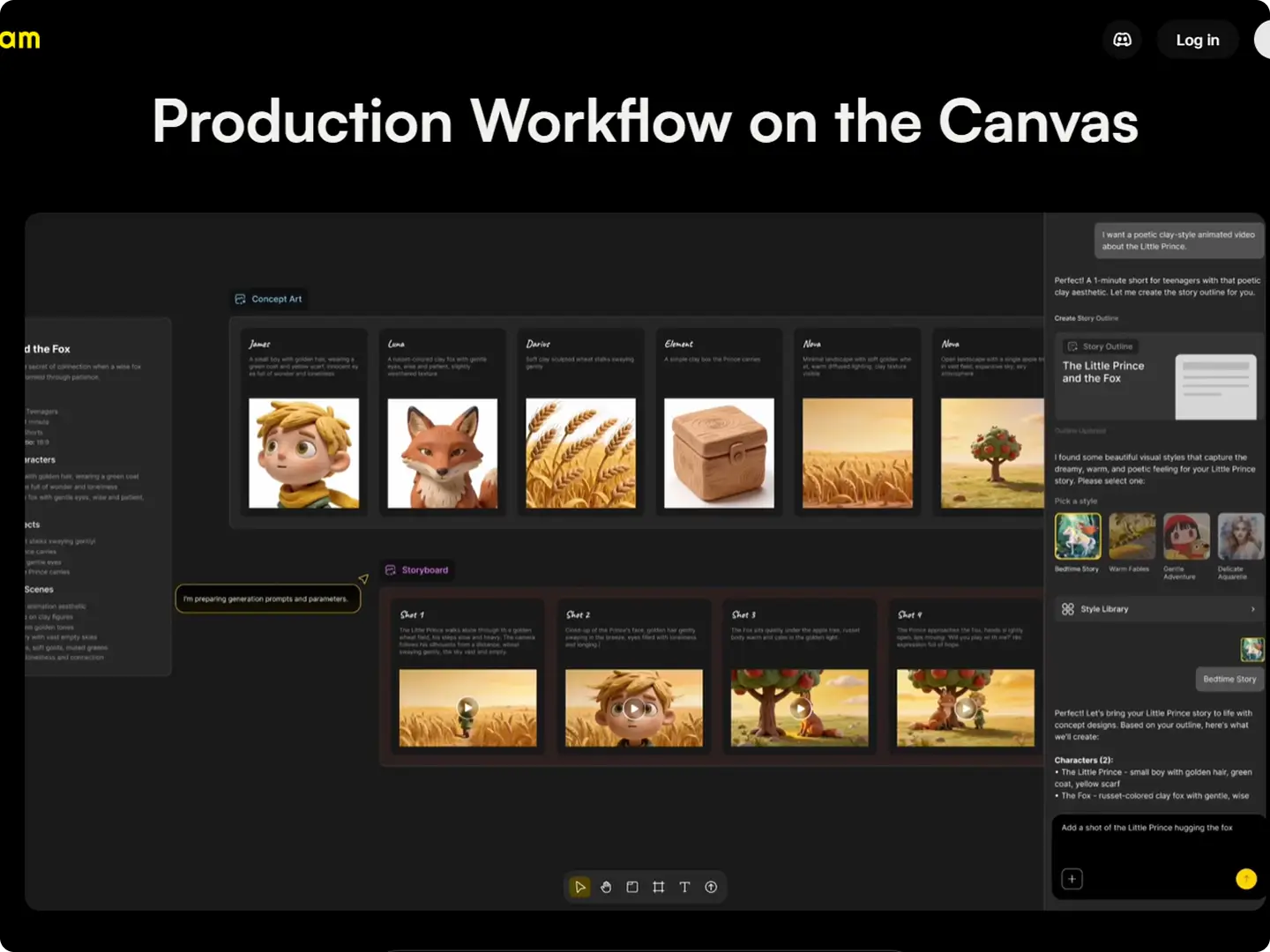
Full Canvas Workflow: Script to Screen
Write or generate your script, design your characters, choose a style, and fine-tune every scene on Anijam's built-in timeline editor - all in one place. Re-render a single scene without rebuilding the whole video, then export your finished tutorial video ready to publish.
How to Make a Tutorial Video with Anijam AI
Step 1: Describe Your Tutorial Topic
Open the tutorial video maker and type what you want to teach - a software feature, a recipe, a workout, a lesson, anything. Or pick one of Anijam's tutorial video templates to start faster. The AI agent instantly generates a full script and scene-by-scene outline for your video.
Step 2: Customize & Generate
Choose a visual style, select or design your presenter character, pick a voice (or upload your own audio), and adjust the pacing. Use ready-made assets or build your own, then click the Generate button to create your tutorial video.
Step 3: Edit, Download or Share
Fine-tune timing, captions, and lip-sync in the timeline editor. When you're happy with the result, download your tutorial video watermark-free or share it directly to YouTube, TikTok, Instagram, or your course platform - from desktop or the Anijam mobile app.
Who Uses Anijam's Tutorial Video Maker?
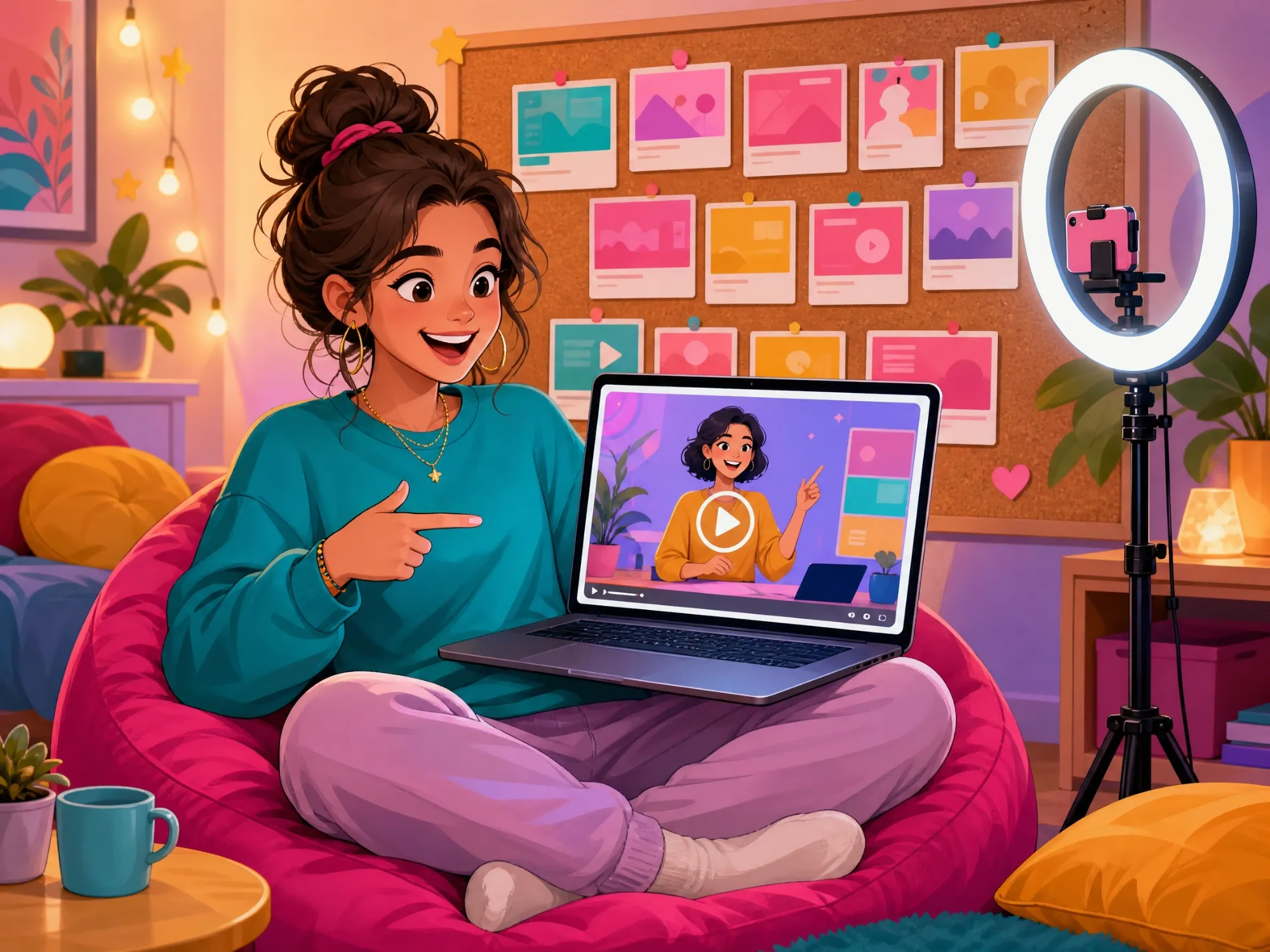
Content Creators & YouTubers
Turn how-to ideas into eye-catching animated tutorial videos for YouTube, TikTok, and Instagram Reels. Keep a consistent presenter character across every upload and grow a recognizable channel.
Unlock Endless Possibilities with Anijam's Tutorial Video Maker
Whether you're teaching a skill, onboarding a customer, or explaining a product, Anijam helps you generate a polished tutorial video in minutes - no filming, no screen recording, and no editing experience required.
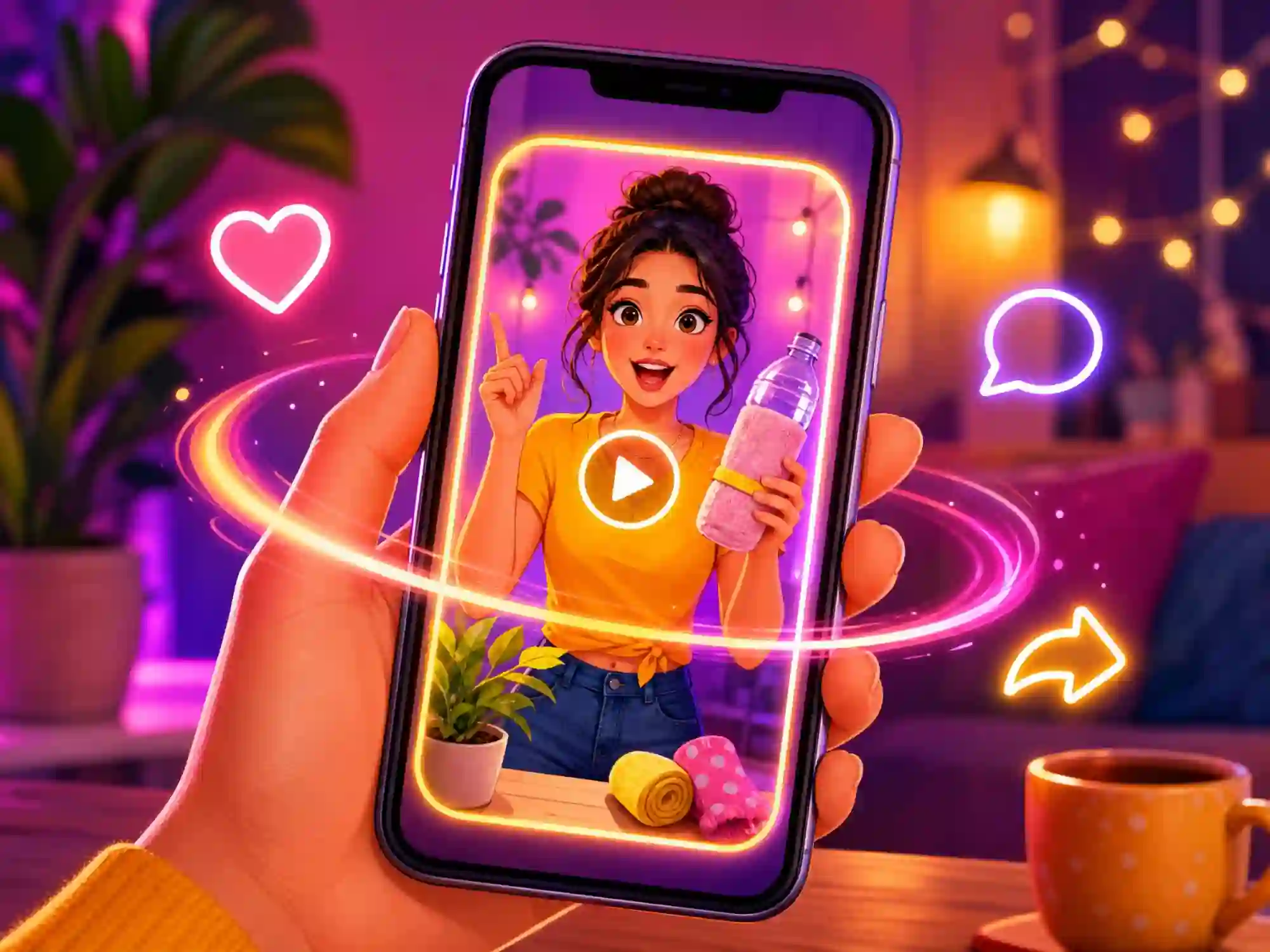
Create How-To Content for Social Media
Turn any tip, hack, or step-by-step guide into a short, animated tutorial video for TikTok, Instagram Reels, and YouTube Shorts. Generate a consistent host character and engaging narration in a few clicks.

Build Onboarding & Training Videos
Turn a training document or onboarding checklist into a friendly, animated tutorial video for new employees or customers. Update it in minutes whenever your process changes.
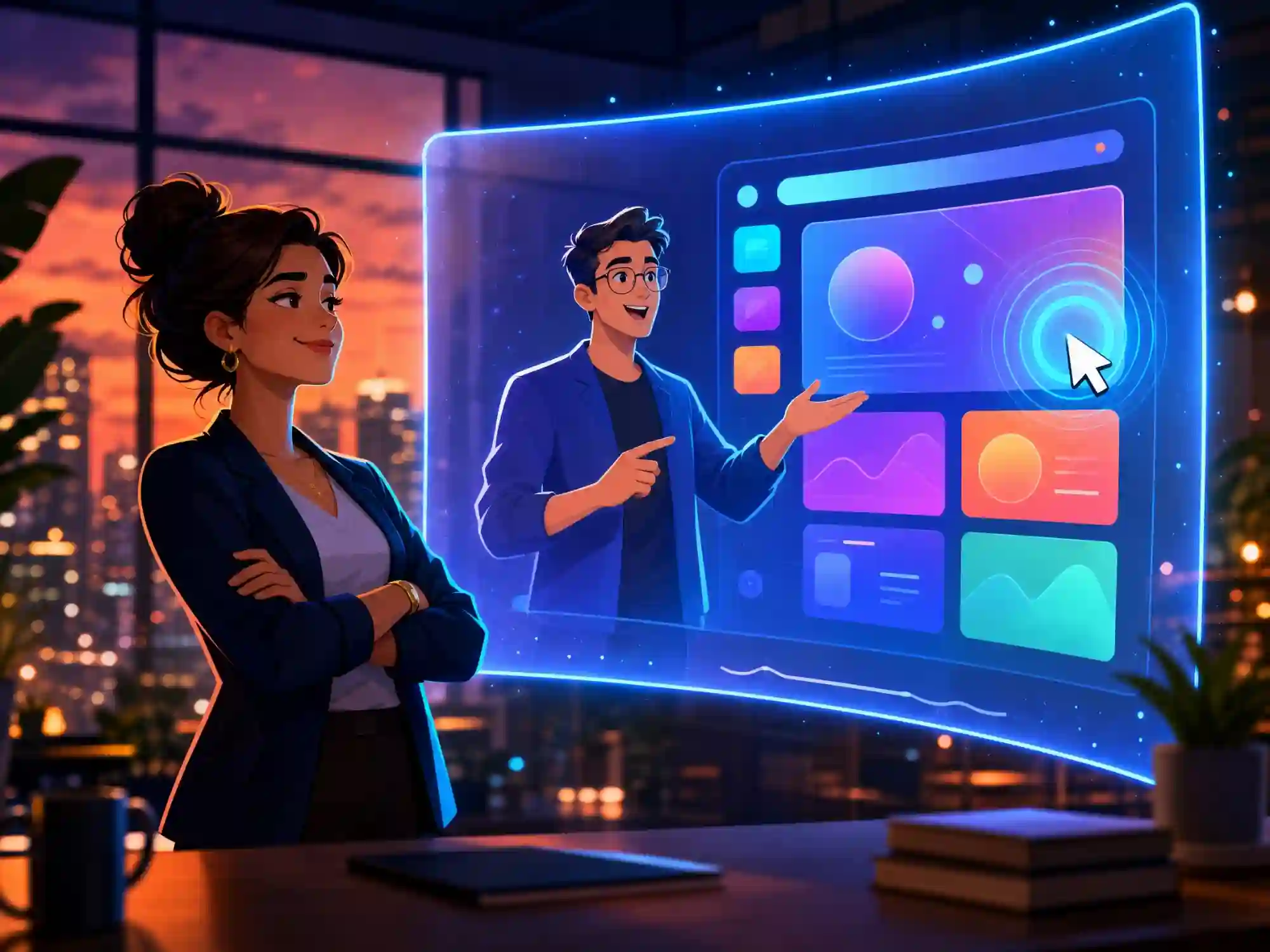
Produce Software & Product Explainer Tutorials
Show new users exactly how a feature works with a narrated, animated walkthrough - no screen recorder, no re-shooting every time the UI changes.
Why Choose Anijam AI Tutorial Video Maker

Fast Generation
Generate tutorial videos quickly without a traditional production workflow. Perfect for creators and teams who need to publish how-to content regularly without a production schedule.

Free to Start
Start creating tutorial videos with free credits. Sign up, log in, and check in daily to experience AI-powered script generation, character creation, voiceovers, and lip sync.

Ready-Made Templates
Choose from a growing library of tutorial video templates for software demos, cooking, fitness, onboarding, and education - or start from a blank canvas.

No Filming, No Editing Skills Needed
No camera, no microphone, no screen recorder, no editing software. Whether you're a beginner or a professional creator, you can produce a studio-quality tutorial video from text alone.

Commercial-Ready Output
Tutorial videos made on paid plans are export-ready for YouTube monetization, courses, client work, and branded content, with full commercial usage rights included.

Create Anywhere, Anytime
Start, review, and finish your tutorial video from your phone with the Anijam mobile app - no need to be at a desktop to keep your how-to content coming.
Explore More Anijam AI Video Tools




What Our Users Say
Explore More AI Video Creation Guides
FAQ
What is an AI tutorial video maker?
An AI tutorial video maker is a tool that automatically turns a topic, outline, or script into a finished how-to video - generating the script, visuals, narration, and timing for you. Anijam's AI tutorial video maker goes further than basic screen recorders or slideshow tools: its AI agent writes a scene-by-scene script, designs a consistent presenter character, adds a natural voiceover with lip sync, and assembles everything on a timeline, so you don't need a camera, a microphone, or editing experience.
Is the tutorial video maker free?
Yes. You can get free credits to create tutorial videos with Anijam. Simply sign up or log in to start generating videos, and check in daily to earn more credits. Use these credits to try AI-powered script generation, character creation, voiceover, and lip sync before upgrading to a paid plan for more credits and commercial features.
How do I make a tutorial video on mobile?
Open Anijam's mobile app or mobile site, describe your tutorial topic (or choose a template), pick a visual style and voice, then tap generate. The AI agent builds your script, characters, and narration automatically, so you can create and review a tutorial video from your phone without a laptop, tripod, or separate editing app.
How is this different from recording my screen or filming myself?
Screen recording and filming require you to plan a shoot, be on camera or narrate live, and then edit the footage afterward. Anijam skips all of that: you describe what you want to teach, and the AI agent generates the script, animated visuals, voiceover, and lip sync automatically. It's a faster option when you don't want to appear on camera, need to update a tutorial video often, or want a consistent animated presenter across every video.
Can I use Anijam's tutorial video templates and still customize them?
Yes. Every tutorial video template is a starting point, not a fixed layout. You can swap in your own topic, script, characters, voice, and visual style, and Anijam regenerates the video around your input. Templates just save you from starting with a blank canvas.
Can I use my tutorial videos commercially?
Yes, on any paid plan. Free-plan videos are best for personal use and testing the tool. Upgrading unlocks watermark-free exports and full commercial usage rights, so you can use your tutorial video for YouTube monetization, paid courses, client work, or branded content.