


AI Story Video Generator
Turn any story idea or script into a compelling video with consistent characters, expressive scenes, AI-generated voices and music, and synchronized lip movements — all in one place, without drawing, filming, or complex editing.
Your Complete AI Story Video Studio in One Workspace
Anijam is an all-in-one AI creative platform built for storytellers at every level. Unlike basic clip generators, Anijam's AI agent understands your entire narrative — breaking it into scenes, designing characters, planning motion, generating voiceovers, and syncing lip movements automatically.
Whether you're creating an anime story, a realistic cinematic scene, a character-driven short film, or a story video for social media, Anijam helps you turn your ideas into compelling videos with consistent characters, expressive motion, and synchronized voices.
Explore trending story video templates for inspiration, or build an original narrative from scratch. From the first idea to the final scene, bring your story to life in one creative workspace.
Anime Story Video Generator for Cel-Shaded Short Films
Bring your anime stories to life with expressive cel-shaded characters, dynamic action sequences, and manga-inspired backgrounds. Anijam's AI story video generator keeps your protagonist consistent across every scene, so there is no character drift between shots. Ideal for anime short films, visual novel adaptations, and serialized story channels on any platform.
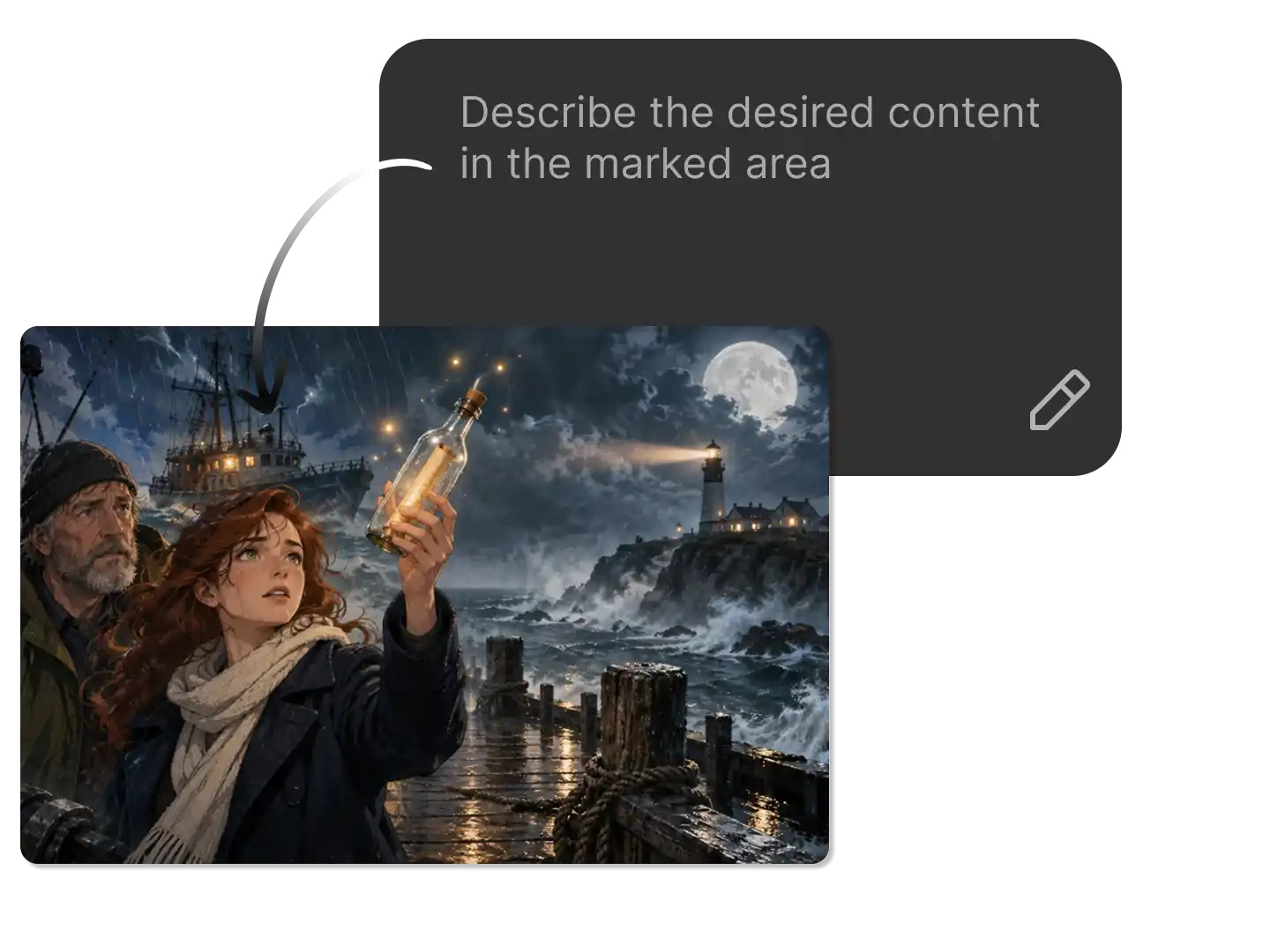
Turn Any Idea into a Complete AI Story Video
Type any story concept — from a one-line idea to a full multi-scene script — and Anijam's AI agent builds a complete story video around it. The AI writes the scene structure, generates characters, plans motion, adds voiceover, and delivers a finished video with consistent storytelling from start to finish.
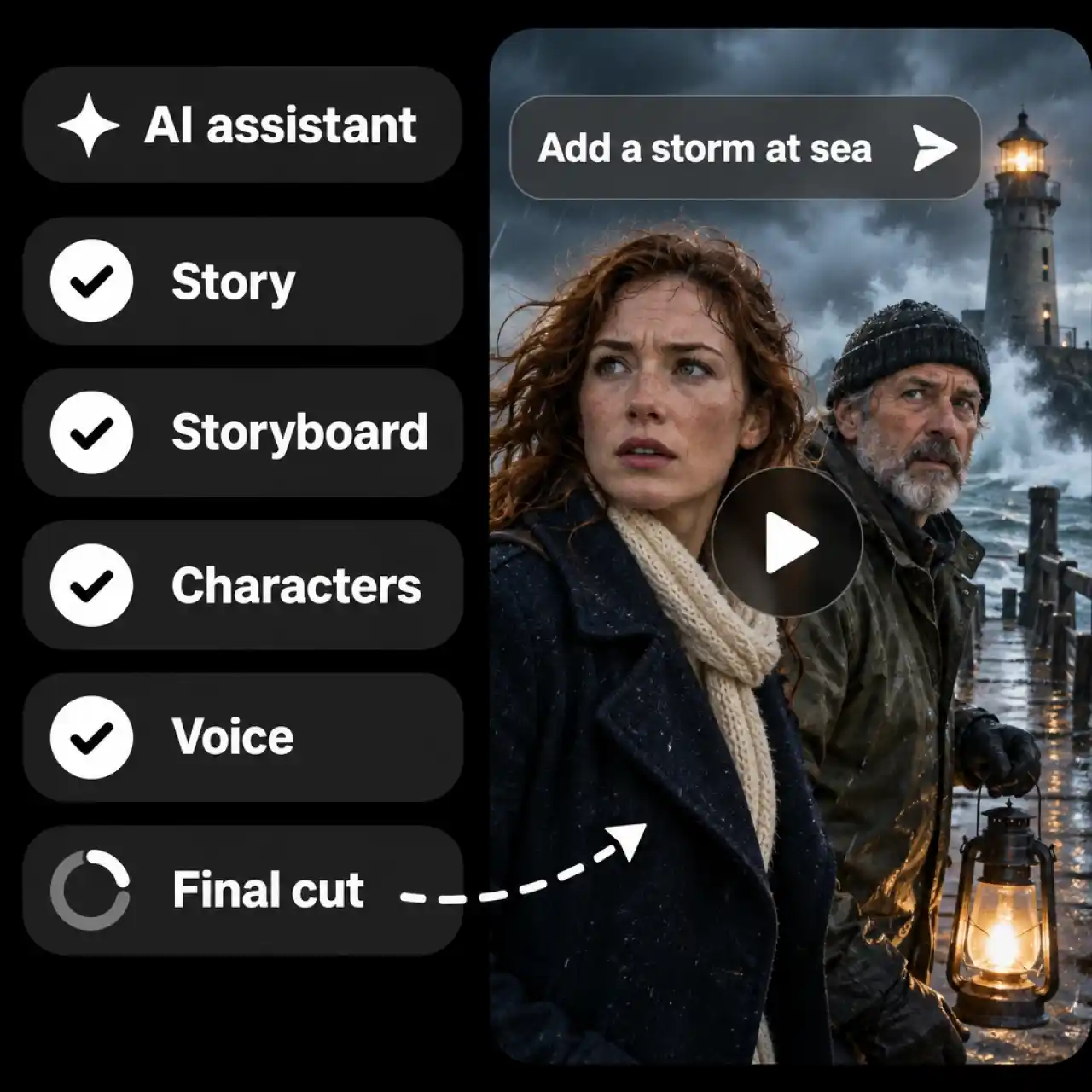
Direct Your Story Video with an AI Assistant
You call the shots and the AI assistant handles the rest. It builds a to-do list for the whole story video, from the story and storyboard to characters, voice, and final cut, and checks each step off as it completes.
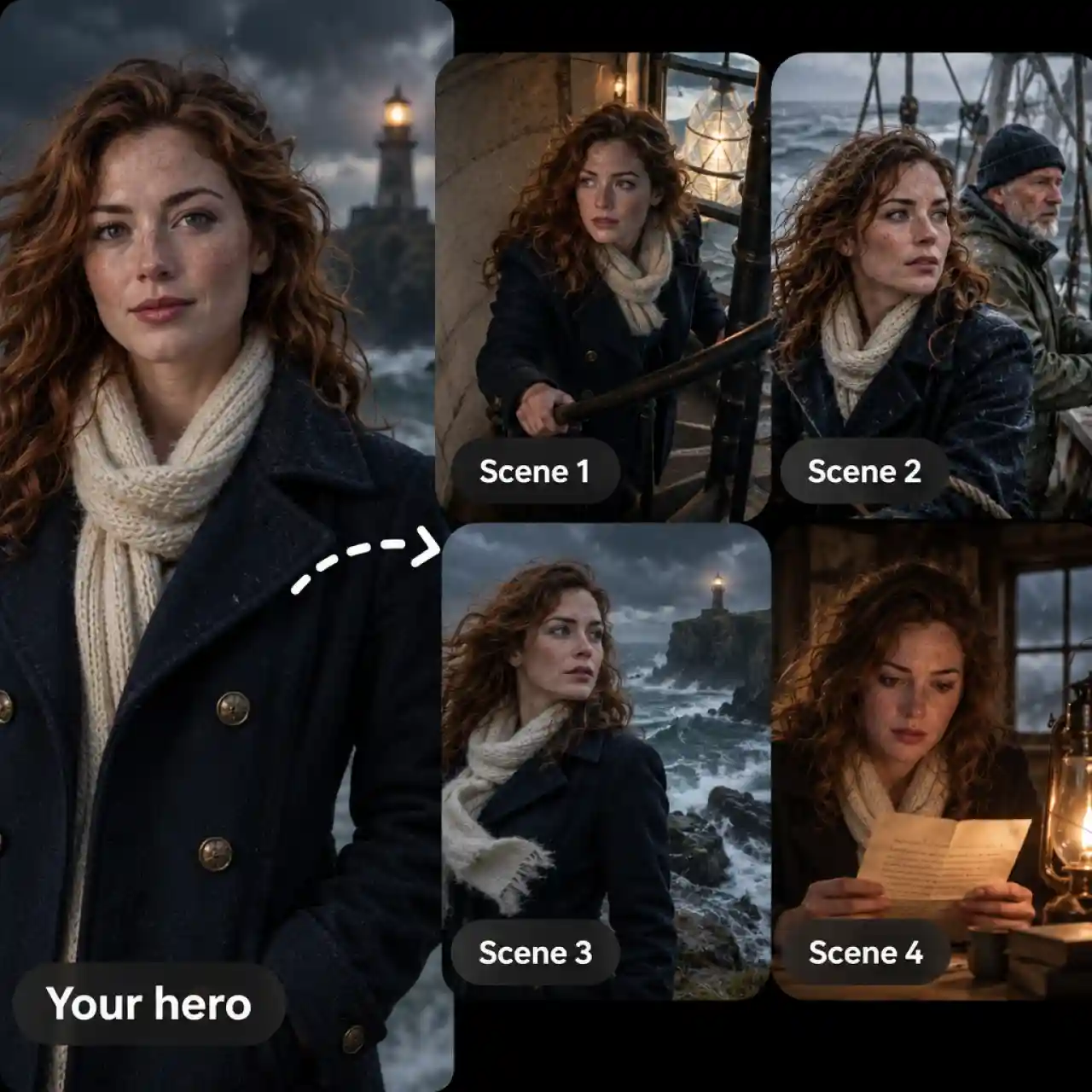
Consistent Characters Across Every Story Scene
Create your hero once, from a text description or an uploaded design, and Anijam keeps the same face, outfit, and proportions in every scene. Whether your story runs in anime or live-action style, the cast stays recognizable from the first shot to the last.
AI Lip Sync: Characters That Speak Your Story
Every story video generated with Anijam includes professional-grade AI lip sync. Choose from a rich multilingual voice library, upload your own audio, or use AI text-to-speech — and your characters will automatically sync expressive, perfectly timed mouth movements to every word.
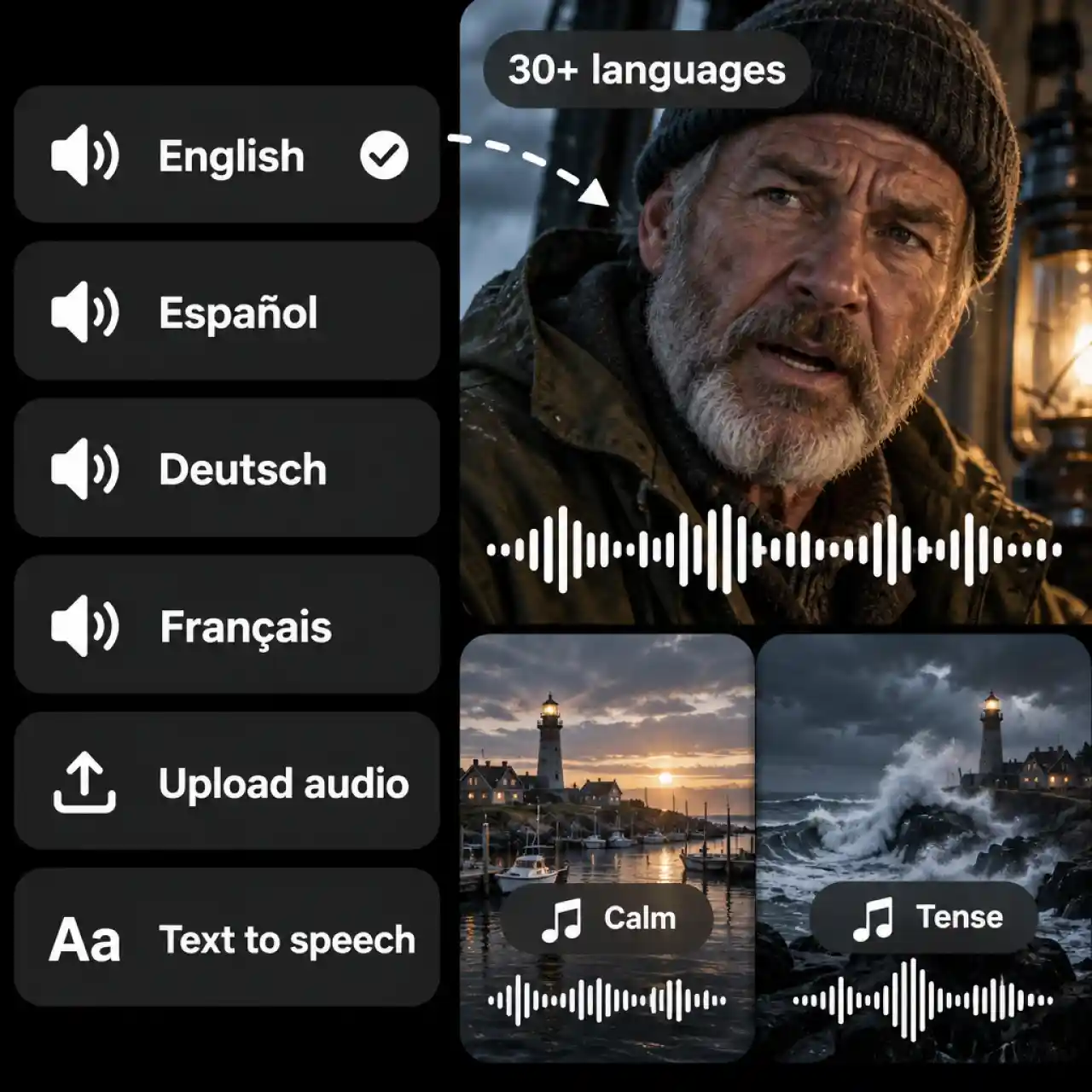
Add AI Voiceover and Music to Your Story Video
Pick a voice from the multilingual library in 30+ languages, upload your own audio, or use AI text to speech. Then set the mood of each scene with background music, so your story sounds as finished as it looks.
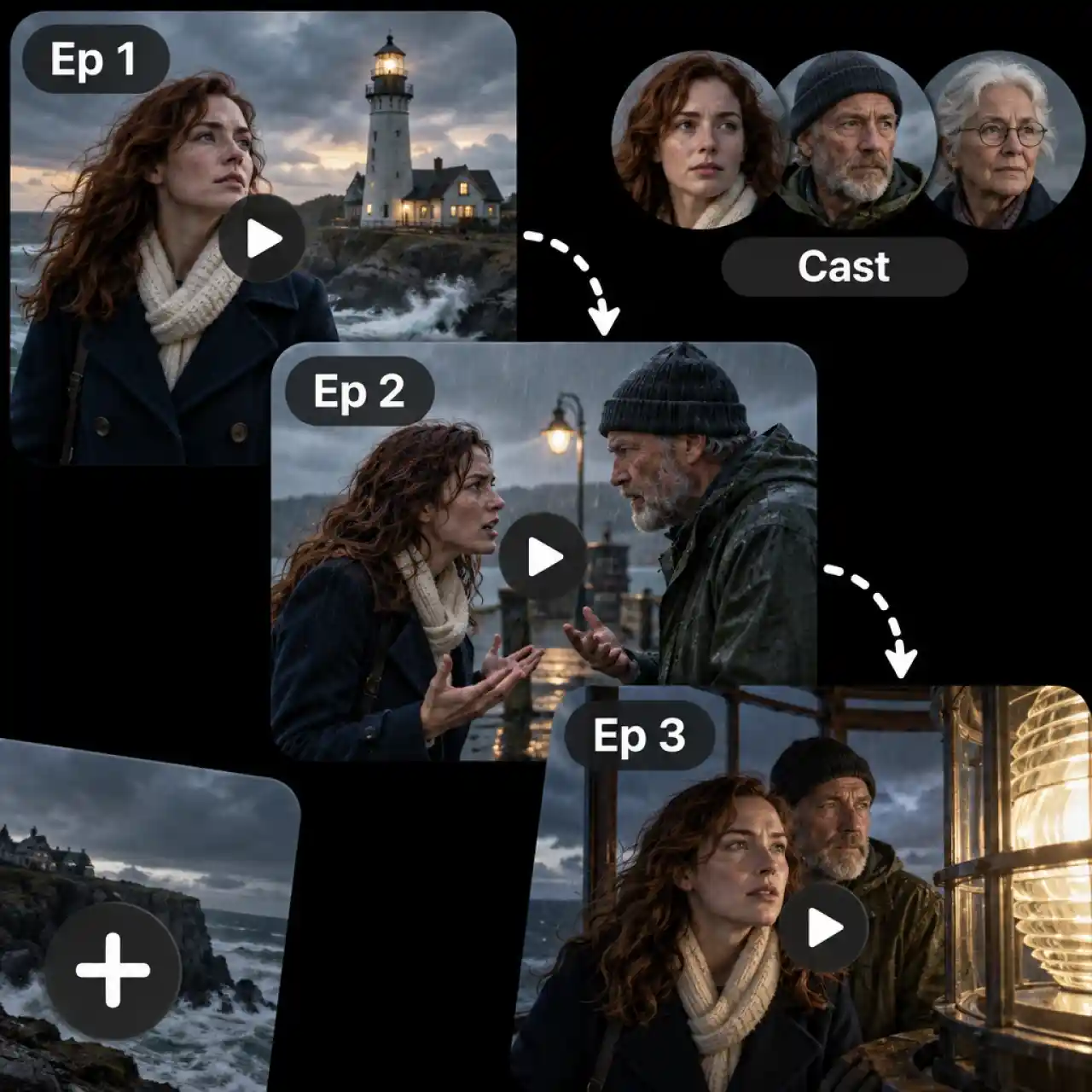
Generate Long AI Story Videos for Your Series
Anijam is built for long-form storytelling. The canvas-based workflow lets you chain scenes, manage multiple characters, and build extended narratives without losing visual consistency. From short TikTok stories to long YouTube series episodes, the AI agent handles every scene transition and narrative beat automatically.
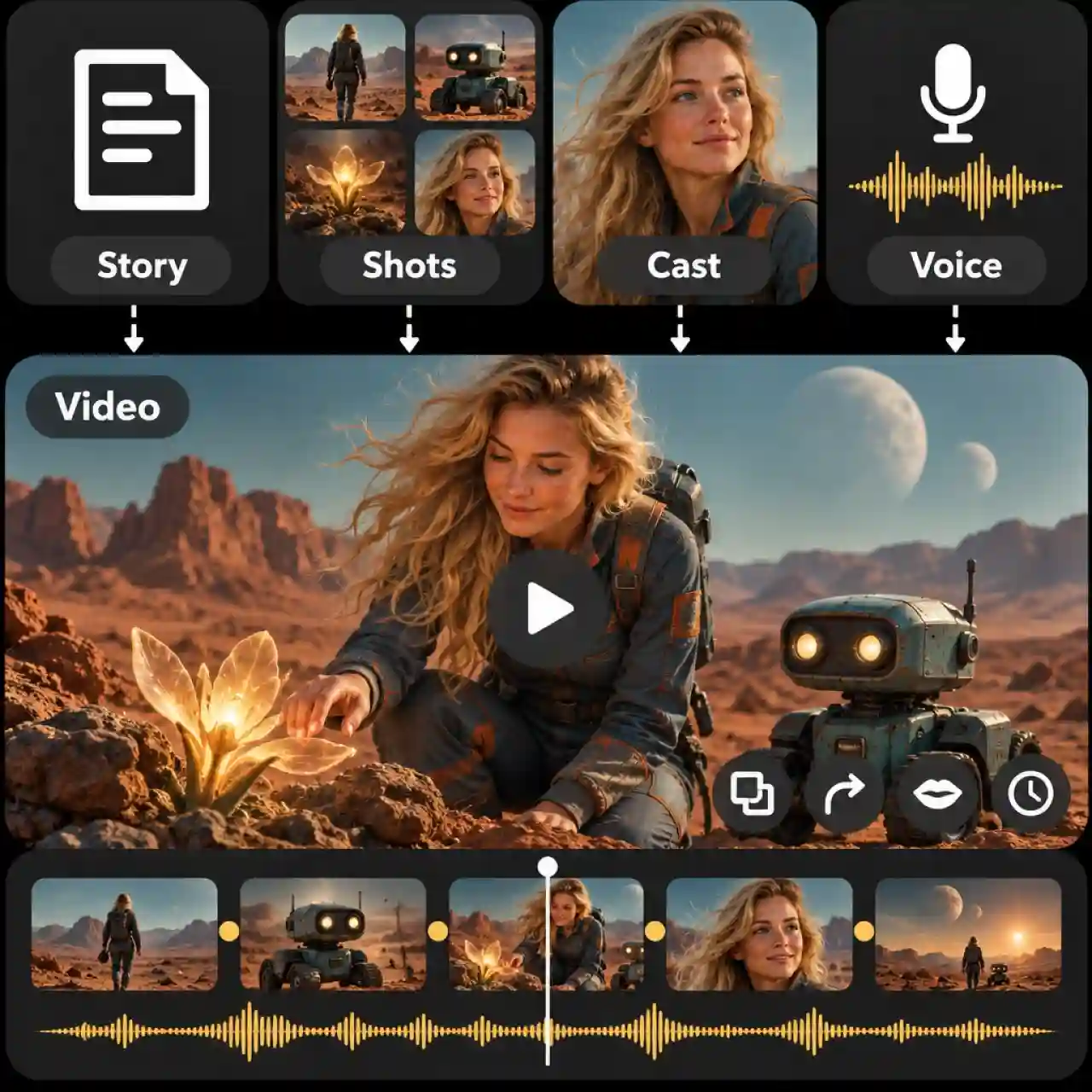
Edit Your AI Story Video in One Workspace with Timeline Control
Story, storyboard, characters, voice, and edits all live on one canvas. Review the result in the timeline editor and adjust transitions, motion, lip sync, and timing without exporting to another tool.
AI Story Videos Created by Real Creators
From realistic short films and cinematic stories to stylized adventures and imaginative tales, discover what creators are making with Anijam. Get inspired by their videos and turn your own ideas, scripts, or visual references into stories worth sharing.
Popular Use Cases for AI Story Videos
From 15 second social clips to multi-minute episodes, Anijam adapts to your story format, visual style, and platform.
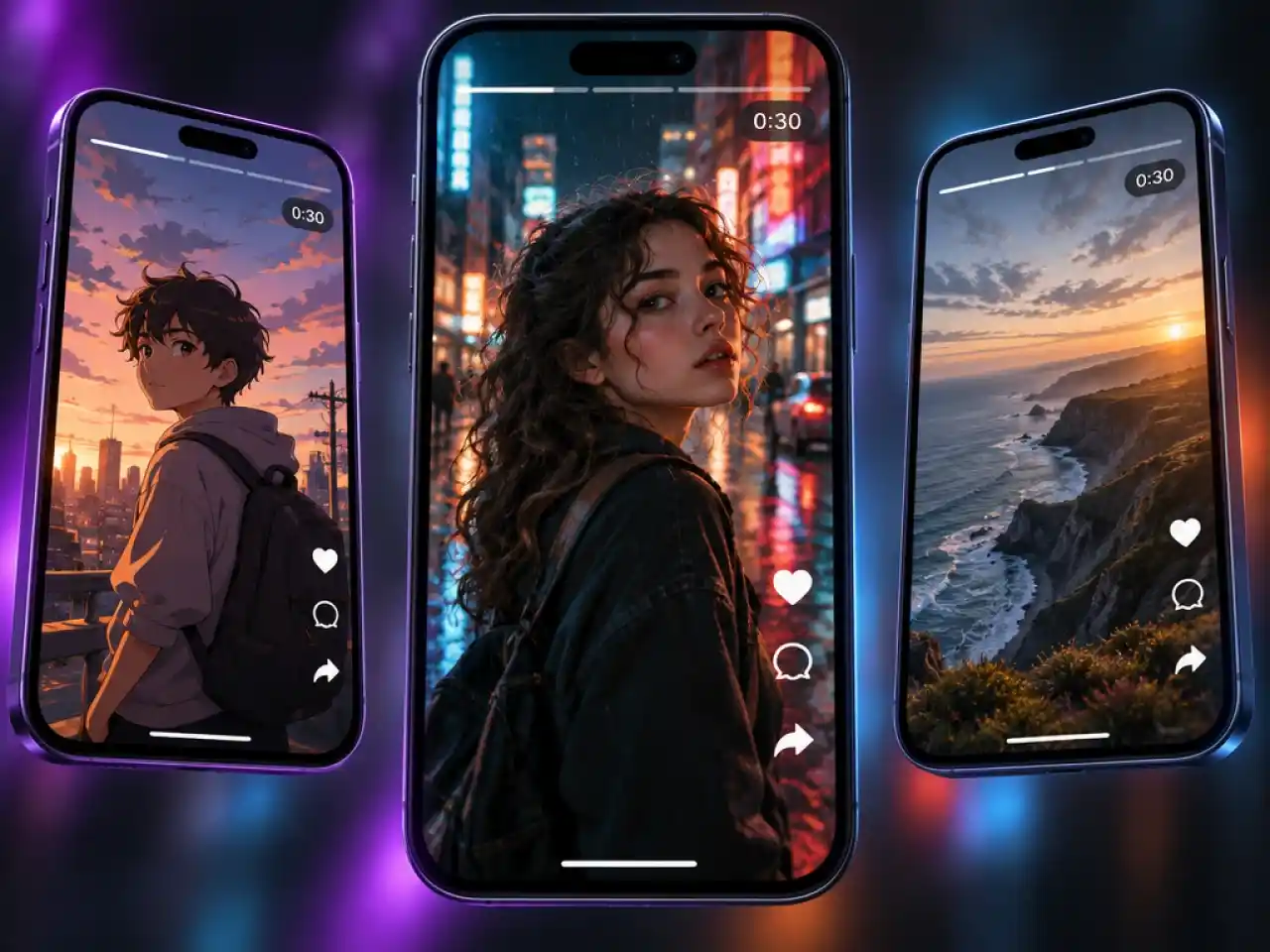
Social Story Clips for TikTok and Reels
Generate 15 to 60 second story clips in anime or realistic style for TikTok, Instagram Reels, and YouTube Shorts. Consistent characters, smooth motion, and a clear narrative arc in vertical or horizontal format.
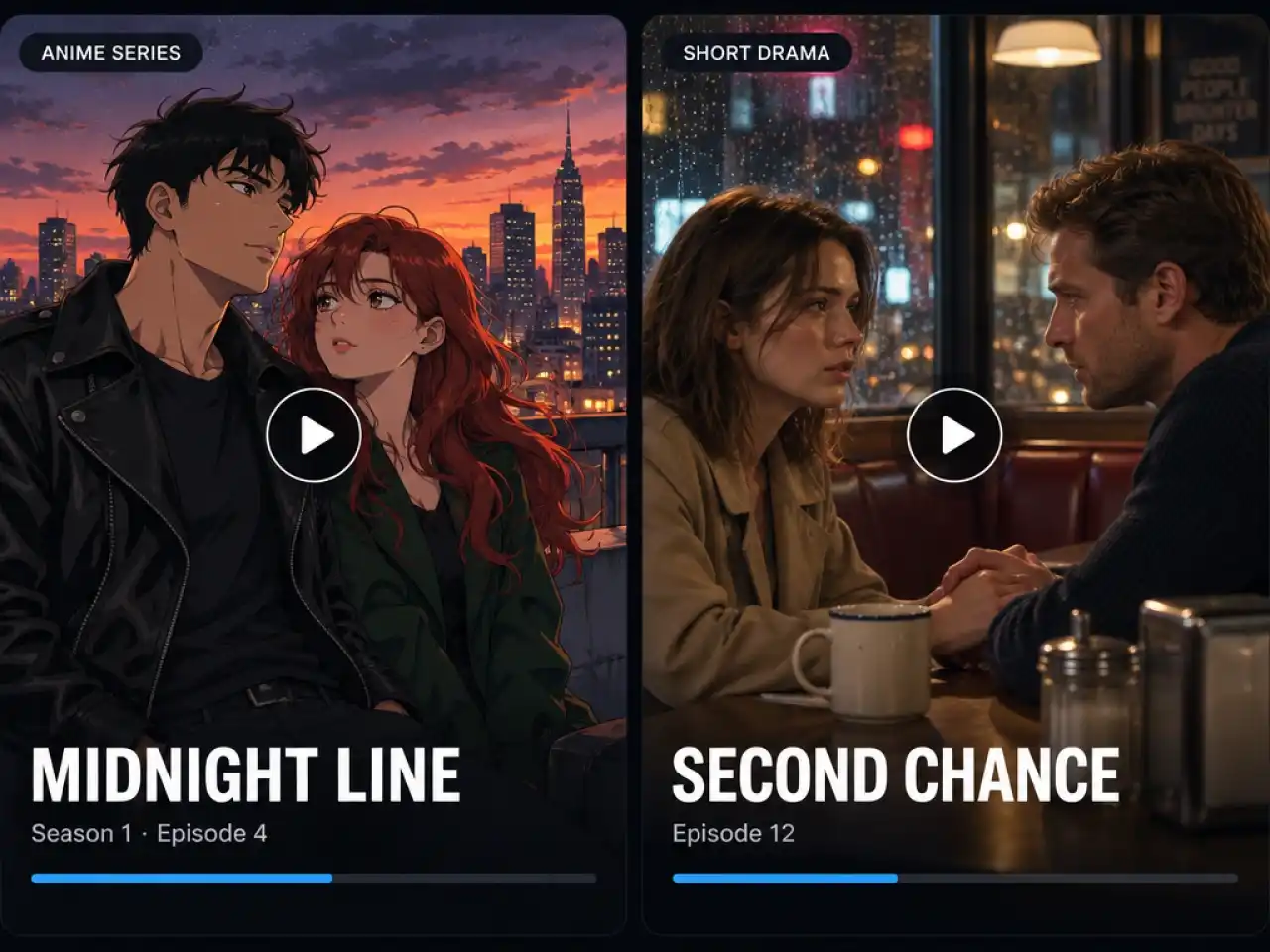
Anime Series and Short Drama Episodes
Produce episode after episode with the same cast and the same look. Anijam holds character design and visual style steady across episodes, whether you are building an anime series or a realistic short drama.
Novel and Fan Fiction Adaptations
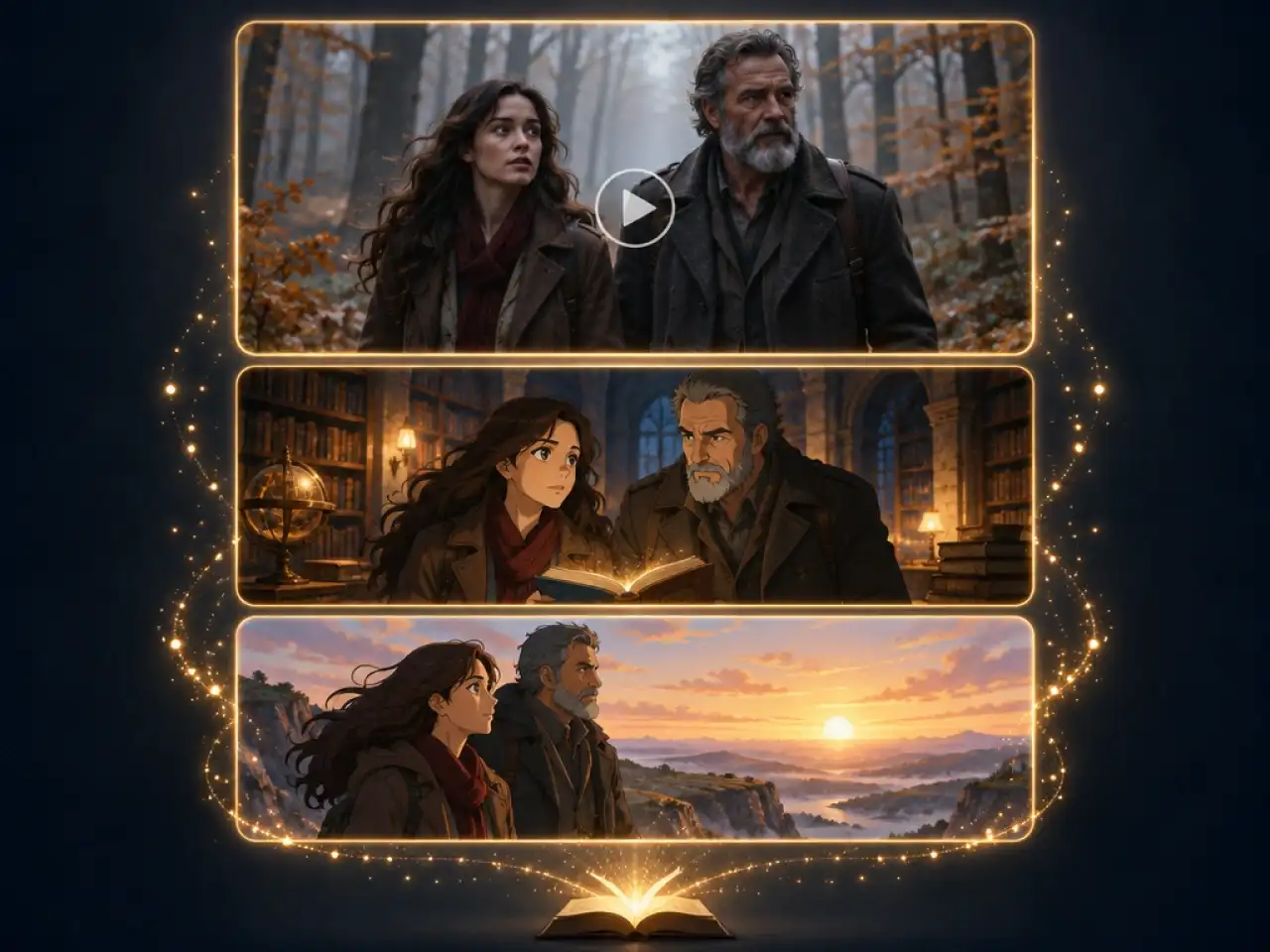
Paste a chapter or a full script and watch it become a scene-by-scene video. The canvas workflow keeps long narratives coherent, so characters and settings match from the opening scene to the last.
How to Create an AI Story Video in 3 Easy Steps
Step 1: Input Your Story, Script, or Idea
Type a story concept in plain text, paste a complete script, or upload a reference image. Anijam's AI agent instantly generates a full story outline, scene breakdown, and character suggestions — no storyboarding or planning required.
Step 2: Customize Your Visual Style, Characters, and Voice
Explore a wide range of visual styles, from realistic and cinematic looks to anime, 3D, illustration, and more. Customize your characters, scenes, motion, and voiceovers, or upload your own audio to bring your story to life.
Step 3: Edit, Export, and Share Your Video
Fine-tune scenes, transitions, motion, lip sync, and timing in the built-in timeline editor. Export a watermark-free video in up to 1080p, with 4K/8k upscaling available, then share your finished story on YouTube, TikTok, Instagram, and more.
Why Creators Choose Anijam AI Story Video Generator

AI Story Agent for Complete Videos
Anijam's AI agent understands narrative structure. It breaks your story into scenes, manages character continuity, directs motion, and assembles a complete video — automatically, intelligently, in one pipeline.

Free Credits to Get Started
Sign up and check in daily to get credits for creating your first AI story video. Explore different storytelling ideas and visual styles without needing a credit card to get started.

Text, Script, or Image Input
Start your story video from any format: a text prompt, a pasted script, or an uploaded image. Anijam's AI processes every input type and generates a full story video regardless of where you begin.
No Skills Required
No keyframing, no rigging, no editing expertise. Anijam handles all technical steps automatically — anyone from a first-time creator to a professional studio can generate story videos instantly.
Multilingual Voices & AI Lip Sync
Give your characters a voice with AI narration in 30+ languages and lip sync that matches spoken dialogue. Create story videos for different audiences, languages, and content formats.

Watermark-Free & Commercial-Ready
Export clean, watermark-free story videos on paid plans — fully cleared for commercial use including YouTube monetization, ads, client deliverables, and brand campaigns. Export quality up to 1080p, with 8K upscale on Master plans.
What Creators Are Saying
FAQ
What is an AI story video generator?
An AI story video generator turns story ideas, text prompts, scripts, or reference images into videos with connected scenes. Instead of generating a single standalone clip, it helps organize a narrative, develop characters, create visuals, and bring scenes together with voiceovers and other audio elements. Anijam combines AI story planning, video generation, and timeline editing to help you turn an idea into a complete story video.
Is Anijam's AI story video generator free?
Yes, you can get started with Anijam using free credits earned through sign-up and daily check-ins. Use your credits to explore AI story creation and try different creative ideas without a credit card. Additional credits and feature access depend on your plan.
Can I Create AI Story Videos for Free Without a Watermark?
Yes, you can start creating AI story videos with Anijam using free credits earned through sign-up and daily check-ins. Free exports may include a watermark, while paid plans unlock watermark-free downloads, export resolutions up to 1080p, commercial usage rights, and access to premium AI video models like Seedance 2.0. All paid plans include watermark-free exports.
How Do I Turn a Story or Script into a Video with AI?
To create an AI story video with Anijam, enter a story idea, paste your script, or upload a reference image. Let the AI agent develop a story outline, scene breakdown, and character concepts. Next, choose your visual style, customize characters and voices, and generate your scenes. Finally, refine the results in the timeline editor, adjust motion and lip sync where needed, and export your finished video.
Can an AI Story Video Generator Create Videos with Multiple Scenes?
Yes. An AI story video workflow can organize a narrative into multiple scenes instead of treating each shot as a separate idea. Anijam helps you develop scene breakdowns, character concepts, and visual direction, then bring generated scenes together in its timeline editor. For longer projects, you can refine scene order, transitions, and timing to build a more cohesive story.
What Visual Styles Can I Use for AI Story Videos?
You can create AI story videos in a wide range of visual styles, including realistic, cinematic, anime, cartoon, 3D, and illustrated looks. Your choice depends on the story you want to tell, whether it's a dramatic short film, a narrated story, an educational video, or a stylized social media series. You can explore different visual directions to find a look that fits your characters and story.
Can I Create AI Story Videos on My Phone?
Yes! You can download the Anijam app from the Apple App Store or Google Play to create AI videos on the go. You can also use the Anijam web platform to develop story ideas and work on your video projects. Available features and workflows may vary by platform, so check your app or the web platform for the tools that best fit your creative needs.