How to Make an AI Story Video in 2026: Tools, Workflow & Tips
You have a story in your head. Maybe it’s a bedtime tale for your kids, a short film idea you’ve been sitting on, or a character concept you want to see move and talk. A few years ago, turning that story into an animated video meant a script, a storyboard artist, an animation team, and a budget most people don’t have.
That’s no longer the only path.
In 2026, AI story video generators can take a single prompt, a full script, or even a reference image, and turn it into a complete animated video - scenes, characters, motion, voice, and lip sync included.
This guide walks through what an AI story video actually is, the tools worth knowing about, a real step-by-step workflow, and the habits that separate a clean story video from a messy one.
What Is an AI Story Video?
An AI story video is a short or long-form animated video generated with AI, built around a narrative rather than a single visual effect.
Instead of one flashy clip, it usually includes multiple scenes, a consistent main character (or cast), a voice track, and some kind of story arc - a beginning, a middle, and an end.
How It Differs from a Regular AI Clip
Most AI video tools are built to generate short, standalone clips - a person dancing, a product spinning, a landscape shot. These clips typically run anywhere from a few seconds up to about 30 seconds per generation, and they don’t need to “remember” anything from one clip to the next.
A story video is different. It has to hold a character’s face, outfit, and personality steady across many scenes, follow a script or plot in order, and often sync dialogue to a character’s mouth movements. That’s a much harder technical problem than generating one good-looking clip, which is why dedicated story-video tools handle it differently from general clip generators.
Common Use Cases
AI story videos show up across a wide range of formats, including:
- Social stories - short narrative videos for TikTok, Instagram Reels, and YouTube Shorts
- Kids’ content - bedtime stories, classroom lessons, and family-friendly YouTube series
- Explainer and educational videos - turning a script into a visual, narrated lesson
- Music videos - pairing a song with an animated visual narrative
- Brand and marketing narratives - mascots, product stories, and branded short films
Best AI Tools for Making Story Videos in 2026
Most AI video tools are built to generate a single clip - a product shot, a dance move, one dramatic moment. Stringing together a full story with a character who actually looks the same from scene to scene is a different problem, and most tools simply aren’t built for it.
Here’s how four of the tools creators are actually using for story-driven video compare:
| Tool | Best For | Story Creation Workflow | Character Handling | Learning Curve |
|---|---|---|---|---|
| Anijam AI | Long story video; viral social video | AI agent handles story, characters, scenes, voice & lip sync in one flow | Strong character consistency across multi-scene stories | Beginner-friendly |
| InVideo AI | Story-first, agent-style video production | Agent workflow builds storyboards and scenes from a script or prompt | Long-term memory keeps characters, locations & style consistent | Moderate |
| ImagineArt AI | Flexible story video creation across multiple AI models | Combines story ideas, visual generation, styles & AI models | Uses reference images to guide characters and scenes | Moderate |
| AIStory.video | Fast short-form story video production | Automated workflow from idea/script to video, with voice & captions | Suitable for simple story characters and short videos | Beginner-friendly |
1. Anijam AI - AI Agent-Powered Story Creation
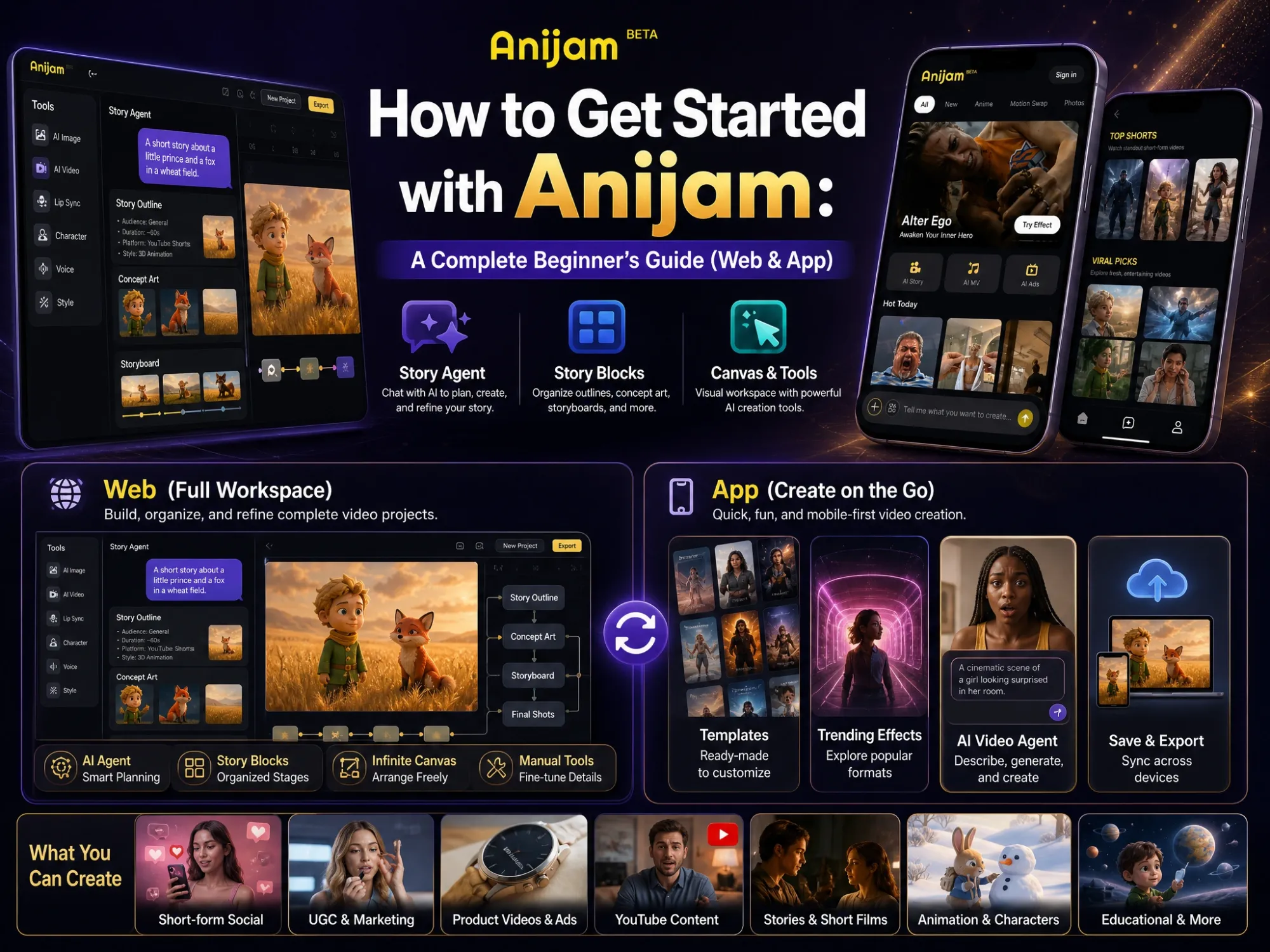
Anijam AI is an all-in-one AI Story Video Generator built for creators without a traditional animation background. Instead of handing you a blank prompt box, its AI agent manages the entire production pipeline - writing the story outline, designing characters, generating scenes, adding voiceover, and syncing lip movement to dialogue. You can start from a text prompt, an uploaded photo, or a full script.
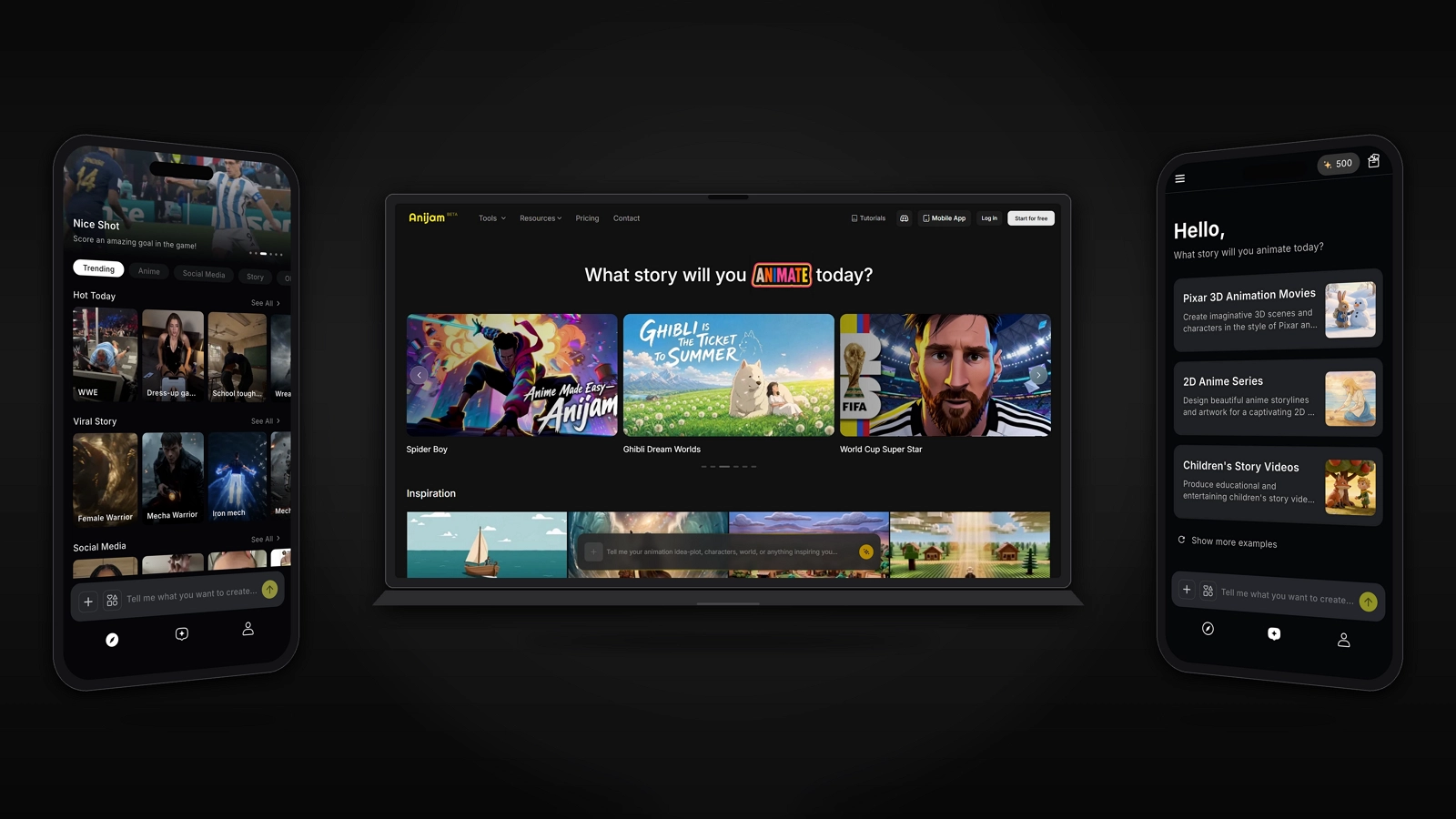
Key Features:
- AI Video Agent - manages the full pipeline (outline, characters, scenes, voice, lip sync) in one flow
- Character Consistency - keeps the same character recognizable across every scene
- Multiple Input Modes - start from text, an image, or a full script
- Style Library - Pixar-style, Ghibli-inspired, realistic, cinematic 3D, and more
- Ready-Made Templates - trending story video templates for common social formats
- Episode Creation - continue a story or generate a new episode instead of starting over
- Cross-Device Sync - start a story on your phone and pick up right where you left off on your computer (or vice versa), so you can create anytime, anywhere
2. InVideo AI - Agent-Style Story Video Production
InVideo AI takes a story-first approach rather than functioning as a generic text-to-video generator. Its agent-style workflow builds storyboard-like scenes, maintains character consistency, and guides camera composition across multiple shots, which makes it suited for scripted, story-driven content rather than single clips.
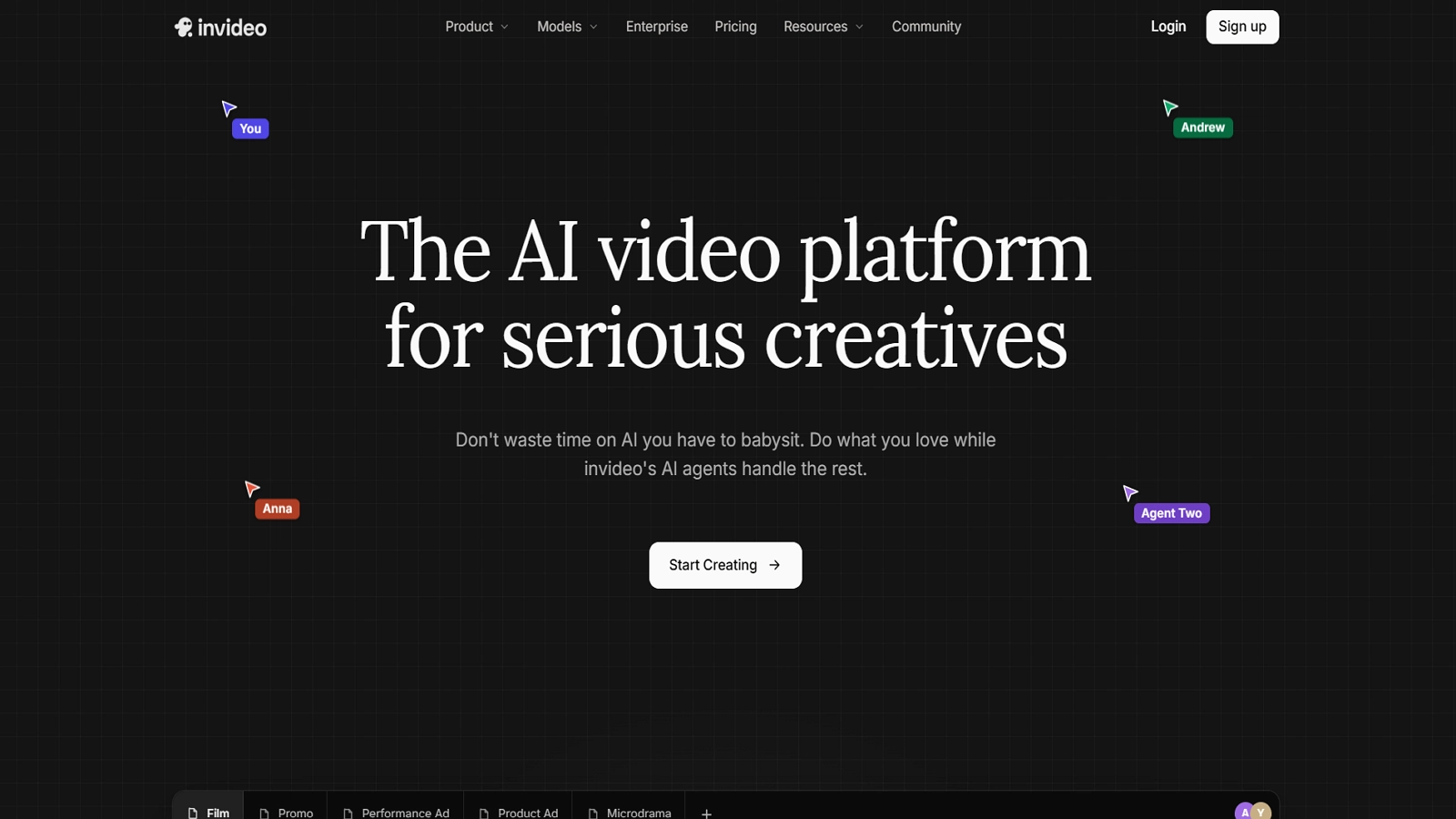
Key Features:
- Storyboard Generation - builds storyboards with consistent characters, multi-angle shots, and structured shot lists from a script or text prompt
- Character Consistency Across Scenes - keeps a character recognizable across different settings, scenes, and camera angles
- Multiple Camera Angles - visualizes the same scene from different angles - close-up, wide shot, over-the-shoulder, and bird’s-eye
- AI Voiceovers - adds human-sounding AI voiceovers in over 50 languages
- Stock + AI Blend - combines AI-generated elements with stock footage for faster, more polished output
3. ImagineArt AI - Turn Stories and Ideas into AI-Generated Videos
ImagineArt AI’s story video generator transforms written stories, personal memories, and creative ideas into AI-generated videos. It helps creators turn scripts and descriptions into visual narratives by generating scenes, applying cinematic effects, and combining elements like music and visual style.
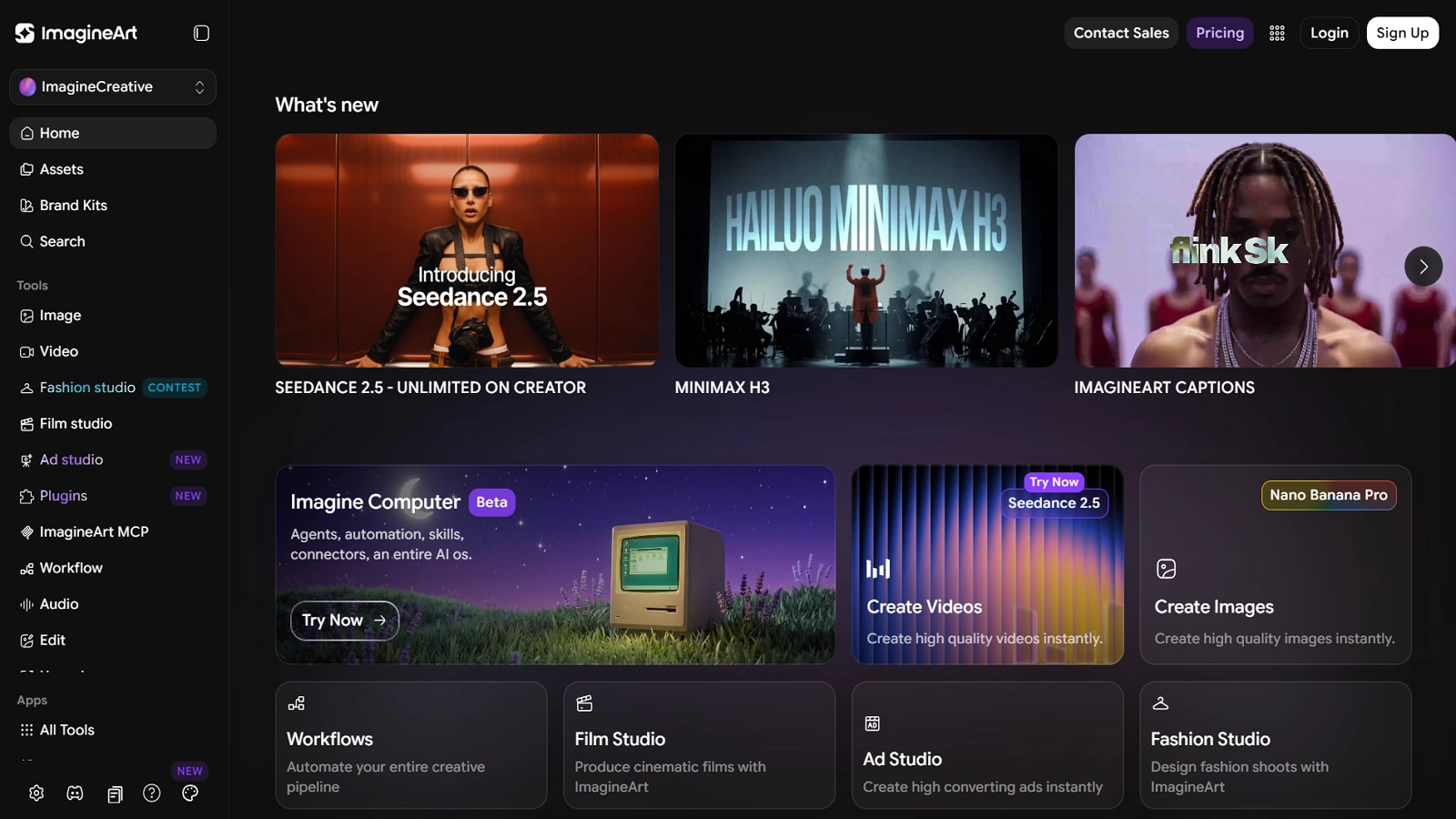
Key Features:
- Reference Image Support - upload reference images and describe characters or scenes to guide generation
- Multiple AI Video Models - choose from models including Hailuo, Haiper, Luma, Kling, PixVerse, and Google Veo 2
- Cinematic Styles & Effects - apply different visual styles, lighting, and camera movement
- Background Music Integration - add music to match the mood of the generated story video
4. AIStory.video - Fast Short-Form Story Videos from an Idea
AIStory.video is an all-in-one generator that turns a simple idea into a short, ready-to-share video by combining script generation, scene creation, visuals, voiceover, and captions in one workflow - built for speed rather than long-form complexity.
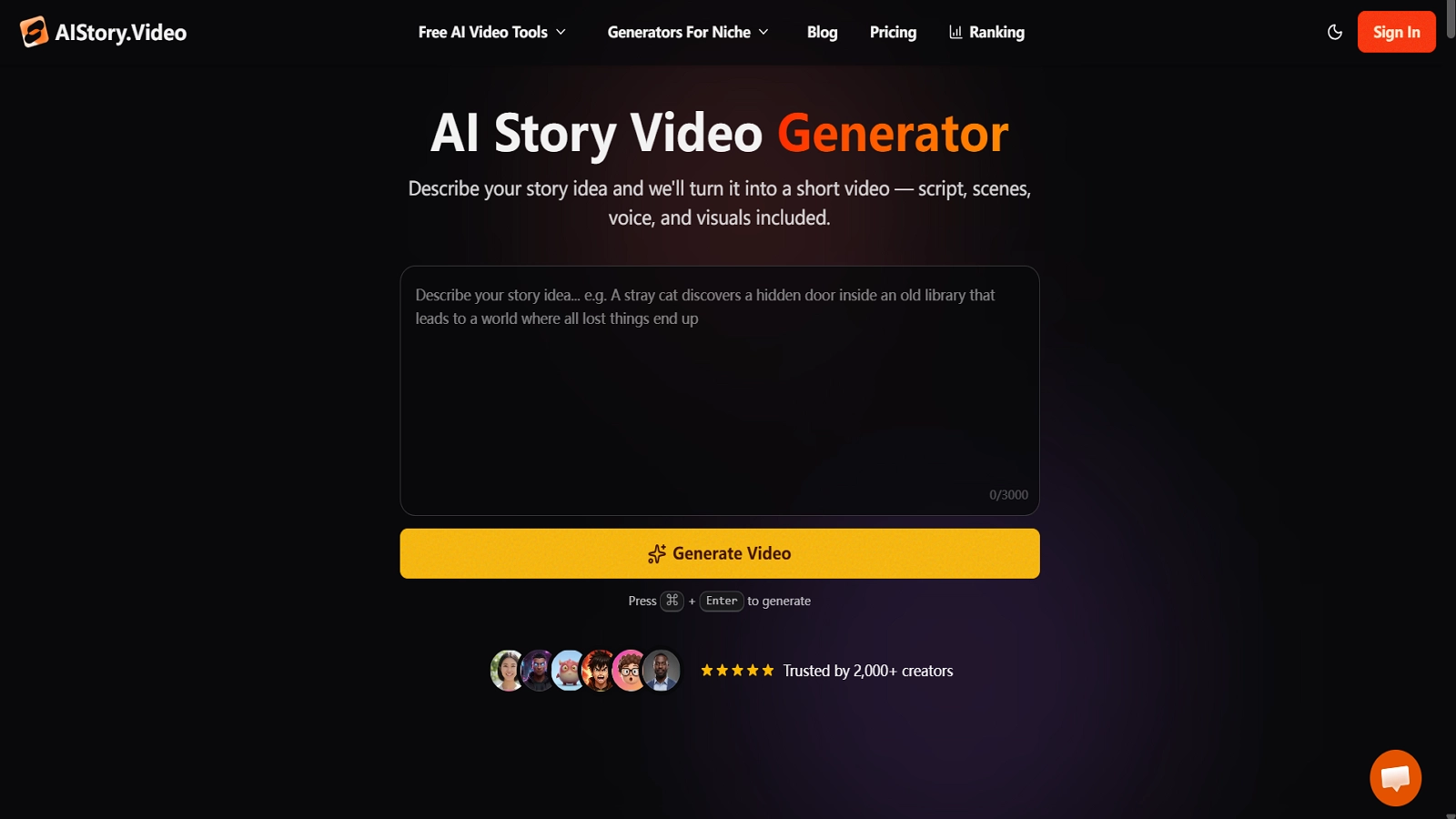
Key Features:
- AI Script Generation - builds a structured story script from a topic or one-line idea
- Automatic Scene Creation - converts the script into scenes with AI-generated visuals
- AI Voice Generation - adds narration through generated voiceovers
- Auto Captions - generates animated captions for short-form engagement
- Multiple Visual Styles - supports different looks across content niches
Step-by-Step Workflow to Make an AI Story Video With Anijam
Turning an idea into a finished animated video takes just a handful of steps. The agent handles the story structure, character design, and lip sync internally, from the first prompt to the final export.
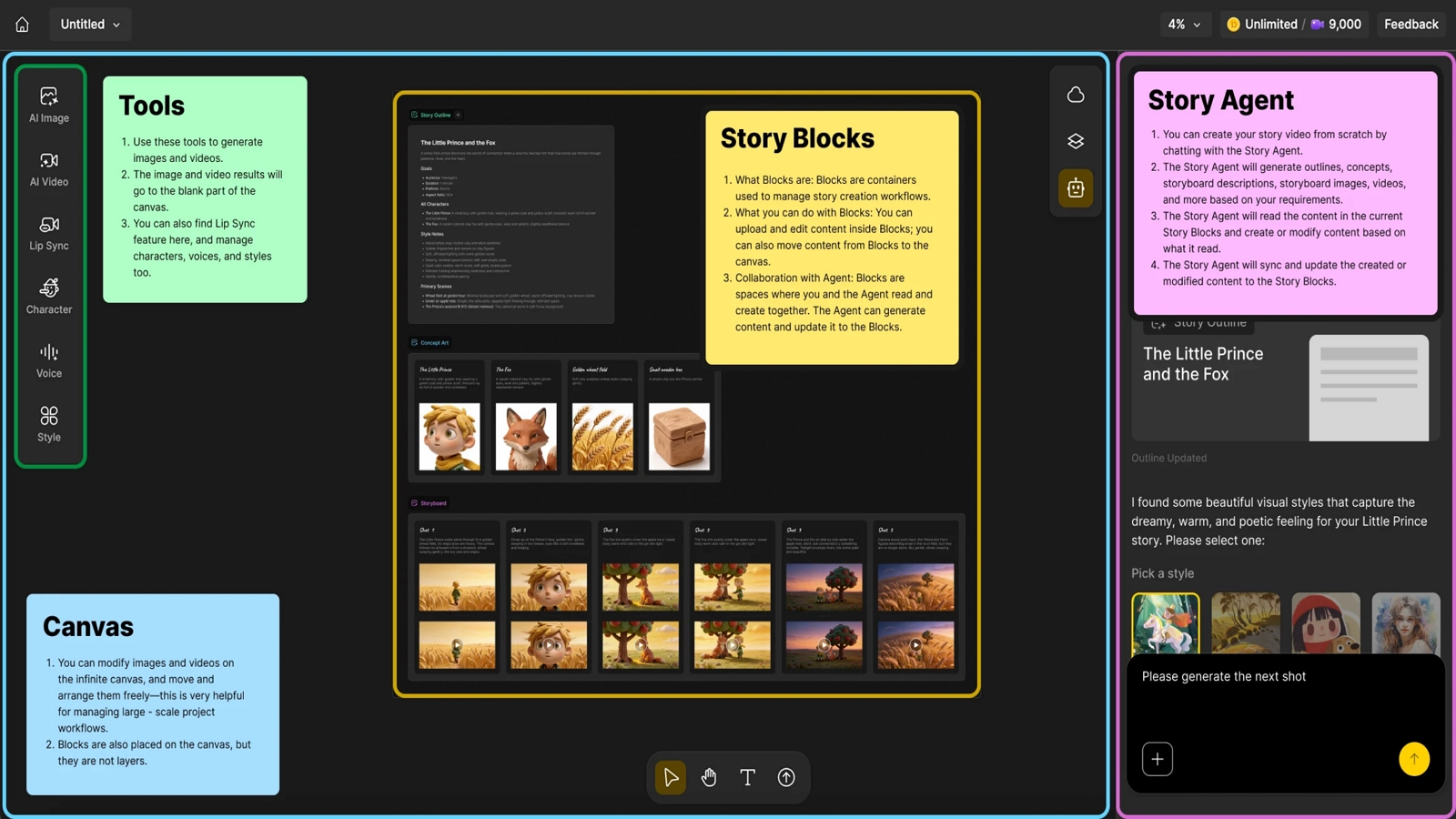
Step 1: Start With Your Idea
Describe your story idea in a sentence or two, or upload a photo or script.
Step 2: Choose Your Model and Video Settings
Select the AI model and video settings you want to use for your story.
Step 3: Refine the Style
Pick a visual style and refine the result through simple chat-based feedback.
Step 4: Customize and Add Dialogue
Customize characters, motion & voice expressions, and movement with the built-in editor, then add dialogue through AI-generated voice or your own uploaded audio for lip sync.
Step 5: Export or Continue
Export the finished video, or continue the story into a new episode.
Tips for Better AI Story Videos
Write Clear, Descriptive Prompts
“A fox in a forest” gives the AI very little to work with. “A small orange fox with a white-tipped tail discovers a clearing of glowing blue mushrooms at dusk, warm pastel colors, storybook style” gives it a scene it can actually build. Specific prompts consistently produce more usable results than vague ones.
Keep Characters Consistent Across Scenes
Define your main character once - name, appearance, outfit, personality - before generating any scenes, and reuse that same reference across every scene rather than re-describing the character each time. Tools with a dedicated character-locking feature, like Anijam AI’s persistent character engine, make this dramatically easier than tools without one.
Match Voice & Emotion to the Story
A flat, monotone narration undercuts even a well-animated scene. Choose a voice whose tone fits the story - warm and gentle for a bedtime tale, energetic for an action scene - and make sure the pacing of the voice track matches the pacing of the visuals.
Iterate Scene by Scene, Not All at Once
Generate and approve one scene before moving to the next, especially early on. It’s much faster to fix one off-model scene than to discover the character drifted halfway through a ten-scene story you generated all at once.
Common Mistakes to Avoid and How to Fix Them
Overloading One Prompt with Too Much Story
Trying to cram an entire plot - setup, conflict, resolution - into a single prompt or single scene usually produces a rushed, confusing result.
Fix: Break the story into scenes the same way a storyboard would, and generate them one at a time. Give each scene one clear beat - a single action, a single emotional shift - rather than asking one prompt to carry the whole arc.
Ignoring Pacing and Scene Transitions
A story video isn’t just a sequence of pretty shots. Abrupt cuts between scenes, or scenes that all run the same length regardless of what’s happening, make a video feel disjointed.
Fix: Use the editing timeline to vary pacing deliberately - faster cuts for action, slower holds for emotional beats. Watch the video start to finish before exporting, not just scene by scene, to catch transitions that feel off.
Skipping Voice/Lip Sync Quality Checks
Lip sync errors are one of the fastest ways to break immersion in a story video. A mouth that’s slightly out of sync with the audio is far more noticeable in a finished video than it seems while editing.
Fix: Always preview dialogue scenes at full speed - not frame by frame - before exporting. If the sync feels off, regenerate just that scene rather than the whole video, and double-check that the audio track’s pacing actually matches the visual beat you intended.
Conclusion
Making an AI story video in 2026 doesn’t require a video studio, a production budget, or years of technical training.
It does require picking the right kind of tool - one built to hold a character and a narrative together across scenes, not just generate a single impressive clip - and following a workflow that treats the story like a story: broken into scenes, paced deliberately, and reviewed one piece at a time.
Tools like Anijam AI handle the heavier technical lifting - scene breakdown, character consistency, voice, and lip sync - inside a single canvas, which is what makes it realistic for one person to go from an idea to a finished story video in a single sitting.
Frequently Asked Questions
Is there a free AI story video generator available? Yes, Anijam offers free credits to get started, which you can earn by signing up and through daily login check-ins. That’s enough to try out the AI story video generator and get a feel for the workflow. For heavier use, longer stories, or commercial projects, paid plans unlock additional credits and features.
What is the easiest way to make an AI story video? The most direct route is to use an all-in-one AI story video generator like Anijam AI that handles scene breakdown, character consistency, and voice in one place, rather than stitching together separate tools for script writing, image generation, animation, and voice syncing.
Do I need animation or scriptwriting skills? No. Most AI story video tools accept a plain-text idea and generate the scene structure automatically. Having a written script helps with precision, but it isn’t required to get started.
How long can an AI story video be? It depends on the tool. Many clip-based generators cap out under 30 seconds per generation, while dedicated story-video platforms are built for multi-scene, long-form output - some supporting videos that run several minutes or more on higher-tier plans.
How do I keep my character consistent across scenes? Define the character’s appearance once - face, outfit, proportions - and reuse that same reference across every scene instead of re-describing it each time. Platforms with a dedicated character-consistency feature make this significantly easier to maintain over a multi-scene story.
by Evan
Evan is an AI content creator and video technology writer at Anijam AI, focused on how generative AI is transforming storytelling and video production. He shares social trends, creative workflows, prompt strategies, and practical insights to help creators turn ideas into engaging videos and visual content.