


Image to Video AI
Upload any photo, describe the motion you want, and let Anijam's image to video AI generate a polished, ready-to-share video in minutes. Powered by leading AI video models and a full creative agent, Anijam turns a single still image into cinematic motion - free to start, no editing skills required.
What You Can Do with Anijam Image to Video AI
From social content to product marketing, portraits to full cinematic scenes, Anijam's image to video AI helps you generate high-quality, prompt-driven video from any photo in minutes - no editing skills required.
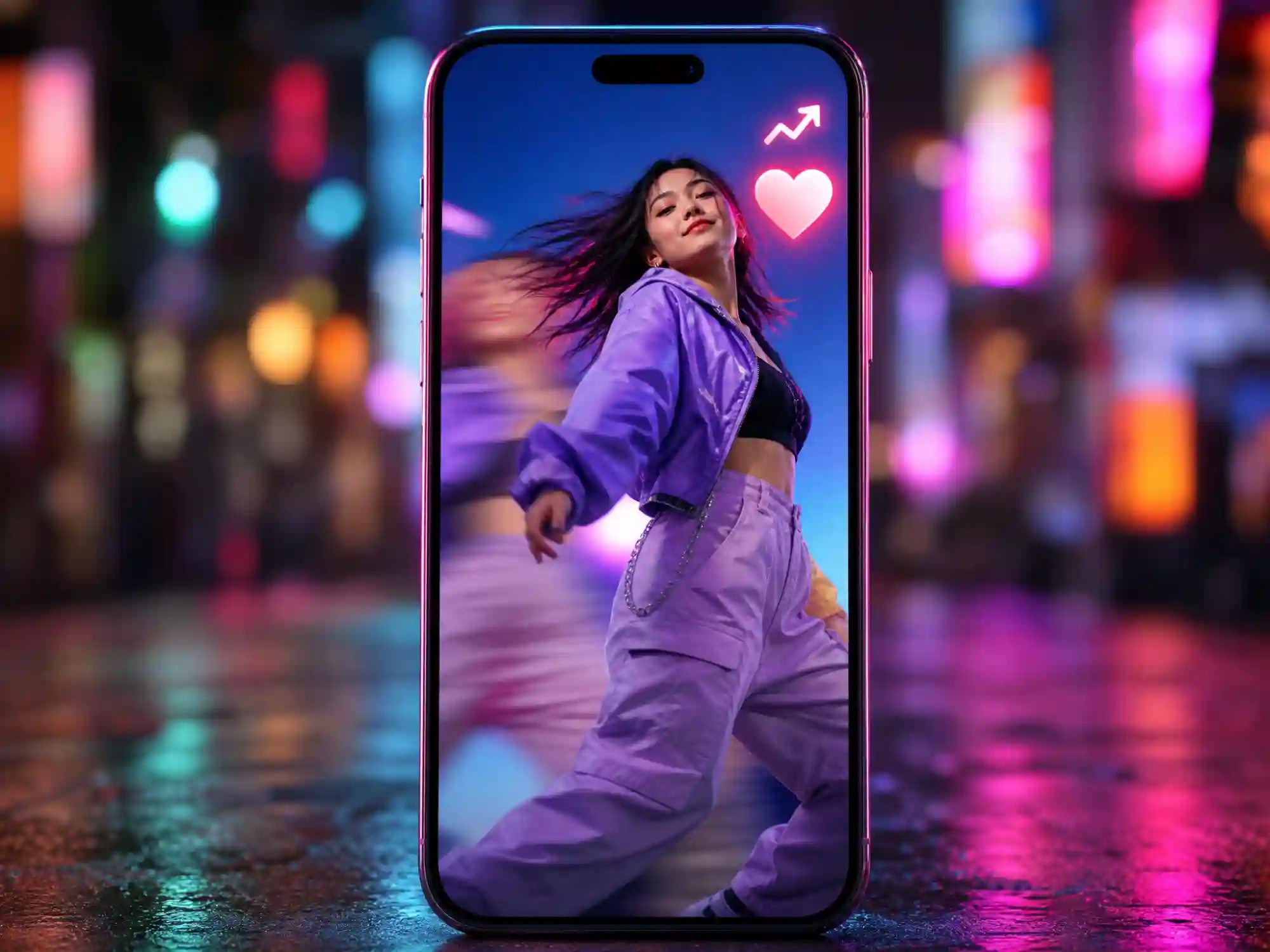
Create Scroll-Stopping Social Videos
Upload any photo and generate a share-ready AI video for TikTok, Reels, and Shorts in minutes. Test multiple video models and styles to find what performs best.
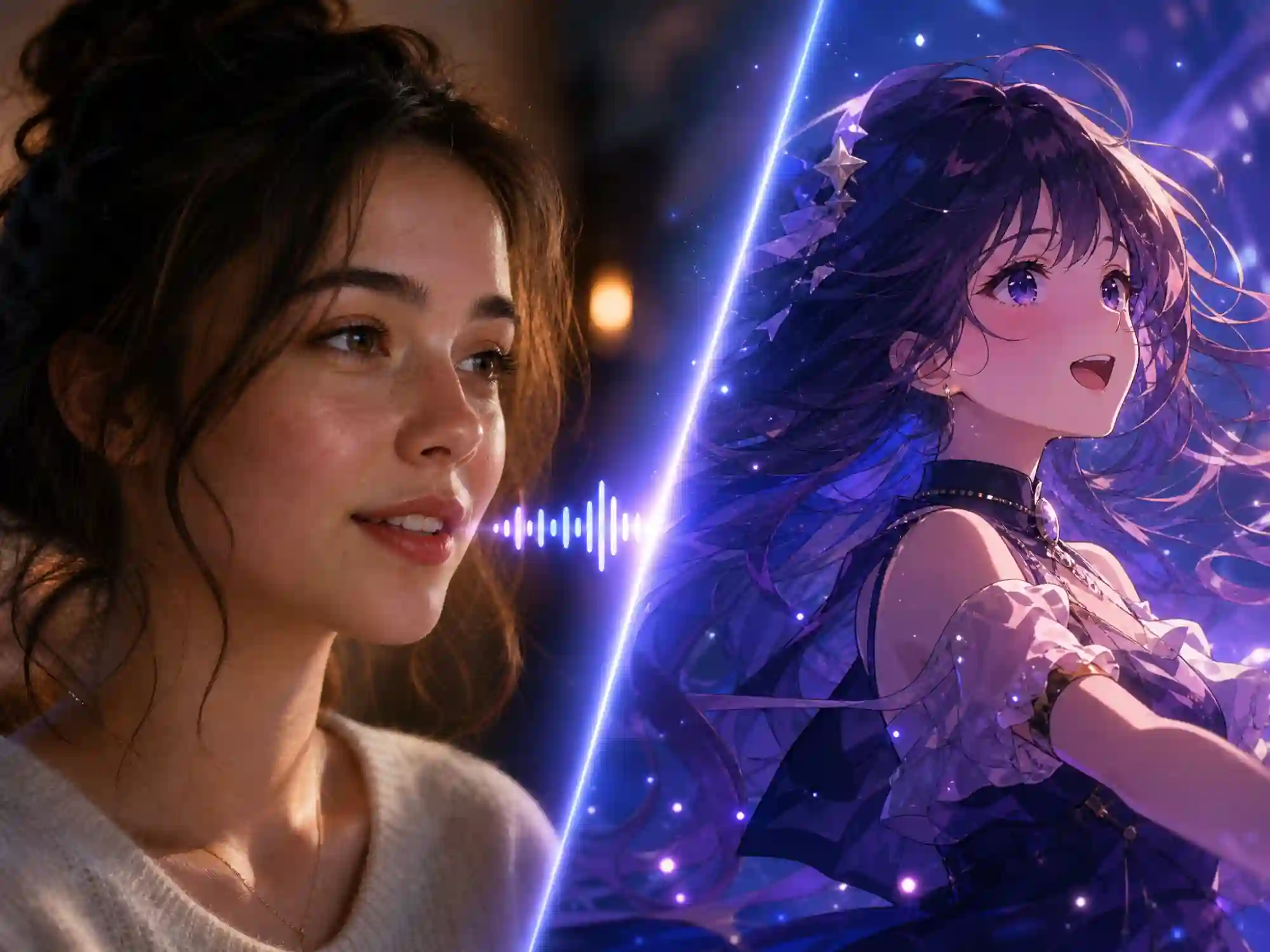
Bring Photos and Characters to Life
Turn a portrait into a talking, expressive video with natural expressions, head movement, and lip-synced speech - or animate anime art and character illustrations while keeping their original style intact.
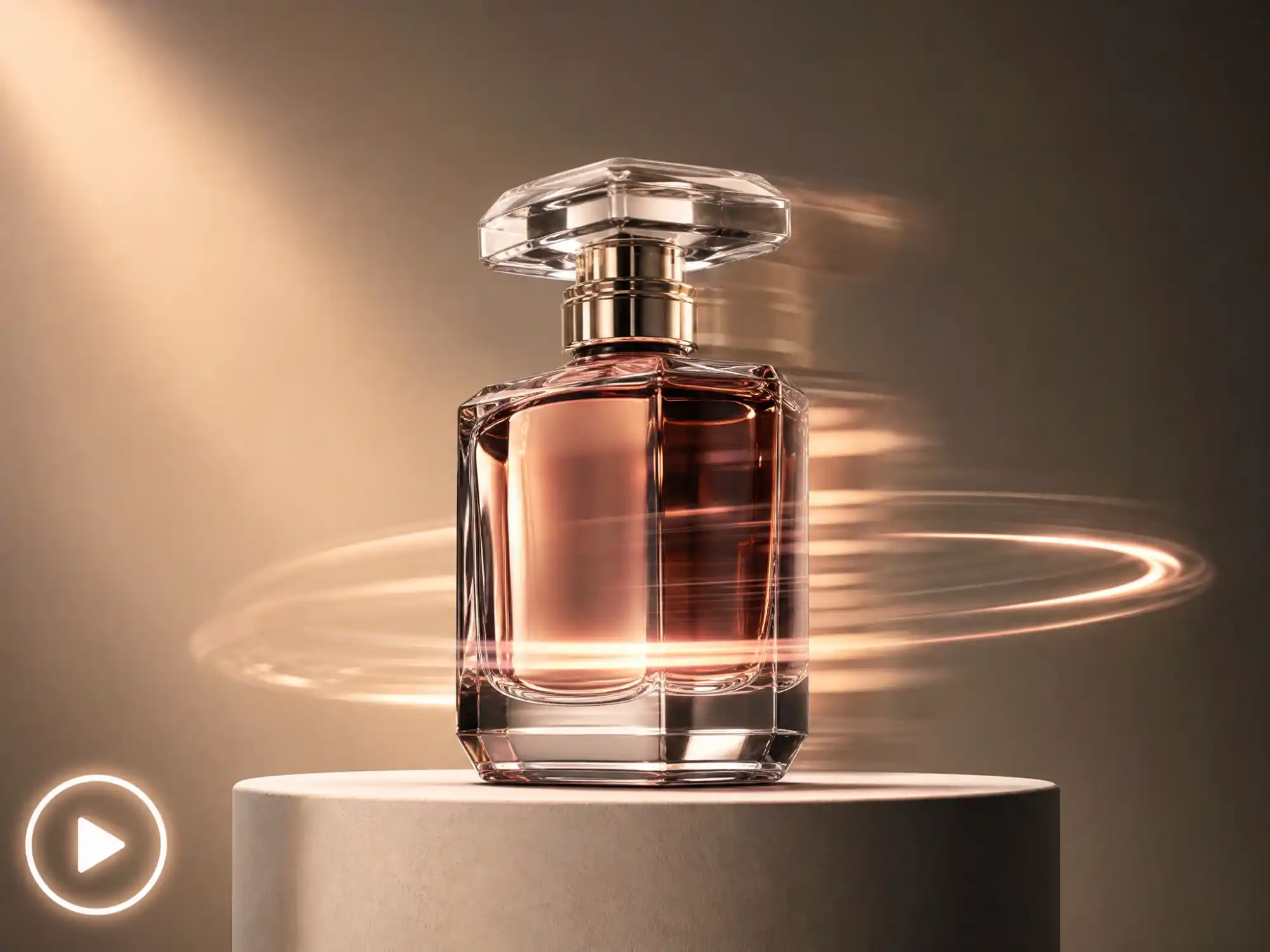
Turn Product Photos into Video Ads
Convert static product shots into cinematic video content for marketing, ads, and e-commerce listings - no reshoot required.
The All-in-One Image to Video AI Generator
Anijam is a prompt-driven image to video AI that goes beyond simple motion filters. Upload a photo, illustration, product shot, or portrait, describe the action and camera movement you envision, and Anijam's AI agent generates a smooth, coherent video - complete with realistic motion, consistent characters, and cinematic camera work.
Unlike single-model converters, Anijam gives you access to multiple leading AI video engines - including Kling, Seedance, Wan, and Gemini - inside one workflow, so you can pick the engine that best fits your image and style. And with the Anijam mobile app, you can create and pick up projects anywhere, with everything synced between web and phone, plus a constantly refreshed library of trending video templates to jump-start your next clip.
Expand One Image into a Full Video Scene
Most image to video tools output one short clip and stop there. Anijam's AI agent can extend a single photo into a full scene - or a multi-shot story - handling script, camera movement, lighting continuity, and consistent characters across every frame.
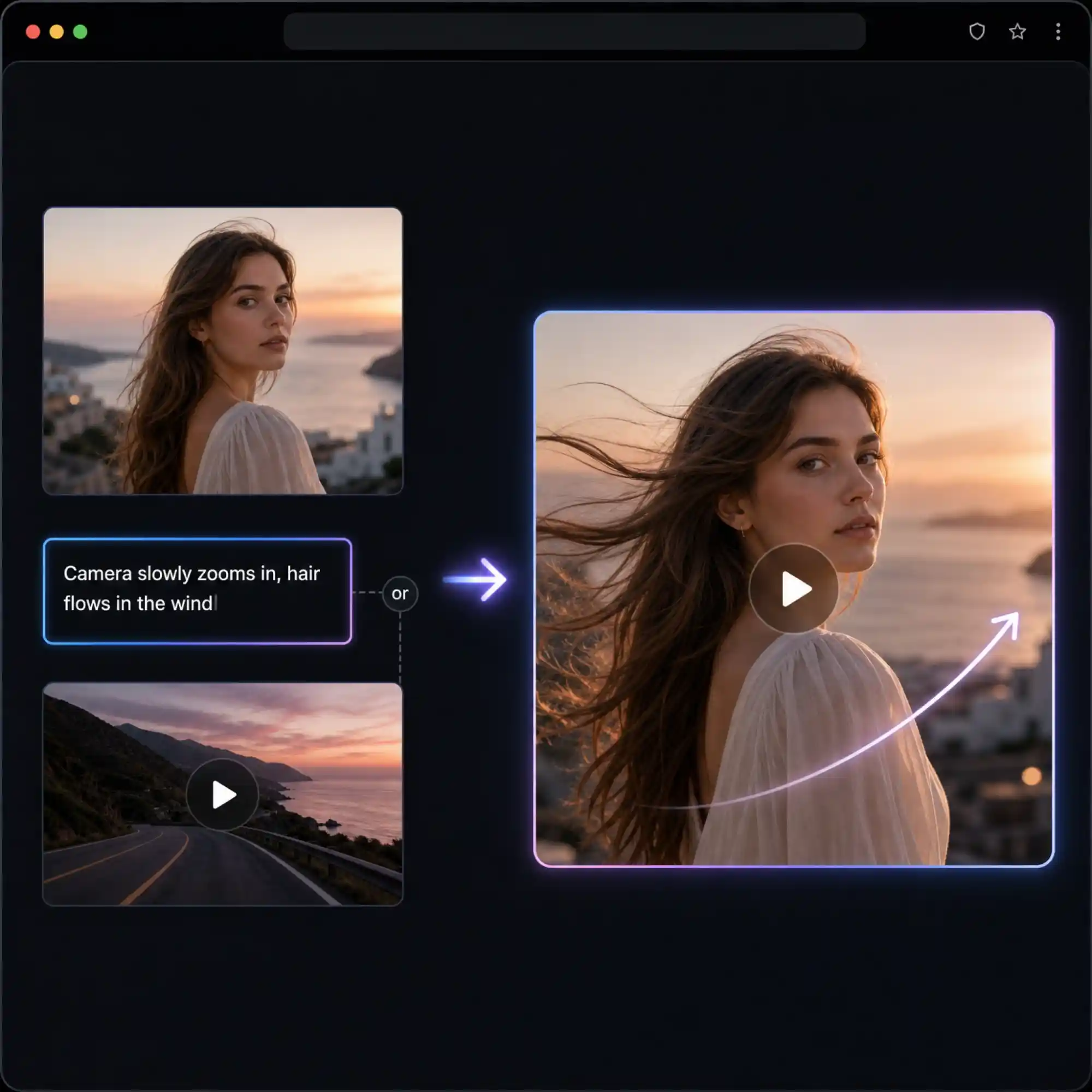
Direct Every Motion, By Prompt or Reference Video
Describe the motion you want in plain language - subject movement, camera pans, zooms, or tracking shots - and Anijam's image to video AI brings it to life. No prompt in mind? Upload a reference video instead, and Anijam matches its rhythm and camera style to your image.
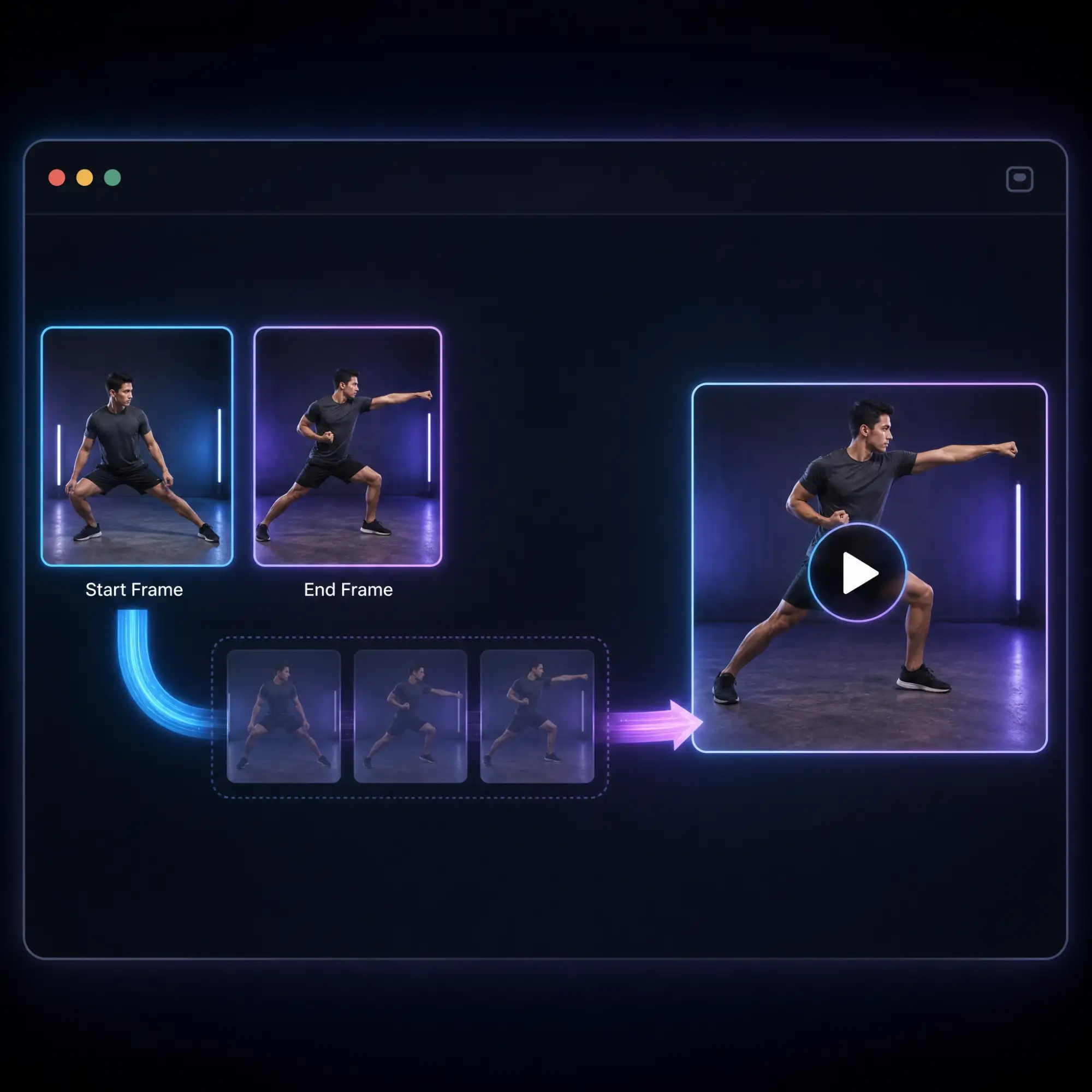
Control the Start and End with Two Frames
Upload a start frame and an end frame, and Anijam's image to video AI - powered by Kling, Seedance, and other leading models - generates every frame in between, so your video opens and lands exactly where you want it to.
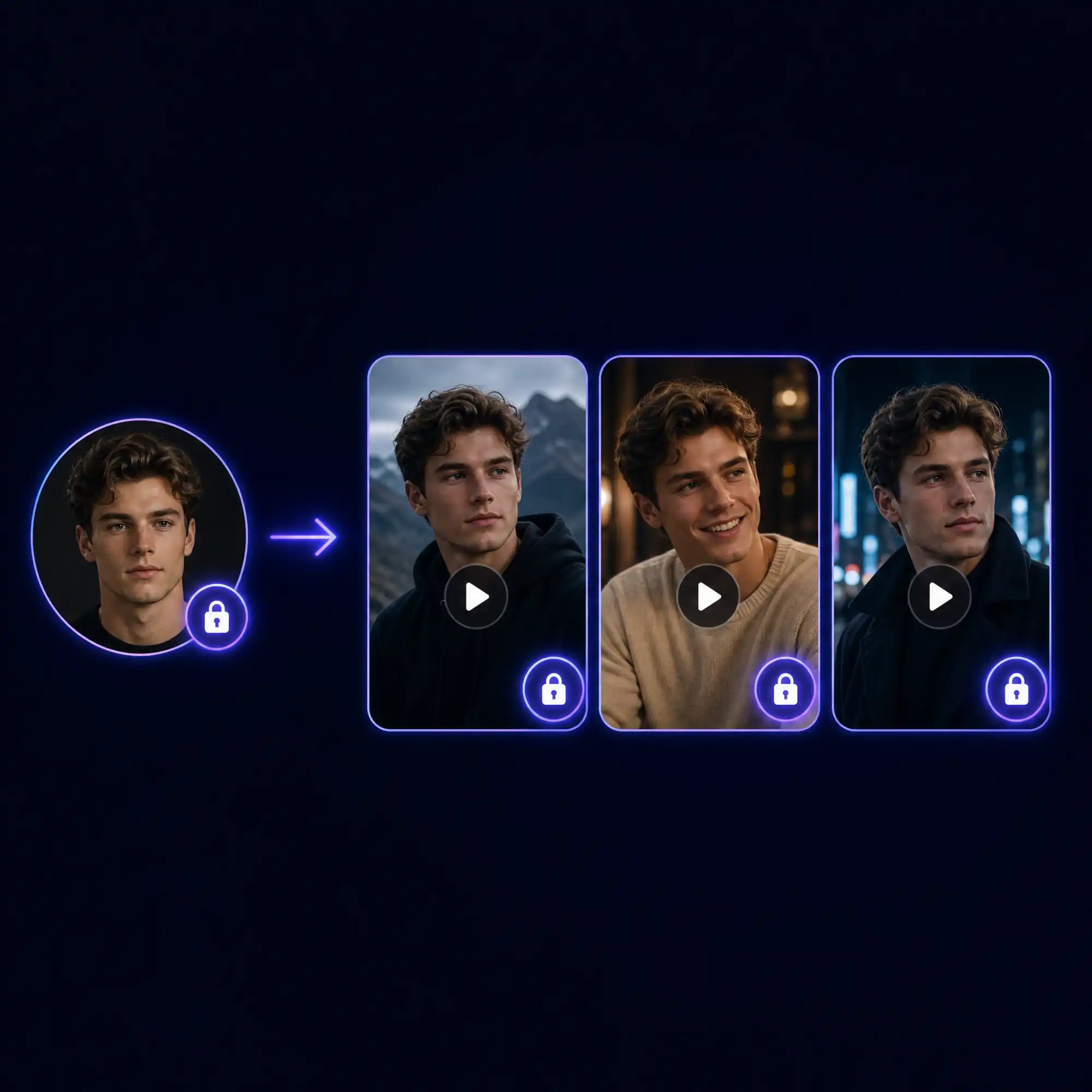
Keep Characters Consistent in Every Frame
Upload a character photo or illustration once, and Anijam keeps that identity consistent as it animates - face, outfit, and proportions stay locked in place across the entire generated video, even in longer or multi-scene projects.
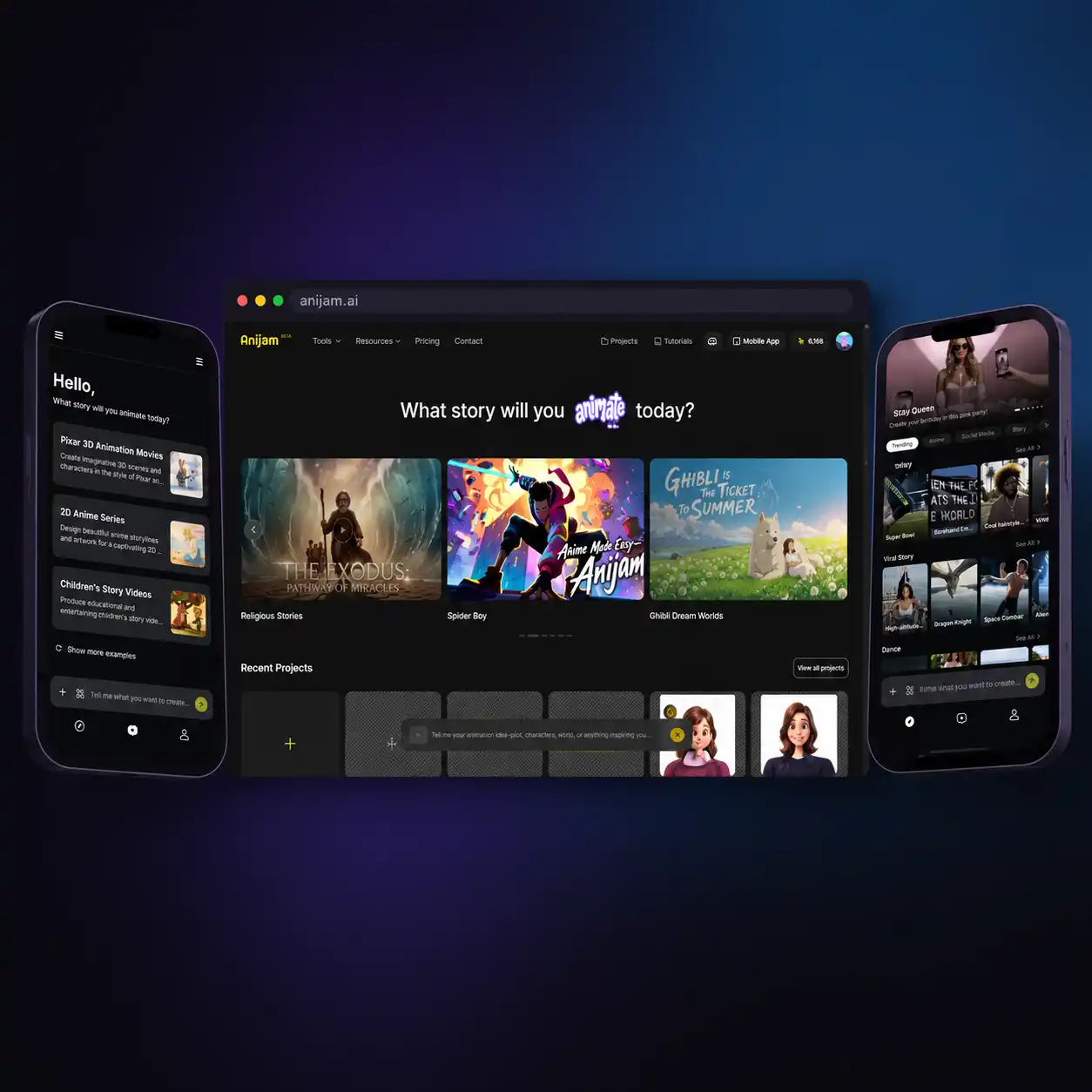
Create Anywhere with the Anijam App
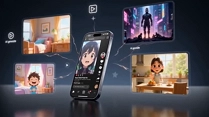
Start an image to video project on the web, then pick it up on your phone - the Anijam app keeps every scene, character, and edit synced automatically. The app also layers on a growing library of trending video templates, updated regularly, so you're always one tap away from the next viral format.
Everyone Can Turn Photos into Video with Anijam AI
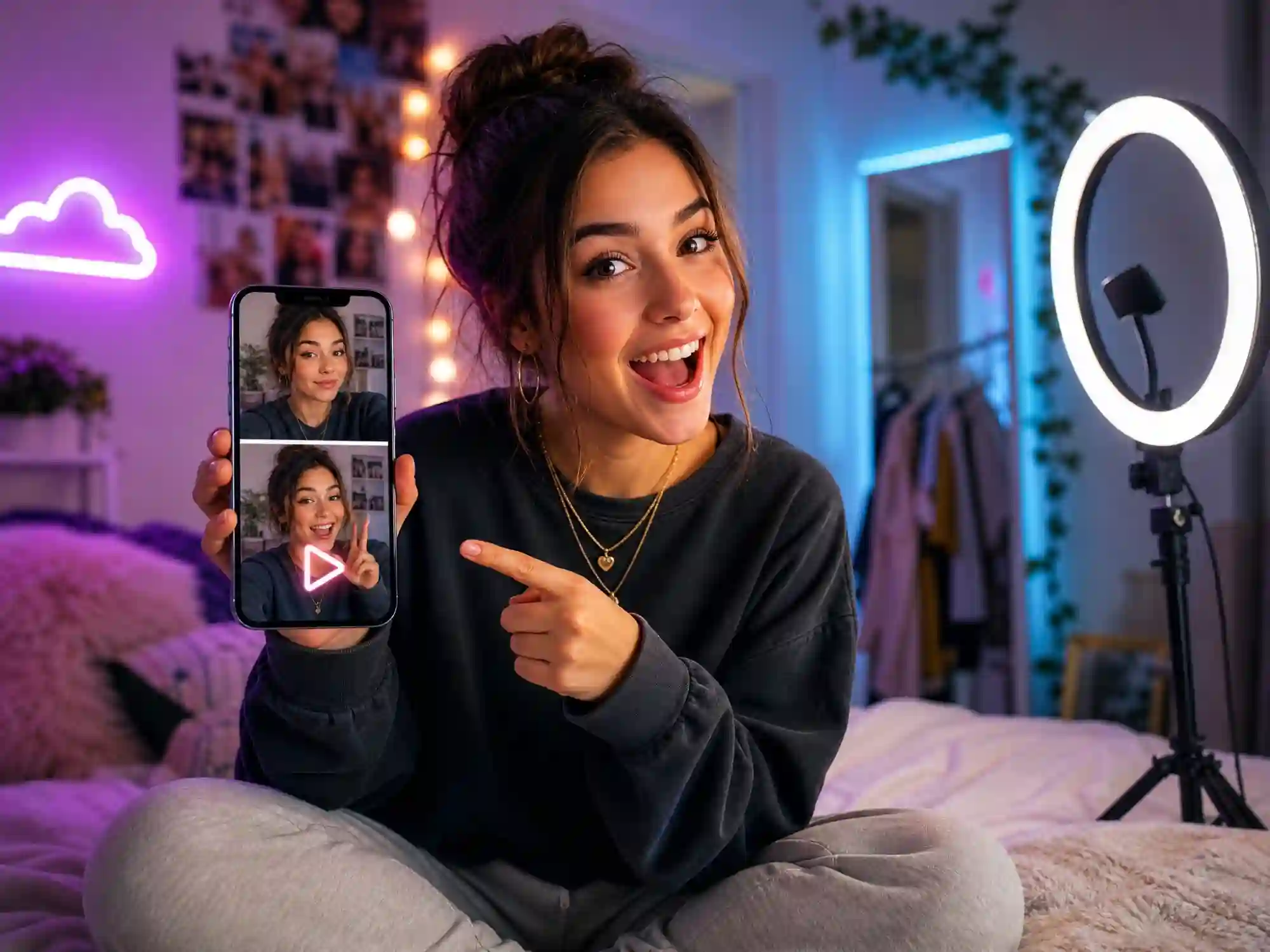
Social Creators
Turn ordinary photos into scroll-stopping AI videos for TikTok, Instagram Reels, and YouTube Shorts. Generate trend-ready clips from a single image in seconds.
How to Turn an Image into a Video with Anijam
Step 1: Upload Your Image
Start the image to video AI generator by uploading any photo, illustration, product shot, or anime artwork. JPG, PNG, and WEBP are all supported - no special formatting needed.
Step 2: Describe the Motion with a Prompt
Type what you want to happen - "camera slowly zooms in while hair blows in the wind," "character waves and smiles," "clouds drift across the sky." Choose a visual style and pick the AI video model that fits your project, then click Generate.
Step 3: Preview, Refine & Download Your Video
Preview the generated clip, fine-tune motion, timing, or camera movement with Anijam's scene tools, then download or share your image to video AI creation anywhere - watermark-free on paid plans.
Why Choose Anijam's Image to Video AI

Free to Start
Generate your first image to video AI creation for free - no credit card required. Sign up for generous credits plus a daily check-in bonus to keep creating.

Multiple Leading AI Video Models
Access Kling, Seedance, Wan, Gemini, and more from one platform - pick the engine that best matches your image, style, and motion needs.

Talking Photos with Lip Sync
Turn any portrait into a talking, expressive video - natural head movement, blinking, and lip-synced speech, all generated straight from a single photo.

No Skills, No Software
No editing timeline, no rendering software, no technical learning curve. Upload, prompt, generate - all inside your browser.

Ready for Every Platform
Export in 16:9, 9:16, or 1:1 to fit TikTok, Instagram, YouTube, or any platform - no extra cropping or resizing needed.

Watermark-Free Downloads
Download clean, professional MP4 videos with no watermark on paid plans, ready to publish anywhere the moment they're generated.
Explore Anijam AI's Other Cutting-Edge AI Video Tools
What Our Users Say
More about AI Video Creation & Inspiration
FAQ
What is image to video AI?
Image to video AI is technology that uses artificial intelligence to turn a still photo or illustration into a moving video clip. Instead of manual animation or keyframing, you upload an image and describe (or let the AI decide) how it should move - and the AI generates a sequence of video frames that bring the picture to life. Anijam's image to video AI adds prompt control and access to multiple leading video models on top of that core process.
Is Anijam's image to video AI free to use?
Yes. You can generate image to video AI clips for free with no credit card required. New accounts get generous free credits plus a daily check-in bonus, so you can keep creating without paying. Free-plan videos include a watermark and are for non-commercial use; upgrading unlocks watermark-free, higher-resolution, and commercially licensed exports.
Can I control the motion with a prompt?
Yes. Anijam is a prompt-driven image to video AI generator. Describe the subject motion, camera movement (pan, zoom, tracking), and scene changes you want in plain language, and the AI translates your description directly into the generated video. You can also upload a reference video to guide motion and pacing.
Which AI video models can I use for image to video?
Anijam gives you access to several leading AI video models - including Kling, Seedance, Wan, and Gemini - from a single platform. Each model has different strengths for motion realism, speed, and style, so you can switch models to match the image and result you're going for.
What image types work best with image to video AI?
Anijam's image to video AI supports JPG, PNG, and WEBP files, and works with portraits, anime and illustration art, landscapes, product photography, and old family photos. For best results, use a clear, well-lit source image and keep your motion prompt focused and specific.
Can I use the generated videos commercially?
Yes, on paid plans. Free-plan exports are watermarked and for non-commercial use only. Once you upgrade, your image to video AI creations are watermark-free and include full commercial usage rights for ads, client work, product listings, and monetized content.