


Text to Video AI: Turn Any Idea into a Video with Anijam AI Agent
Describe any scene, story, or script and watch Anijam's text to video AI agent bring it to life — complete with characters, motion, lip sync, and cinematic style. No filming, no rigging, no prior animation experience needed. Just type your idea and generate.
All-in-One Text to Video AI Agent
Anijam is a text to video AI built as a true agent, not just a generator. From story outline to character design, scene composition, motion, and lip sync — everything happens automatically in one seamless workflow, so a single text prompt becomes a complete, cohesive video instead of a disconnected clip. Anijam also comes as a mobile app, so you can capture an idea the moment it strikes, generate or edit your video on the go, and everything syncs automatically — start on your phone, keep working on desktop, and never lose a project.
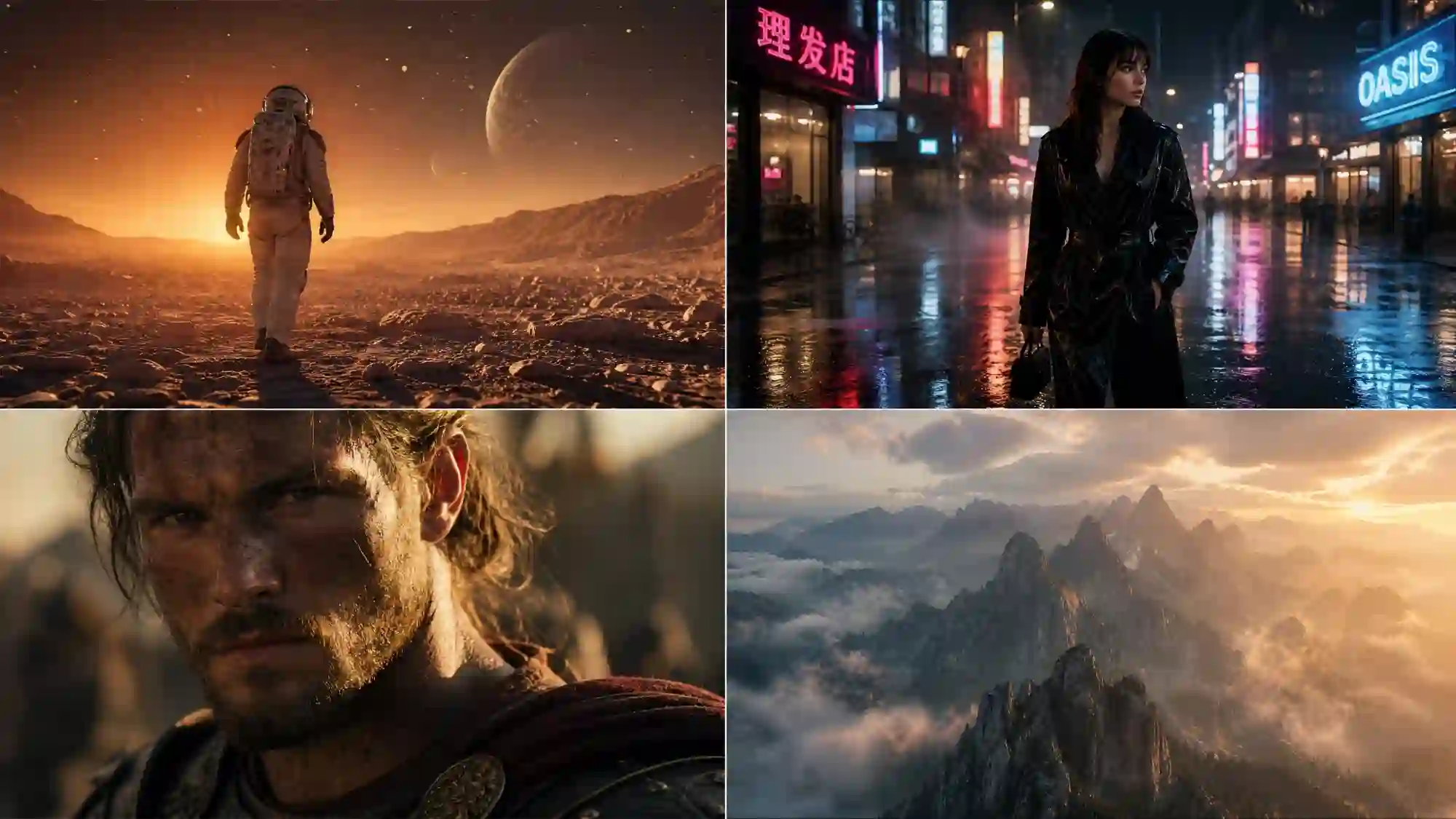
Cinematic Realistic Video
Hollywood-grade lighting, natural motion, and lifelike detail from a single text prompt. Perfect for ads, trailers, and story-driven content that needs to feel like it was shot on a real set.
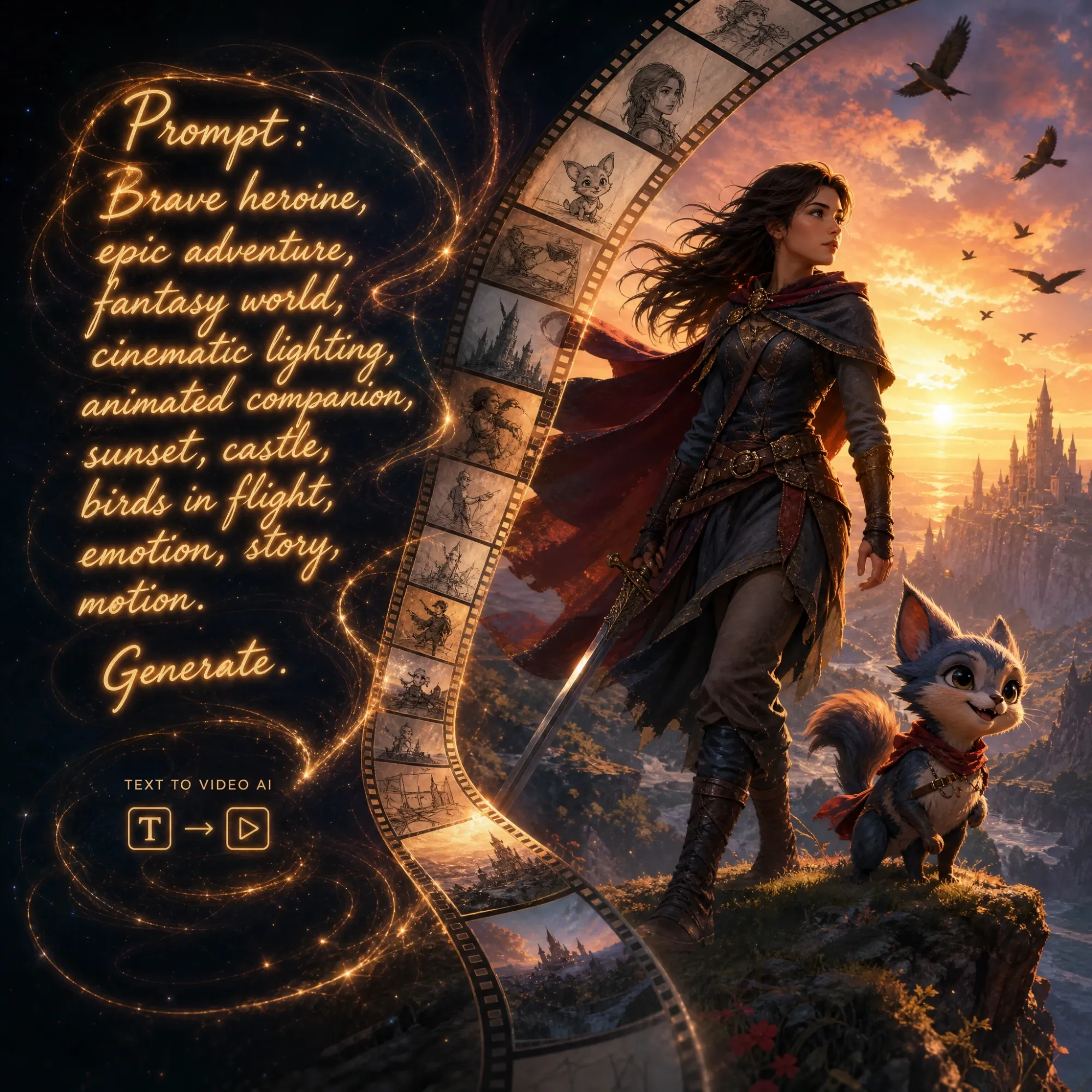
Turn Any Text Prompt into a Complete Video
Most text to video AI tools stop at a short, isolated clip. Anijam goes further — one prompt builds the story, the characters, the scenes, and the motion together, so you get a finished video, not just raw footage you still need to edit and stitch yourself.
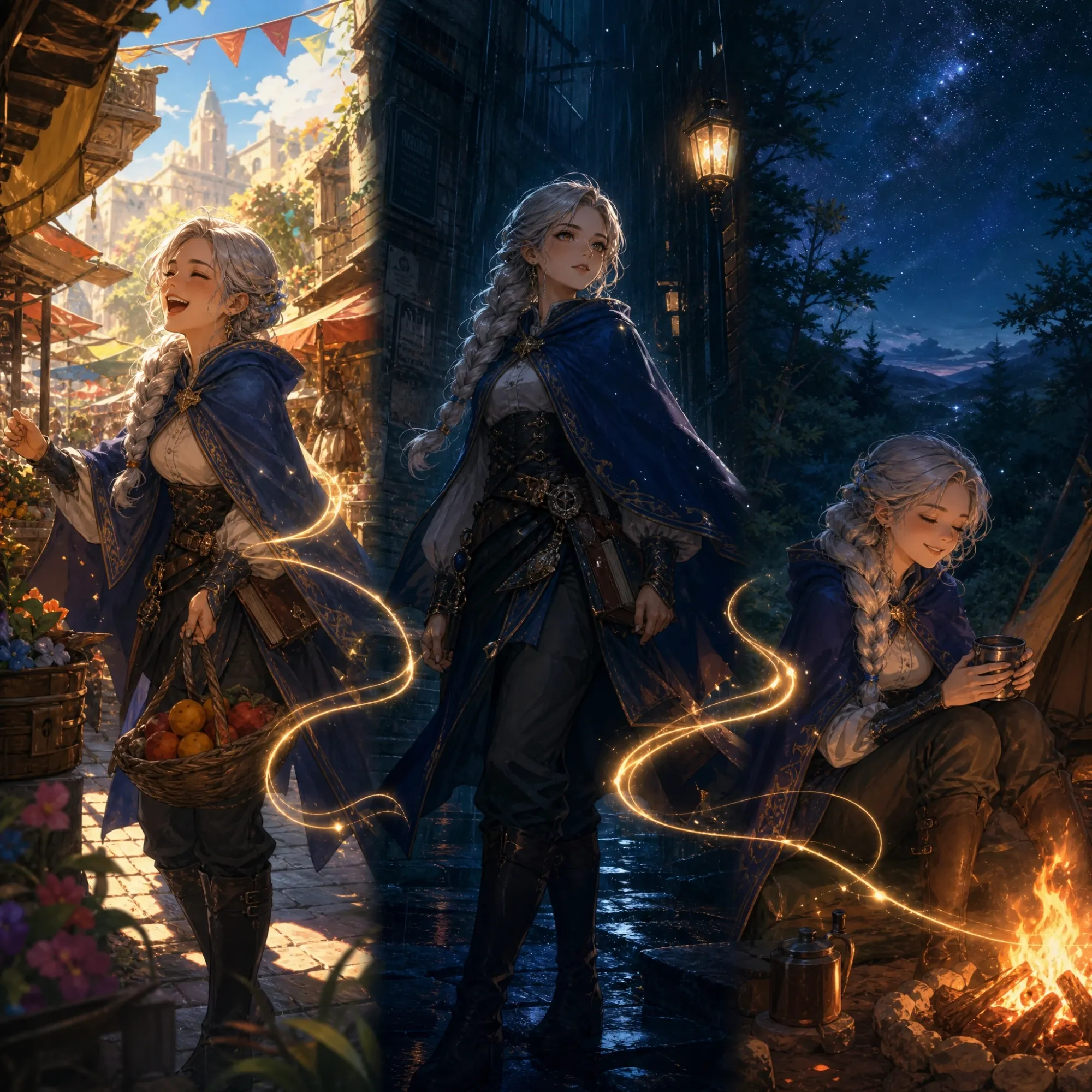
Consistent Characters in Every Scene
Design a character once from a text description or image, and Anijam keeps their look, proportions, and style locked across every scene. No more characters that drift or change between clips — a common problem with generic AI video generators.
Realistic AI Lip Sync for Talking Characters
Turn your script into a video with characters that actually speak. Choose from a rich multilingual voice library, upload your own audio, or use AI-generated speech — Anijam's lip sync engine matches mouth movement to every word automatically.
Motion & Camera Control, Directed by Text
Describe the action in plain language — "pan left," "run forward, then wave" — and Anijam translates it into precise character movement and camera work. Fine-tune gestures, direction, and scene dynamics without touching complex software.
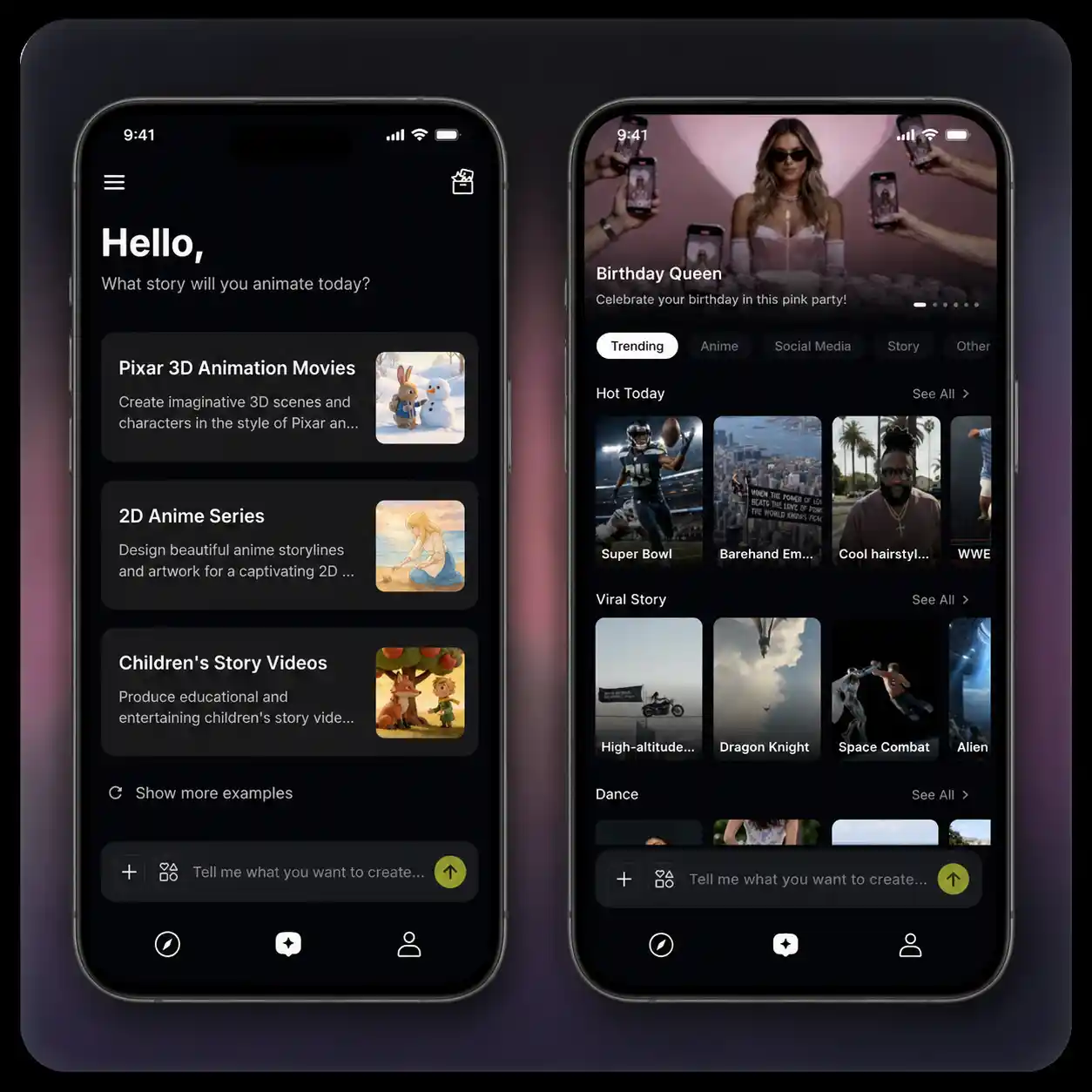
Create Anytime, Anywhere with Trending Templates
Your ideas don't wait for you to sit at a desk. With the Anijam mobile app, type a prompt, generate a video, or fine-tune a scene from your phone — and everything syncs automatically across devices, so you can pick up on desktop exactly where you left off. No idea yet? Browse a constantly updated library of trending templates — from viral styles to ready-made prompts and story starters — tap one and start creating in seconds.
Everyone Can Create Video from Text with Anijam AI
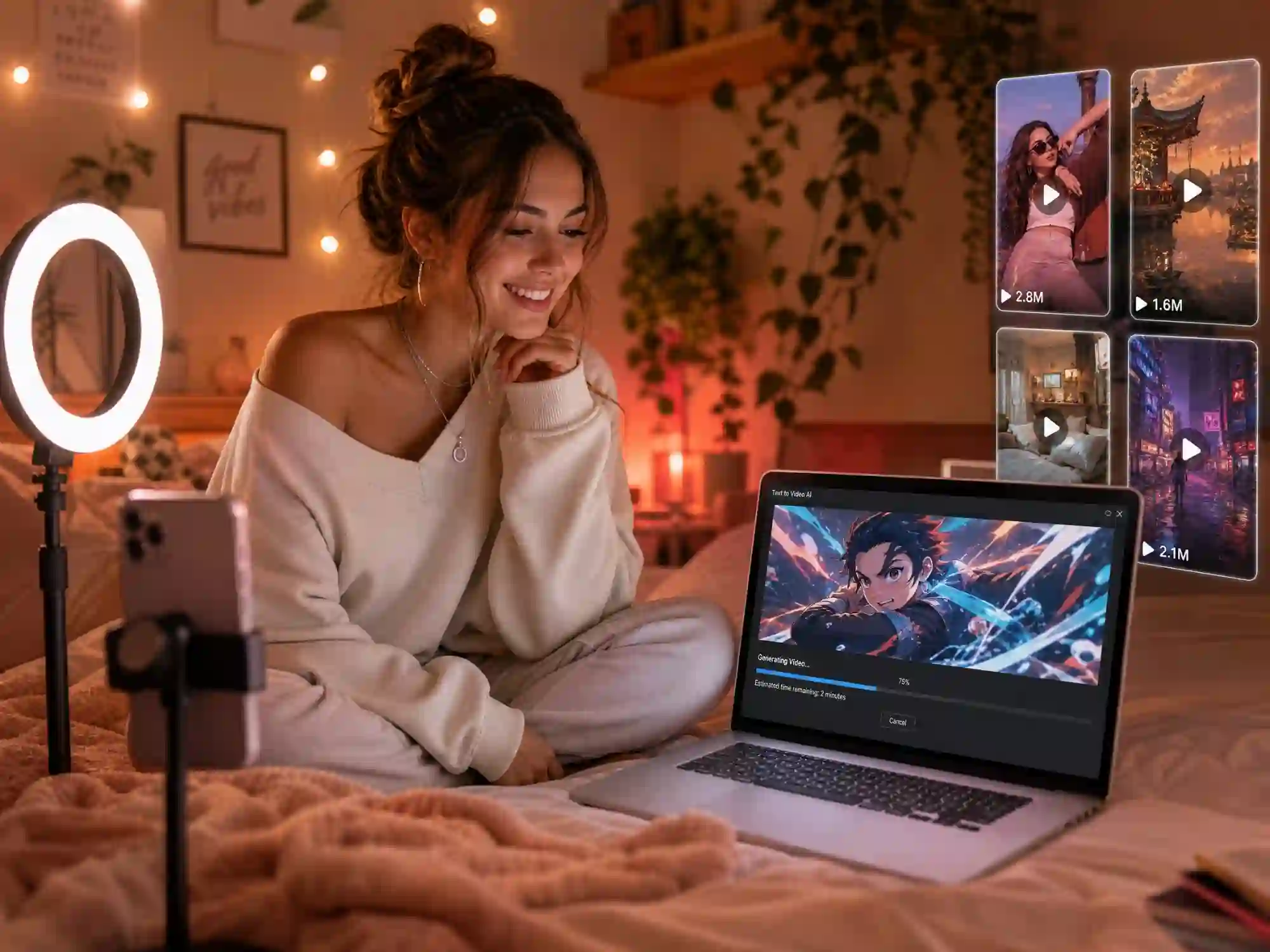
Content Creators & Storytellers
Turn any idea into a scroll-stopping video with Anijam's text to video AI. Generate consistent characters, smooth motion, and AI lip sync for TikTok, Instagram Reels, and YouTube Shorts — in minutes.
Unlock Endless Possibilities with Anijam's Text to Video AI Agent
Bring your ideas to life with AI-powered video. Whether you're creating short-form content, telling a story, or showcasing a product, Anijam helps you generate a high-quality video from text in minutes — no skills required.
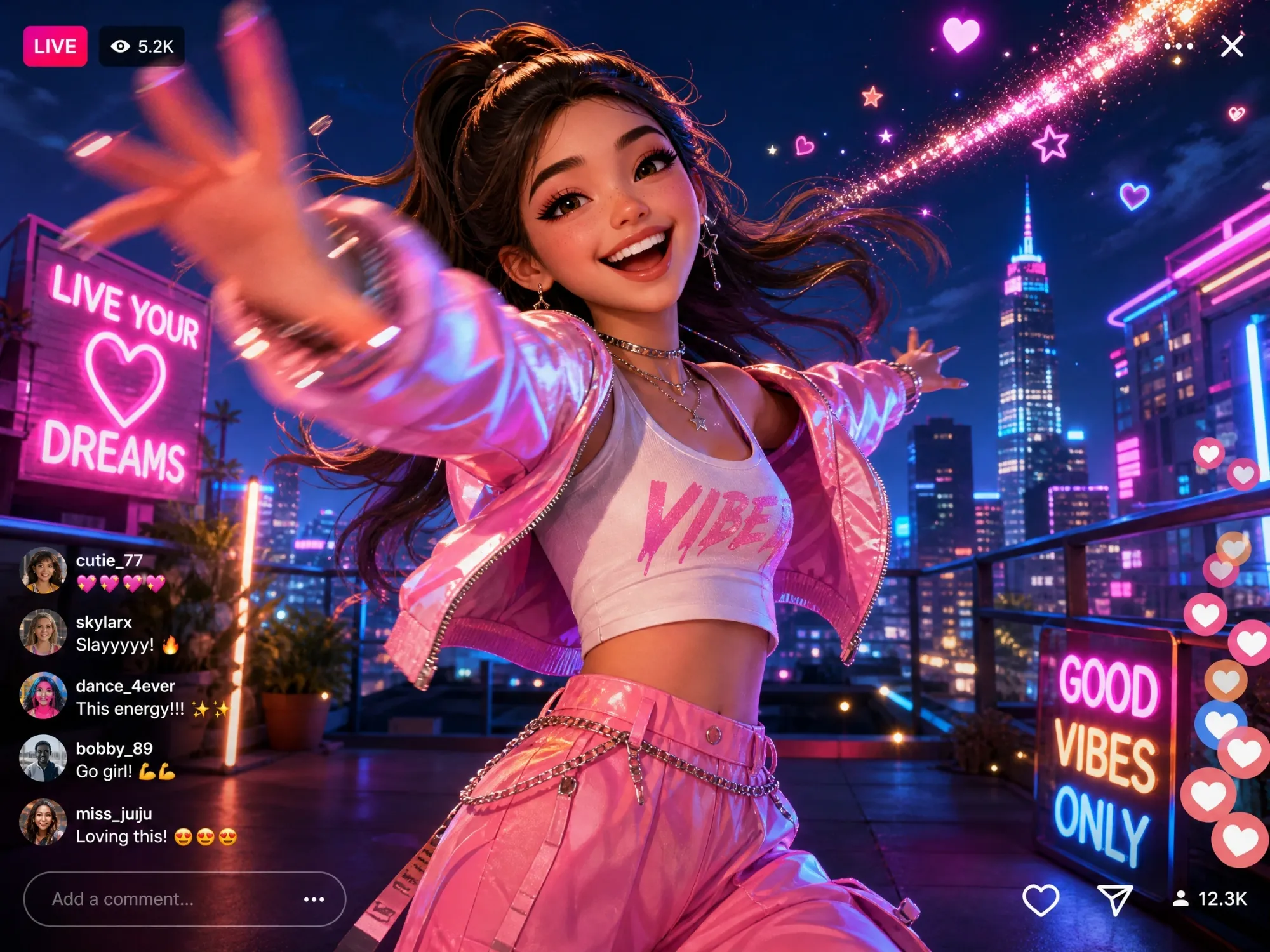
Create Viral Social Videos
Turn a text prompt into an eye-catching video for TikTok, Instagram Reels, and YouTube Shorts. Generate consistent characters, smooth motion, and engaging scenes in just a few clicks.
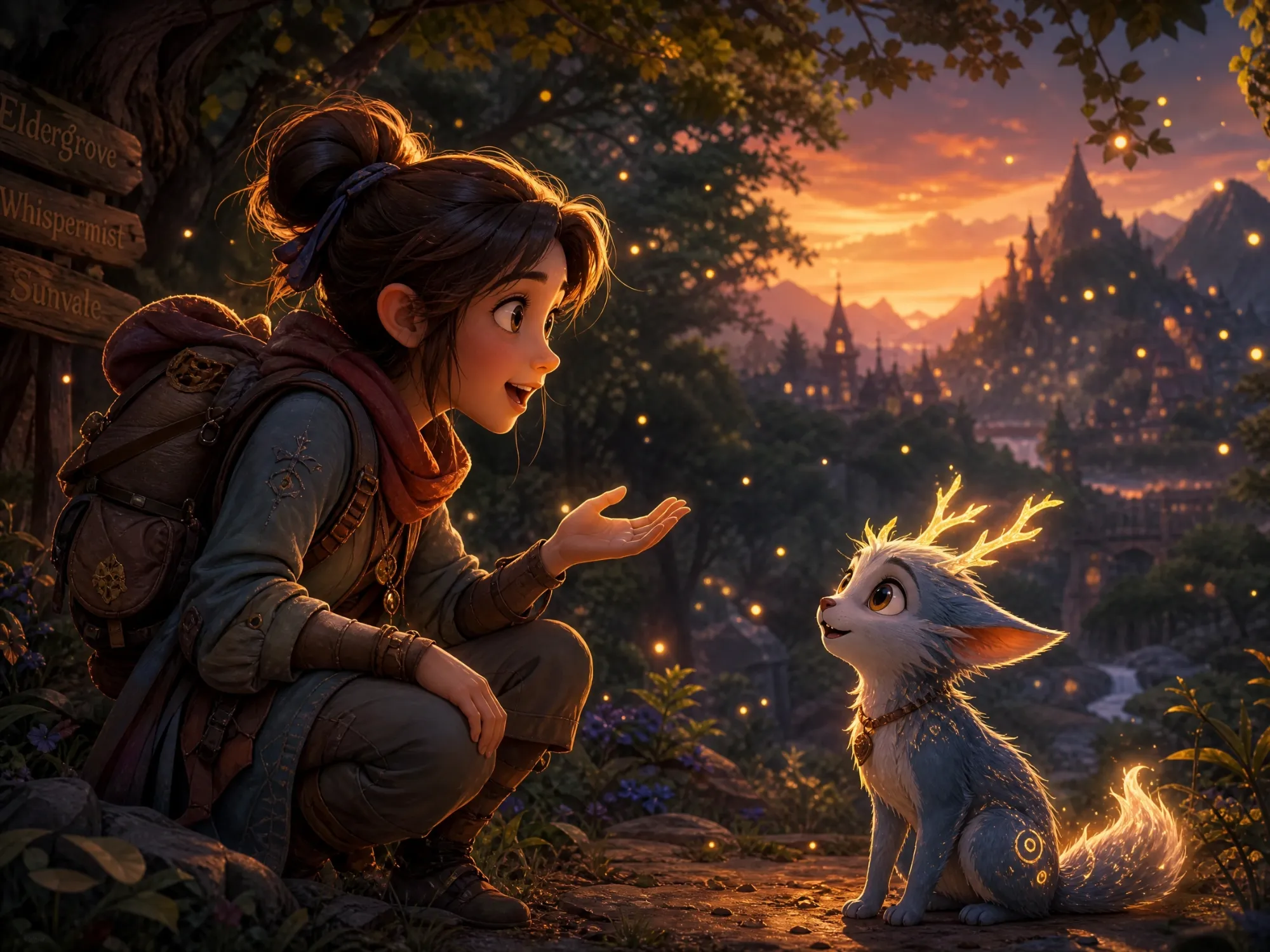
Bring Stories & Characters to Life
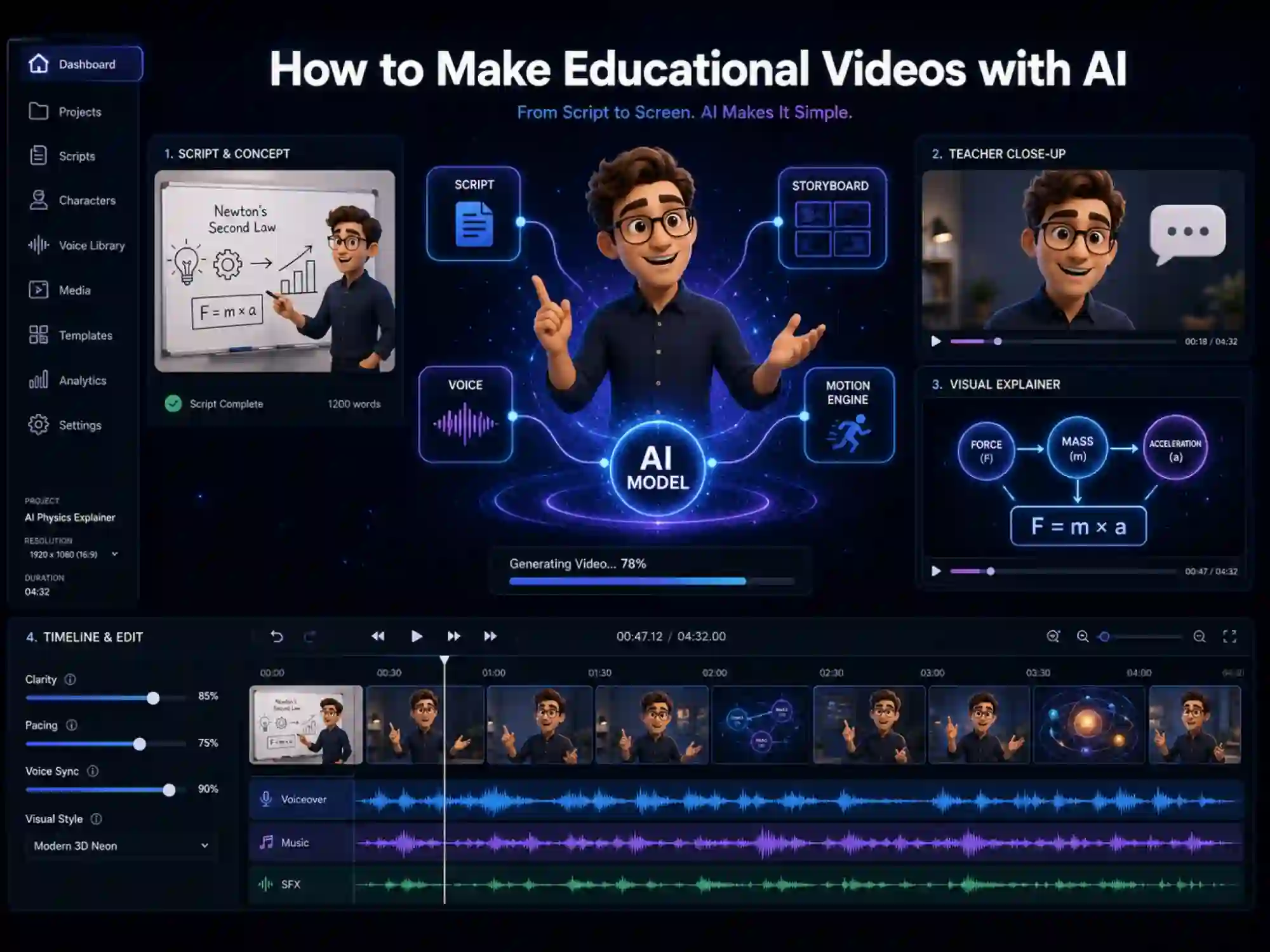
Instantly create animated characters and storytelling scenes with expressive motion and lip sync from a simple script. Perfect for creators, educators, and storytellers.
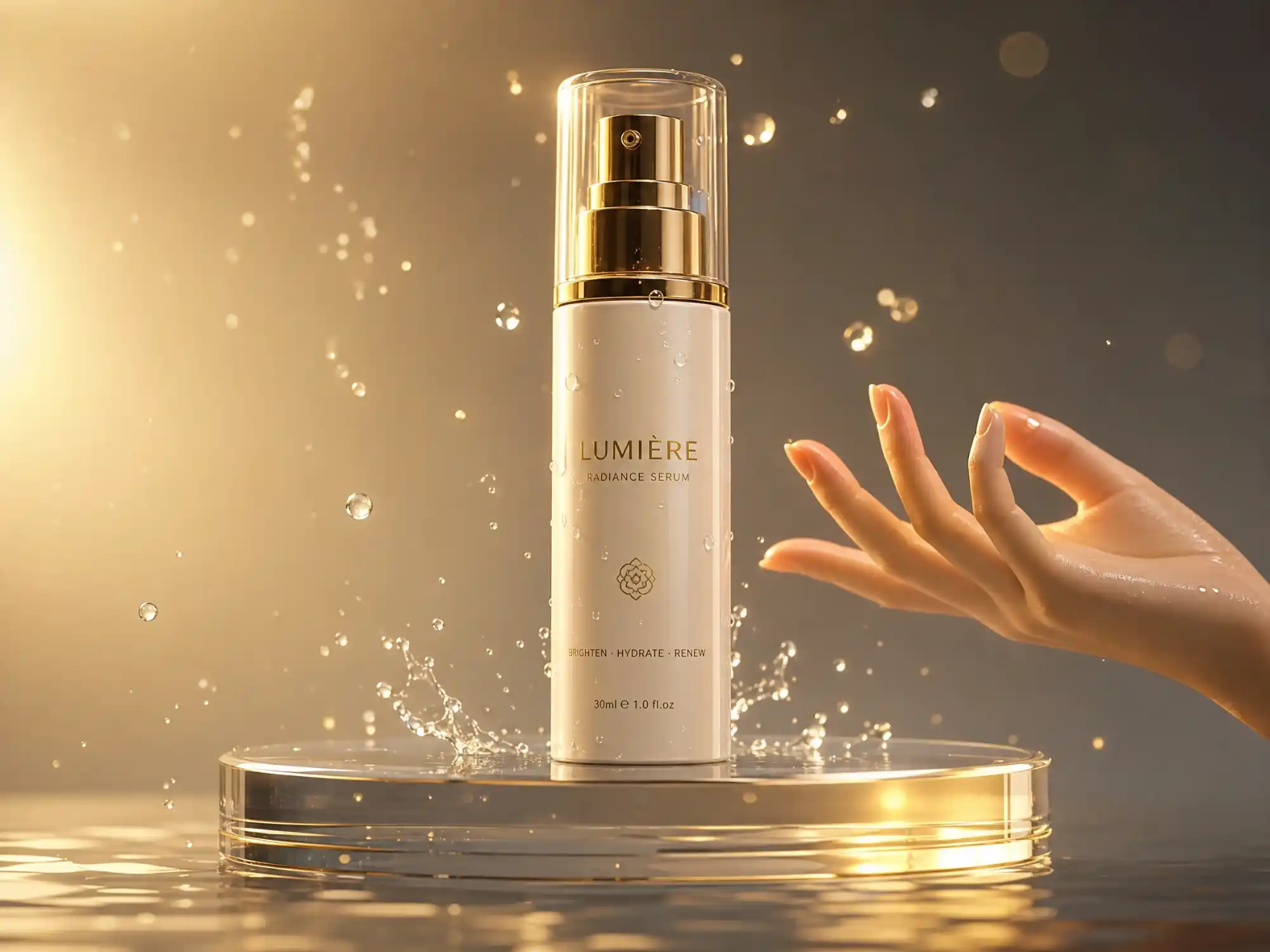
Showcase Products in Motion
Turn a product description into a dynamic video. Highlight features, simulate real-world usage, and create scroll-stopping demos for marketing and ads.
How to Create a Video from Text with Anijam
Step 1: Describe Your Idea
Type your video concept, a scene description, or a full script into the canvas. Anijam's AI agent reads your text and instantly generates a story outline, scene breakdown, and character suggestions.
Step 2: Customize & Generate
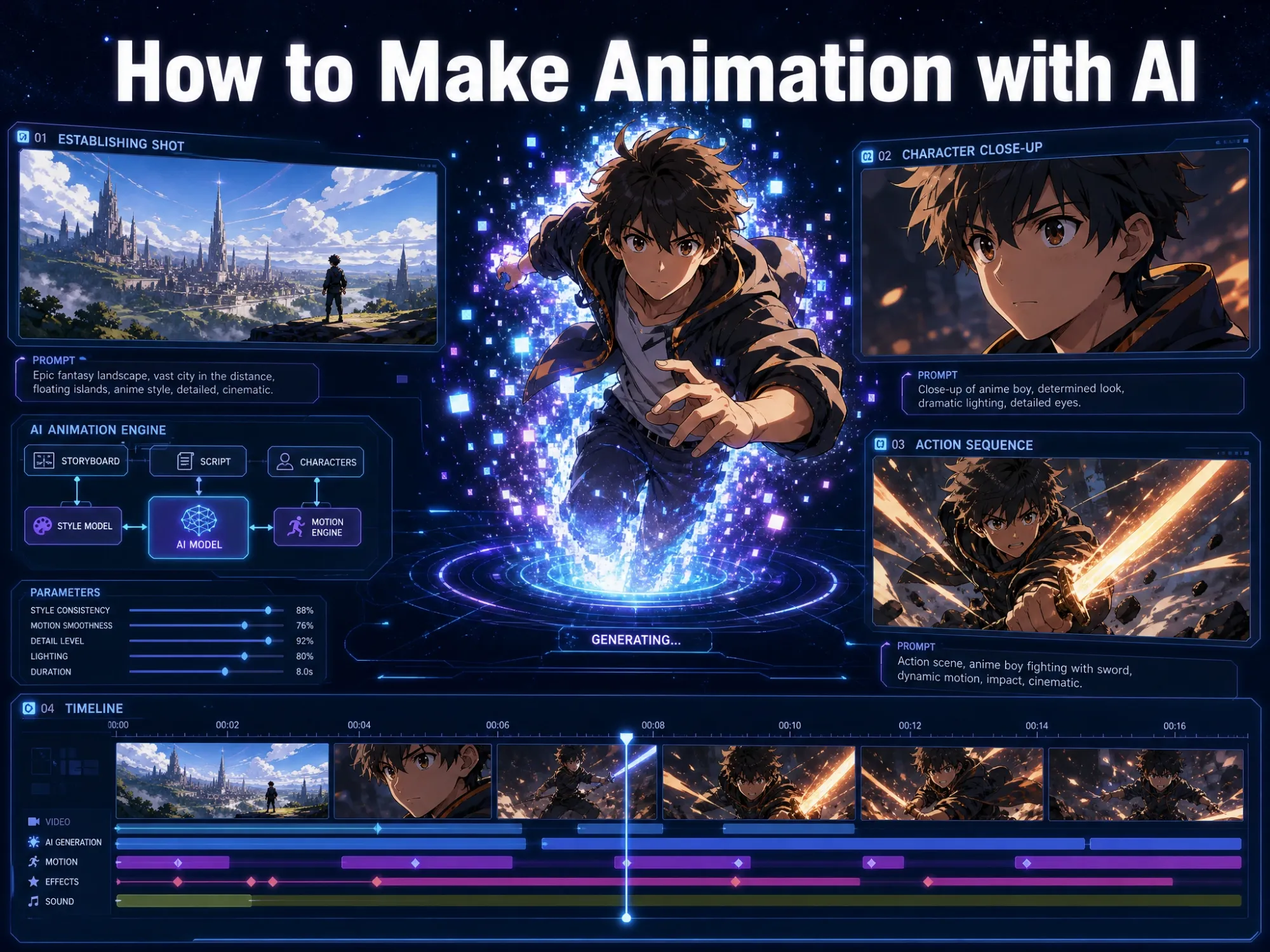
Pick your visual style — cinematic realistic, anime, 3D, or claymation — adjust character appearance, upload your own audio or choose a voice from the multilingual library. Then click Generate and watch your text become a full video.
Step 3: Edit, Download & Share
Fine-tune motion, timing, camera angles, and lip sync with the built-in timeline editor. When it's ready, export in HD (or 4K on premium) and share your text to video AI creation on any platform.
Why Choose Anijam Text to Video AI

Fast Generation
Generate a complete video from text in under 5 minutes. Perfect for creators who need high-quality content at scale without traditional production delays.

Free Trial
Anijam offers a free trial so you can try its full text to video AI capabilities — create videos, explore features, and bring your ideas to life with zero upfront cost.

Multi-Style Video Output
Generate video in cinematic realistic, anime, 3D, or claymation style — Anijam covers today's most popular looks, not just one aesthetic. Switch styles without rebuilding your characters or scenes.

No Skills, No Barriers
No rigging, no keyframing, no editing expertise required. Whether you're a beginner or a pro, you can create a studio-quality video from text alone.

Commercial-Ready Output
All videos are export-ready for ads, social media, product demos, and branded content — with full commercial usage rights included in premium plans.

Watermark-Free Videos
Enjoy professional-quality videos without watermarks — available on the free trial and premium plans, so your content is clean and ready to share.
Explore Anijam AI's Other Cutting-Edge AI Video Tools
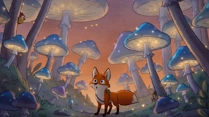


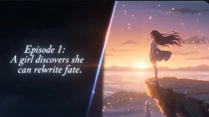
What Our Users Say
Explore More Text to Video AI Guides
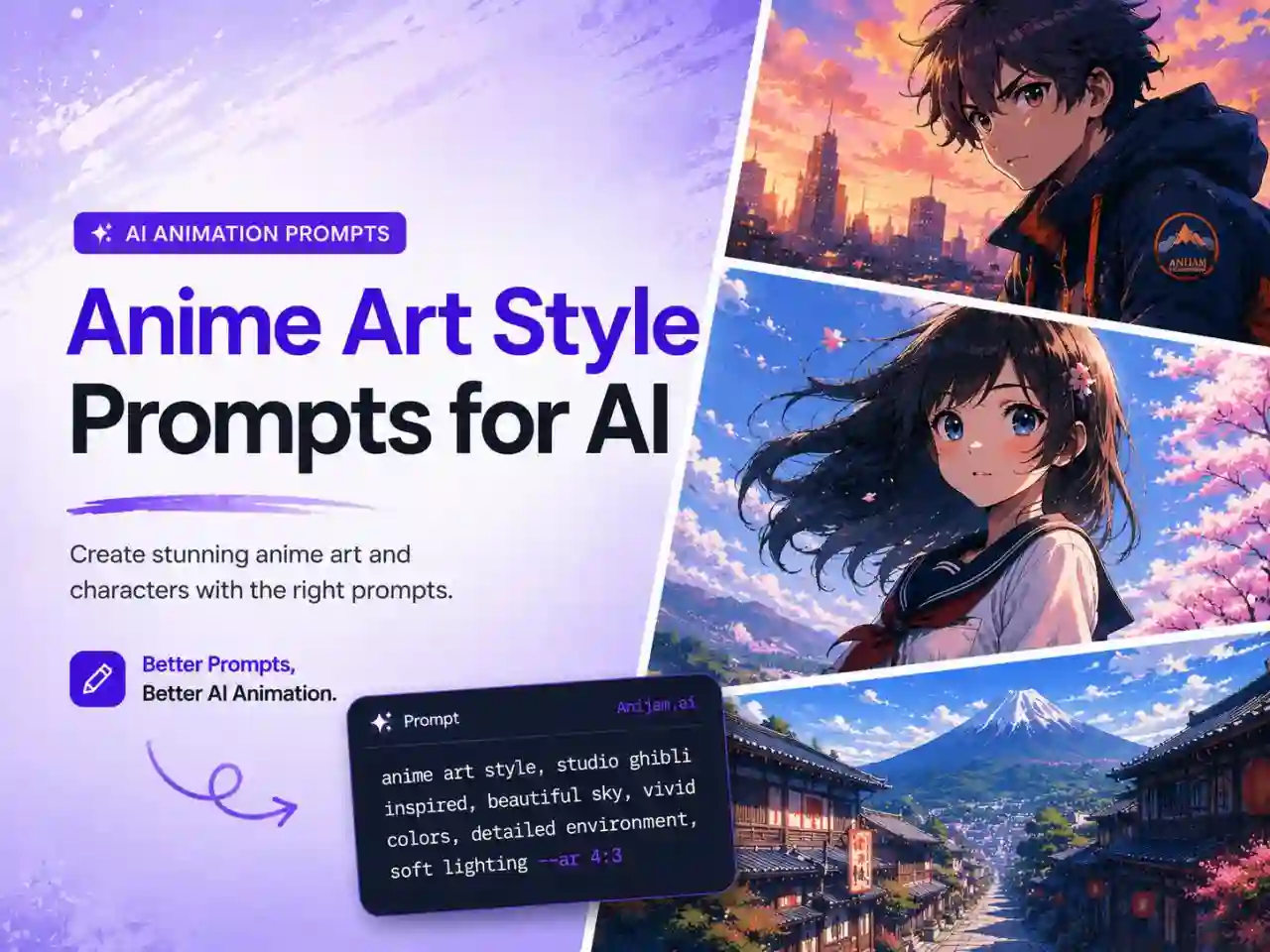
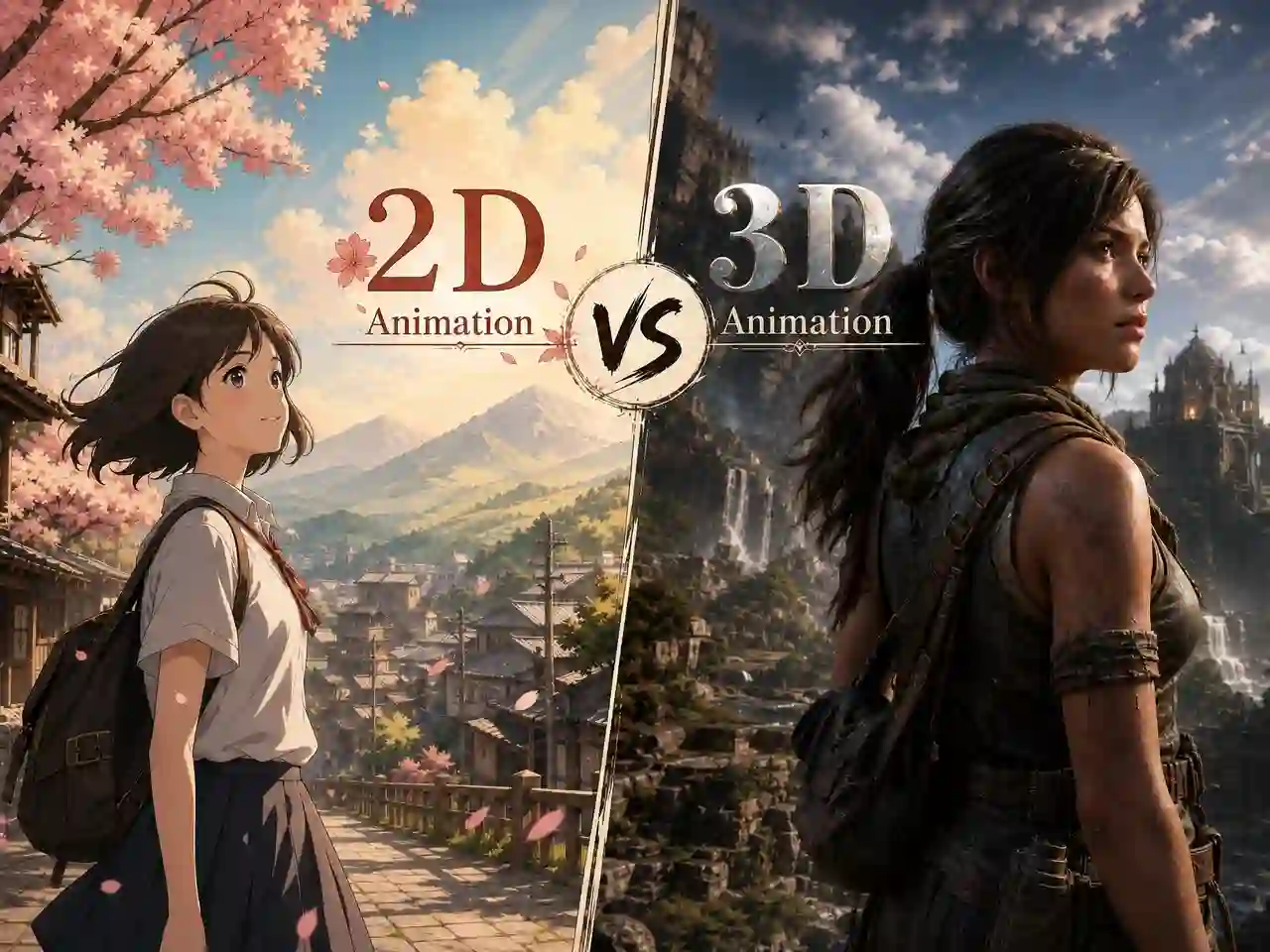
FAQ
What is text to video AI?
Text to video AI is technology that converts a written prompt, script, or description into a video automatically. With Anijam, you type what you want — characters, scenes, actions, dialogue — and the AI agent generates a complete video with motion, lip sync, and a cohesive style. No filming, drawing, or animation experience required.
Is Anijam's text to video AI free?
Yes, you can get free credits upon signing up or logging in, and by completing daily check-ins. These credits allow you to try video generation and AI features for free.
How does text to video AI work?
Text to video AI works by turning your prompt or script into a structured video. With Anijam, the AI automatically generates the story, characters, scenes, motion, and voice sync — so one text input becomes a complete video.
How is Anijam different from other text to video AI tools?
Most text to video AI tools generate a short, standalone clip and stop there. Anijam is a full AI agent — it writes the story outline, designs and locks in your characters, builds the scenes, controls motion and camera, adds lip sync, and lets you edit everything on one timeline. You never need to switch between separate tools for script, visuals, voice, and editing.
Beyond single-shot generation, Anijam is evolving into a template + agent-driven creative system, where users can start from trending templates or generate from scratch using AI. It supports both image and video generation workflows, enabling seamless creation of assets, scenes, and characters in one place. The platform also extends into long-form storytelling and episodic content generation, allowing users to build multi-scene narratives, serialized stories, and consistent character-driven videos instead of isolated clips.
Can I use Anijam's text to video AI on my phone?
Yes. Anijam is also available as a mobile app, so you can describe an idea, generate a video, or make quick edits from your phone. Your projects sync automatically, so you can continue on desktop exactly where you left off.