


Audio to Video AI: Turn Any Audio into a Full Story Video
Upload a song, podcast, or voiceover and let Anijam's AI agent build a complete animated video around it - matching scenes, characters, camera movement, and pacing to your sound automatically. No stock footage, no manual editing, no timeline from scratch.
What You Can Create with Anijam Audio to Video AI
Whether it's a song, a podcast, or a voiceover, Anijam's AI Agent turns audio into a complete animated video - story, scenes, and sync included - in minutes, with no editing skills required.
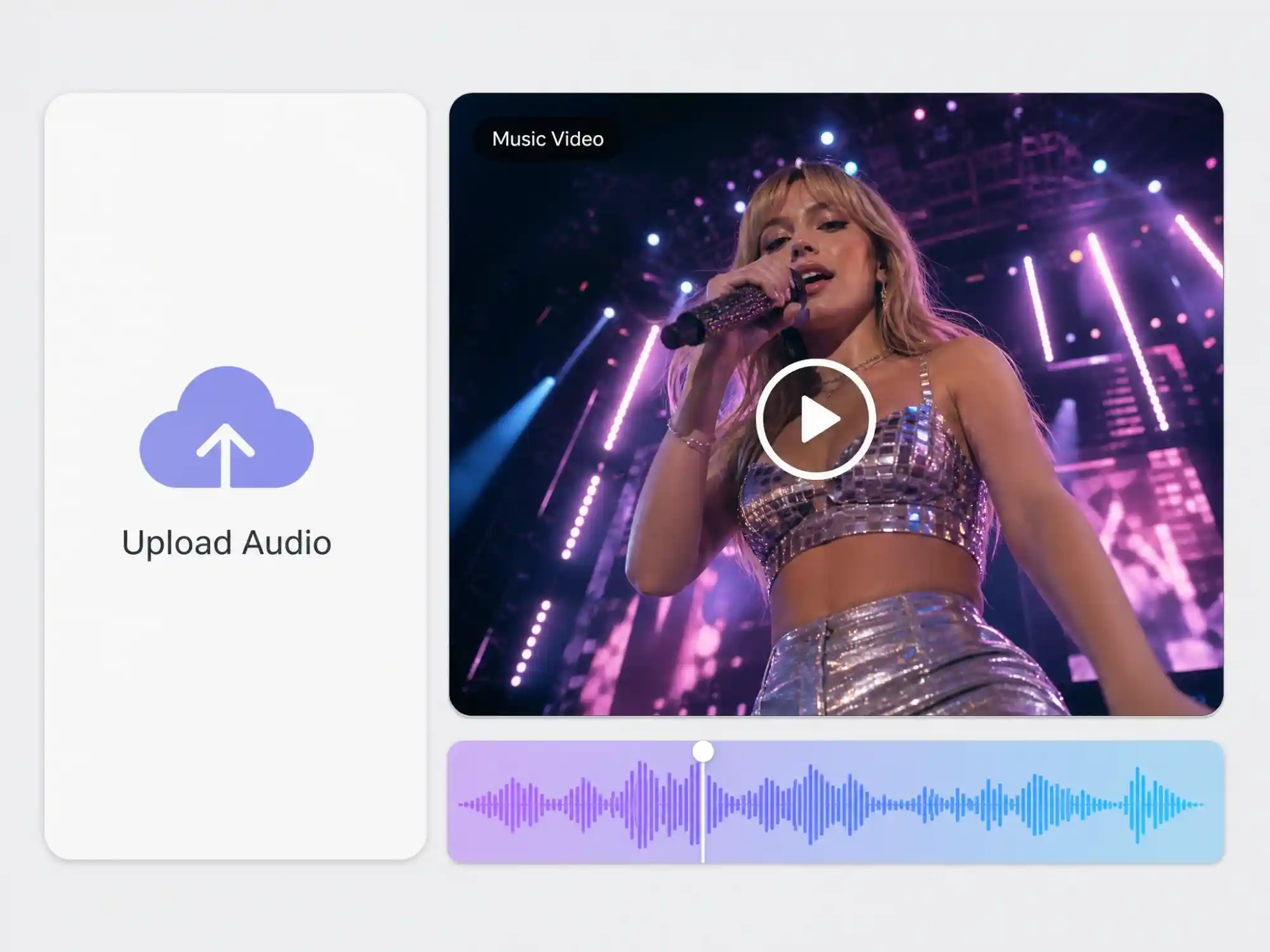
Create Music Videos from Any Track
Upload a song and Anijam's AI Agent builds a full music video around it - matching scenes, characters, and cuts to the tempo and mood of your track, no filming required.
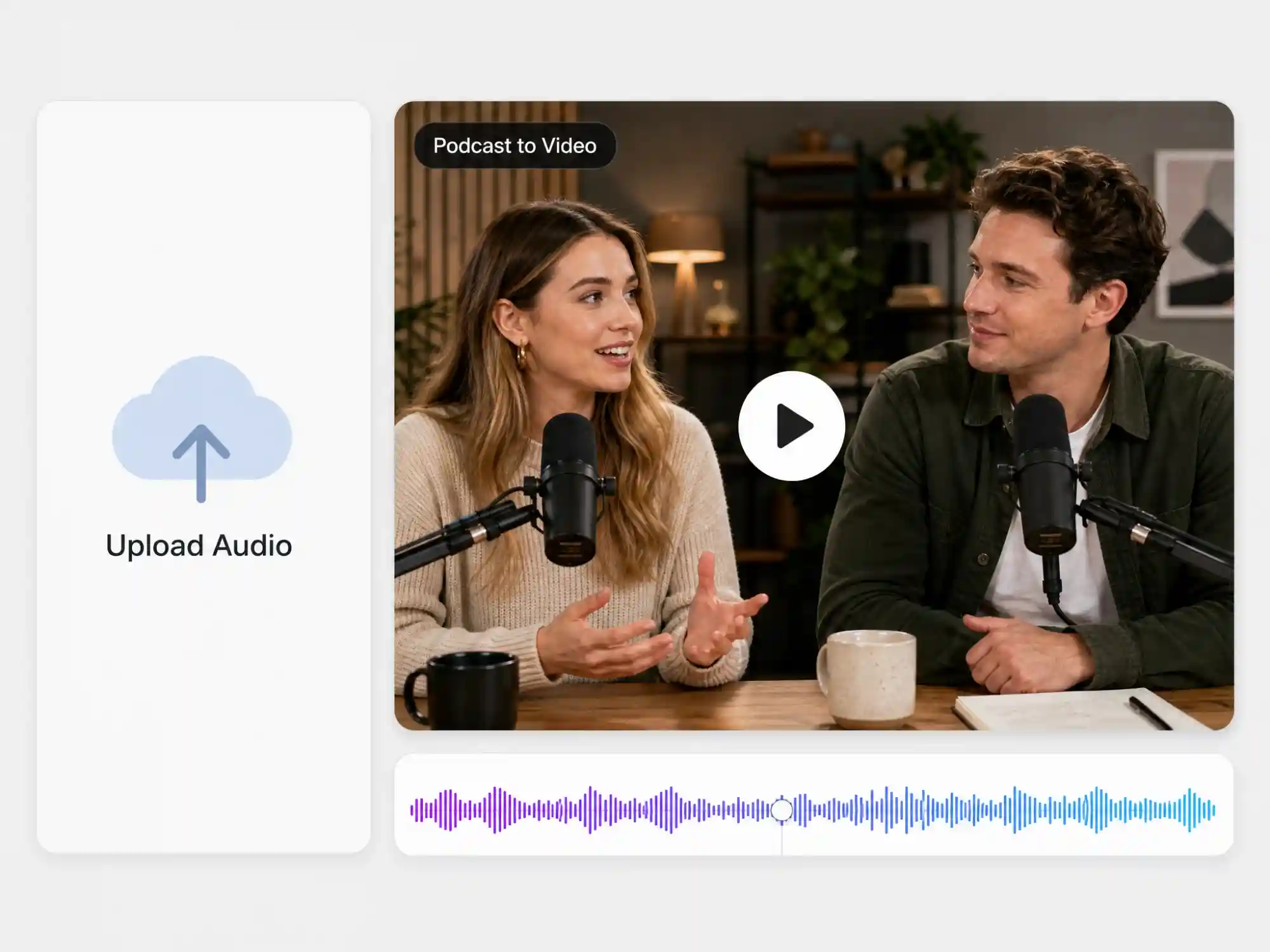
Turn Podcasts into Shareable Video Clips
Convert spoken audio into animated video content with matching scenes and characters, perfect for repurposing podcast episodes for YouTube and social media.
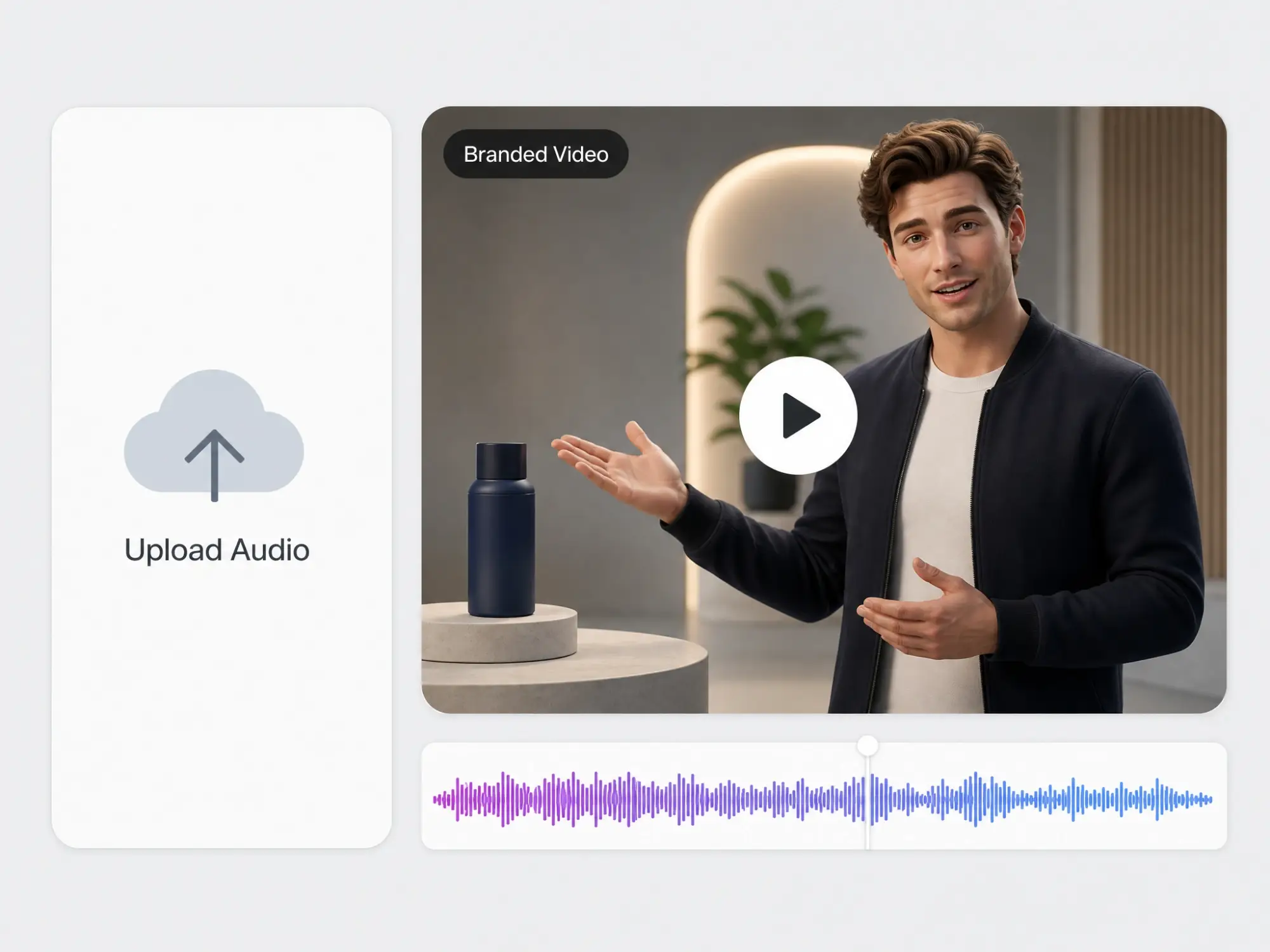
Build Branded Videos from a Voiceover
Turn a marketing script or voiceover into a fully animated promotional video with consistent characters and scenes, ready for ads and campaigns.
All-in-One AI Audio to Video Creation
Anijam is an AI-native video agent that turns raw audio into a finished, story-driven video - not just a static waveform or a single talking face. Drop in a music track, a podcast clip, or a voice recording, and Anijam's AI Agent analyzes the tempo, mood, and content of your audio to automatically write a scene-by-scene story, generate matching visuals, and sync every cut to your sound.
Anijam also lives on the Anijam mobile app, so you can turn audio into video from your phone, keep every project synced across devices, and tap into a constantly updated library of trending video templates - perfect for jumping on the latest audio and video trends the moment they take off.
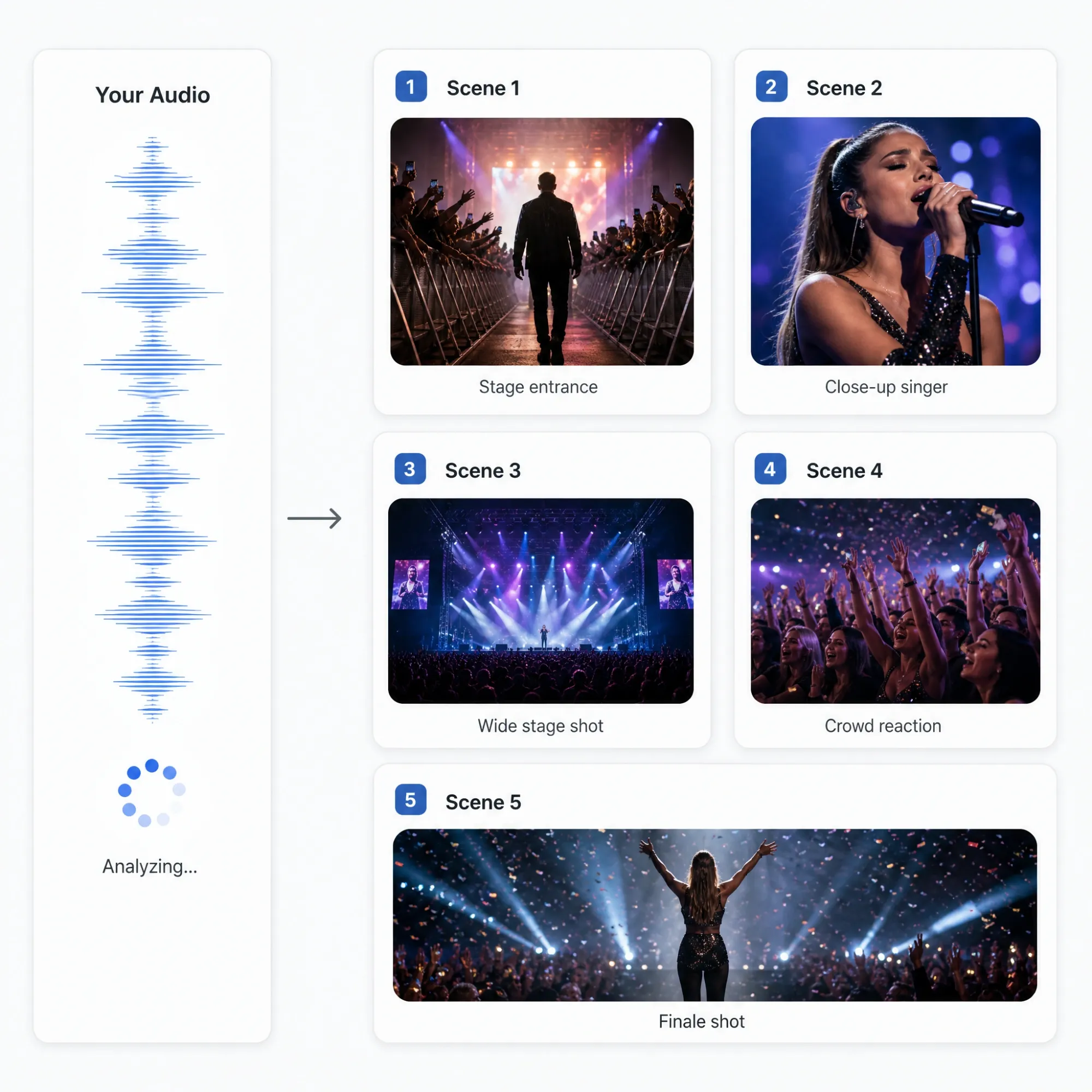
Auto-Generate Story and Scenes from Your Audio
Anijam's AI Agent listens to the tempo, mood, and content of your audio, then automatically writes a scene-by-scene story, generates matching visuals, and lays out the shots for you - no manual scripting or storyboarding required. For music tracks, it also detects the lyrics and generates matching captions automatically.
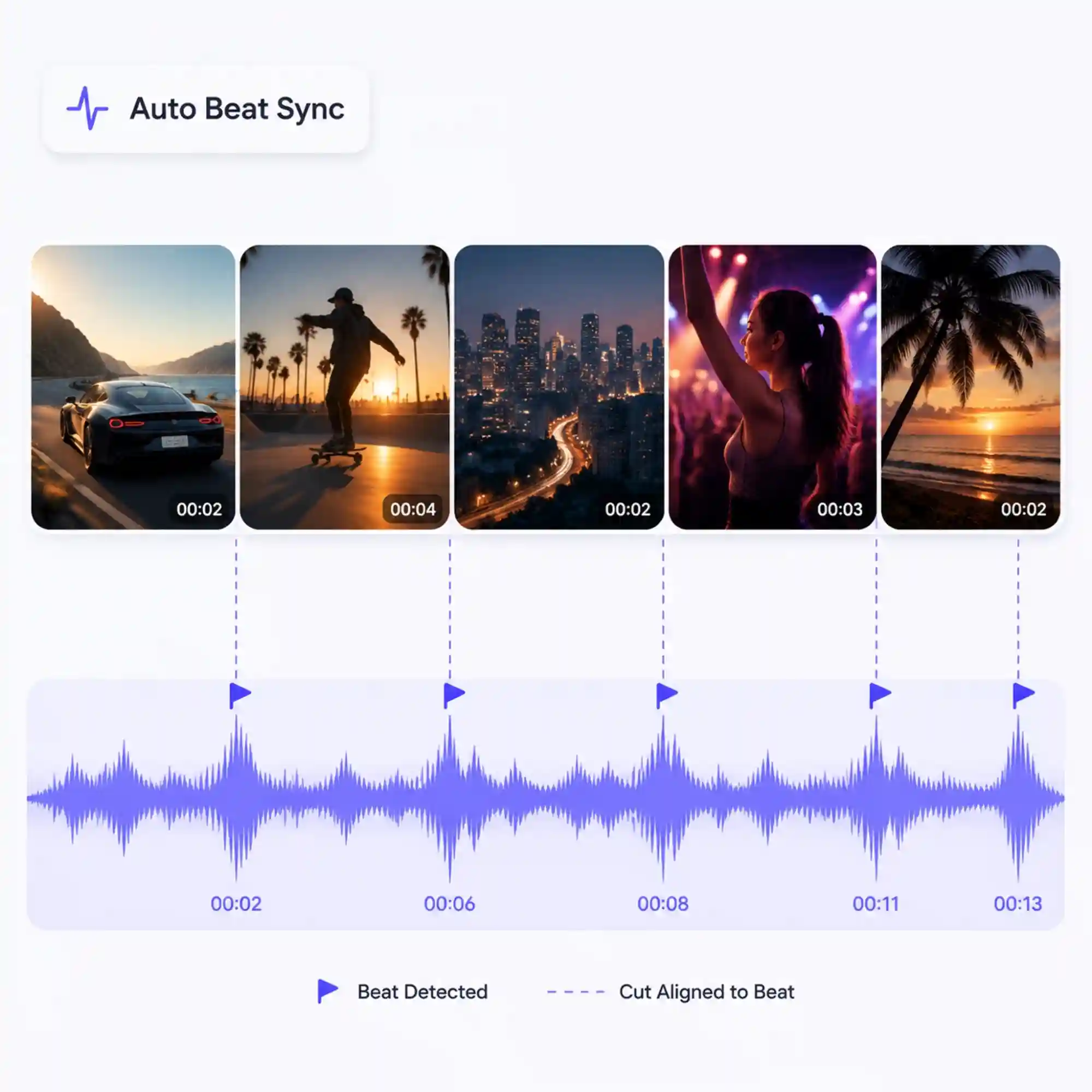
Sync Every Cut to Your Audio Automatically
Every scene change, camera move, and transition is timed to match the rhythm, pacing, or spoken beats in your audio track, so the finished video feels intentional rather than randomly assembled.
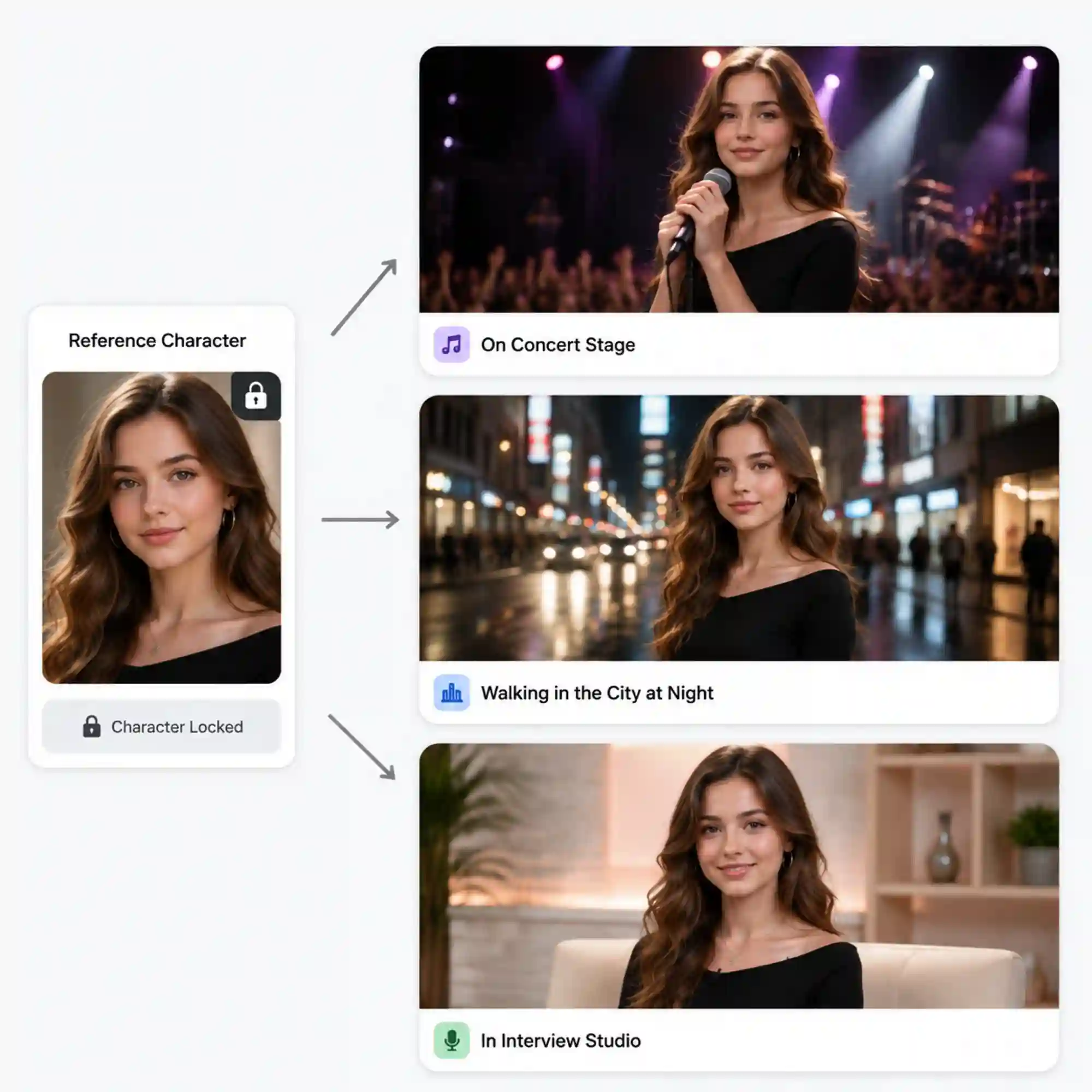
Keep Characters Consistent Across Every Scene
Design a character once and Anijam keeps their appearance, style, and proportions consistent across every scene of your audio-driven video, even as the story moves between different settings.
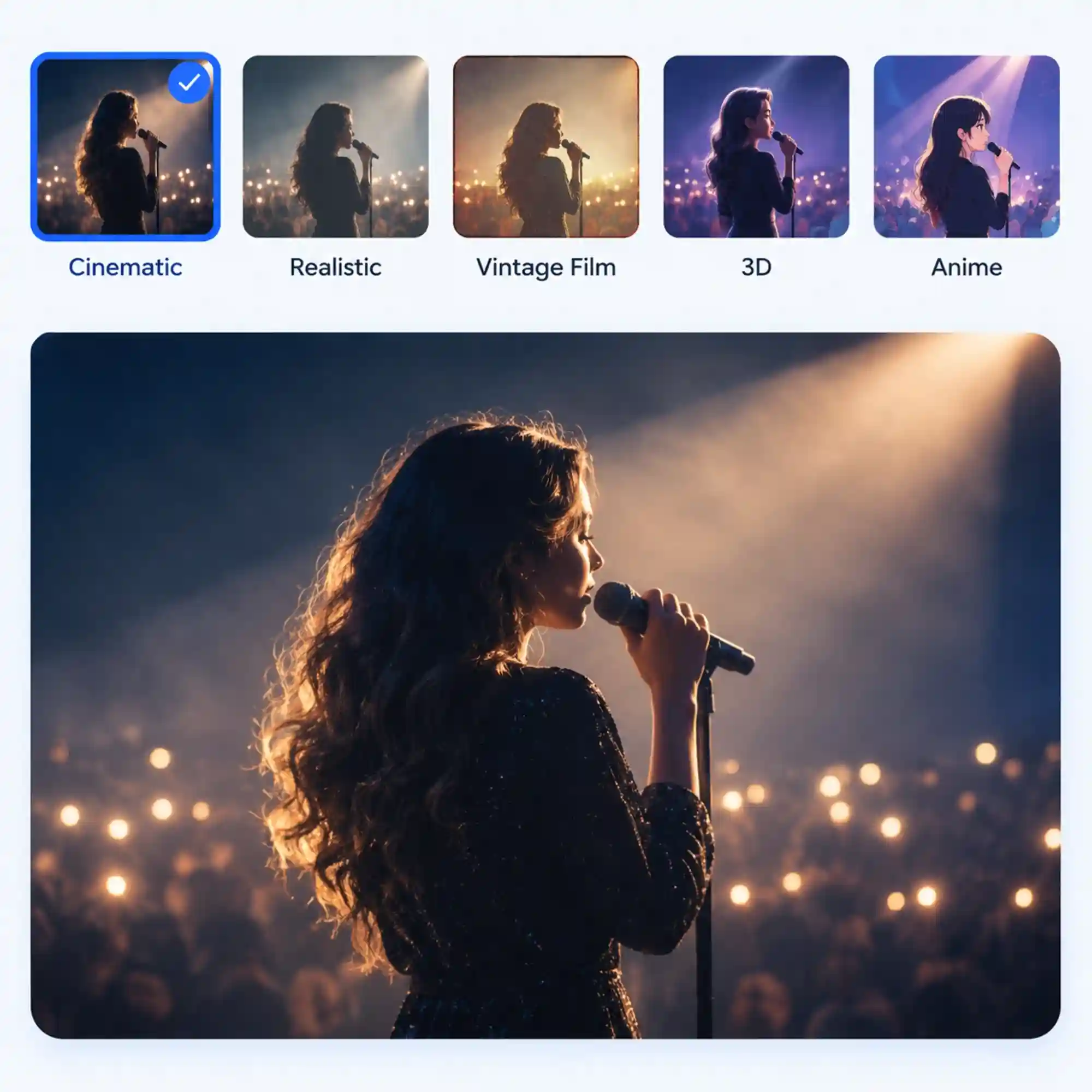
Apply Any Video Style to Your Video
Choose from anime, 3D cinematic, cartoon, Ghibli-inspired, or realistic styles for your audio-driven video, or train a custom style to match your brand or creative direction.
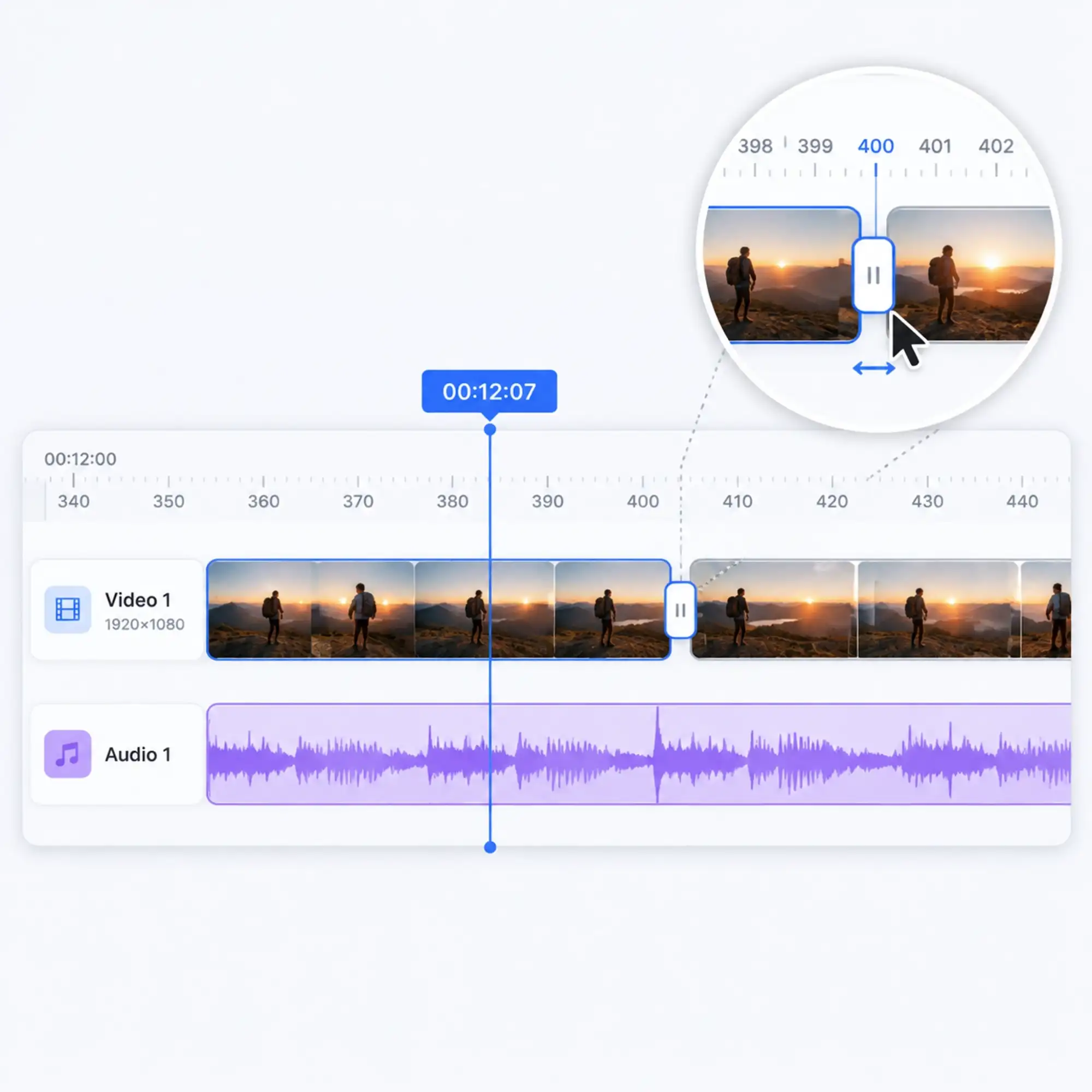
Fine-Tune Every Scene in the Timeline Editor
Auto-sync gets your video most of the way there in seconds. Anijam's built-in timeline editor lets you adjust cut timing, scene length, and transitions at the frame level, without switching to another app.
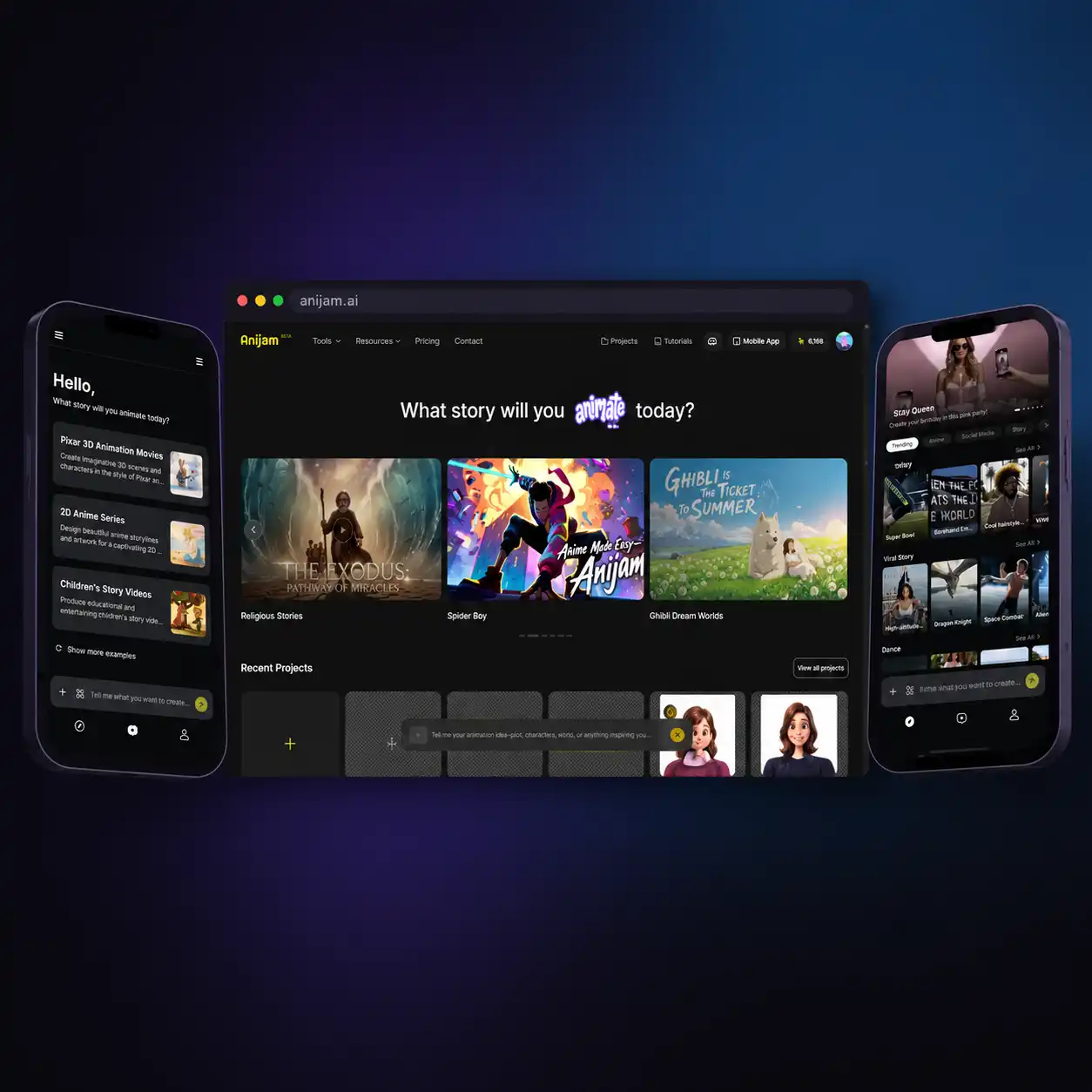
Create Anywhere with the Anijam App
Turn audio into video on the go with the Anijam app. Your projects stay synced across web and mobile, and the app's library of trending video templates is constantly updated - so you can jump on the latest audio and video trends the moment they're hot.
Everyone Can Turn Audio into Video with Anijam AI
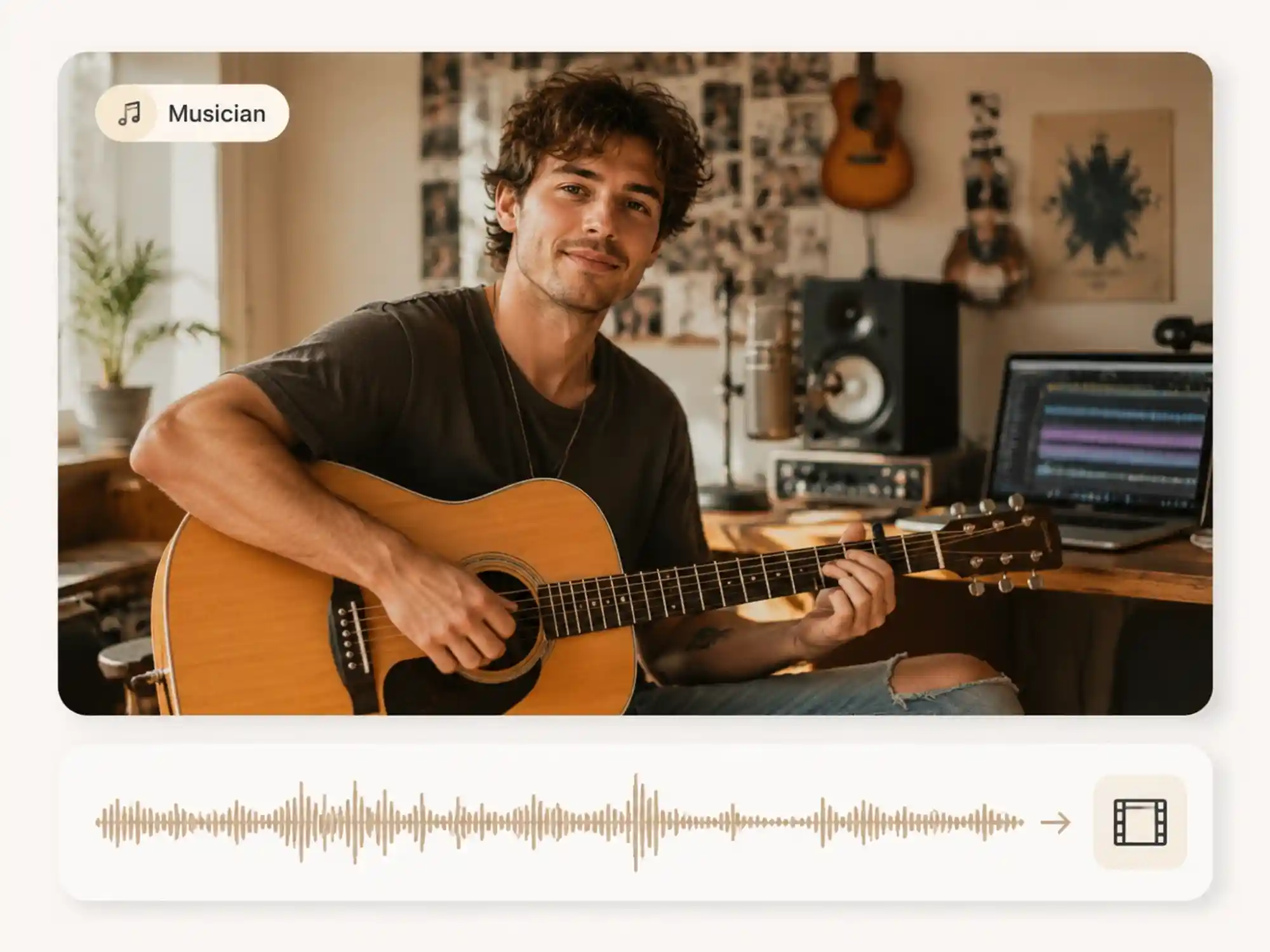
Musicians & Independent Artists
Turn a finished track or a rough demo into a music video without a director, crew, or camera. Anijam's audio to video AI matches scenes and cuts to your song's tempo and mood in minutes.
How to Turn Audio into Video with Anijam
Step 1: Upload Your Audio
Drop in a song, podcast clip, or voiceover (MP3, WAV) - or describe the video you want and let Anijam generate the audio for you. The AI Agent instantly reads the tempo, tone, and content of your track.
Step 2: Let the AI Agent Build Your Video
Anijam auto-generates a matching story outline, scenes, characters, and camera movement synced to your audio. Pick a visual style, swap characters or backgrounds, and adjust pacing to fit the vibe you want.
Step 3: Fine-Tune, Export & Share
Use the timeline editor to adjust cuts, transitions, and beat sync down to the frame. When it's ready, export your audio to video AI creation and share it directly to TikTok, YouTube, or Instagram.
Why Choose Anijam for Audio to Video AI

Fast Generation
Go from a raw audio file to a finished, story-driven video in minutes - not hours of manual editing, footage sourcing, or timeline work.

Free to Start
Anijam offers free daily credits with no credit card required, so you can upload audio, generate a video, and see the full audio to video AI pipeline before you pay for anything.

Works with Any Audio
Music, podcasts, voiceovers, or narration - Anijam accepts MP3 and WAV files and adapts the visual style and pacing to whatever you upload.

Full Story, Not Just a Visualizer
Anijam generates a real scene-by-scene story with characters and camera movement - going well beyond a simple waveform animation or static background.

No Editing Skills, No Barriers
No storyboarding, no manual keyframing, no stock footage search. Describe the vibe, upload your audio, and let the AI Agent do the rest.

Trending Templates on the App
The Anijam app keeps your projects synced across devices and gives you access to a constantly updated library of trending video templates for audio-driven content.
Explore Anijam AI's Other Audio & Video Tools




What Our Users Say
More about Audio to Video AI

FAQ
What is audio to video AI?
Audio to video AI is technology that automatically converts a sound file - a song, podcast, voiceover, or narration - into a matching video. Instead of manually sourcing footage and editing a timeline, an audio to video AI generator like Anijam analyzes the tempo, tone, and content of your audio and builds a scene-by-scene video around it, complete with visuals, characters, and camera movement synced to your sound.
Is Anijam's audio to video AI free?
Yes. Anijam offers free daily credits with no credit card required, so you can upload audio and generate a video to try the full audio to video pipeline. Paid plans unlock more generation credits, higher-resolution exports, and full commercial usage rights.
Can I convert audio to video online without downloading software?
Yes. Anijam runs entirely in your browser - upload your audio, let the AI Agent build your video, and export it, all online with no software installation. The Anijam app is also available if you want to create and manage projects on your phone.
Can I turn music into a video for free?
Yes. Anijam's Create Music Video feature lets you upload a track and generate a matching video with scenes and cuts timed to your song's tempo and mood, using your free daily credits to get started.
What audio formats does Anijam support?
Anijam accepts standard audio formats including MP3 and WAV. You can upload an existing track or recording, or generate audio directly in Anijam using the built-in voice and music tools.
Can I use my audio to video AI creations commercially?
Yes, with a premium plan. Free plan exports are best suited for personal and non-commercial use. Upgrading unlocks full commercial usage rights for ads, client work, monetized content, and branded campaigns.
Does the audio to video AI work for podcasts as well as music?
Yes. Anijam's AI Agent adapts to whatever audio you upload - for music, it builds beat-synced scenes and visuals that match the track's energy, and automatically detects the lyrics to generate matching captions; for podcasts, voiceovers, and narration, it generates a story-driven video with characters and scenes that follow the spoken content.