


AI Music Video Generator: Turn Your Song, Lyrics, or Idea into a Music Video
Upload your song, paste your lyrics, or just describe a vibe — Anijam's AI music video generator turns it into a fully animated video with a singing or dancing character, synced lip movements, and a story that matches your track. No camera, no crew, no editing skills. Start on the web or the Anijam app and pick up your project on either device whenever inspiration hits.
All-in-One AI Music Video Creation
Anijam AI music video generator is built for artists and creators who want more than a beat-reactive visualizer or a pile of disconnected AI clips to assemble by hand. Feed it a song, lyrics, or just a mood — its AI agent reads your track's structure, builds a consistent character, and syncs lip movements or choreography into one finished video, not a pile of shots to assemble yourself.
No song yet? Anijam's built-in AI Audio tools can generate original music straight from a text prompt and drop it onto any animation, so the music video generator works whether you're starting from a finished track or a blank page. Everything you build is saved to your account, so you can start a music video on desktop and keep editing, exporting, or sharing from the Anijam iOS app wherever you are.
Generate a K-Pop-Style Idol Dance Performance Video
Upload your track and Anijam's AI dance engine reads the song's structure to generate synced choreography — the format behind today's biggest AI-animated performance videos. Add up to 4 consistent characters to the same scene for a full idol group performance.
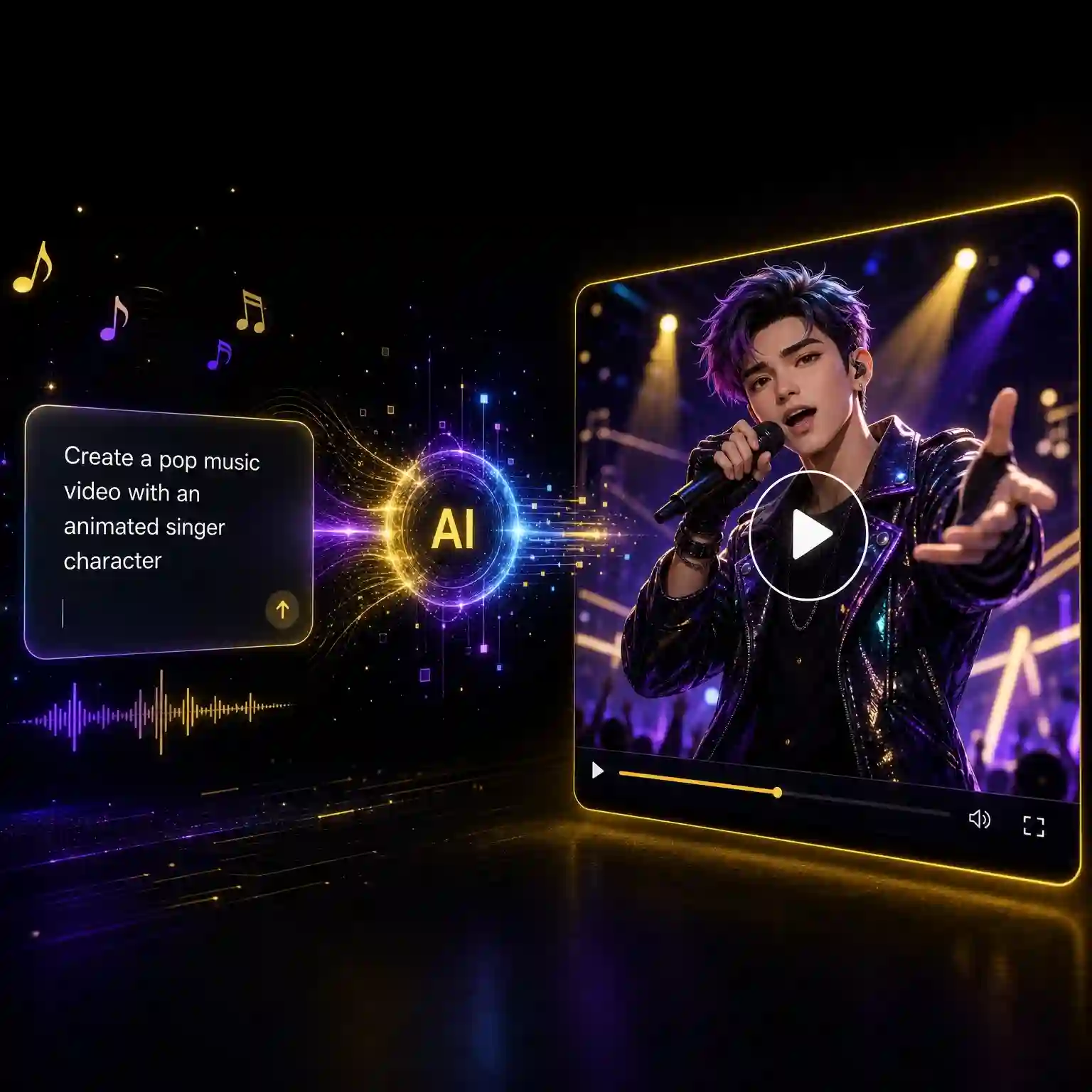
Turn Any Song into a Singing Character Music Video
Upload your MP3 or WAV, and Anijam's AI analyzes the vocal track and generates a fully lip-synced singing character — mouth shapes, facial expression, and emotion all matched to your audio, frame by frame. It's the same animation-grade lip sync engine behind Anijam's Audio to Animation and AI Face Animation tools, tuned for singing performances instead of dialogue, and it works across anime, 3D, cartoon, and realistic styles. Making a duet or a full band video? Anijam supports up to 4 independently animated characters in the same scene, each with its own voice track and lip sync — so every member of the group actually sings their own part.
Beat-Synced Dance Music Videos
Prefer choreography over lip sync? Upload your track and Anijam's AI dance engine reads your song's structure — not just raw BPM, but verse, chorus, and drop — to generate motion that actually matches how your music moves: energetic choreography on the drop, smoother flow through the breakdown, a build in energy going into the chorus. Choose from 100+ dance templates in the Anijam app, or transfer choreography straight from a reference video onto your own animated character with frame-accurate motion transfer.
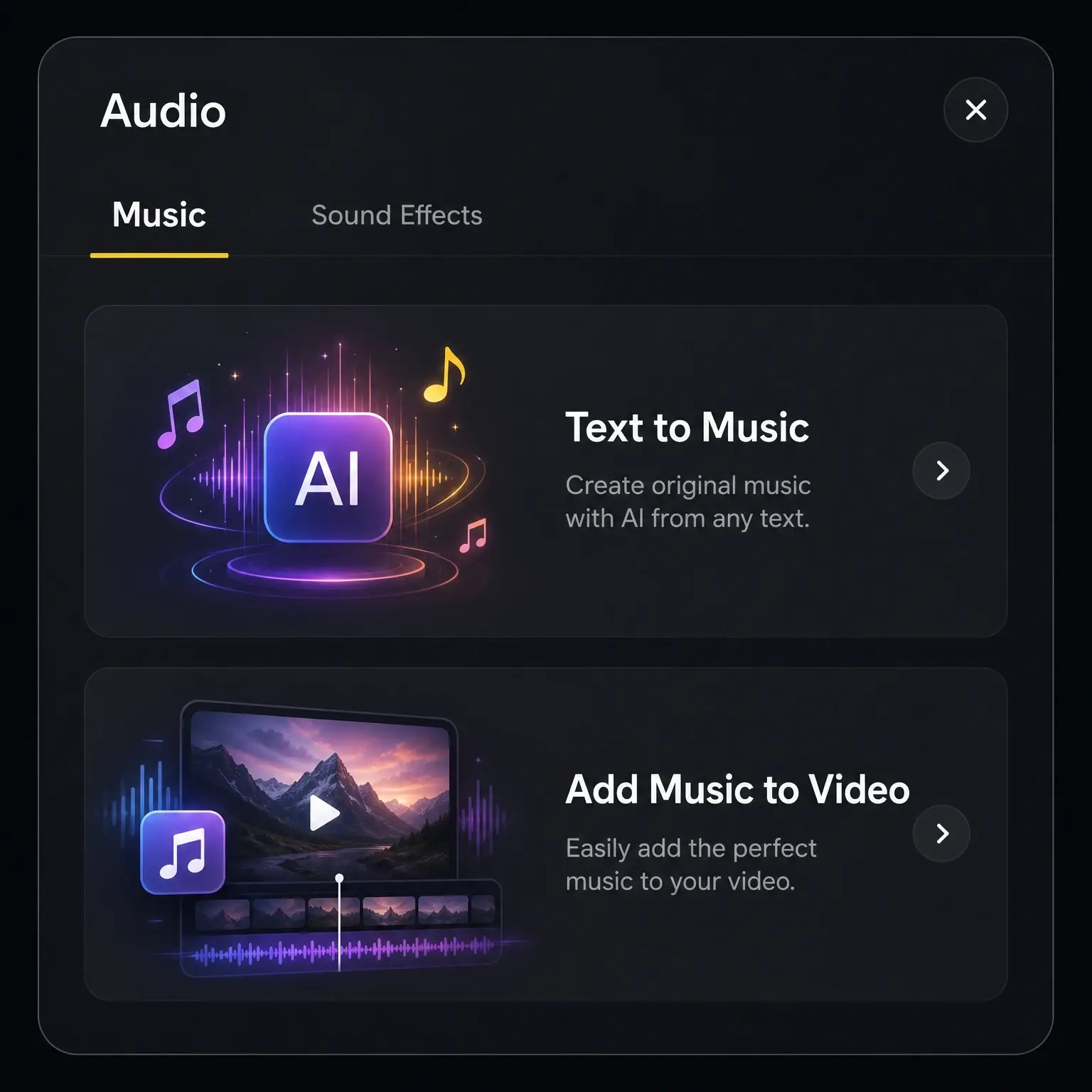
Generate AI Music or Add the Perfect Soundtrack to Your Video
Anijam's AI Audio tools let you generate an original soundtrack from a simple text prompt — describe a mood, genre, or tempo, and get a finished track in seconds. Already have a video and just need a soundtrack? Use Add Music to Video to drop a generated or uploaded track onto your animation and automatically balance it with dialogue and sound effects.
From Lyrics to a Complete, Story-Driven Music Video
Paste your full lyrics or a script and Anijam's AI agent breaks it into scenes, writes shot directions, and builds a cohesive narrative that follows your song from verse to chorus to bridge. Combine it with Anijam's library of 200+ AI voices across 30+ languages, or your own vocal track, so every line is timed, sung, and visualized — turning a lyric sheet into a complete animated video instead of a single static clip.
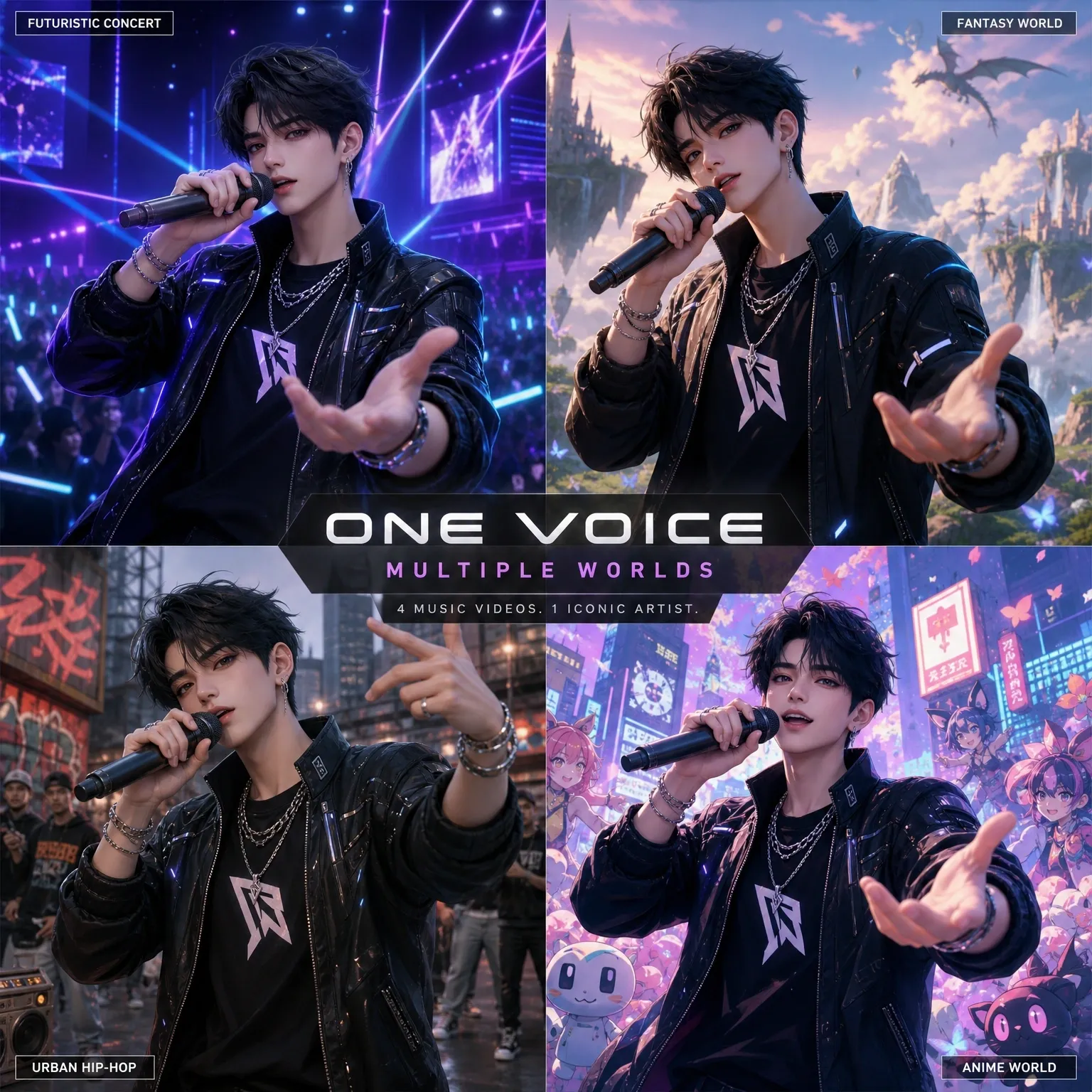
Consistent Characters & a Style Library for Every Genre
Design your artist, band, or virtual idol once — Anijam locks their look, outfit, and proportions across every scene, camera angle, and dance move, so there's no visual drift between shot one and shot ten. Building a group act? Add up to 4 consistent characters to the same scene, each performing independently. Pick from a library of animation styles — anime, 3D cinematic, cartoon, chibi, Ghibli-inspired, and more — or train a custom style so your music videos always look like they belong to the same artist or channel.
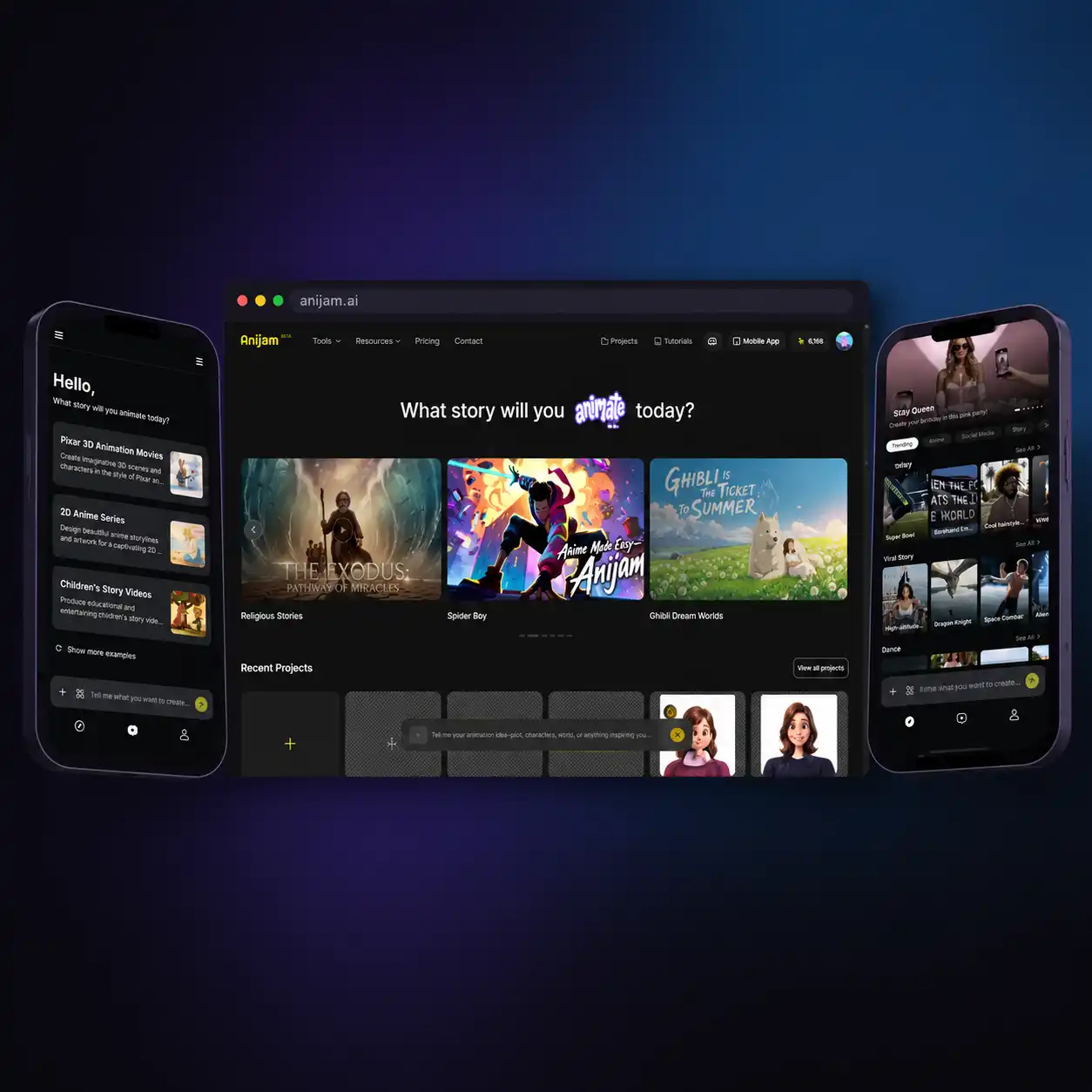
Create Anywhere — Web and the Anijam App
Start a music video on your laptop, then finish, export, or share it from the Anijam iOS app — your projects carry over so you can pick up right where you left off. Storyboard a concept on the go, review the lip sync on your phone, or publish straight to TikTok and Instagram Reels the moment your video is ready, without ever opening a desktop editor.
Unlock Endless Possibilities with Anijam's AI Music Video Generator
Whether you're releasing a single, chasing a TikTok trend, or building a virtual idol channel, Anijam's AI music video generator turns a song, a lyric sheet, or just an idea into a finished, publish-ready video — no studio, no crew, no editing skills required.
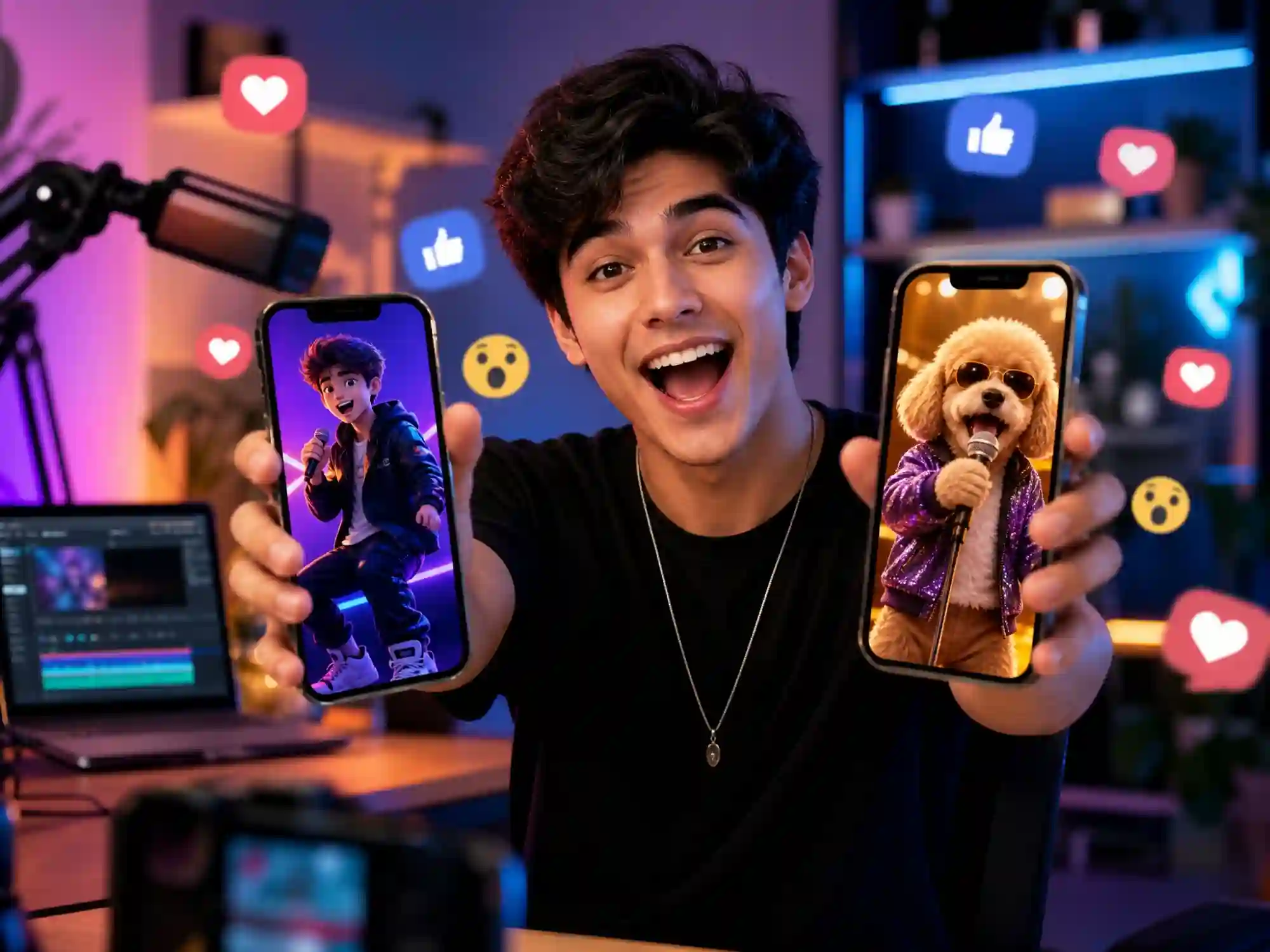
Viral TikTok & Reels Music Videos
Turn any song or trending sound into a vertical, beat-synced music video with a singing or dancing animated character — or turn a pet photo into a singing sensation. Ready to post to TikTok, Instagram Reels, and YouTube Shorts in minutes.
How to Create an AI Music Video with Anijam
Step 1: Add Your Song, Lyrics, or Idea
Upload an MP3 or WAV of your track (including exports from Suno, Udio, or your DAW), paste your lyrics, or type a concept like "dreamy synth-pop about missing someone." No audio yet? Use Anijam's Text to Music tool to generate an original soundtrack from a text prompt instead.
Step 2: Build Your Character & Sync the Motion
Describe your artist or upload a photo — Anijam's AI turns it into a consistent animated character in your chosen style. Then let the AI sync lip movements to vocals, generate beat-locked dance choreography, or both, while you pick the visual style, camera moves, and scene mood.
Step 3: Fine-Tune, Export & Share
Use the timeline editor to adjust timing, swap scenes, add sound effects, or refine the lip sync frame by frame. Export watermark-free in 1080p (4K on premium) and publish straight to YouTube, TikTok, Instagram Reels, or Spotify Canvas.
Why Create Your Music Video with Anijam

Fast Generation
Go from an uploaded track or a text prompt to a complete music video in minutes — not the days a traditional shoot or manual edit would take.

Free to Start
Anijam offers free daily credits so you can generate a real, shareable music video before spending anything.

Works with Any Song, Any Source
Upload MP3 or WAV files from anywhere — your own recordings, a DAW export, or tracks generated on platforms like Suno or Udio — and Anijam syncs animation to the audio you already have.

Lip Sync and Dance in One Tool
Switch between synced singing performances and beat-locked choreography for the same character without leaving the canvas or juggling separate apps.

No Skills, No Barriers
No filming, rigging, or manual keyframing required. Describe your idea or upload your track, and the AI agent handles character, motion, and scene composition.

Commercial-Ready Output
Export in up to 4K with full commercial usage rights on any paid plan — ready for releases, paid promotion, and monetized platforms.
Explore Anijam AI's Other Cutting-Edge AI Video Tools

What Our Users Say
More about AI Video Creation & Inspiration
FAQ
What is an AI music video generator?
An AI music video generator uses artificial intelligence to turn a song, lyrics, or a simple prompt into a finished video — automatically generating characters, scenes, lip-synced singing or beat-synced dance, and camera motion. Anijam goes further than a basic beat-reactive visualizer: its AI agent writes the scene direction, keeps your character consistent from shot to shot, and syncs both vocals and choreography to your actual track.
Is Anijam's AI music video generator free?
Yes. Anijam gives you free daily credits on sign-up to try the full pipeline, from uploading your song to downloading a finished video. The free plan is intended for personal, non-commercial use.
How is Anijam different from a generic AI video generator?
General-purpose AI video tools generate individual clips with no understanding of your song — you upload audio, get a batch of disconnected shots, and assemble them yourself in separate editing software. Anijam's AI agent reads your track's structure (verse, chorus, bridge, drop), builds a character that stays visually identical across every scene, and syncs lip movements or choreography to the actual music — then assembles everything into one continuous, finished video on a single canvas. There's no export-and-reassemble step and no second editing tool required.
Can Anijam make a music video with my face or my own character?
Yes. Upload a selfie, portrait, or character reference image, and Anijam's AI Agent uses it as the visual identity for your music video. Keep your recognizable features consistent across scenes with AI-powered lip sync, expressions, and choreography, while choosing the style that fits your vision — from realistic to anime, 3D, or cartoon.
Does Anijam work with songs made on Suno or other AI music generators?
Yes. Anijam doesn't require your track to come from any specific platform — export your song as an MP3 or WAV from Suno, Udio, your DAW, or any other source, then upload it into Anijam to generate lip-synced or beat-synced animation. If you don't have a track at all, Anijam's Text to Music tool can also generate an original soundtrack for you.
Can I create a full-length music video, not just a short clip?
Yes. Anijam builds your music video scene by scene, so you can extend a project across your full song's structure — verse, chorus, bridge, and outro — and use the timeline editor to arrange, trim, and fine-tune the full sequence before exporting. Longer, more detailed videos take more scenes and credits to generate than a short social clip.
Can I use my AI-generated music video commercially?
Yes, on a paid plan. Free plan exports include a watermark and are intended for personal use and testing. Paid plans remove the watermark and unlock full commercial usage rights along with 4K exports, so you can use your music video for releases, paid promotion, client work, and monetized platforms.