


AI Storyboard Generator: Turn Any Script Into Visual Scene Panels
Anijam's AI storyboard generator reads your script or idea and automatically breaks it into structured visual panels - with scene descriptions, camera directions, consistent characters, and shot-by-shot framing. Plan your film, animation, or video in minutes. Then go further: turn your storyboard panels directly into animated scenes, without switching tools.
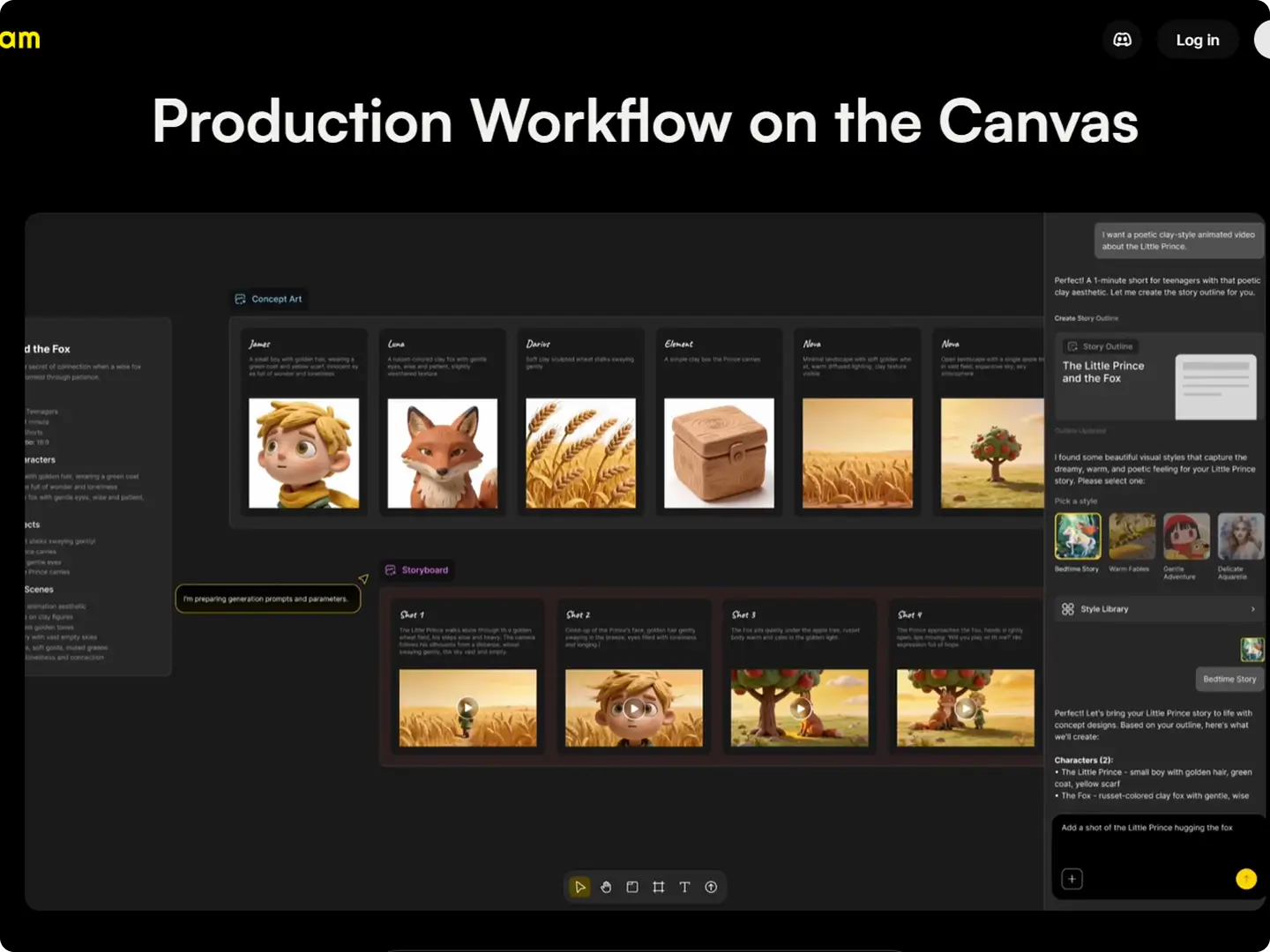
The AI Storyboard Generator Built for the Full Creative Pipeline
Anijam is an AI storyboard generator that acts as your director - reading your full script, breaking it into shot-by-shot panels with camera directions, keeping your characters visually identical across every frame, and assembling the result on a timeline you can edit in your browser.
Most AI storyboard tools stop at static panels. Anijam goes one step further: once your storyboard is ready, you can animate each scene directly - with motion, lip sync, and cinematic camera work - without leaving the platform. From storyboard planning to finished animated video, it's all one workflow.
How to Create a Storyboard with Anijam AI
Step 1: Input Your Script or Idea
Paste your script, scene description, or story idea into Anijam's canvas. Support any format - screenplay, episode outline, marketing brief, or a rough paragraph. No script yet? Describe your concept and the AI will generate a full scene breakdown automatically.
Step 2: Auto Scene Breakdown → Visual Panels
Anijam's AI reads the full script as a story and generates structured storyboard panels - each with a visual frame, character placement, action description, and camera direction. Design your characters once; they stay consistent across every panel automatically.
Step 3: Review, Edit, and Animate
Fine-tune individual panels, adjust camera angles, and reorder scenes on the timeline editor. Share the storyboard for team review or client approval - then animate each scene into a full video directly from your storyboard, with one click.
Cartoon & Video Storyboard Planner
Turn story ideas into cartoon-style or sketch storyboard panels. Fast visual planning for YouTube videos, social content, ad pitches, and animated series - no drawing or design skills required.
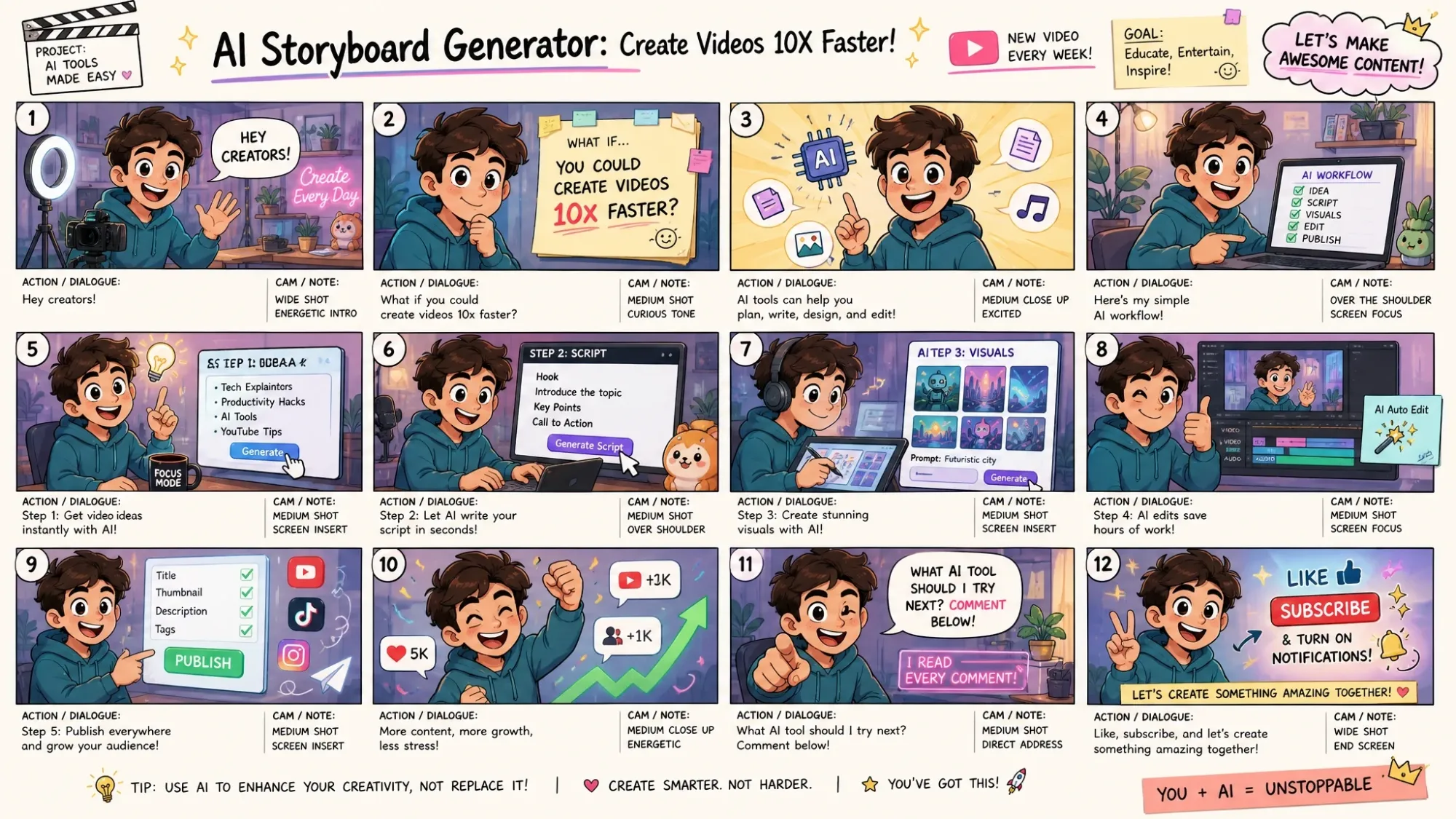
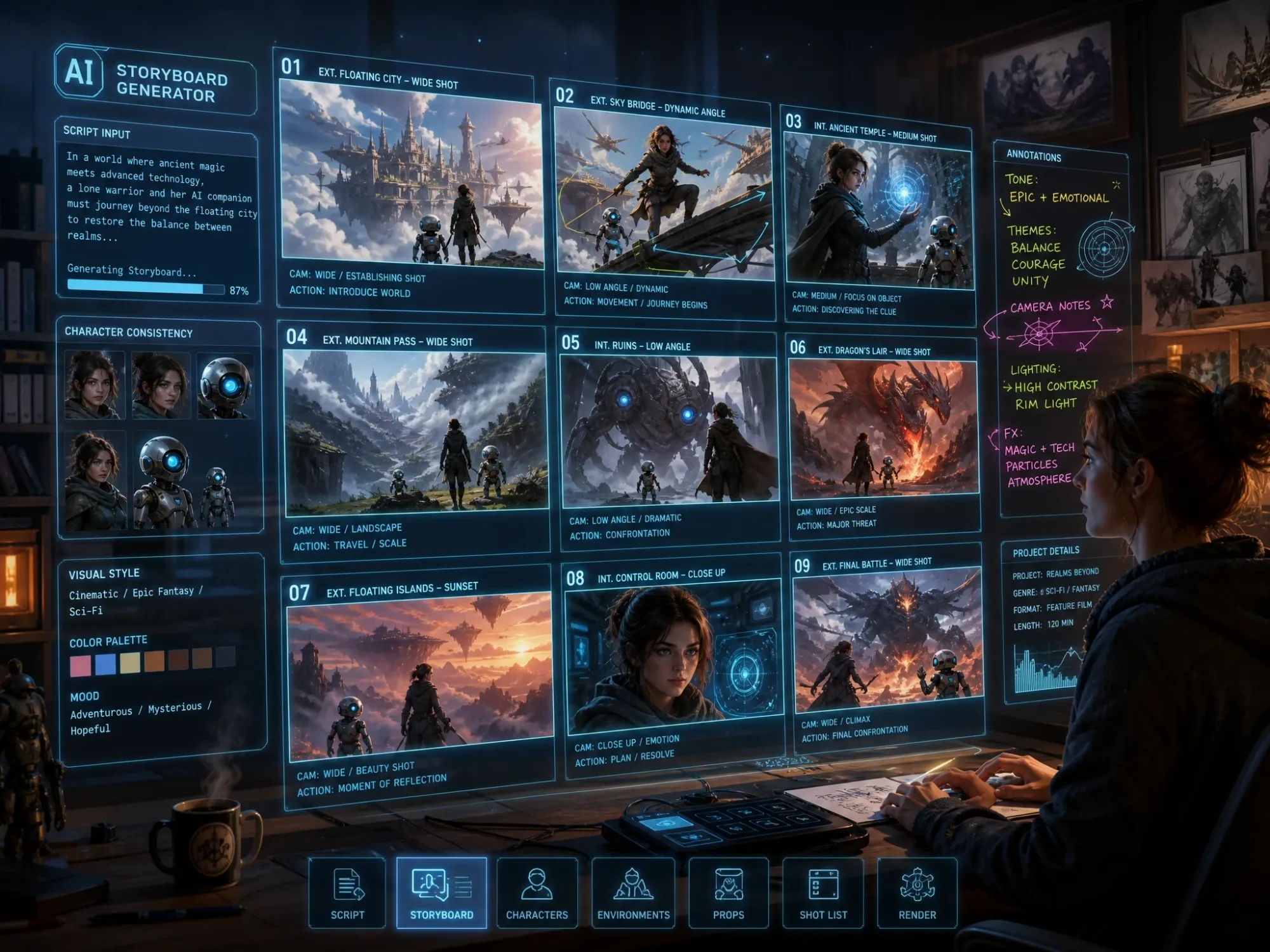
Auto Scene Breakdown: Script to Shot List in Seconds
No script? No problem. Just describe the animation video you have in mind - a few sentences is enough - and Anijam's AI will automatically generate a full story outline for you, complete with scenes, characters, and narrative flow. Already have a script? Paste it directly. Either way, the AI reads it as a whole story and breaks it into structured storyboard shots: visual frame, character placement, action, and camera direction. A 10-scene script returns a complete visual shot list in under a minute. You only step in to change what needs changing.
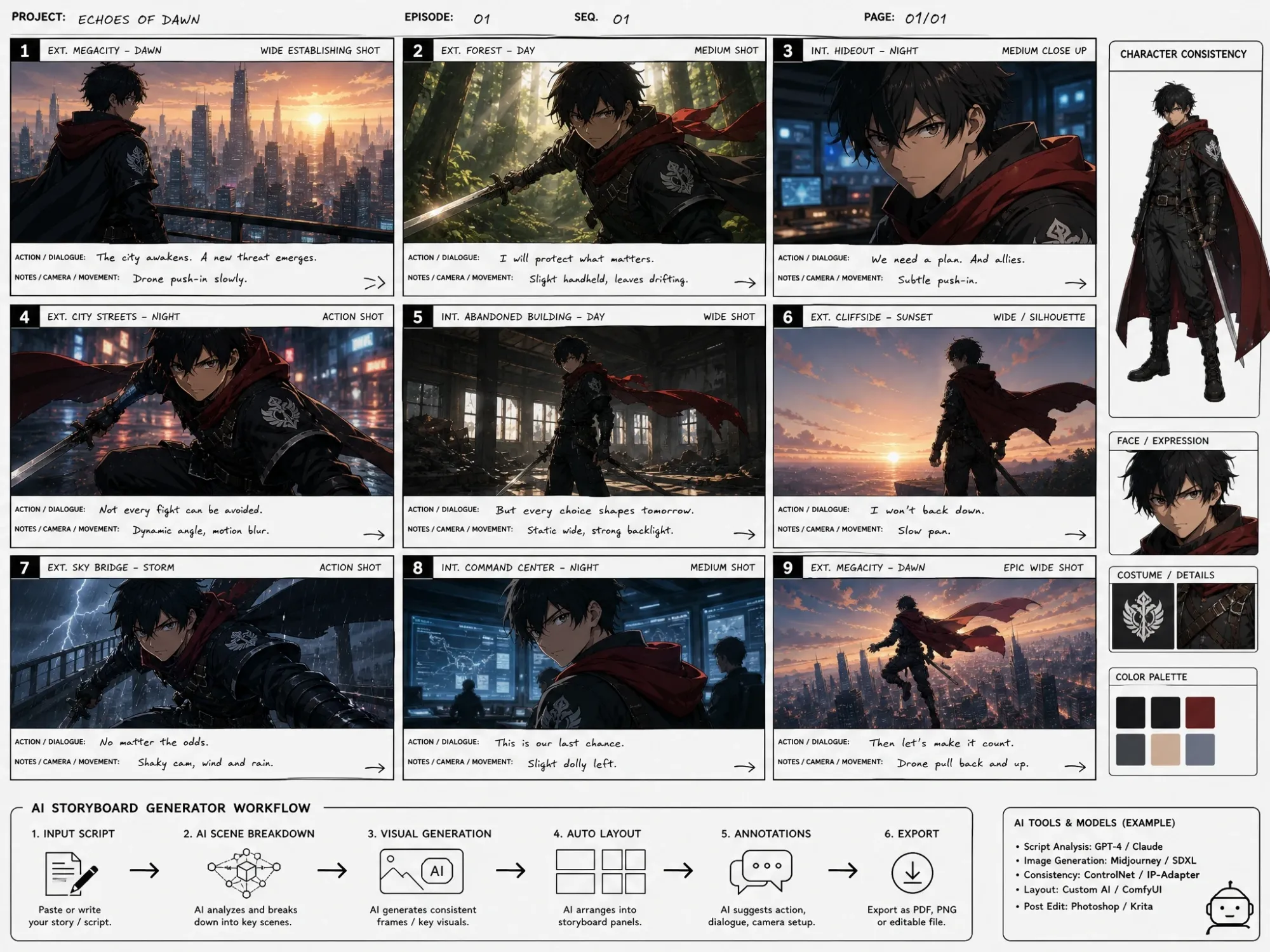
Character Consistency Across Every Panel
The most common failure in AI storyboarding: your hero looks different in panel 3 than panel 1. Anijam eliminates this completely. Design your character once - name, face, costume, style - and the AI locks that design across every scene. Your storyboard reads like a coherent production, not a set of unrelated frames.
Cinematic Camera Movement - Directed by Your Story
Anijam reads the emotional beats of your script and applies appropriate shot framing to every panel - wide establishing shots, close-ups for tension, slow pull-backs for dramatic moments. Every panel comes with camera direction notes, shot type labels, and scene context - exactly what you need for a professional production handoff.
Dialogue Sync Built Into Every Storyboard Scene
When your script has characters speaking, Anijam automatically syncs their dialogue to their lip movements. No separate tool. No manual timing. Choose from a multilingual voice library or upload your own audio - and your storyboard panels come alive with animated performances ready for review.
From Storyboard Panels to Animated Video - In One Platform
Most AI storyboard tools stop at static panels - leaving you to figure out animation separately. With Anijam, your storyboard is just the beginning. Once panels are approved, generate animated clips for each scene directly: motion, cinematic camera movement, and AI lip sync - all in the same canvas. From visual planning to finished animated video, no platform switching required.
AI Storyboard Generator in Action - Real Creator Projects
From film pre-visualization and animation planning to ad pitches and YouTube content, creators use Anijam to turn scripts and ideas into visual storyboard panels - with consistent characters, directed shot framing, and editable scene notes - all without drawing a single frame by hand.
Who Uses Anijam's AI Storyboard Generator
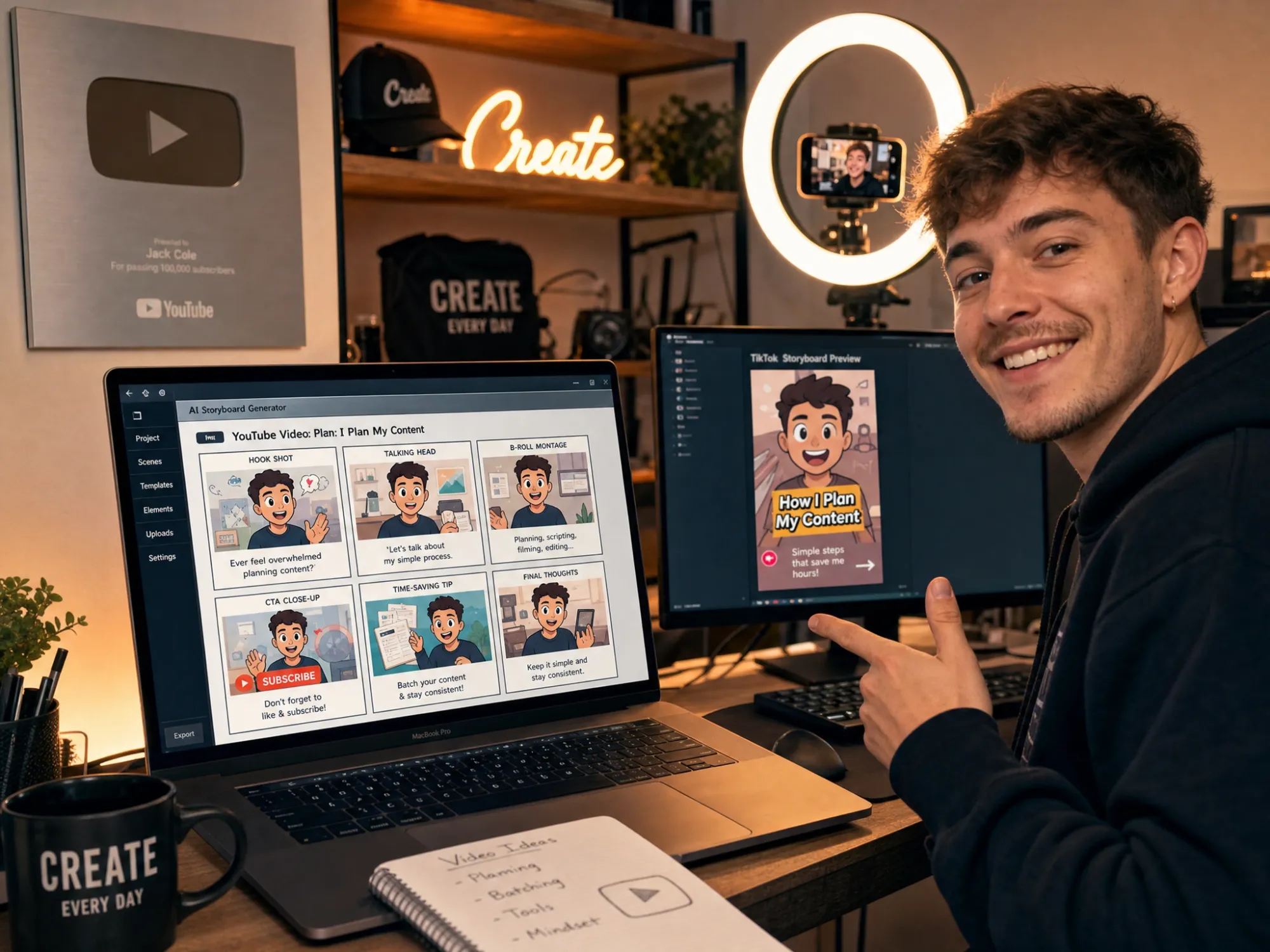
Content Creators & YouTubers
Map out your YouTube videos, Reels, or TikTok series visually before you shoot. Use Anijam's AI storyboard tool to plan scene flow, pacing, and key moments - then optionally animate your storyboard into the finished video, all in one place.
Endless Use Cases for the AI Storyboard Generator
Whether you're pre-visualizing a feature film, planning an animated series, or pitching a brand video, Anijam's AI storyboard generator turns scripts and ideas into visual scenes in minutes - and lets you animate them into finished videos when you're ready.
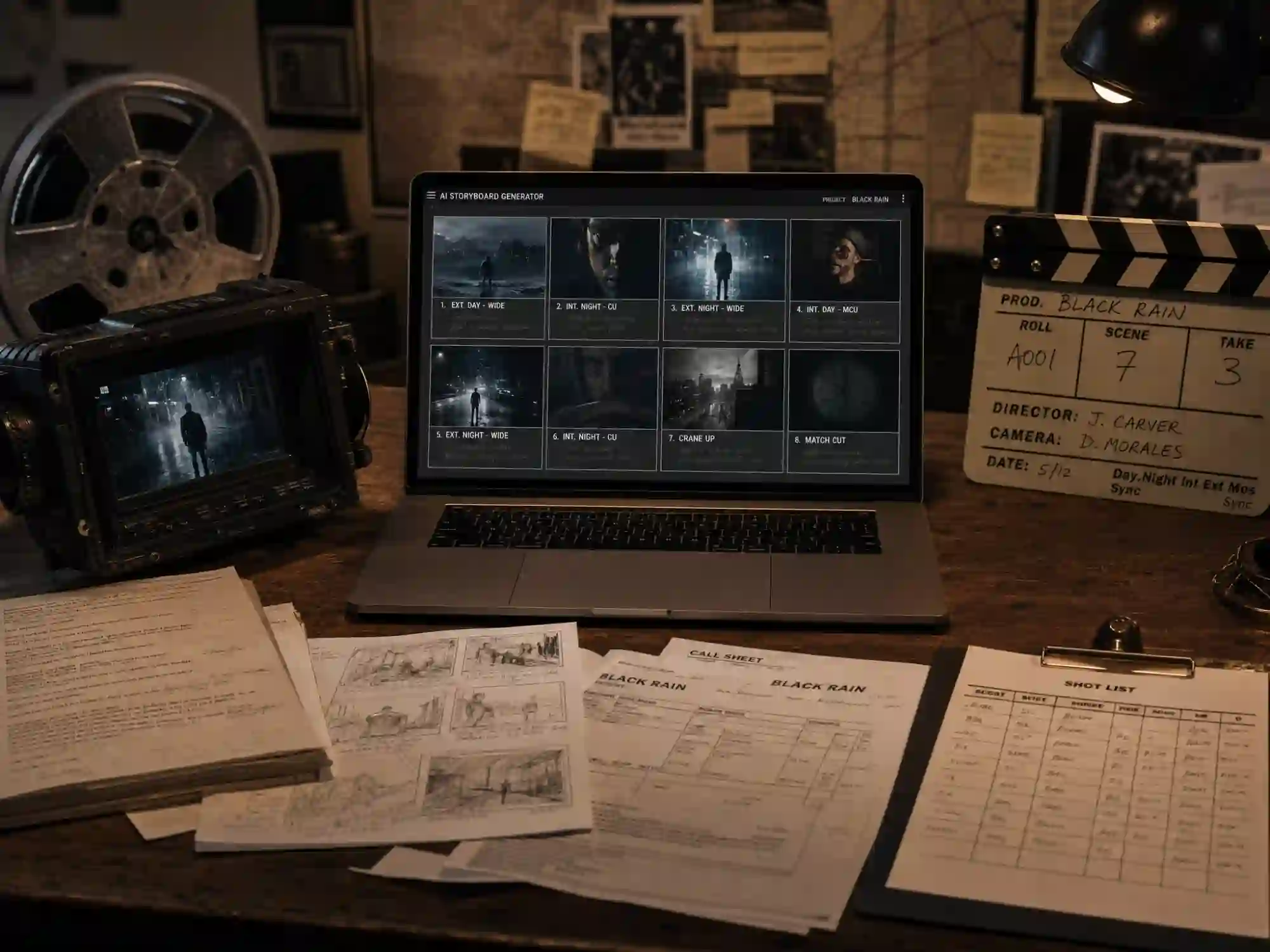
Film & Short Film Pre-Production
Generate a shot-by-shot visual plan directly from your screenplay. Panels include camera directions, character positions, and scene notes - everything a crew needs before production starts.
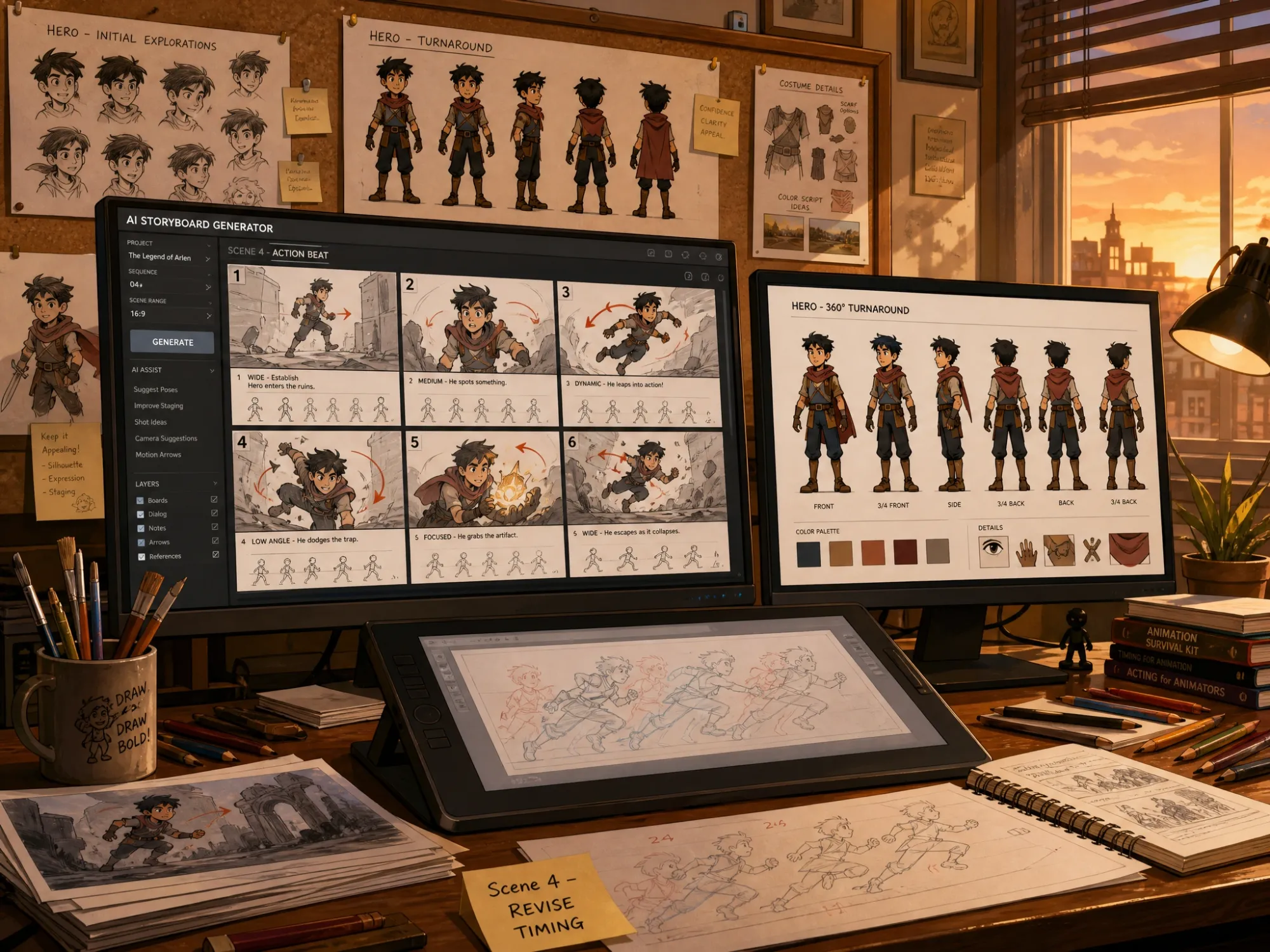
Animation Pre-Visualization
Plan every scene of your animation before committing to full production. Character-consistent panels, pose references, and motion direction - from a simple script input.
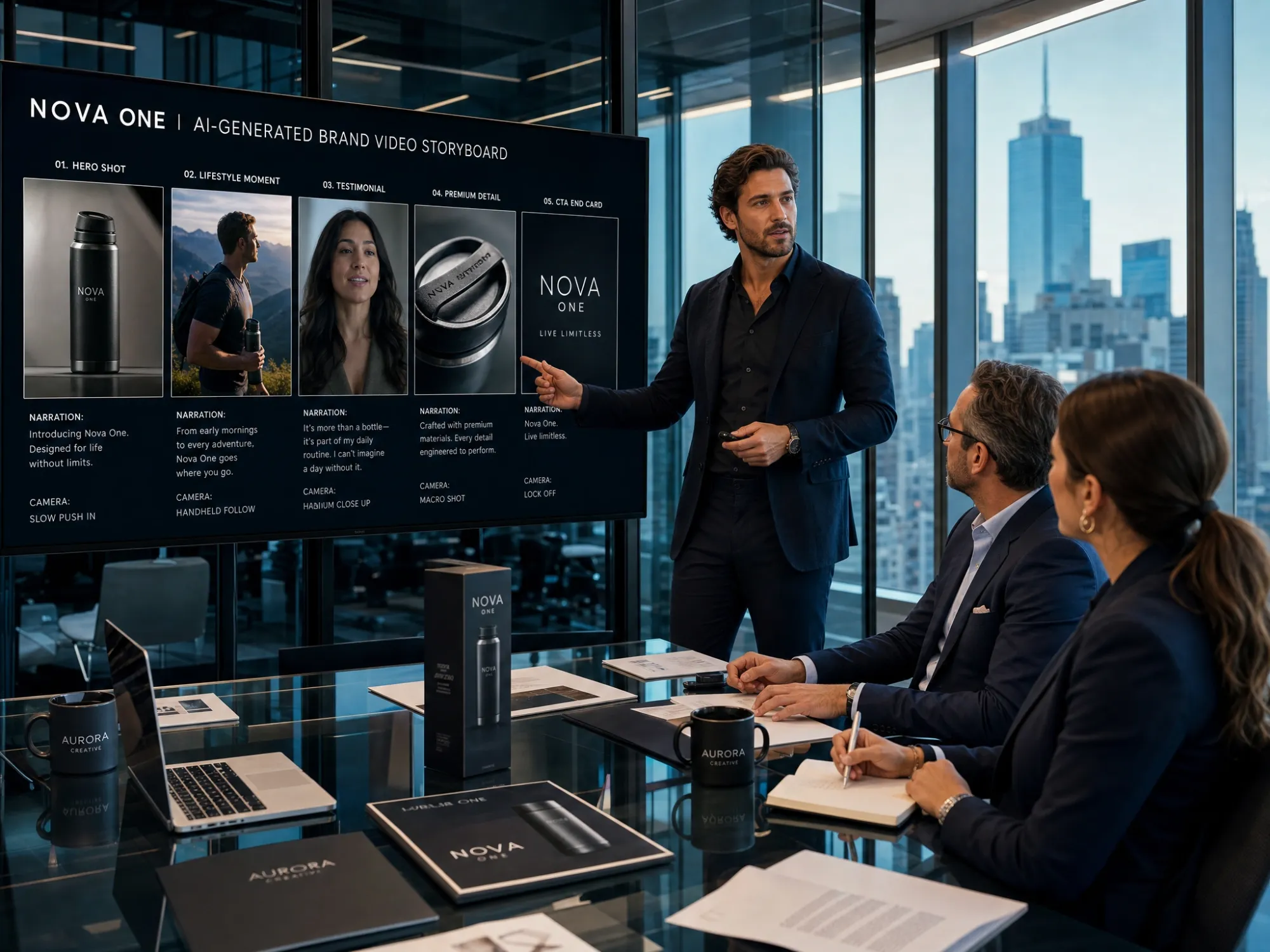
Ad & Brand Video Pitching
Show clients exactly how their campaign will look before a dollar is spent on production. AI storyboard panels with narration and camera directions make creative pitches faster and more persuasive.
Why Choose Anijam as Your AI Storyboard Generator

Full Script → Shot List → Panels in One Step
Paste your script and Anijam returns a complete storyboard - scene breakdown, shot list, and visual panels - automatically. No panel-by-panel prompting. No manual shot planning. The AI reads your story as a whole and directs every frame.

Free to Start
Generate AI storyboard panels with no credit card required. Explore the full workflow - scene breakdown, character design, panel editing - before committing to a paid plan.

Multiple Art Styles
Generate panels in anime, 3D cinematic, Ghibli, cartoon, or sketch style. Every style renders with consistent characters and professional-quality shot framing throughout the whole storyboard.

No Drawing Skills Needed
The AI generates every visual panel from your script - no illustration experience, no prompt engineering, no storyboard templates to fill in by hand. Just your script and an idea.

Storyboard → Animated Video, All in One Platform
Most storyboard tools stop at static panels. Anijam lets you animate each scene directly from your storyboard - with motion, camera movement, and AI lip sync - in the same platform, with no extra tools.

Watermark-Free Export
Export storyboard panels and animated previews without watermarks on paid plans - ready for client presentations, production team handoffs, or pitching to studios and investors.
Explore More Anijam AI Animation Tools



What Creators Say About Anijam's AI Storyboard Generator
FAQ
What is an AI storyboard generator?
An AI storyboard generator is a tool that uses artificial intelligence to automatically convert scripts, prompts, or story ideas into sequential visual panels - each with scene descriptions, camera directions, and character placement. Instead of sketching frames by hand, you input your story and the AI produces a complete visual plan. Anijam's AI storyboard generator goes further: characters stay consistent across every panel automatically, and you can animate each scene directly into a finished video without switching platforms.
Is Anijam's AI storyboard generator free?
Yes. Anijam offers a free plan that lets you generate AI storyboard panels, explore visual styles, and preview scene breakdowns - no credit card required. Upgrade to a paid plan for HD and 4K exports, watermark-free downloads, and full commercial usage rights for client work, pitching, and publishing.
Can I generate a storyboard directly from a script?
Yes - this is Anijam's core storyboard feature. Paste your full script in any format (screenplay, story outline, episode script, marketing brief, or rough paragraph) and the AI automatically breaks it into structured storyboard panels: one visual frame per shot, with character placement, action description, and camera direction. A 10-scene script becomes a complete visual storyboard in under a minute.
How does Anijam keep characters consistent across storyboard panels?
You design your character once - define their appearance, name, and style - and Anijam locks that design into every panel in the storyboard. The same face, costume, and visual style appears automatically across all scenes without re-describing or re-prompting the character each time. This eliminates the most common problem with AI storyboarding: characters that look different from panel to panel.
What is the difference between a storyboard, a shot list, and an animatic?
A shot list is a written breakdown of every planned shot in a script. A storyboard turns that shot list into sequential visual panels showing composition, characters, and camera framing. An animatic adds timing and motion to those panels, creating a rough animated preview of the final video. Anijam generates all three from a single script input - shot list, storyboard panels, and animated preview - in one workflow.
What visual styles can Anijam generate storyboard panels in?
Anijam supports anime, 3D cinematic, Ghibli-inspired, cartoon, sketch, and game-art styles, with the option to train a custom style. Every style renders with consistent characters and professional-quality shot framing across all panels - so your storyboard looks like a coherent production regardless of style.
Can I turn my storyboard panels into an animated video?
Yes - and this is what makes Anijam different from every other AI storyboard tool. Once your storyboard is approved, you can generate animated clips for each panel directly in Anijam: motion, cinematic camera movement, and AI lip-synced dialogue - all assembled on a timeline editor. Export a finished animated video without leaving the platform. Other storyboard tools stop at static panels; Anijam is the complete pipeline.
Can I use AI-generated storyboards commercially?
Yes, with a premium plan. Commercial usage rights - for client work, branded video, advertising campaigns, and monetized content - are included in Anijam's paid tiers. Free plan outputs are available for personal projects, creative planning, and internal review.