


Script to Video AI
Anijam AI script to video generator turns your uploaded script into a finished video — planning shots, generating visuals, creating voiceover, and editing everything on a timeline. No editing skill required.
What You Can Do with Anijam Script to Video AI
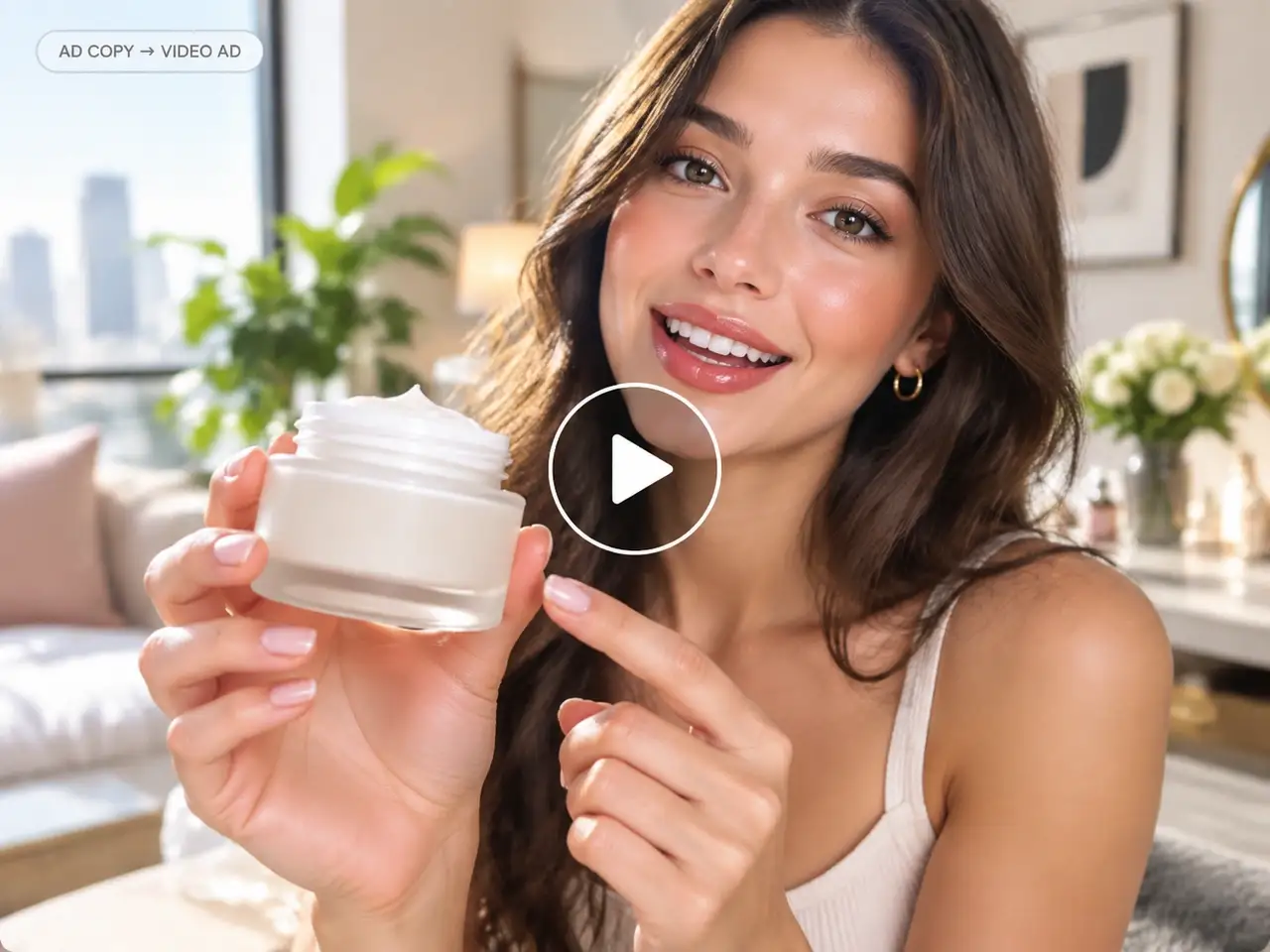
Turn Ad Copy Into a Video Ad
Upload your product script and get a finished video ad — visuals, pacing, and voiceover generated to match your copy, ready for paid social or in-feed placements.
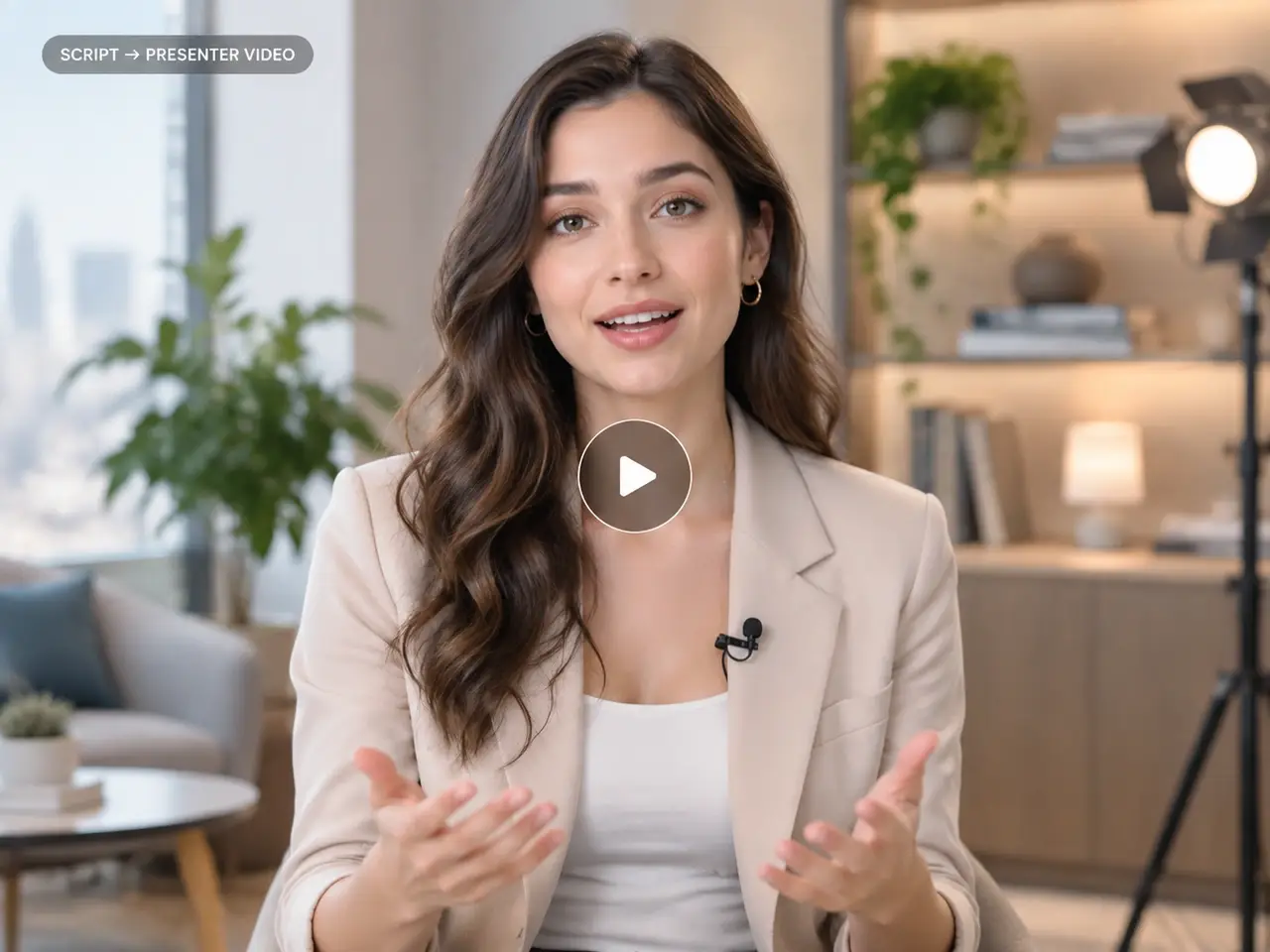
Turn a Script Into a Talking Presenter Video
Skip the camera setup. Turn a training doc, pitch, or update script into a lip-synced AI avatar presenter video in minutes.

Turn a Screenplay Into a Short Film
Feed in a multi-scene screenplay and get a narrative short film back — consistent characters, scene-by-scene visuals, and pacing that follows your script from open to close.
Script to Video AI That Creates, Edits, and Refines Videos With You
Upload your script — an ad, a story, a presenter video, whatever you're making — and Anijam turns it into a finished video: visuals in the style you choose, AI voiceover or synced dialogue, and a timeline you can adjust by hand. Keep chatting with Anijam to refine specific shots until the video actually matches what you had in mind.
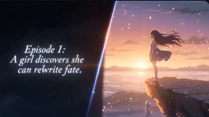
Turn Any Script Into an Anime-Style Story Video
Write out your scene or episode and let Anijam's script to video AI generate anime-style characters, expressive motion, and lip-synced dialogue — consistent from the first shot to the last.
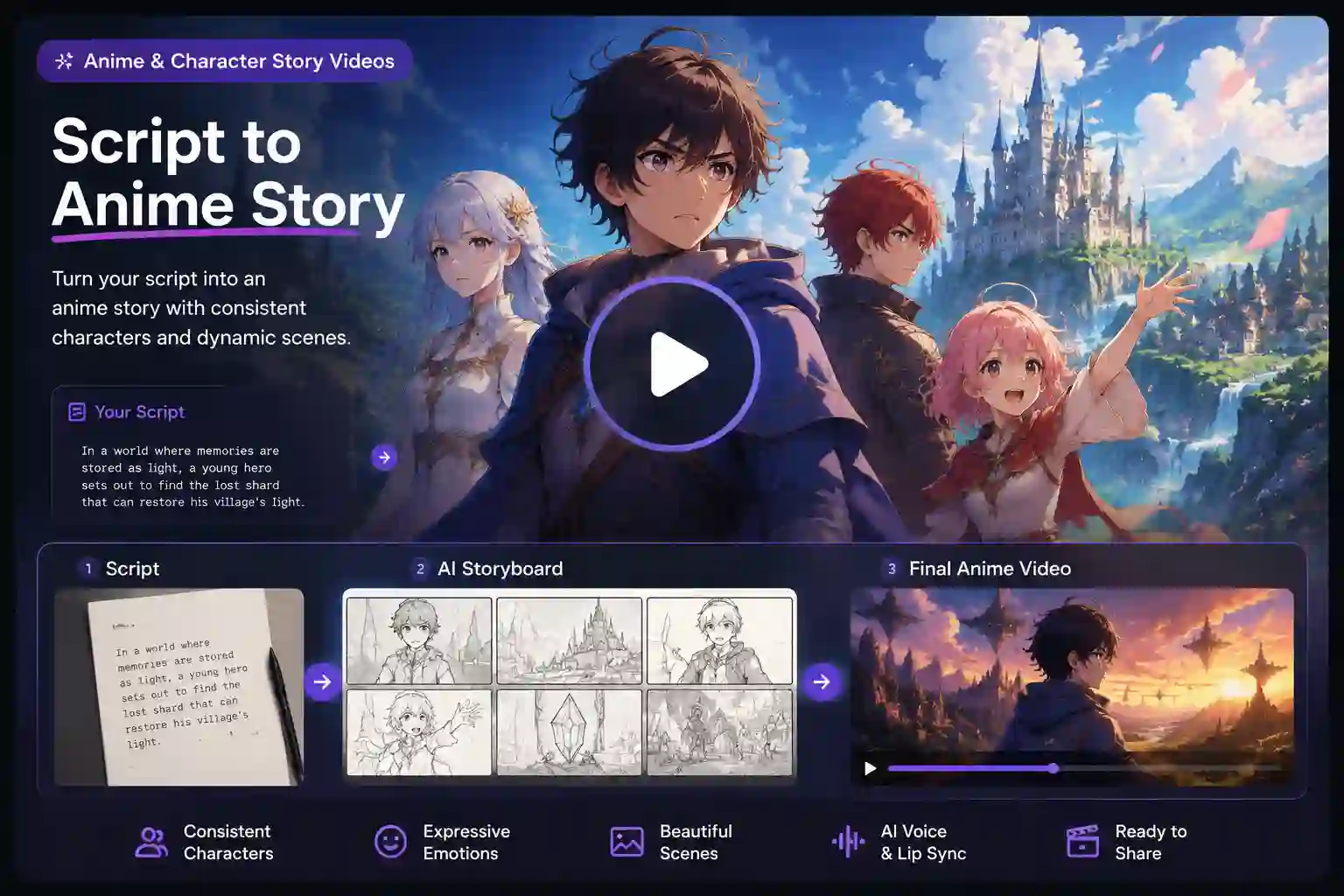
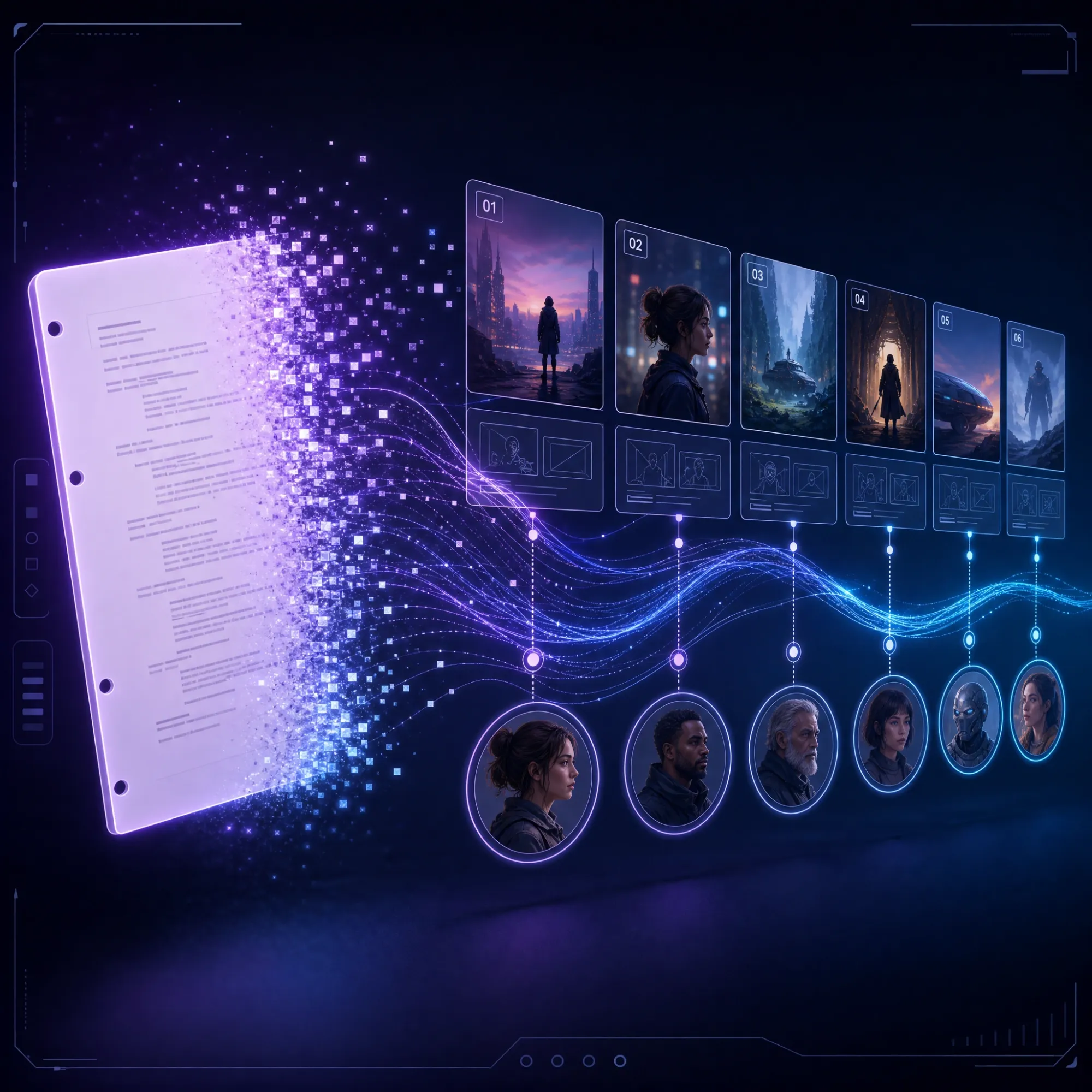
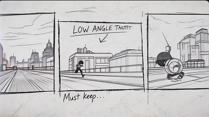
Build Your Story From Script to Storyboard
Upload your script to generate a story outline, develop the characters, and map out every scene in a visual storyboard. Shape the story and review the full structure before generating the video.
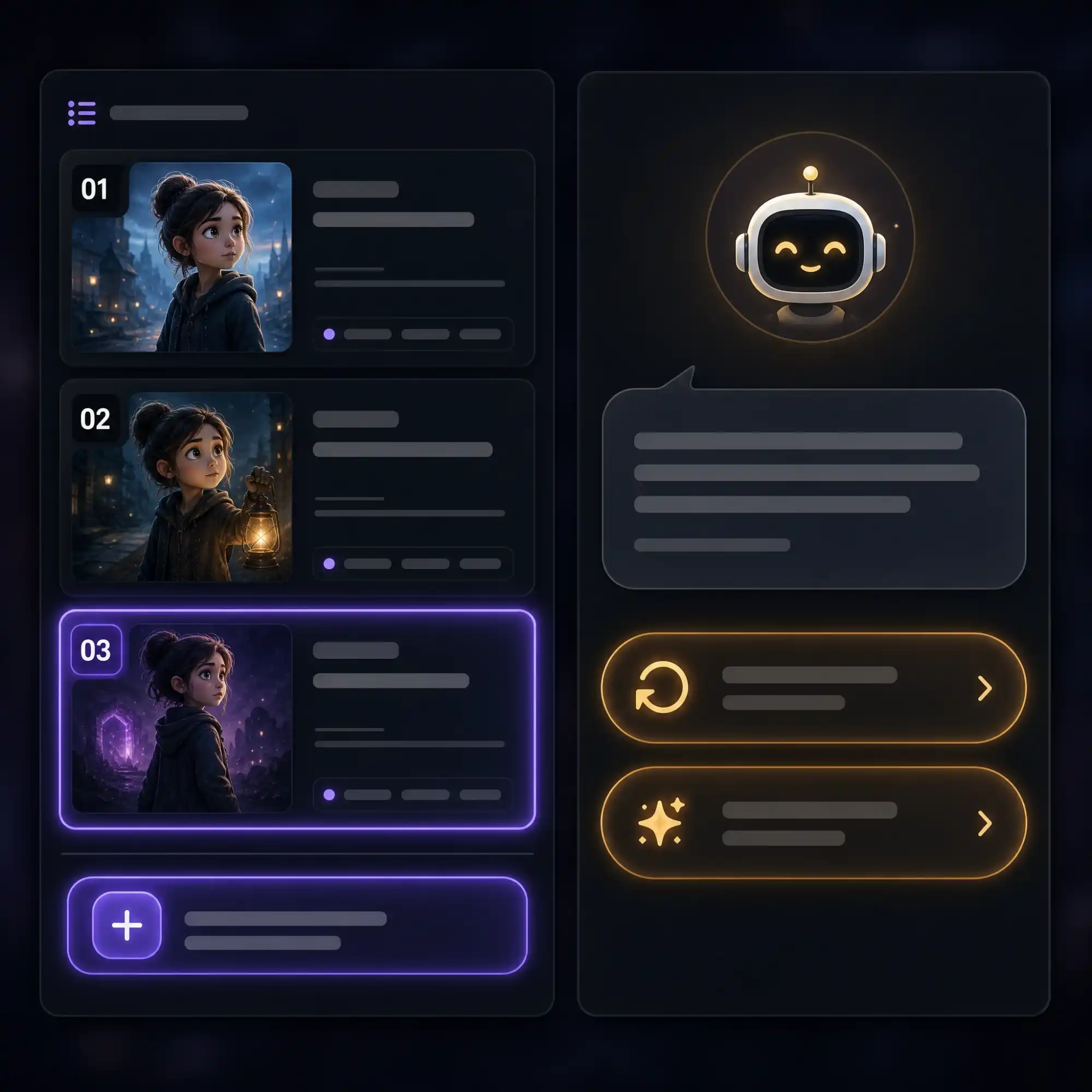
Continue Your Story Across Every Episode
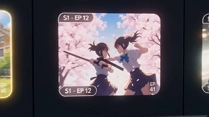
Create new episodes, continue the story from where you left off, and reuse your characters, voices, and visual style across the series. Keep every episode connected while adding new scenes, twists, and storylines without rebuilding your cast.
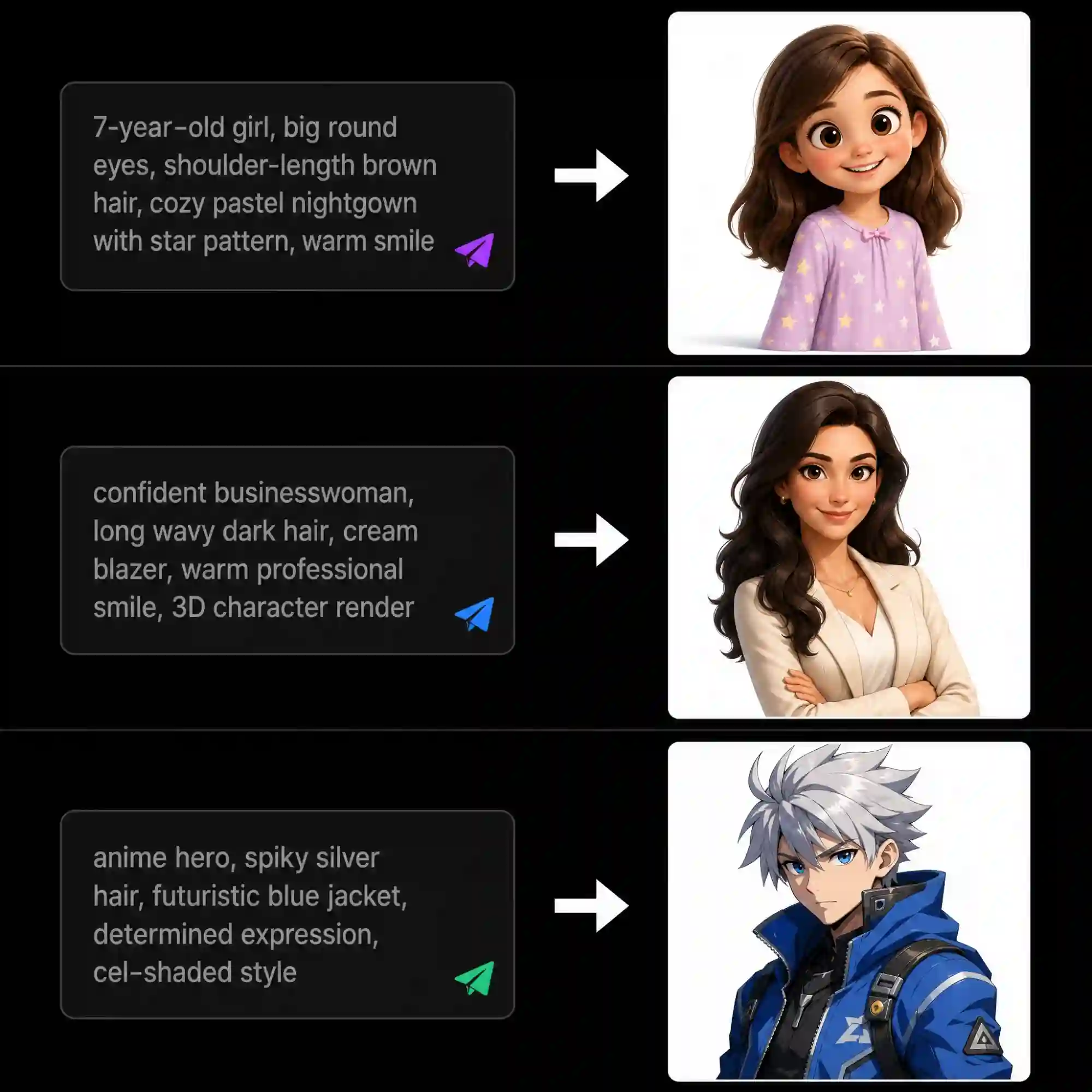
Bring Your Script's Characters to Life
Anijam designs every character your script calls for — a stylized animated character or a photorealistic AI avatar built from a portrait or a description. Each one comes with lip-synced dialogue and a choice of 200+ voices across 30+ languages, so the same script can be delivered by an anime-style host, a 3D character, or a talking AI avatar presenter — all inside one platform, no separate avatar tool needed.
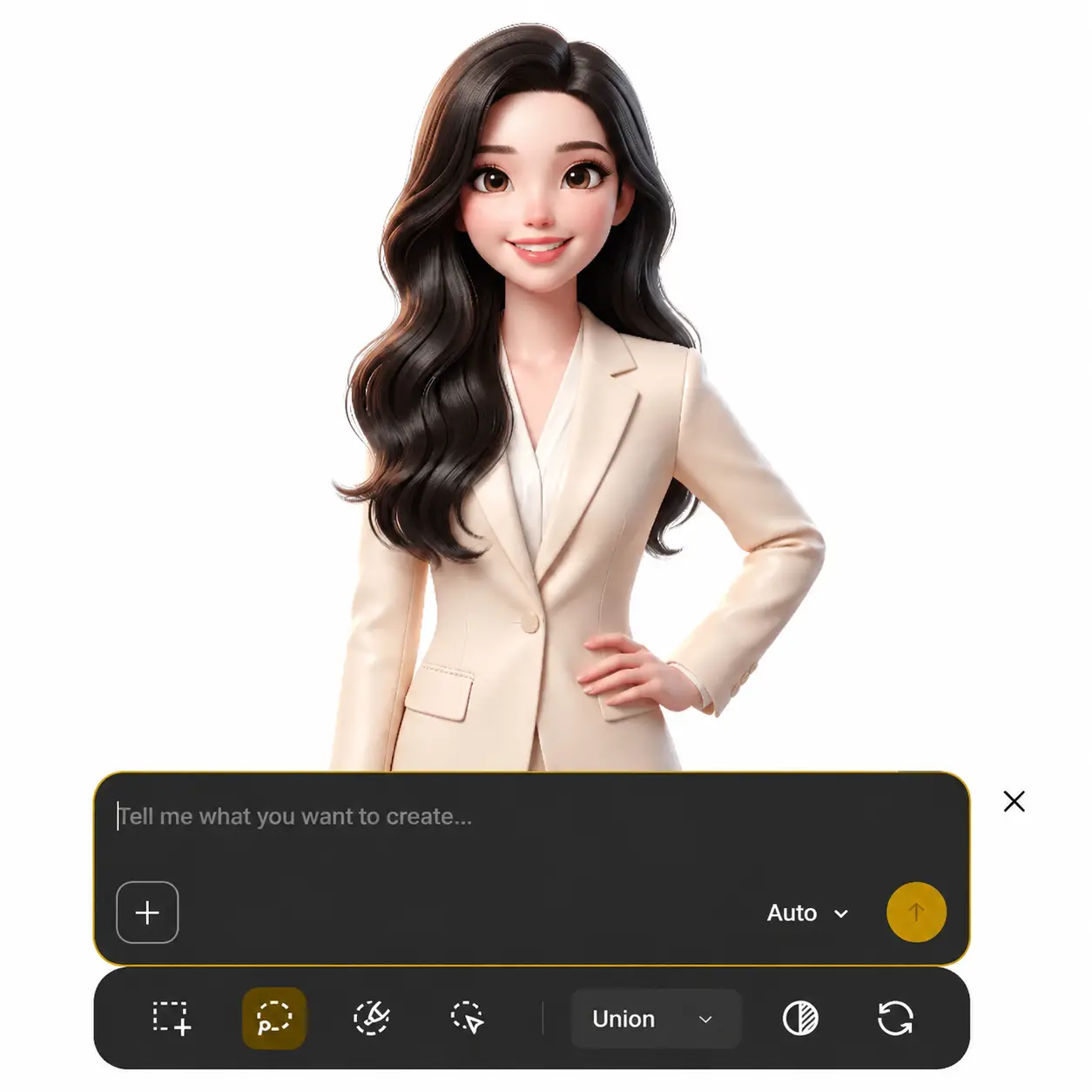
Refine Shots Through Conversation
Once your video's generated, keep shaping it by talking to the AI agent — "make the second scene brighter," "swap this character's outfit," "extend the intro by two seconds" — and Anijam regenerates exactly what you asked for, without touching the rest of the video. No re-uploading, no starting over — just describe the change and keep going until every shot matches what you had in mind.
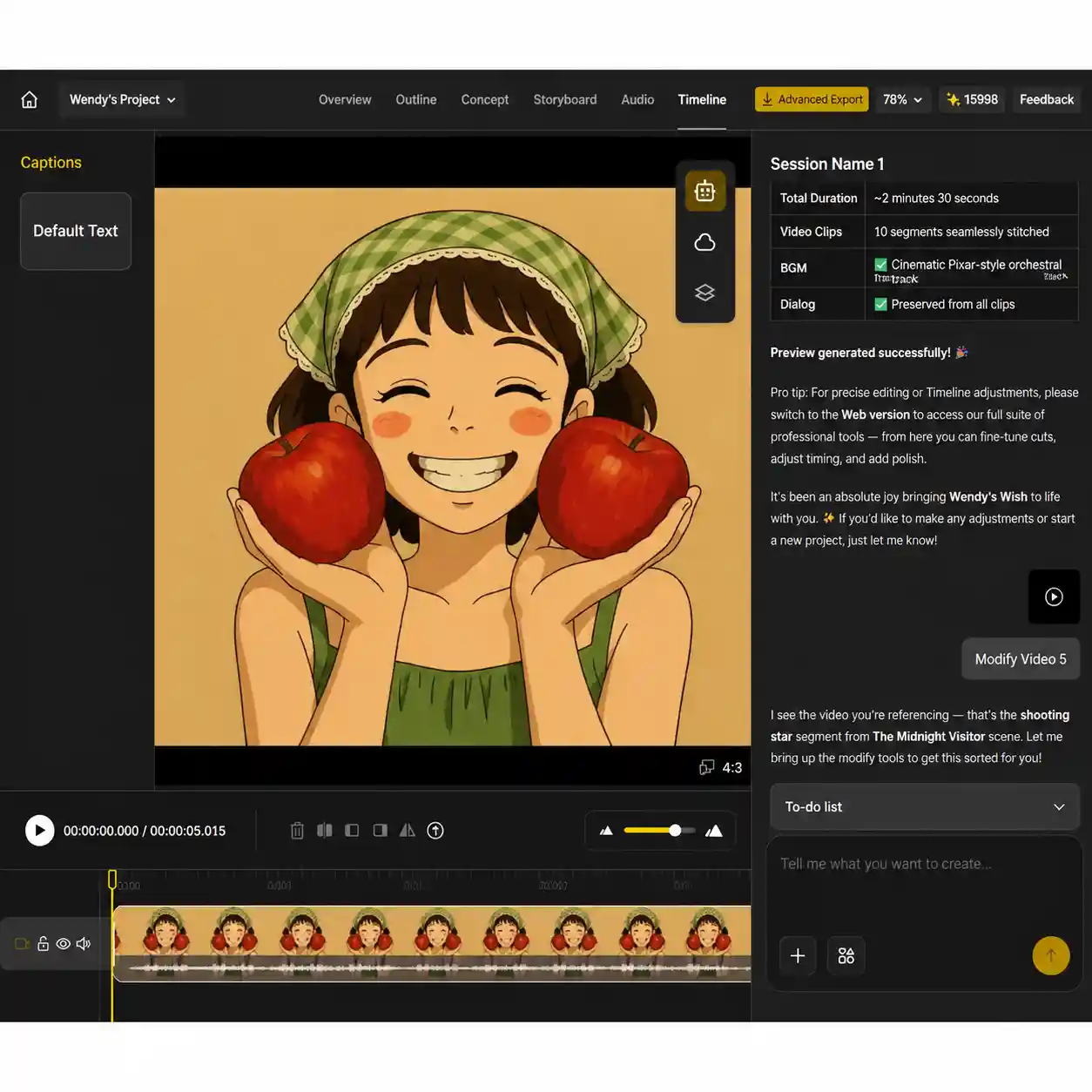
Fine-Tune Your Video on the Timeline
Trim clips, reorder scenes, adjust timing, add captions and music, or regenerate individual shots — all from the same timeline. Fine-tune the details without rebuilding the entire video.
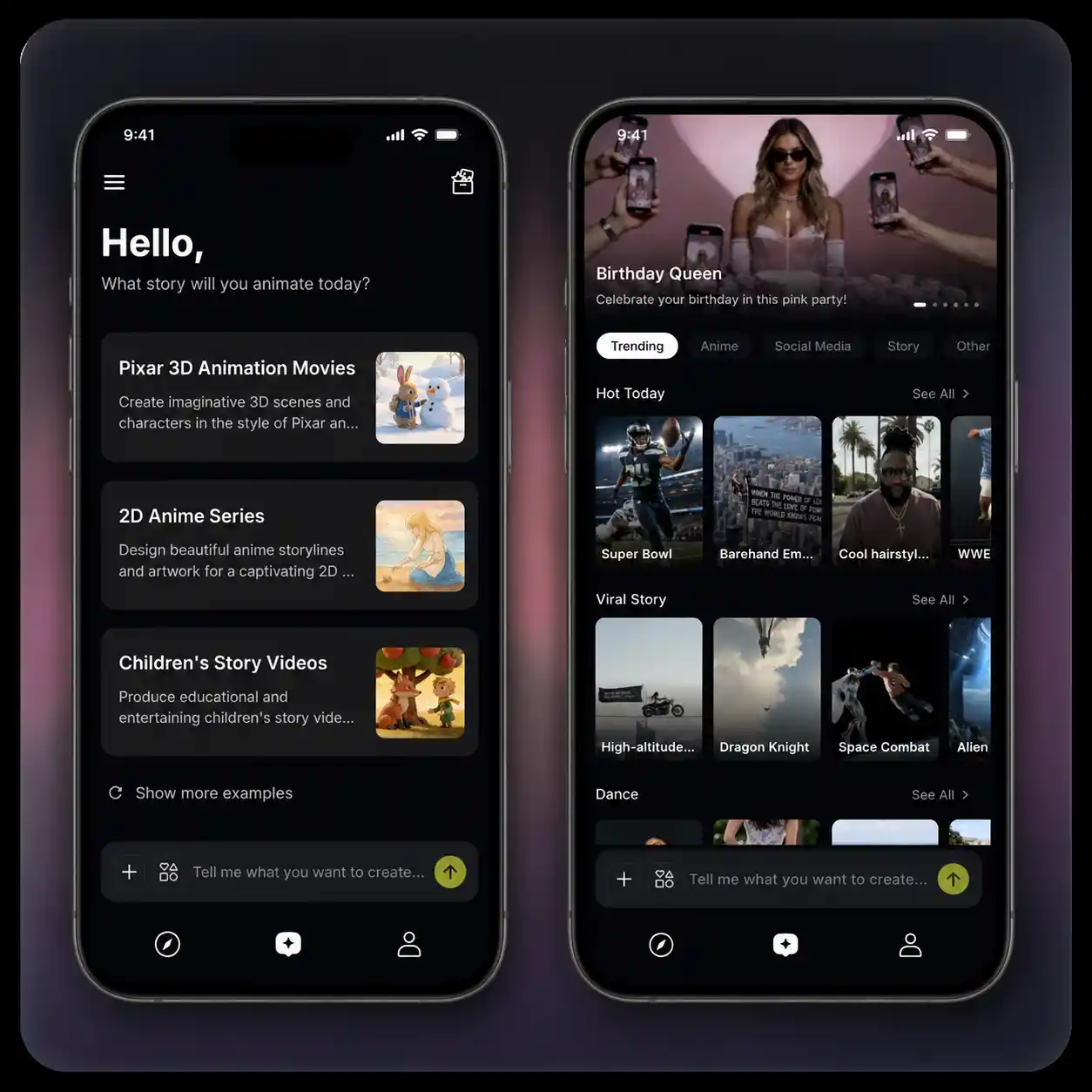
Find Inspiration With Trending Templates
Browse trending video templates in the Anijam app to discover fresh ideas, formats, and storytelling styles. Explore what’s trending across TikTok, Reels, and YouTube Shorts, then turn your favorite ideas into your own videos.
How to Turn a Script Into a Video with Anijam AI
Step 1: Upload Your Script
Upload your script directly — Anijam supports .txt, .docx, .pdf, and .md. The AI agent reads it and moves it into Outline and Storyboard automatically, breaking it into scenes and shots.
Step 2: Choose a Style, Add Characters & Voice
Pick your visual style — anime, cinematic, realistic, cartoon, or a custom Pro Style — and set up any characters that need to stay consistent across the video. Add AI voiceover from a multilingual library, upload your own audio, or sync dialogue to lip movement.
Step 3: Generate, Refine with the AI Agent & Export
Click Generate and review your video on the timeline editor. Chat with the AI agent to adjust specific shots, swap visuals, or extend a scene — no full re-render needed. When it's ready, export and publish to YouTube, TikTok, Instagram, or wherever your script was headed.
Scripts Turned Into Videos with Anijam
From cinematic stories and engaging explainers to social media videos, explore what you can create with Anijam Script to Video AI. Get inspired by real examples and turn your scripts, ideas, or written content into videos with AI-generated scenes, visuals, and voiceovers.
Built for Anyone Turning a Script Into a Video
Whatever you're making a video for, Anijam's script to video AI adapts to the format — templates for social, avatars for presenters, animation for stories.

Social & Short-Form Creators
Turn a script or a rough idea into a trending-ready video for TikTok, Reels, or YouTube Shorts. Drop your script into an always-updating template library instead of starting from a blank timeline.
Why Choose Anijam Script to Video AI

Free Credits
Start turning scripts into video with free credits — no credit card required. Earn more daily by checking in, and explore every core feature before you pay anything.

Fast Generation
Most scenes are ready within a few minutes, with real-time progress so you're never left guessing. Go from an uploaded script to a shareable draft the same day.

Easy to Use
No animation software, no timeline expertise, no voiceover recording setup. If you can upload a script, you can produce a finished video — no prior experience needed.

Web + App, Always in Sync
Start on the web, keep going on the Anijam app — every scene, character, and edit stays synced across devices, so you can create wherever inspiration hits.

Any Style, One Platform
Anime, cinematic, realistic, cartoon, or a photorealistic AI avatar — no juggling separate tools for different looks. Every style your script needs, in one place.

Watermark-Free Exports
Export videos without a watermark and create polished content for sharing, publishing, and showcasing your ideas.
Explore More Anijam AI Video Tools
What Creators Are Saying
More about AI Video Creation & Inspiration
FAQ
What is script to video AI?
Script to video AI is technology that turns a written script — a story, ad copy, narration, or dialogue — into a finished video automatically, without filming or manual editing. It typically handles scene planning, visual generation, voiceover, and assembly. Anijam is a script to video AI built as an agent: instead of handing you a single locked render, it lets you keep refining the video through conversation until each shot matches your script.
Is Anijam's script to video AI free online?
Yes. You can use Anijam's script to video AI free online after signing up. You get free credits to generate your first videos, plus daily check-in credits to keep creating. Paid plans add more credits, higher resolution exports, and additional models for heavier use.
Is there a script to video AI free without watermark option?
Free-plan exports from Anijam include a watermark, and free-plan videos are for non-commercial use. To export script to video AI content without a watermark and with full commercial usage rights, you'll need a paid plan (Beginner and above). This keeps the free tier genuinely free to try while paid plans cover publishing and client work.
What styles can I generate with Anijam's script to video AI generator?
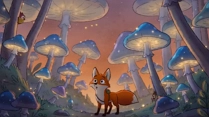
Anijam supports anime, 3D, cinematic, realistic, cartoon, Ghibli-inspired, and other styles, plus custom-trained Pro Styles on higher plans. You can also export in the aspect ratio your platform needs — vertical 9:16 for TikTok, Reels, and Shorts, or widescreen 16:9 for YouTube and presentations — all generated from the same script.
Can I use AI-generated videos generated from my script commercially?
Yes, on paid plans. Anijam's paid plans (Beginner and above) include commercial usage rights and watermark-free exports, so your script to video output is licensed for YouTube monetization, paid ads, client deliverables, and branded content. The free plan is intended for personal, non-commercial exploration.