


AI Voice Generator
Turn any script into a natural human voice in seconds with Anijam AI character voice generator — no microphone, no voice actor, no editing skills required. Powered by ElevenLabs' voice engine, built right into Anijam's video workspace.
What You Can Do With Anijam AI Voice Generator
From character dialogue to social voiceovers and long-form narration, create, clone, and customize voices for the content you make most.
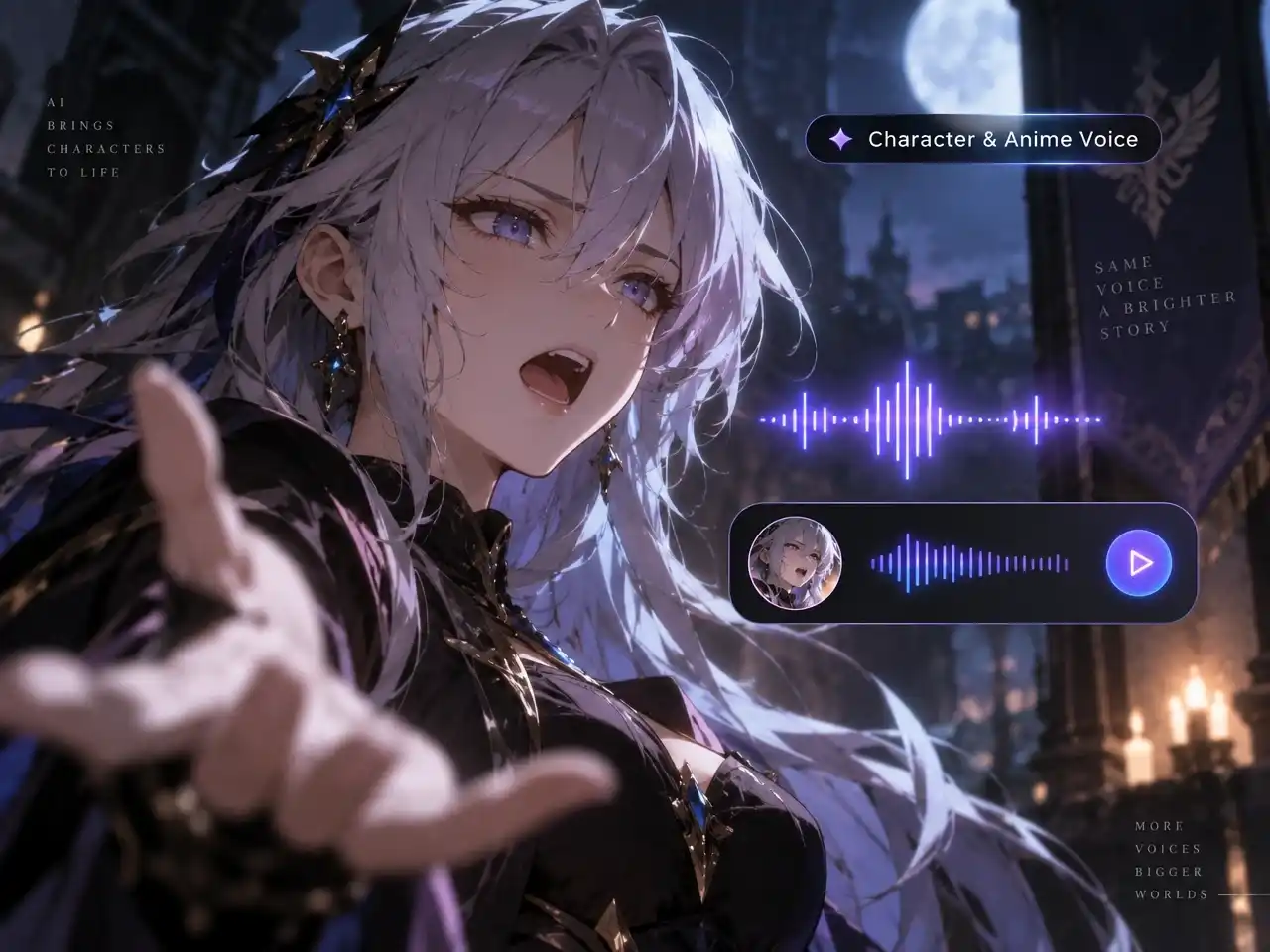
Character & Anime Voice
Create distinctive voices for anime characters, original characters, and story-driven videos. Design a voice from a simple prompt, choose from the AI voice library, or clone your own voice, then sync every line to your character's lip movements for a fully voiced scene.
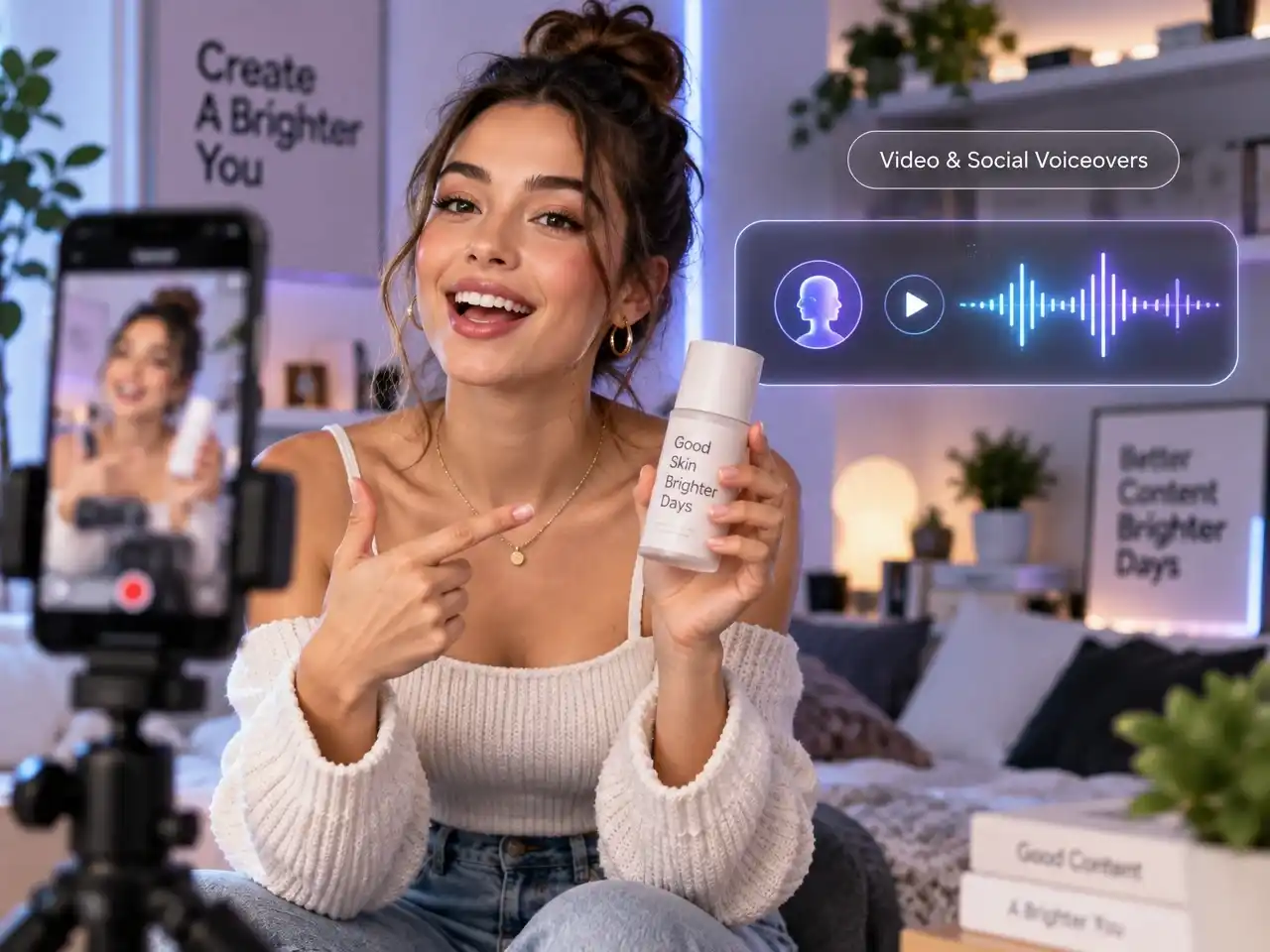
Video & Social Voiceovers
Create natural, expressive voiceovers for TikTok, Reels, YouTube Shorts, UGC ads, and other social videos. Generate new variations quickly with different voices, tones, and languages without recording every version yourself.
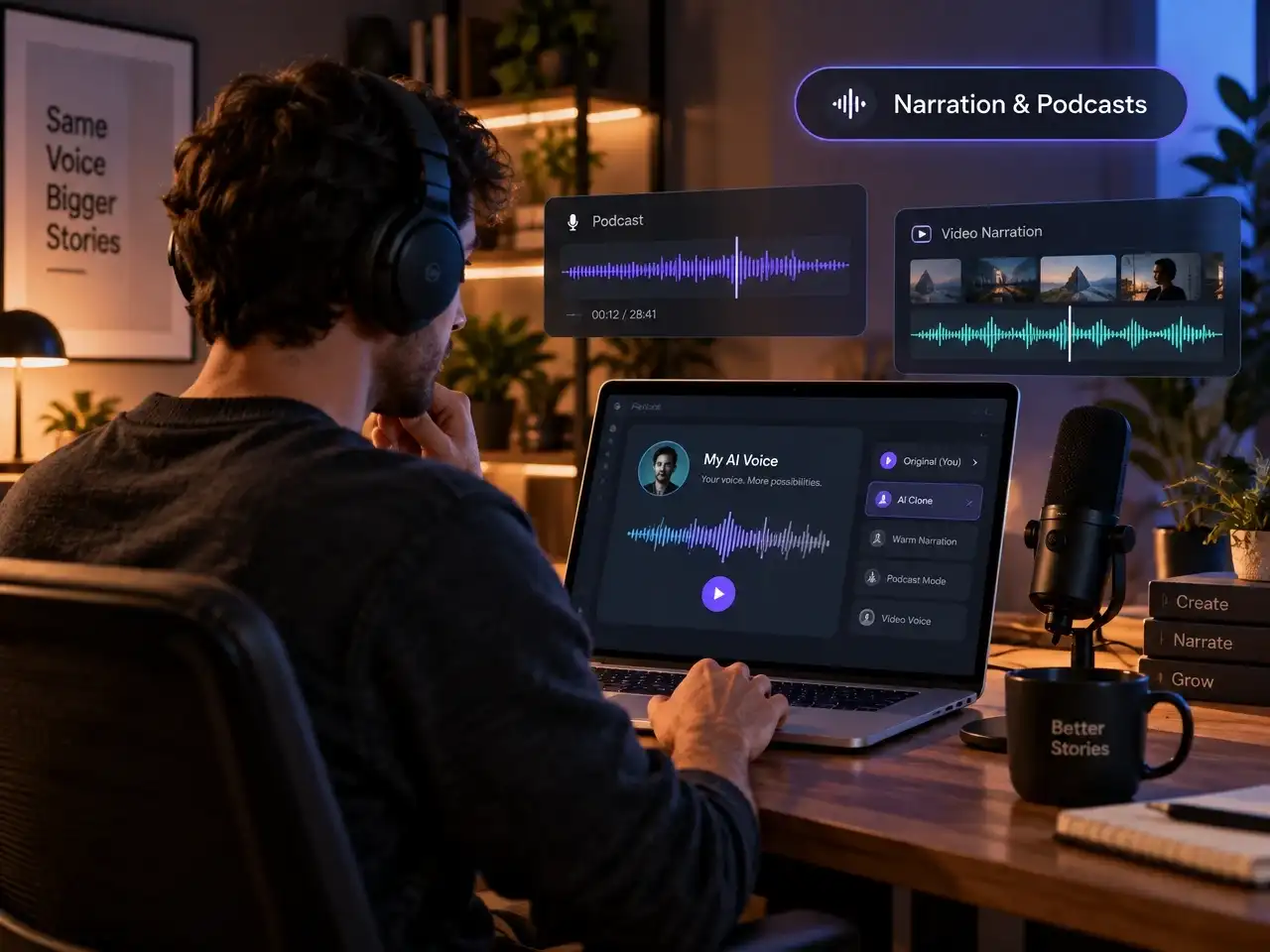
Narration & Podcasts
Turn scripts into natural narration for podcasts, educational videos, explainers, and faceless content. Clone your own voice once and reuse it across future episodes, videos, and scripts without sitting in front of a microphone every time.
Generate Any Voice in Minutes, No Studio Required
A clean voiceover usually starts with a decent microphone, a quiet room, and a handful of retakes to fix mispronunciations or breathing sounds — or a voice actor you have to brief, wait days for, and pay per finished minute. Even after all that, a generic text-to-speech tool only solves the recording part: it still hands back one flat, robotic voice no matter how many characters your script needs, and you're still dragging that audio file into an editor to line it up frame by frame with the picture.
Anijam's AI voice generator closes that gap with a single panel built on ElevenLabs' voice models. Generate natural speech, clone a voice, or design a brand-new character voice from a text prompt — then send it straight into your video or animation without ever leaving the workspace.
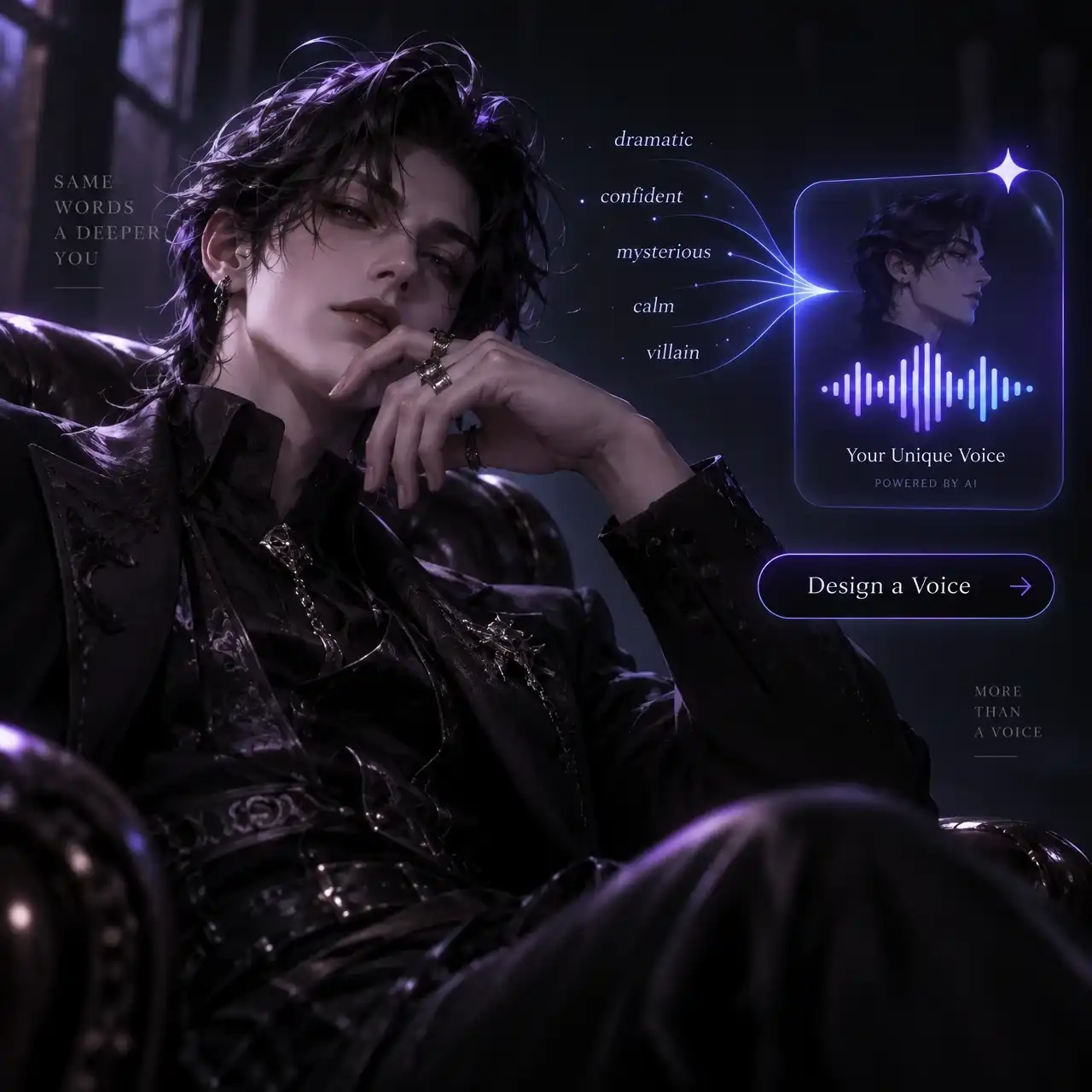
Design a Voice From a Simple Prompt
Describe a personality — "wickedly eloquent villain," "calm old narrator," or any dramatic anime archetype — and generate an original voice built around it. Fine-tune its loudness and delivery intensity to create a signature sound for any character, without using someone else's voice.
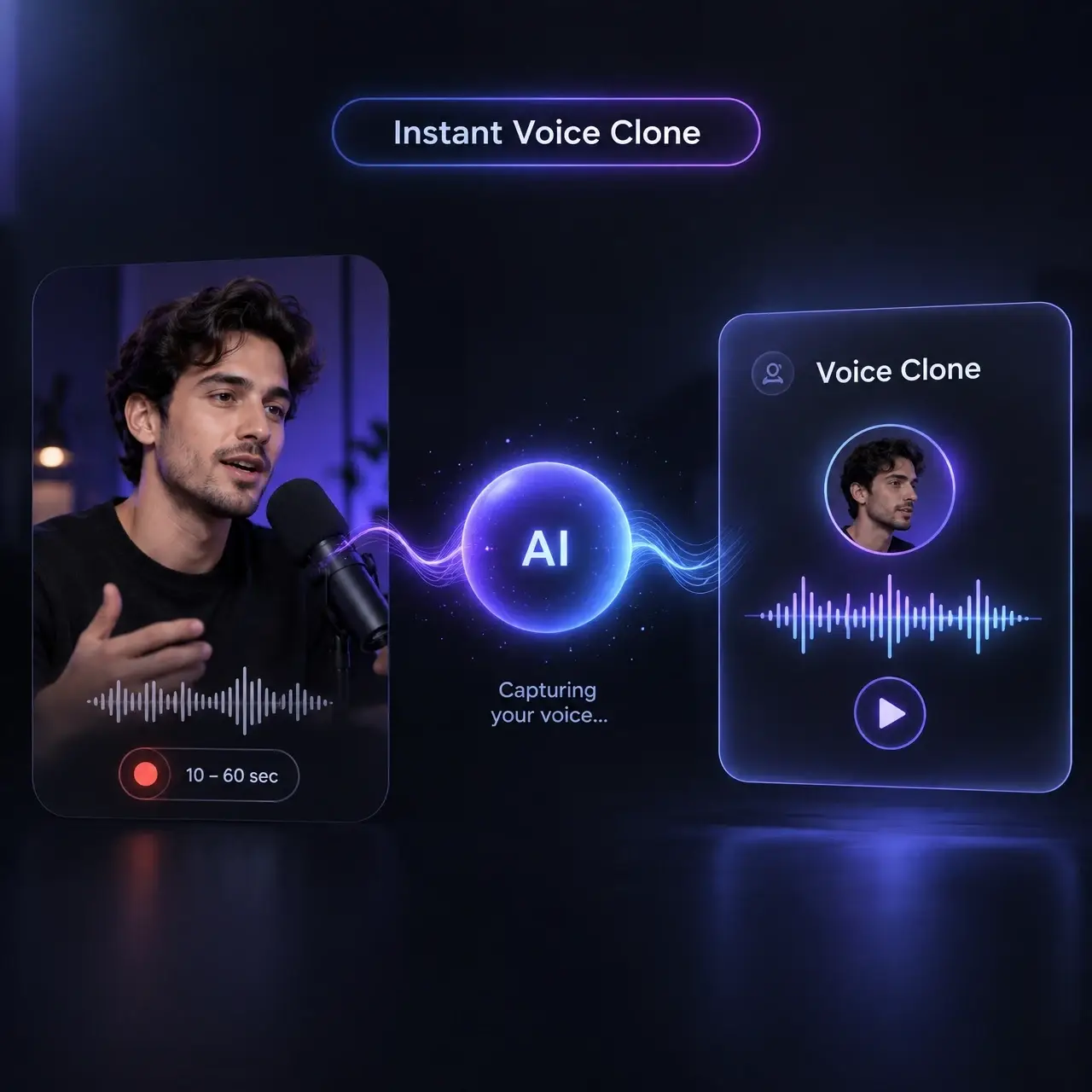
Clone Your Voice in Under a Minute
Upload or record a 10–60 second sample and let Instant Voice Clone capture your tone, pacing, and speaking style. Reuse the same cloned voice across future scripts to narrate videos, characters, and entire channels without recording every line yourself.
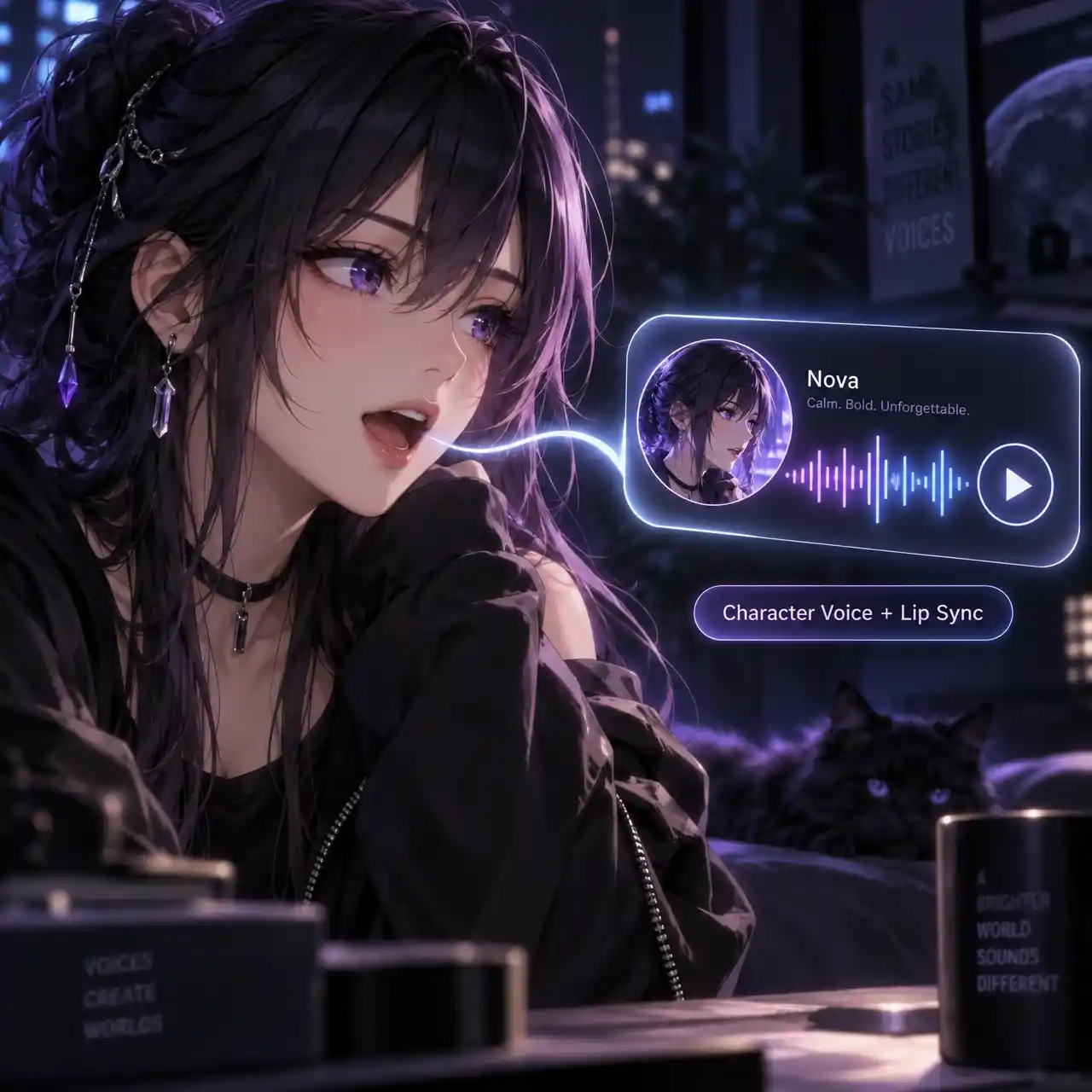
Create or Choose a Signature Voice for Every Character
Give each character a voice that fits their personality, then bring the performance to life with automatic lip sync. Apply a generated, cloned, or custom voice directly to your character's timeline and keep the voice, expressions, and lip movements together in one workspace.
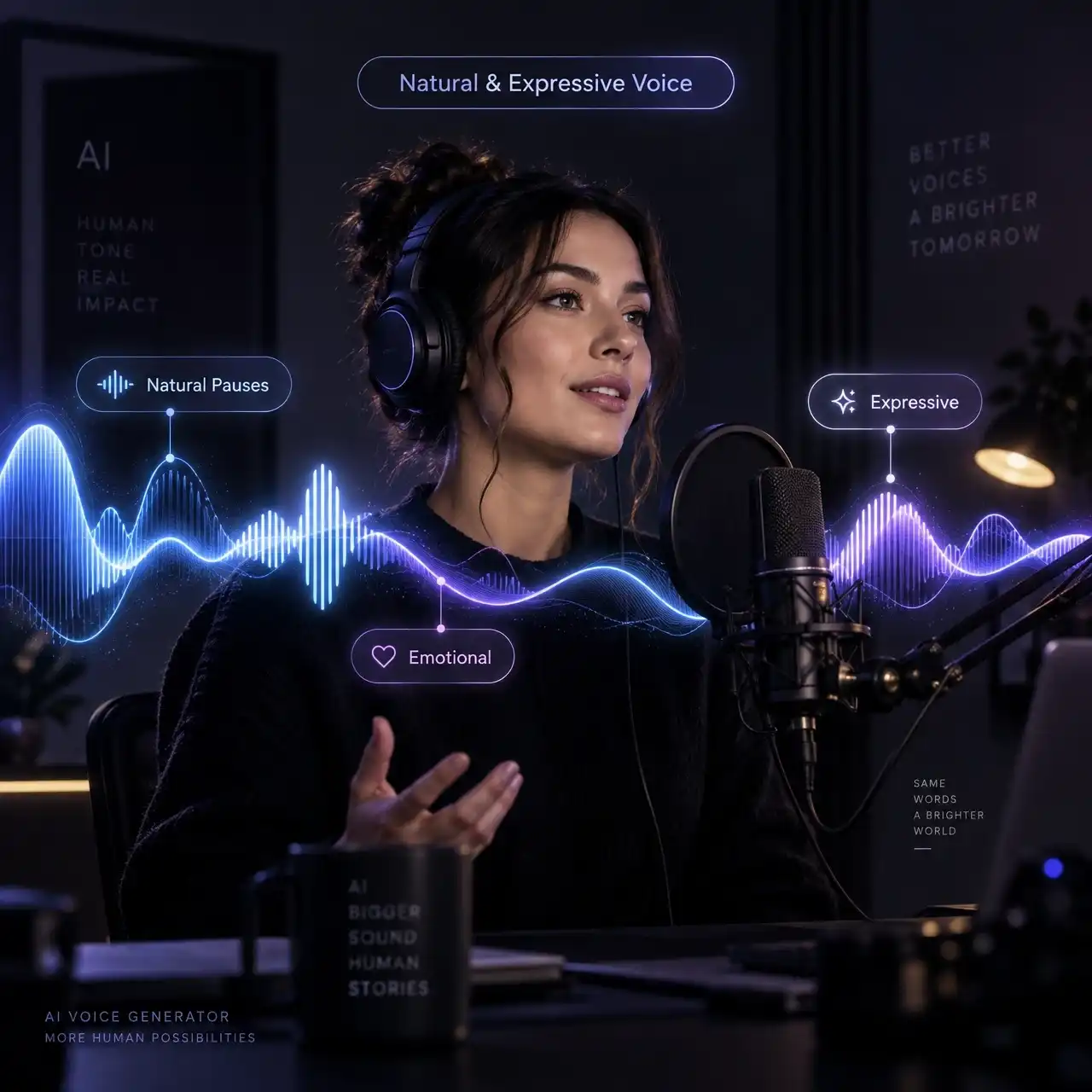
Natural & Expressive AI Voice
Paste your script and turn text into expressive voiceovers with natural pauses, shifting tone, and emotional emphasis. Powered by ElevenLabs' neural voice models, Anijam adapts delivery line by line so narration, dialogue, and character performances sound more natural.
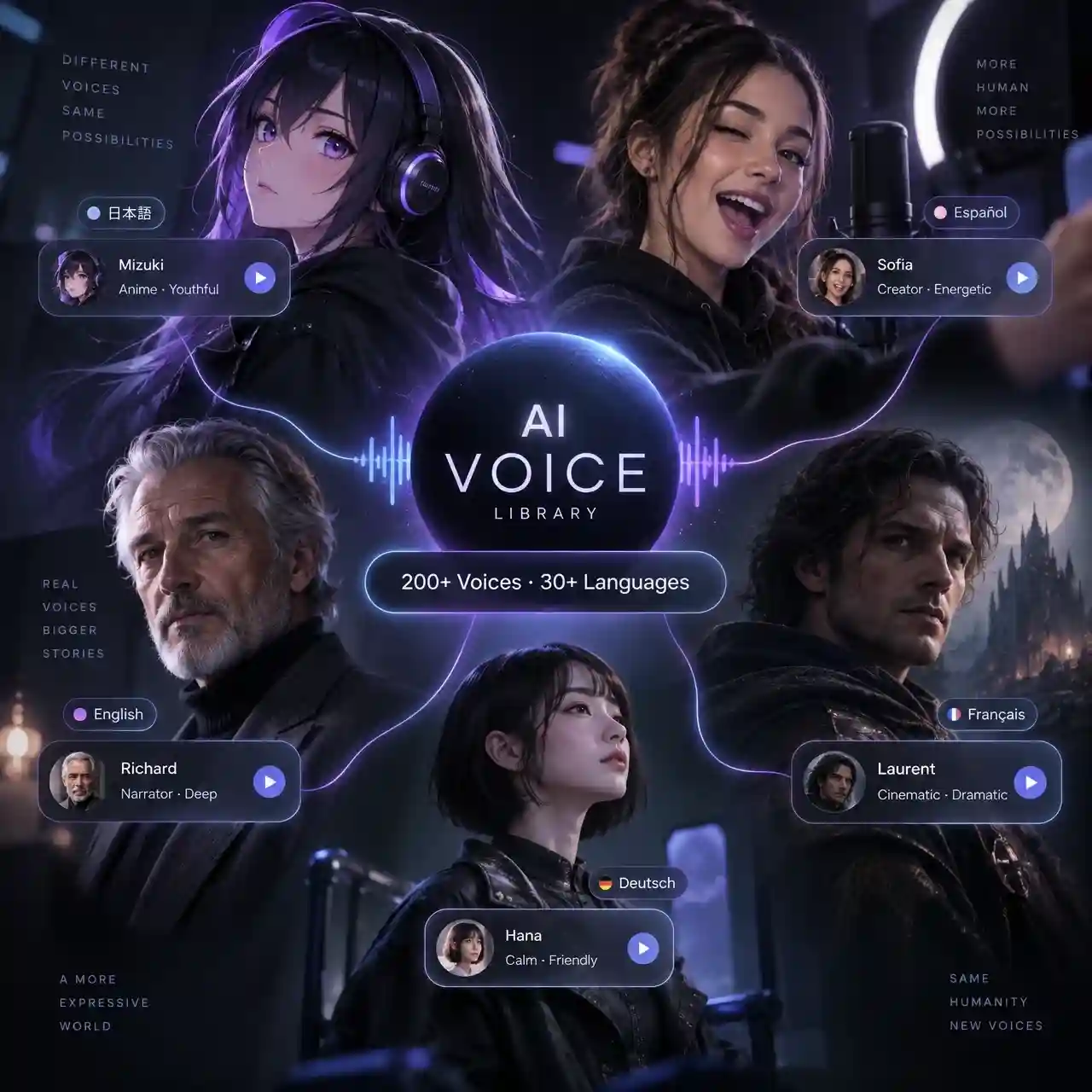
Explore 200+ Voices in 30+ Languages
Choose from a diverse AI voice library for narration, dialogue, characters, and social videos. Switch between voices and languages to find the right sound for your content, whether you're creating anime scenes, storytelling videos, or multilingual content.
How to Use Anijam's AI Voice Generator
Step 1: Open the Voice Panel
Inside your Anijam project, click Voice in the left toolbar. Choose Text to Speech to type a script, Build Your Voice to design or clone a voice, or Voice Changer to transform an existing recording.
Step 2: Pick, Clone, or Design a Voice
Browse the Explore library filtered by language and use case (Narrative Story, Social Media, and more), upload a 10–60 second sample with Instant Voice Clone to recreate your own voice, or describe a character in plain text with Voice Design with Prompt and generate a completely new voice.
Step 3: Generate, Preview, and Drop It Into Your Scene
Adjust loudness and guidance scale, generate the voice, and preview it instantly. Once you're happy with the result, attach it directly to your animation's timeline for automatic lip sync, or export it as a standalone MP3/WAV.
Why Creators Choose Anijam's AI Voice Generator

Free Credits
Sign up or log in and check in daily to receive free credits for exploring AI voice generation and trying Anijam's voice features.

Fast Generation
Turn scripts and voice ideas into ready-to-use speech quickly, so you can move from writing to creating without long waits.

Easy to Use
Describe the voice you want, enter your script, or upload a short recording. Anijam handles the technical work without requiring complicated audio tools.

Built-In Lip Sync
Connect generated or cloned voices directly to your characters and sync speech with lip movements in the same creative workspace.

Expressive, Multilingual Voices
Choose from 200+ voices across 30+ languages, with natural pacing, tone, and emotional expression for narration, dialogue, characters, and social videos.

Watermark-Free Exports
Export polished voice and video content without distracting watermarks.
What Our Users Said
FAQ
What is an AI voice generator?
An AI voice generator is a tool that converts written text into natural-sounding speech using machine learning models trained on human speech patterns. Anijam's ai voice generator goes further by also offering voice cloning, prompt-based voice design, and a voice changer — all in one panel, and all connected to your video and animation projects.
Is Anijam's AI voice generator free to use?
Yes. New accounts receive free credits to generate text to speech, clone a voice, or try the voice changer with no credit card required. As a free ai voice generator text to speech tool, Anijam lets you test every voice mode before upgrading for higher volume or commercial-use exports.
Can I generate text to speech in different languages and accents?
Yes. The Explore voice library includes voices across multiple languages and accents, organized by use case such as Narrative Story and Social Media, so you can match the right tone and language to your script.
Can I use Anijam to clone a celebrity's voice?
Anijam does not clone or replicate real public figures' voices, since doing so without consent raises legal and ethical concerns around likeness and publicity rights. If you're looking for a bold, recognizable character voice, Voice Design with Prompt lets you describe any personality — dramatic, quirky, commanding — and generate an entirely original voice built around it, with full rights to use.
Can I clone my own voice with Anijam?
Yes. Instant Voice Clone recreates your voice from a single 10 to 60 second sample, capturing your tone, pace, and style so future scripts can be narrated in your own voice without recording each one from scratch.
Does the AI voice changer work on my own recordings?
Yes. Upload an existing recording and the ai voice changer transforms it into a new voice while keeping the original tone and emotional delivery intact — no need to re-record from a script.