


AI Kiss Video Generator
Upload two photos and get a realistic kiss video in minutes, without filming, editing, or paying upfront.
Popular Ways to Use AI Kiss Videos
Anijam fits the moments people actually want to share, from a surprise for someone you love to a trending clip for your next post. Pick a scenario, add your photos, and generate your kiss video in minutes.
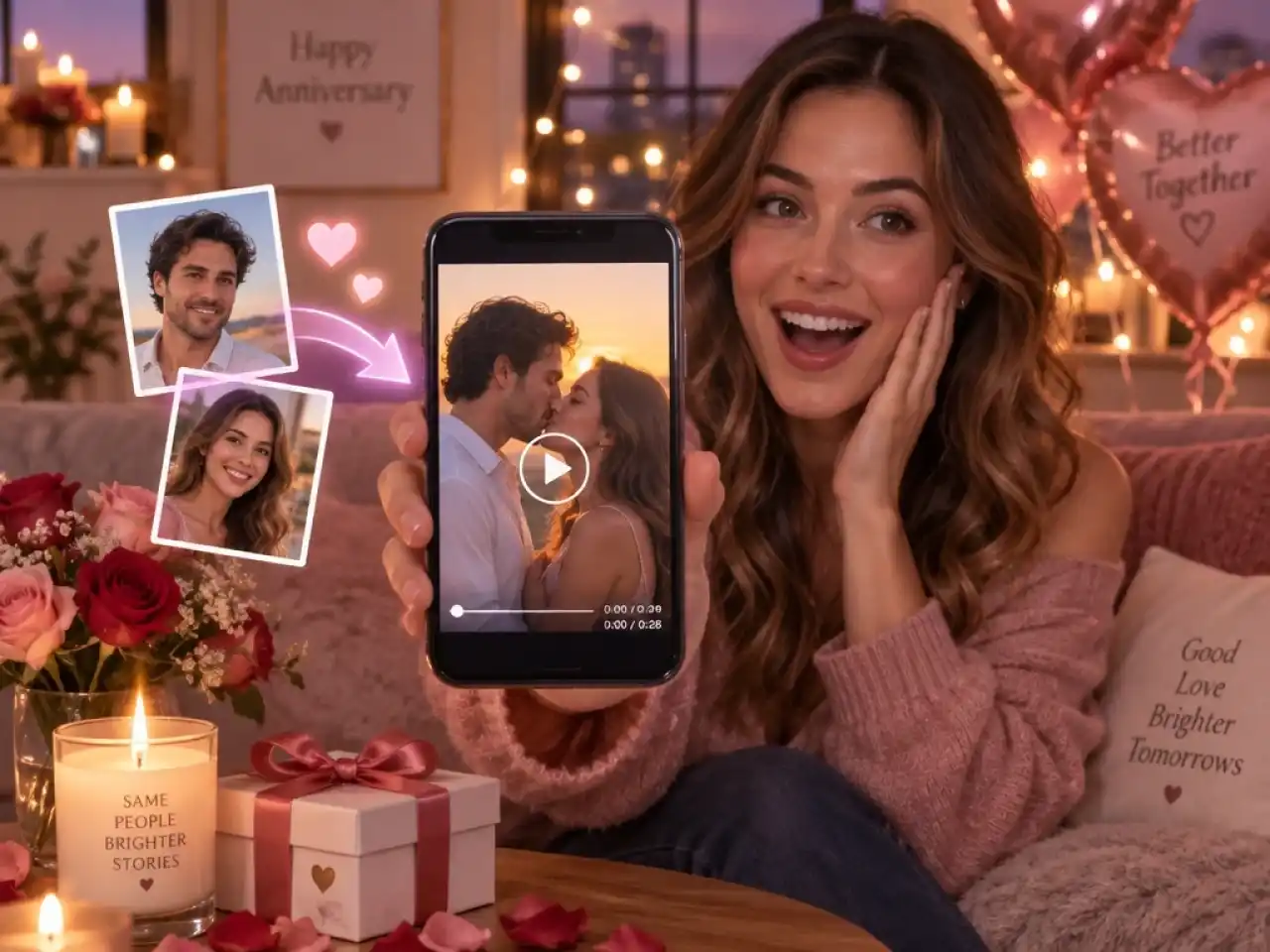
Surprise Your Partner on Special Days
Turn two photos into a kiss video for anniversaries, birthdays, proposals, or Valentine's Day. It is a personal gift that takes minutes, and it works even when you are in different cities.
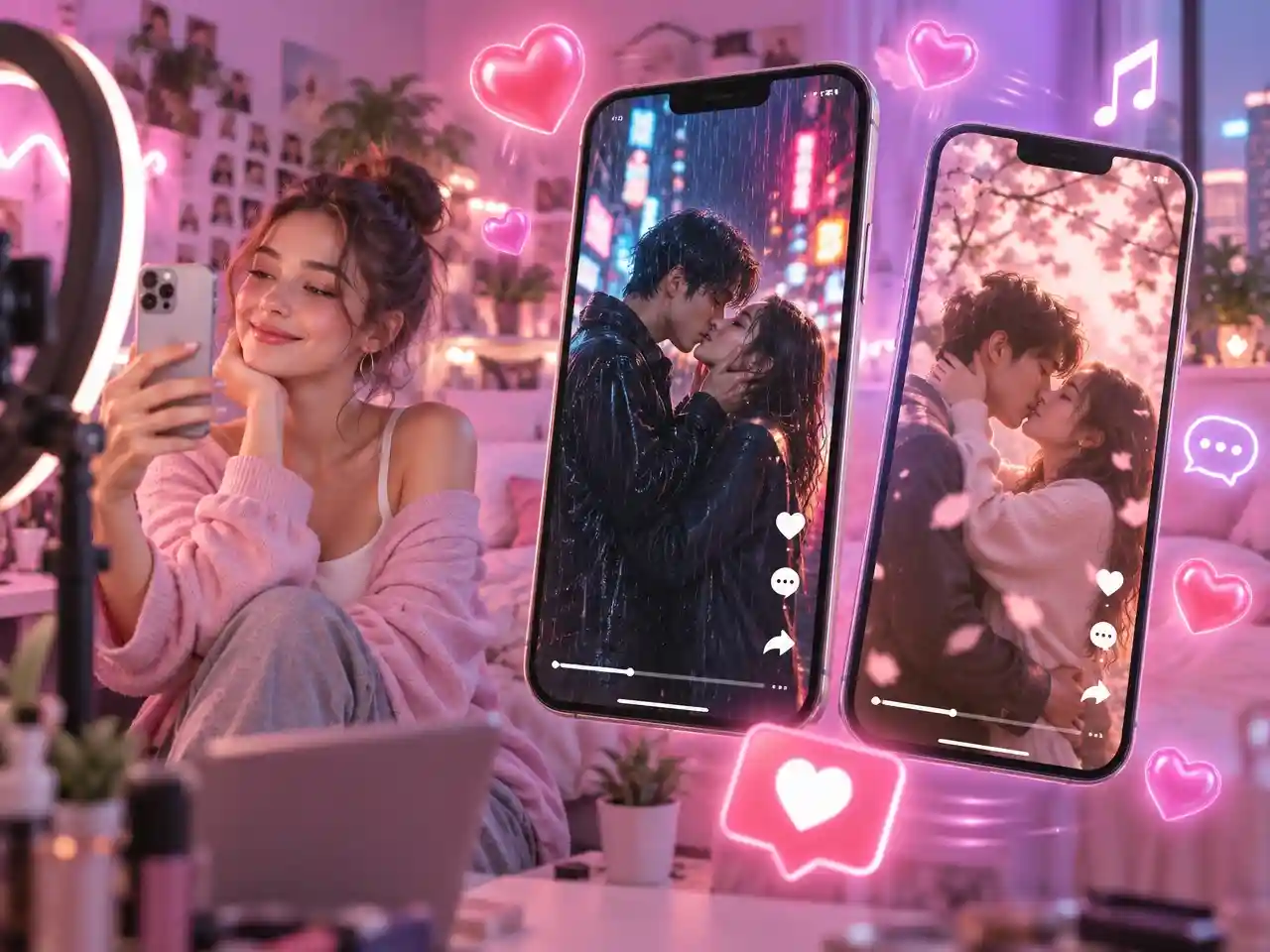
Make Trending Couple Edits for Social
Create vertical kiss videos for TikTok, Instagram Reels, and YouTube Shorts from trending templates. Add music and captions to help your edit stand out in the feed.
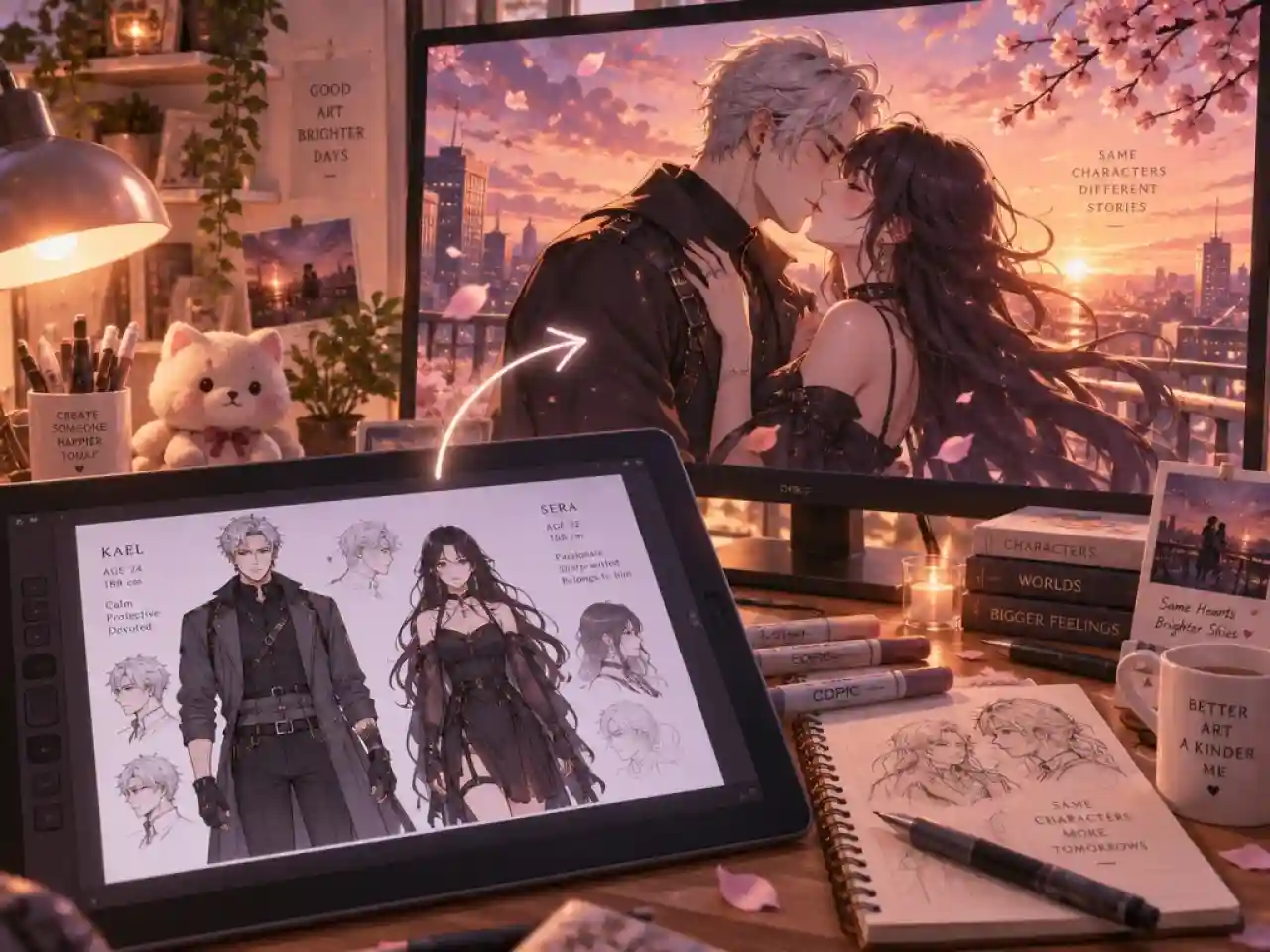
Bring Anime Ships and Story Moments to Life
Show your favorite pair, your original characters, or a what-if scene from your fan story. Upload the character art, pick the anime style, and generate a clip that matches the original design.
Turn Two Photos into a Realistic AI Kiss Video
Anijam's AI kiss video generator turns two photos into a smooth, realistic kiss video, so you can show a moment that was never filmed, whether you are miles apart or the photos were taken years apart. Single-purpose kiss filters stop at one short clip, but we built Anijam as a full video agent with templates, leading video models, and voice tools in one place, so you can take the same photos from first draft to a finished, shareable video without switching apps.
How to Use Anijam's AI Kiss Video Generator
Step 1: Upload Two Photos or Pick a Template
Upload one clear, front-facing photo of each person, or one photo that shows both. Prefer a shortcut? Open a kiss template and swap in your own photos.
Step 2: Choose a Video Model and Prompt
Click Tool > AI Video, select a video model, then use the template prompt or customize it to define the mood, camera movement, and kissing style.
Step 3: Generate and Download
Click Generate, preview your kiss video, and download it to share on TikTok, Instagram Reels, or YouTube Shorts.
Soft and Romantic Kiss Videos
A slow lean-in and a gentle kiss with warm light. Pick this style for anniversaries, proposals, and long distance messages when you want the moment to feel tender rather than dramatic.
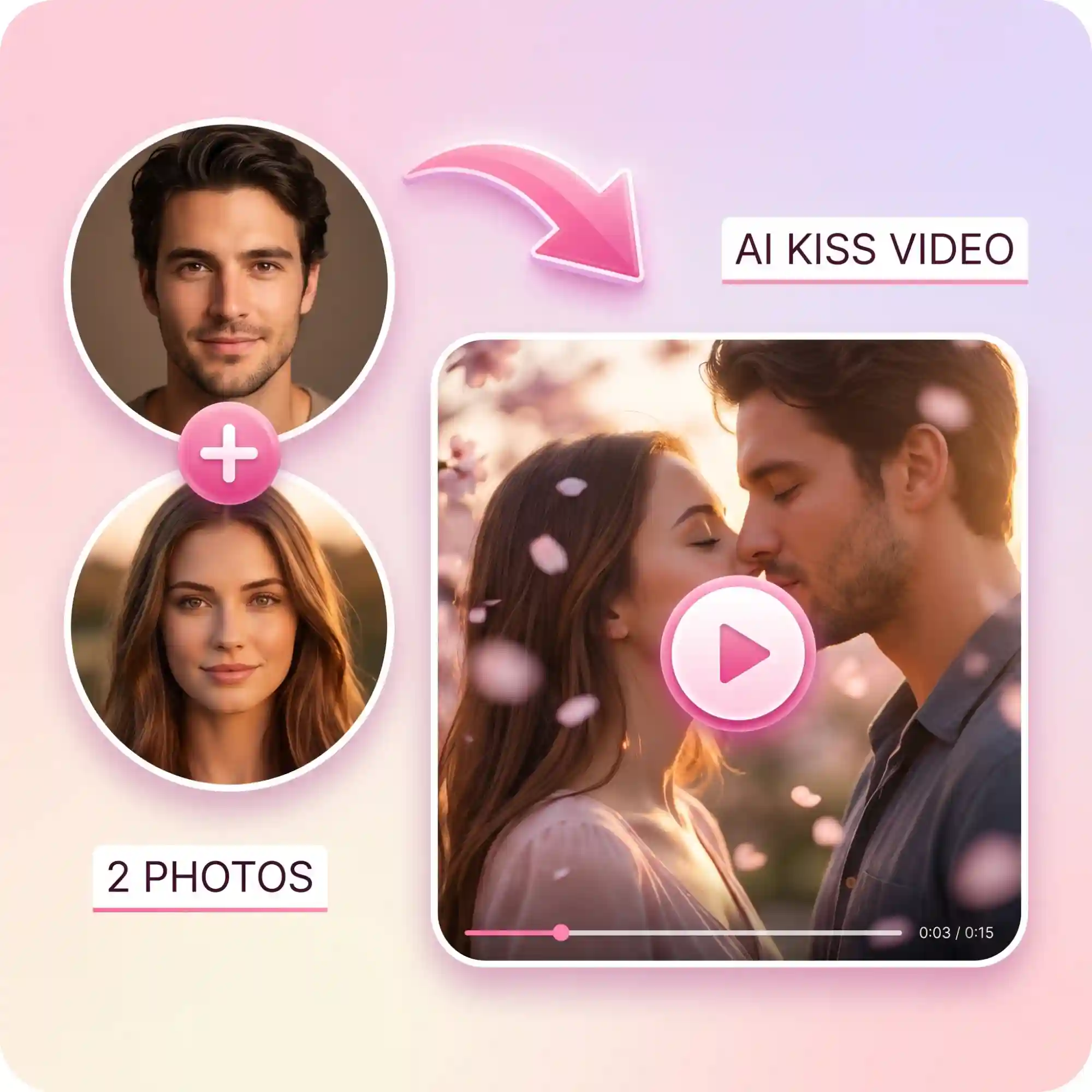
Make Two Photos Kiss with AI
Upload one photo for each person, or a single couple photo, and Anijam puts them in the same scene for a natural kiss. Your photos can come from different places or different years, and we keep both faces recognizable so the result still looks like the two of you.
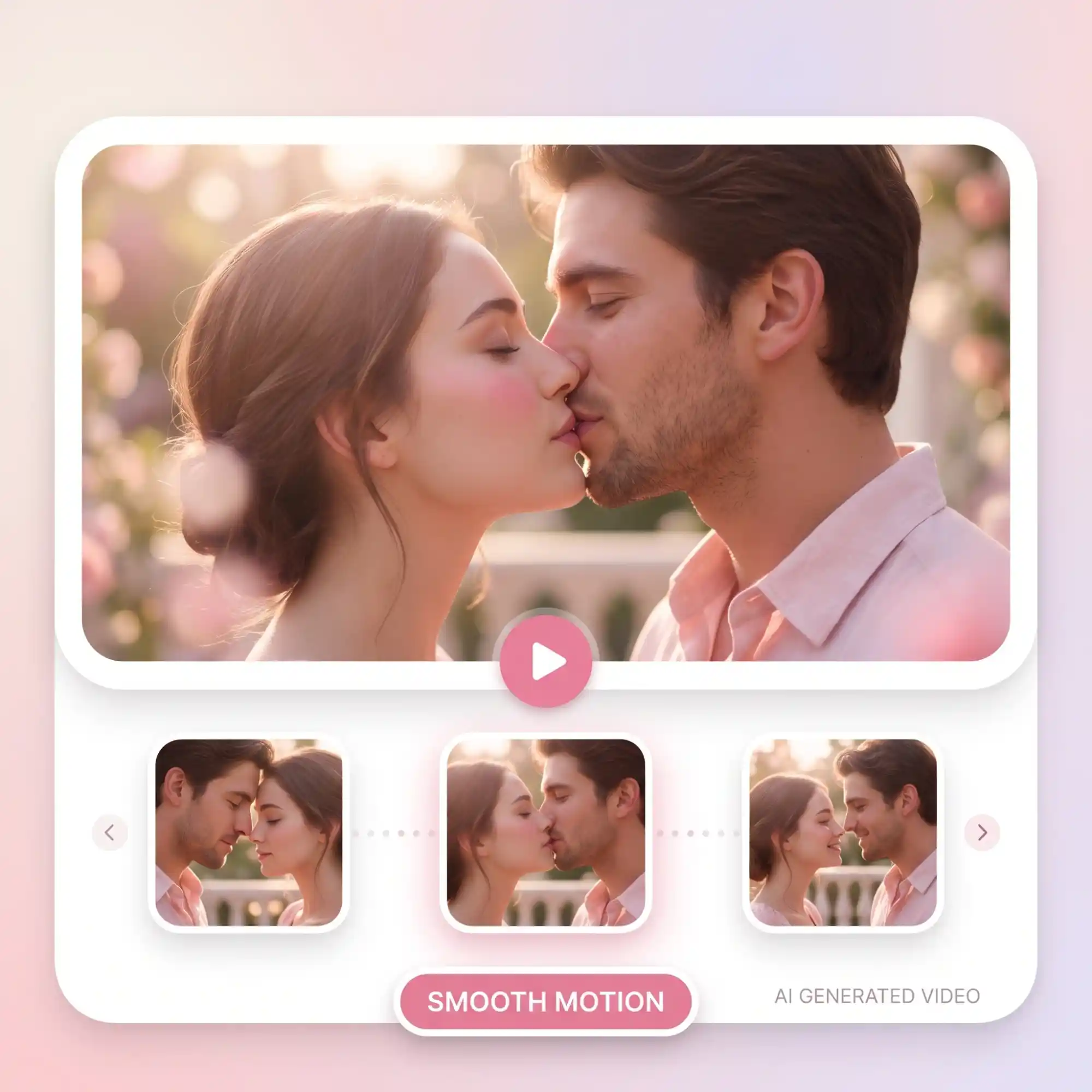
Create Natural AI Kiss Videos Without Editing
Anijam generates smooth head turns, lip contact, and expressions in one pass, so you do not need to cut, mask, or retouch anything. If a result looks off, adjust the prompt or switch the video model and run it again.
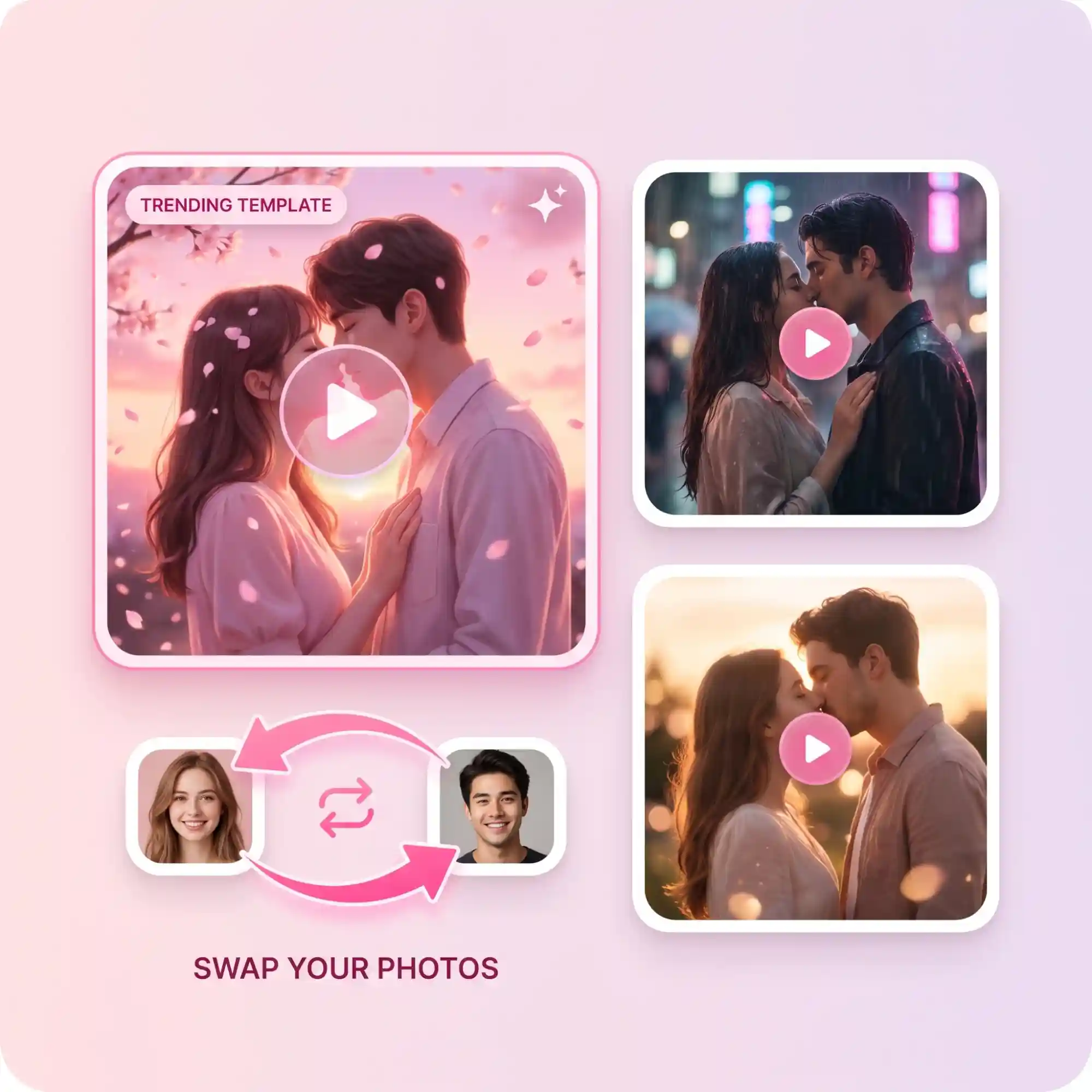
AI Kiss Video Generator with Templates
Start from a ready-made kiss template, swap in your photos, and generate in a few clicks. Keep the preset prompt as it is, or tweak it to change the setting, the camera move, or the art style.
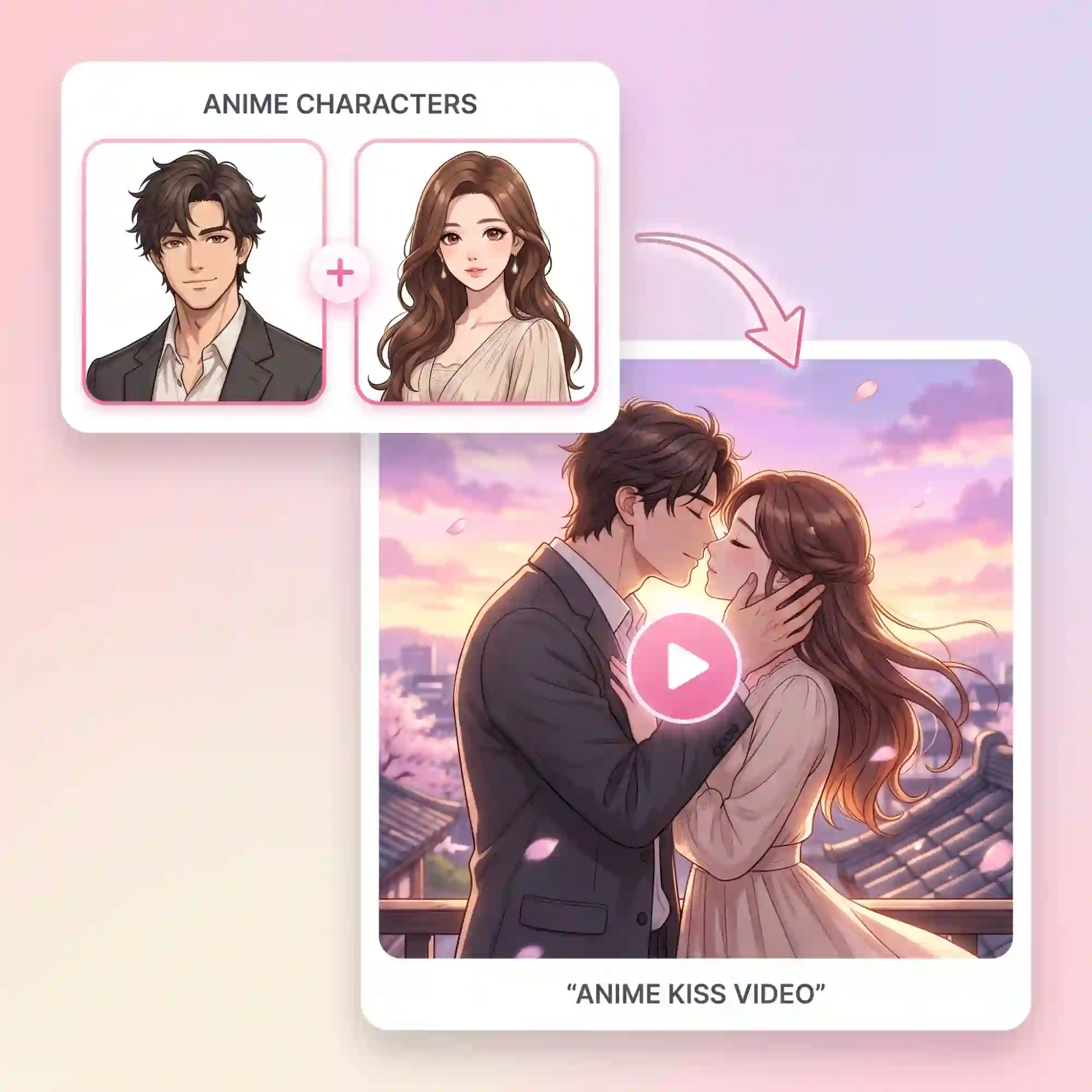
AI Kiss Video from Any Character
Upload anime art, cartoon characters, or an illustrated couple and get a kiss video that keeps the original design. Pair characters from different stories to bring your fan ideas to life.
Why Choose Anijam AI Kiss Video Generator

Free Credits to Start
New accounts get free credits, so you can make your first kiss video before choosing a plan. Try different photos and templates to see what works best.

Easy to Use
Pick a template, add your photos, and our agent handles the motion, lighting, and framing. No long prompts, no editing software, and no retouching.

Works on Any Device
Make kiss videos on your phone, tablet, or computer with the same simple flow. Open Anijam in your browser, create anywhere.

High Quality Results
Get sharp, smooth kiss videos that keep both faces recognizable. If a result is not quite right, switch to another video model and run it again.

Watermark Free Downloads
Download clean kiss videos with no watermark, ready to post on social media or send to someone special.

Safe and Private
Your personal photos and couple moments stay yours. Your videos are private by default, and you decide what to share and where.
Explore More Anijam AI Creative Tools

FAQ
What is an AI kiss video generator?
It turns one couple photo or two separate portraits into a short video of two people sharing a kiss. The model reads both faces, matches their positions, and generates the lean-in, the kiss, and the pull-back. With Anijam you can start from a template or write your own prompt, and the clip is generated from your photos, not filmed.
How do I make two pictures kiss with AI?
Upload one clear photo of each person to Anijam, choose a video model, and click Generate. You can also open a kiss template, swap in your photos, and edit the prompt if you want a different setting. Front-facing photos with similar lighting give the most natural result.
Is the AI kissing video generator free to use?
You can try it free with the credits you get when you sign up, but free generation is limited and not unlimited. Free downloads include a watermark and are for non-commercial use, while paid plans remove the watermark and include commercial use rights.
What photos work best, and can I use a single couple photo?
Clear, front-facing photos with visible faces work best, and you can use either two separate portraits or one photo that shows both people. Keep the lighting and framing similar across photos, and avoid sunglasses, masks, or heavy blur. If a result looks off, try a sharper photo or a different video model.
Can I make AI kiss videos on my phone?
Yes, you can use the Anijam mobile app or open Anijam in your phone browser. The steps are the same: upload your photos or pick a template, choose a video model, and generate.
Is it okay to make a kiss video of someone else?
Only use photos of yourself, people who have agreed, or fictional characters, and never create videos of minors or of anyone who would object. Label the result as AI-generated when you share it so viewers are not misled. Please review Anijam's Terms of Service for the full usage rules.