


AI Anniversary Video: Animate Your Love Story with Anijam
Turn your most treasured memories into cinematic anniversary videos with Anijam's AI anniversary video generator. Choose from beautiful AI anniversary video templates, describe your story with a simple prompt, and let Anijam's AI Agent handle everything — script, scenes, animation style, lip sync, and voiceover — no editing skills required.
All-in-One AI Anniversary Video Generator for Every Special Moment
Anijam is an all-in-one AI creative video platform built for every kind of creator — from first-timers surprising their partner to content creators producing anniversary reels for millions. With a dedicated Holiday & Occasions category that includes anniversary video templates, Anijam makes it effortless to go from a single prompt to a beautifully animated, shareable anniversary video in minutes.
Unlike traditional video editors that demand timeline expertise or clip libraries, Anijam's AI Agent handles the full pipeline: it writes a story outline, generates scenes, animates characters with consistent visual style, syncs lip movements to your chosen voiceover, and exports a finished video ready to share. Whether you're celebrating a wedding anniversary, a company milestone, or a golden anniversary with family, Anijam covers every occasion with cinematic quality and zero technical barriers — with a growing style library spanning Ghibli, Cartoon, 3D Cinematic, and more to match any mood or aesthetic.
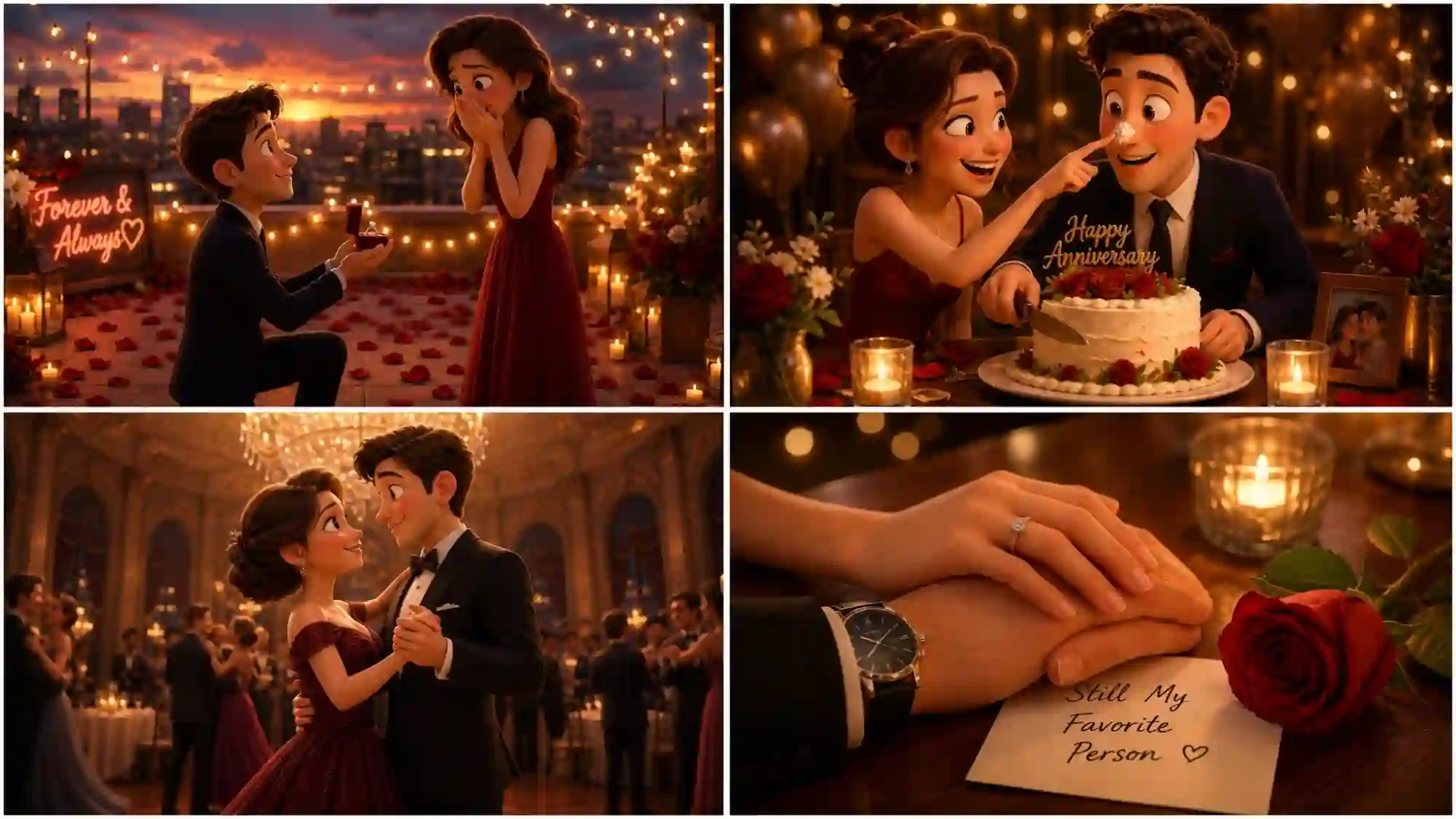
Pixar/3D Cinematic — Rich, Expressive & Film-Quality
Bring your anniversary story to life with cinematic 3D depth, expressive character faces, and dramatic lighting that makes every frame feel like a scene from a beloved animated film — unforgettable for any milestone.
AI Anniversary Video Templates for Every Occasion
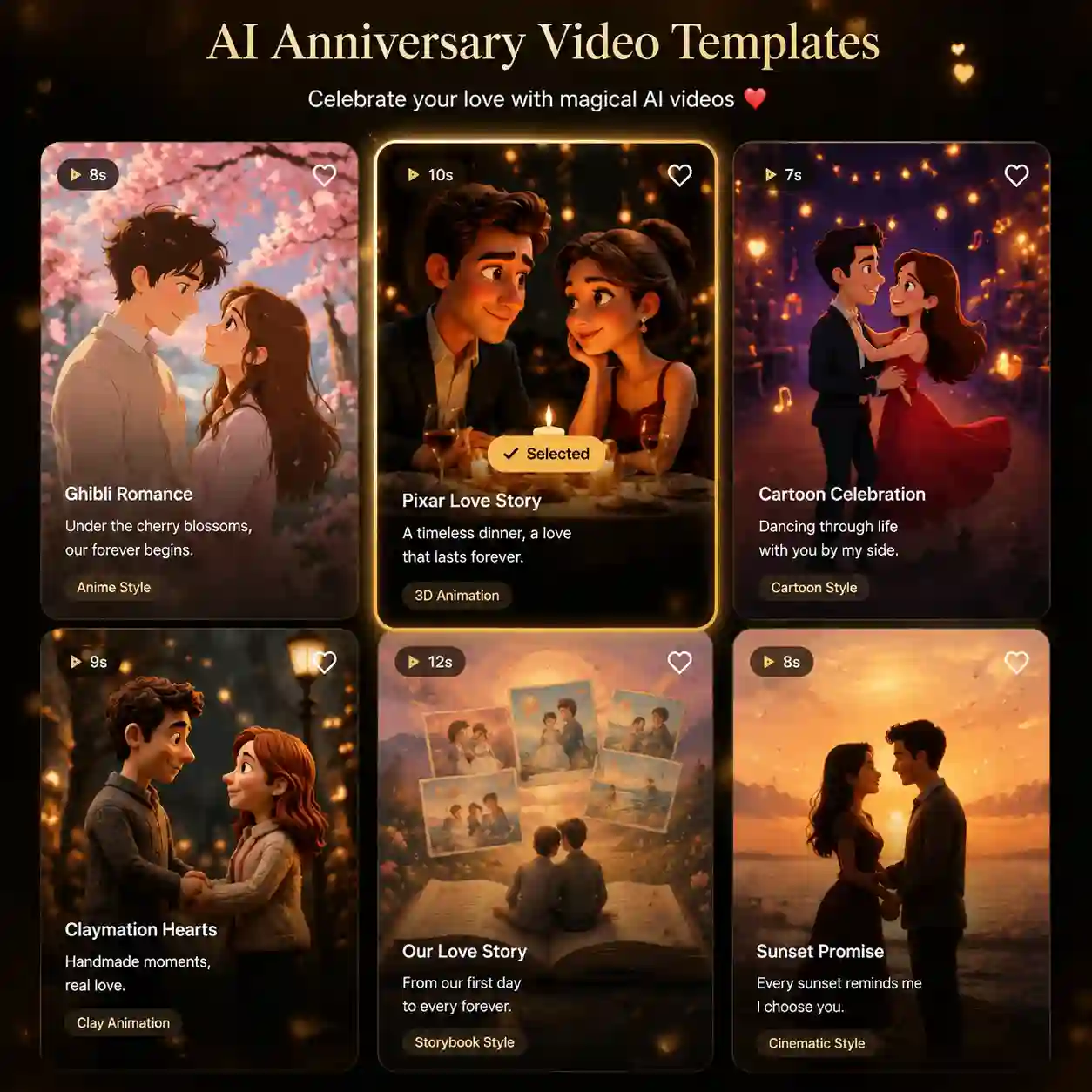
Anijam offers a rich library of AI anniversary video templates — available on both the Anijam web platform and the Anijam mobile app. Whether you need a romantic wedding anniversary template, a bold company milestone video, or a heartfelt friendship tribute, Anijam has a ready-made structure so you can go from idea to finished video in minutes — with zero design experience required.
Prompt to a Complete Anniversary Video Story
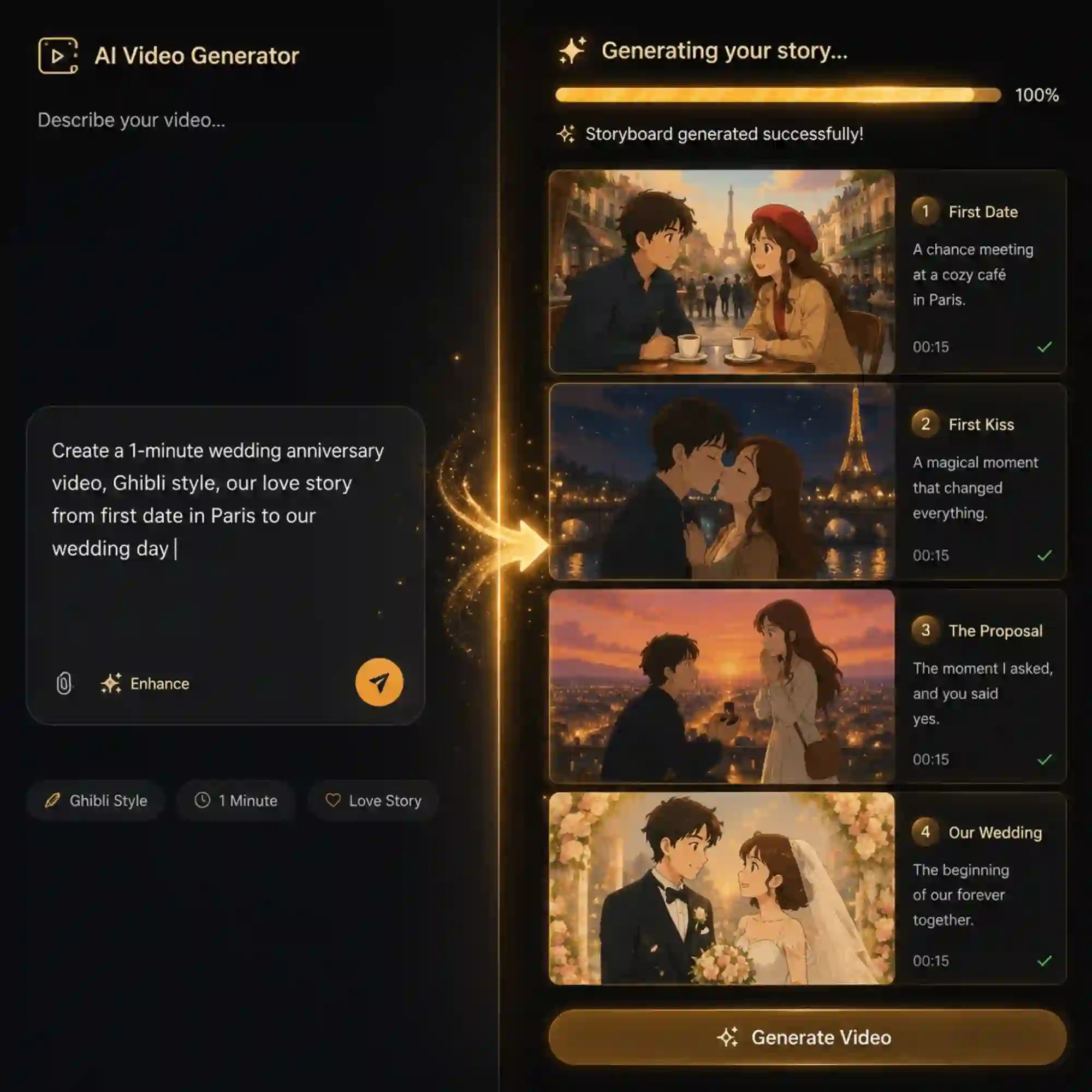
Anijam AI Agent reads your text prompt and generates a full story — scene by scene, with dialogue, pacing, and transitions — from scratch. Type something like "our 10-year anniversary: first date at a rainy café, proposal in Kyoto, and the life we built together" and Anijam writes the script, lays out the scenes, and animates the entire sequence automatically. You stay in control: accept the AI's outline or edit every detail before generating.
Consistent Characters Across Every Anniversary Video Scene
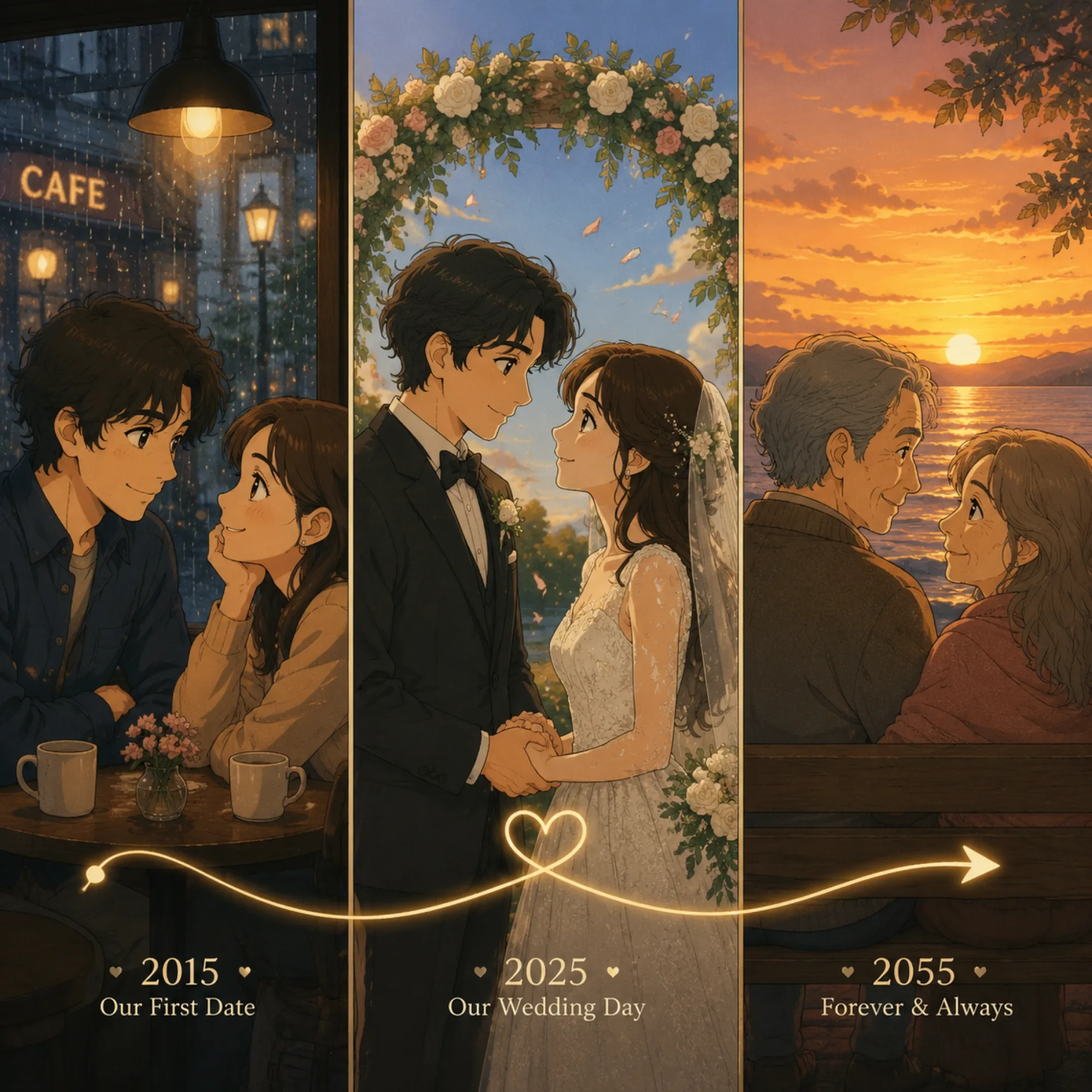
Create a couple, family, or mascot that stays the same across every scene. Anijam maintains consistent appearance, style, and details throughout your anniversary video — from your first meeting to decades of memories later.
AI Voiceover, Lip Sync & Scene Editor — All in One
Add emotional voices, realistic lip sync, and professional edits to your anniversary videos with one AI-powered workflow. Generate voiceovers in 30+ languages, animate characters with your own voice recordings, and refine every scene with music, timing, transitions, and more using Anijam’s built-in editor.
What Can You Create with Anijam's AI Anniversary Video Generator?
From heartfelt couple tributes to friendship celebrations and brand milestones, Anijam covers every anniversary occasion — animated, cinematic, and completely personalized.
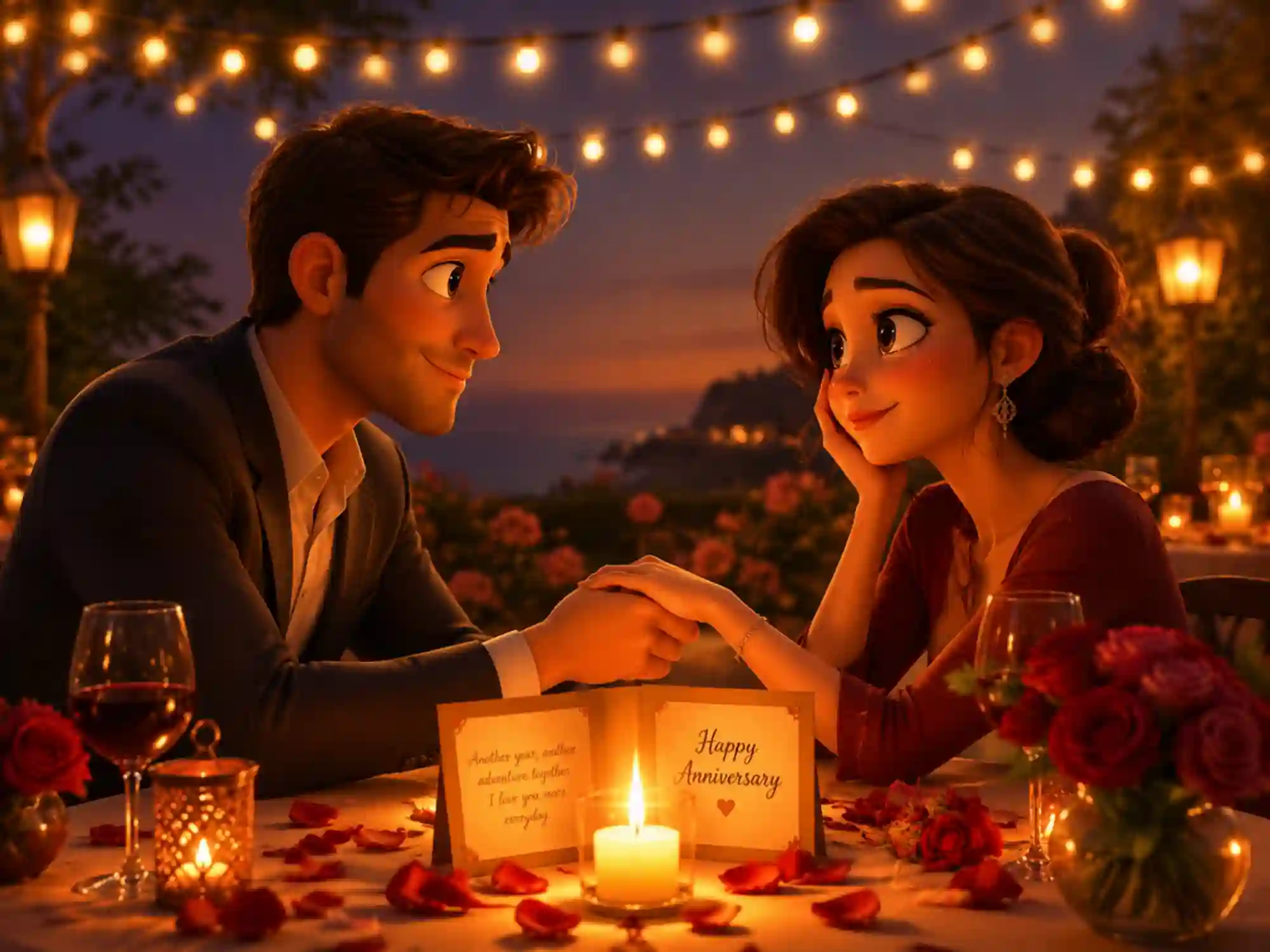
Wedding Anniversary Video
Describe your love story — first date, proposal, wedding day — and Anijam builds a cinematic animated wedding anniversary video with consistent characters, emotional narration, and a style as unique as your relationship.
How to Create an AI Anniversary Video with Anijam
Step 1: Describe Your Anniversary Story
Open Anijam and type your anniversary idea into the chat — for example, "Create a romantic 1-minute anniversary video for our 5th wedding anniversary, Ghibli style, with a voice message." You can also upload a reference photo or choose from Anijam's anniversary video templates.
Step 2: Customize Your Style, Voice & Characters
Pick a video style (Ghibli, Cartoon, 3D Cinematic, and more), select a voiceover from 30+ languages, and optionally upload a custom character or photo. Adjust the mood, pacing, and scene details. Then click Generate — Anijam's AI Agent builds your full anniversary video automatically.
Step 3: Download & Share Your Anniversary Video
Fine-tune scenes in the timeline editor, adjust lip sync timing, or swap background music. When it looks perfect, export in up to 1080p (4K on premium plans) and share directly to Instagram, TikTok, WhatsApp, or download to gift to your loved one.
Why Create Your Anniversary Video with Anijam AI

Free to Start
Sign up and get free credits instantly, plus daily check-in rewards.

Easy to Use
No video editing experience needed. Just describe your story and Anijam does the rest.

Ready-Made Templates
Pick from a rich library of AI anniversary video templates and customize them to make it entirely yours.

Voiceover in 30+ Languages
Record your own voice message or pick from a rich AI voice library spanning 30+ languages. Perfect lip sync ensures your characters deliver every word with natural, emotional expressions.

Create Anywhere, Anytime
Available on web and mobile app — start your anniversary video on your phone and finish it anywhere.

Share-Ready Output for Every Platform
Export anniversary videos in up to 1080p (4K on premium), optimised for Instagram, TikTok, YouTube, WhatsApp, and more — watermark-free on eligible plans, commercial-ready for brand content.
Explore More Anijam AI Video Tools


What Our Users Said About Anijam AI Anniversary Video Generator
FAQ
What is an AI anniversary video generator?
An AI anniversary video generator is a tool that uses artificial intelligence to automatically create personalized anniversary videos from text prompts, photos, or scripts. Anijam's AI Agent takes your story as input and handles everything — scriptwriting, scene generation, character animation, voiceover, and lip sync — producing a complete animated anniversary video in minutes without any editing experience required.
Can I use Anijam to make a wedding anniversary video?
Yes. Anijam is particularly well-suited for wedding anniversary videos because it maintains consistent animated character design across every scene — so your animated couple looks the same whether they're on their first date or celebrating their 25th anniversary. You can describe your love story in natural language, choose a romantic animation style (Ghibli, Cinematic 3D, Cartoon), add a personalized voiceover, and export a shareable wedding anniversary video in under 10 minutes.
Does Anijam have anniversary video templates?
Yes. Anijam offers AI anniversary video templates available on both the web platform and the Anijam mobile app. Templates cover wedding anniversaries, company milestones, friendship anniversaries, and golden jubilees. Each template is fully editable — you can change the animation style, update the script, swap characters, and add your own voice message to make it completely personal.
What animation styles can I use for an anniversary video?
Anijam supports multiple styles for anniversary videos, including Ghibli-inspired soft watercolor animation, classic Cartoon (2D flat), 3D Cinematic with dramatic lighting and camera movement, and Storybook illustration styles. You can also use the style library to train custom visual styles. Each style produces a distinctly different emotional tone — Ghibli is romantic and gentle, while Cinematic 3D is bold and cinematic.
Is the AI anniversary video generator free?
Yes. Anijam offers free credits upon sign-up, with additional credits available daily through check-in — giving you immediate access to AI anniversary video generation, including style selection and HD export. Upgrading to a premium plan unlocks 4K exports, extended video length, custom style training, watermark-free output, and full commercial usage rights.
What makes Anijam different from other anniversary video makers?
Most anniversary video makers rely on photo slideshows or pre-built templates with limited customization. Anijam goes further: its AI Agent generates original animated scenes from text descriptions, creates and maintains consistent animated characters, writes story outlines, and delivers realistic lip-synced voiceover — all in one workflow. The result is a truly animated, cinematic anniversary video rather than a photo compilation, giving you something genuinely unique and memorable.
Can I add my own voice or music to the anniversary video?
Absolutely. Anijam's voice generator supports 30+ languages and lets you select from a curated voice library, or you can record your own voice message and have Anijam's lip-sync engine animate a character speaking it. For music, you can select from background tracks or let the AI choose music that fits the mood of your anniversary video. All audio choices are customizable in the timeline editor before you export.
Explore More AI Video Creation Guides
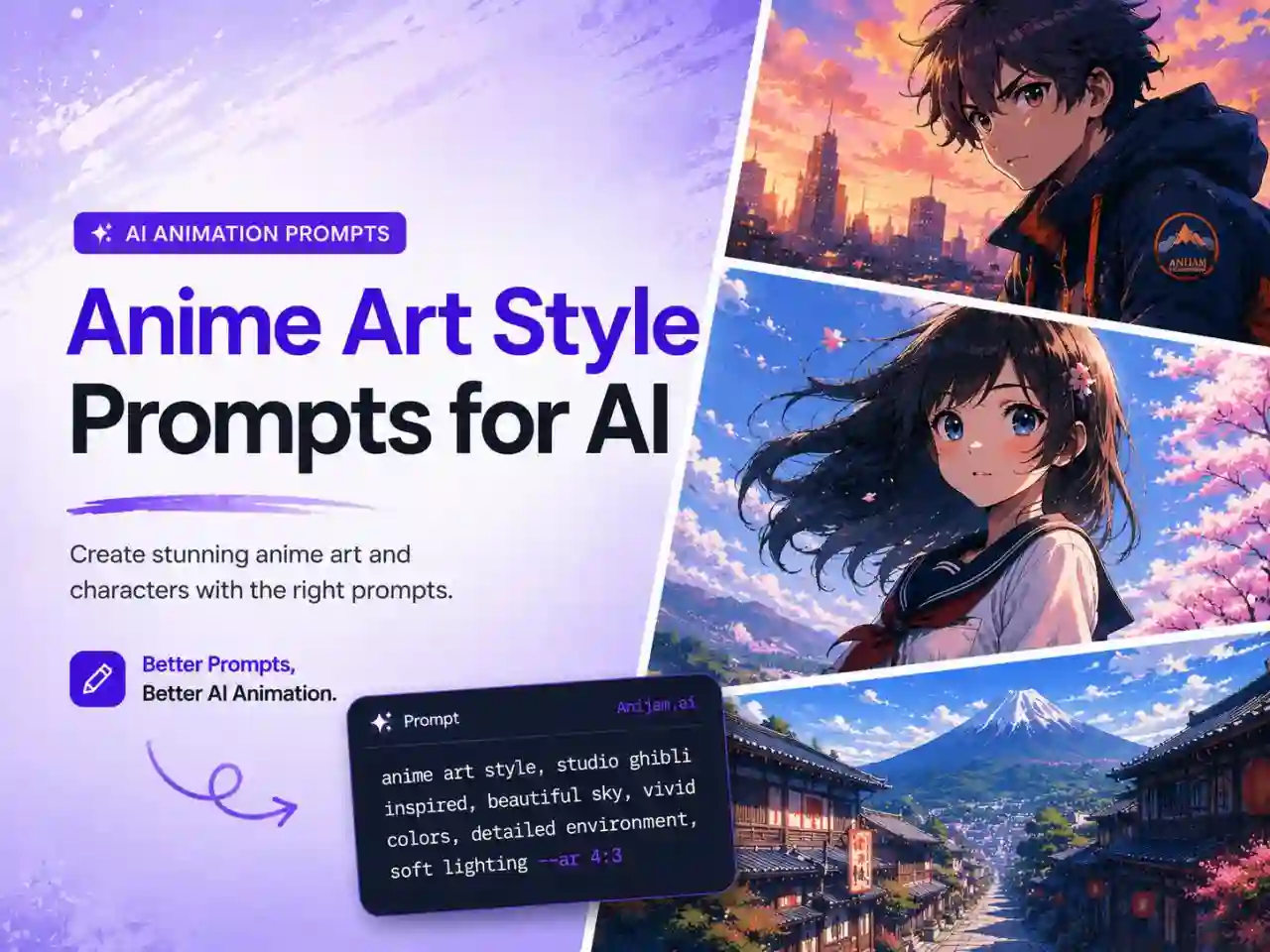
Anime Art Style Prompts for AI: 80+ Copy-Paste Prompts for Images & Videos (2026)
2D vs 3D Animation: Key Differences, Pros & Cons, and How to Create Both with AI
How to Make Animation with AI: Step-by-Step Guide for Beginners (2026)
How to Animate a Picture with AI in 2026 (Step-by-Step Beginner's Guide)