


AI Sound Effect Generator
Create custom sound effects from text prompts or add audio to your videos with Anijam. Make SFX for videos, games, ads, podcasts, and social media without recording equipment or complex audio editing.
Create Custom Sound Effects for Your Scenes
Generate sound effects from a text description or upload a video and describe the audio you want to add. From footsteps and ambient rain to cinematic impacts and futuristic effects, Anijam helps you create sounds tailored to your scene without searching through stock libraries. You can also explore AI-generated music and voice tools within the broader Anijam creative workflow.
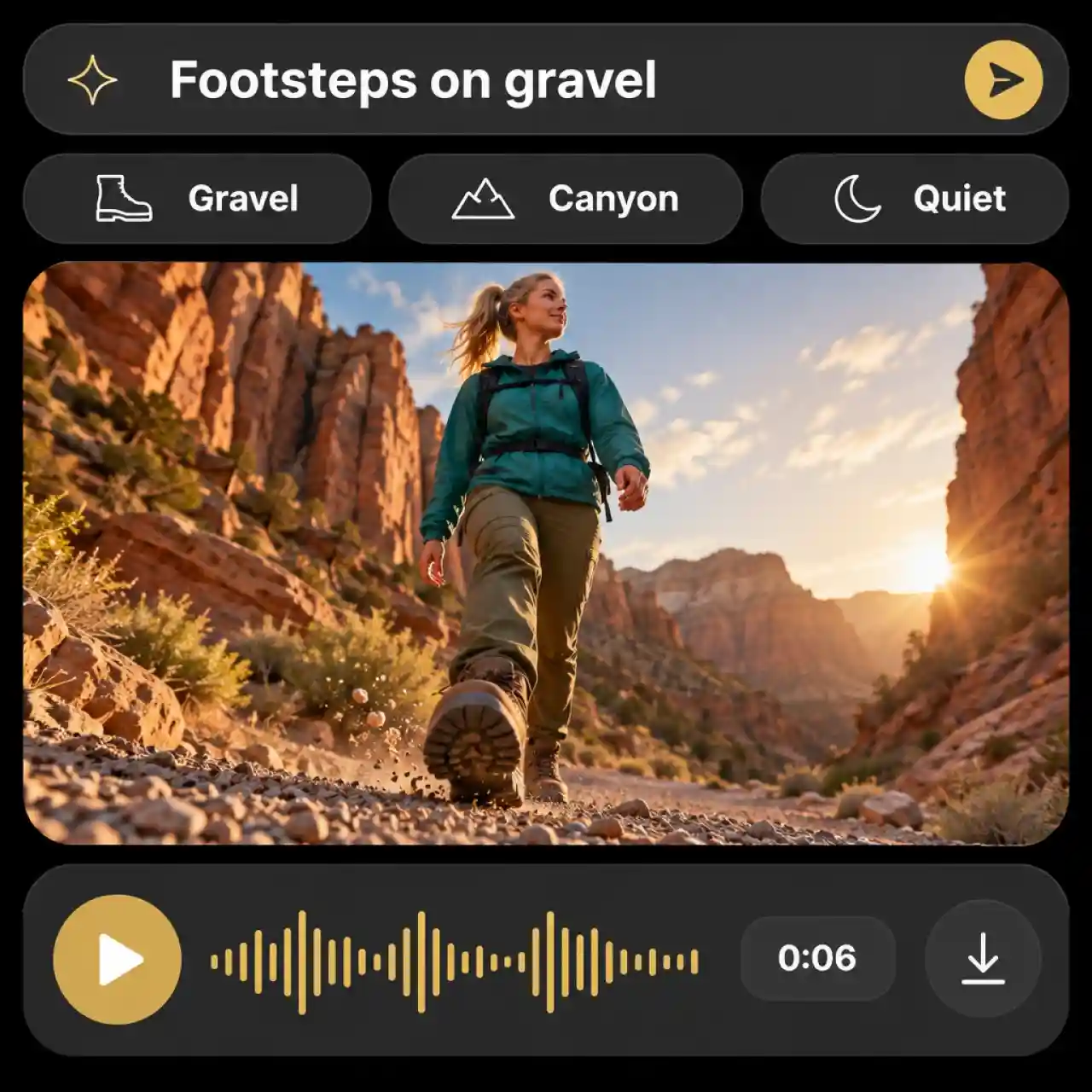
Text to Sound Effects With AI in Seconds
Our AI sound effect generator from text turns one sentence into a custom sound effect. Describe the source, the setting, and the mood, like footsteps on gravel in a quiet canyon, and preview the result without recording audio yourself..
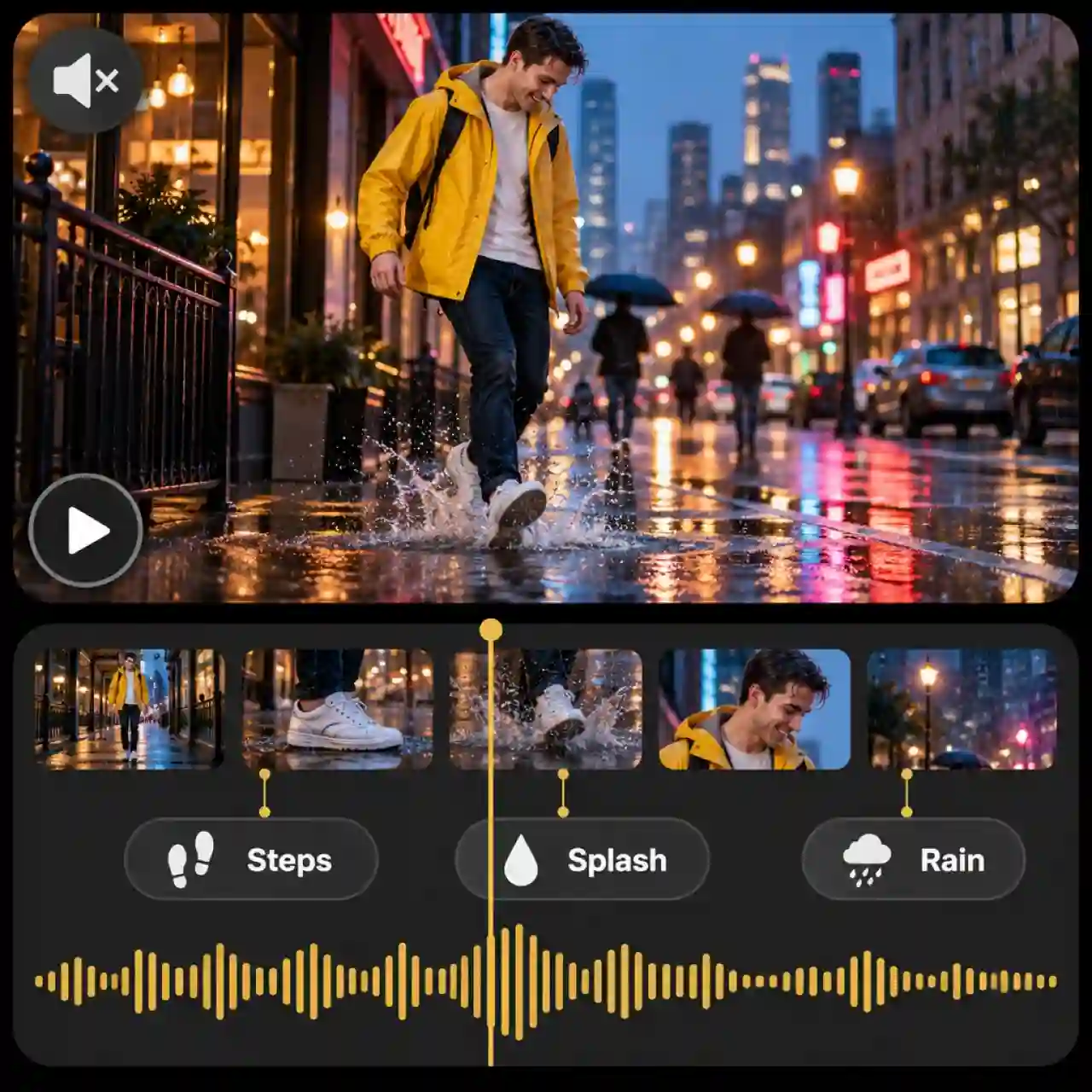
Add Sound Effects to Video With AI
Upload a video and describe the sounds that should match its actions. Anijam generates sound effects based on your prompt, helping you add footsteps, impacts, ambience, and other audio details to silent AI clips or existing footage.

Explore Different Sound Effects
Create cinematic impacts, rising whooshes, rain and thunder, footsteps, cartoon sounds, and futuristic effects from text prompts. Describe the sound source, intensity, and atmosphere to explore different audio styles for your creative projects.
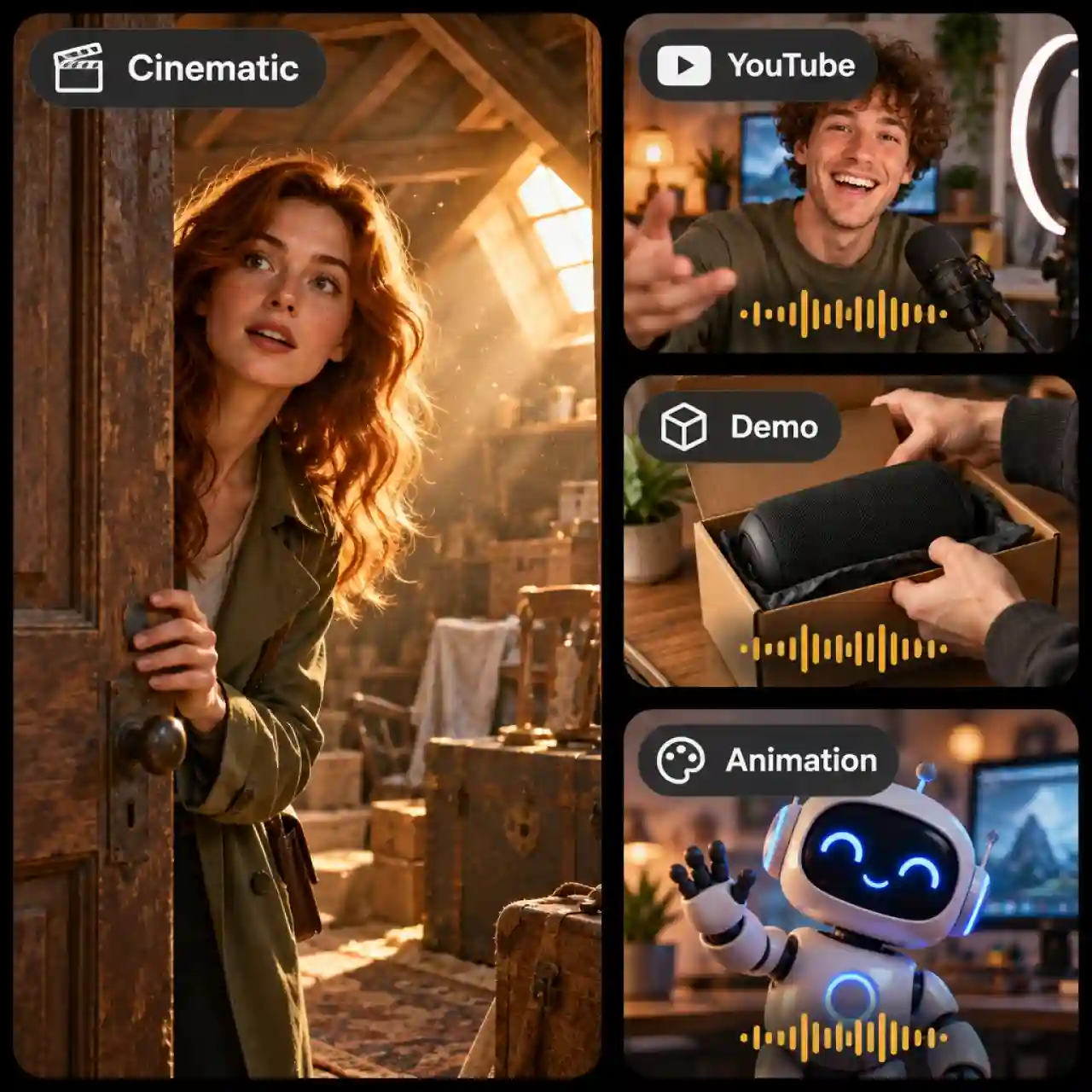
Create Sound Effects for Any Type of Video
From YouTube videos and product demos to ads, animations, and cinematic stories, create sound effects for different types of content. Add atmosphere and emphasize key moments with audio that complements your visuals.
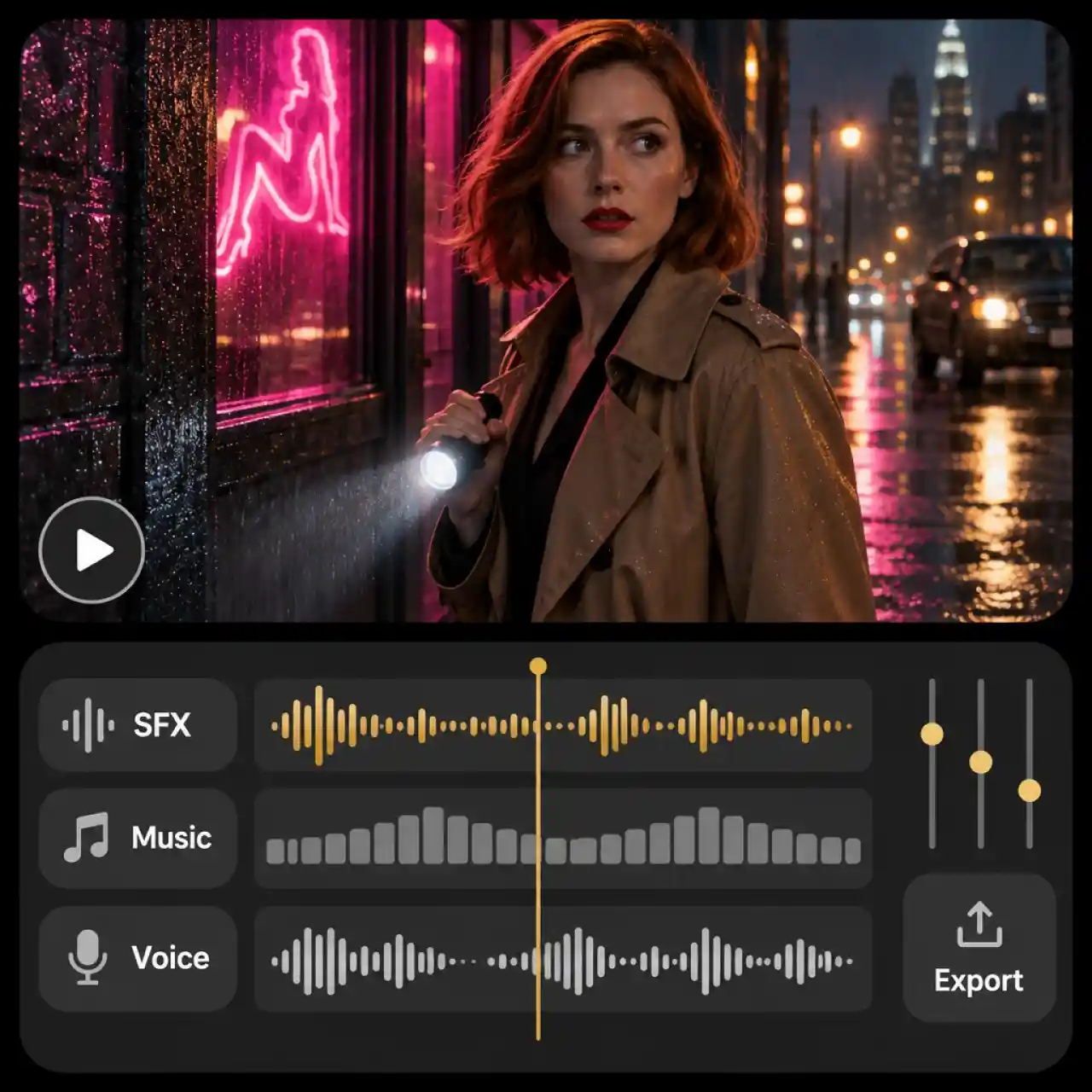
Create Your Video Soundtrack in One Place
Bring sound effects, AI-generated music, and voiceovers together in one creative workflow. From ambient background sounds to dramatic impacts and spoken dialogue, build a more cohesive soundtrack without piecing together audio from multiple tools.
How to Generate Sound Effects With Anijam AI Sound Effect Generator
Step 1: Open AI Audio and Pick Sound Effects
In your Anijam project, click AI Audio in the left toolbar and open the Sound Effects tab. Then choose Text to Sound Effects or Add Sound Effects to Video.
Step 2: Describe the Sound or Upload Your Video
For text-to-sound generation, describe the sound you want, such as "heavy rain hitting a tin roof." To generate sound effects for a video, upload your clip and describe the sounds that should match its actions.
Step 3: Generate and Preview Your Sound Effect
Click Generate and preview the result. Keep the version that fits your scene, or rewrite the prompt and try another take.
Popular Use Cases for AI Sound Effects
From videos and social ads to games and cinematic stories, create custom sound effects that bring every scene, action, and interaction to life. Generate audio that matches your content, style, and creative vision.

Create Sound Effects for Videos and Ads
Add custom sound effects to product demos, YouTube videos, social content, and advertisements. Describe the actions, transitions, or atmosphere you want, or upload a video and generate sounds to complement your footage.

Generate Sound Effects for Games and Apps
Create distinctive audio for game trailers, interactive prototypes, and digital experiences. Generate clicks, notification sounds, futuristic effects, impacts, and ambient audio to suit your project's style.
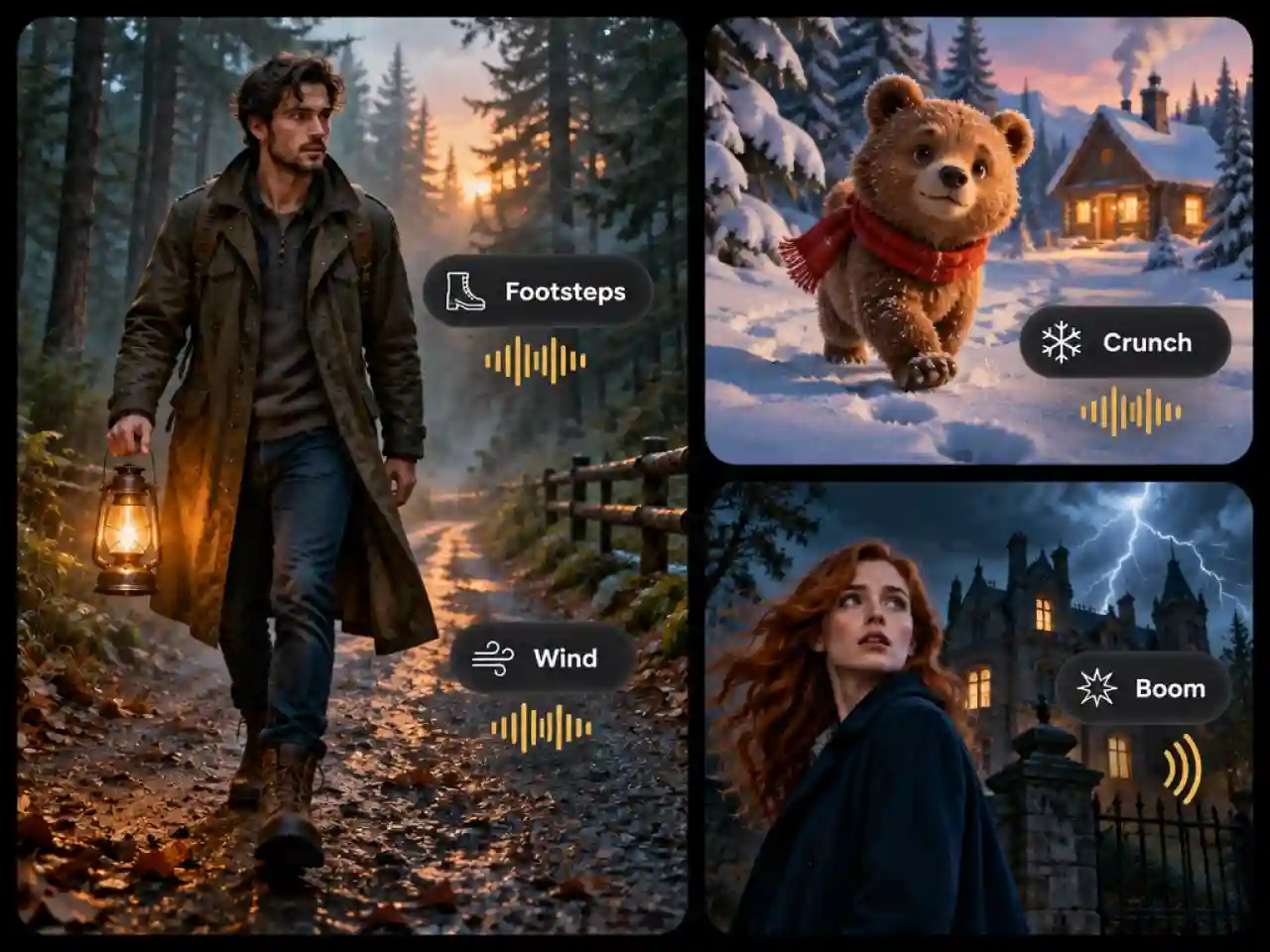
Design Sound for Films and Stories
Bring cinematic scenes, animations, trailers, and narrative content to life with custom footsteps, environmental ambience, dramatic impacts, and other sound effects. Describe the mood and details you want to shape each moment.
Why Creators Choose Anijam AI Sound Effect Generator

Free Credits to Start
Get starting credits to explore AI sound effect generation and create custom audio for your projects.

Fast Generation
Turn text prompts into custom sound effects in just a few steps, so you can spend less time searching for audio and more time creating.

Easy to Use
Describe the sound you want in plain English or upload a video and explain what sounds to add. No complicated setup or sound design experience required.

Multiple Sound Effect Styles
Explore a variety of sound styles, from natural ambience and everyday sounds to cinematic impacts, dramatic whooshes, and futuristic effects.

Custom Sounds for Your Ideas
Create sound effects tailored to your prompt, from the specific sound source and setting to the mood and atmosphere of your scene. Bring your ideas to life without settling for a stock sound that almost fits.
High-Quality Sound Effects
Generate detailed sound effects to enrich your videos, animations, games, ads, and other creative projects.
Explore More Anijam AI Creative Tools




FAQ
What is an AI sound effect generator?
An AI sound effect generator creates audio from text descriptions or other supported inputs. With Anijam, you can use Text to Sound Effects to generate audio from a prompt or Add Sound Effects to Video to create sounds for footage.
Is this AI sound effect generator free to use?
Yes. New users start with free credits to try Anijam's sound effect tools alongside its video tools. When you need more credits, you can upgrade to a paid plan on the Pricing page.
Can AI add sound effects to a video?
Yes. In Anijam, open AI Audio, select the Sound Effects tab, and choose Add Sound Effects to Video. Upload a supported video and describe the sounds you want to add. The generated audio can complement AI-generated clips or existing footage.
Can I use AI sound effects in commercial videos?
Commercial use depends on your Anijam plan. Check the Pricing page and Terms of Service before publishing sound effects in monetized videos, client work, or ads.
How do I write a good prompt for sound effects?
Name the sound source, the setting, and the intensity, then add a distance or mood. "Heavy rain on a tin roof, close-up, steady" works better than just "rain." If a result misses the mark, rewrite the prompt with one detail changed and generate again.