


Lip Sync AI Video Generator
Turn a photo, character, script, or voice recording into a natural talking video with Anijam AI. Create synced speech, expressive characters, and engaging videos for social media, marketing, UGC, storytelling, tutorials, and more — all in one AI video creation workflow.
What You Can Create with Anijam's Lip Sync AI Video Generator
From viral social clips and news updates to singing photos and multi-episode stories, Anijam turns any source into a natural-sounding, natural-looking lip sync ai video in one pass - no separate recording, voice tool, or editing software required.
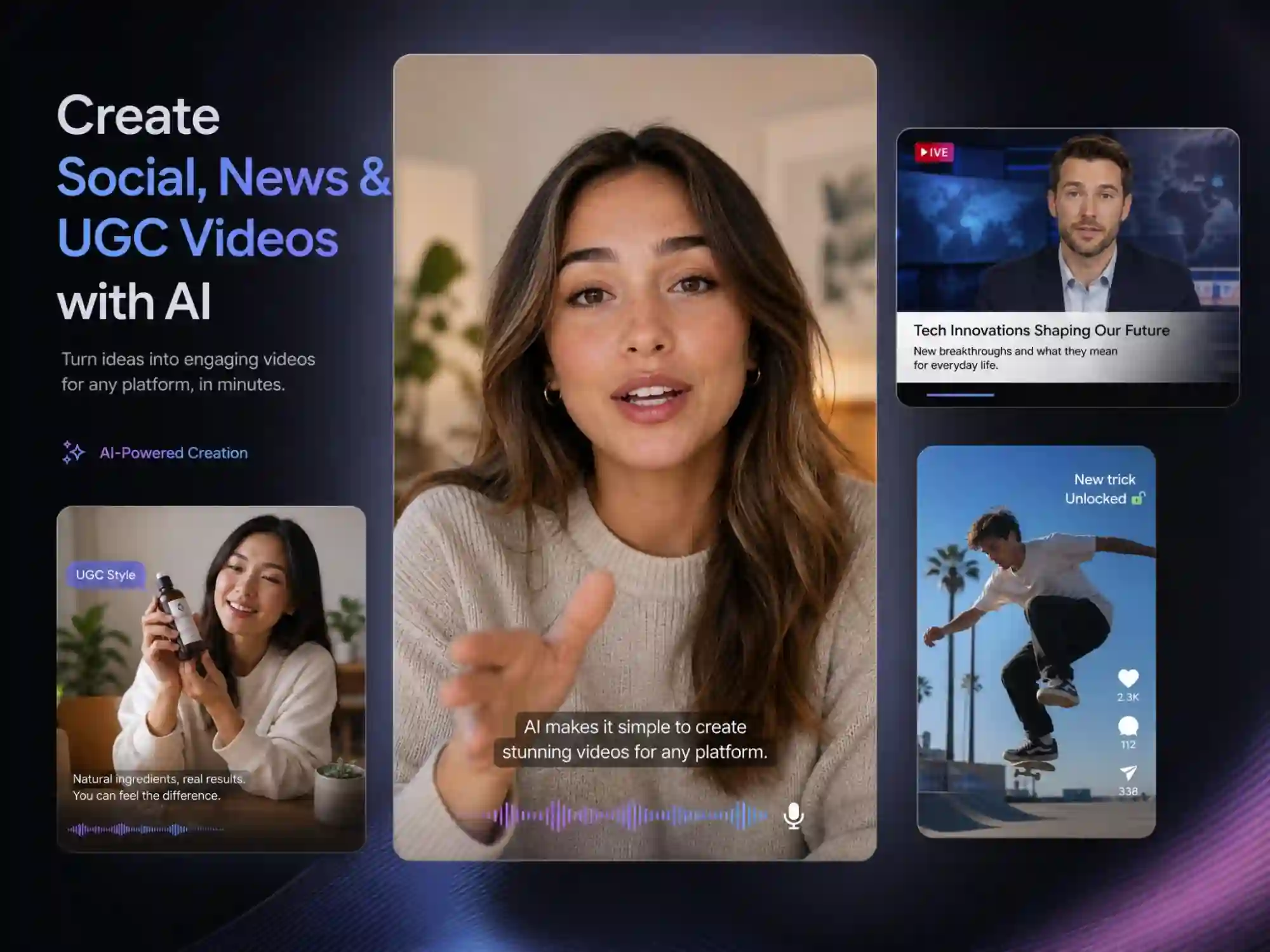
Create Social Clips, News & UGC Videos
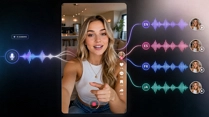
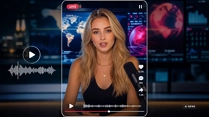
Generate scroll-stopping talking-photo clips for TikTok, Reels, and Shorts, turn a podcast recording or news script into a polished video, or produce UGC-style social ads - all from one simple upload.
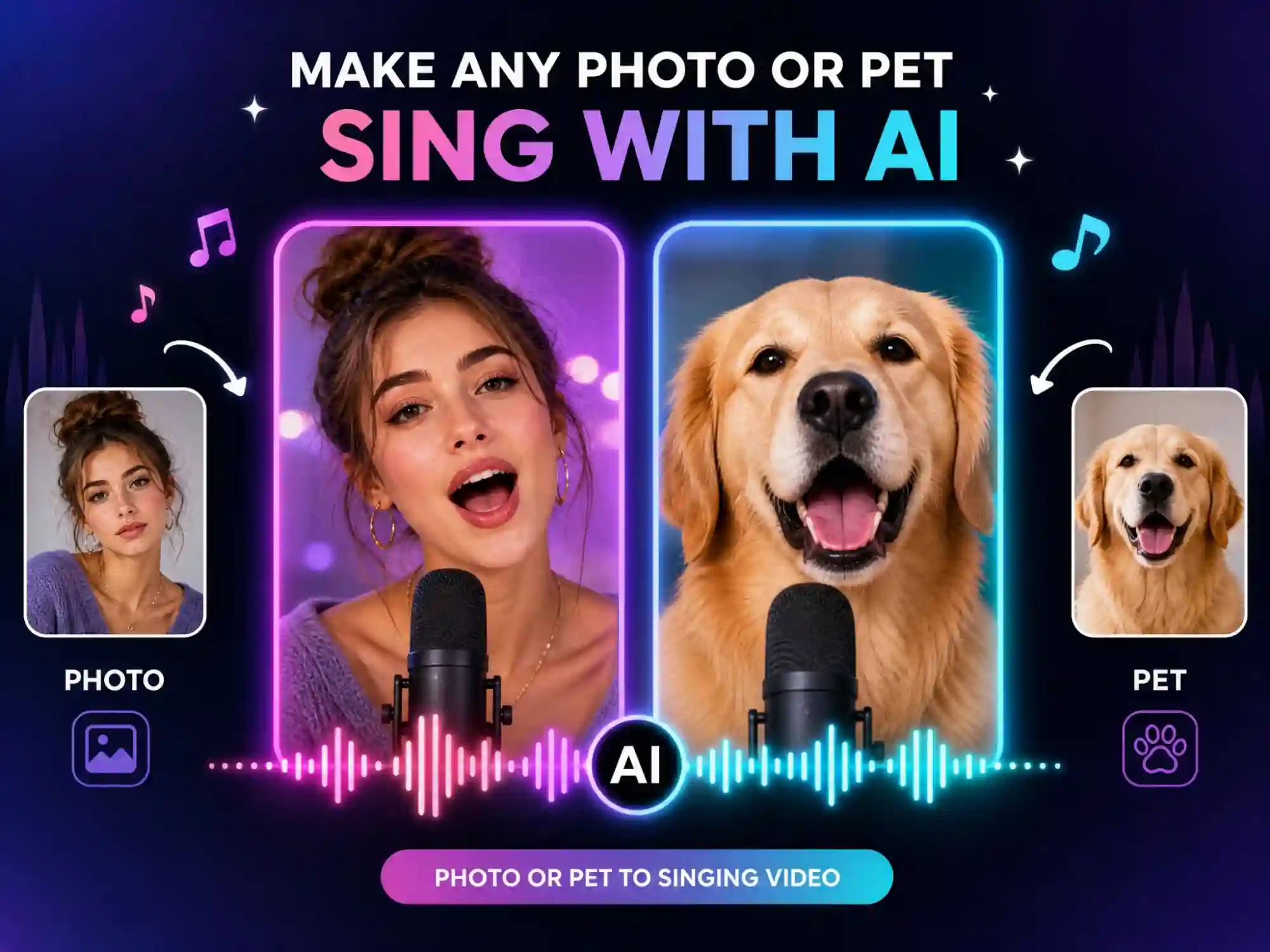
Make Any Photo or Pet Sing
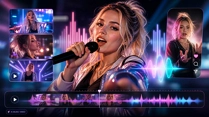
Upload a song or vocal track and sync mouth movement to the melody and lyrics
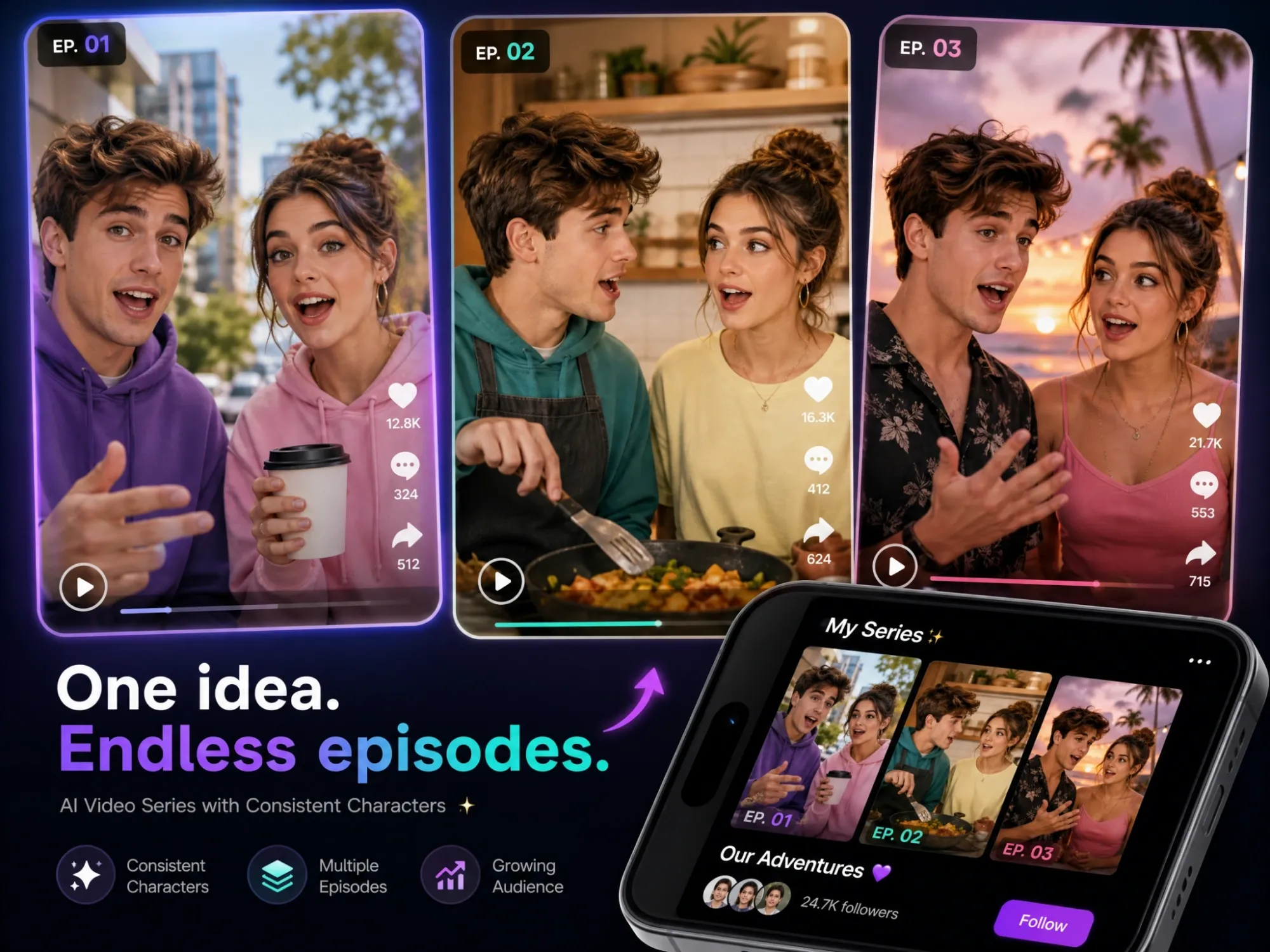
Build an Ongoing Series or Story
Keep the same characters speaking consistently across multiple episodes, so you can tell a full story instead of stitching together disconnected clips.
Make Any Character Speak with AI
Bring your ideas to life with Anijam AI lip sync video generator. Start with an image, character, script, or audio, then let Anijam generate synchronized speech and natural character performance without complicated editing.
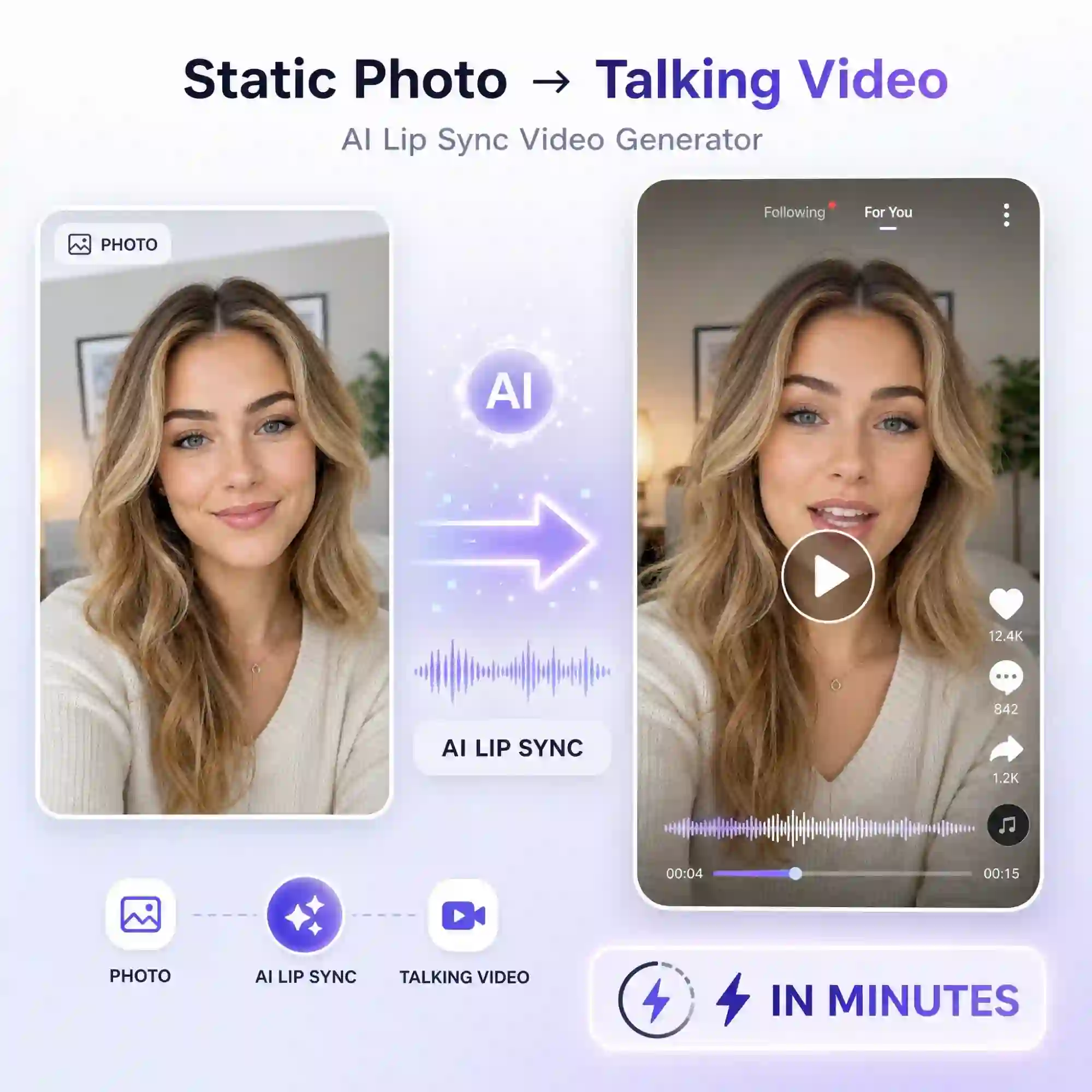
Create AI Lip Sync Videos in Minutes
Turn your images, characters, or video clips into talking videos with AI lip sync in just minutes. Sync voice and mouth movements automatically and skip the tedious manual animation work. Create your first lip sync video and bring your idea to life.
Hyper-Accurate Lip Sync for Lifelike Results
Match spoken audio with precise mouth movements for lip sync videos that feel natural, expressive, and believable. From everyday dialogue to fast-paced speech, keep every word visually in sync and avoid the stiff, robotic look of traditional AI lip sync. Create a more convincing performance with AI.
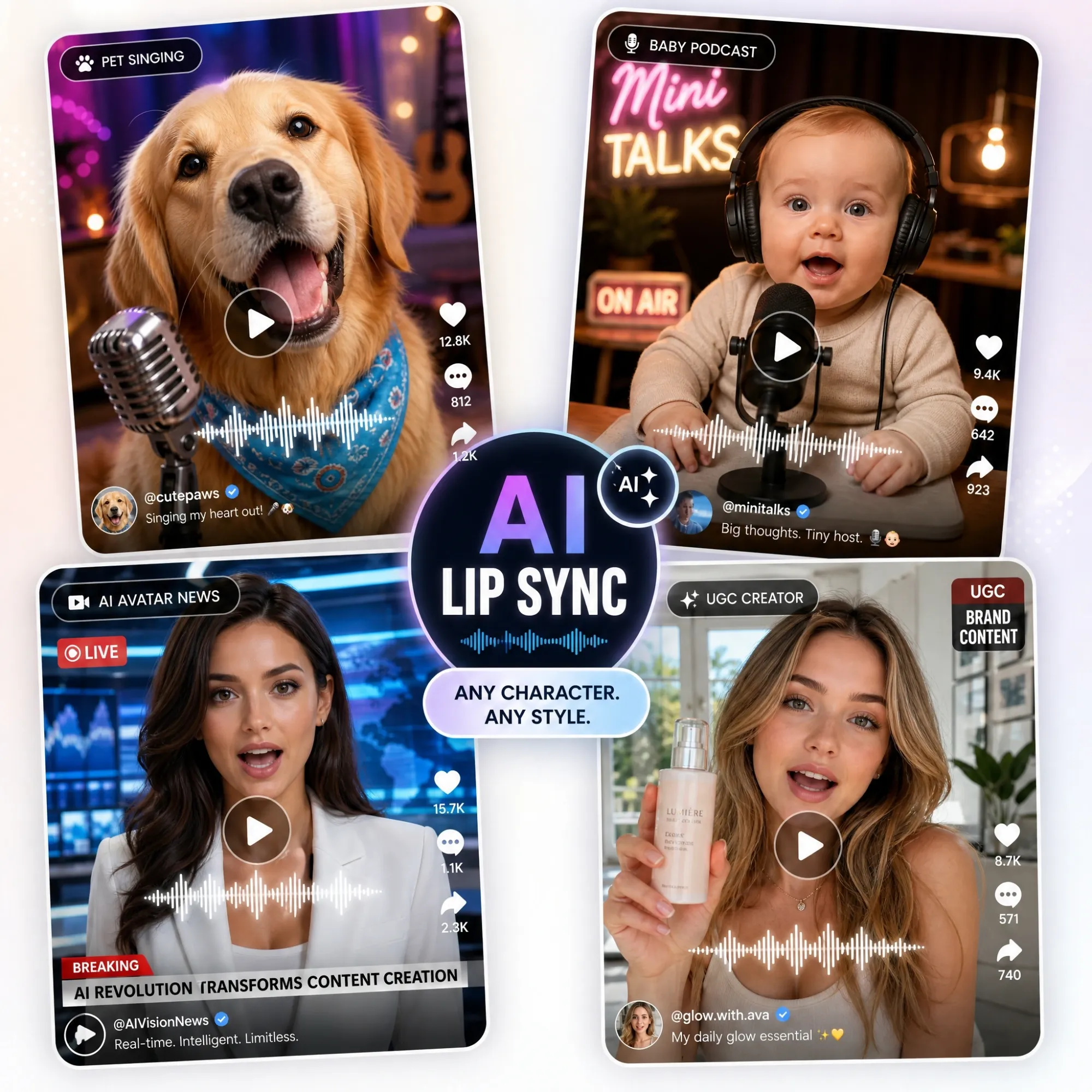
Make Any Character Speak with AI
Bring portraits, illustrations, animated characters, and original creations to life with AI-powered lip sync. Give any character a voice and turn a static image into a talking video without manual mouth animation or complex editing. Make your characters speak, perform, and tell their story.
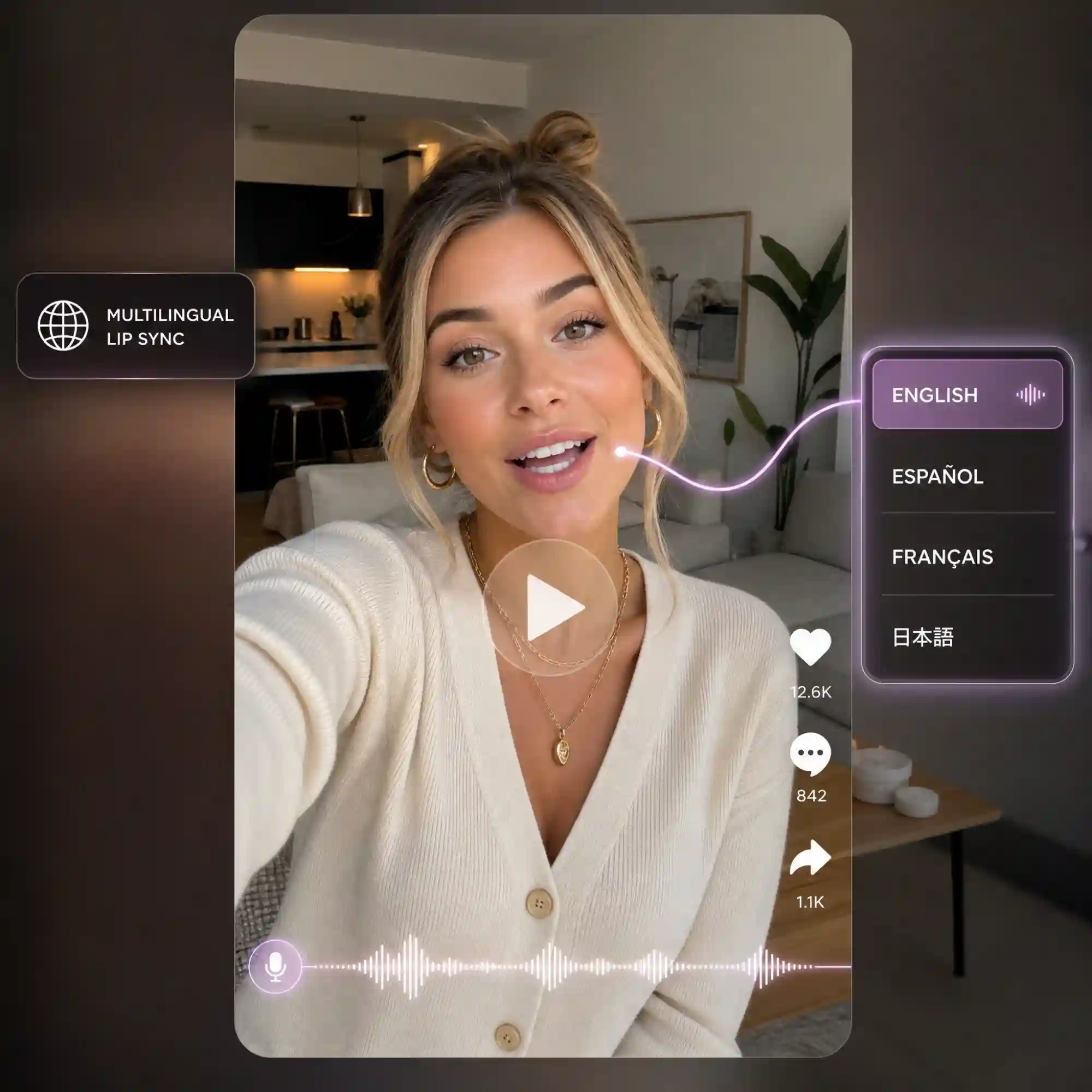
Multilingual Lip Sync for Global Content
Create multilingual lip sync videos that match new voices and languages with natural mouth movements. Localize characters, tutorials, social videos, and other content for global audiences without recreating every scene from scratch. Create once, speak to the world.
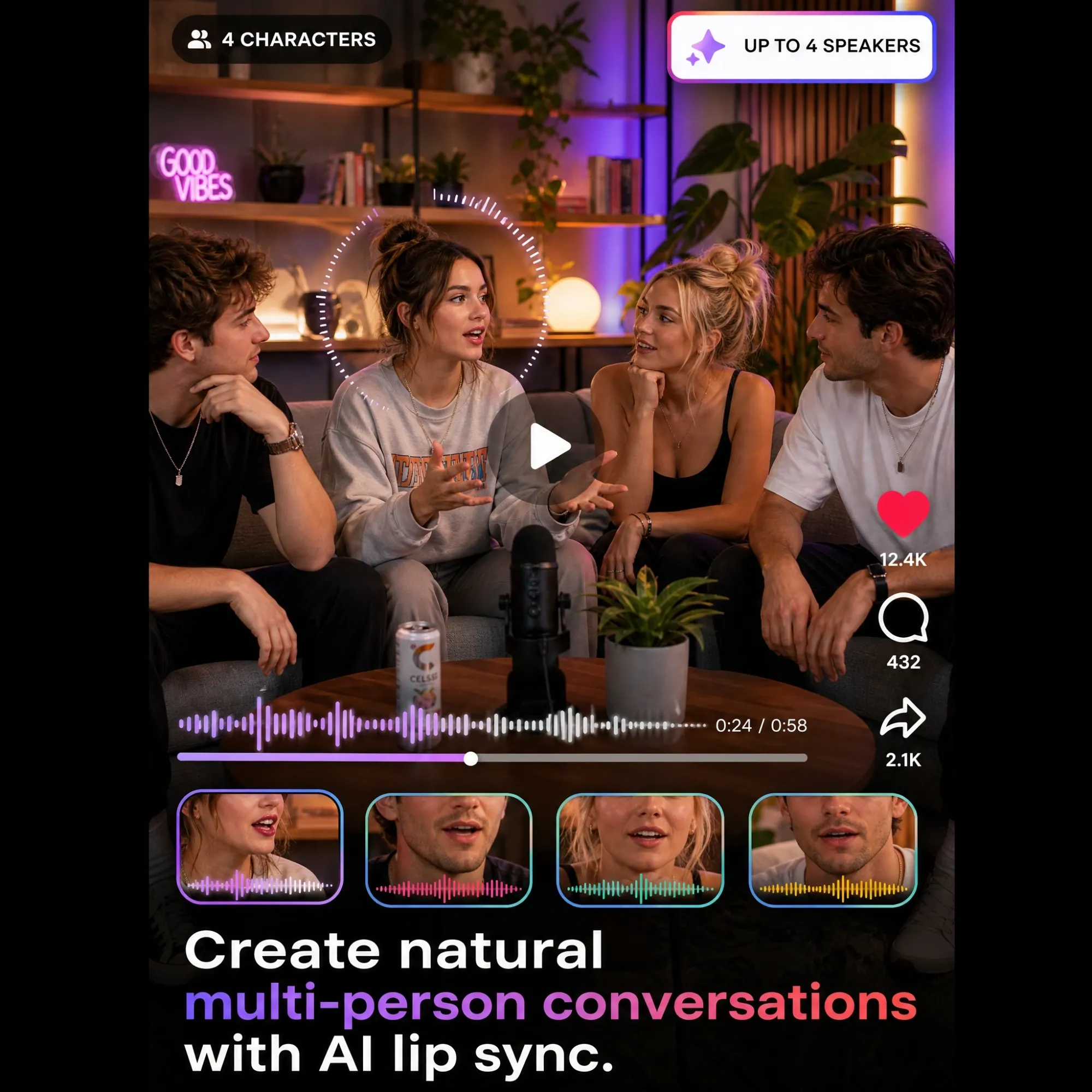
Multi-Character Lip Sync for Up to 4 Characters
Create dynamic conversations with up to 4 characters speaking naturally in the same video. AI automatically matches each character's dialogue to the right mouth movements, making it easier to create multi-character stories, animated scenes, interviews, and group conversations. Turn your cast into a conversation.
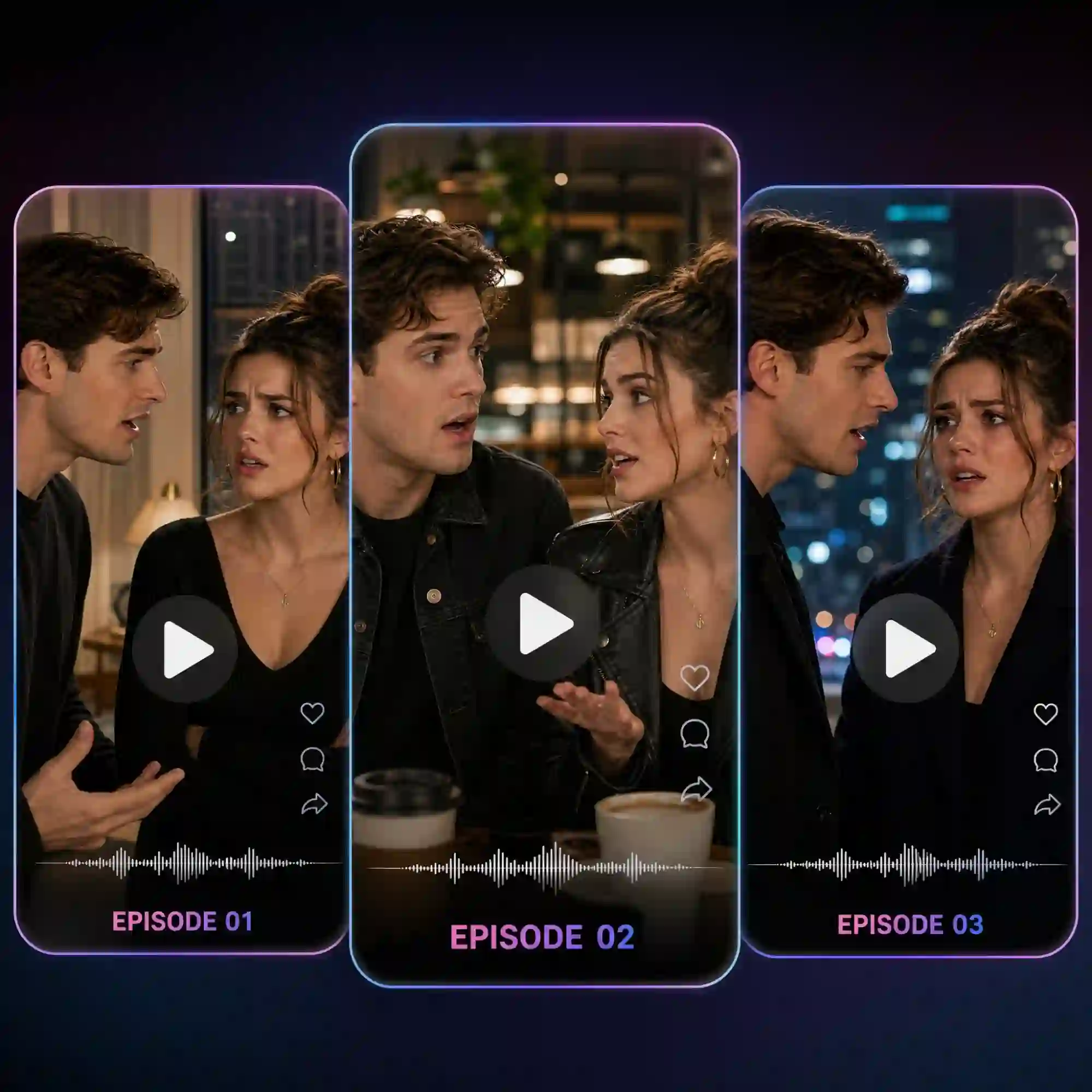
Long-Form Lip Sync for Episodes and Series
Take lip sync beyond short talking clips and create longer scenes, episodes, and serialized videos. Keep character dialogue and mouth movements synchronized throughout your content, so you can build complete stories instead of stitching together disconnected short clips. Create longer stories with consistent lip sync.
How to Make a Lip Sync AI Video with Anijam
Step 1: Upload a Photo or Video
Start with any clear, front-facing photo or short video clip - a selfie, a pet photo, an illustrated character, or existing footage. Anijam automatically detects the face and prepares it for lip sync.
Step 2: Add Your Script, Text, or Audio
Type what you want the subject to say and Anijam generates a natural AI voice, or upload your own audio file if you already have a recording. Pick a voice, language, and tone from the built-in library.
Step 3: Generate, Fine-Tune & Download
Click Generate and the AI agent maps every phoneme to the matching mouth shape frame by frame. Preview the result, adjust timing in the built-in editor if needed, then download your finished lip sync ai video watermark-free.
Why Choose Anijam as Your Lip Sync AI Video Generator

Free to Start
Anijam is an ai lip sync video generator free to try - sign up and get daily credits to generate, preview, and download your first lip sync videos with no credit card required.

Natural Facial Expressions
Go beyond mouth movement. Anijam adds natural facial expressions and subtle movements to make characters feel more alive when they speak.

Accurate Lip Sync
Match mouth movements closely to every word and sound for realistic, well-timed lip sync that feels natural on screen.

200+ Voices Across Multiple Languages
Choose from a large multilingual voice library, or keep your own voice and simply translate the script - the AI recalculates mouth shapes to match the new language automatically.

Easy to Use
Upload your image or video, add text or audio, and let Anijam handle the lip sync. No video editing experience required.

Watermark-Free HD Export
Export your finished lip sync videos without a watermark. Upgrade for 4K exports and commercial usage.
Explore More of Anijam's AI Video Tools

What Our Users Said
FAQ
What is AI lip sync?
AI lip sync is a technology that automatically matches a person's or character's mouth movements to spoken audio. An AI lip sync video generator analyzes the speech and generates synchronized mouth movements, making a photo, character, or existing video appear to naturally say the words.
Is Anijam's lip sync ai video generator free?
Yes. Anijam is free to start with daily credits available after signing up or logging in. You can use the free credits to create AI lip sync videos. Premium plans provide additional benefits such as longer videos, 4K export, and commercial usage.
How do I make an AI lip sync video?
Upload a photo or video to Anijam, then add a script or audio. You can use AI-generated speech from your script or upload your own voice recording, music, or other audio. Anijam generates the talking video with synchronized lip movements and natural facial motion.
Can I make an AI lip sync video from a photo?
Yes. You can turn a single photo into a talking video with AI. Upload a clear portrait, pet photo, anime character, cartoon, or other suitable image, then add text or audio. Anijam generates the facial and mouth movements to match the speech.
How accurate is AI lip sync?
The quality of AI lip sync depends on the source image, audio, and the model used. Anijam is designed to accurately match mouth movements to speech while adding natural facial expressions and motion, helping the final video look more like a real talking performance rather than simple mouth animation.
Can I use my own voice for AI lip sync?
Yes. Upload your own voice recording or audio file and Anijam synchronizes the character's mouth movements to it. You can also type a script and generate speech with AI voices if you don't have your own recording.