


AI News Video Generator: Turn Any Headline into a News Video with Anijam AI Agent
Turn any headline, script, or story idea into a complete news-style video with Anijam's AI news video generator. Chat with our AI agent to build a consistent news anchor character, auto-generate scenes and camera shots, and sync realistic lip movement to your voiceover — all without a camera, a studio, or editing skills.
All-in-One AI News Video Generator
Anijam is an all-in-one AI news video generator built for creators, commentators, and brands who want to turn headlines and scripts into engaging news videos — fast. Instead of hiring a presenter, booking a studio, or learning motion graphics software, you type or paste your story and Anijam's AI agent handles scene breakdown, anchor character design, camera direction, and lip-synced narration automatically.
Anijam brings together multiple AI video and voice models in one workflow, so your news anchor can look broadcast-realistic, or lean into a stylized anime, cartoon, or 3D look — your call, scene by scene. What stays constant either way is the anchor: once you design the character, Anijam keeps their face, voice, and delivery consistent across every headline and every episode. Anijam is also available as a mobile app with trending video templates, making it easy to create, edit, and publish news videos anytime, anywhere.
Realistic Cinematic News Anchor
Generate a broadcast-realistic AI anchor with natural expressions, studio lighting, and lip-synced narration — built for recap videos, brand updates, and content that wants to feel like a real newsroom.

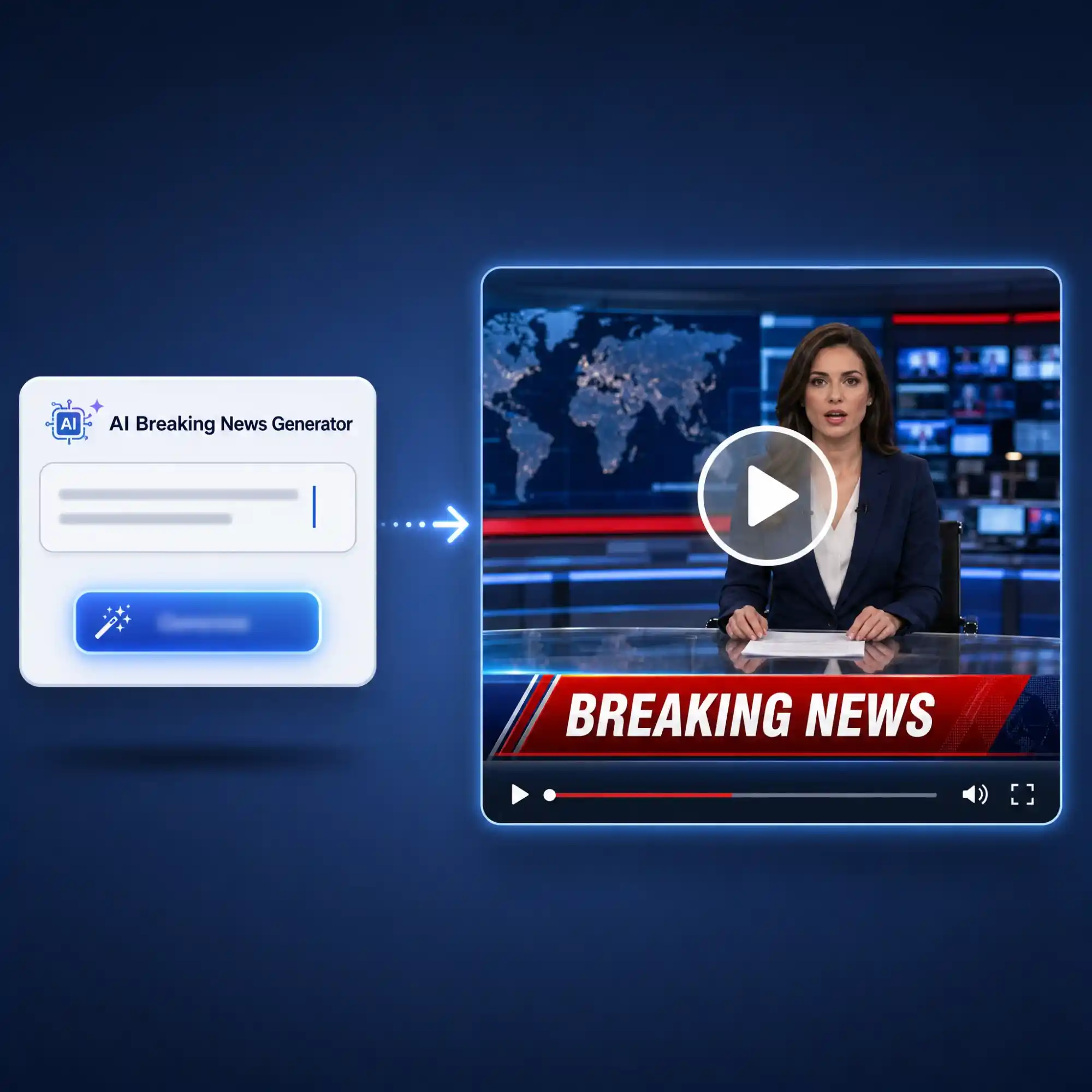
Turn Any Headline into a News Video in Minutes
Paste a headline, article summary, or full news script, and Anijam's AI agent instantly breaks it into a news-style structure — opening hook, main story, closing line — then generates the scenes, camera angles, and shot order automatically. No storyboard, no shot list, no editing experience required.
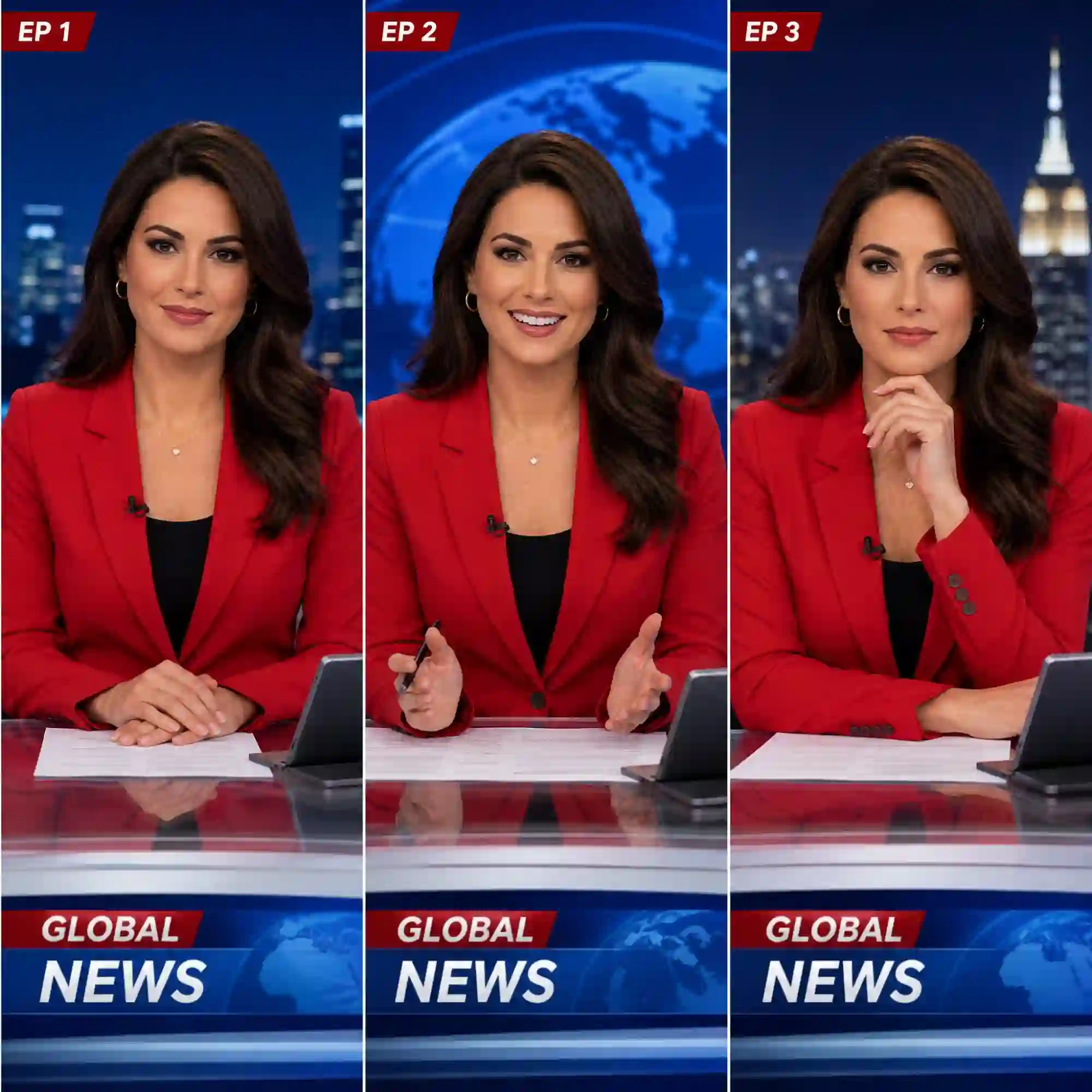
Build a Consistent AI News Anchor Character
Design your AI news anchor once — face, outfit, expression, personality — and Anijam locks it in across every scene and every episode. No more anchors that look different from one clip to the next; your recurring "news face" stays instantly recognizable for viewers and subscribers.
Realistic Lip Sync for Your AI News Anchor
Choose a voice from Anijam's multilingual voice library, upload your own recorded narration, or let AI generate a voiceover from your script. The built-in lip-sync engine matches mouth movement to every word, so your anchor delivers the story with natural, expressive timing.
Direct Your Newsroom Scene with Cinematic Camera Control
Anijam reads the pacing of your script and applies matching camera work — close-ups for a serious headline, wide shots for a studio establishing shot, quick cuts for breaking-news urgency. Fine-tune any shot, angle, or transition on a single canvas.
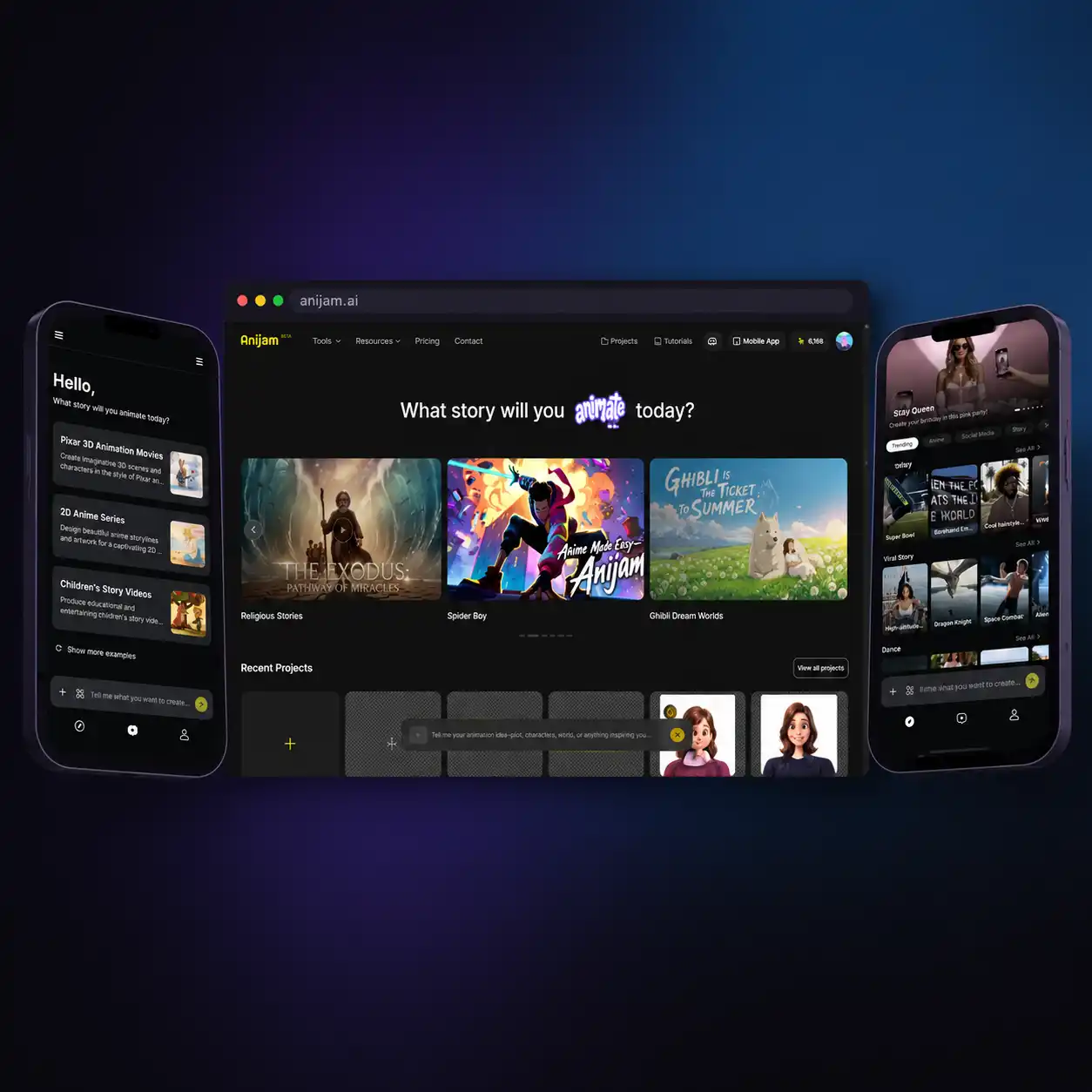
Create and Sync Your News Videos Anywhere
Breaking stories don't wait for you to be at your desk. With the Anijam mobile app, you can draft a script, review a generated scene, or publish a finished news video straight from your phone — fully synced with your desktop project, so you never lose your place.
Unlock Endless Possibilities with Anijam's AI News Video Generator
Whether you're recapping trending topics, launching a branded news series, or writing a comedy sketch, Anijam turns your script into a complete news video in minutes — no camera, no studio, no editing skills required.
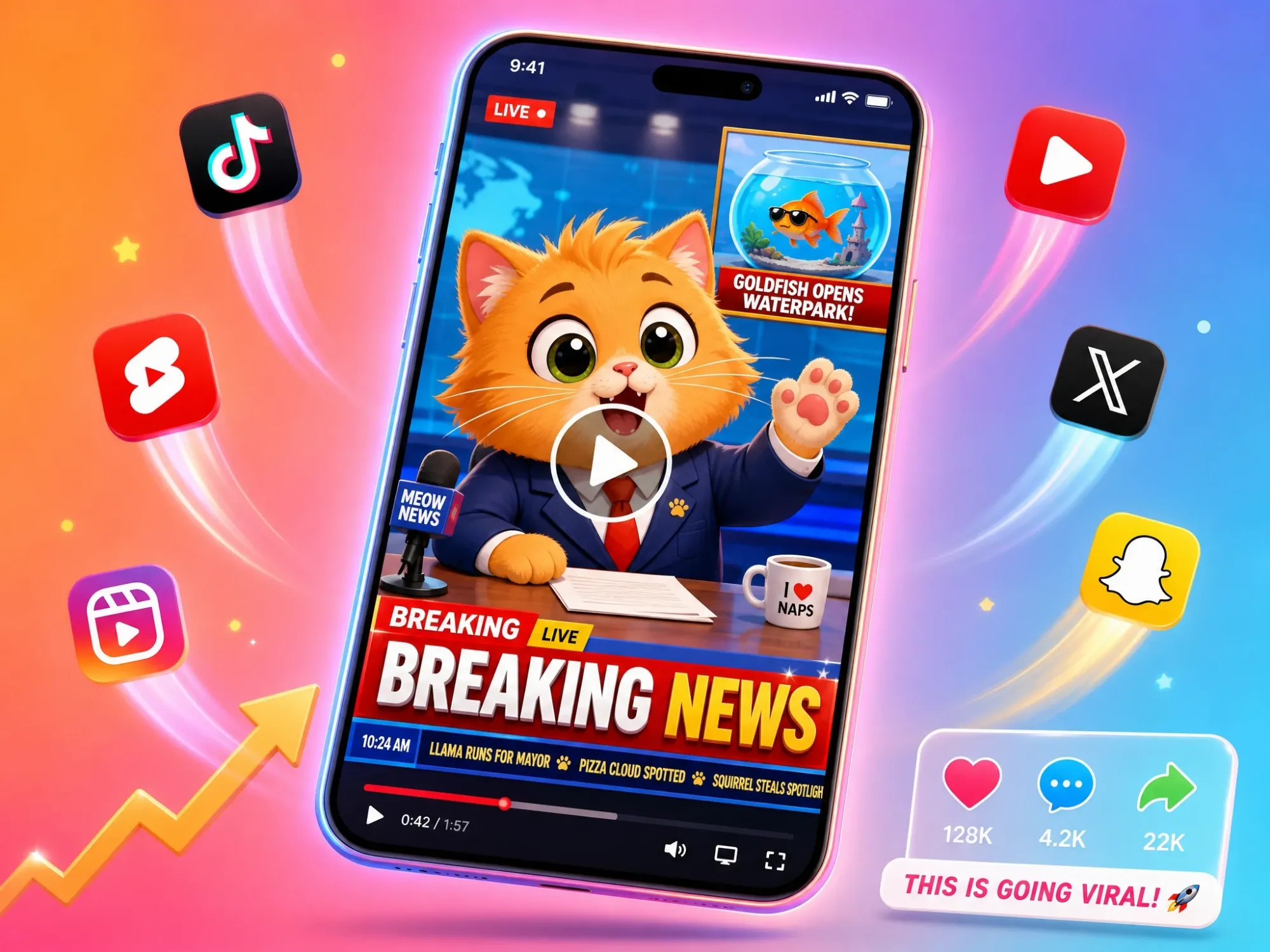
Create Viral Breaking-News Style Clips
Turn a headline or trending topic into an eye-catching news video for TikTok, YouTube Shorts, and Instagram Reels — generated in minutes.
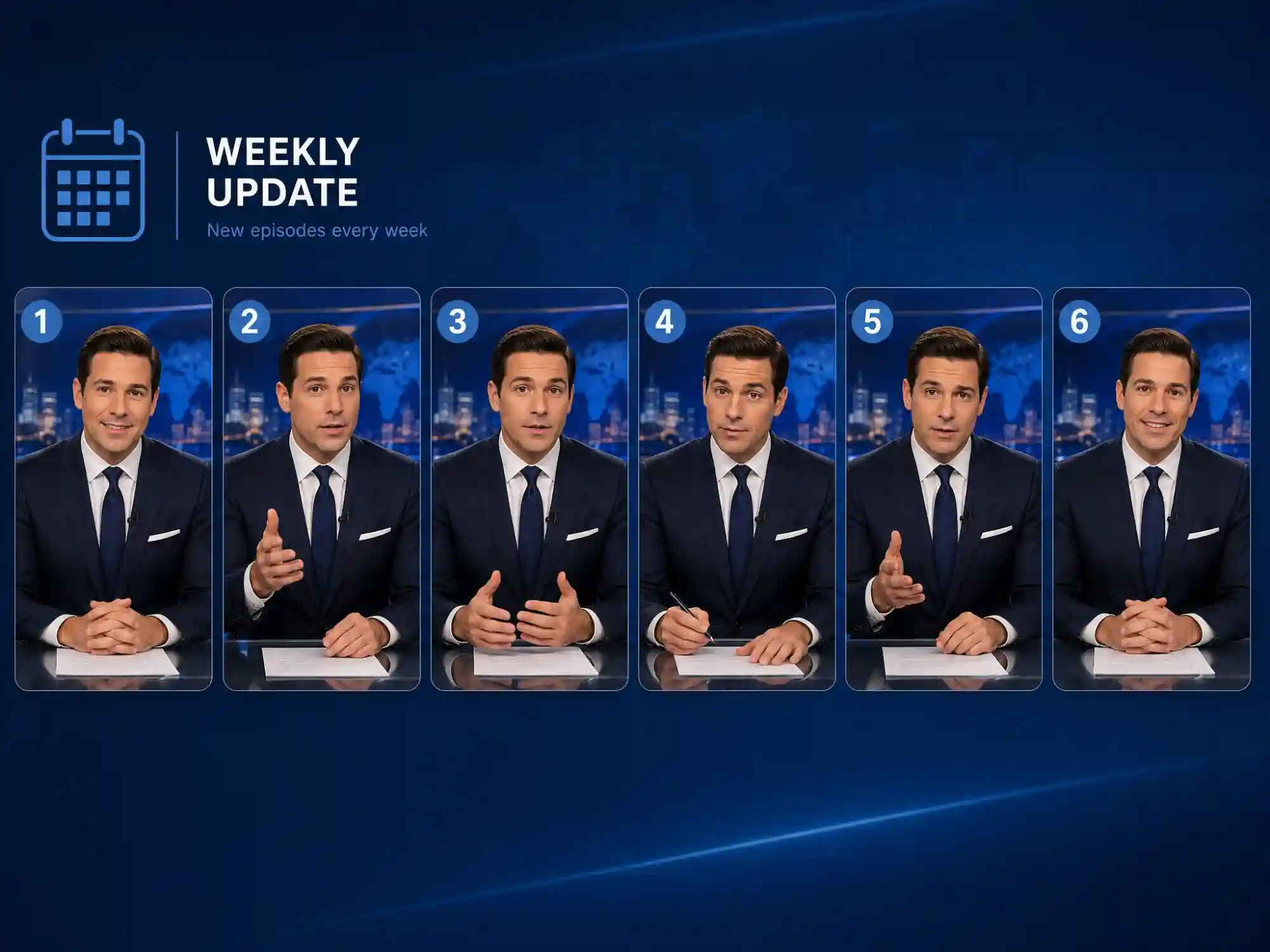
Recurring AI News Segments
Build a consistent AI anchor once and reuse it for a weekly recap show, commentary series, or branded news update — episode after episode.
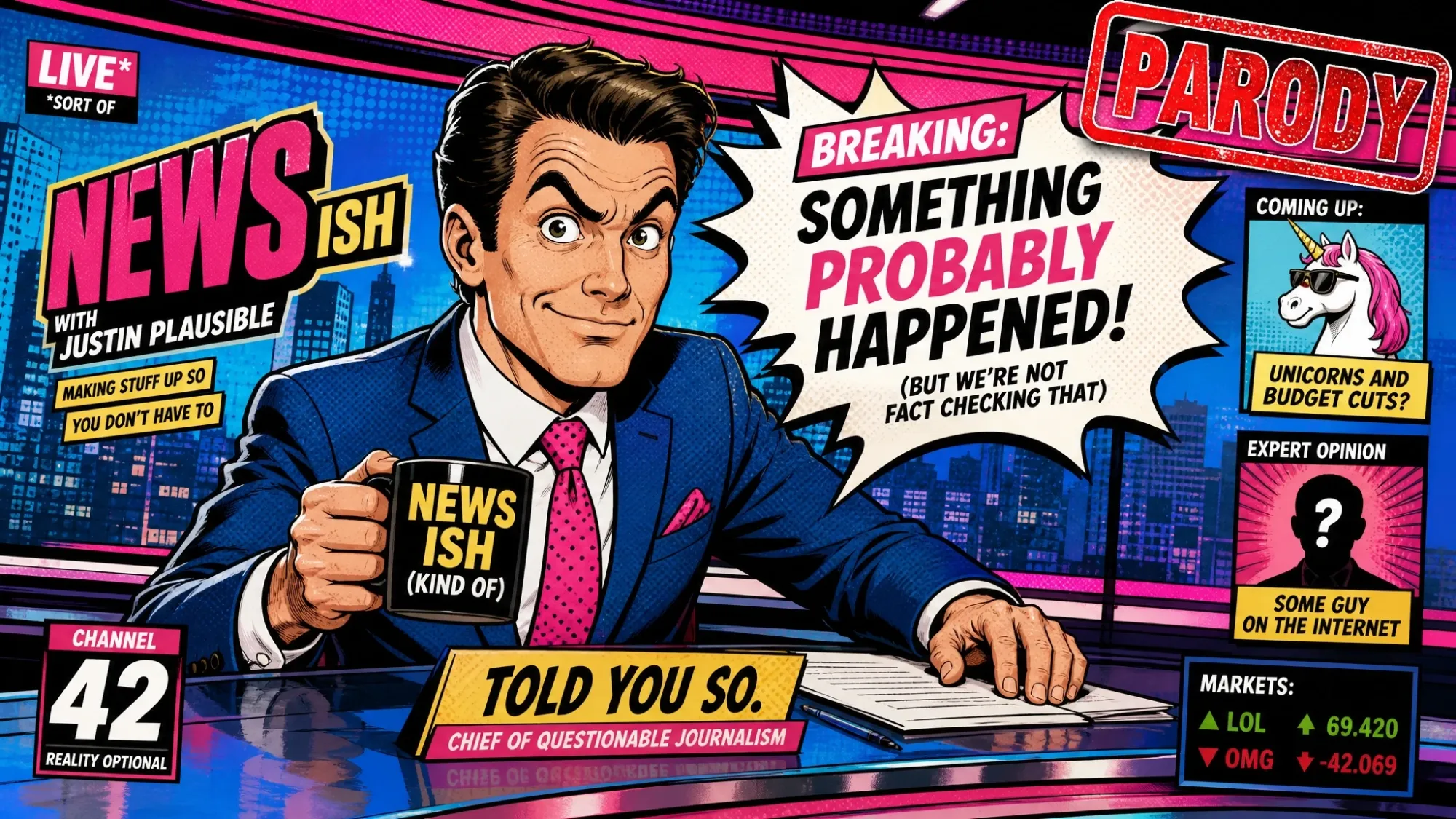
Clearly-Labeled Parody & Comedy News
Write a comedic 'breaking news' script and let Anijam bring it to life in an obviously stylized look — great for sketches, pranks, and satire content.
How to Create an AI News Video with Anijam
Step 1: Paste Your Headline or Script
Start with the AI news video generator by typing a headline, pasting a full script, or describing your story in a sentence. Anijam's AI agent instantly structures it into a news-style scene breakdown — intro, main story, and closing beat.
Step 2: Build Your Anchor & Pick a Style
Design your AI news anchor once — appearance, outfit, expression — and Anijam keeps it consistent across every scene. Choose a visual style (anime, cartoon, 3D cinematic, Ghibli-inspired, or your own custom style), then select a voice from the multilingual library or upload your own audio.
Step 3: Generate, Edit & Share Anywhere
Click Generate to render your scenes with lip-synced narration and cinematic camera movement. Fine-tune timing on the timeline editor, then export and share — from your browser or the Anijam mobile app, so you can publish breaking updates the moment they're ready.
Why Choose Anijam's AI News Video Generator

Fast Generation
Generate a complete news clip in minutes, not days — ideal for creators who need to cover a trending topic before it's old news.

Free Plan
Anijam offers a free AI news video generator plan — script breakdown, anchor design, and lip sync included, with no credit card required.

Consistent AI News Anchor
Design your anchor once and Anijam keeps it visually identical across every scene and every future episode — no character drift.

No Skills, No Barriers
No presenter, no studio, no editing software. If you can write a headline or a short script, you can produce a news-style video.

Commercial-Ready Output
Export watermark-free, commercially licensed news videos for YouTube monetization, marketing, and client delivery on paid plans.

Anywhere, Any Device
Start on desktop, finish on the Anijam mobile app — your script, anchor, and rendered scenes stay in sync across every device.
Explore Anijam AI's Other Cutting-Edge AI Video Tools



What Our Users Said
Explore More AI Video Creation Guides
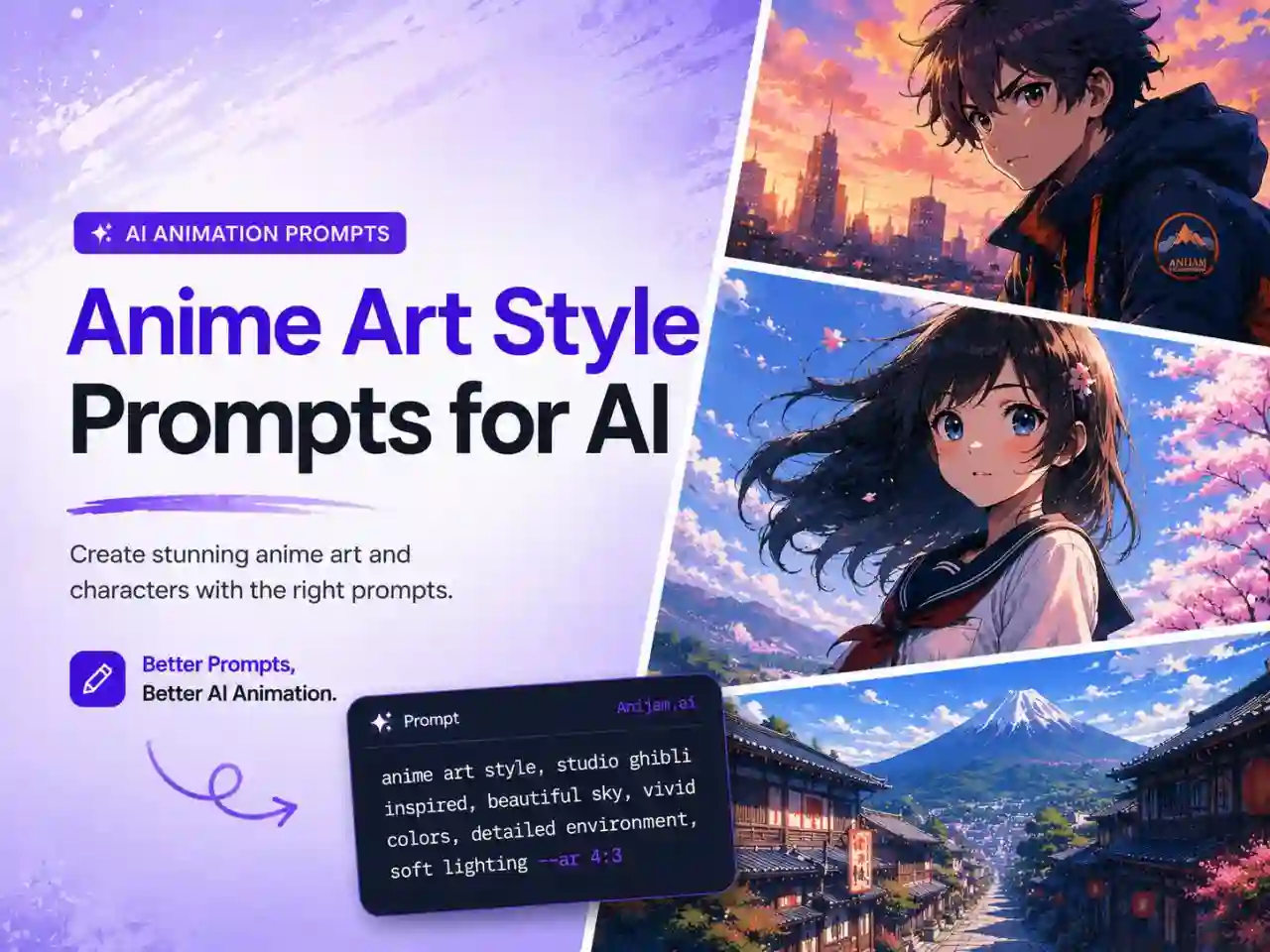
Anime Art Style Prompts for AI: 80+ Copy-Paste Prompts for Images & Videos (2026)
2D vs 3D Animation: Key Differences, Pros & Cons, and How to Create Both with AI
How to Make Animation with AI: Step-by-Step Guide for Beginners (2026)
Google Veo 3 Review (2026): Features, Pricing, Pros & Cons, and Whether It's Worth It
FAQ
What is an AI news video generator?
An AI news video generator is a tool that turns a headline, article, or script into a video that looks and feels like a news broadcast — complete with a presenter, scene structure, and narration — without filming, editing, or hiring a presenter. Anijam is an AI news video generator that handles the full pipeline: it reads your script, designs a consistent anchor character, and generates lip-synced, cinematically shot scenes automatically — in a broadcast-realistic or stylized look, your choice.
Is Anijam's AI news video generator free?
Yes. Anijam lets you try the AI news video generator for free. Simply sign up, log in, or check in to earn free credits and start creating news videos with AI script breakdown, anchor character design, scene generation, and lip sync. Paid plans unlock more credits, watermark-free exports, and commercial usage rights.
Can I use Anijam to report on real, current news events?
You provide the facts — Anijam doesn't research or verify live news for you. Paste your own headline, script, or summary of a real story, and Anijam turns it into a video with your anchor delivering the content. Always fact-check your source material yourself before publishing.
What's the difference between Anijam and a "fake news" or deepfake video generator?
Anijam supports both broadcast-realistic and clearly stylized anime/cartoon/3D anchors, so the visual style itself isn't what keeps you safe — how you label and use the video is. For parody, satire, or prank content, we recommend choosing an obviously stylized look and adding an on-screen "parody" or "fiction" label, so viewers can immediately tell it's entertainment rather than a real broadcast.
Can I create a breaking news video for TikTok or YouTube Shorts?
Yes. Anijam generates vertical (9:16), square (1:1), and widescreen (16:9) formats, so your news video is ready for TikTok, YouTube Shorts, Instagram Reels, or a standard YouTube upload without extra resizing.
Does Anijam support multiple languages for news voiceovers?
Yes. Anijam's built-in voice library covers 30+ languages, and you can also upload your own recorded narration. The lip-sync engine automatically matches your anchor's mouth movements to whichever voice or language you choose.
Can I keep the same news anchor character across multiple episodes?
Yes — this is one of Anijam's core strengths. Design your anchor once, and it's stored as a persistent character asset. Every new script you generate can reuse that same anchor, so your channel builds a recognizable, recurring "face" over time.
Can I use my AI news videos commercially?
Yes, on paid plans. Anijam's Beginner plan and above include commercial usage rights and watermark-free exports, so you can monetize your videos on YouTube, use them in marketing campaigns, or deliver them to clients. The free plan is for personal, non-commercial use.