


AI Travel Video Maker
Turn a trip idea, your photos, or raw clips into a finished video with our AI travel video generator, without editing skills or software to install. Just describe your destination, add media if you have it, and download a share-ready travel video.
What You Can Create with Anijam AI Travel Video Maker
Whether you are reliving a trip, growing a travel channel, or selling a destination, Anijam turns your idea into a polished video in minutes.
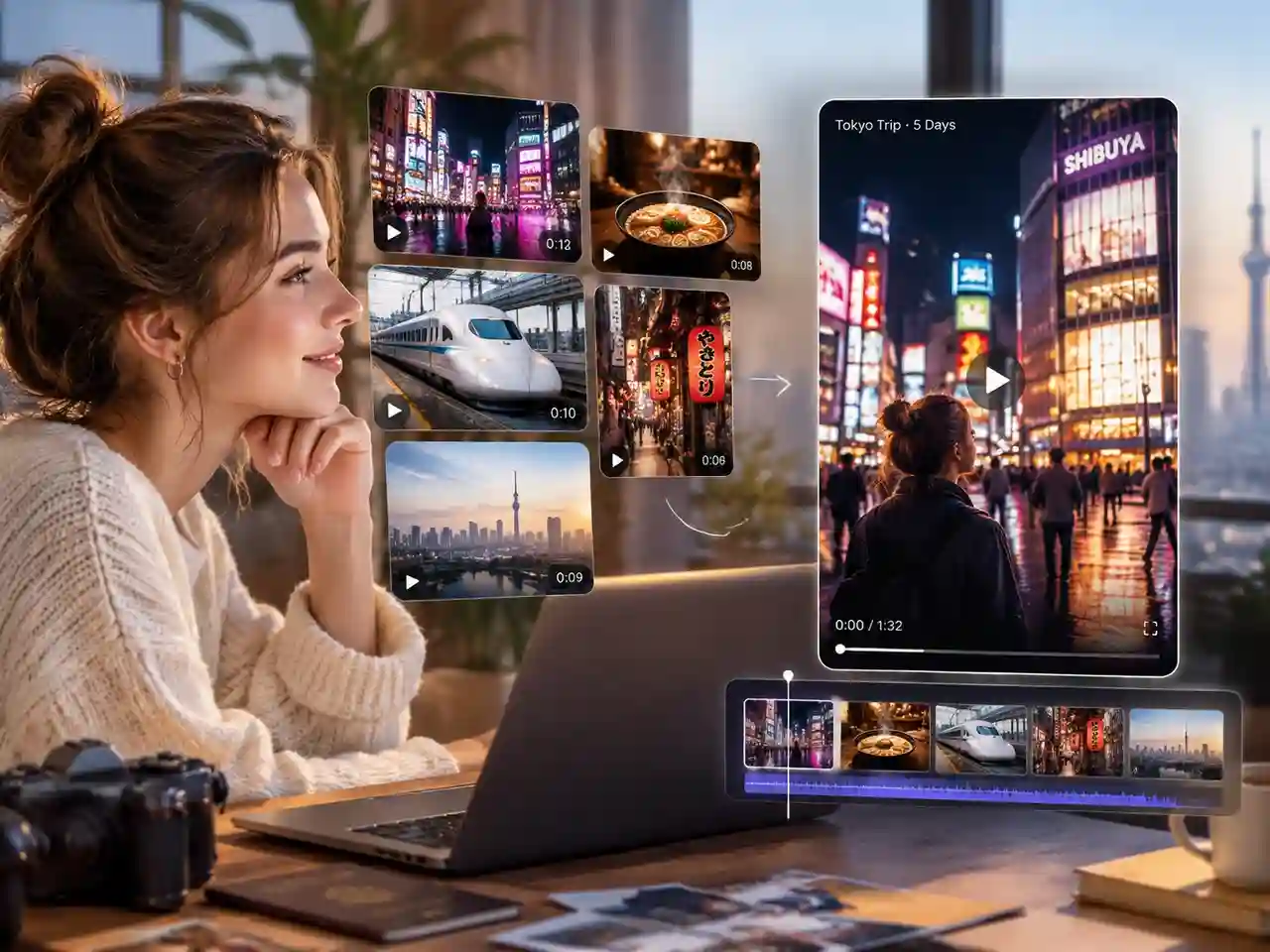
Create Trip Recap Videos
Turn a week of photos and clips into one video you will actually finish. Add your media, describe the highlights, and get a recap with music and captions to share with family and friends the day you get home.
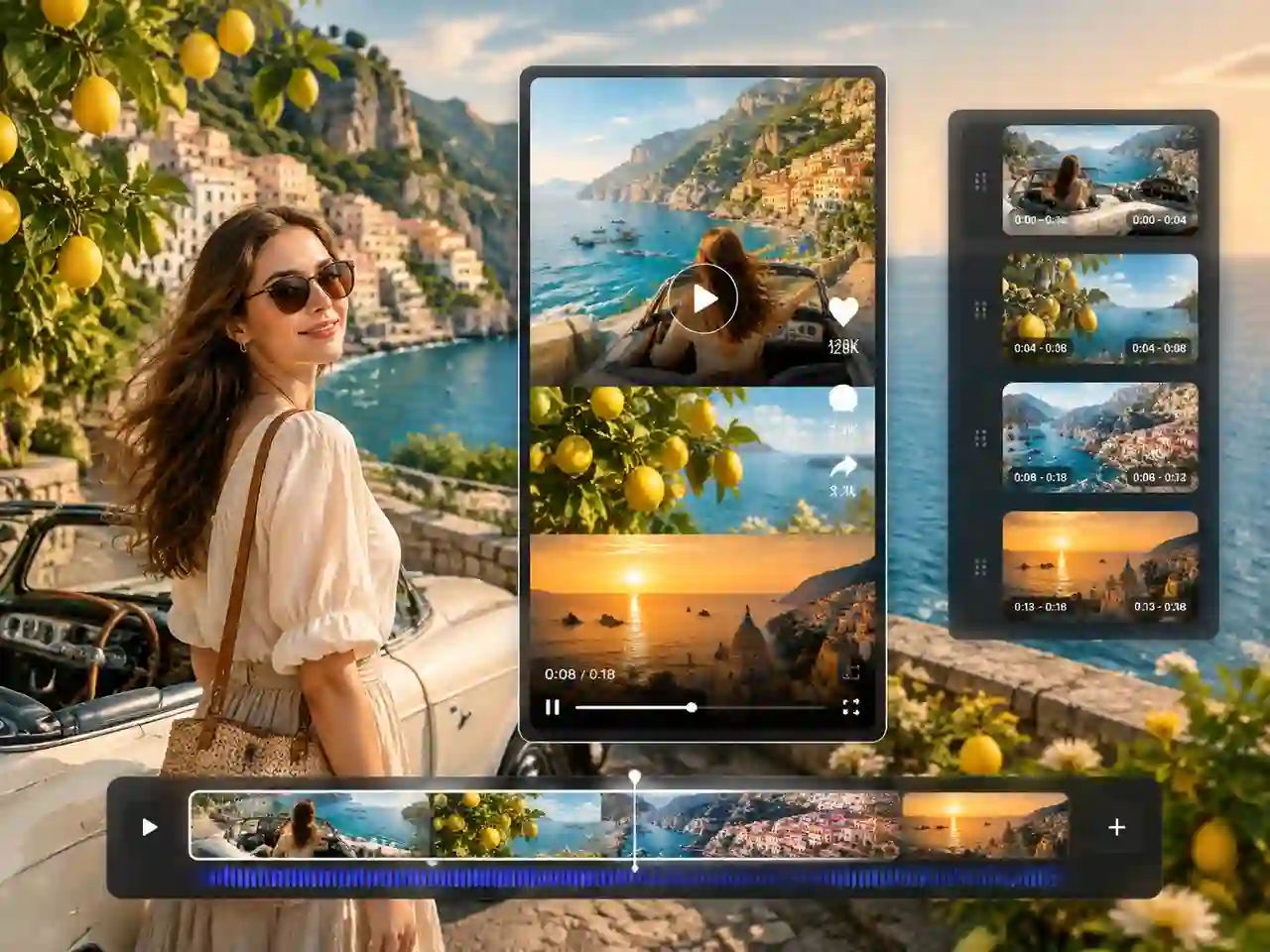
Make Travel Reels and Shorts
Build vertical travel content for TikTok, Instagram Reels, and YouTube Shorts in a few clicks. Use a template for the hook, add narration, and keep your feed posting consistently even when you are still on the road.
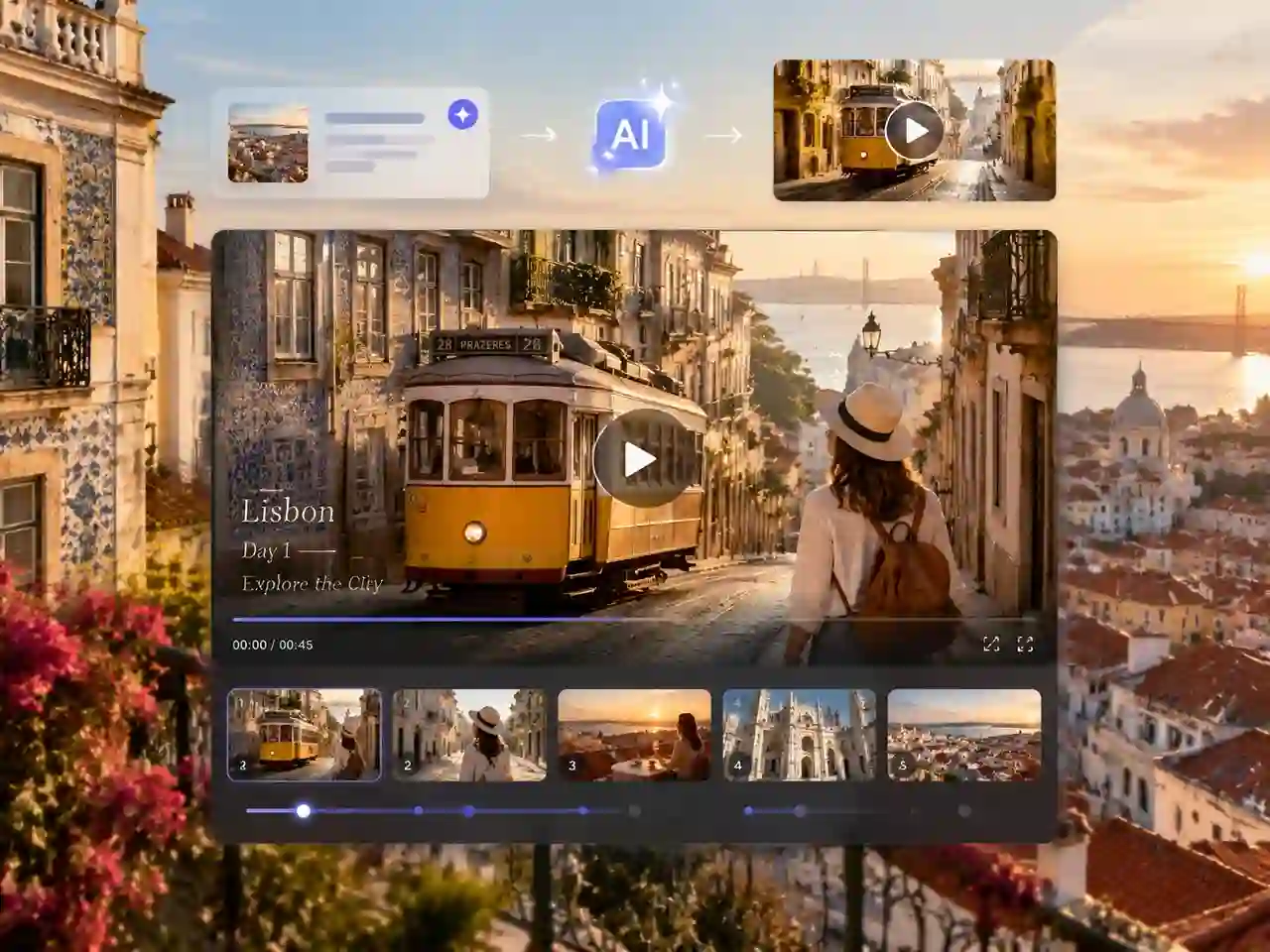
Promote Destinations and Tours
Produce destination promos, itinerary teasers, and tour ads without a film crew. Travel agencies, hotels, and tour operators can turn a brief into several video variations for different channels.
Turn Trip Ideas into Travel Videos with One AI Agent
Trips leave you with hundreds of clips, and most travel video maker tools only solve one piece of the puzzle, so you end up juggling a script tool, a stock library, a voiceover app, and an editor before anything is ready to post.
Anijam puts it all in one chat: describe your trip or add your photos, and our AI agent builds the storyboard, generates the scenes, and adds music and narration, so your finished travel video is ready in one place.
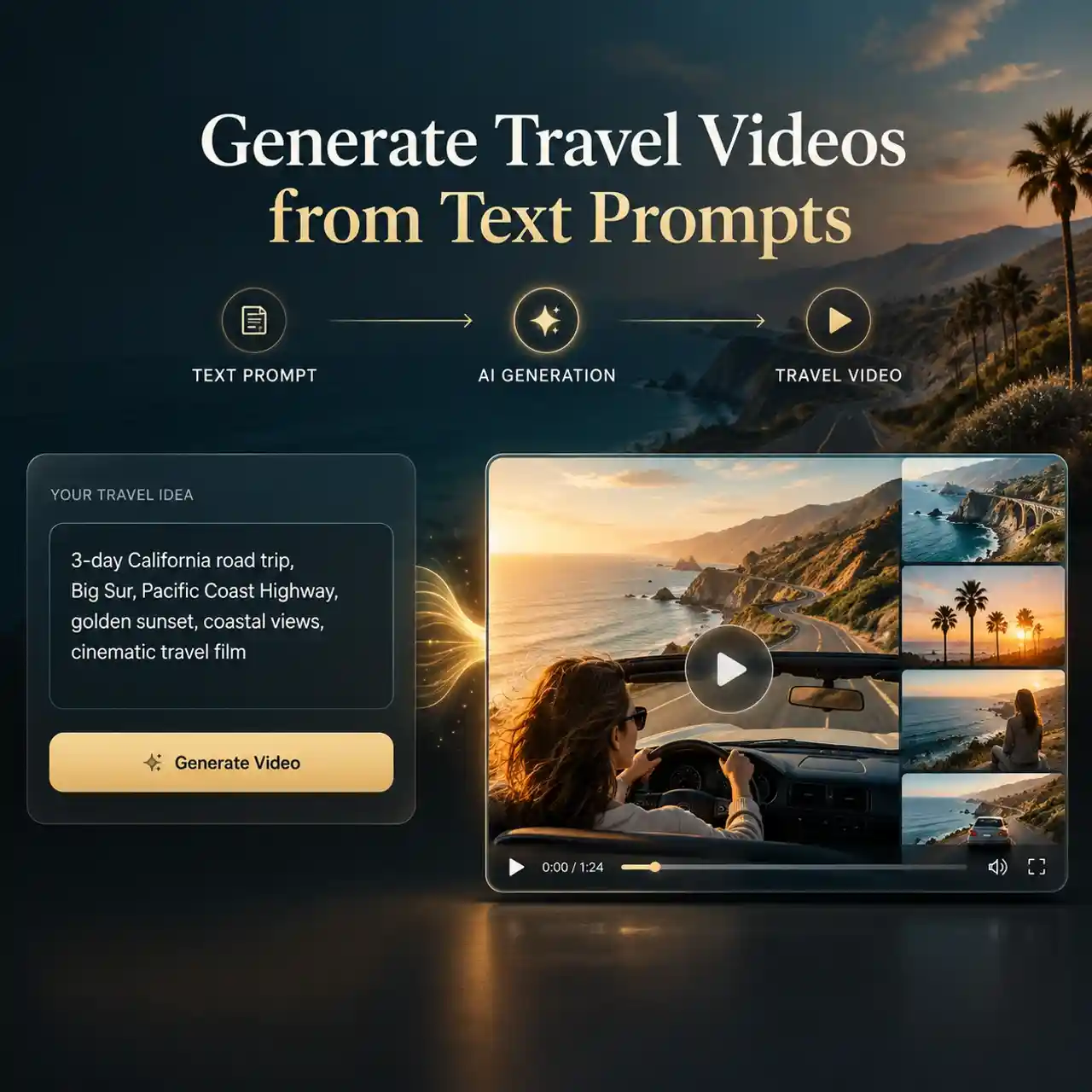
Generate Travel Videos from Text Prompts
Type your destination, route, and mood, and Anijam builds a complete travel video from scratch. The AI agent writes the story outline, plans each scene, and generates the visuals, so you can go from "three days in Kyoto" to a watchable video without shooting a single frame.
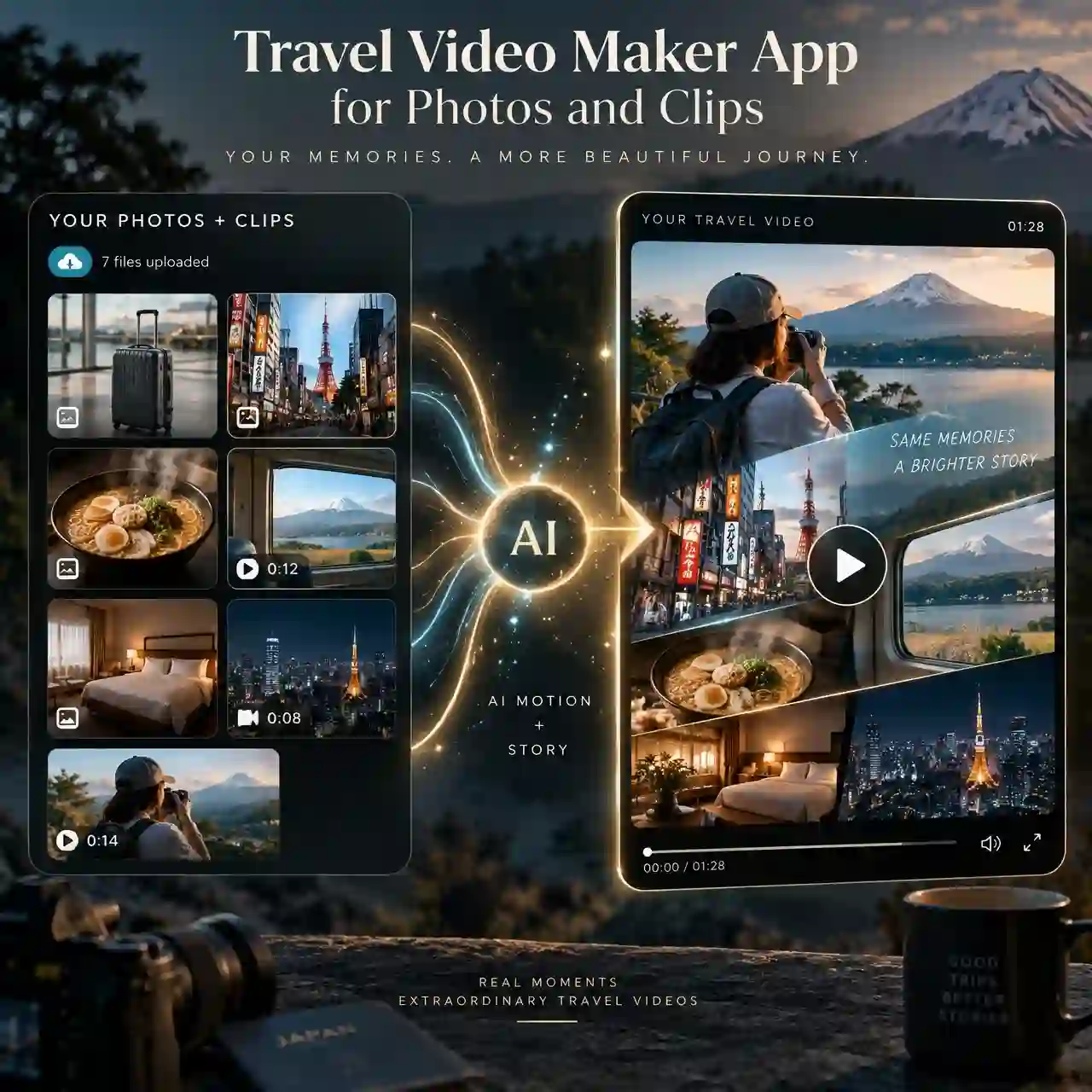
Travel Video Maker App for Photos and Clips
Turn your real trip photos and clips into a moving story. Upload your media, and Anijam brings still shots to life with motion and blends them with generated scenes, so your own memories stay at the center of the video.
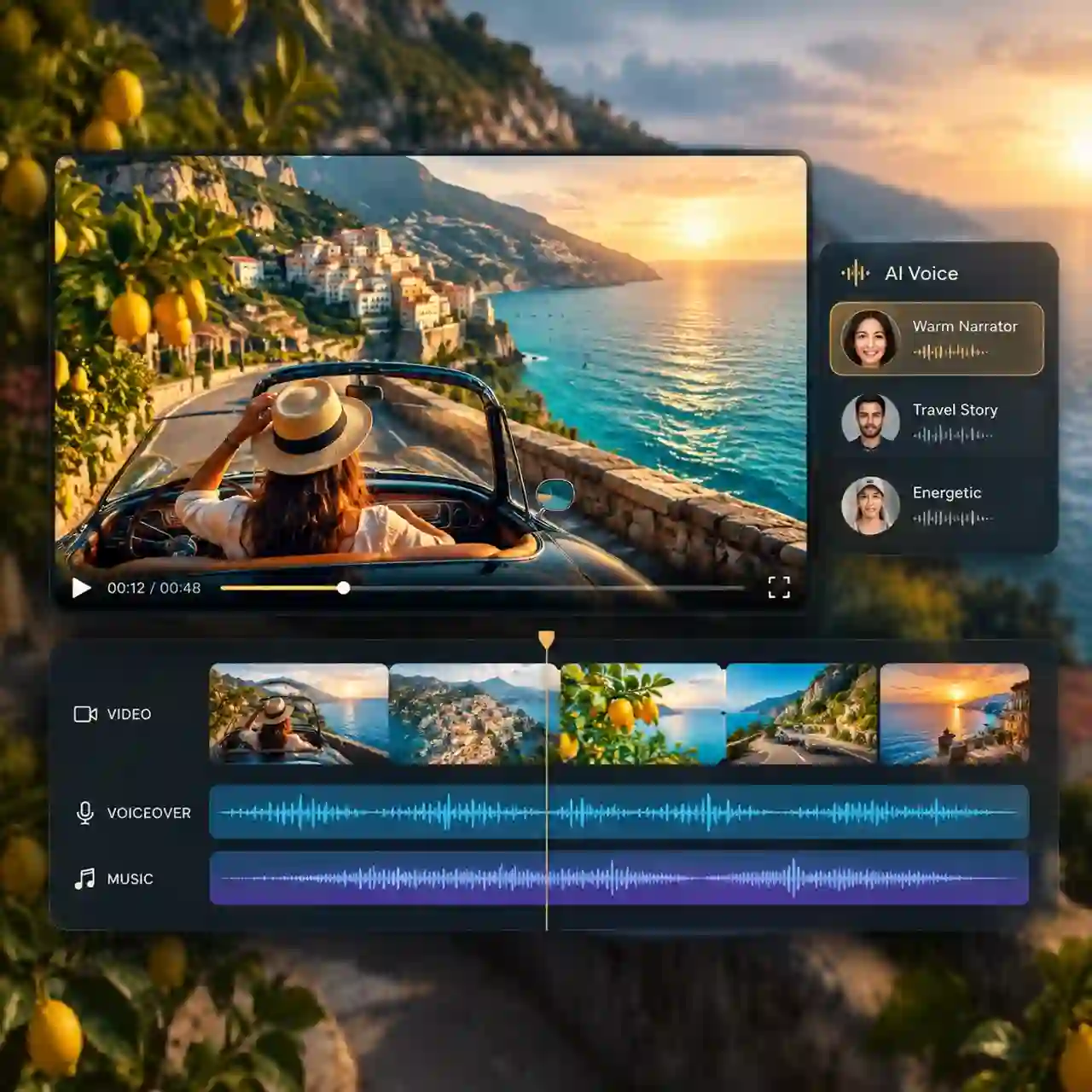
Travel Vlog Maker with AI Voiceover and Music
Add narration and a soundtrack in the same workflow. Pick a voice, set the tone from calm and storytelling to upbeat and punchy, and let the agent match the pacing of your scenes to the music.
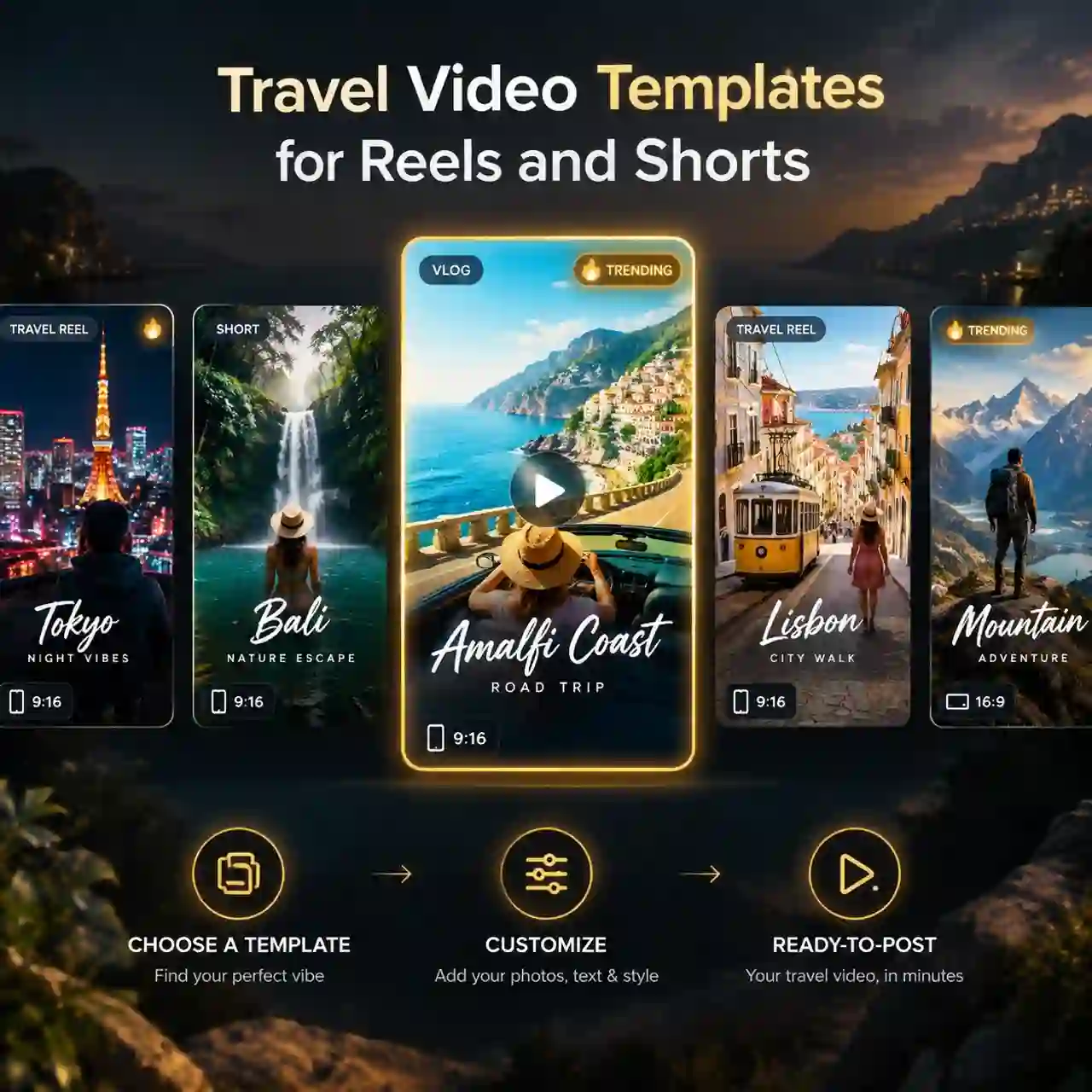
Travel Video Templates for Reels and Shorts
Start from a ready-made template instead of a blank timeline. Anijam's template library gives you trending looks, transitions, and vertical or widescreen formats, so your travel video fits Instagram Reels, TikTok, and YouTube Shorts from the first frame.
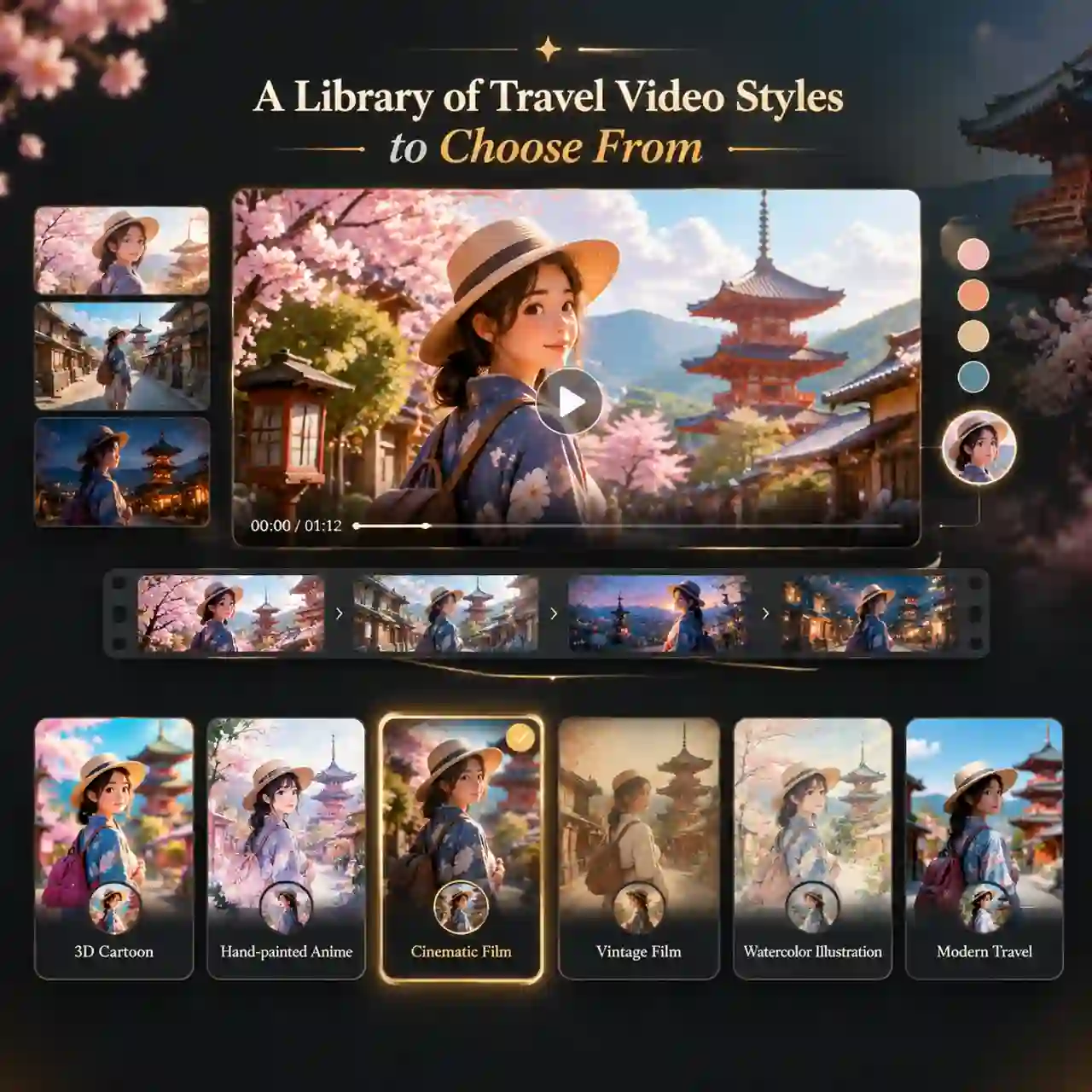
A Library of Travel Video Styles to Choose From
Give every trip a look that fits its story. Choose from Pixar-inspired 3D cartoon, Ghibli-inspired hand-painted anime, cinematic film, vintage film, watercolor illustration, and more, and Anijam keeps colors, lighting, and characters consistent from scene to scene.
How to Make a Travel Video with Anijam AI
Step 1: Choose a Template or Chat with the Agent
Go to Anijam Homepage and choose a ready-made travel video template, or open a project and chat with the agent to describe your travel video ideas and upload images if needed.
Step 2: Set Your Video Length and Style
Choose a short video for Reels, TikTok, and Shorts, or a longer video for a full trip recap. Then pick a visual style, or keep the template's look, and tell the agent the mood you want.
Step 3: Generate and Download Your Video
Click Generate and let the agent create your travel video. Preview the result, then download it or share it to your favorite platform.
Why Creators Choose Anijam for AI Travel Videos

Free Credits to Start
You can create your first travel videos for free. Sign up, claim your starting credits, and test the full workflow before you decide on a plan.

Easy Enough for Beginners
You do not need to learn a timeline. Our travel video maker AI handles cutting, pacing, and transitions, so a single prompt is all it takes to begin.

Edit by Chatting
Change your video by simply asking. Tell the agent to make it shorter, swap the ending, or try a different mood, and it revises the video for you.

Fast Generation
Get a watchable draft in minutes, not days. Post-trip momentum matters, and Anijam helps you share while your memories are still fresh.

One Canvas
Create the cover image, the story outline, and the final video in one workspace. There is no need to move files between apps.

Rewards for Creators
Submit your original work to the Anijam Creator Program and compete for points and exclusive rewards while you build your audience.
Explore More Anijam AI Video Tools


What Our Users Said
FAQ
What is an AI travel video generator?
An AI travel video generator turns text, photos, or clips into a finished travel video automatically. On Anijam, the AI agent handles the script, scenes, music, and voiceover, so you skip manual editing.
Can I create travel videos with AI for free?
Yes, you can create travel videos with AI for free on Anijam. New users can start with free credits, describe a trip or upload photos, and generate a first video before choosing a paid plan for more output.
What is the best travel video maker app?
The best travel video maker app is the one that fits how you work. If you want to go from an idea or a folder of photos to a finished video with music and narration, Anijam does it in one chat, while traditional editors like CapCut or Premiere Pro suit creators who want to cut every clip by hand.
Can I make a travel video from photos and clips?
Yes, you can add your own photos and short clips as the base of your video. Upload your media, describe the story you want, and Anijam builds the scenes around your memories.
How long should a travel video be?
For social platforms, 15 to 60 seconds usually works best, while longer trip recaps and vlogs can run a few minutes.
Do I need real footage to use a travel video maker AI?
No, you can create a travel video from a text description alone. Real photos and clips add authenticity, so many creators mix both, and if you use generated scenes for promotional content, it is good practice to be clear that the visuals are AI-made.