


AI Podcast Generator
Turn a topic, script, or audio file into a talking video podcast with AI hosts and lip sync, without a mic, camera, or studio.
Create a Full Video Podcast with One AI Agent
Anijam AI podcast generator takes you from a single idea to a finished video podcast, with no mic, camera, or editing skills needed. A to-do list on the canvas guides you step by step through the script, hosts, voices, music, and lip sync, so the whole episode comes together in one place instead of five.
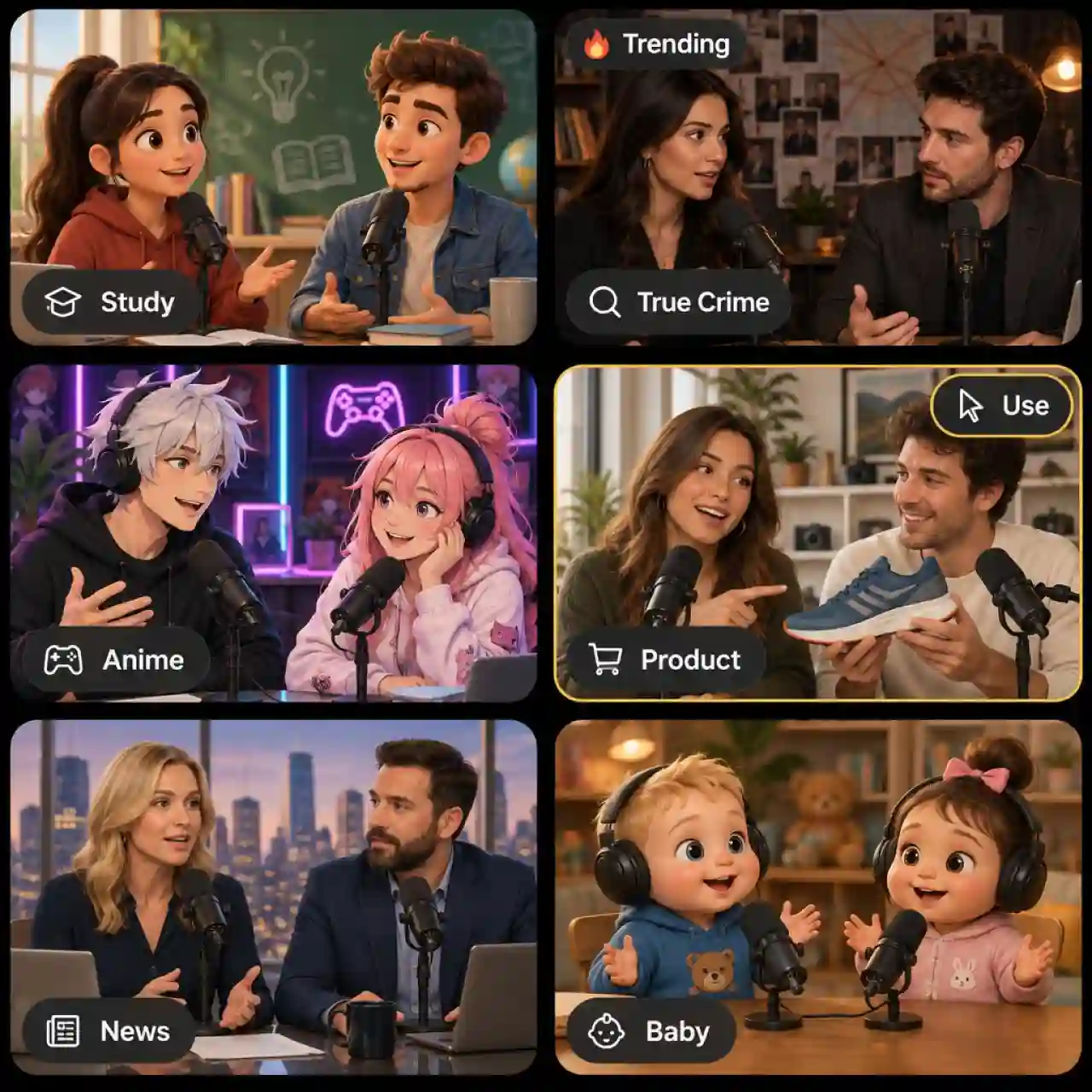
Trending AI Podcast Video Templates
Pick a trending podcast template on the web or in the Anijam app, then swap in your own topic, hosts, and voices. New formats are added regularly, so a fresh layout is always one tap away in our AI video podcast generator.
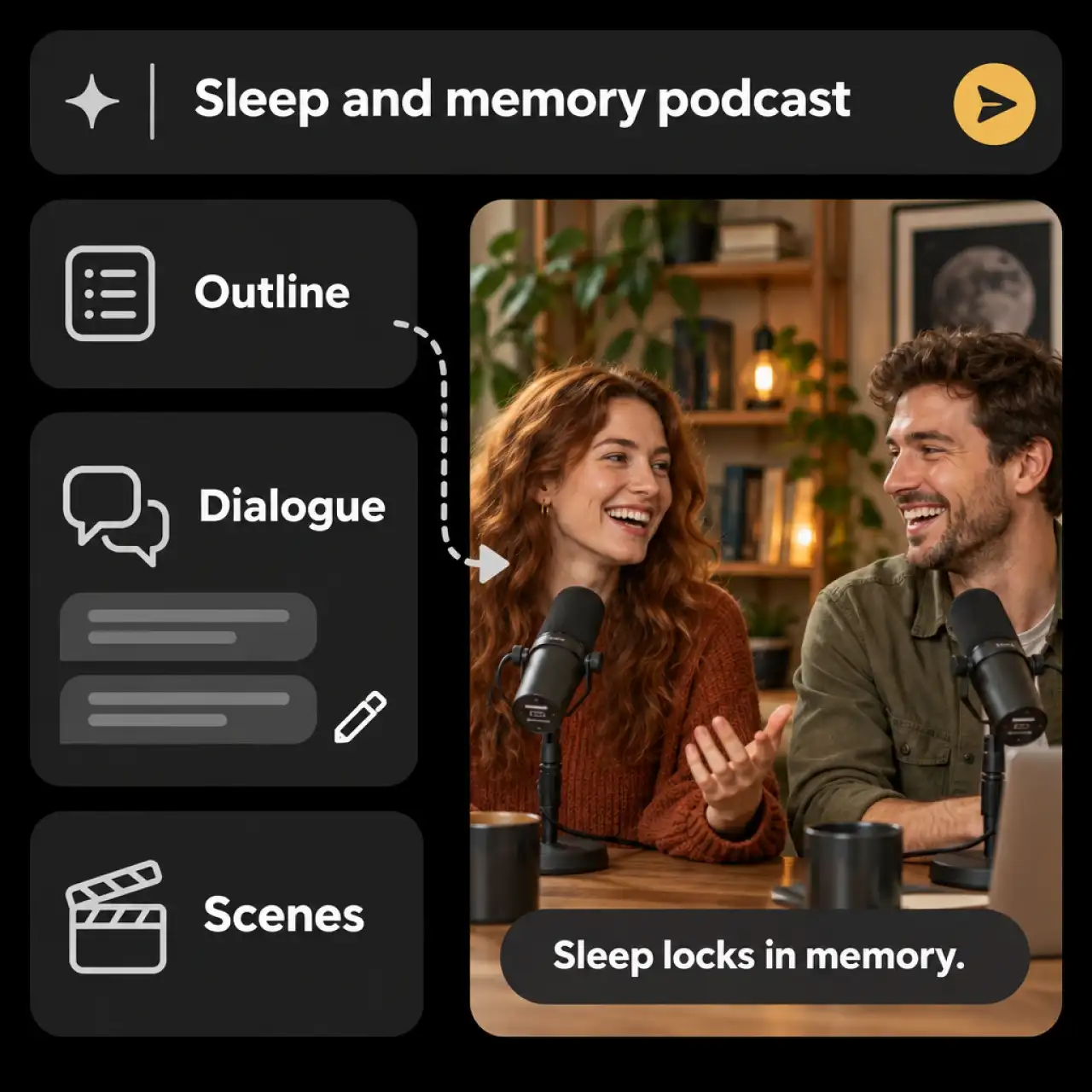
AI Podcast Script Writer
Describe your idea and Anijam's AI podcast generator drafts the episode: outline, host dialogue, and scene breakdown. Edit any line before you generate, so the script stays yours.
AI Podcast Hosts with Lip Sync
Design a host once and Anijam keeps the same face, style, and outfit in every scene and every episode, with mouth movement matched to each spoken line. Build a solo host or a two-person show in realistic, anime, 3D, or cartoon looks.
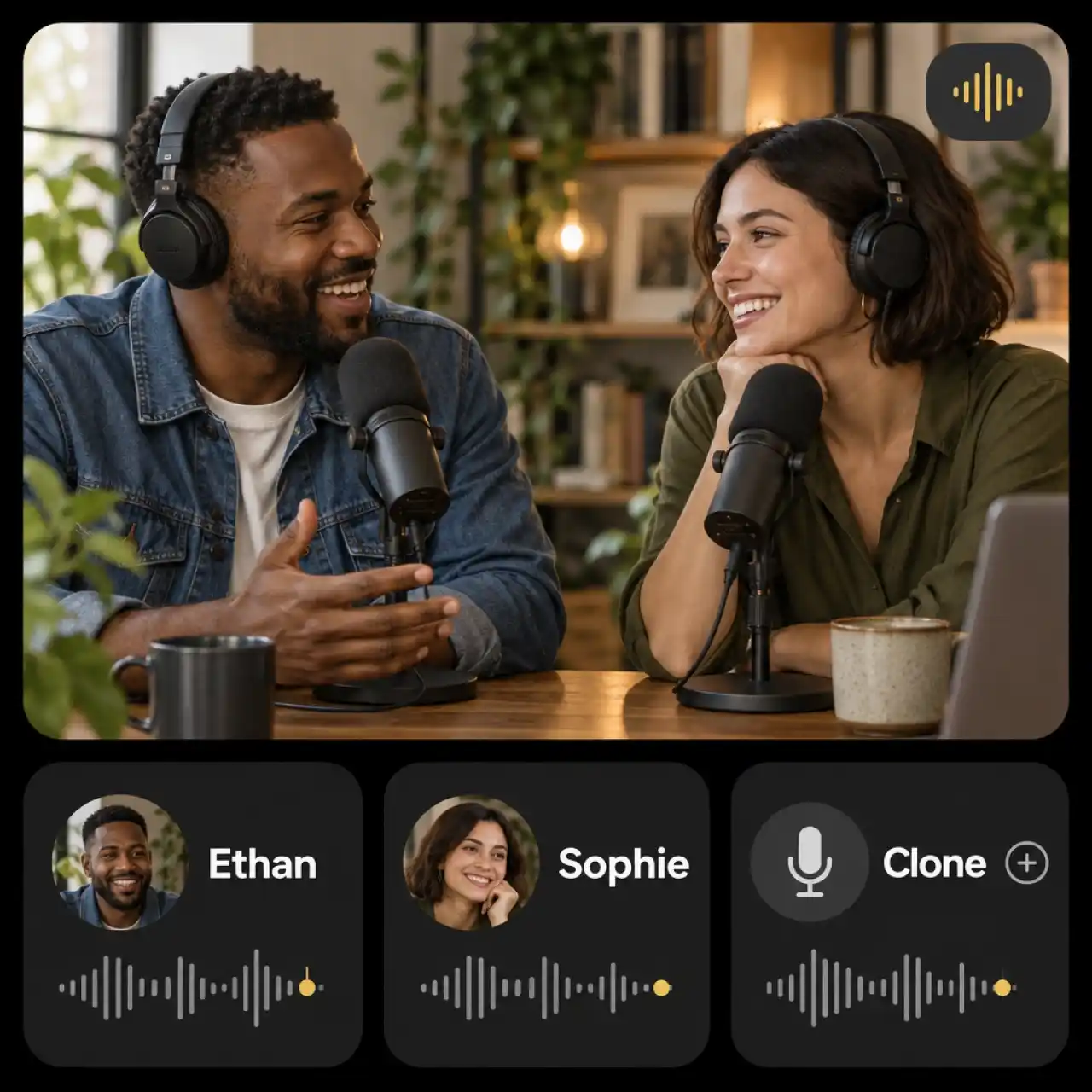
Realistic AI Podcast Voices
Choose a distinct voice for each host from the voice library, or clone your own voice for a personal show. The voice sets the pace and tone of the episode and drives the lip sync on screen.
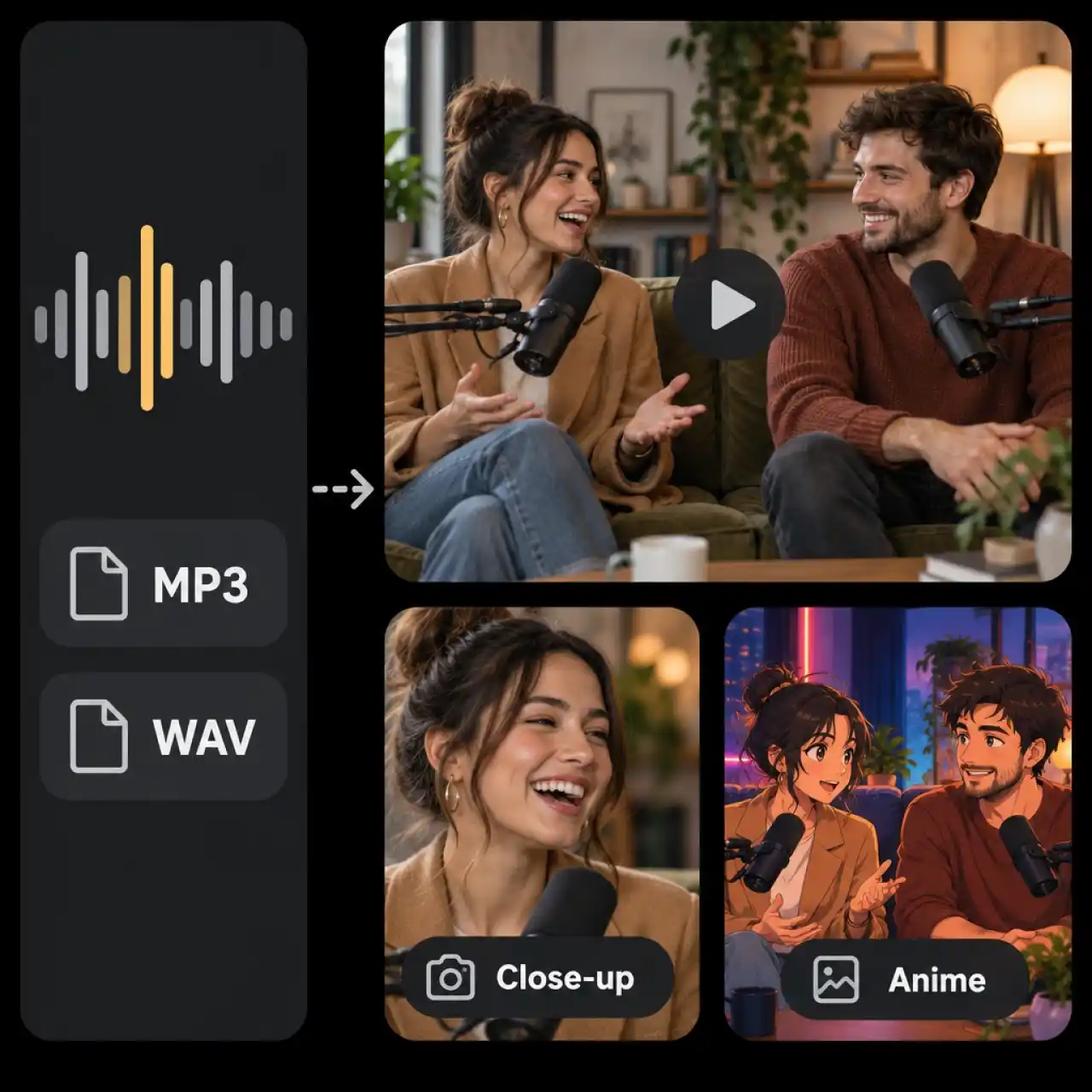
Audio to Video Podcast in Minutes
Upload an MP3 or WAV recording and Anijam builds a video podcast with scenes, characters, and camera moves that follow the conversation. Use it to put an existing episode on YouTube or social feeds.
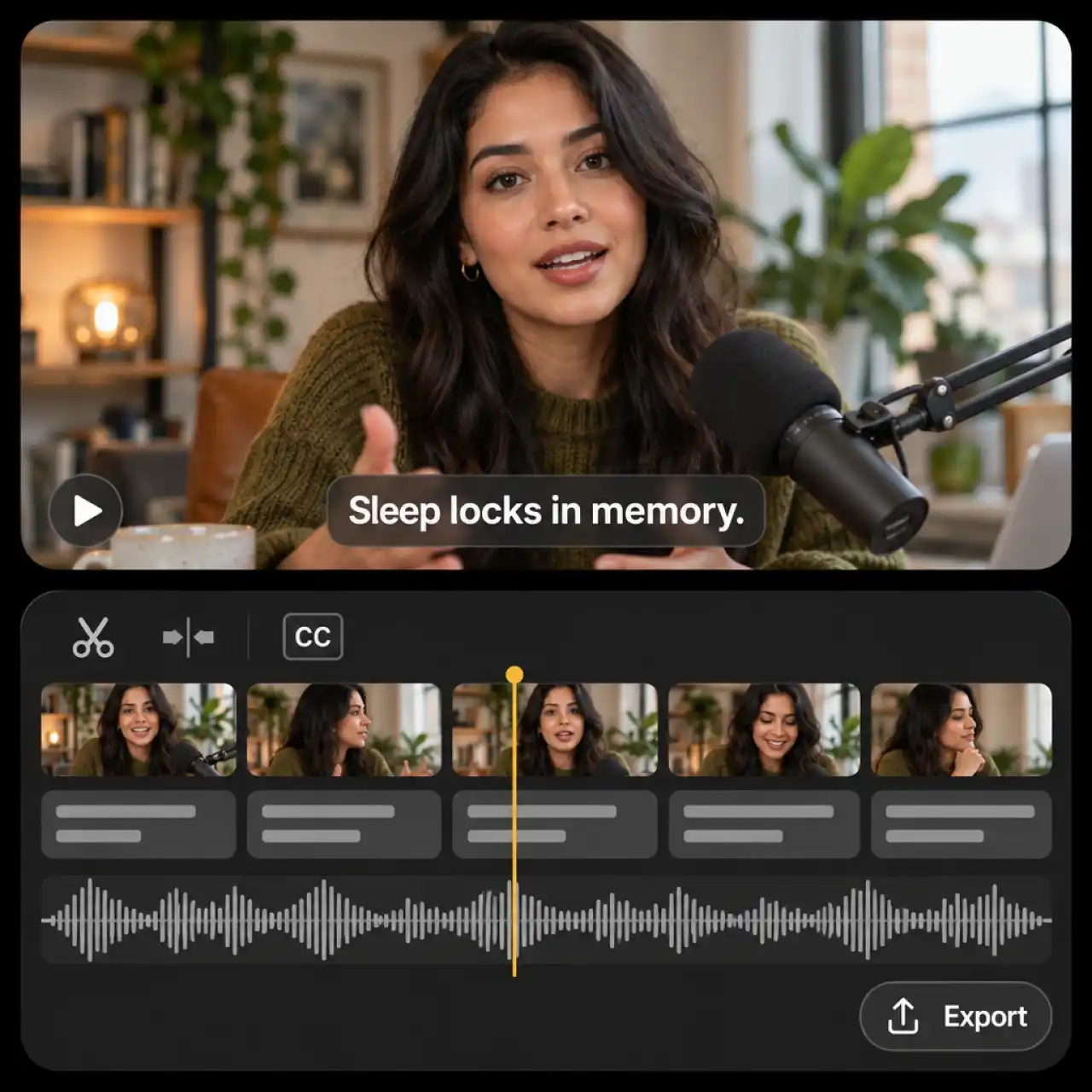
AI Podcast Video Editor with Timeline
Fine-tune cut timing, scene length, transitions, and captions on the timeline editor without leaving the canvas. When the episode is ready, export it for YouTube, TikTok, or Instagram.
How to Create a Video Podcast with Anijam
Step 1: Describe Your Podcast or Upload Audio
Type a topic into the chat box, paste a script or notes, or upload an MP3 or WAV recording. The AI podcast generator drafts an episode outline and script for you to review.
Step 2: Pick a Style, Hosts, and Voices
Choose a visual style, then set your host characters and a voice for each one. Swap any line, scene, or background before you generate.
Step 3: Generate, Edit, and Export
Click Generate, then fine-tune cuts, timing, and captions on the timeline editor. Export your video podcast and share it to YouTube, TikTok, or Instagram.
Popular Ways to Make a Video Podcast with AI
From study sessions to branded shows, Anijam turns one idea into a finished episode with hosts, voices, and video already in place.
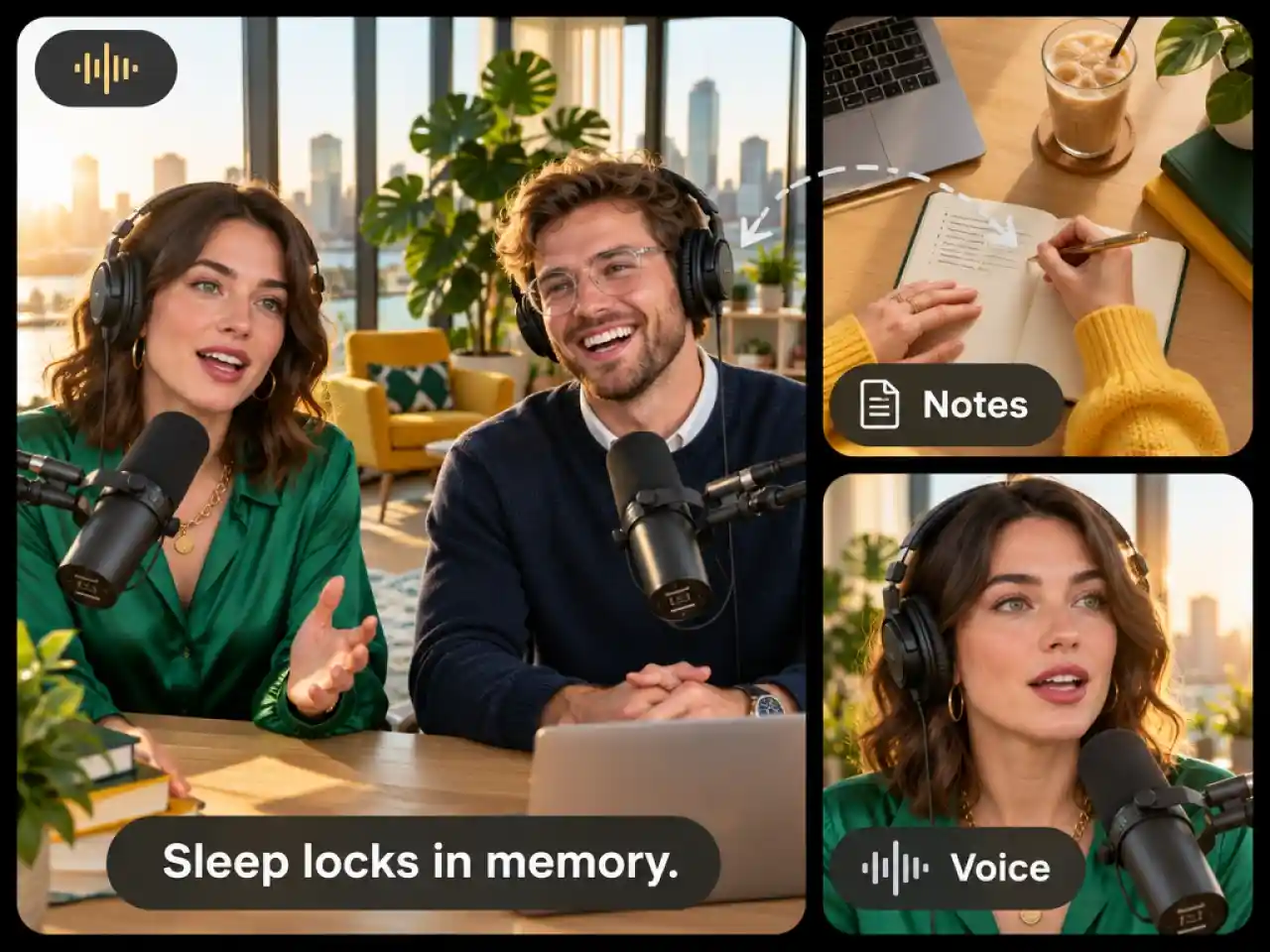
Create a Realistic AI Video Podcast
Turn your ideas or scripts into engaging video podcasts with realistic AI hosts, natural voices, and a dedicated podcast setup—without filming yourself.
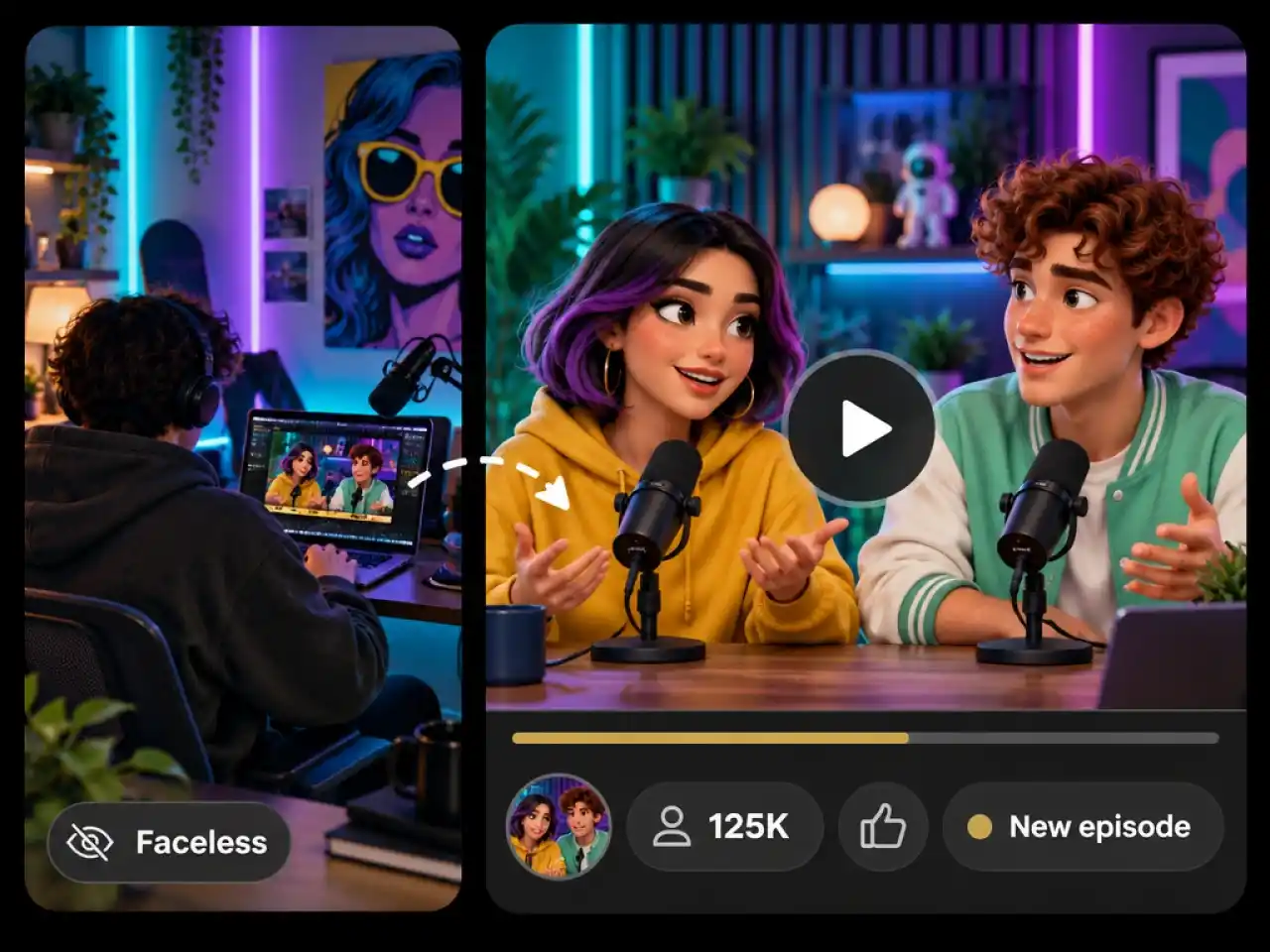
Launch a Faceless YouTube Podcast
Build a YouTube podcast without appearing on camera. Generate AI hosts, podcast scenes, and voiceovers to bring your topics to life.
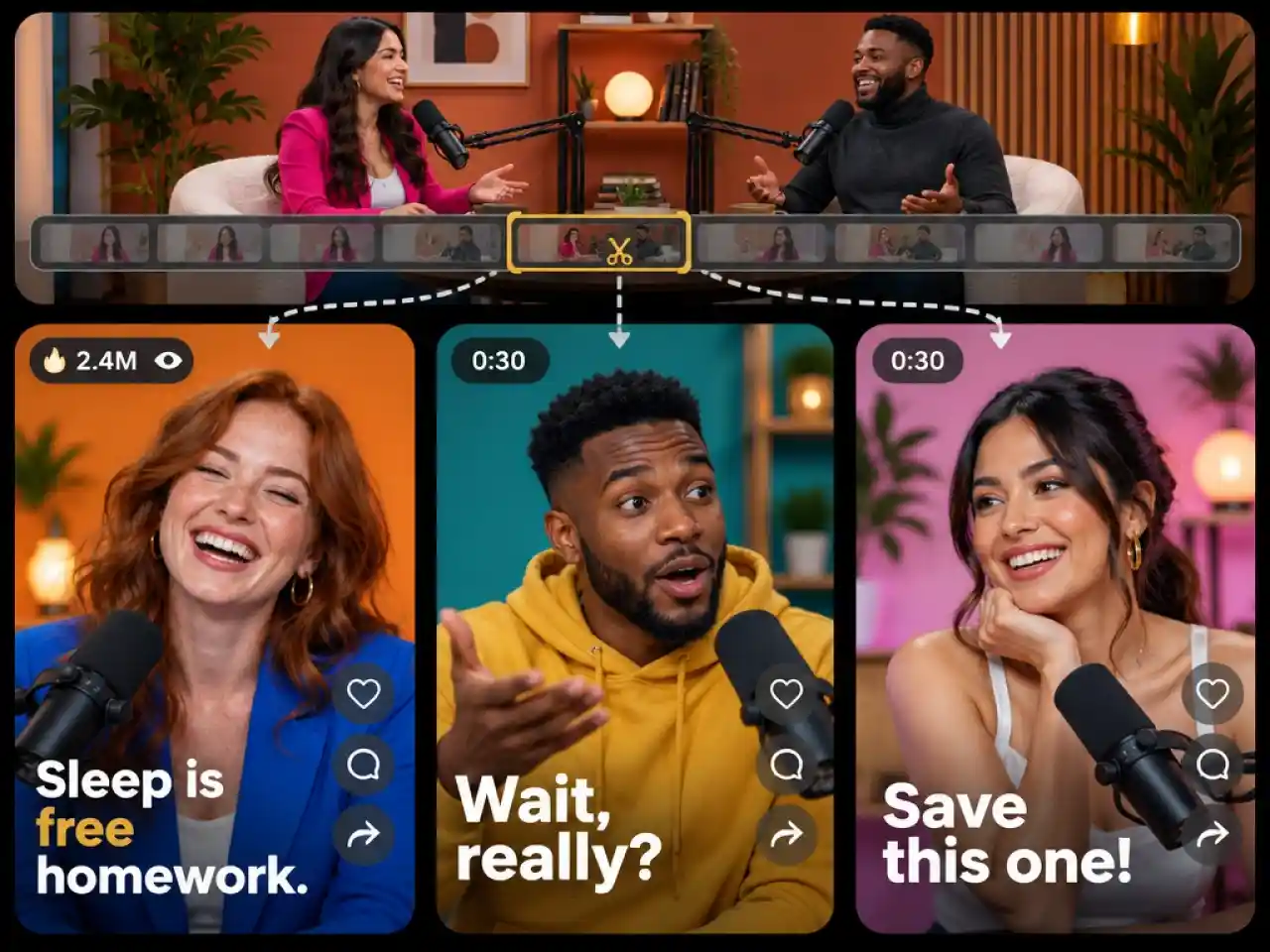
Make Podcast Clips for Social Media
Turn podcast ideas and scripts into short, engaging videos for TikTok, Instagram Reels, and YouTube Shorts.
Why Choose Anijam AI Podcast Generator

Free Daily Credits
Get free credits through daily check-ins and start creating AI podcast videos without a credit card.

No Equipment Needed
No mic, camera, studio, or editing software. Everything happens in one chat box and on one canvas.

Multilingual Support
Create AI podcast videos with voices in multiple languages to connect with a global audience and reach viewers around the world.

Create Across Devices
Build your podcast on the web and continue on the Anijam mobile app. Keep your creative workflow moving wherever inspiration strikes.

Fast Generation
Go from idea to finished episode in minutes instead of hours of recording, editing, and exporting.

Ready for Social Sharing
Create polished podcast videos for YouTube, TikTok, Instagram Reels, and other social platforms. Export watermark-free videos to give your content a professional finish.
Explore More Anijam AI Creative Tools




More about AI Video Creation & Inspiration

FAQ
What is an AI podcast generator?
An AI podcast generator turns a topic, script, notes, or audio into a podcast episode using AI hosts and voices. Anijam goes a step further and builds the video too, with host characters, lip sync, scenes, and captions in one workflow.
Can I make a video podcast for free?
Yes. Sign up, check in for free daily credits, and create your first episode with no credit card required. Paid plans add more credits, higher-resolution exports, and commercial usage rights.
Can I turn my own script or audio into a video podcast?
Yes. Paste a script or notes into the chat, or upload an MP3 or WAV recording. Anijam drafts the scenes, hosts, and camera moves around your content, and you can edit everything on the timeline before exporting.
Can I turn study notes into a podcast video?
Yes. Paste your notes or a chapter summary into the chat and the agent drafts a two-host study episode you can edit before generating. For long material, paste the key sections rather than the full text so each episode stays focused.
Can I use my AI podcast videos commercially?
Yes, with a premium plan. Free plan exports suit personal use, while premium plans include commercial usage rights for sponsored shows, client work, and monetized channels.
Can I make short podcast clips for TikTok, Reels, and Shorts?
Yes. Create a short episode or a highlight-style clip, then export it and share it to TikTok, Instagram, or YouTube. The Anijam app also has trending video templates you can start from.