


AI Episode Generator: Turn Any Script Into a Fully Animated Video Episode
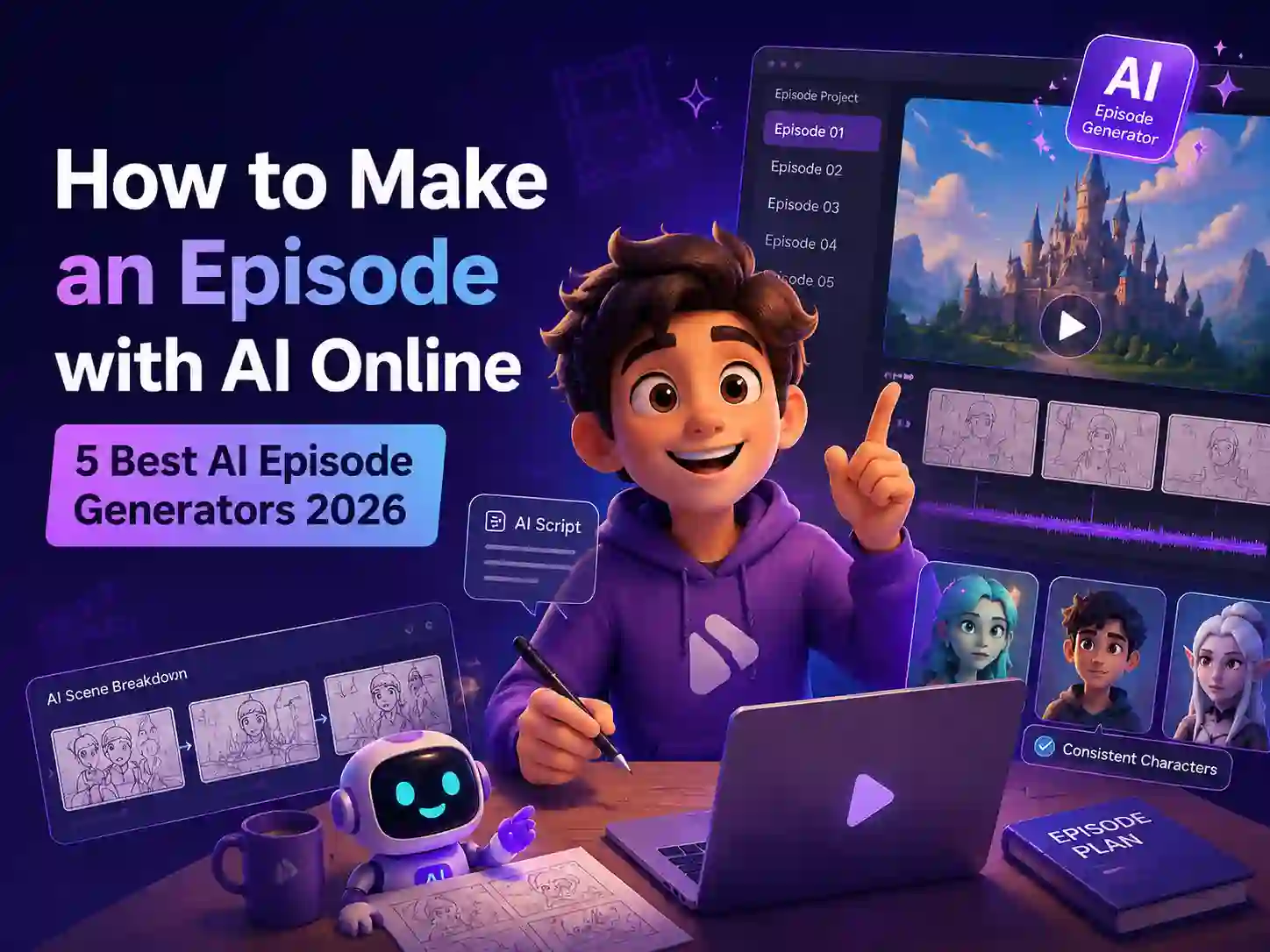
Anijam AI episode generator turns your scripts and ideas into complete animated episodes with an AI director by your side. Create and manage multiple episodes directly on the canvas, view your entire story timeline, and seamlessly continue each chapter while keeping characters, scenes, and storylines consistent.The AI agent helps you plan what happens next, continue previous plots, or introduce new twists — then automatically breaks your story into scenes, generates consistent characters, syncs dialogue with lip animation, and assembles a finished animated episode.Paste your story. Create Episode 1, Episode 2, Episode 3, and beyond. Build a complete animated series without animation skills or a production team.
Go from Episode Script to Animated Video - in One Canvas
Anijam AI episode generator built around two things: ready-to-use episode templates for you inspiration and a smart AI agent that handles every step of production for you.
Pick an episode template - anime series, cinematic drama, cartoon web show, YouTube story, short-form social - or start from a blank script. Anijam's agent reads your episode like a director: it breaks your script into scenes, places characters, sync dialogue, moves the camera, and assembles the full video on a timeline you can edit.
Whether you're building an anime series, a cartoon web show, a YouTube story channel, or a TV-style pilot, Anijam handles the full pipeline in one canvas - from episode script to exported animated video. Any genre. Any visual style. Any platform.
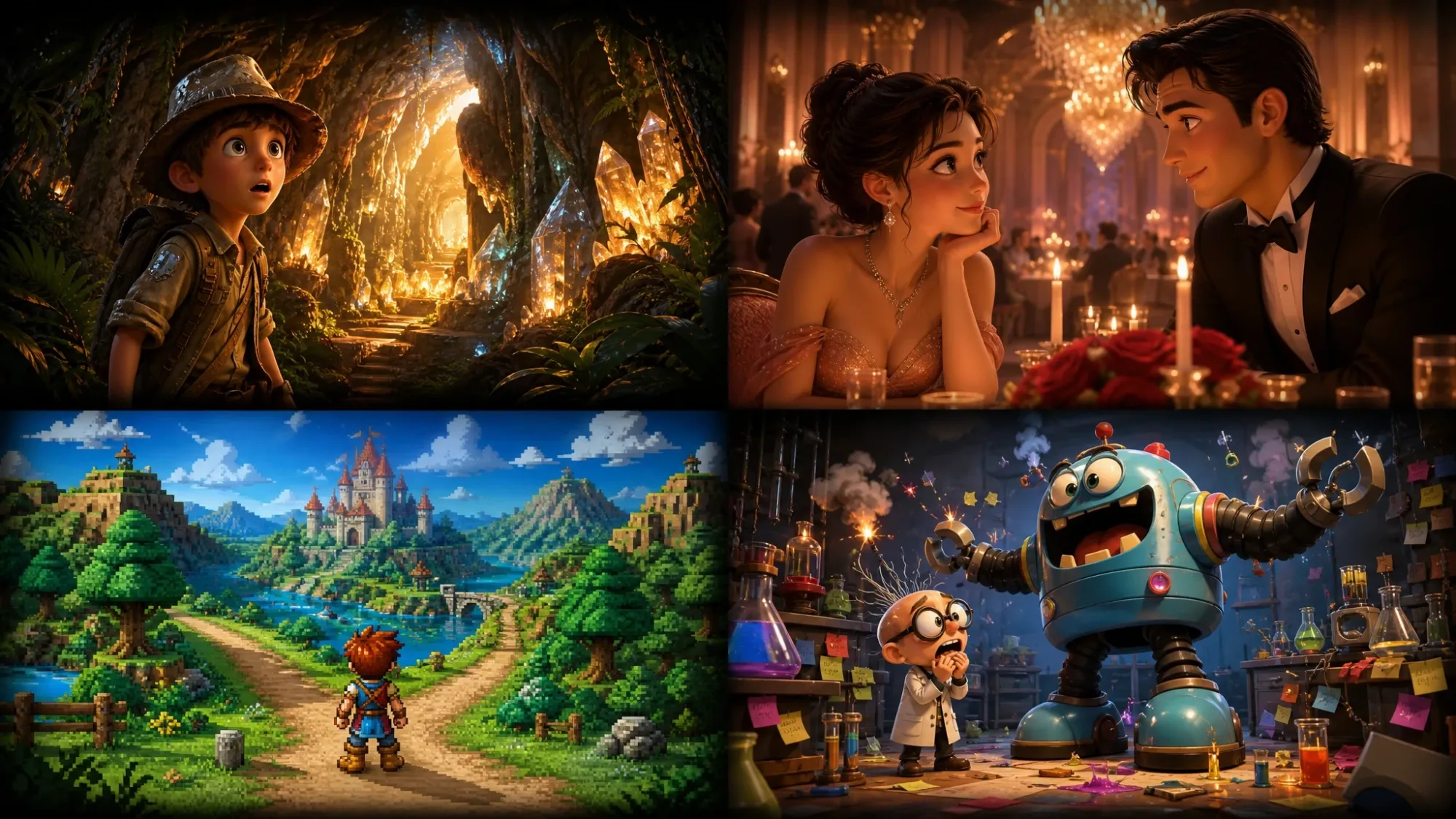
3D Cinematic Episode
Pixar-grade 3D rendering with realistic lighting, cinematic depth, and dramatic camera movement - all applied automatically to your episode script. The go-to style for short dramas, TV-style pilots, and premium YouTube story series.
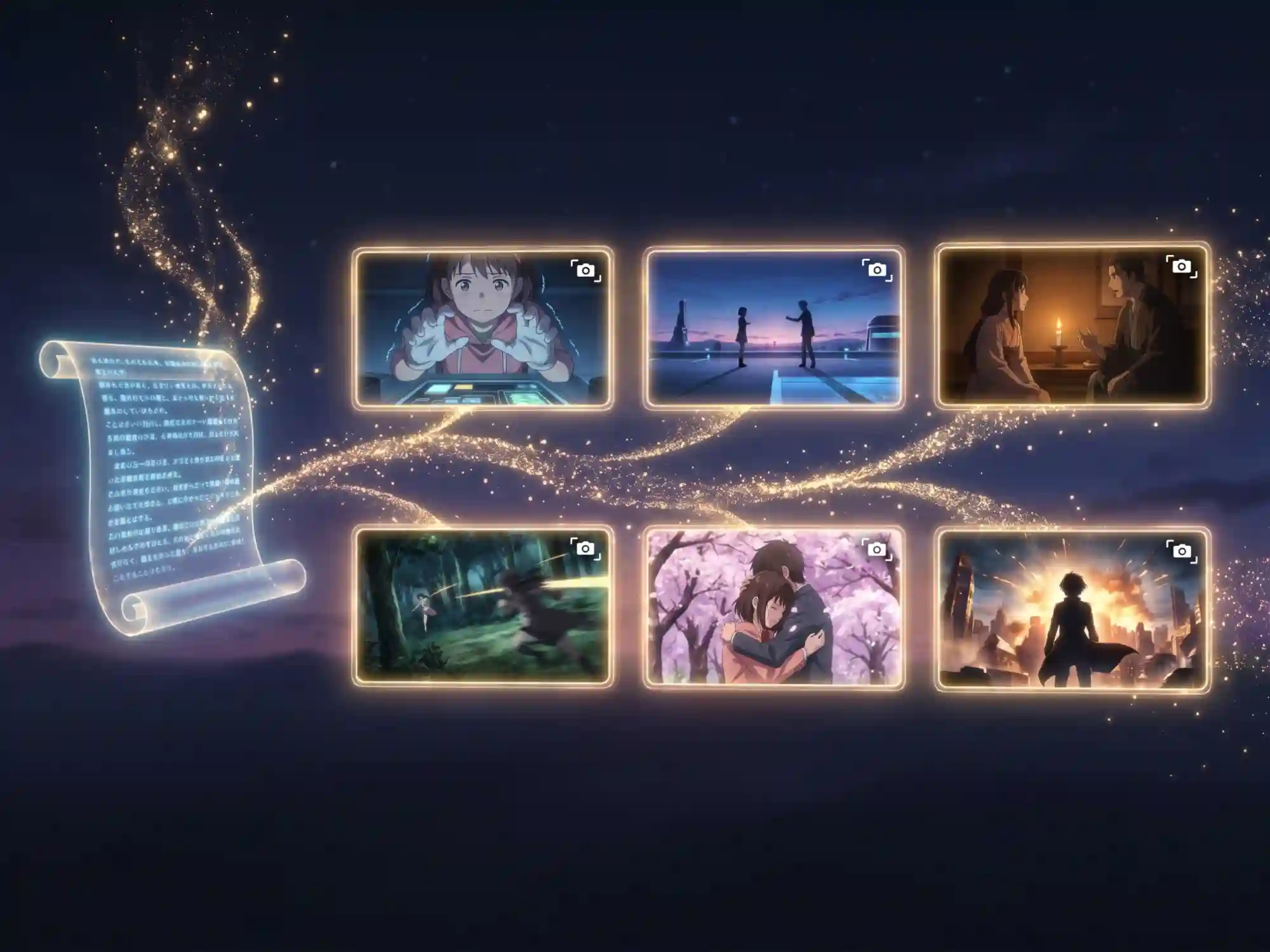
AI Auto Scene Breakdown - From Episode Script to Shots in Minutes
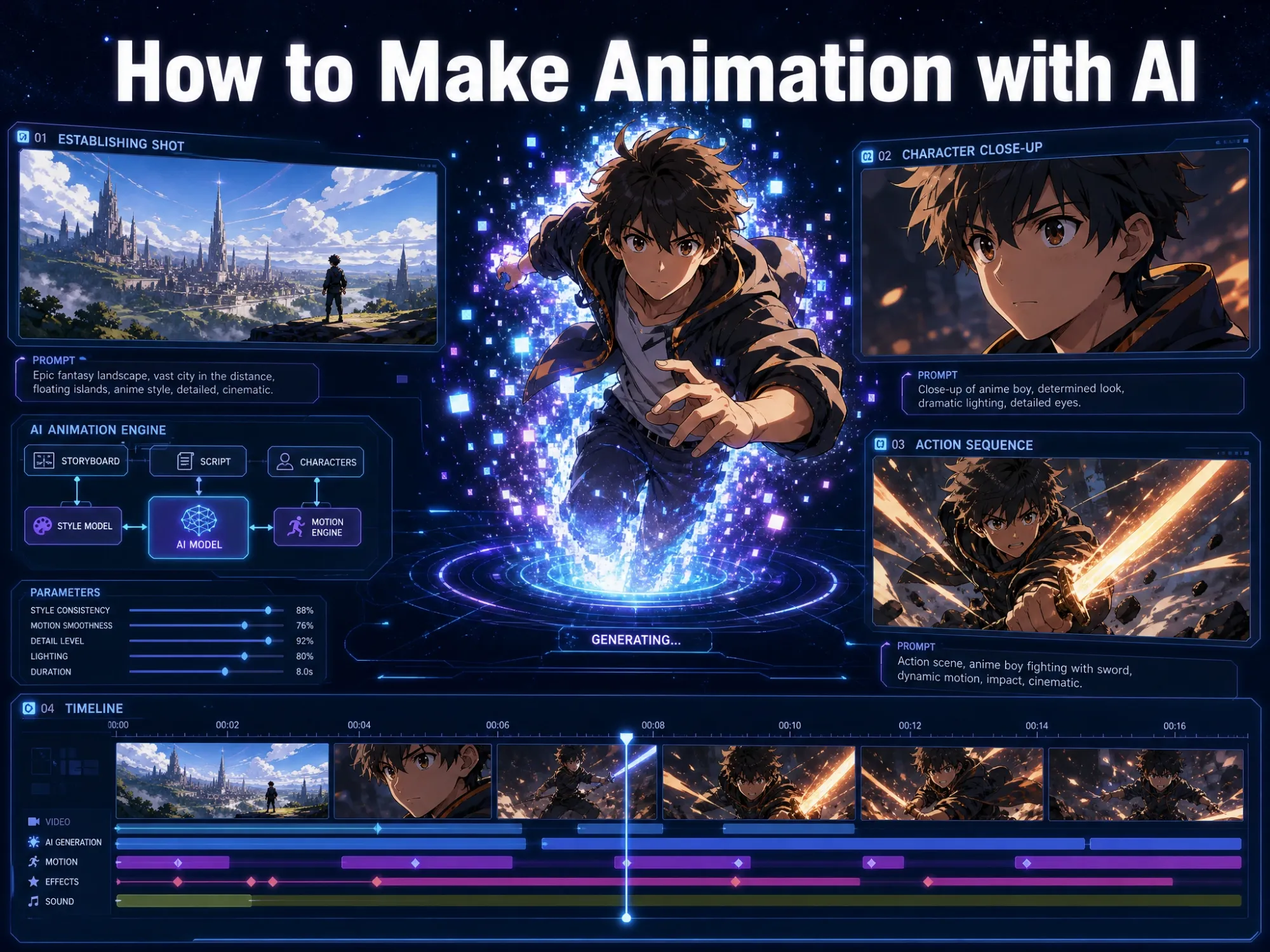
You don't need to plan shots or build a storyboard. Paste your episode script - two paragraphs or twenty scenes - and Anijam's AI agent automatically breaks it into structured animation shots, each with character placement, action description, and camera direction. A 12-scene episode returns a full shot list in minutes. Every shot becomes a renderable clip on your canvas. You only direct what needs changing.

Consistent Characters Across Every Scene and Episode
Character inconsistency is the #1 reason AI animation fails for storytelling. Every other tool generates characters fresh each scene - so your hero looks different in Scene 2 than Scene 1. Anijam solves this completely. Design your character once, give it a name, and it stays visually identical across every scene - same face, same costume, same style. Your episode feels like a real show, not a clip reel. And when Episode 2 starts, your characters are still there, unchanged.
AI Lip Sync - Characters Speak Their Lines Automatically
If your episode has characters with dialogue, Anijam syncs their mouths to every word automatically. No separate tool. No manual timing. Choose from a multilingual voice library in 30+ languages, upload your own recorded audio, or let AI generate voiceover - and watch your episode's characters perform with natural expression and perfectly timed mouth movements. Built-in. Native to the episode generation pipeline.
Cinematic Camera Work - Driven by Your Episode's Story
Anijam doesn't generate static frames. It reads the emotional beats of your episode script and applies matching camera work: close-ups for tense dialogue, wide establishing shots, slow dramatic pulls for emotional moments. The result is animation that feels directed - because it is. And with a real timeline editor, you can drag, trim, and re-render individual shots without touching the rest of your episode.
AI Episode Script Generator - From Idea to Full Script Instantly
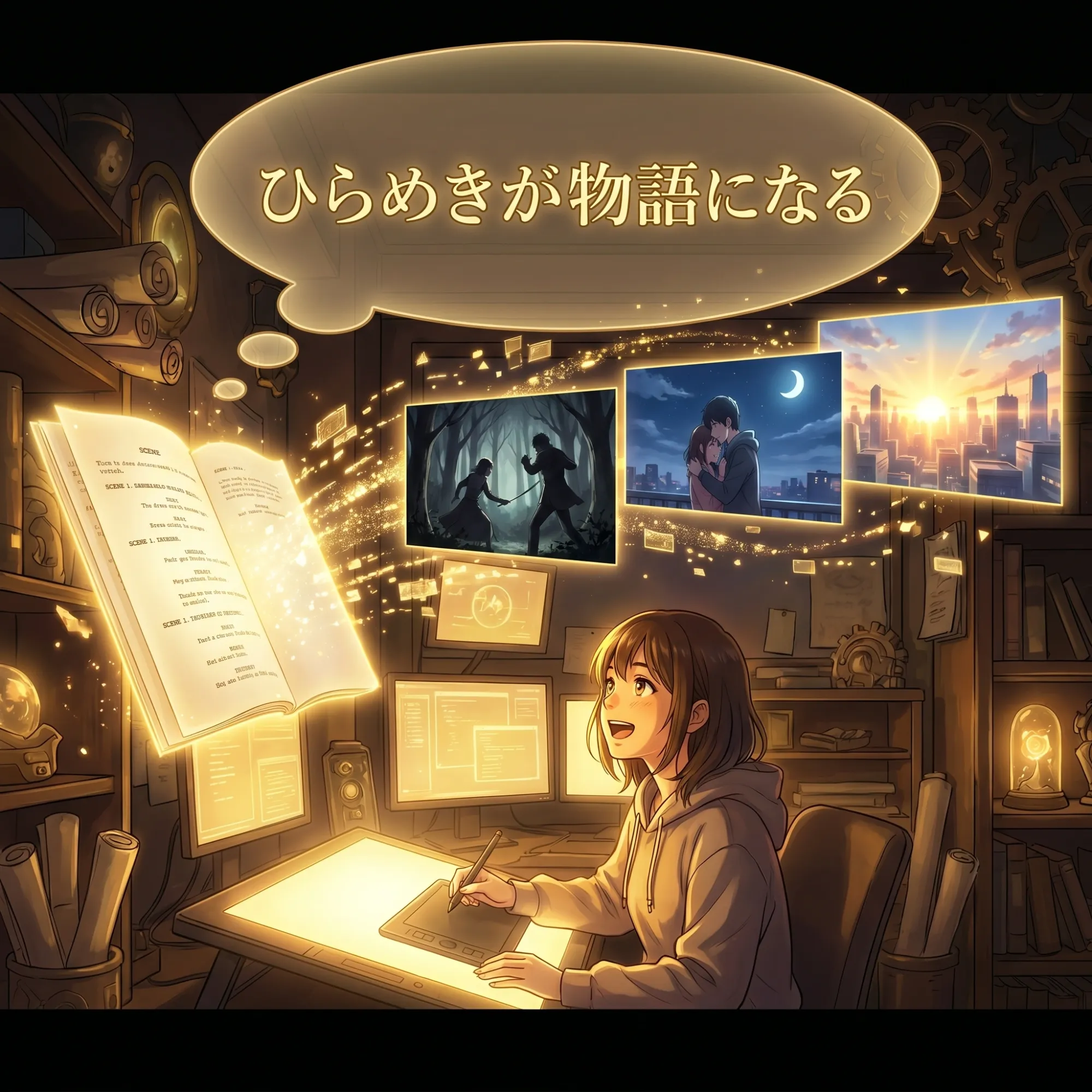
Don't have a script yet? Describe your episode in a sentence or a paragraph and Anijam's AI writes the full episode script for you - complete scenes, dialogue, character actions, and camera directions. Then it immediately animates the script it just generated. Many creators start with a single idea like "a girl discovers she can talk to ghosts" and walk away with a complete animated episode in one session.
How to Generate an Animated Episode with Anijam
Step 1: Create an Episode & Tell Your Story
Create a new episode directly on the canvas and manage your entire series in one workspace. Add episodes, switch between chapters, or start with a script, story idea, or simple prompt. Anijam's AI agent helps turn your idea into a structured episode.
Step 2: Continue Your Story with AI Director
Continue from previous episodes or add new twists with Anijam's AI director. It helps develop the next chapter while keeping your characters and storyline consistent.
Step 3: Generate & Animate Your Episode
Anijam automatically breaks your story into scenes, generates visuals, syncs dialogue with lip animation, and assembles your clips into a complete animated episode. Edit scenes, refine details, and export your final video - ready for YouTube, TikTok, or social media.
See What Creators Are Building with Anijam's AI Episode Generator
From original anime series and cartoon web shows to YouTube story episodes and cinematic shorts - creators use Anijam to turn episode scripts into fully animated videos with consistent characters, lip sync dialogue, and AI-directed storytelling.
Who Uses Anijam's AI Episode Generator
Social Media Creators
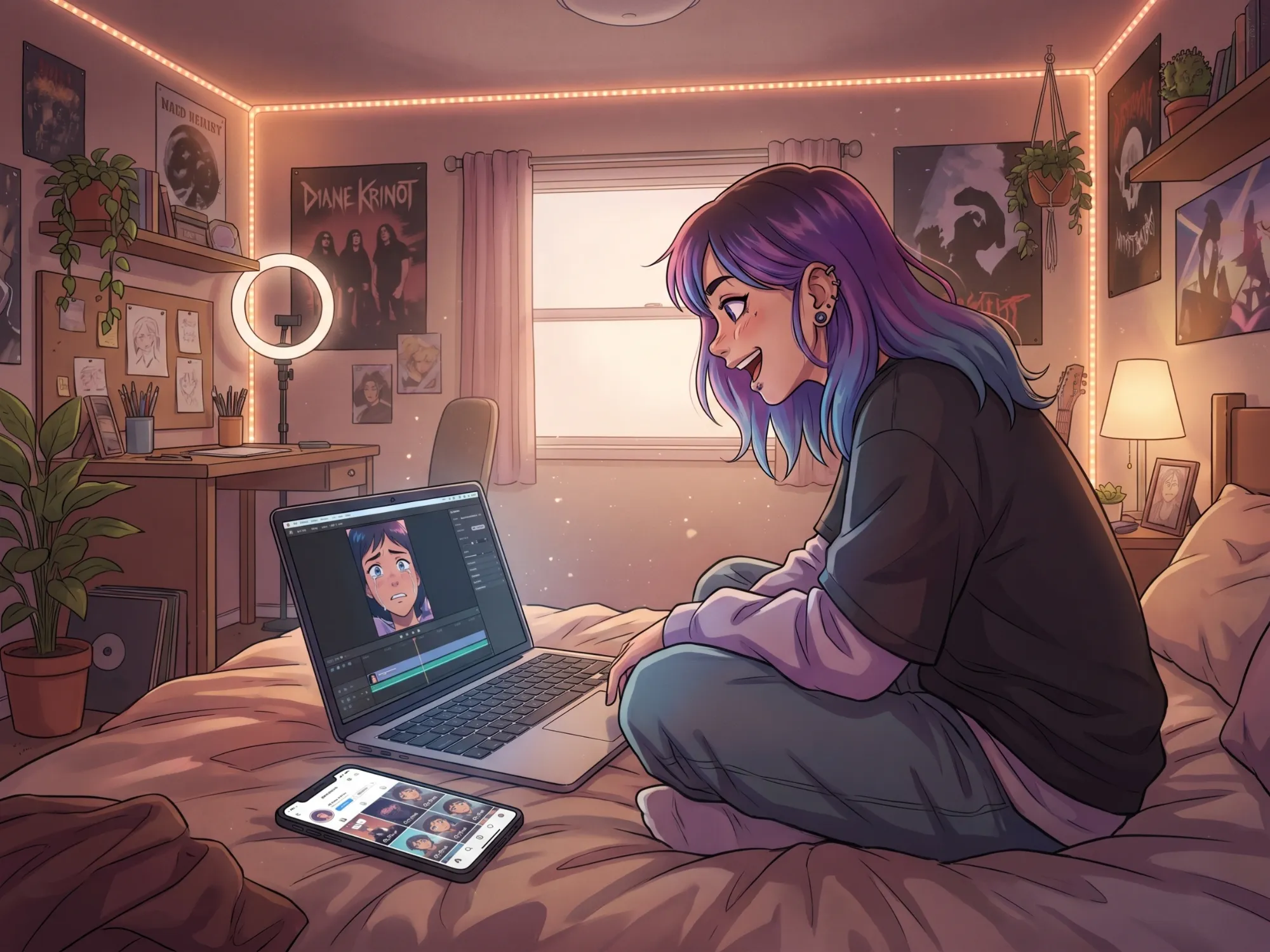
Build short-form episodic series for TikTok, Instagram Reels, and YouTube Shorts. Generate 30-90 second animated episodes at content-creator speed - consistent characters across episodes keep your audience coming back.
Animate Any Episode Concept with Anijam
From anime originals and cartoon web series to YouTube story channels and TV pilot previews - Anijam's AI episode generator handles the full pipeline so you can focus on the story.
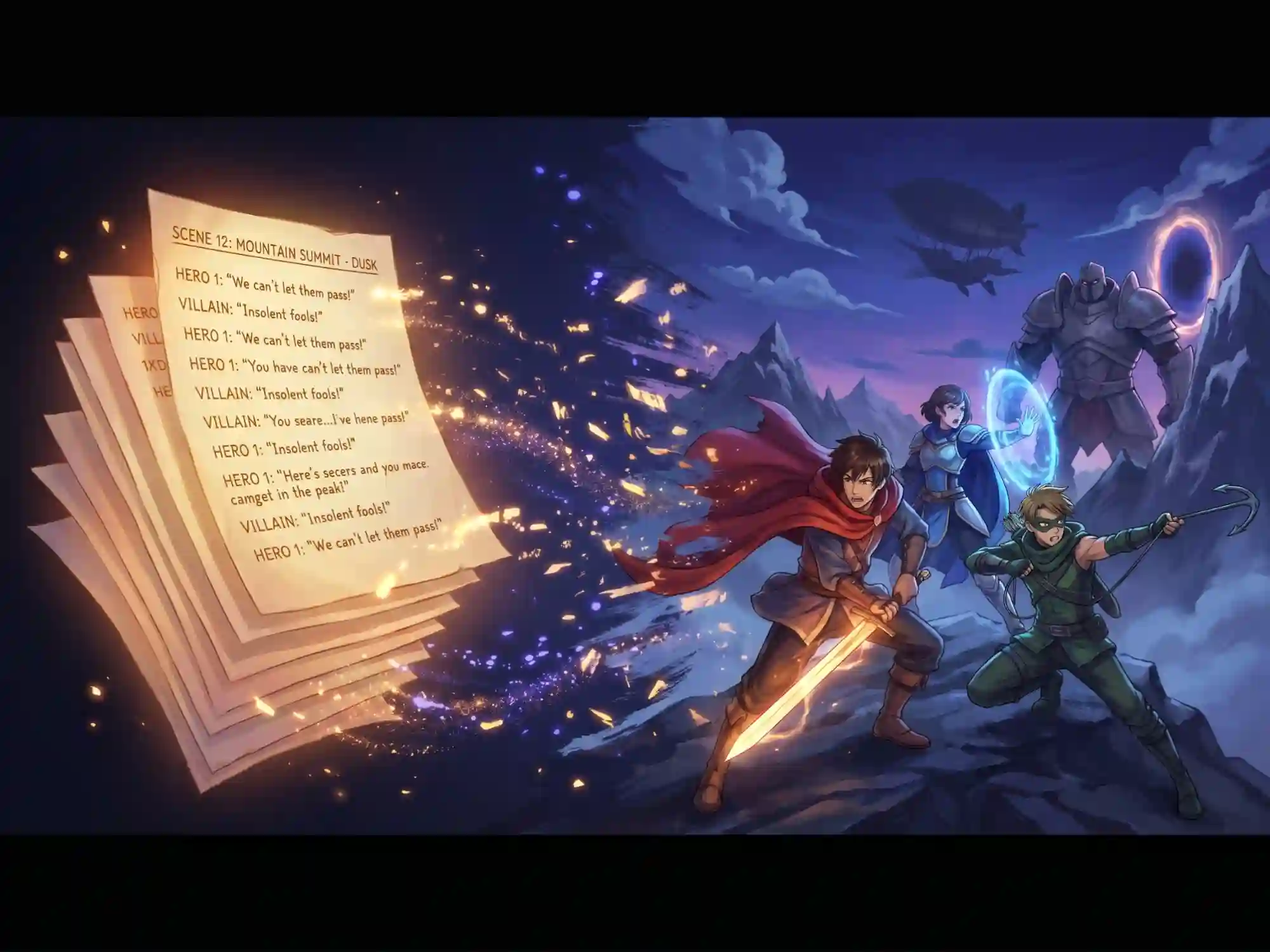
Generate Anime Episodes from Script
Write your anime episode, define your cast, and generate a complete animated episode in authentic anime style - expressive characters, dynamic transitions, and consistent visual design from opening scene to credits.
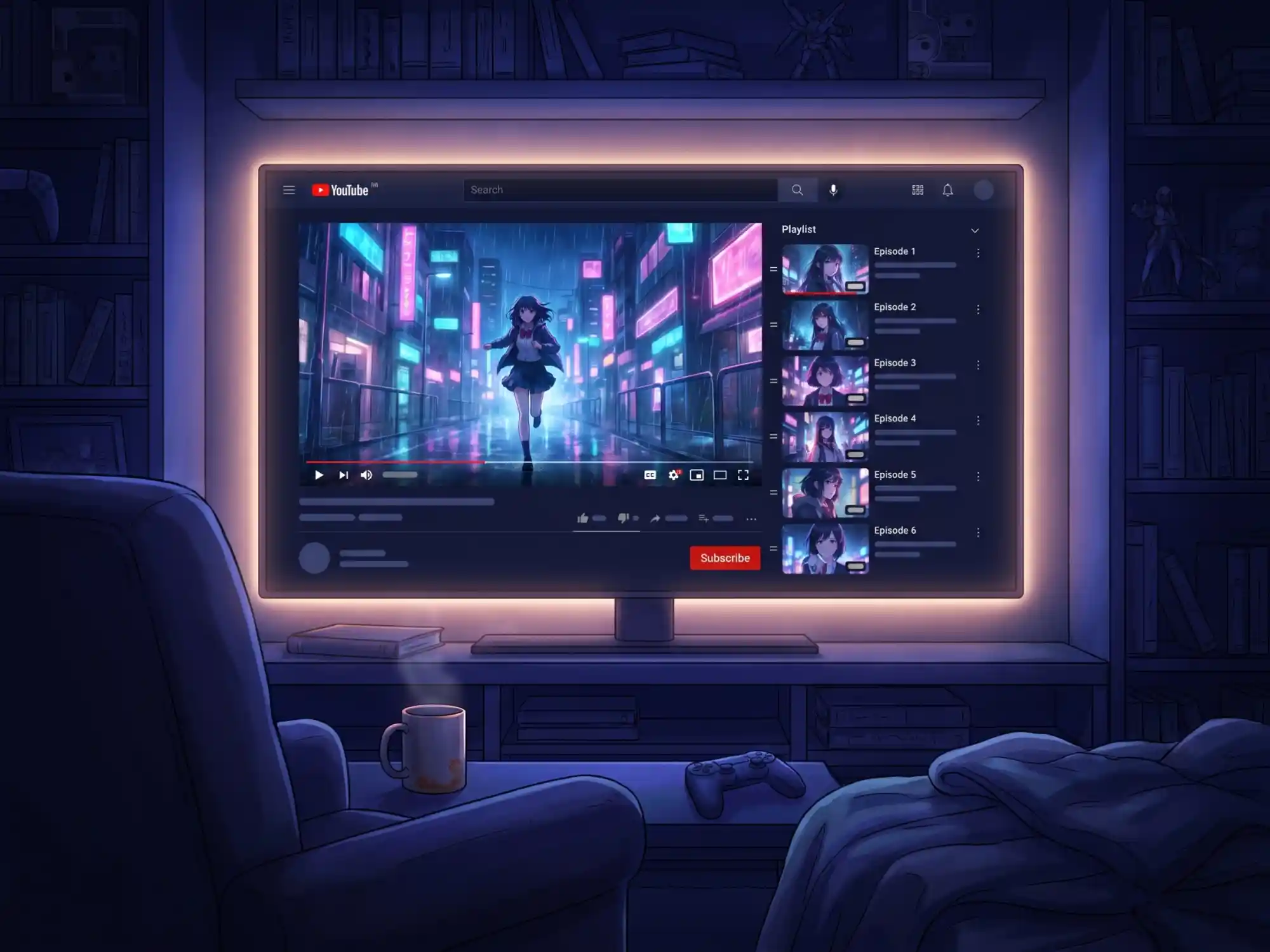
Build Episodic YouTube Story Series
Create animated YouTube episodes with recurring characters, consistent visual style, and AI voiceover synced to every line. No face camera. No editing timeline. Just script in, episode out.
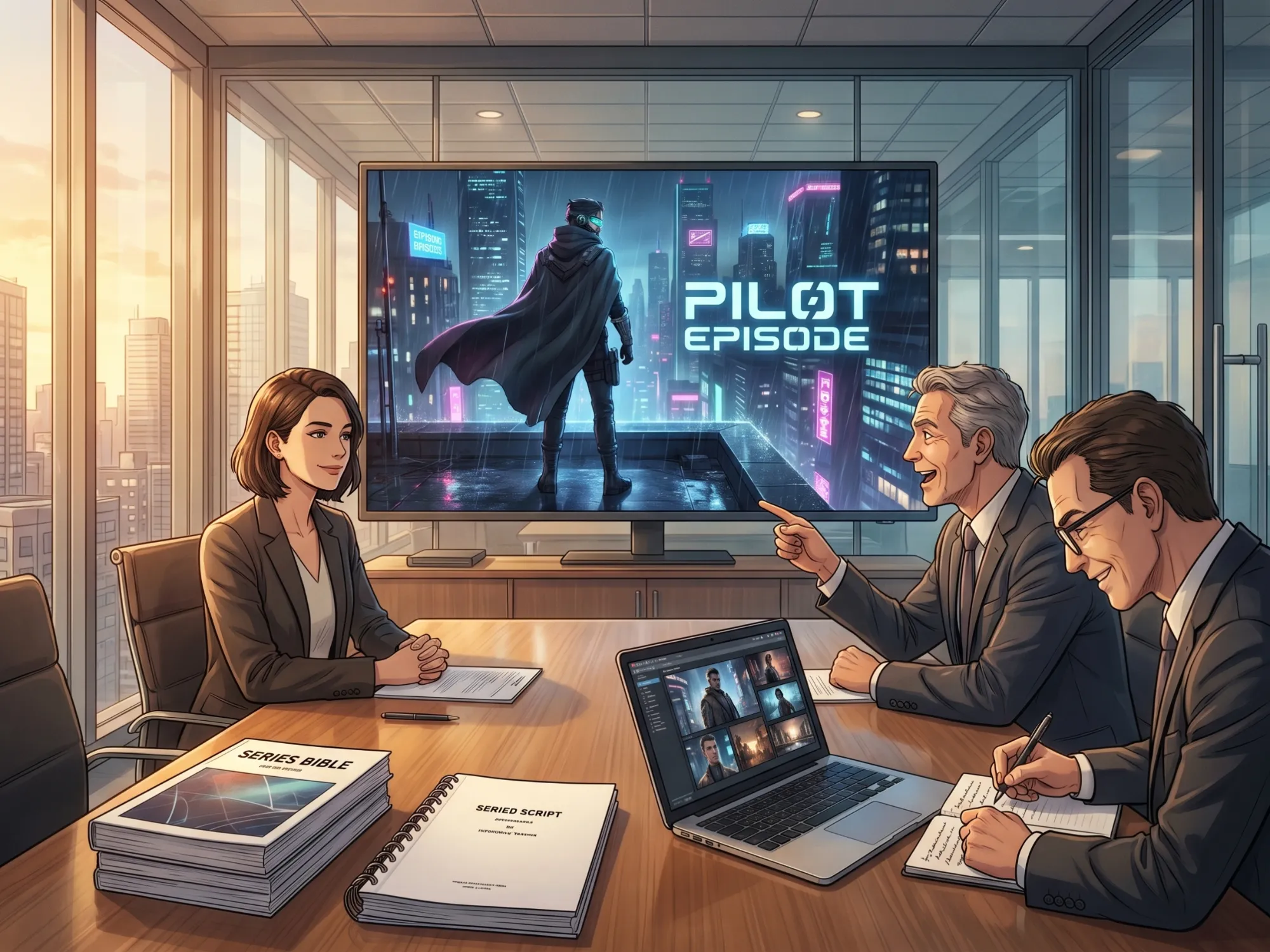
Produce TV Show Pilot Episodes with AI
Bring your TV show concept to life with a full animated pilot episode. Test story ideas, visualize your cast, and present your show concept as a watchable animated episode - without a production budget.
Why Choose Anijam's AI Episode Generator

Free to Start
Generate animated episodes with Anijam's free credits. Experience the full episode pipeline - scene generation, character design, and lip sync.

Ready-to-Use Episode Templates
Start from a pre-built episode template instead of a blank canvas. Anime series, short drama, cinematic pilot, YouTube story — every template is structured and ready to animate. Just add your story.

Generate a Full Episode in Minutes
Paste your script, pick a style, and Anijam's AI agent renders a complete multi-scene episode — scenes, characters, camera work, and lip sync assembled automatically. No production timeline. No waiting.

Multiple Animation Styles
Anime, 3D cinematic, stylized 2D, cyberpunk, and more — generate your episode in any visual style. Creator plan users can also train a custom Pro Style for a consistent signature look across their entire series.

No Animation Skills Needed
No Blender, no After Effects, no keyframing. If you can write a script or choose a template, you can produce a full animated episode. The entire pipeline runs from your text input, automatically.

Create Anytime & Anywhere
Anijam runs in your browser and on iOS — create and review episodes on any device, anytime. Export your finished episode without a watermark, ready to publish anywhere.
Explore More Anijam AI Animation Tools



What Creators Are Saying
More about AI Video Creation & Inspiration
FAQ
What is an AI episode generator?
An AI episode generator is a tool that uses artificial intelligence to create episode content from a script or story idea. Some tools generate only text - a plot outline or script draft. Anijam goes further: it's a full AI episode generator that converts your written script into a complete animated video episode, with visual scenes, moving characters, cinematic camera work, and synchronized dialogue - all automatically, in one platform.
Can Anijam generate anime episodes with AI?
Yes. Anijam is built for anime-style episode generation. Write your anime episode script, design your characters once, and Anijam animates the full episode in authentic anime visual style - with consistent character designs, expressive facial animation, lip-synced dialogue, and scene transitions designed to match anime storytelling conventions. It's the most complete AI anime episode generator available.
Is Anijam's AI episode generator free to use?
Yes. You can earn free credits simply by signing up, logging in daily, and completing your daily check-in. With these free credits, you can paste an episode script, generate animated scenes, design characters, and use the full script-to-animation pipeline, including AI lip sync for free.
How is Anijam different from text-based AI episode generators?
Most AI episode generators - like WriteCream or Musely - produce text output only: a plot outline, episode synopsis, or script draft. They stop at text. Anijam converts your episode script into a real animated video, with visual scenes, moving characters, camera work, and synchronized dialogue. If you need a watchable episode video - not just a script - Anijam is the tool for you.
Can I generate a TV show episode with AI?
Absolutely. Anijam supports TV-show style episode creation with multi-scene structure, recurring characters across scenes, and a consistent visual style. You can generate pilot episodes, test story concepts with animated mockups, or produce spec scripts as animated previews for pitches - all without a production team.
Does Anijam generate the episode script too, or do I need to write it?
Both options are available. If you have a finished script, paste it in. If you only have a rough idea, Anijam's AI agent generates a complete multi-scene episode script with camera directions from a single sentence or paragraph. Many creators start with just a concept - "a robot learning to be human in a futuristic city" - and let Anijam build the full narrative structure and animate it automatically.
Can I maintain the same characters across multiple episodes in a series?
Yes. Anijam stores your characters as persistent project assets - not one-time generated images. When you create Episode 2, Episode 3, or Episode 10, your characters look identical to how they appeared in Episode 1. There's no character drift, no redesigning between episodes. Your series maintains full visual continuity automatically across as many episodes as you produce.
What animation styles can I use for my AI-generated episodes?
Anijam supports multiple styles for episode generation: anime, 3D cinematic, Ghibli-inspired, classic cartoon, Minecraft block-style, and game-art. Creator plan users can also train a custom Pro Style for a unique, signature look that stays consistent across every episode of their series.
Can I use AI-generated episodes commercially - for YouTube monetization or client work?
Yes. Commercial usage rights are available on Anijam's Beginner plan and above. Paid-plan exports are watermark-free and licensed for YouTube monetization, paid advertising, client deliverables, branded content, and product marketing. The free plan is for personal exploration.