


| Original Video | Output Video |
|---|---|
Video to Anime AI
Easily transform real footage into anime-style videos with AI. Simply upload your video, describe the anime look you want, and generate a new version of your footage with its original subjects, movements, and composition as the foundation. No drawing skills or complex editing
Convert Video to Anime with AI
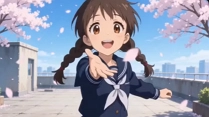
Transform your existing videos into anime-style animations with Anijam's Video to Anime AI tool. Convert live-action footage into anime visuals while carrying over the original video's movements, expressions, and scene progression.
Whether you're creating anime-inspired content for social media, exploring a new visual style for personal projects, or simply reimagining your favorite videos, Anijam helps bring your ideas to life through AI video transformation.
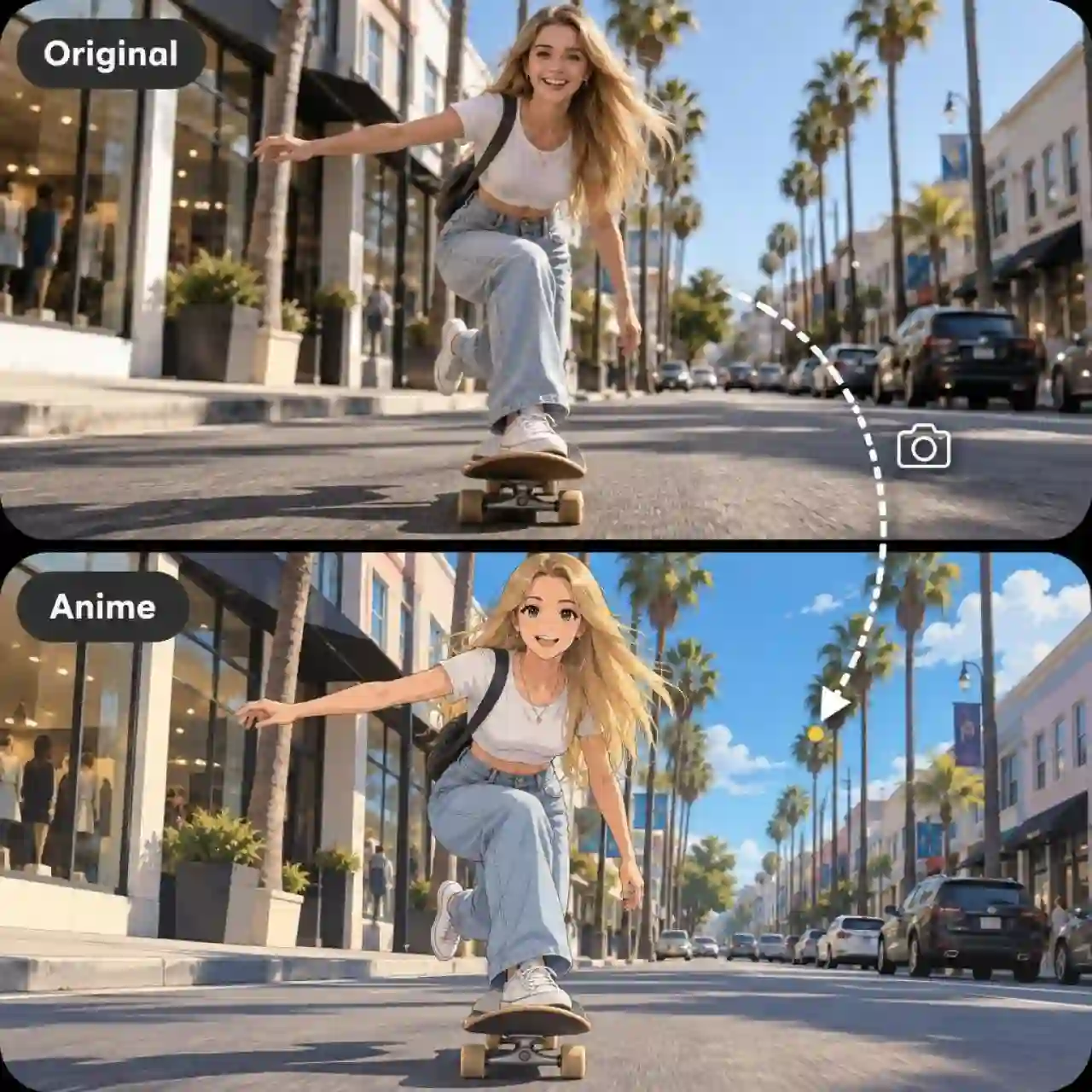
Preserve Original Motion and Camera Movement
Transform your footage into anime while keeping the original actions and movement recognizable. Your anime video follows the motions and scene progression of the source clip.
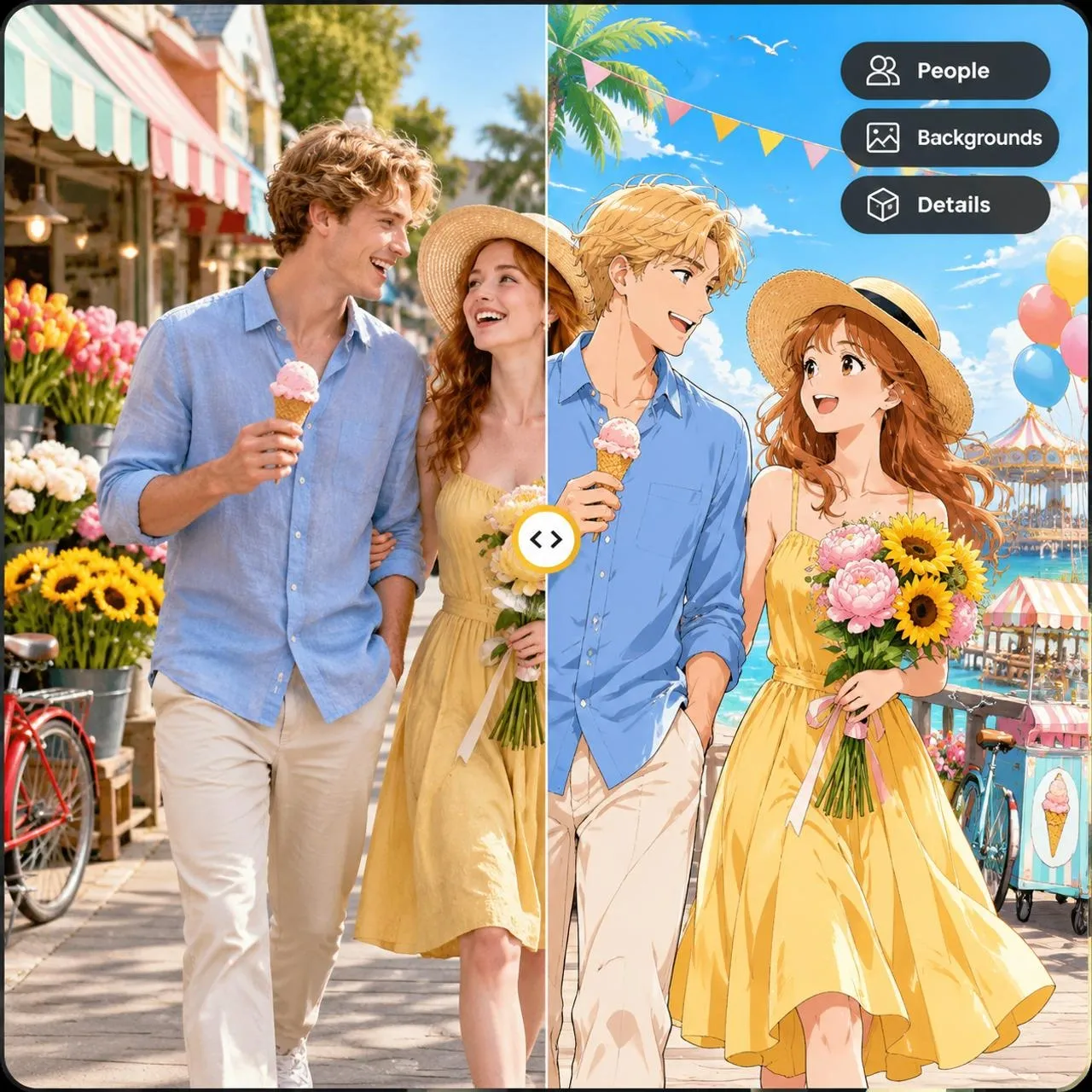
Transform the Entire Video into Anime
Turn your live-action footage into anime-style visuals, including the people, backgrounds, and surrounding details. Give the entire clip a cohesive illustrated look instead of applying a simple color filter.
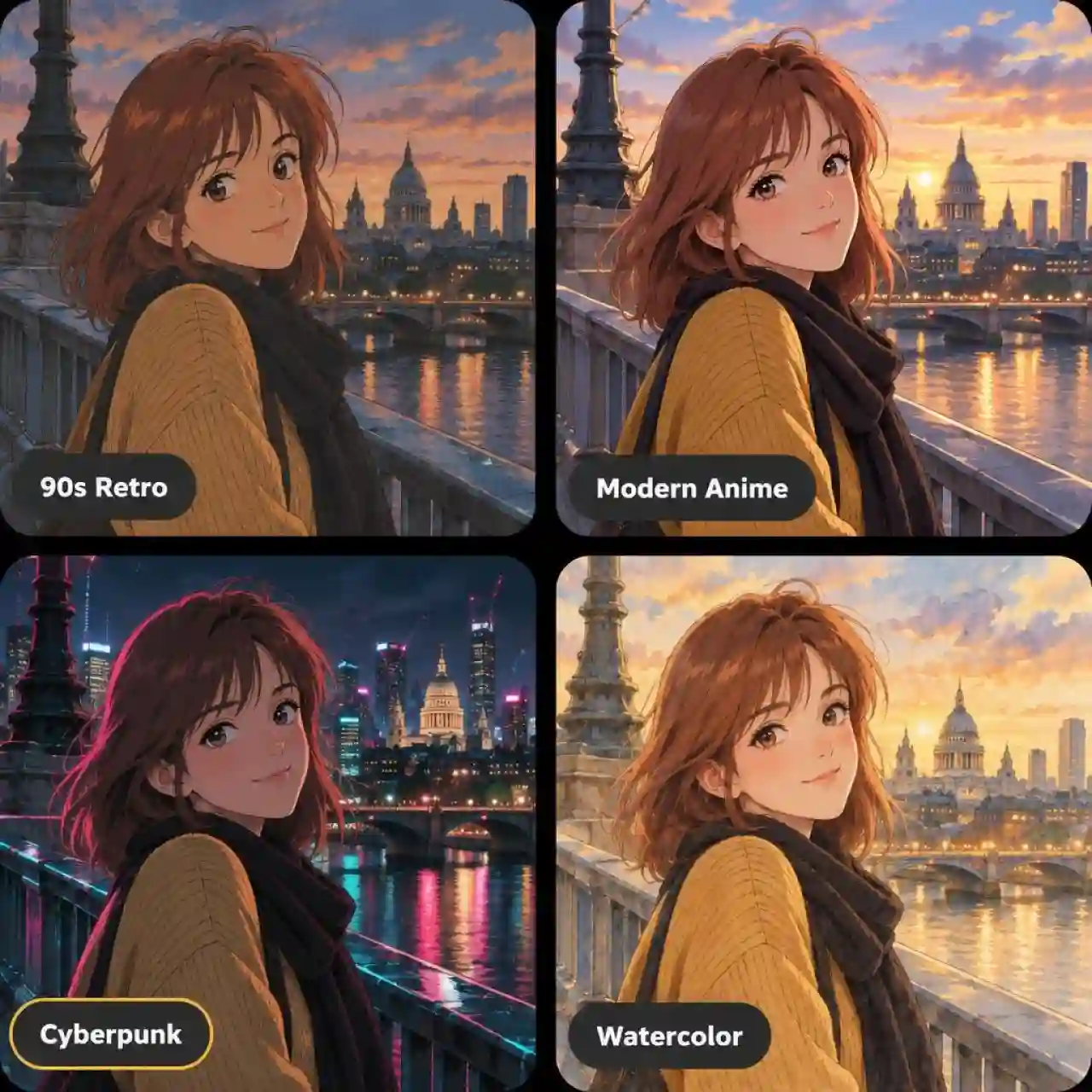
Explore Different Anime Styles
Give your footage a new look with different anime aesthetics. Experiment with distinct visual styles to find the right appearance for your characters, scenes, and creative ideas.
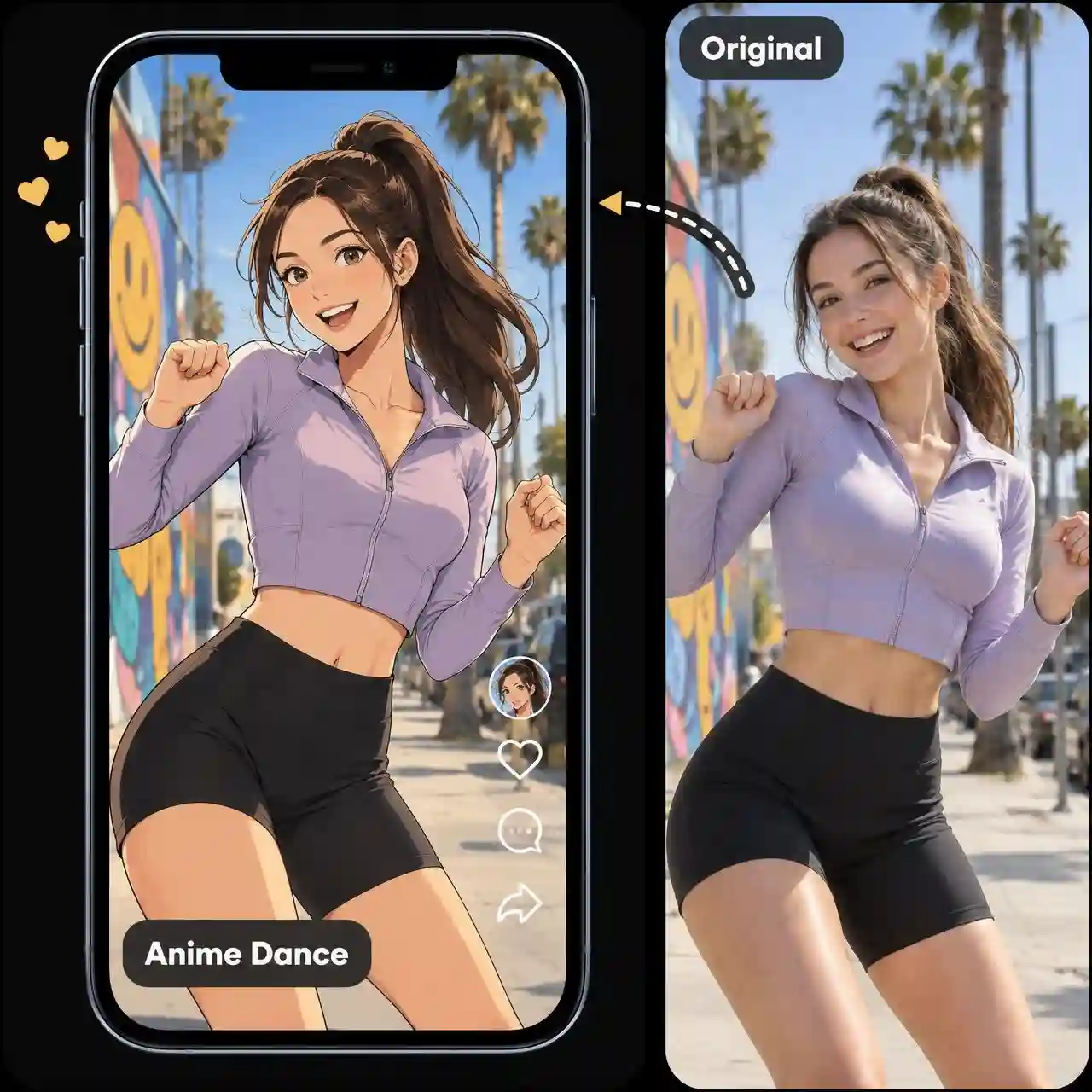
Eye-Catching Anime Videos for Social Media
Turn ordinary footage into eye-catching anime videos that stand out in social feeds. Give your dance clips, vlogs, and personal videos a fresh anime look for sharing on Instagram, TikTok, Facebook, and X.
How to Convert a Video into Anime with AI
Step 01
Step 1: Select a Video Model
Switch to Anijam's AI Video Tool and select Wan 3.0 or Wan 3.0 Prime from the available video models.
Step 02
Step 2: Upload Your Video and Enter an Anime Prompt
Upload your source video, then enter a prompt describing the anime style you want. For example, ask for clean line art, cel shading, or a hand-painted anime look while retaining the original movement and composition.
Step 03
Step 3: Generate and Download Your Anime Video
Click Generate to transform your footage into anime-style video. Preview the result and download your video when you're happy with the output.
Why Creators Choose Anijam's Video to Anime AI Converter

Free Credits to Start
Get free credits when you sign up and earn more with daily check-ins. Try different anime styles without an upfront payment.

Fast Video Generation
Turn your footage into anime-style videos in just a few steps. Spend less time on manual editing and more time creating.

Easy to Use
Choose a video model, upload your clip, and describe the anime style you want. Generate your anime video without manual frame-by-frame editing.

Convert Videos Online
Use Anijam's Video to Anime AI converter directly in your browser. No software installation is needed to get started.

High-Quality Results
Transform your footage with detailed anime visuals, while retaining the original scenes and movement as the basis for the result.

Watermark-Free Downloads
Export your finished anime videos without watermarks, so they're ready to share on social media or use in your projects.
Explore More Anijam AI Video Tools
FAQ
Can AI turn a real video into anime?
Yes. AI video to anime tools can transform existing footage into anime-style visuals. With Anijam, select a supported video model, upload your source clip, and enter an anime-style prompt to generate a restyled video.
Can I use video to anime AI free online?
Yes. You can get free credits by signing up and checking in daily to try Anijam's Video to Anime AI online. Video generation uses credits, and availability may vary by model. Free exports include a watermark and are for personal, non-commercial use. Check the credit cost and access requirements before generating your video.
Will my face and movements stay the same?
The original video provides the basis for the transformation, helping retain its overall actions and composition. However, AI may reinterpret facial features, hands, clothing, and other fine details. The result may not match every frame of the original footage exactly.
How long can my source video be?
The limit for one edit depends on the model you choose. Wan accepts clips of 2 to 15 seconds, while Omni accepts 3 to 10 seconds. For a longer project, convert separate shots and join them on the timeline.