


AI Filter: Try Fun Looks and Trending Effects
Turn your selfies, pet photos, and everyday moments into something unexpected with fun AI filters and trending effects. Explore creative styles, experiment with eye-catching transformations, and create your next favorite look on the web or with the Anijam app.
Pick Your Look from the AI Filter Style Library
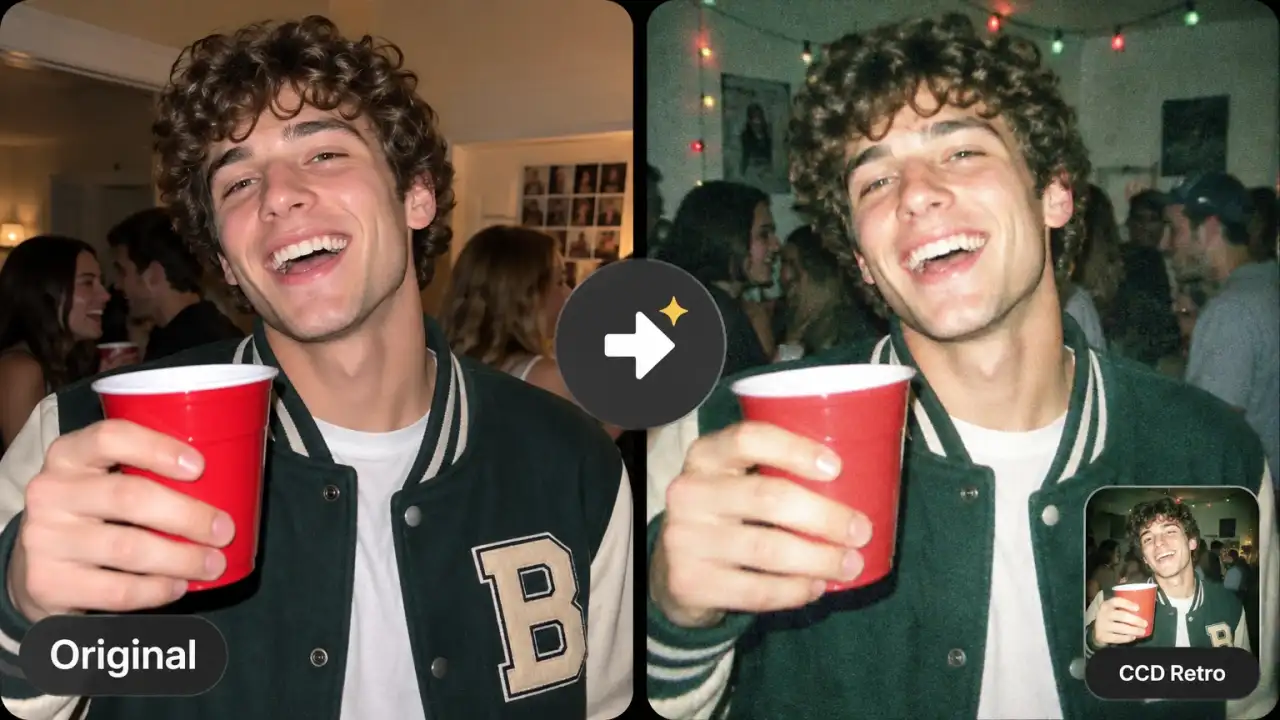
Retro styles such as CCD Retro, Pixel Art, 8-Bit Arcade, and Retro Sci-Fi bring back the looks behind today's nostalgia trends. Use them for throwback posts, game-style avatars, and old-camera vibes.
How to Apply an AI Filter with Anijam
Step 1: Pick a Template or Style
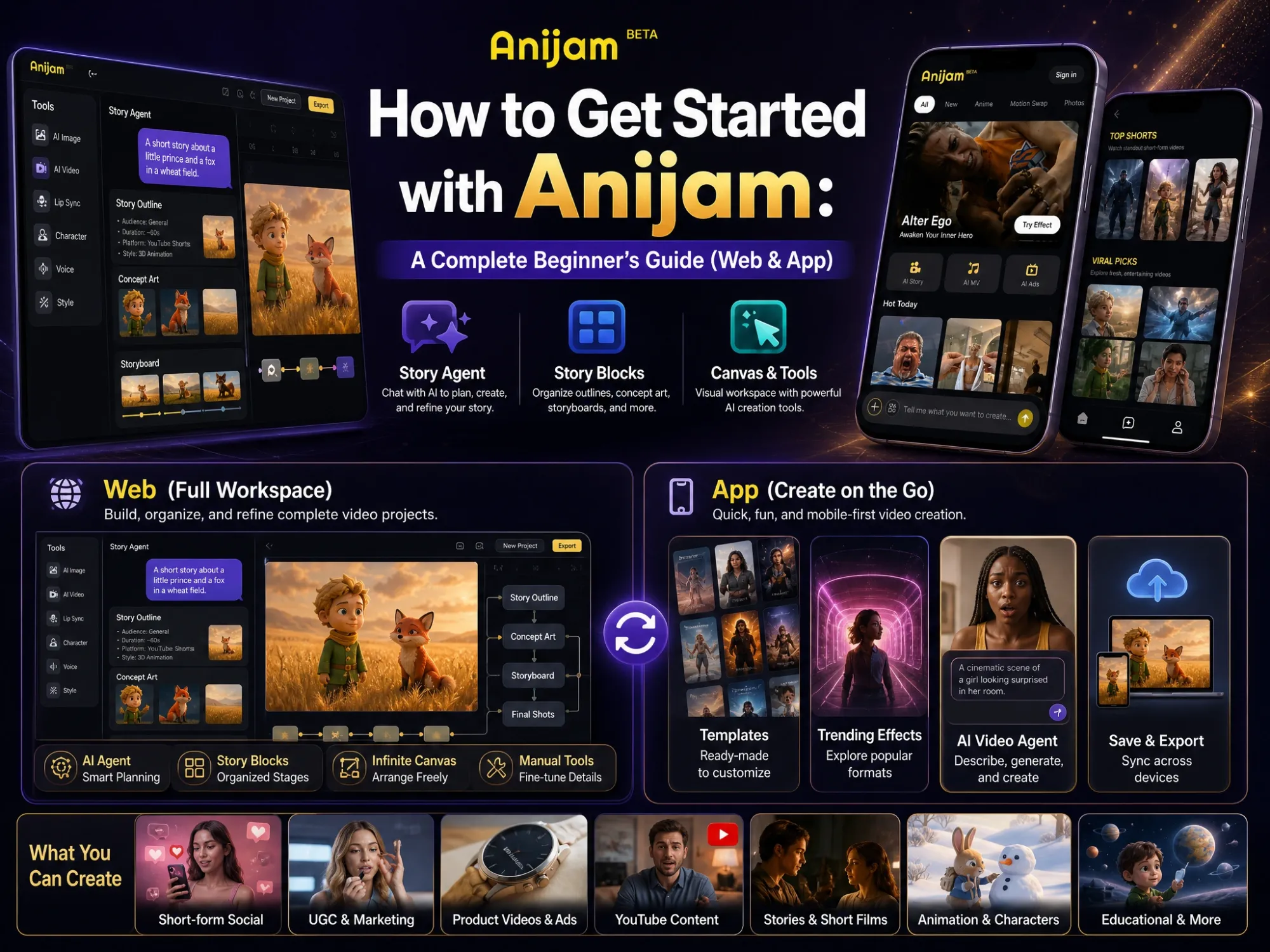
Open Anijam on the web or in the mobile app and choose a trending filter template. Prefer to browse? Click Style on the canvas and pick any look from the style library.
Step 2: Add Your Photo
With a template, swap in your own photo and keep or edit the prompt. With a style, upload your photo in the AI Image panel and describe the details you want.
Step 3: Generate and Share
Click Generate, then download your result or send it to AI Video to turn it into a clip you can post anywhere.
One Place for Every Trending AI Filter
Single-purpose filter apps give you the same few presets, then leave you hunting for another tool to turn the result into a video. Anijam puts trending templates, a full style library, and prompt-based looks in one workspace, so a photo goes from filtered to ready-to-post without switching apps.
Trending AI Filter Templates in One Click
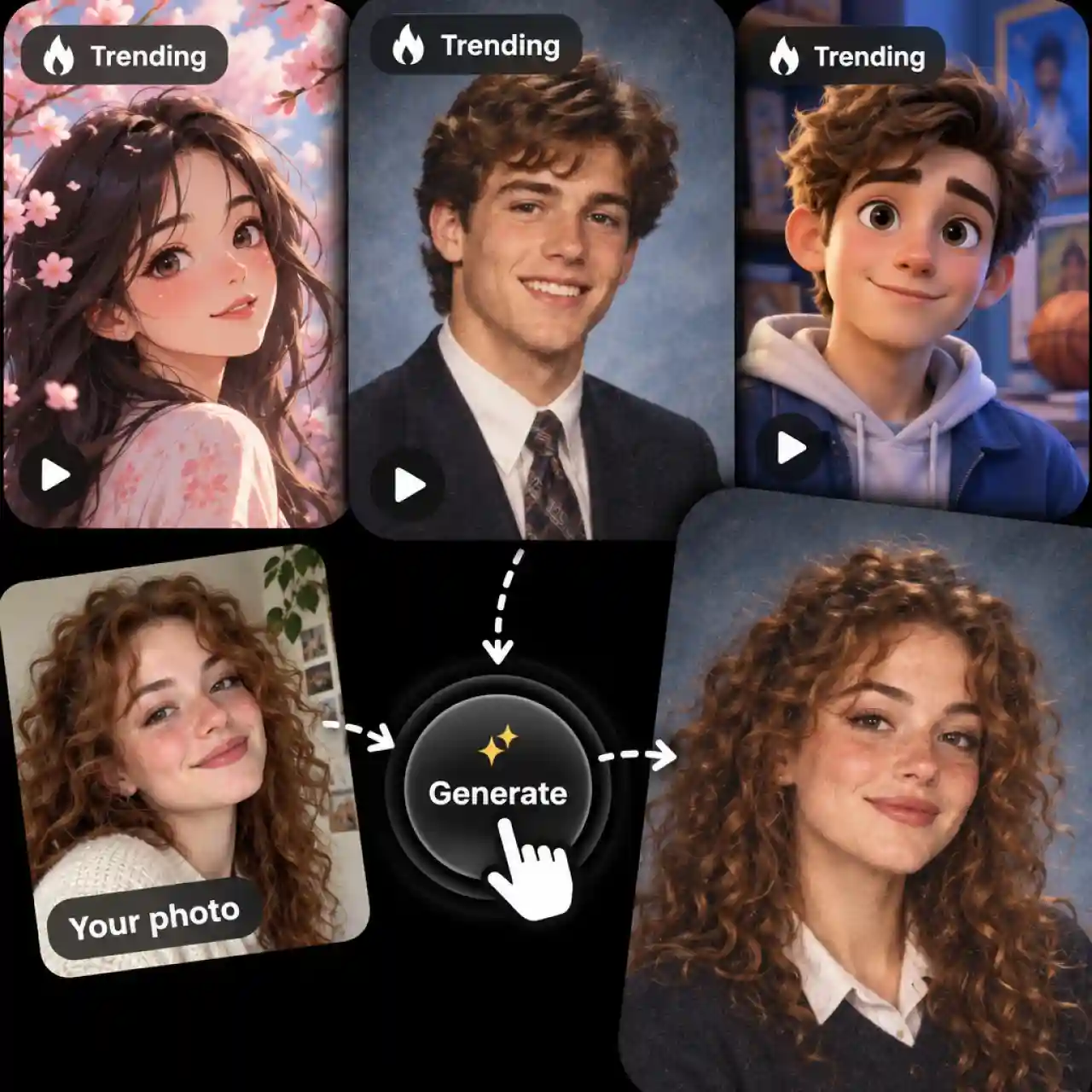
Anijam turns every trending look into a one-click template. Browse templates on the web or in our mobile app, swap in your photo, keep or edit the prompt, and generate the same viral style in seconds. We keep adding new trending templates, so there is always a fresh look to try.
Browse AI Photo Filters by Style
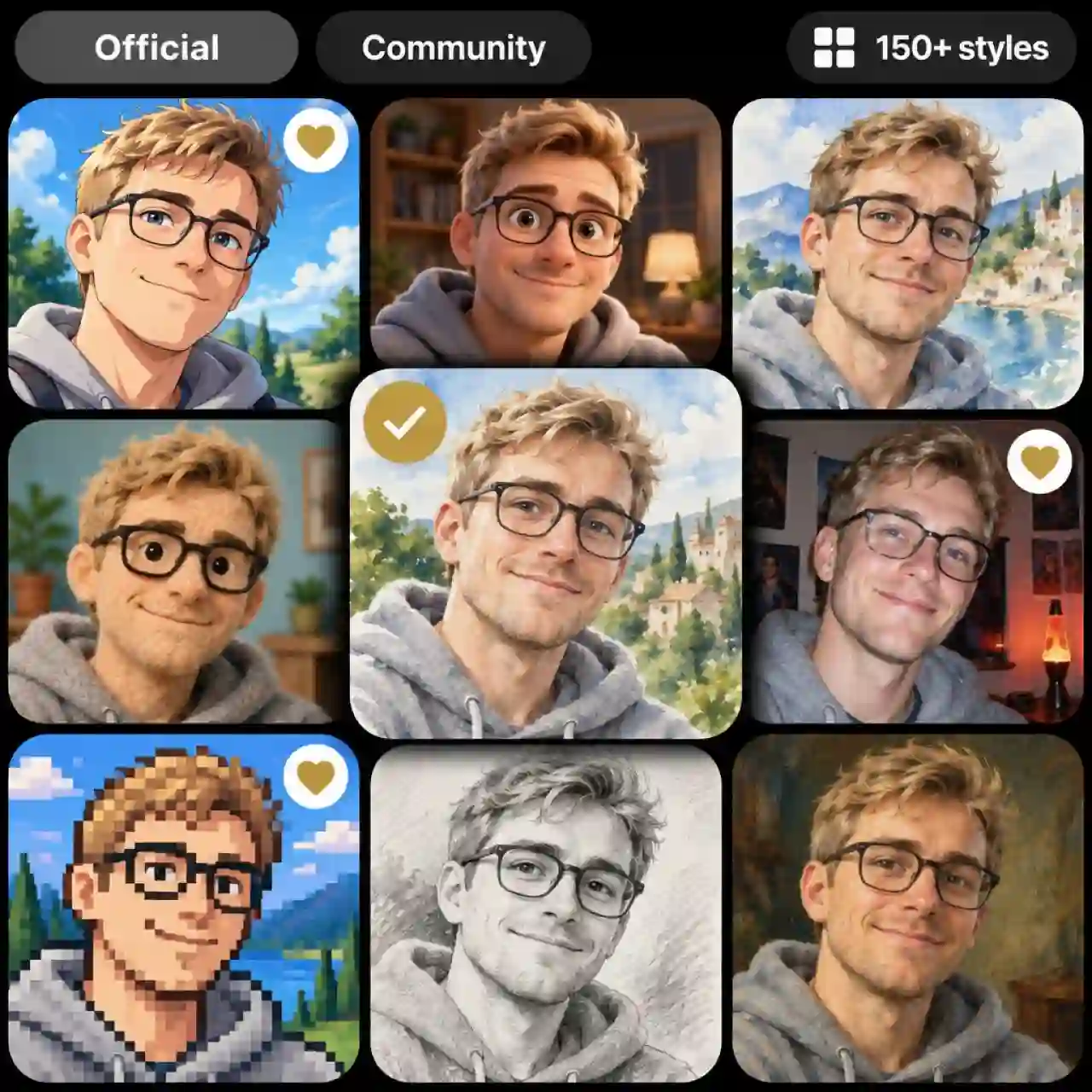
The Style library on the canvas puts over 150 looks in one place, from Manga Sketch and Cozy 3D to CCD Retro and Classic Watercolor. Switch between Official Styles and Community styles, jump to categories such as Realistic, Illustration, Portrait, 3D, Anime, Line Art, and Material Art, then save your favorites for next time.
Custom AI Filter Generator from a Prompt
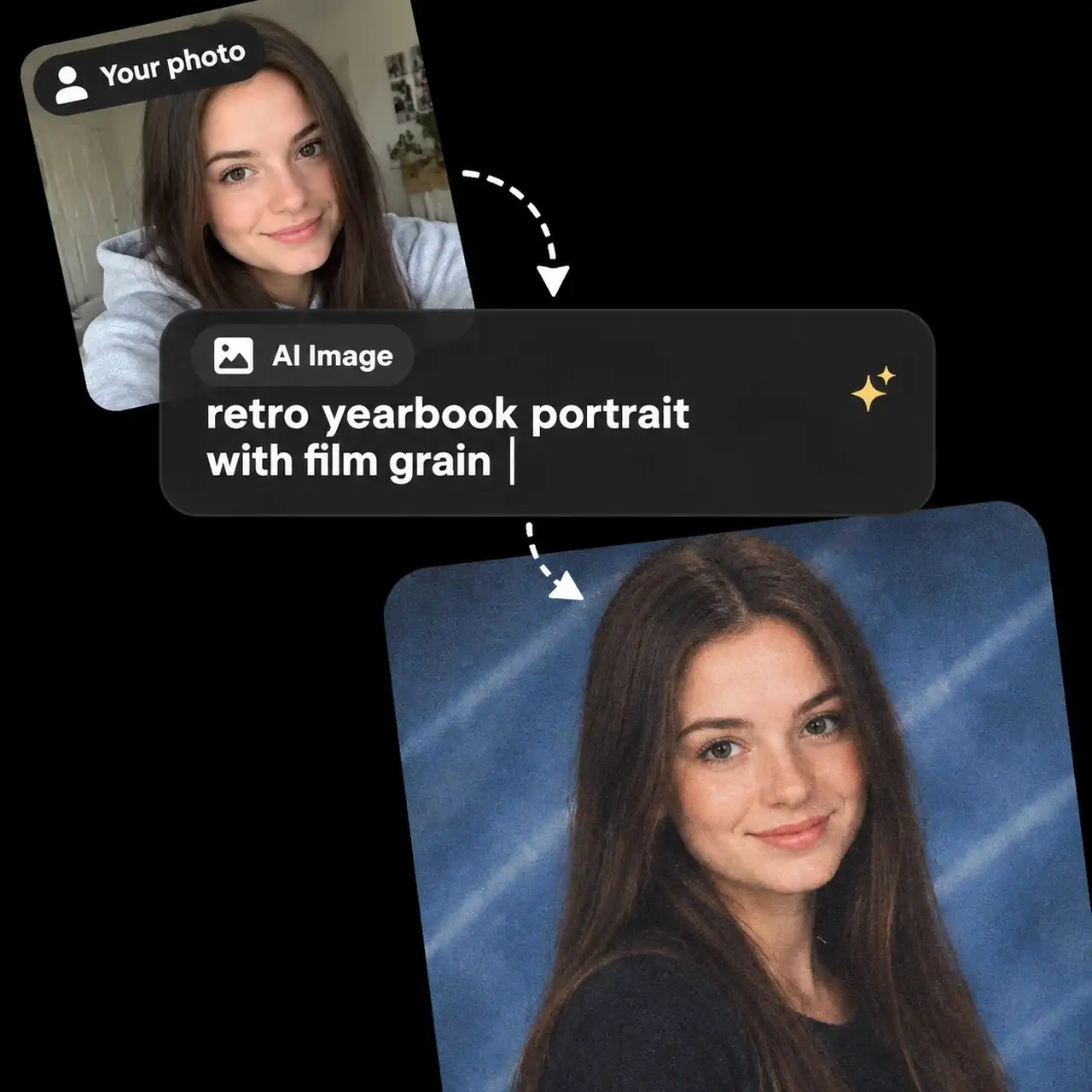
Describe the look you want and Anijam builds it. Upload your photo in AI Image, write a prompt such as "retro yearbook portrait with film grain," choose a model, and generate a result that no preset list could give you.
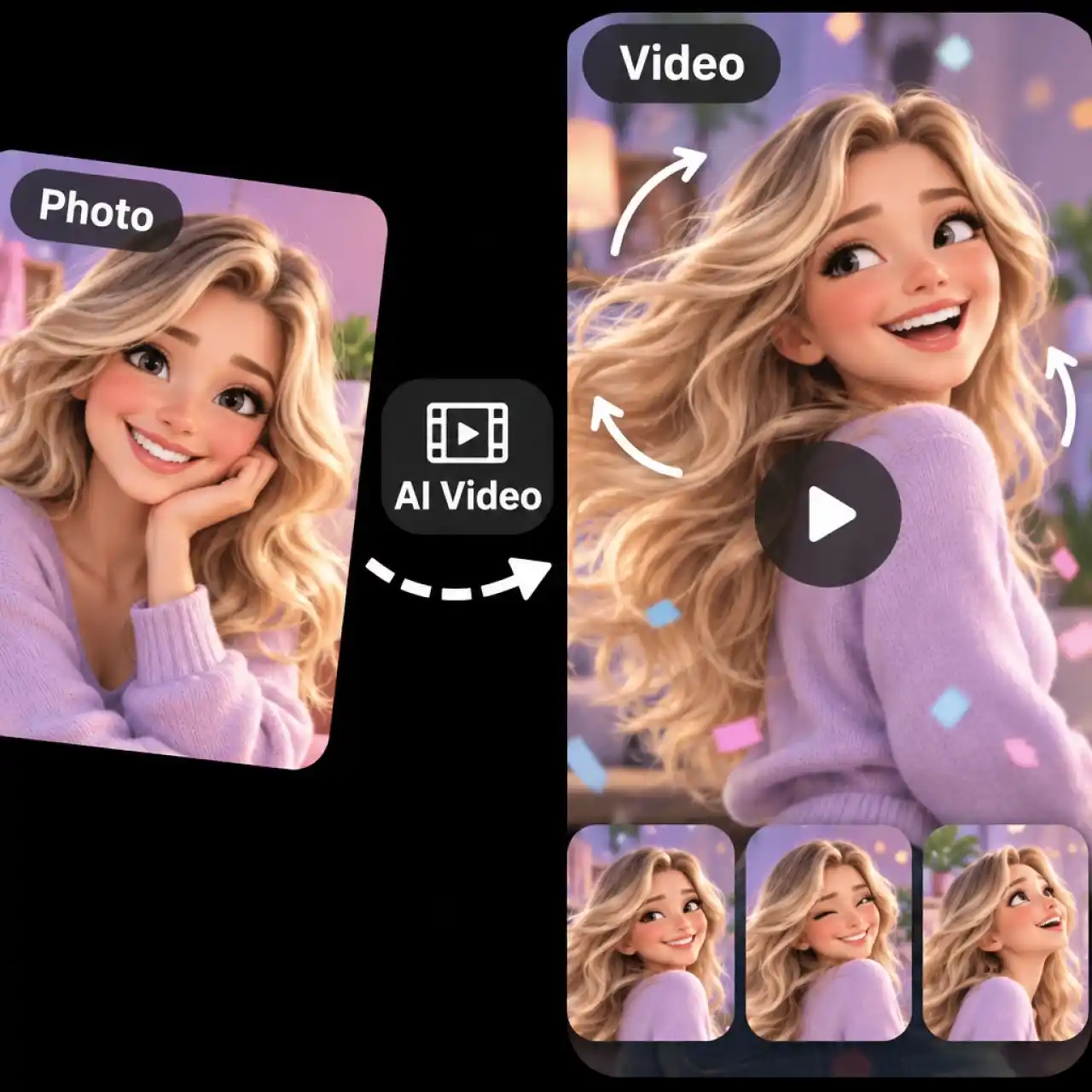
AI Video Filters from a Single Photo
Anijam turns a filtered photo into a short video. Send your result to AI Video, pick a video model, and add motion, so one image becomes a clip ready for TikTok, Reels, or Shorts.
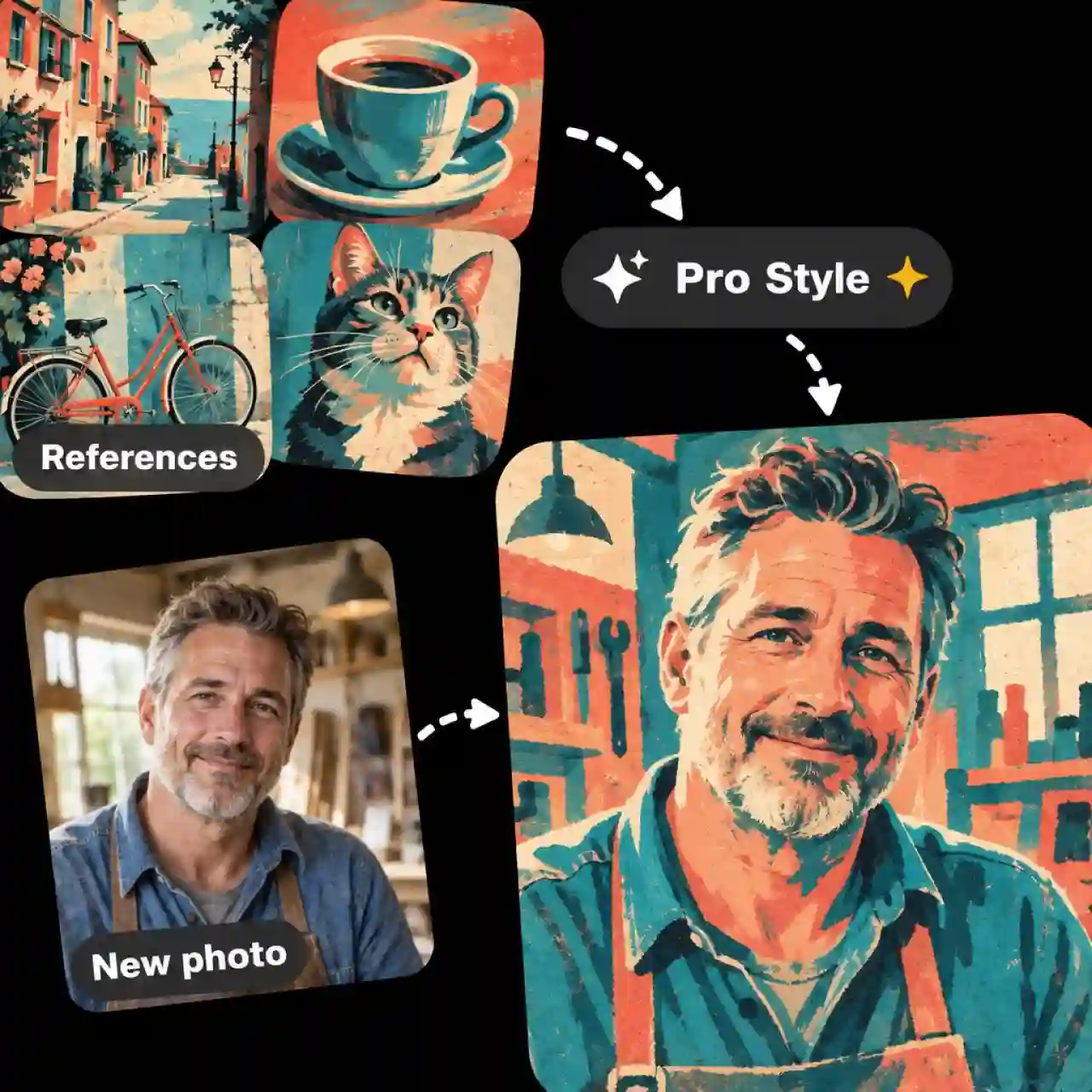
Make Your Own AI Filter from Reference Images
Pro Style teaches Anijam a look that is entirely yours. Upload reference images and it learns the style in minutes, so you can apply the same filter to every new photo.
Popular Ways to Use AI Filters
From viral trends to personal keepsakes, Anijam helps you apply the looks people actually want, in minutes and without any editing skills.
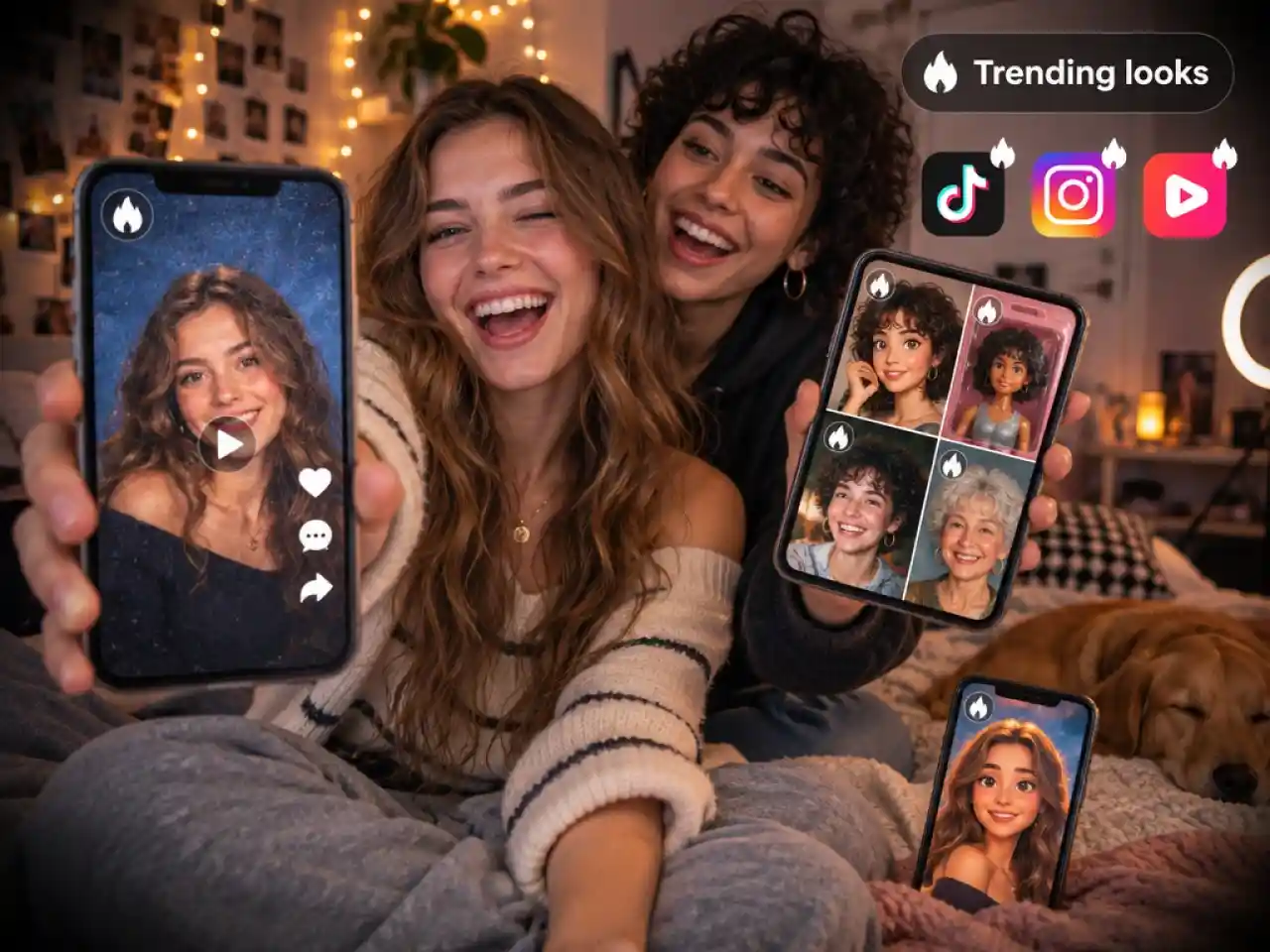
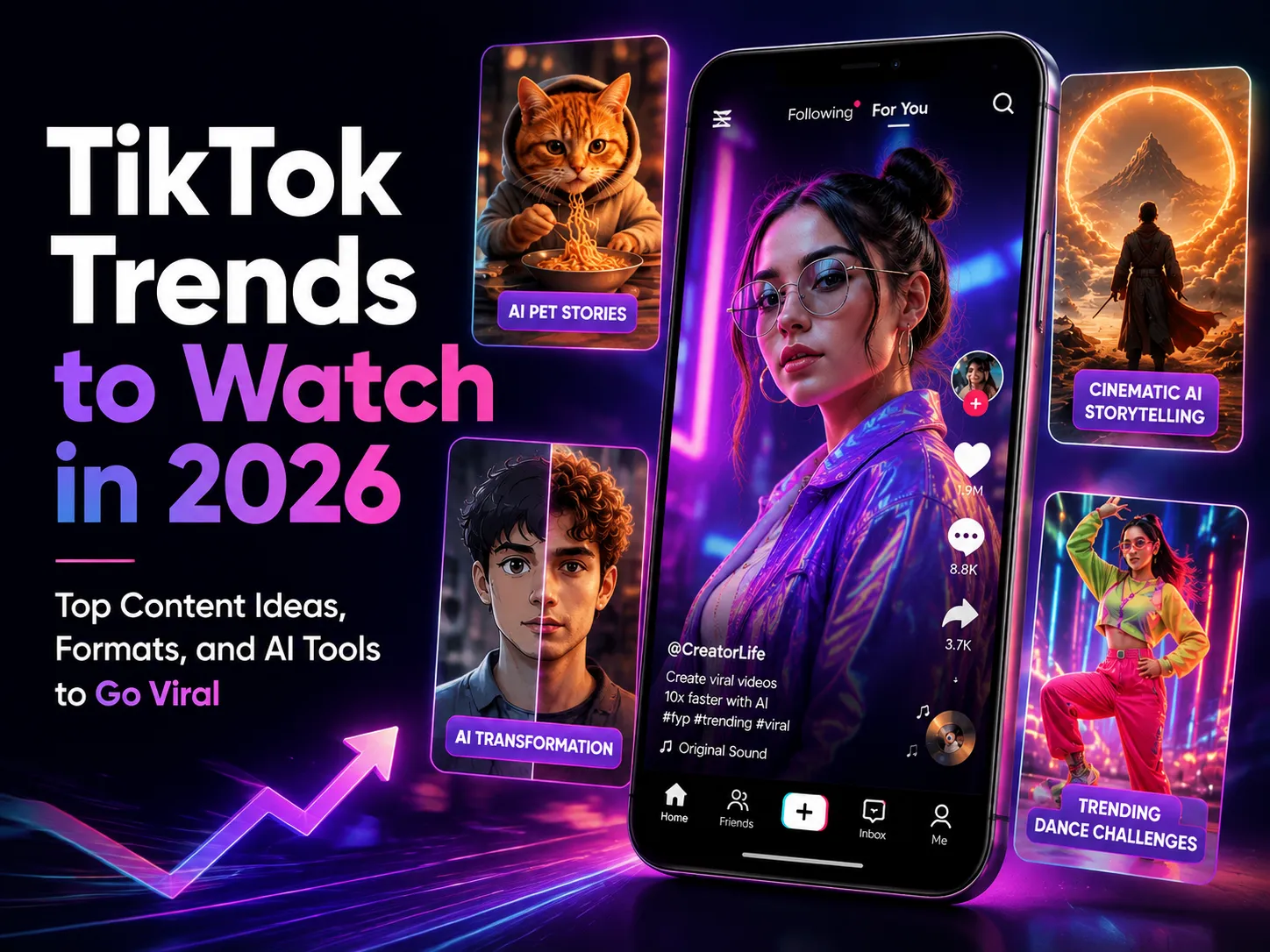
Join Every AI Filter TikTok Trend
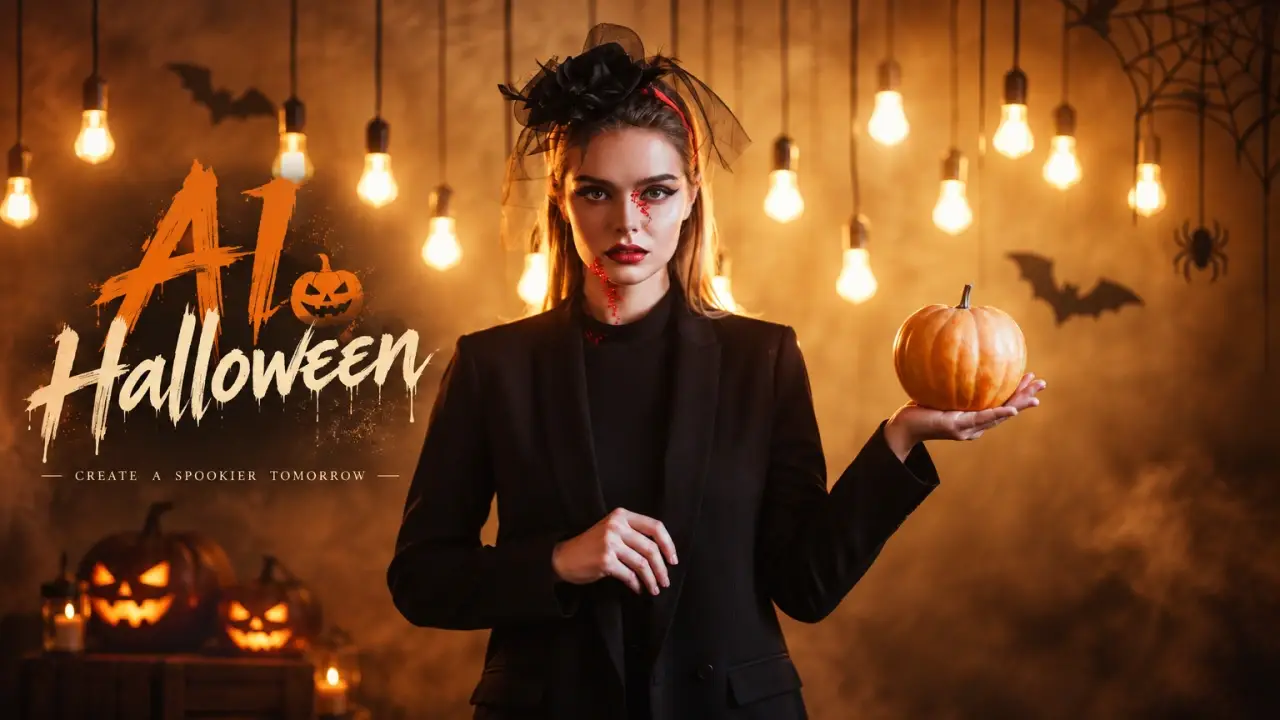
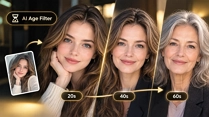
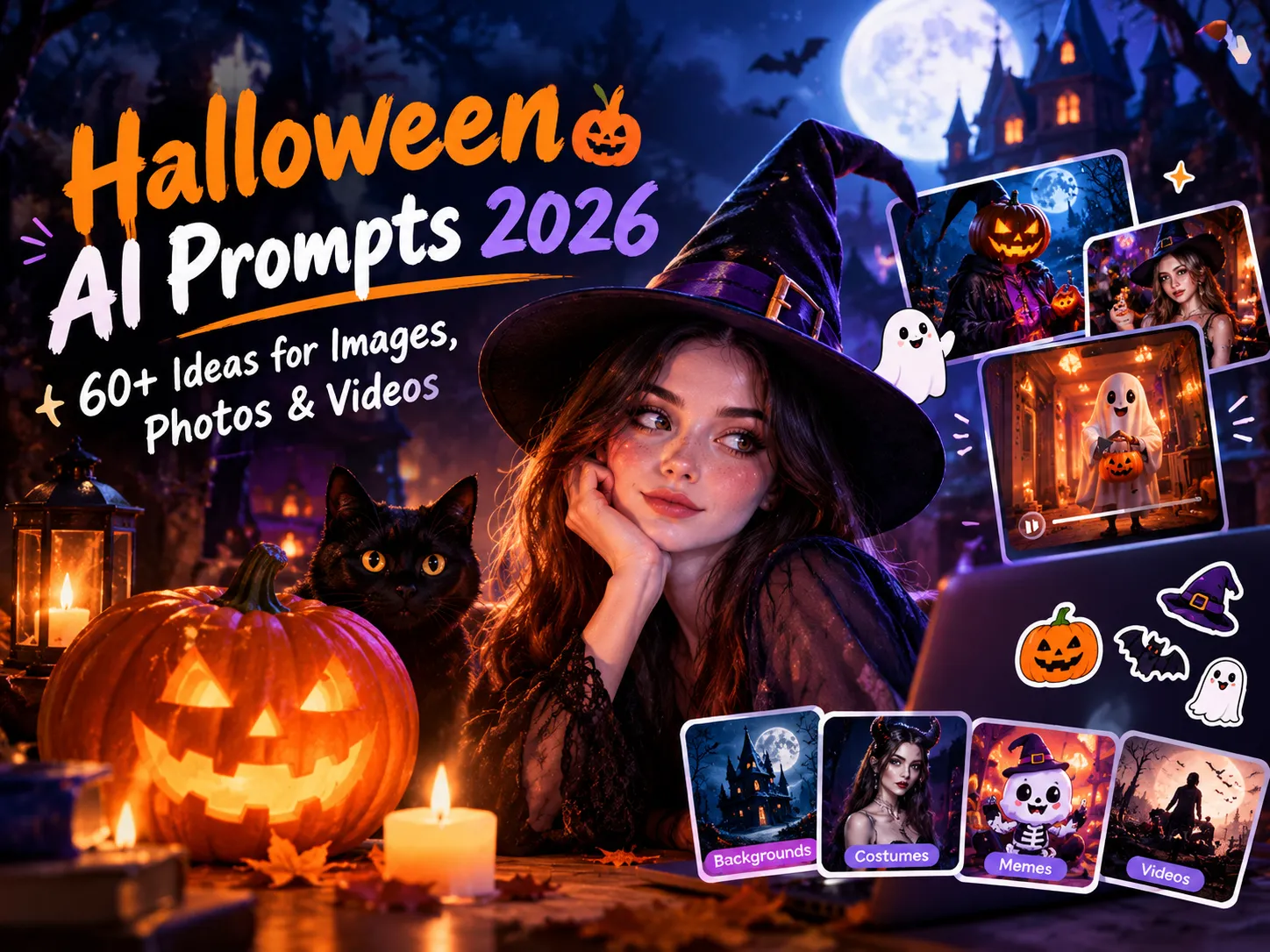
Recreate the looks your feed is buzzing about, from anime portraits to retro yearbook shots and age effects. Find a template that matches the trend, like our Halloween templates, or describe it in a prompt, and post the result as a photo or a short video.
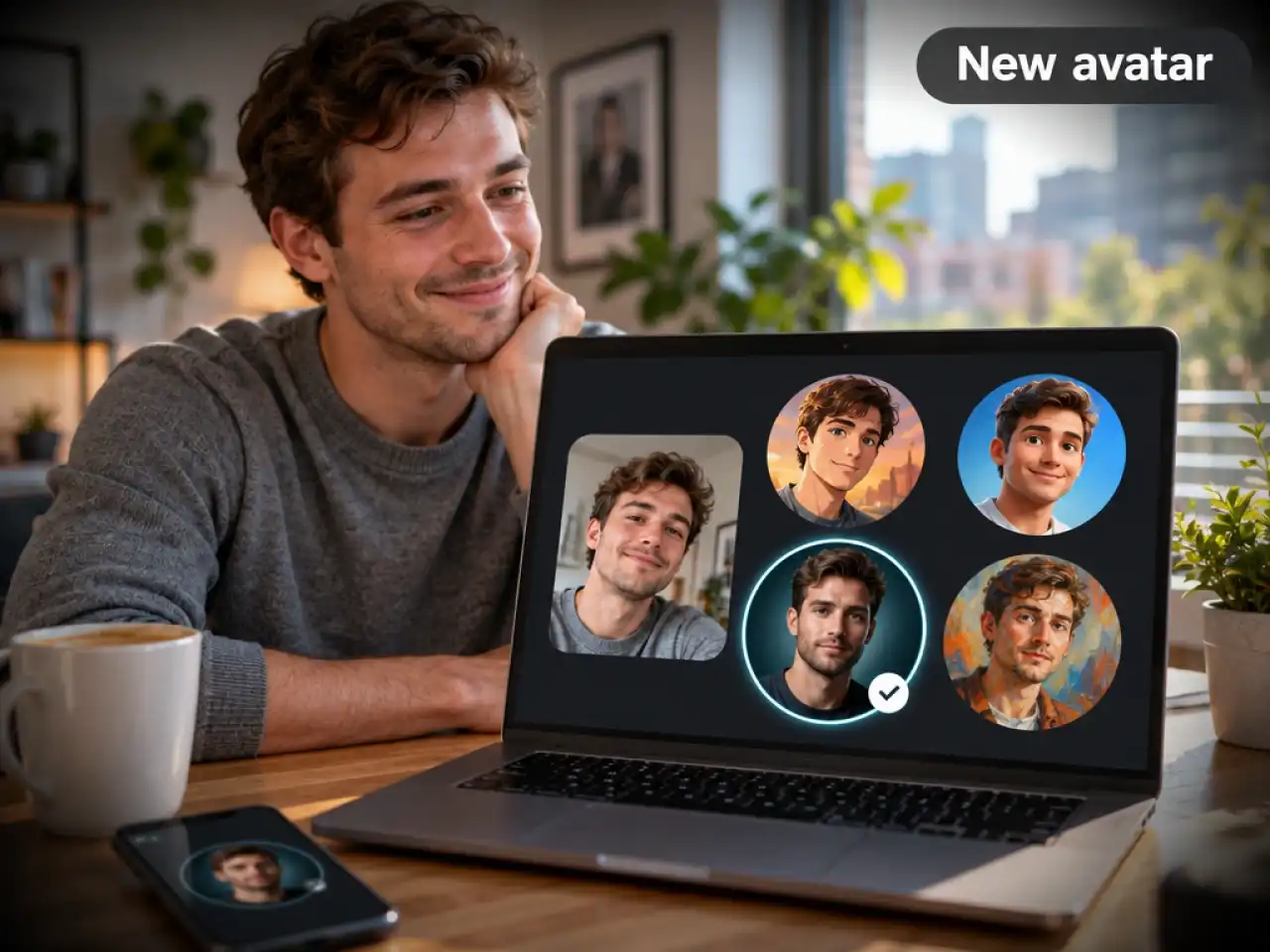
Refresh Your Profile Pictures
Give your avatar a new style in a few clicks. Turn a selfie into an anime portrait, a 3D character, or a clean illustration that stands out on every platform.
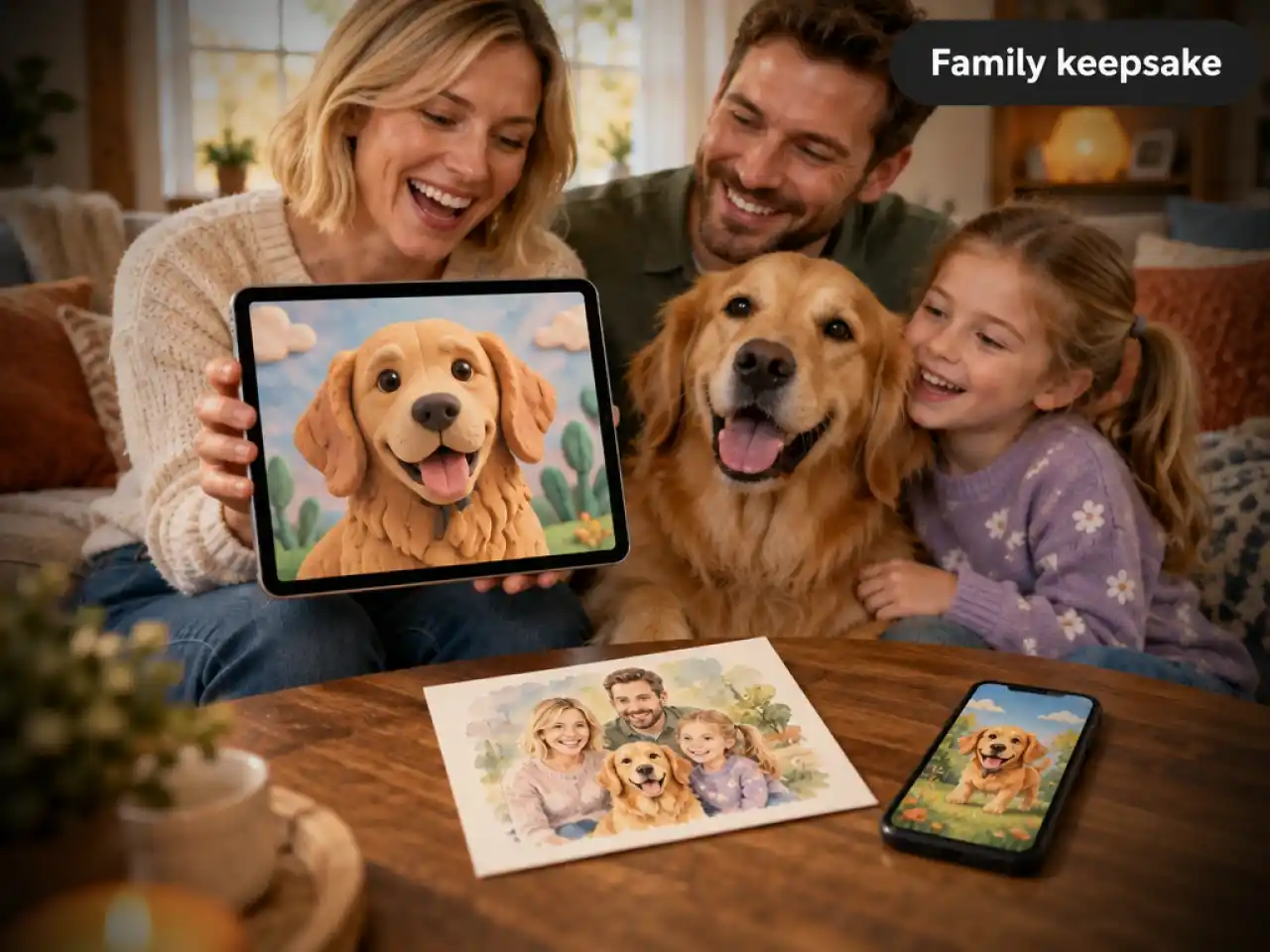
Style Pet and Family Photos
Turn everyday snapshots into keepsakes and shareable memes. Try a claymation pet portrait, a watercolor family scene, or a storybook illustration for cards, gifts, and group chats.
Why Choose Anijam for AI Filters

Free Credits to Start
Start creating with free credits, no design skills or setup needed. Try templates, styles, and video before you choose a plan.

Easy for Beginners
Pick a look, upload a photo, and click Generate. There are no layers, sliders, or settings to learn.

Web and Mobile App Access
Create wherever you are. Use Anijam in your browser or in the mobile app to try new trending templates the moment you see them.

Trending AI Filter Styles
Explore eye-catching looks, from anime portraits and age effects to seasonal filters. Find a style you love and transform your photos into share-worthy creations..

Choose Your Own AI Model
Pick the model that fits the look. Switch between image and video models in the same workspace instead of juggling separate tools.

Watermark-Free
Export your AI-filtered creations without watermarks and share polished photos and videos across your favorite social platforms.
Explore More Anijam AI Creative Tools
What Our Users Said
More about AI Video Creation & Inspiration

FAQ
What is an AI filter?
An AI filter uses artificial intelligence to re-create your photo in a new style, mood, or look. Instead of adjusting colors, the AI reads what is in your image and redraws it as anime, cartoon, 3D, watercolor, and more.
How is it different from a regular photo filter?
A regular filter changes colors and tone on top of your original pixels. An AI filter builds a new image from your photo, so it can change style, texture, and even the whole scene while keeping your subject recognizable.
Is there an AI filter free to try?
Yes. New users get free credits to try templates, styles, and video on Anijam before choosing a plan. See our pricing page for current details.
Can I use Anijam AI Filter on my phone?
Yes! You can use Anijam AI Filter on the web or through the Anijam mobile app. Try fun filters and trending templates on your phone whenever inspiration strikes.
Can I recreate viral TikTok looks with Anijam?
Yes! Anijam regularly updates its collection of trending templates and AI filter effects, so you can try popular TikTok-inspired looks and discover new trends to recreate with your own photos.
Is it safe to upload my photos?
Upload only photos you own or have permission to use, and read our Privacy Policy before you start. Avoid photos with sensitive details in the background, and never upload someone else's picture without their consent.