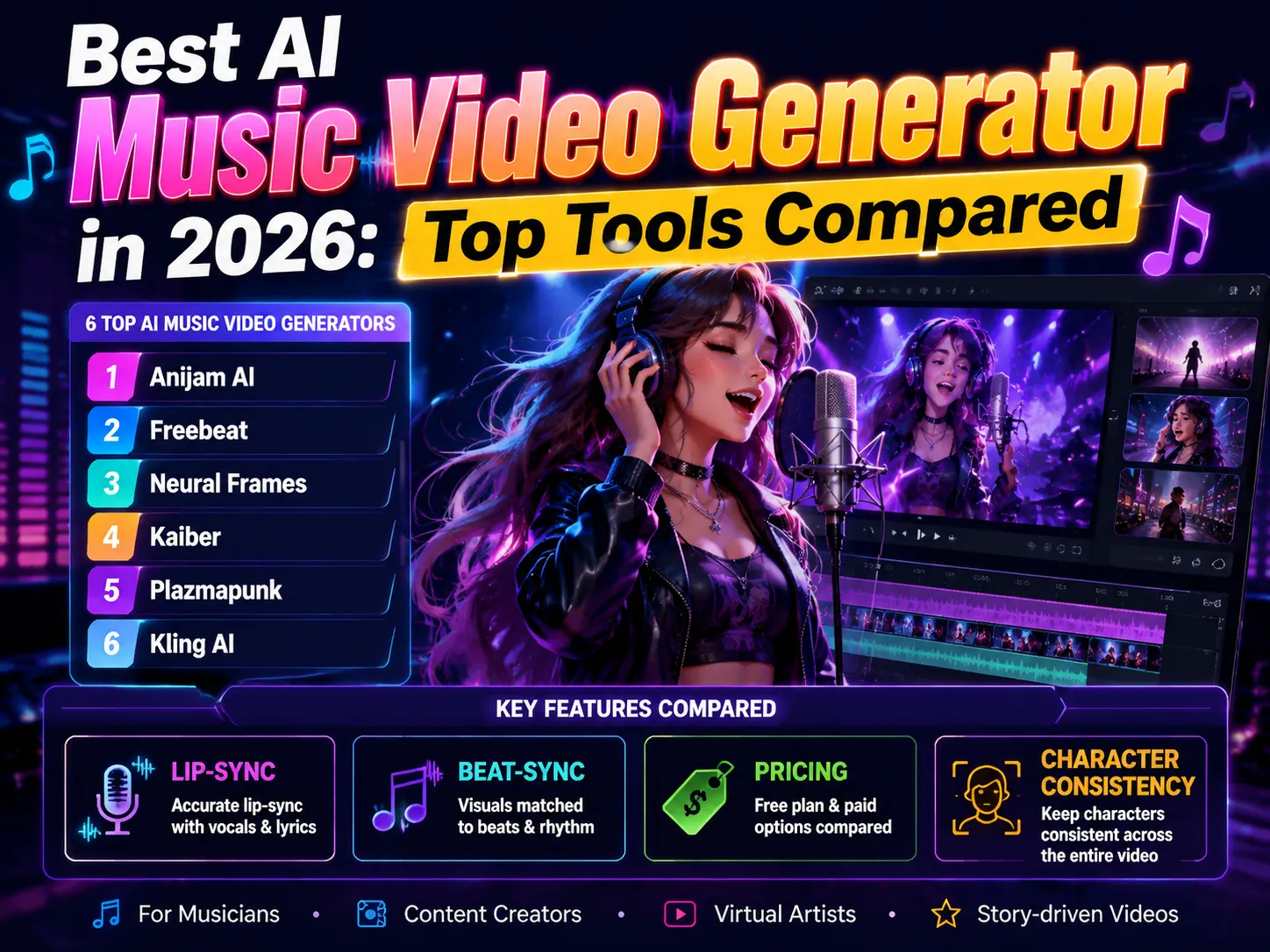
Best AI Music Video Generator in 2026: Top Tools Compared
The song is mixed, mastered, and ready to go - except now you need something to actually put behind it. A cover image alone doesn’t cut it anymore: playlists auto-loop a Canvas clip, uploads without motion get buried, and a static thumbnail on TikTok just doesn’t get watched.
Most independent artists don’t have a video budget left after paying for mastering, and a phone-shot performance clip rarely looks like something worth releasing. The best AI music video generator exists to close exactly that gap - turning a track, a lyric sheet, or even a rough idea into a finished video without a studio, a crew, or a week in an editing timeline.
Not every tool that claims this actually delivers it, though. Some generate visuals with no real connection to the song underneath them. Others produce a batch of disconnected clips and leave the syncing work to you. This guide compares six tools that take a different approach - free and paid, web and app - so you can find the one that fits your track.
What Makes the Best AI Music Video Generator?
Before ranking anything, it helps to know what actually separates a music-aware video tool from a general-purpose one dressed up for musicians. Three things matter most: does it really listen to the track, does it get a singing performance right, and what do you actually walk away with once the free credits run out.
Real Audio Sync
Plenty of AI video tools accept an audio upload, but that’s not the same as understanding the song. Some tools genuinely analyze beats-per-minute, song structure, and even individual instrument stems, so the visuals cut on the drop and settle during a quiet verse. Others simply play your track underneath video that was generated with no knowledge the audio exists - you’d get the same clips whether you uploaded a ballad or a techno banger. When you’re comparing an AI music video generator from audio, this is the single biggest quality signal: ask whether the tool changes its output based on what your song is actually doing, not just how loud it is.
Lip-Sync & Vocal Accuracy
If your video features a singing character, lip-sync quality makes or breaks it. The strongest tools analyze the phonemes in your vocal track and shape mouth movement frame by frame, so the performance actually matches the words. Weaker tools approximate a generic mouth-flap that loosely follows volume, which reads as obviously fake within a few seconds. This matters just as much for an ai music video generator from lyrics, where the tool is building a performance from a lyric sheet or a generated voice rather than an existing vocal recording - the animation still has to land on the right sound at the right moment, line by line.
Resolution, Pricing & Watermark Policy
The last piece is simply what you get to keep. Most platforms offer a free tier, but “free” rarely means “ready to publish” - expect resolution caps, short clip limits, and a watermark stamped across the corner until you upgrade. Paid plans typically unlock 1080p or 4K exports, commercial usage rights, and a clean, watermark-free download. None of these limits are deal-breakers on their own, but they’re worth checking before you build a whole release around a tool, only to discover the export you actually need sits behind a paywall.
Common Problems When Making an AI Music Video
Knowing what separates a good tool from a weak one is only half the picture - even a tool that checks every box above can still trip creators up in practice. Before you commit a whole afternoon - or your only mix - to a platform, it helps to know the problems that come up most often.
Common Technical Issues
Most of the day-to-day frustration comes down to six recurring issues:
- Lip-sync Accuracy: This might be one of the biggest challenges users encounter in their practice. AI-generated mouth movement often doesn’t line up precisely with a song’s lyrics, phrasing, or emotional delivery, especially on faster or more melismatic vocal lines.
- Character Consistency: Character appearance may shift subtly across scenes, with changes in facial features, clothing, or body proportions. This consistency issue is especially critical for virtual singers, animated artists, and story-driven music videos that rely on a stable character identity.
- Audio-Visual Synchronization: Many tools generate visuals that simply “go with” the music rather than actually reading and understanding its structure, so the cuts don’t land on the drop, the chorus, or a key change.
- Motion Generation: Movement can look unnaturally smooth, jittery, or physically implausible - a hand passing through an instrument, footwork that doesn’t match the beat. And that is mainly because the model is guessing at physics it was never explicitly told.
- Disconnected Transitions: Scenes generated independently of each other can cut abruptly, with lighting, color, or style shifting from one clip to the next in a way that breaks the video’s flow.
- Creative Control & Customization: Generation is inherently a little random, so getting the exact framing, expression, or camera move you pictured usually takes several re-generations rather than one clean take.
Financial and Usage Restrictions
The other recurring headache is less about the video itself and more about the bill:
- Cost & Credit Consumption: Most platforms charge per generation, not per finished video, so re-rolling a scene you don’t like adds up fast - unplanned re-generations are one of the most common reasons creators blow past their budget.
- Video Length Limits: Free and even some paid tiers cap how long a single generation can run, so longer songs often have to be split into multiple clips and stitched together afterward.
- Commercial Rights & Publishing Limitations: Free-tier outputs are frequently licensed for personal use only, so a video generated for testing may not legally be postable under an artist name or a label.
- Watermarks & Export: Watermarks and restricted export formats are standard on free tiers - useful for testing a tool, not for a video that’s actually ready to release.
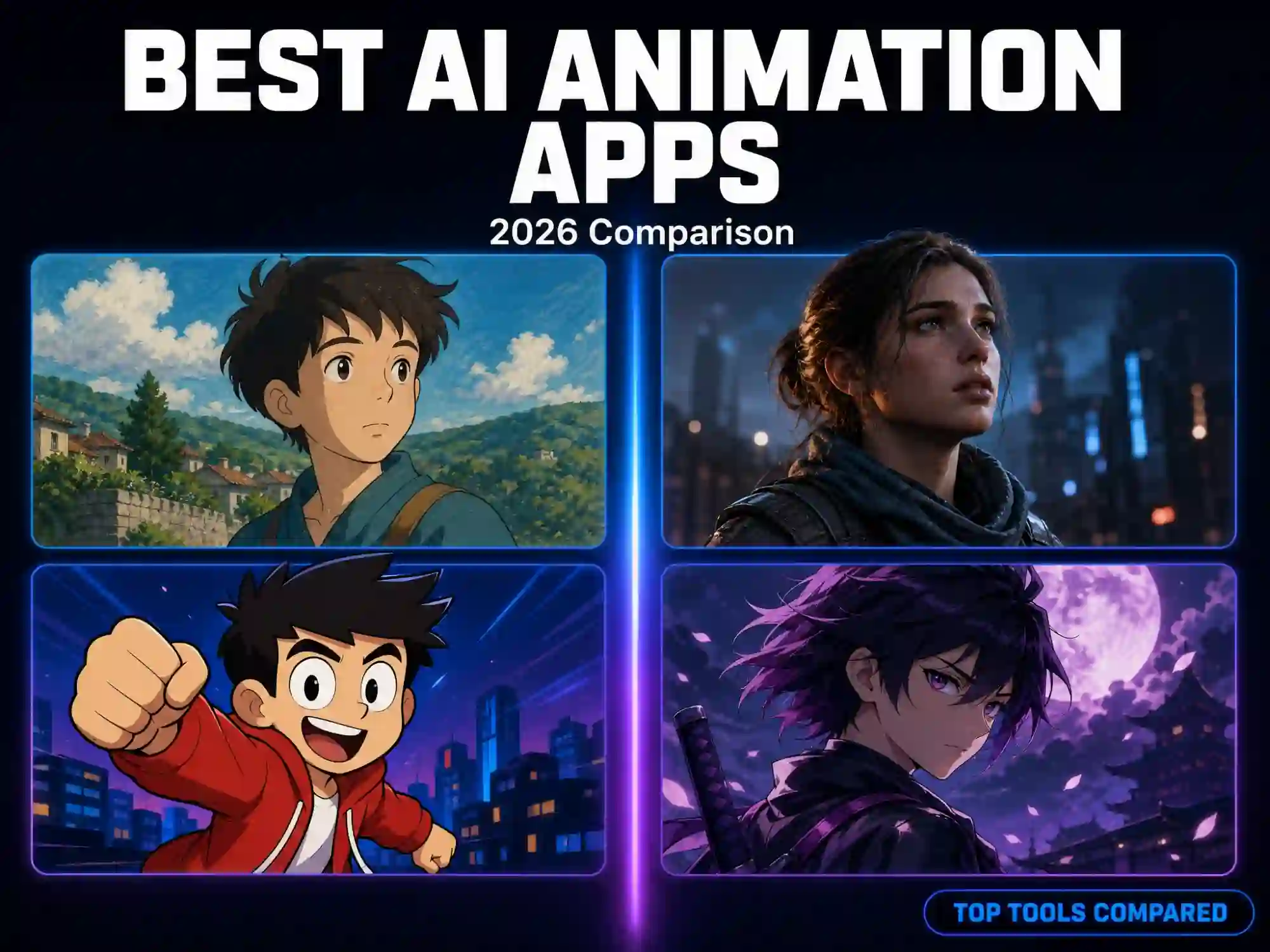
Here’s how six of the most talked-about AI music video generators stack up on the dimensions that actually matter - audio sync, lip-sync, resolution, and what the free tier really gives you.
Note: Prices are subject to change. For the most up-to-date pricing information, please check the official pricing pages of each tool.
| Tool | Starting Price | Free Tier | Watermark-Free Export on Free Tier | Audio/Beat-Sync | Lip-Sync | Best For |
|---|---|---|---|---|---|---|
| Anijam AI | $9/1st mo, then $19/mo | Yes: typically 500 starter credits & daily check-in bonuses | No: paid plans only | Yes: music structure analysis (BPM, beat drops, verse, chorus…) | Yes: phoneme-level, with 200+ AI voices across 30+ languages | Character-driven & story-based music videos |
| Freebeat | $4.99/wk or $9.99/mo | Yes: typically 500 starter credits | No: paid plans only | Yes: full song structure & 5-tier beat quantization | Yes: 90% accuracy across 100+ languages | Complete music videos & singing/rap MVs |
| Neural Frames | $26/mo (billed yearly) or $39/mo (billed monthly) | Yes: minimal trial credits only | No: paid plans only | Yes: audio-reactive parameter mapping | Yes: through its Autopilot and Vocal Video features | Music-first, abstract & audio-reactive visuals |
| Kaiber | $10/mo or $8/mo (billed annually), $5 5-day trial | Yes: minimal trial credits only | No: paid plans only | Yes: batch creation for rhythm-locked, ready-to-publish videos | Yes: uses vocal audio to drive lip movement in character footage | Stylized social content, audio-reactive visuals |
| Plazmapunk | €0/mo (with limited credits) or €9.99/mo | Yes: 200 starter credits | No: paid plans only | Yes: visuals automatically respond to the beat and rhythm of uploaded music | No dedicated lip-sync feature | Reactive visualizers or glitch-style music videos instantly |
| Kling AI | $6.99/1st mo, then $8.88/mo | Yes: 66 credits/day | No: paid plans only | No dedicated Beat Sync feature | Yes: native audio & audio-driven lip syncing | Realistic and cinematic video & commercial content |
Anijam AI
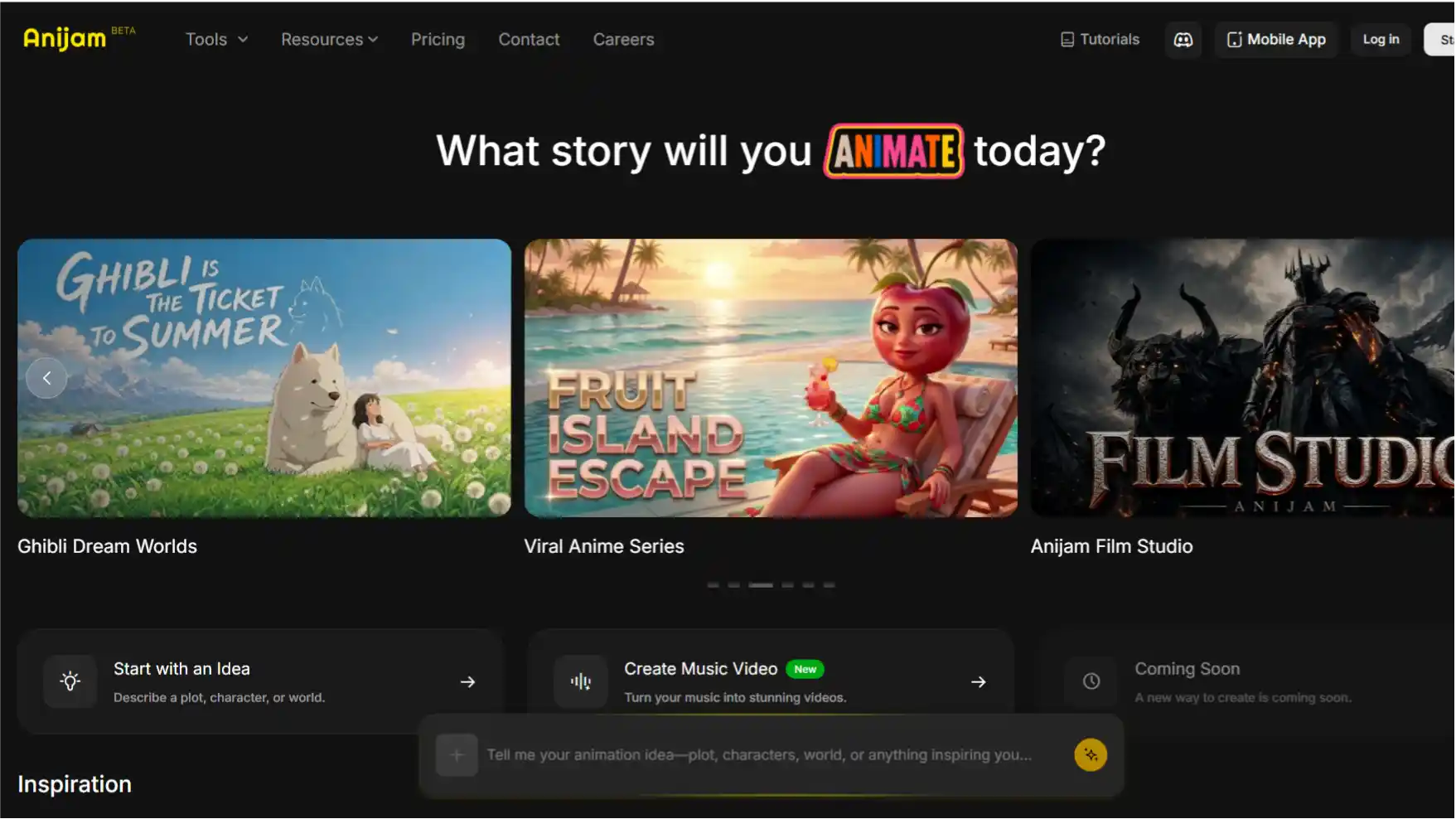
Anijam AI focuses on character-driven music videos, helping creators keep video performers consistent throughout a full song. Users can upload an MP3/WAV track or provide lyrics, and the platform analyzes and understands music structures before generating visuals. It can automatically recognize lyrics and generate synced subtitles, while combining character consistency, AI lip-sync, and beat-aware choreography to create engaging performances.
Anijam AI’s built-in audio tools also help music creation, allowing creators to start from an idea and build a complete music video workflow. Projects save to your account, so a video started on the web can be finished from the app.
Pros
- Analyzes full song structure (verse/chorus/bridge/drop) instead of only reacting to audio intensity
- Combines character consistency, lip-sync, and choreography for story-driven videos
- Supports up to 4 independently lip-synced or dancing characters in one scene
- Offers daily check-in credits for creators to keep experimenting for free
Cons
- Some advanced export and commercial features are available through paid plans
- Complex projects with multiple scenes or characters may require additional processing time
Freebeat
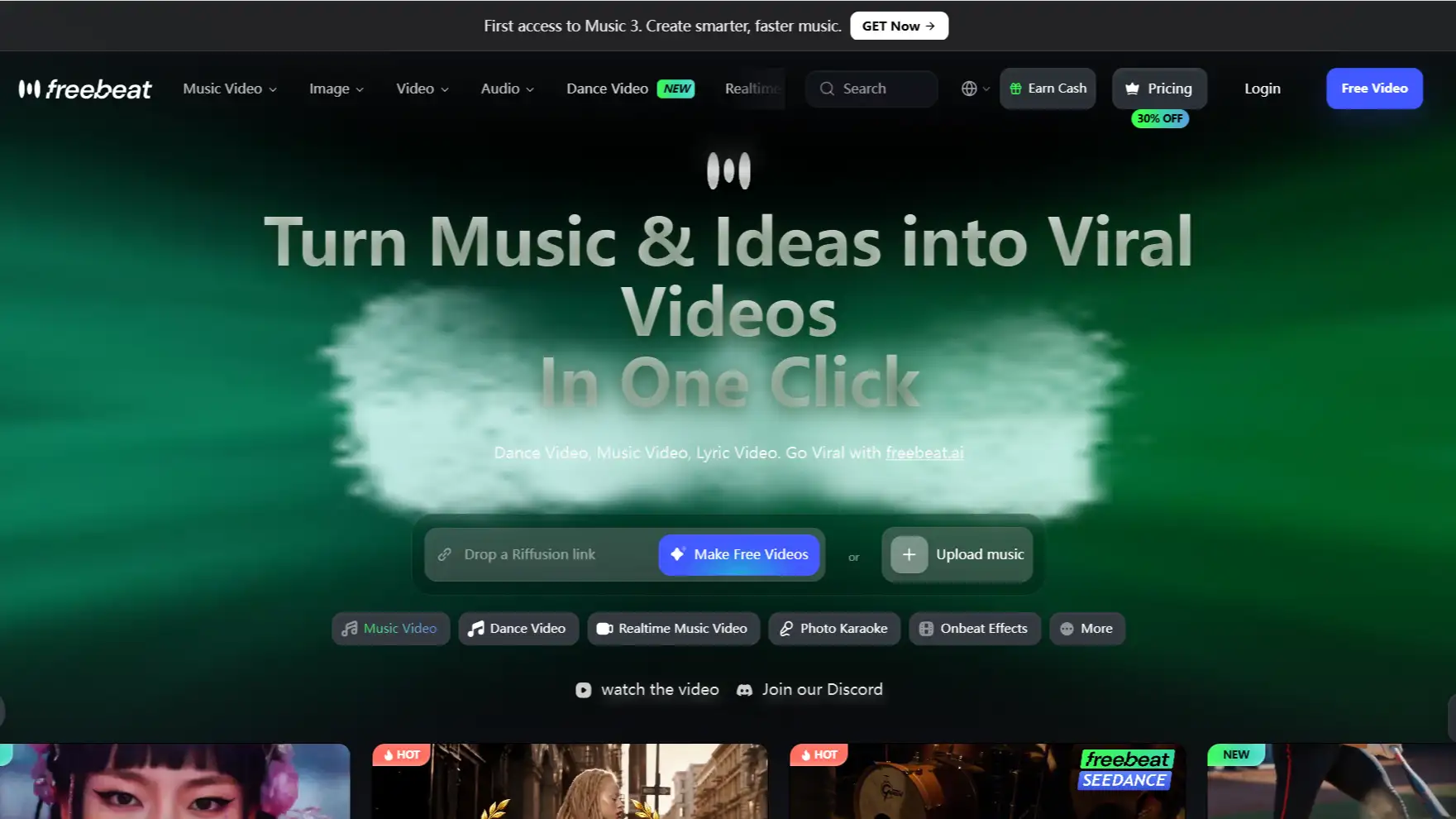
Freebeat splits its workflow into a few purpose-built modes instead of one generic generator. Stage Performance puts a consistent digital lead singer on screen, lip-synced to your vocal track with an accuracy the platform puts above 90%.
It analyzes elements such as BPM, arrangement, and song structure to help scenes follow the rhythm of the track. The platform is especially suitable for creators who want a quick way to transform songs into complete music visuals.
Pros
- Stage Performance mode delivers lip sync the platform claims exceeds 90% accuracy
- Offers dedicated workflows for performance and storytelling videos
- Uses music analysis to better align visuals with the track
- Accepts direct links from Spotify, SoundCloud, Suno, and Udio
Cons
- Better suited for automated workflows than highly customized scene-by-scene direction
- Credit-based generation may require planning when creating longer videos
Neural Frames
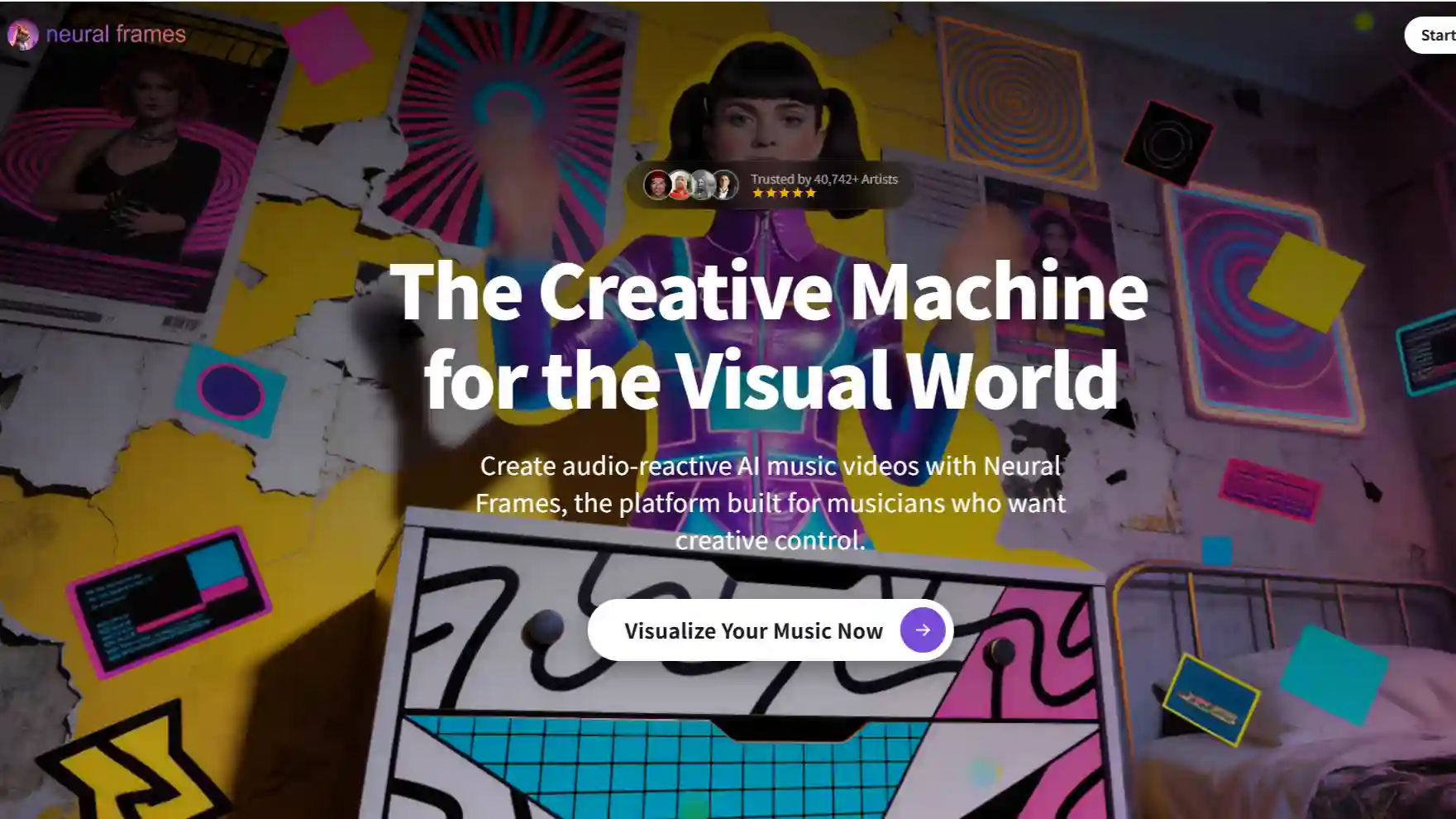
Neural Frames focuses on music-driven and abstract visuals. Autopilot handles the one-click end of things, turning a finished song into a complete video in roughly ten to fifteen minutes by reading its tempo, key, and mood.
Its workflow uses audio analysis to create visuals that respond to different aspects of a track, making it a strong option for artists who want atmospheric, experimental, or audio-reactive videos. It also provides more control for creators who prefer adjusting visuals manually.
Pros
- Deeper audio analysis compared with others on the list - up to eight stems, each able to drive a different visual layer
- Frame-by-frame editor available for shot-level control instead of one-click automation only
- Suitable for abstract, experimental, and mood-based music videos
- Autopilot turns a finished song into a complete video in minutes
Cons
- More focused on visual experiences than character-led performances
- No permanent free plan, with minimal initial credits only
Kaiber
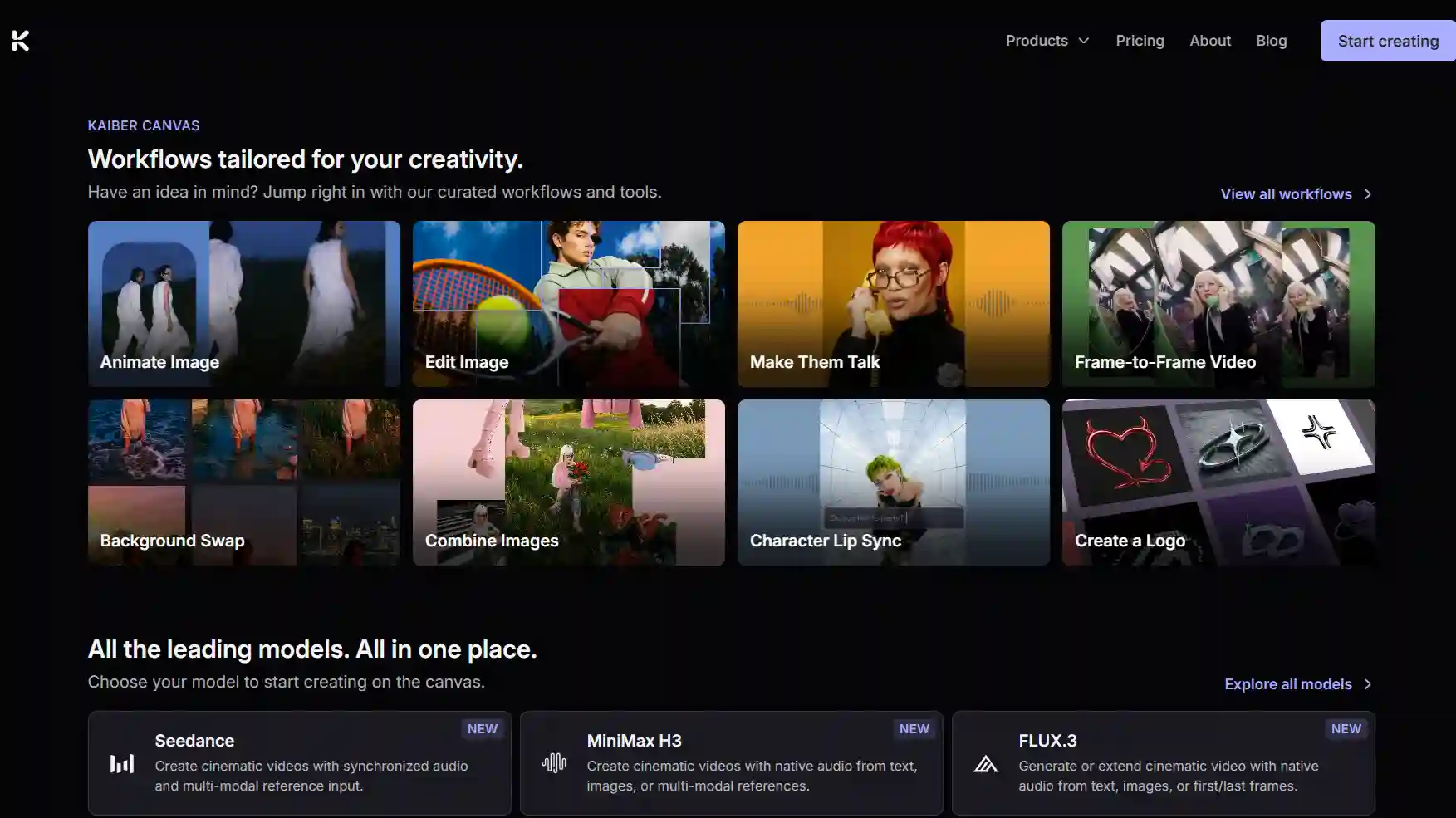
Kaiber built its name on stylized, audio-reactive loops. Feed it a track, pick an aesthetic like anime or cyberpunk, and it generates visuals that shift with the music’s energy through modes like Flipbook (hand-drawn-style art). Users can choose different visual styles and generate animated sequences that match the overall energy of a song.
It’s fast and the look is distinctive, which is why it’s popular for eye-catching Spotify Canvas loops and short DJ visuals. It is commonly used for short-form music content, social visuals, and creative experiments.
Pros
- Offers distinctive artistic styles for eye-catching visuals that stand out from more generic AI video looks
- Useful for short music clips and social media content
- Provides an easy workflow for creators who prioritize visual style
Cons
- Responds to overall energy rather than actual song structure - no awareness of where a chorus or drop lands
- Focuses more on overall mood and aesthetics than detailed song structure analysis
Plazmapunk
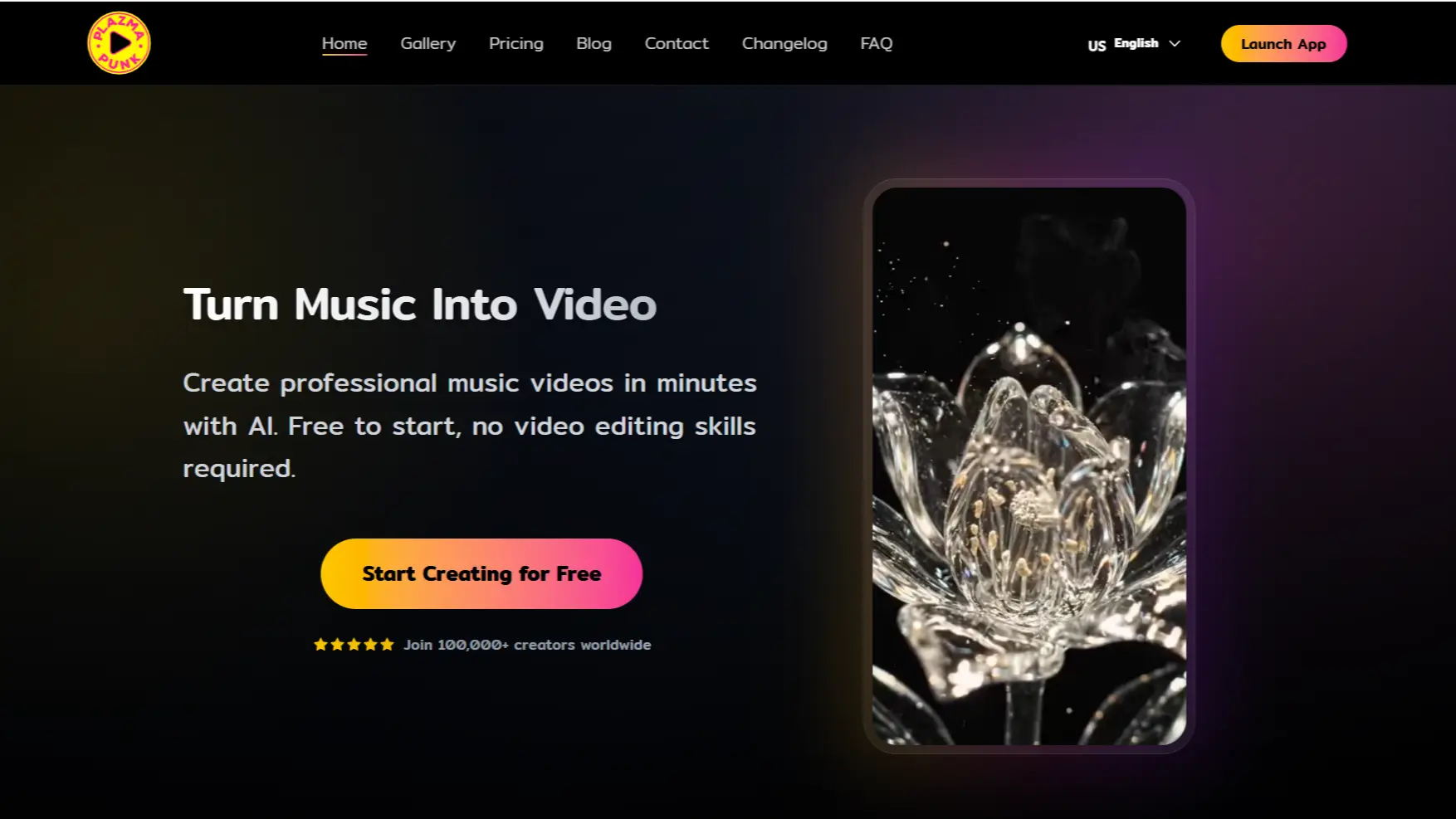
Plazmapunk provides an accessible way to create audio-reactive music visuals. Its workflow responds to rhythm and mood while offering different output formats for social platforms. It renders in several aspect ratios in the same session - square, vertical, widescreen - which saves re-exporting the same video for every platform.
The free plan is genuinely free, no credit card required, making it a practical option for creators who want to experiment with AI-generated music videos without committing to a paid plan immediately.
Pros
- Offers a free entry option for testing AI music visuals
- Reads mood and rhythm rather than just triggering effects off volume alone
- Supports different aspect ratios for social media publishing
Cons
- More suitable for visualizers and reactive content than singing-character videos
- No lip-sync system, so it isn’t initially built for a video with a visible singing performer
Kling AI
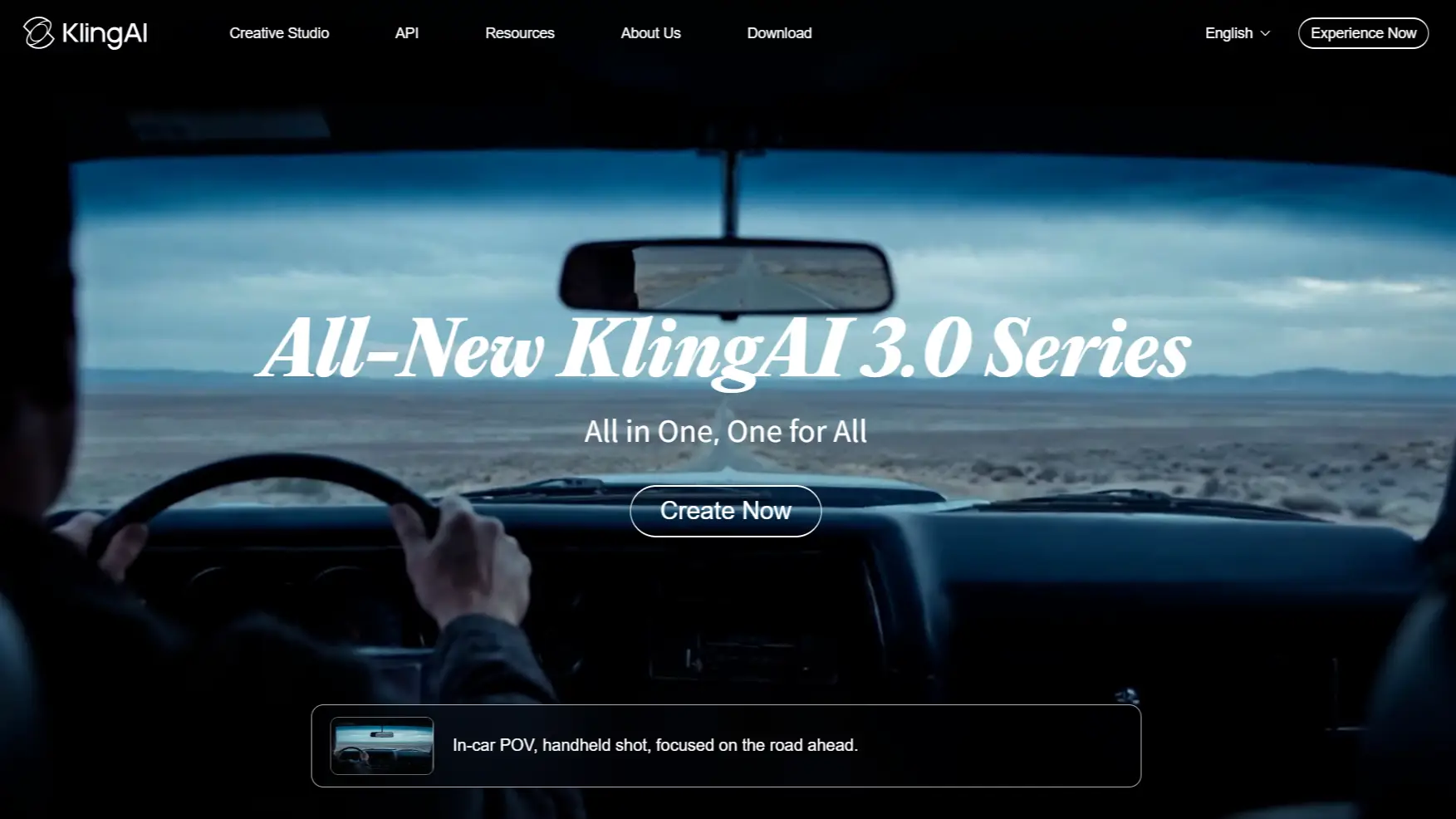
Kling AI is recognized for realistic and cinematic AI video generation. It can create detailed human movement and physical interactions, making it useful for creators who want realistic-looking music visuals.
Kling’s strength is physical realism - a guitarist’s fretting hand or a drummer’s posture actually looks like someone who has played the part before, which is rarer than it sounds in this category.
Pros
- Genuinely convincing body mechanics - hands, posture, and movement look physically real
- Suitable for creators seeking live-action-style AI visuals with its audio-driven lip syncing
- Inexpensive entry point, with paid plans starting around $6.99/mo to $8.88/mo
Cons
- No dedicated Beat Sync features; may require additional editing for precise music videos
- Not built specifically for music video workflows; needs manual editing to assemble a full video
Which AI Music Video Generator Should You Go With?
Six tools, six different workflows. There’s no single best AI music video generator for every artist - there’s only the one that best fits your tracks and goals.
Choose Anijam AI if: you want a character-driven music video with consistent performers, accurate lip-sync, and story-focused visuals. Anijam AI can recognize lyrics and generate synced subtitles, analyze song structure, and create animated performances across different visual styles. It is especially suitable for virtual artists, animated singers, and storytelling music videos with multiple characters.
Choose Freebeat if: you want something close to a finished video with minimal manual work. Its Stage Performance mode is built specifically for a single lip-synced lead vocalist, while Storytelling mode handles a light narrative with up to two characters.
Choose Neural Frames if: your music doesn’t need a face at all. Its eight-stem audio analysis and a real frame-by-frame editor make it the deepest option here for electronic, ambient, or instrumental tracks. It rewards artists willing to spend the extra time directing shots manually.
Choose Kaiber if: you’re producing in volume rather than polishing one video. Batch Creation generates several videos from the same source material in a single pass - no extra prompting, same turnaround whether it’s one clip or ten - which suits fast, stylized social content more than a single release-ready cut.
Choose Plazmapunk if: you want to see what AI can do with your track before spending a cent. Its visuals respond to beat and rhythm automatically, and the 200 starter credits are enough to get a feel for it - just know the free tier caps out at a 4:3 frame, so it’s a preview, not a publish-ready export.
Choose Kling AI if: budget and physically convincing motion matter more than music-awareness. It’s one of the cheapest ways here to get realistic body mechanics - you’ll just be handling the beat-matching yourself in a separate editor.
How to Make a Music Video with Anijam AI (Step-by-Step)
Here’s what the process actually looks like end to end, using Anijam as the example since it covers the widest range of starting points - an existing track, a lyric sheet, or nothing but an idea.
Step 1: Start Your Project - Bring a Song or Let AI Write One
-
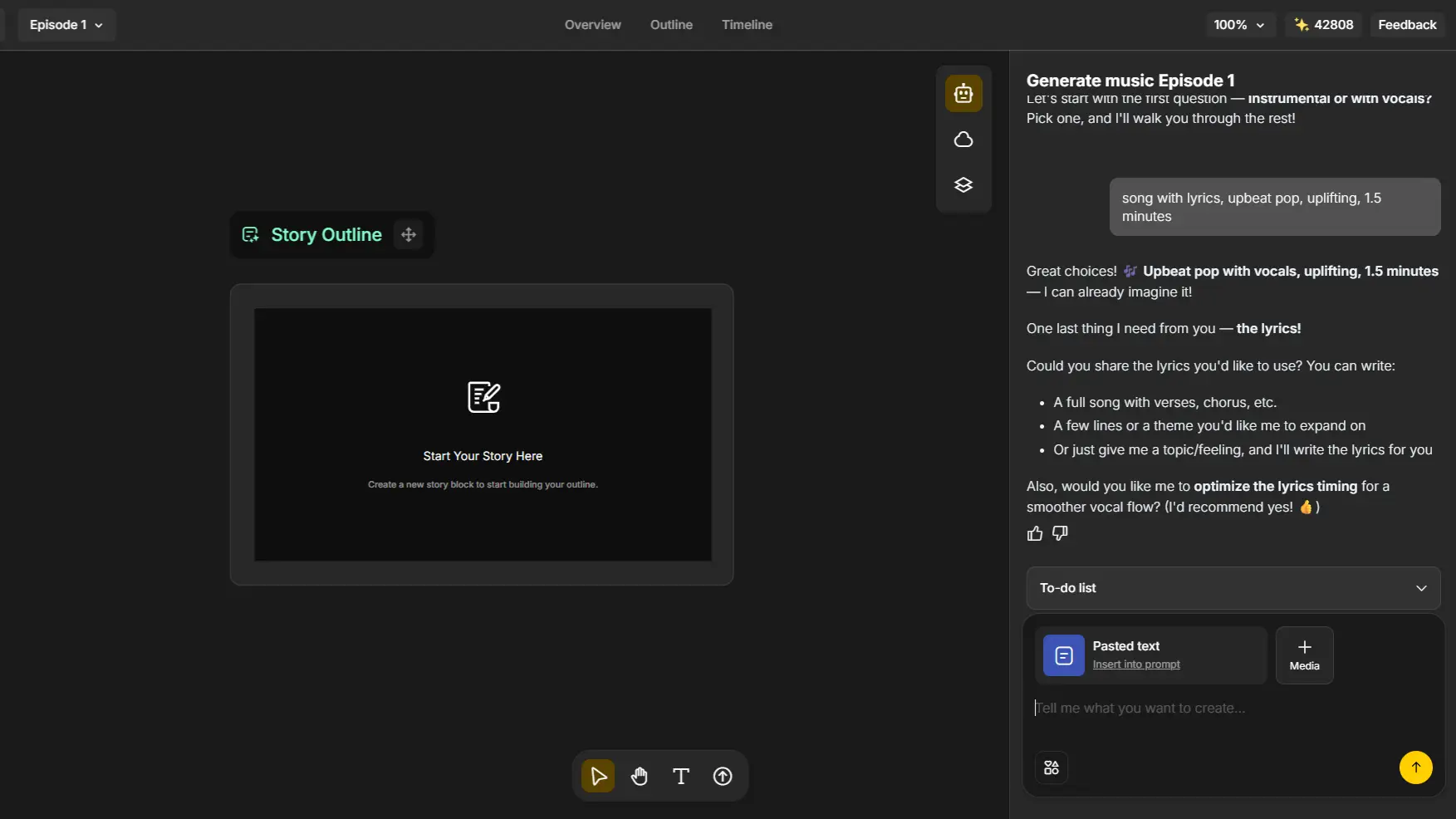
Upload an MP3 or WAV of your track, paste your lyrics, or just type a concept. Choose “Generate music” if there’s no track yet - Anijam AI’s Text to Music tool can generate an original soundtrack from a prompt instead.
-
The same phoneme-mapping engine behind Anijam AI’s audio to video tool handles the analysis, whichever input you start from.
Step 2: Build Your Story, Style & Cast
-
The Music Analysis panel reads the track’s BPM, key, and structure at the same time once the track is set.
-
Upload a photo or choose a style below or from the style library, and Anijam AI turns it into a consistent video character in your chosen style.
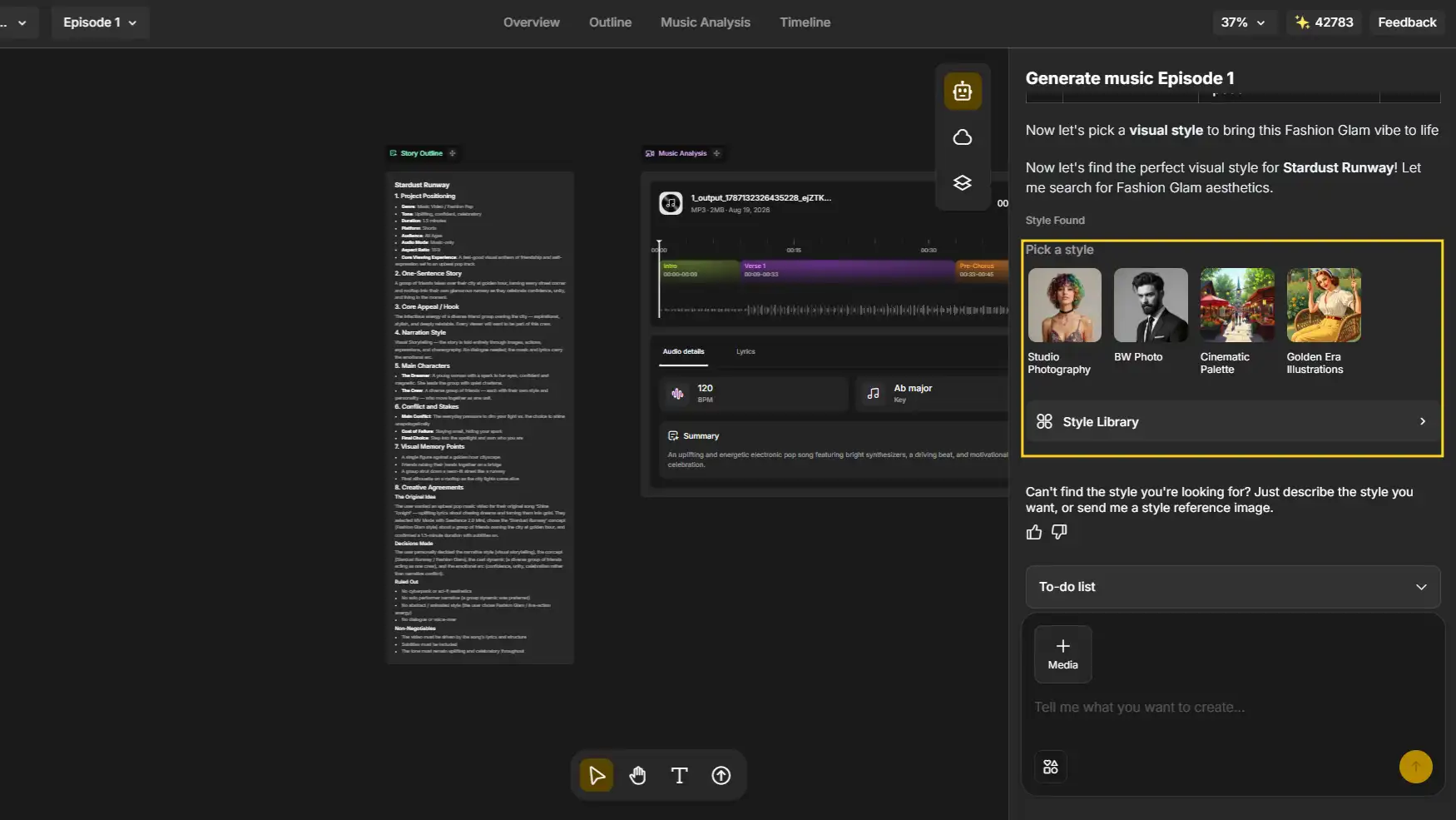
Step 3: Generate the Synced Music Video
-
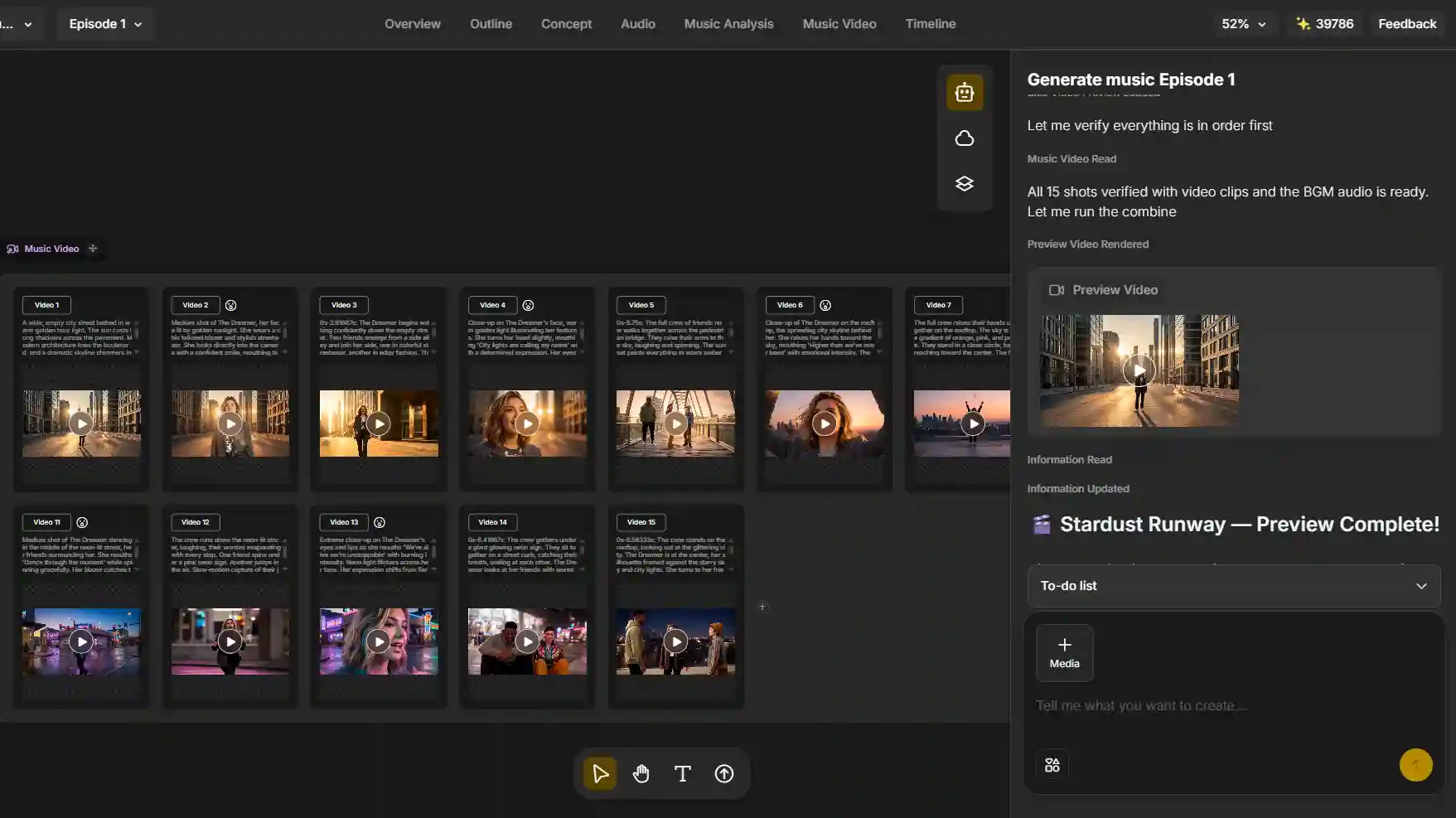
Anijam AI renders the video shot by shot.
-
Use the lip sync tool to sync with vocals, or generate beat-locked dance choreography.
Step 4: Fine-Tune the Timeline & Export
-
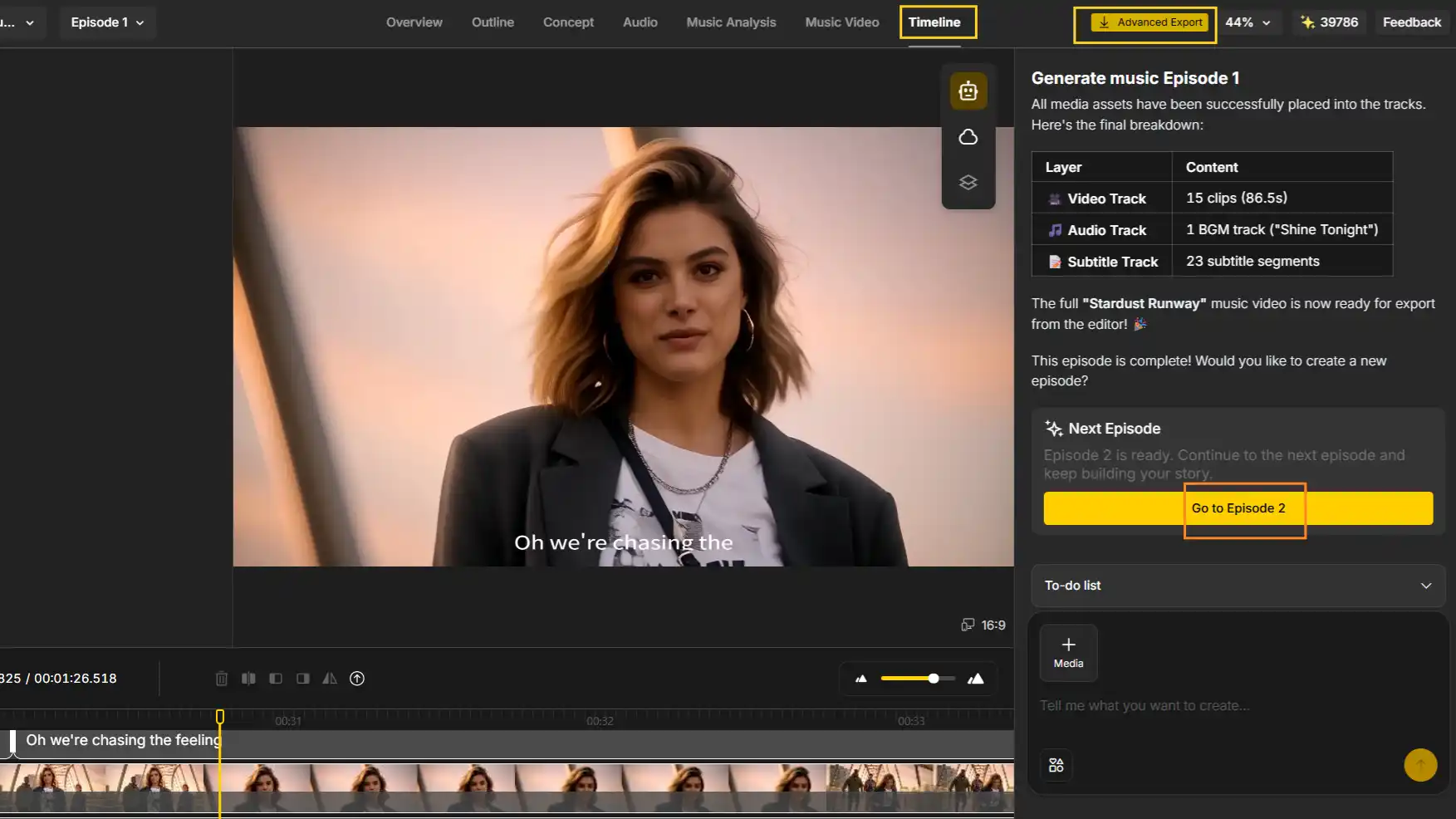
Use the built-in timeline editor to adjust timing, swap scenes, and add sound effects.
-
Export in 1080p (4K on premium plans) and publish straight to YouTube, TikTok, Instagram Reels, or Spotify Canvas.
Conclusion
Skip the shoot, the crew, and the days spent in an editing timeline. Whichever tool fits your track, the best AI music video generator in 2026 is the one that actually listens to your song - matching the drop, syncing the vocals, and handing you something you can post without a watermark stamped across it.
If your song needs a face - a singing character, a virtual idol, a story that follows your lyrics from verse to bridge - Anijam AI is built around exactly that.
Try it for free and see your song turned into a video in minutes.
Frequently Asked Questions
Is there an AI that can make a music video from a song? Yes - this is now a mature category, not a novelty. Upload or link a track and tools ranging from character-led generators like Anijam AI to abstract audio-reactive engines like Neural Frames can turn it into a finished video, no camera or editing software required. The real question isn’t whether an AI can do it, but which one fits your song - a video with a visible singing performer needs a very different tool than a purely visual, beat-reactive one.
How do AI music video generators work? AI music video generators transform audio, lyrics, or text prompts into videos by analyzing the song’s rhythm, structure, and mood before creating matching visuals. For example, Anijam AI can analyze a track, create consistent animated characters, and sync lip movements or choreography with the music. Other platforms may generate abstract visuals, cinematic scenes, or audio-reactive effects based on the style of video you want to create.
What’s the best AI music video generator right now? There isn’t one universal answer - it depends on what the video actually needs to do. For a video built around a consistent character, Anijam AI is the strongest option in this category, since it reads a song’s structure and keeps a character’s look locked across every scene. For abstract, faceless visuals, Neural Frames or Plazmapunk lead instead.
How do AI music video generators sync visuals to a song? The better tools analyze a track’s tempo, beat positions, structure, and sometimes individual instrument stems, then time cuts, motion, or choreography to match. Anijam AI, for example, reads a song’s verse/chorus/bridge structure before generating anything, so a scene change lands on an actual musical shift rather than a fixed timer.
Can I use an AI-generated music video commercially? Usually yes, but only on paid plans - free tiers across almost every tool in this category, Anijam AI included, are watermarked and licensed for personal use only. If the track itself came from an AI music generator like Suno or Udio, double-check that license too, since a video tool’s commercial rights don’t automatically cover the audio underneath it.
by Evan
Evan is an AI content creator and video technology writer at Anijam AI, focused on how generative AI is transforming storytelling and video production. He shares social trends, creative workflows, prompt strategies, and practical insights to help creators turn ideas into engaging videos and visual content.