


AI Event Video Maker
Get a finished promo, invitation, or recap video from a short chat or a few photos, with no filming, no editing skills, and no crew. Describe the event, start from a template if you like, and export a video ready for Reels, group chats, and your event page.
Event Promo Teasers That Build Hype
Anijam works as an AI event promo video maker for concerts, launches, and festivals. Describe the lineup, date, and mood, and the Agent builds a short teaser, vertical for Reels and Shorts or widescreen for your event page.
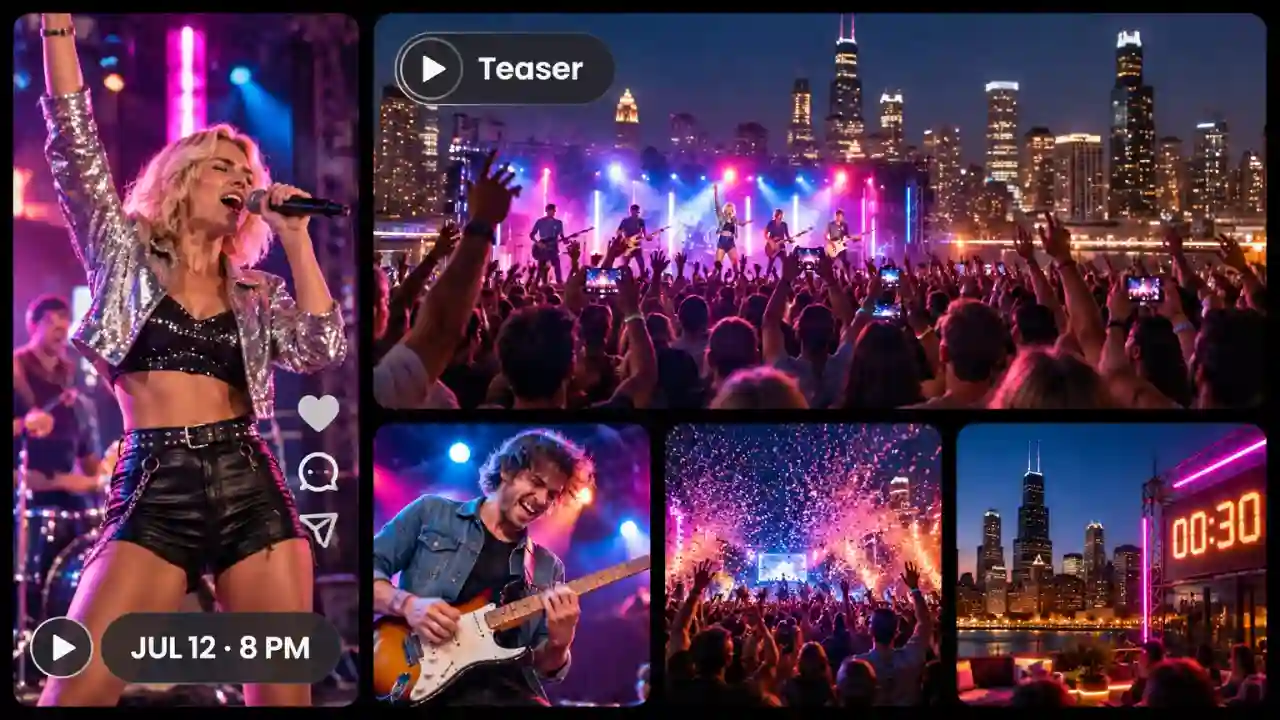
Turn Event Details into Finished Videos
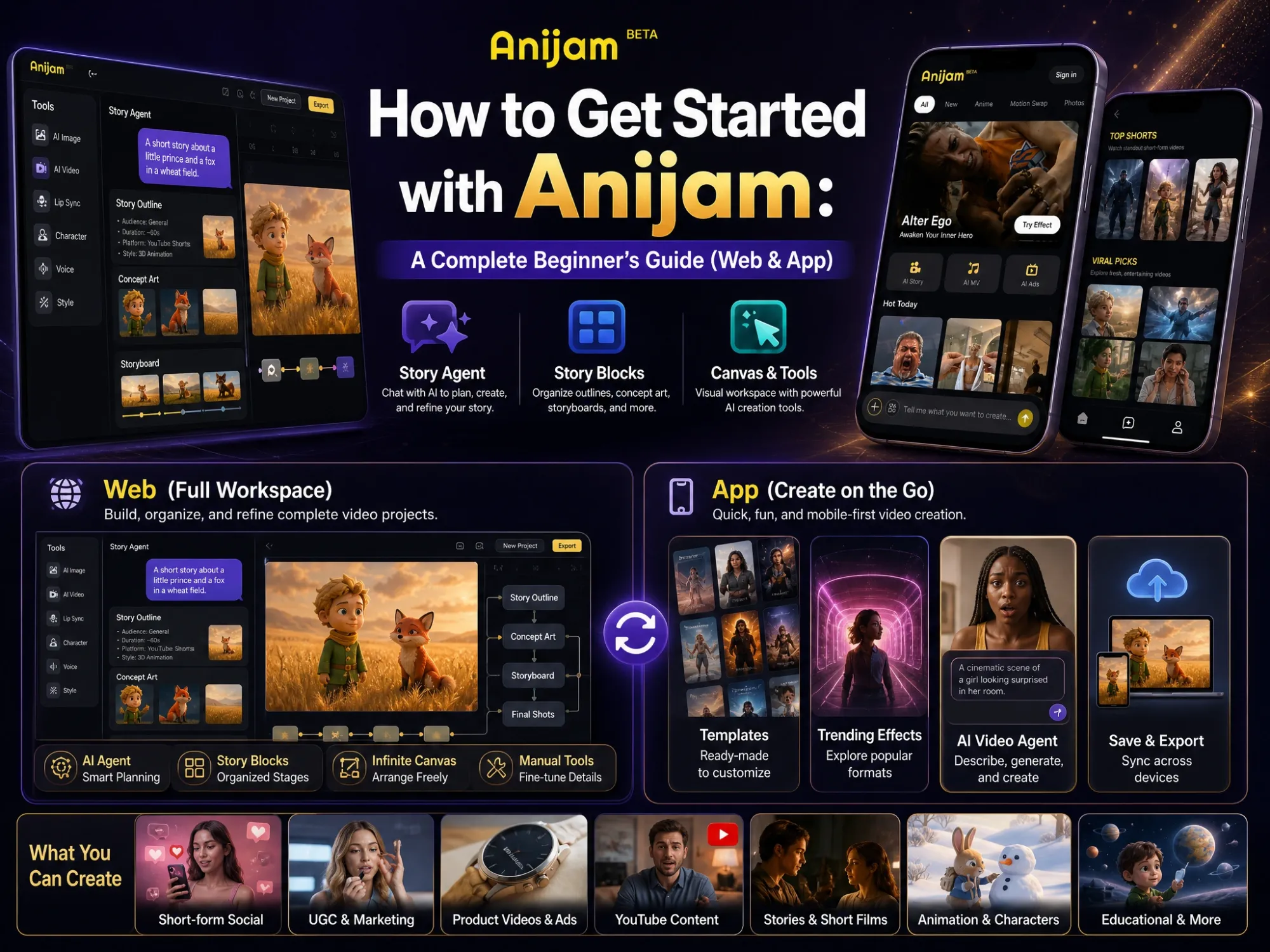
Anijam's AI event video maker turns your date, venue, and vibe into a finished video, so no missing footage, editor, or free weekend stands between your event and a great promo. Where single-purpose tools only fill a template or only trim clips, Anijam puts the Agent, trending templates, image and video models, AI audio, and a timeline in one workspace, so your invite, teaser, and recap all come from the same place.
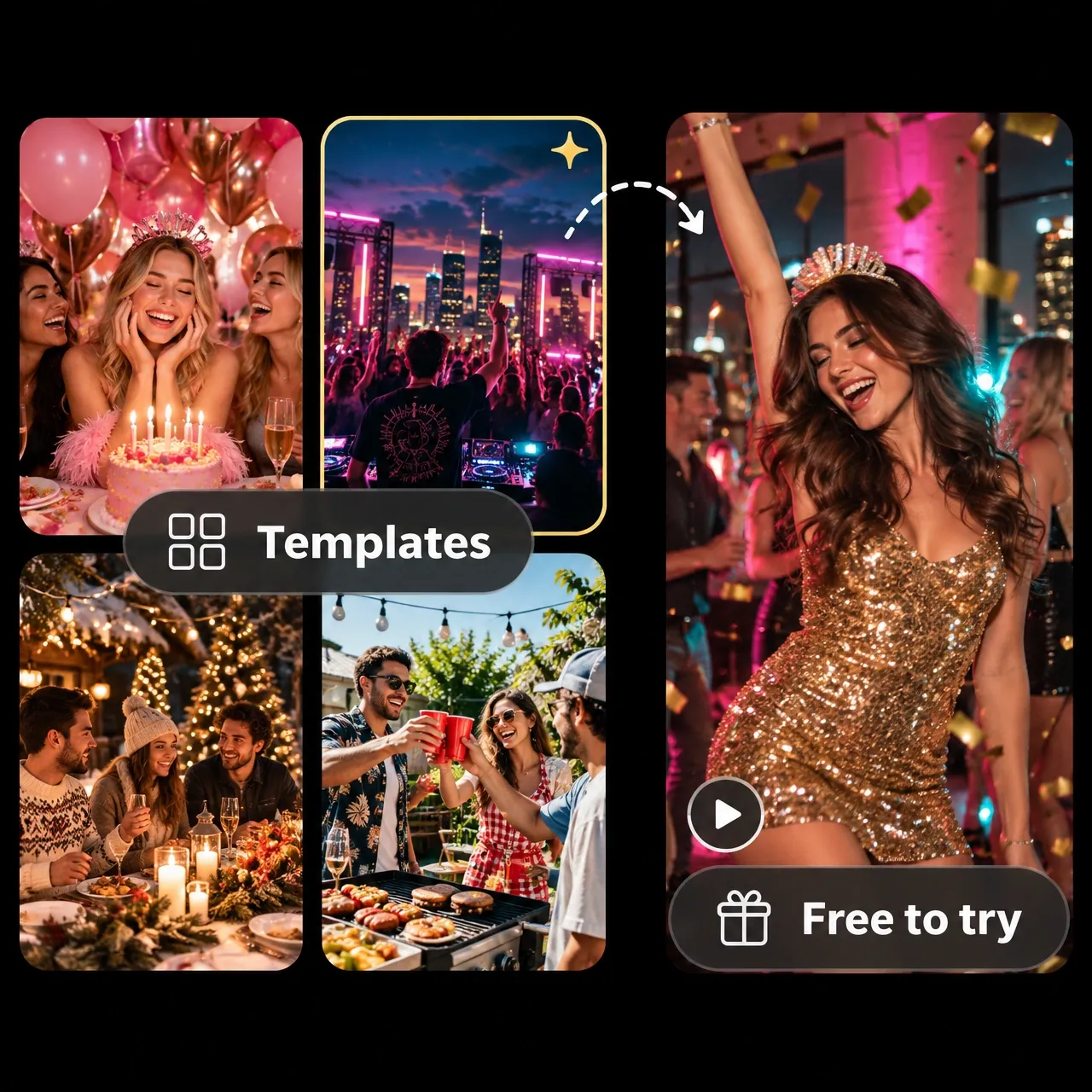
Pick a Template and Make Your Event Video
Start from an event video template and have a finished video in a few clicks. Anijam keeps adding trending templates for holidays, parties, and seasonal events, so you can pick an event video template free to try with your starter credits, swap in your photos and details, then keep or edit the prompt before you generate.
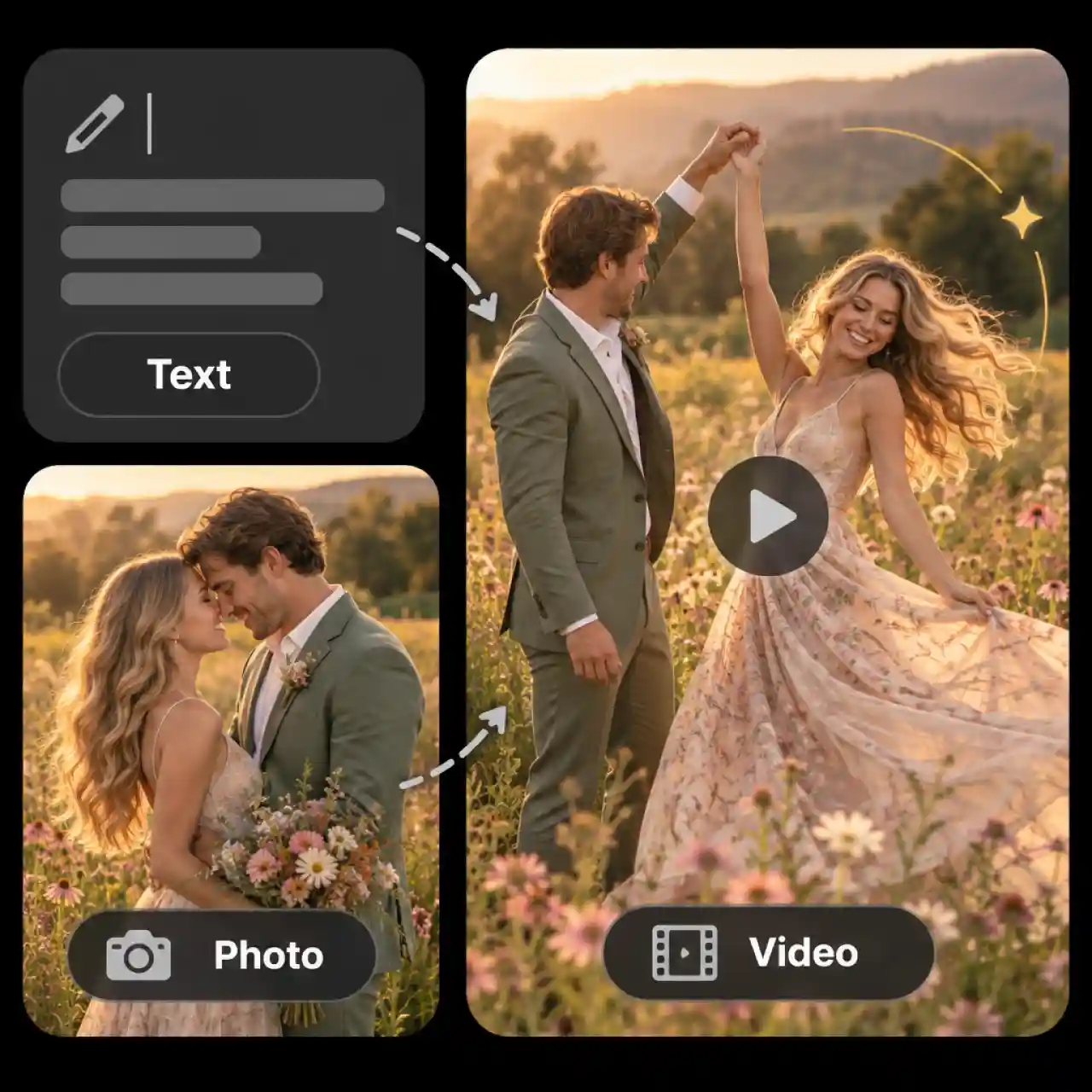
Turn Event Details or Photos into Video
Start from words or from a photo and get a finished event video. Type the name, date, venue, lineup, and mood, or paste a script, and the Agent proposes the scenes, asks for anything missing, and generates the shots. Or upload a photo of the couple, the venue, or the speaker, describe the motion you want, and Anijam's AI Video tool turns it into a short clip with natural movement.
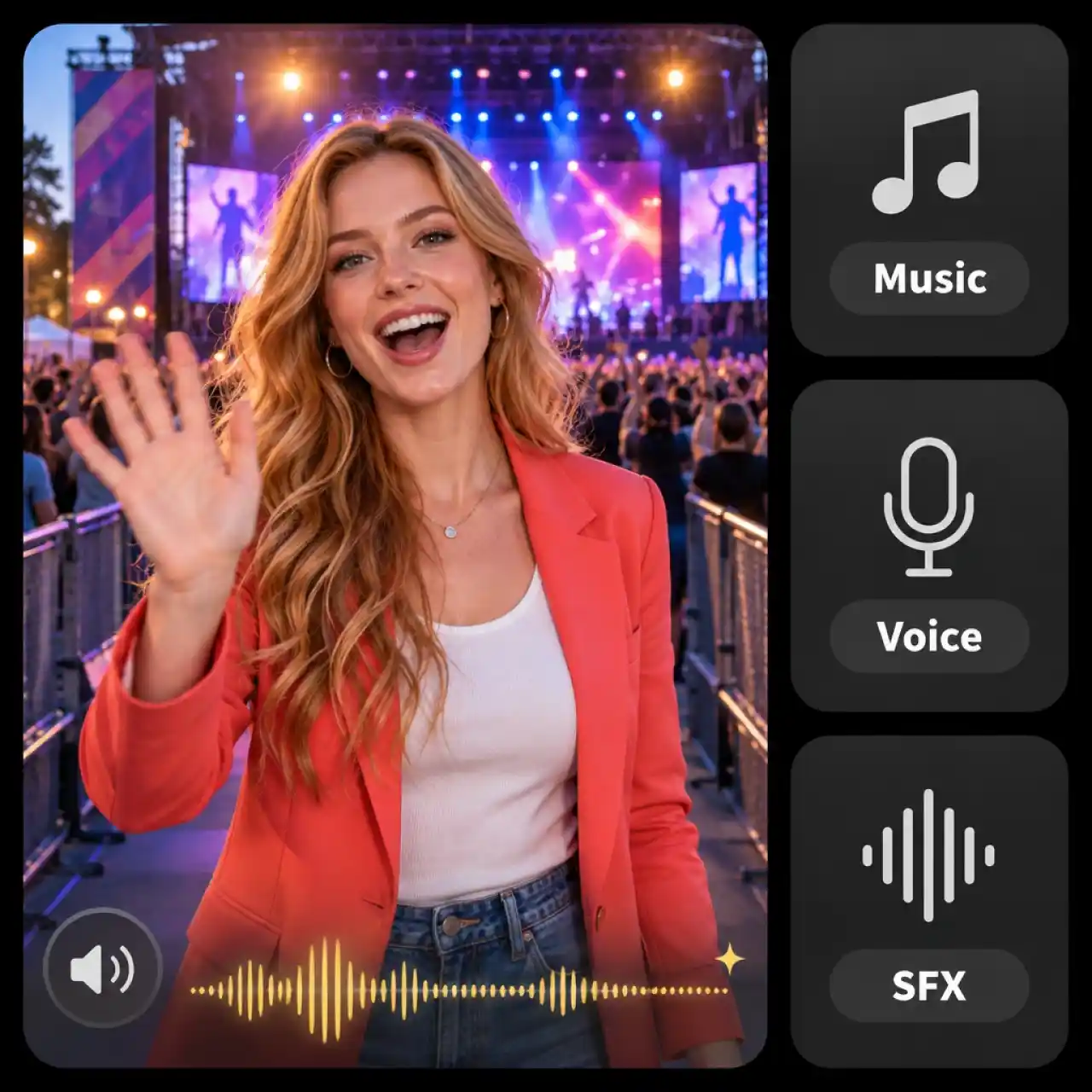
Add AI Voiceover and Music to Your Event Video
Give your event video its own sound. Generate music and sound effects in the AI Audio panel, let a character host speak your invitation with lip sync, or upload your own voiceover and music so the video sounds like your event.
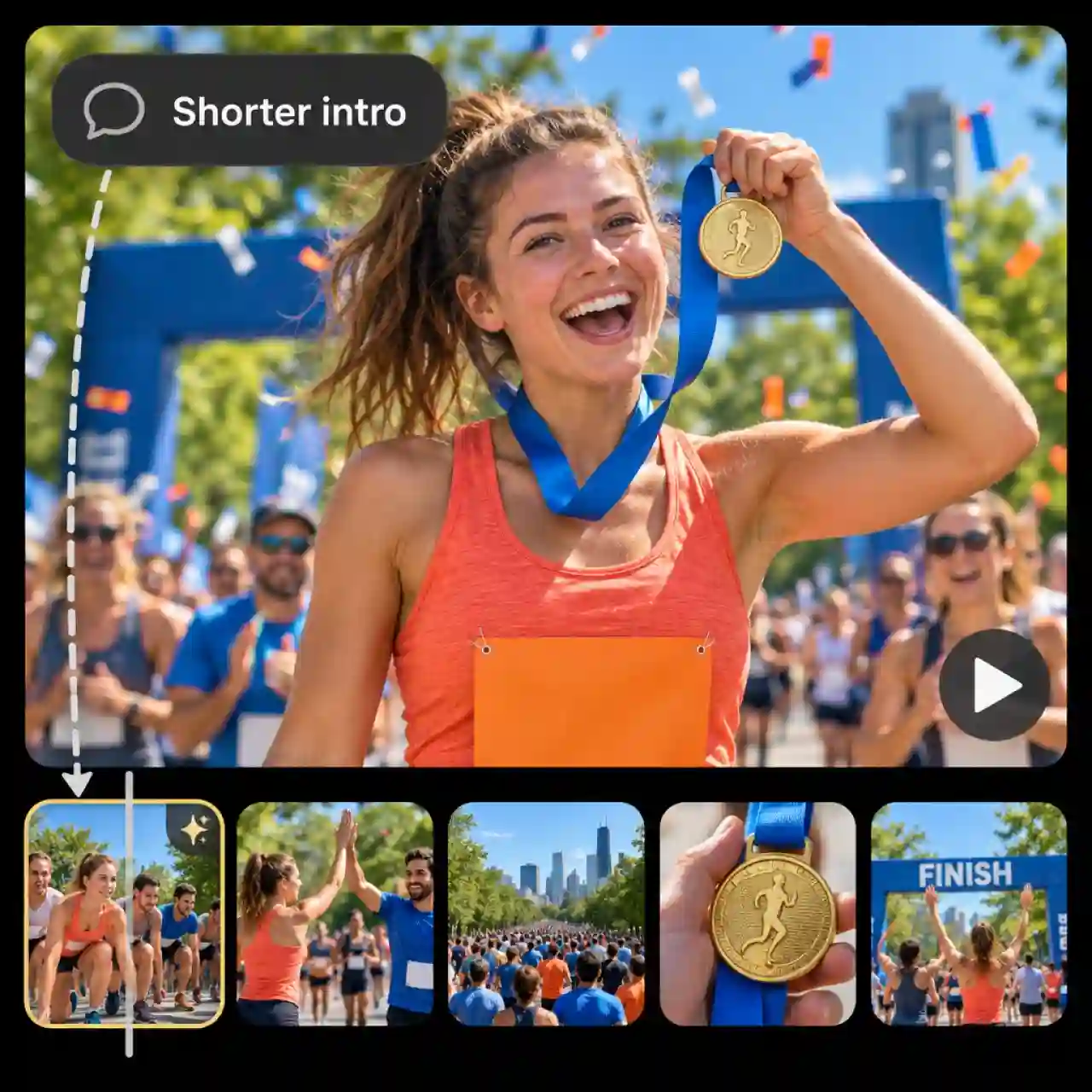
Edit Your Event Video with a Simple Prompt
Change any part of your event video by typing what you want. Tell the Agent to shorten the intro, swap the music, or redo the date shot, and it updates that scene without touching the rest, with the timeline there when you want finer control. Everything runs in your browser, so Anijam works as an AI event video maker online with nothing to install.
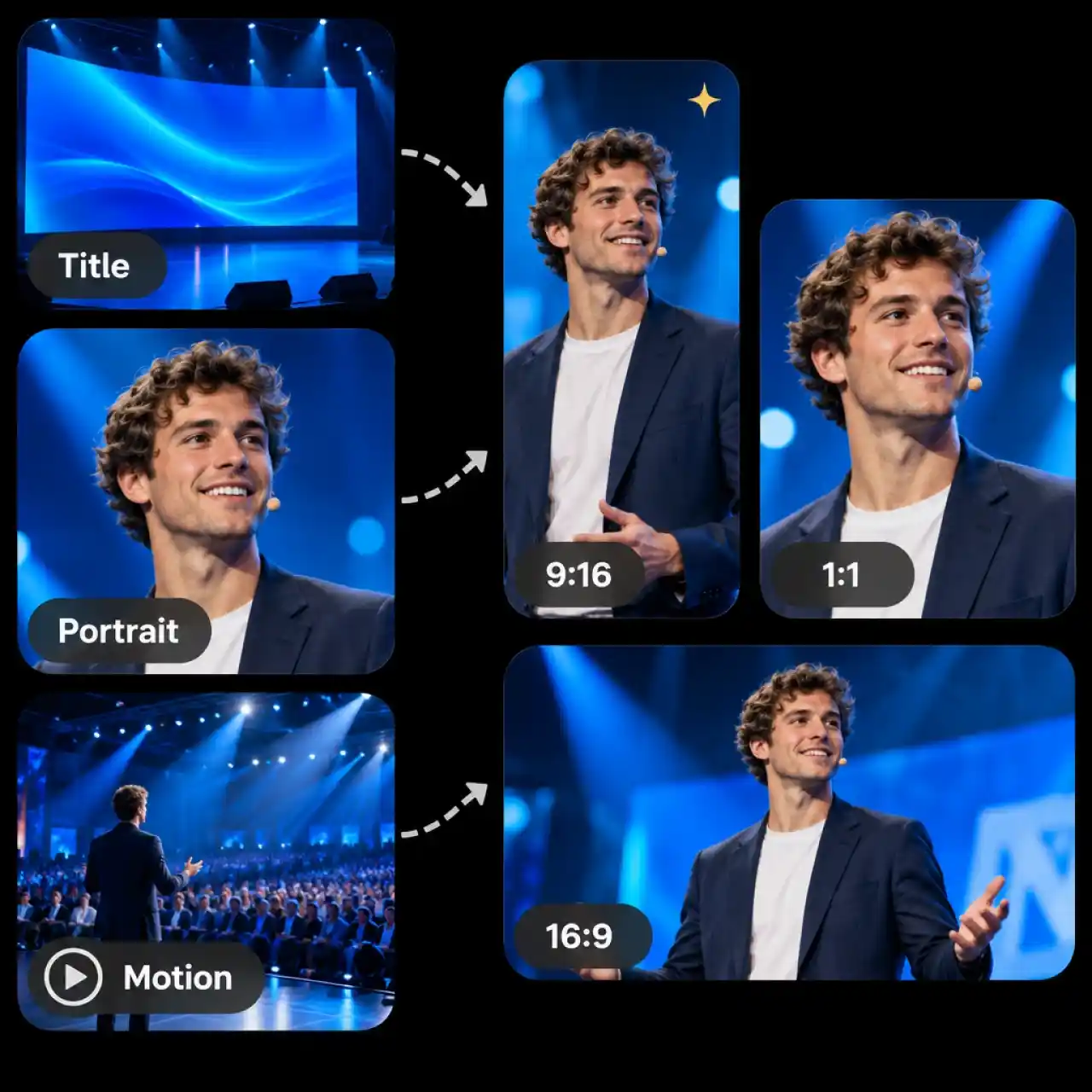
Generate Event Videos with Leading AI Models
Pick the right AI model for each shot. Anijam brings leading AI image and video models into one workspace, so you can make title frames, portraits, and motion shots, then set the aspect ratio for Reels, Stories, or widescreen.
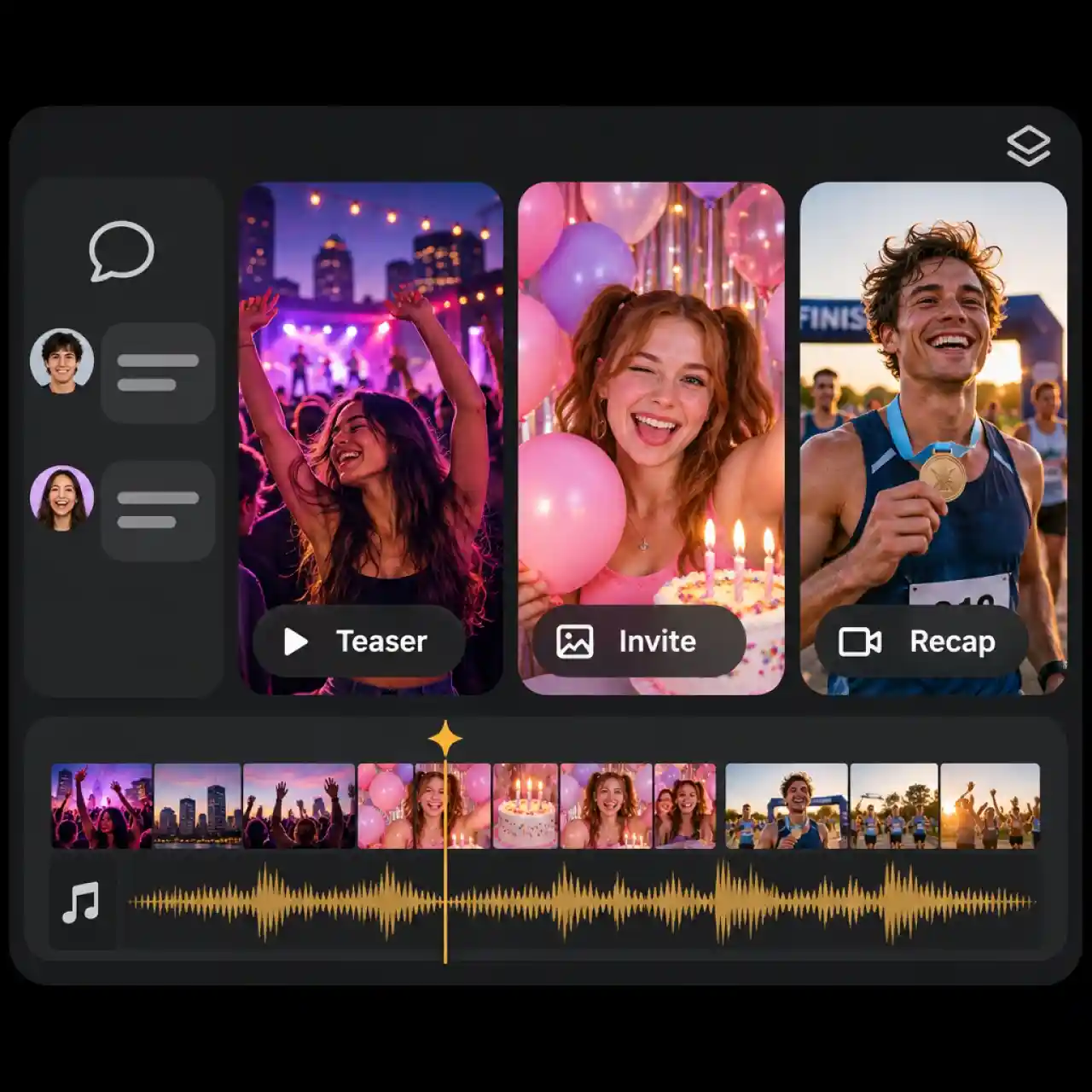
Create Every Event Video in One Workspace
Make the teaser, the invitation, and the recap without switching tools. Chat with the Agent, generate images and clips, add audio, and edit on the timeline in one canvas, so you never export, re-import, or lose track of a file between steps.
How to Make an Event Video with Anijam
Step 1: Describe Your Event or Pick a Template
Open Anijam's AI event video maker, tell the Agent your event name, date, venue, and mood, or choose a trending event template. Add photos, your logo, or a script if you have them.
Step 2: Generate and Refine
The Agent plans the scenes and generates your clips. Add music, sound effects, or a voiceover, then adjust any shot on the timeline.
Step 3: Export and Share
Download your finished video and post it to Reels, TikTok, or YouTube Shorts, send it in a group chat, or place it on your event page.
Event Video Ideas for Every Occasion
Whether you need a teaser, an invitation, or a recap, Anijam's AI event video maker turns your brief into a video you can post today.
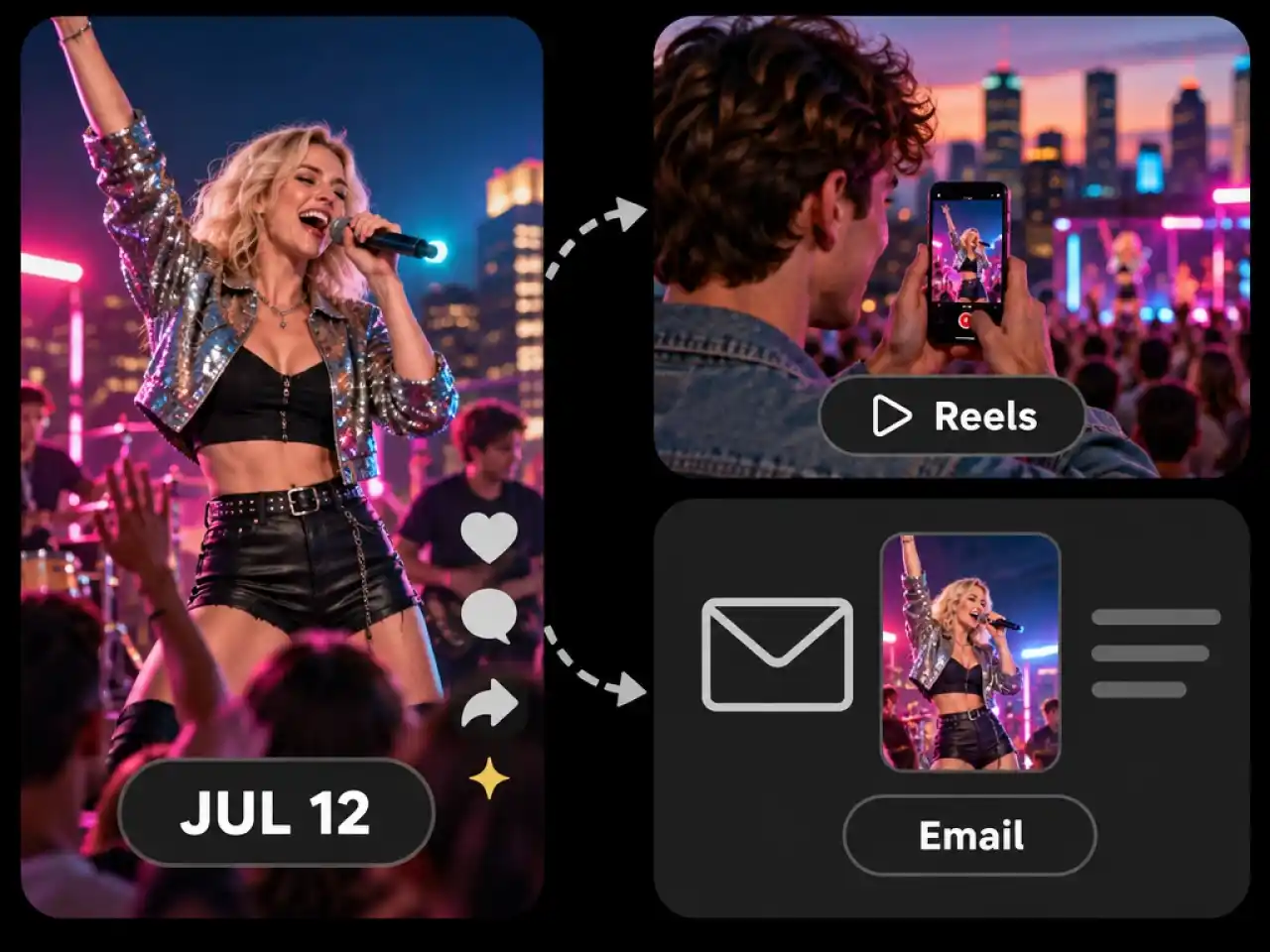
Promote Events with Teaser Videos
Build hype for concerts, launches, and conferences with a short teaser that shows the lineup, the date, and the energy. Post it to Reels, TikTok, and YouTube Shorts and send it to your email list.
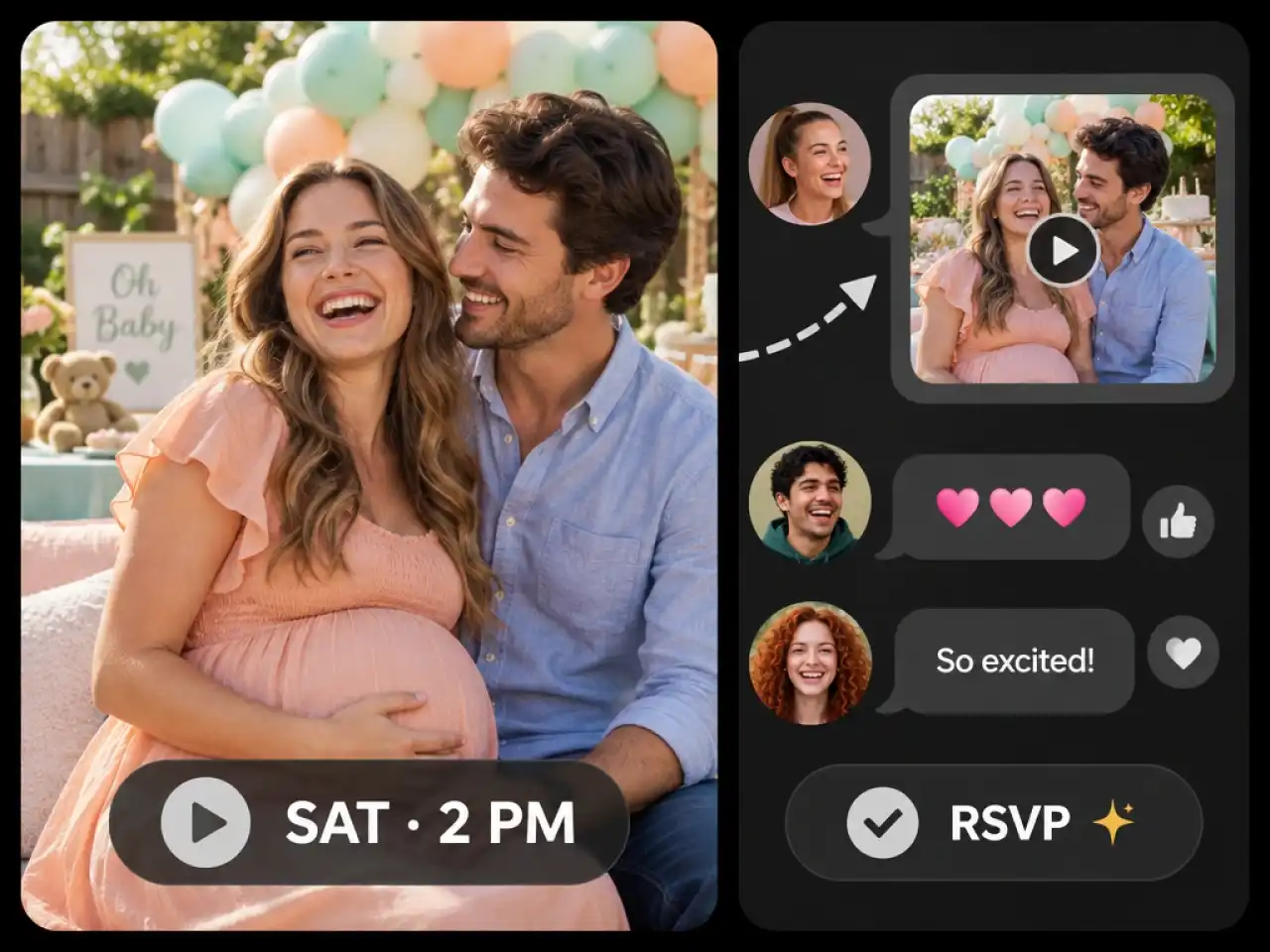
Invite Guests with Video Invitations
Replace a flat text message with a short video invitation for birthdays, weddings, and baby showers. Share it in a group chat so guests see the date, the place, and the mood before they RSVP.
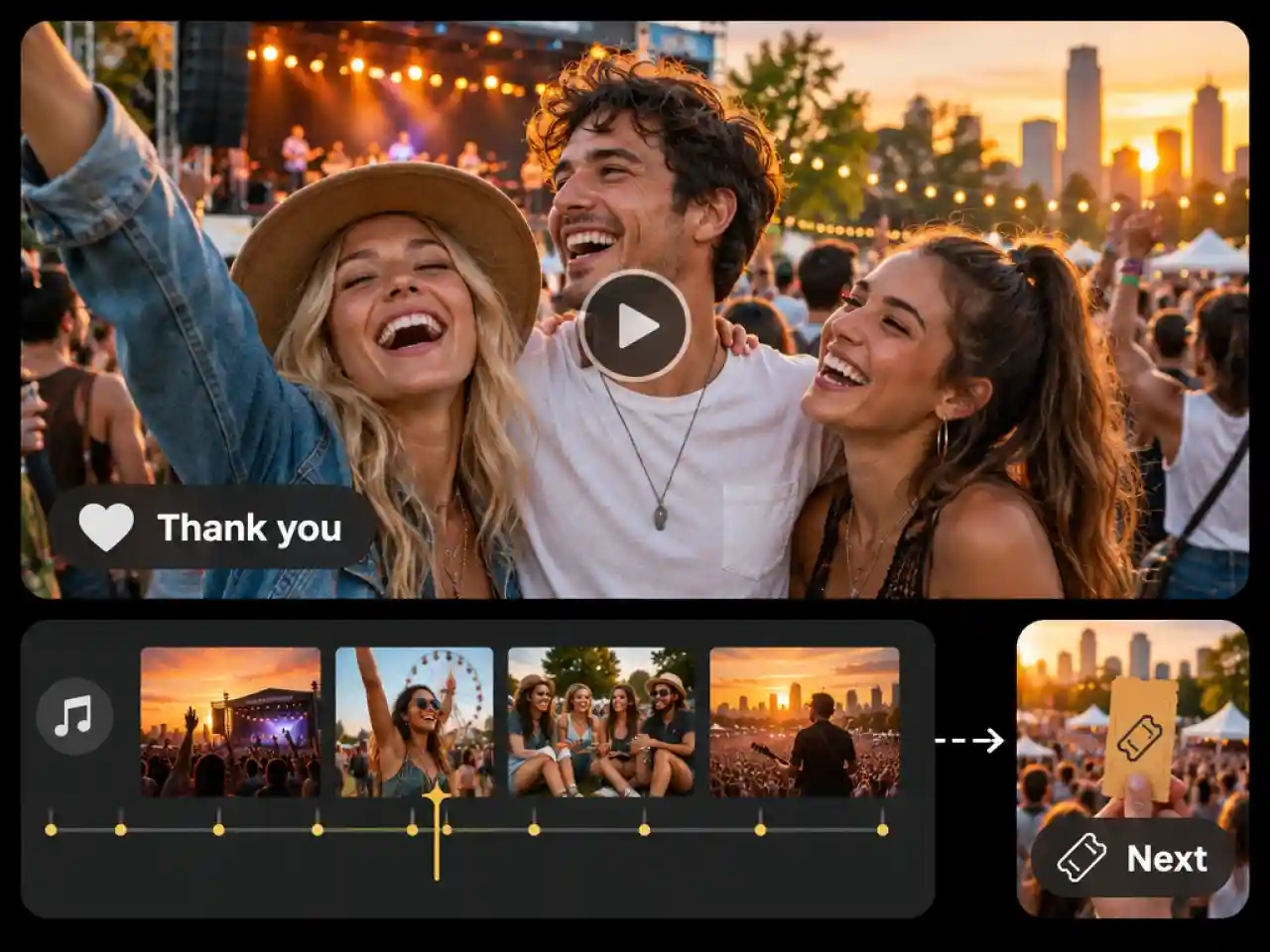
Recap Events with Highlight Videos
Turn your best photos and clips into a recap that thanks attendees and promotes the next event. Add music, set the order on the timeline, and publish while people are still talking about it.
Why Creators Choose Anijam AI Event Video Maker

Start Free with Credits
Try Anijam as an AI event video maker free with starter credits, and see your first event video before you pick a plan.

No Editing Skills Needed
Chat with the Agent instead of learning an editor. If you can text someone the details of your event, you can make the video.

Fast Generation
Turn event details, ideas, or photos into a finished video in minutes. Make quick adjustments to individual scenes without starting over.

Web and Mobile Access
Start in your browser at your desk and keep creating from the Anijam mobile app, wherever the event planning takes you.

Ready for Every Social Platform
Create vertical videos for TikTok, Reels, and Shorts or landscape videos for presentations and event pages. Choose the format that fits where your audience watches.

Flexible Video Customization
Adjust scenes, visual styles, music, and voiceovers to match your event. Fine-tune the details until your video feels right for the occasion.
Explore More Anijam AI Creative Tools



What Our Users Said
More about AI Video Creation & Inspiration
FAQ
Is Anijam's AI event video maker free to use?
Yes. You can get started with Anijam using credits from your account and daily check-ins, so you can try making event videos without committing to a subscription. The credits required depend on the AI models and generation settings you choose. Upgrade to a paid plan for watermark-free exports and commercial usage rights.
What types of event videos can I create with AI?
You can create event promo videos, video invitations, save-the-date videos, highlight reels, and event recap videos. Anijam also supports videos for birthdays, weddings, concerts, conferences, product launches, fundraisers, and other occasions. Choose a template or describe the event you have in mind to get started.
Is there an AI event video maker app for mobile?
Yes. Anijam is available on both web and mobile, so you can create and work on event videos from your browser or the Anijam app. This makes it easier to prepare invitations, event announcements, and recap videos wherever you are.