


AI Video Upscaler: Upscale Video to 4K or 8K
Turn blurry, low-resolution, or AI-generated videos into sharper, clearer footage with Anijam's AI video upscaler. Upscale videos to 4K or 8K in just a few clicks for crisp, high-resolution results.
Transform Any Low-Res Clip Into Stunning 4K/8K
Blurry footage, low-resolution clips, and AI-generated videos can lose their impact when details look soft on larger screens. An AI video upscaler helps improve visual clarity and increase resolution, making your videos look sharper without recreating them from scratch.
With Anijam, you can upscale both AI-generated and existing videos to 4K or 8K in just a few clicks. Give your footage a resolution boost and get it ready for your next project, post, or presentation.
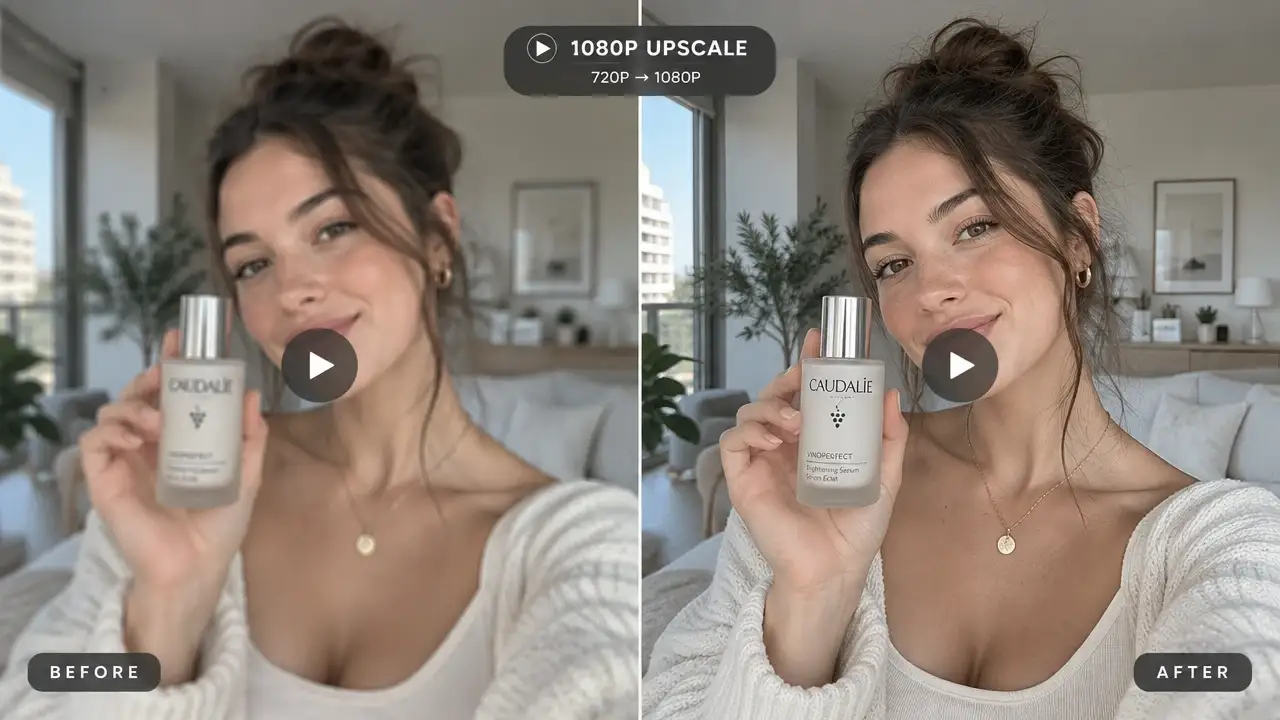
1080P: Clean, Fast, and Social-Ready
The most accessible way to upscale video online free of quality loss. 1080P is ideal for quick turnarounds, Instagram Reels, and TikTok clips where fast export matters more than maximum resolution.
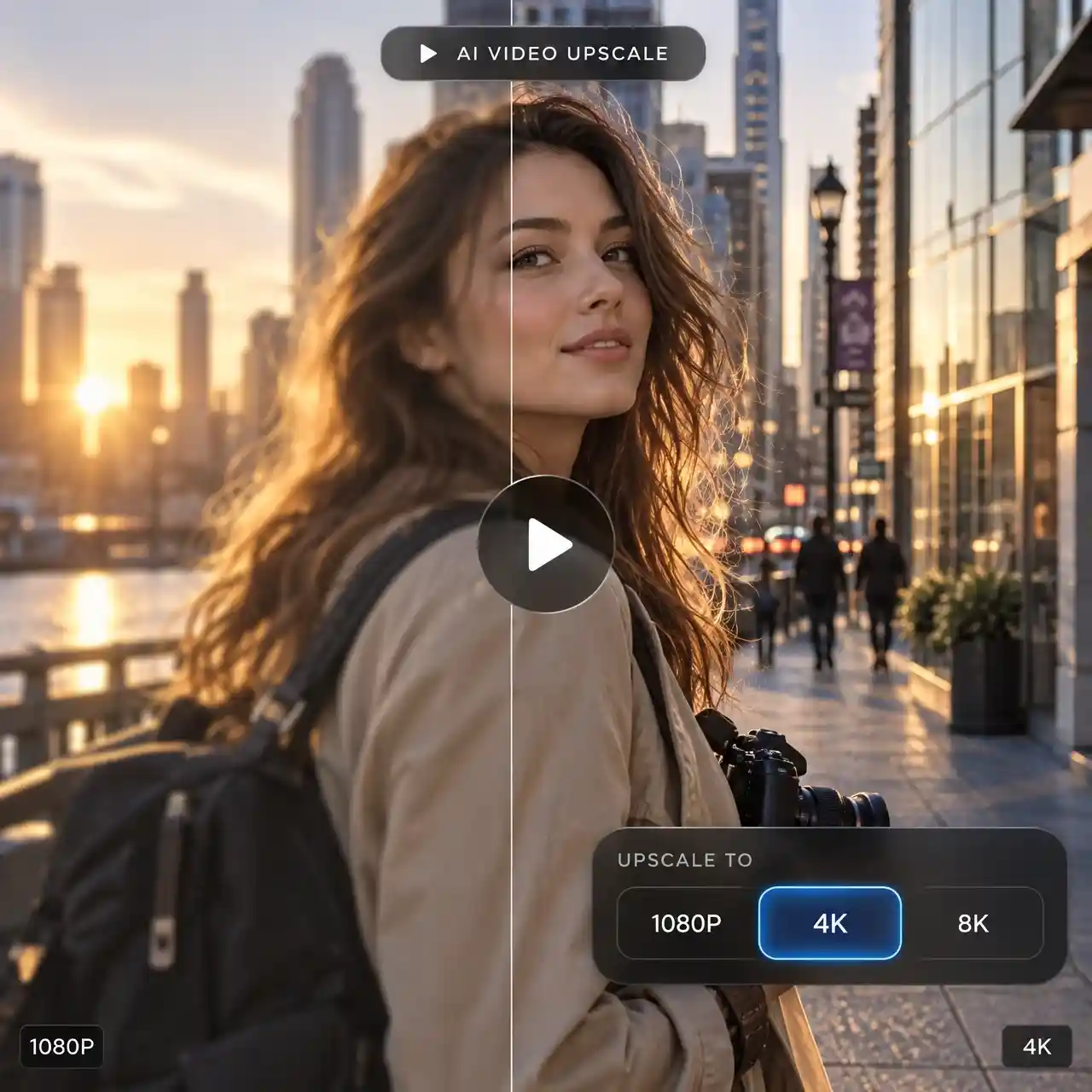
Upscale Video to 1080P, 4K, or 8K
Turn low-resolution footage into sharper, higher-resolution video with AI. Anijam can upscale your video to 1080P, 4K, or 8K while enhancing visible detail, edges, and textures for a clearer result on modern screens.
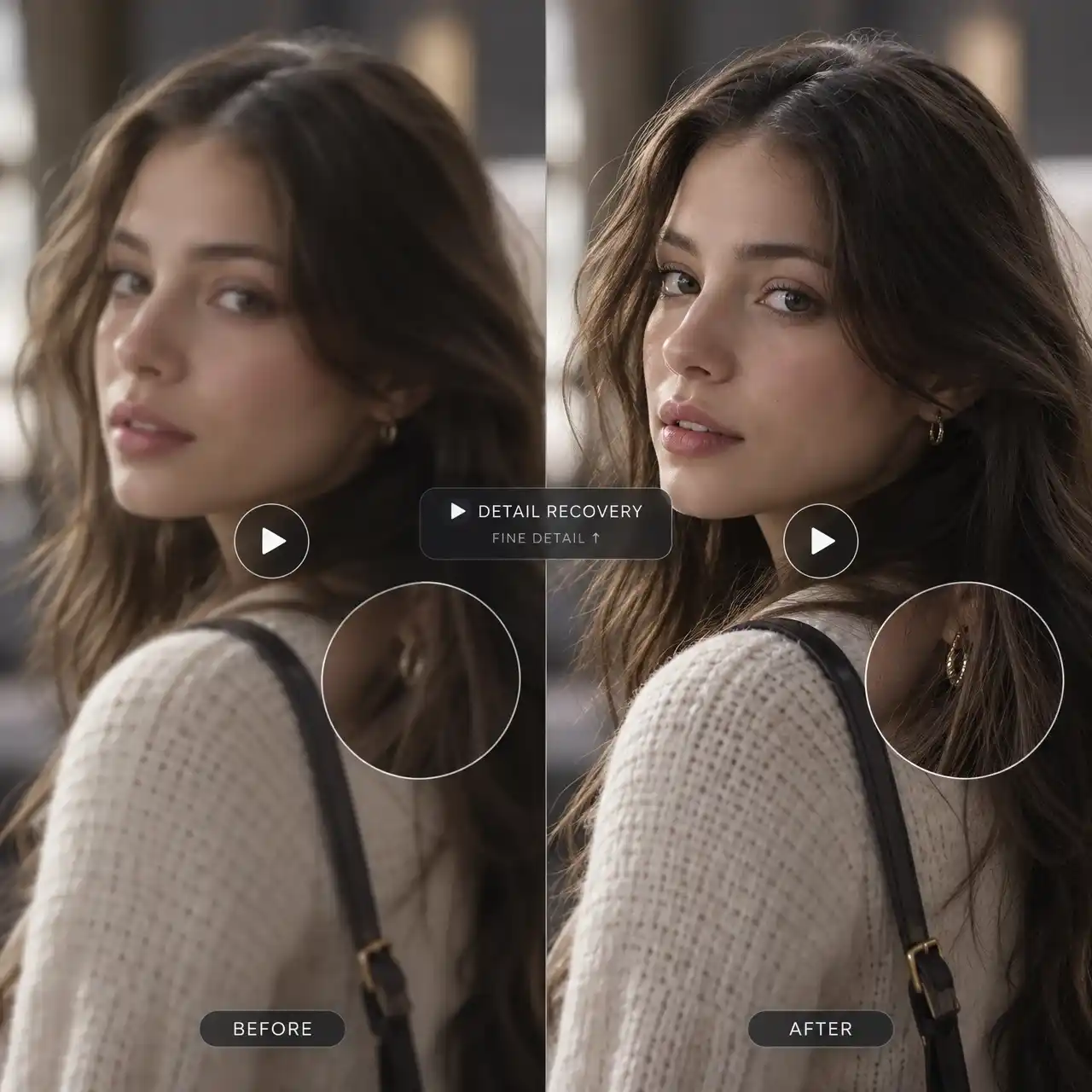
Reconstruct Fine Details in Low-Resolution Video
Low-resolution footage can lose clarity in faces, hair, textures, and edges when viewed on larger screens. Anijam's AI video upscaler enhances these details frame by frame, helping soft footage look sharper and more defined at higher resolutions.
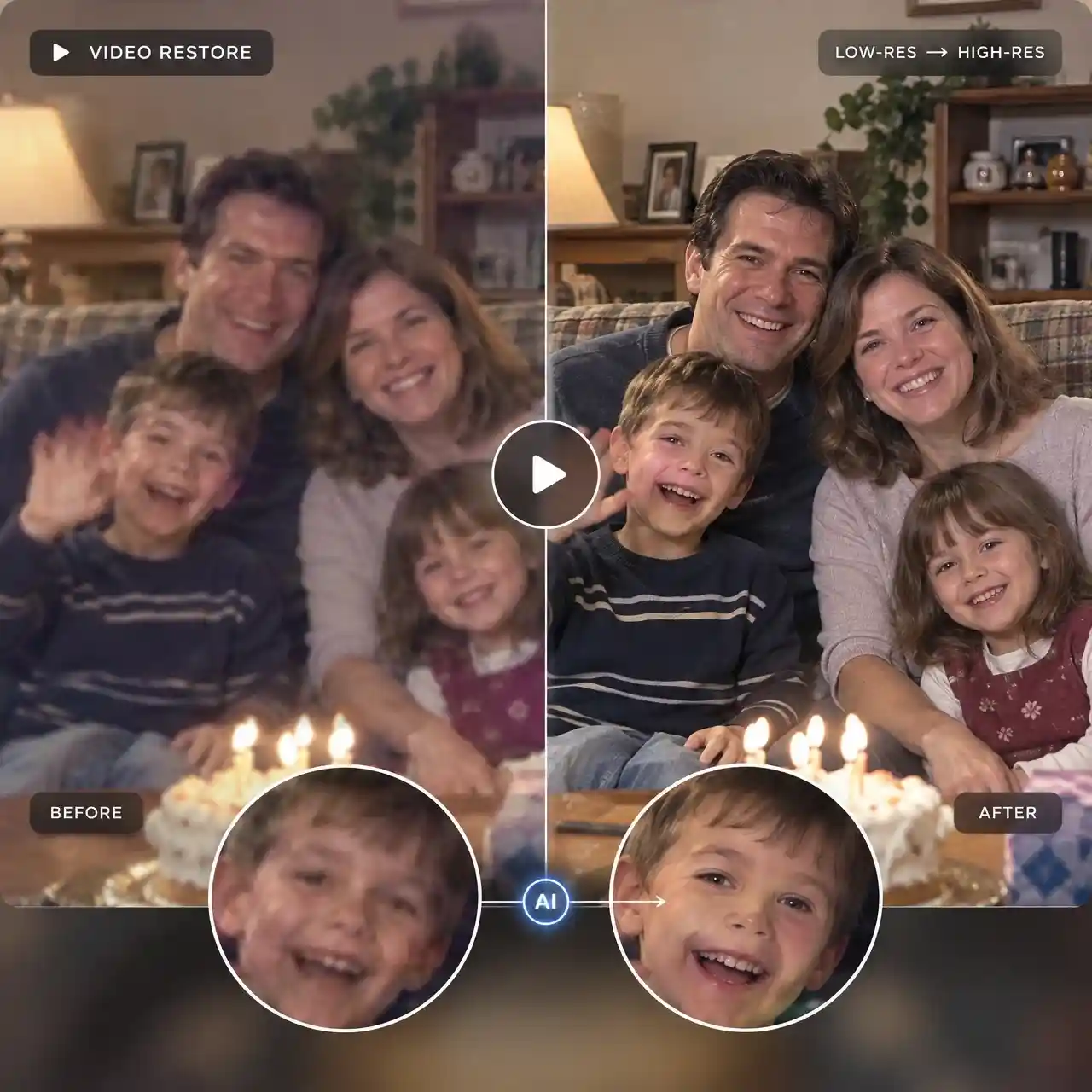
Restore Blurry, Compressed, or Old Video
Bring more clarity to old home videos, downloaded clips, screen recordings, and heavily compressed footage. Anijam's AI video upscaler enhances lower-quality sources frame by frame, improving visible detail, edges, and textures for a cleaner, sharper result.
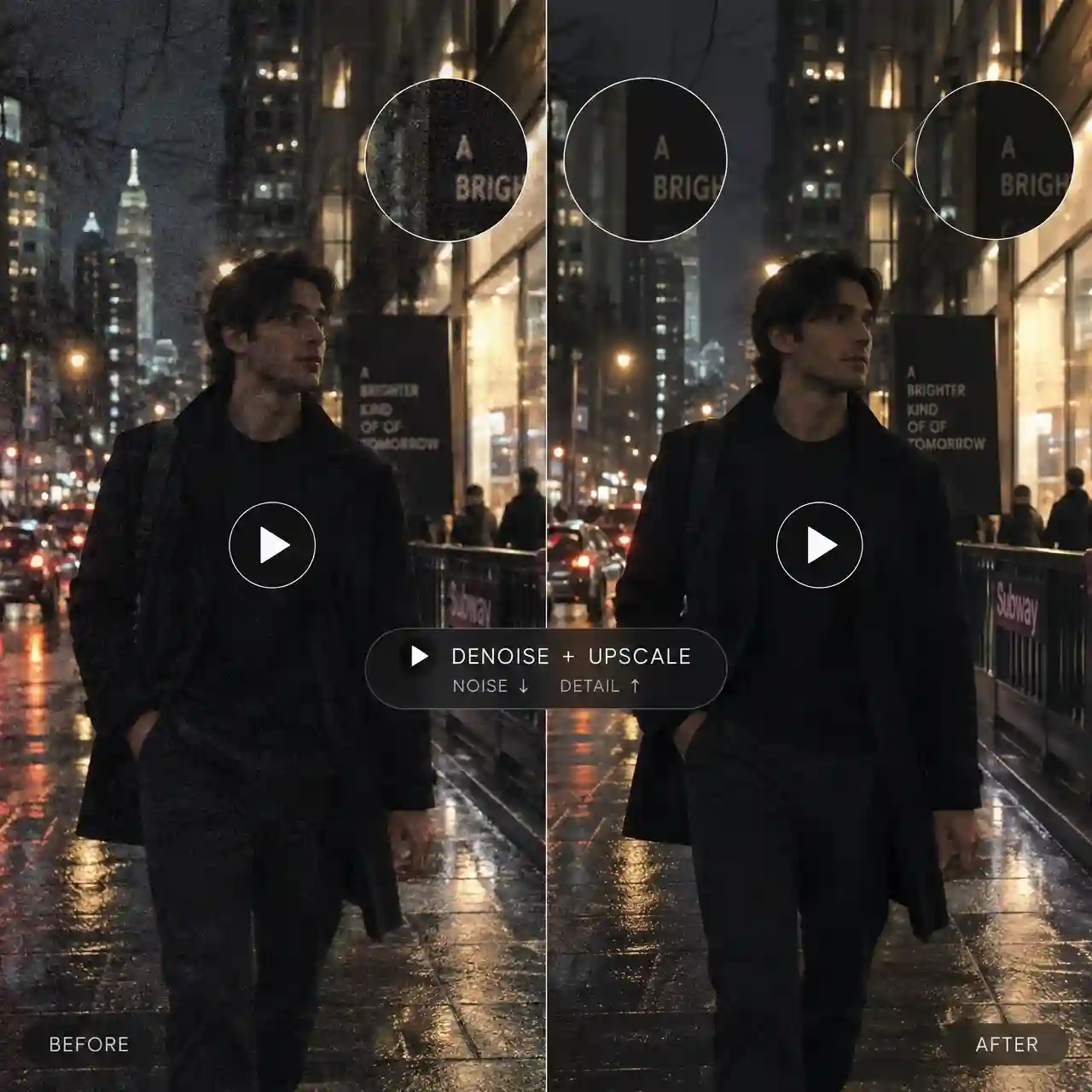
Reduce Noise and Compression Artifacts
Low-light footage, repeated exports, and compressed downloads can add grain, blocky artifacts, and unwanted visual noise. Anijam's AI video upscaler helps clean up these distractions while enhancing visible detail, so your footage looks sharper and more natural at higher resolutions.
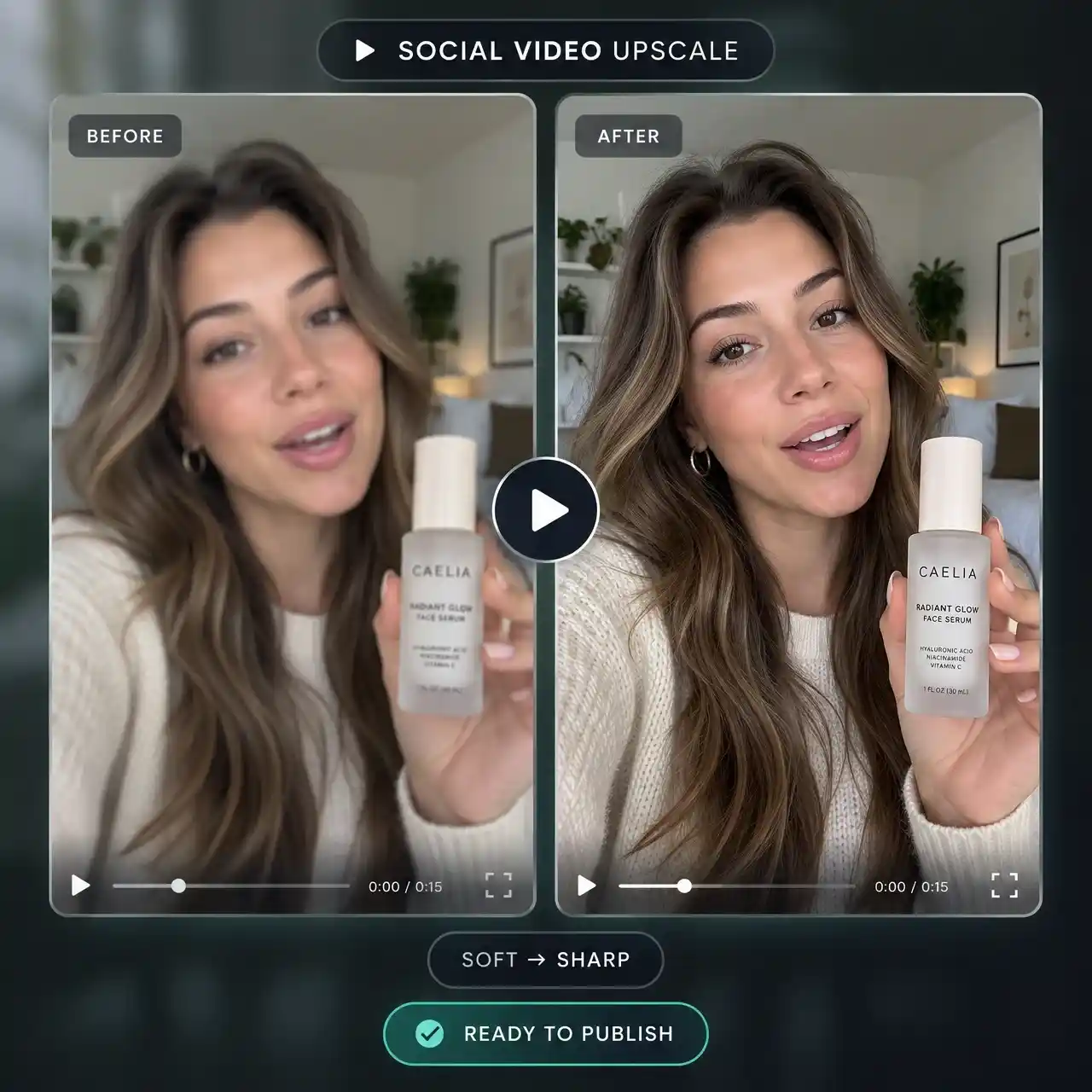
Enhance Social, UGC, and Professional Videos
Give finished social clips, UGC ads, and product videos a cleaner, sharper look before publishing or delivery. Upscale your video to 1080P, 4K, or 8K to preserve more visible detail in faces, products, text, and textures across modern screens and client deliverables.
How to Upscale Video to 4K with Anijam
Step 1: Add Your Video to the Canvas
Upload the video you want to enhance to Anijam's Canva.
Step 2: Click "Video Upscale"
Click your video clip on the canvas, then select Video Upscale from the tool menu to open the upscaling panel.
Step 3: Choose 4K or 8K and Generate
Pick 1080P, 4K, or 8K in the Video Upscale panel and click Generate. Preview the sharper result, then export with no watermark.
Explore Anijam's Other AI Video Tools



What Users Say About Anijam AI Video Upscaler
FAQ
What is an AI video upscaler?
An AI video upscaler uses machine learning to increase a video's resolution while reconstructing detail that a basic resize can't recover — sharper edges, cleaner texture, and less visible compression. Anijam's AI video upscaler applies this frame by frame, so a clip upscaled to 4K looks closer to native 4K instead of a blurry, stretched copy of the original.
Can I upscale a video to 4K online free with Anijam?
Creating an account is free, and every new account starts with bonus credits to explore Anijam's generation and editing tools. Video Upscale itself is a plan feature: 1080P upscale unlocks on the Creator plan, and 4K or 8K upscale unlocks on the Master and Master Pro plans. So you can try Anijam free first, then upgrade when you're ready to upscale video to 4K free of the credit and resolution limits on lower tiers.
Can I upscale video to 4K online free without watermark?
On Anijam, exports without a watermark are a paid-plan benefit. Free, unsubscribed exports carry a watermark, while any active subscription plan — including Beginner — removes it. If a watermark-free 4K result matters for your project, plan on subscribing before your final export rather than relying on a free preview.
Does the upscaler work on AI-generated video from other tools, or only videos made in Anijam?
Both. You can upscale any video generated inside Anijam's canvas, or upload existing footage — including clips exported from other AI video generators, downloaded social media videos, or old home movies — and run the same Video Upscale process on it.
Will upscaling to 4K or 8K make my video blurry or add artifacts?
Anijam's AI video upscaler is built to add real detail rather than simply stretch pixels, which keeps results looking natural. That said, extremely low-resolution or heavily compressed source footage has less detail for any AI to recover, so very degraded clips will improve less dramatically than clips that already have clear subject detail.
What's the difference between 1080P, 4K, and 8K video upscale?
1080P is the fastest option and works well for social clips and quick turnarounds. 4K is the standard resolution most platforms, displays, and clients expect today. 8K delivers the most detail and is best suited for cinema-grade delivery, large-format screens, or long-term archival exports.
Can I use my upscaled video commercially?
Yes, on paid plans. Anijam removes the watermark from exports on subscription plans and includes commercial usage rights, so an upscaled 4K or 8K video can be used in ads, client deliverables, and monetized content.