


AI Roblox Story Video Generator for Viral Shorts
Paste a script and generate a Roblox-style video from scratch, or upload your own gameplay recording and let Anijam add AI voiceover, dialogue, and captions on top — all in the same timeline.
Popular Roblox Story Formats to Create with Anijam AI
From storytime to rants to horror, Anijam adapts to whatever format your channel runs — describe it once, and it's ready to post.
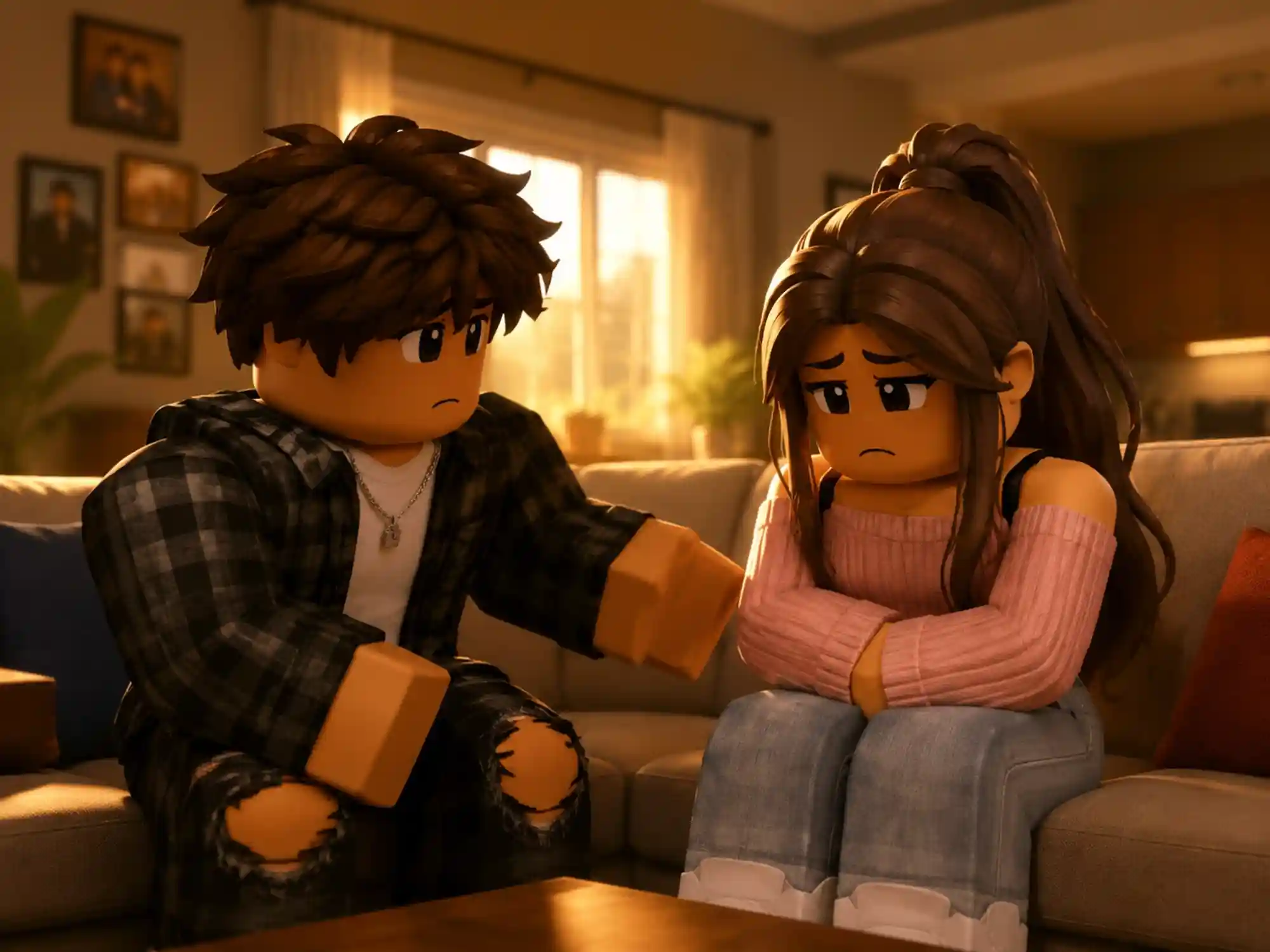
Generate Brookhaven-Style Roleplay Drama
Paste a family drama, breakup, or love story script and get a Roblox-style video with consistent characters — the multi-part 'Part 1 / Part 2' format that dominates Roblox storytime content.
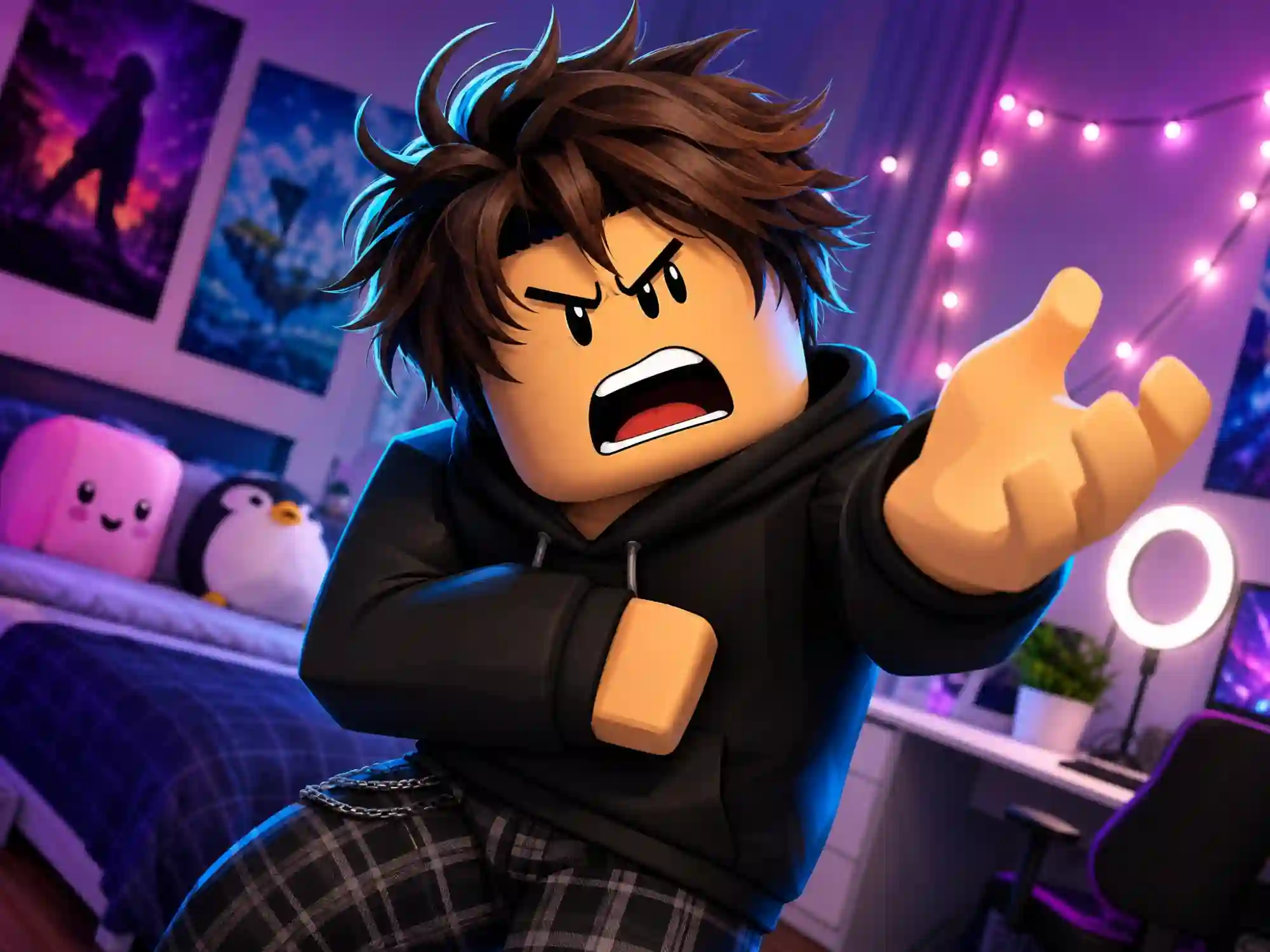
Turn a Rant Script Into a Character Monologue
Turn an opinion or rant script into a blocky character delivering it on camera, with pacing and expressions timed to match your tone — no filming required.
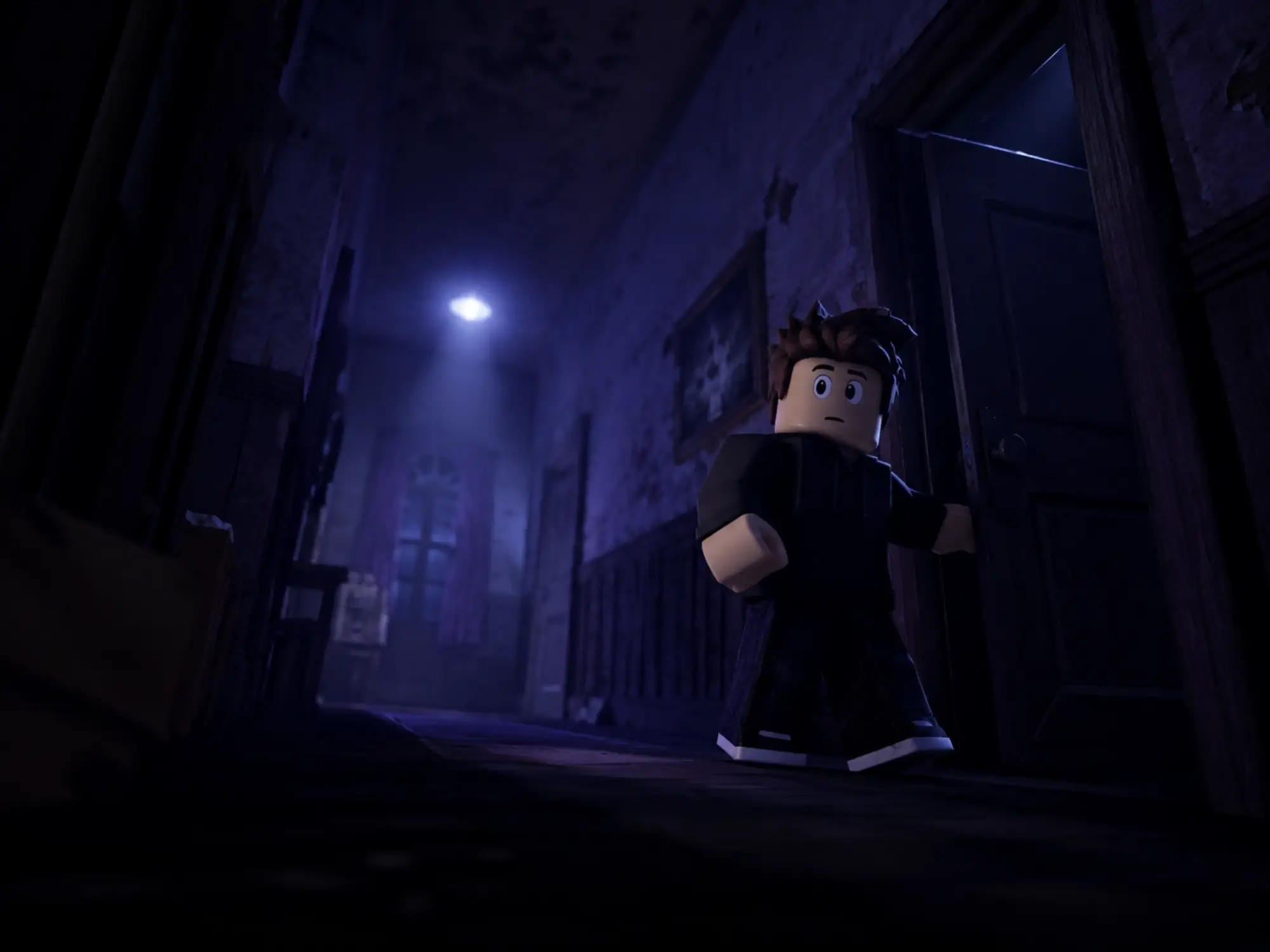
Build Suspenseful Roleplay Mysteries
Script a reveal, a plot twist, or an eerie roleplay mystery, and Anijam paces the tension and dialogue scene by scene to match the format.
One Workspace for Every Roblox Video Format
Anijam turns a script into a Roblox-style video, or takes your own gameplay recording and layers on AI voiceover, dialogue, and captions — both start in the same timeline. Storytime, rants, roleplay, or horror: describe it once, and it's ready to post.
The Anijam app brings the same workspace to your phone, syncing every project automatically and surfacing a constantly refreshed feed of trending video templates to match whatever format is working right now.
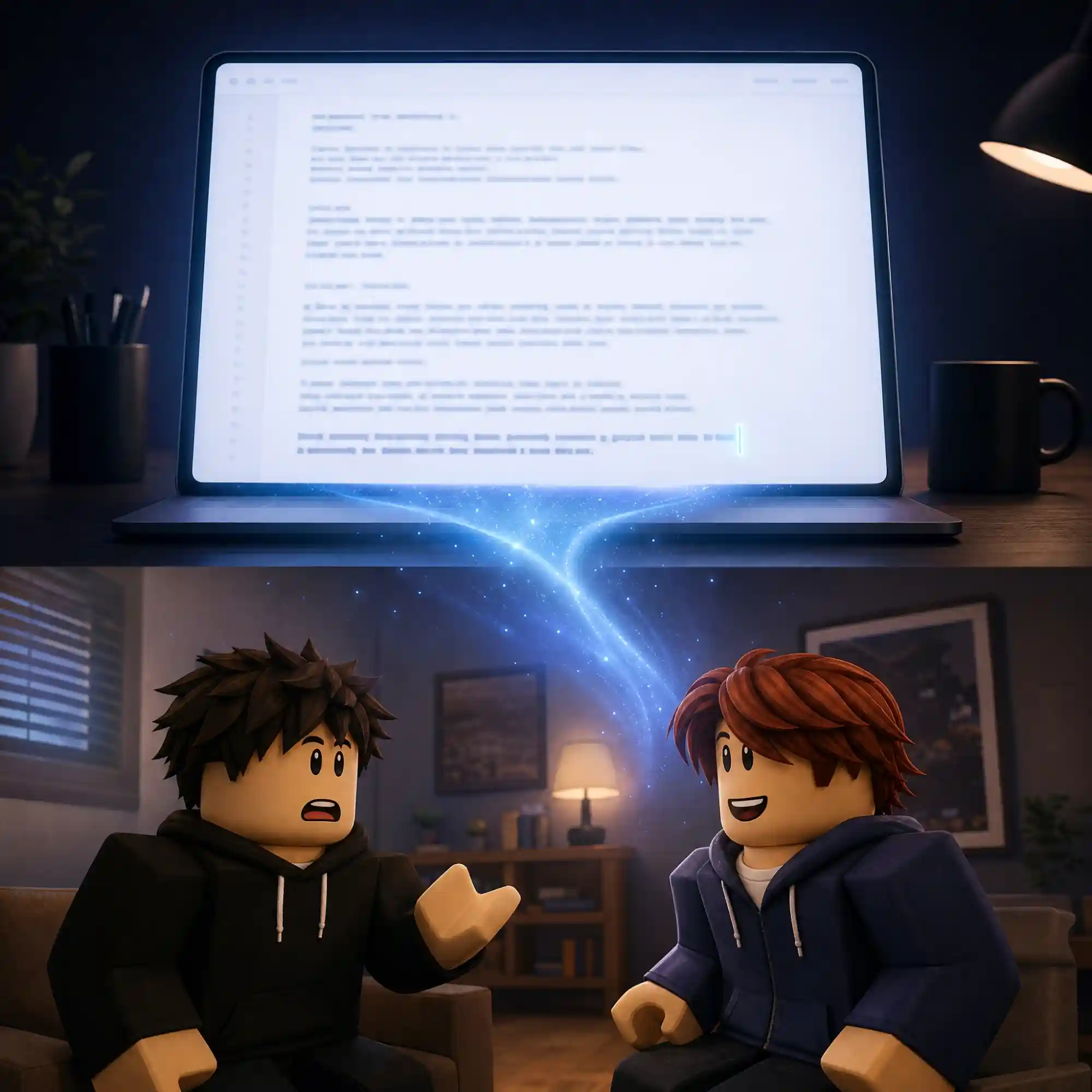
Turn a Script Into a Finished Video
Drop in a storytime, a rant, or a roleplay script, and Anijam's AI agent breaks it into scenes, builds blocky Roblox-inspired characters, and turns your dialogue into a synced, narrated video — no gameplay recording, no screen capture, no stock clip library required.
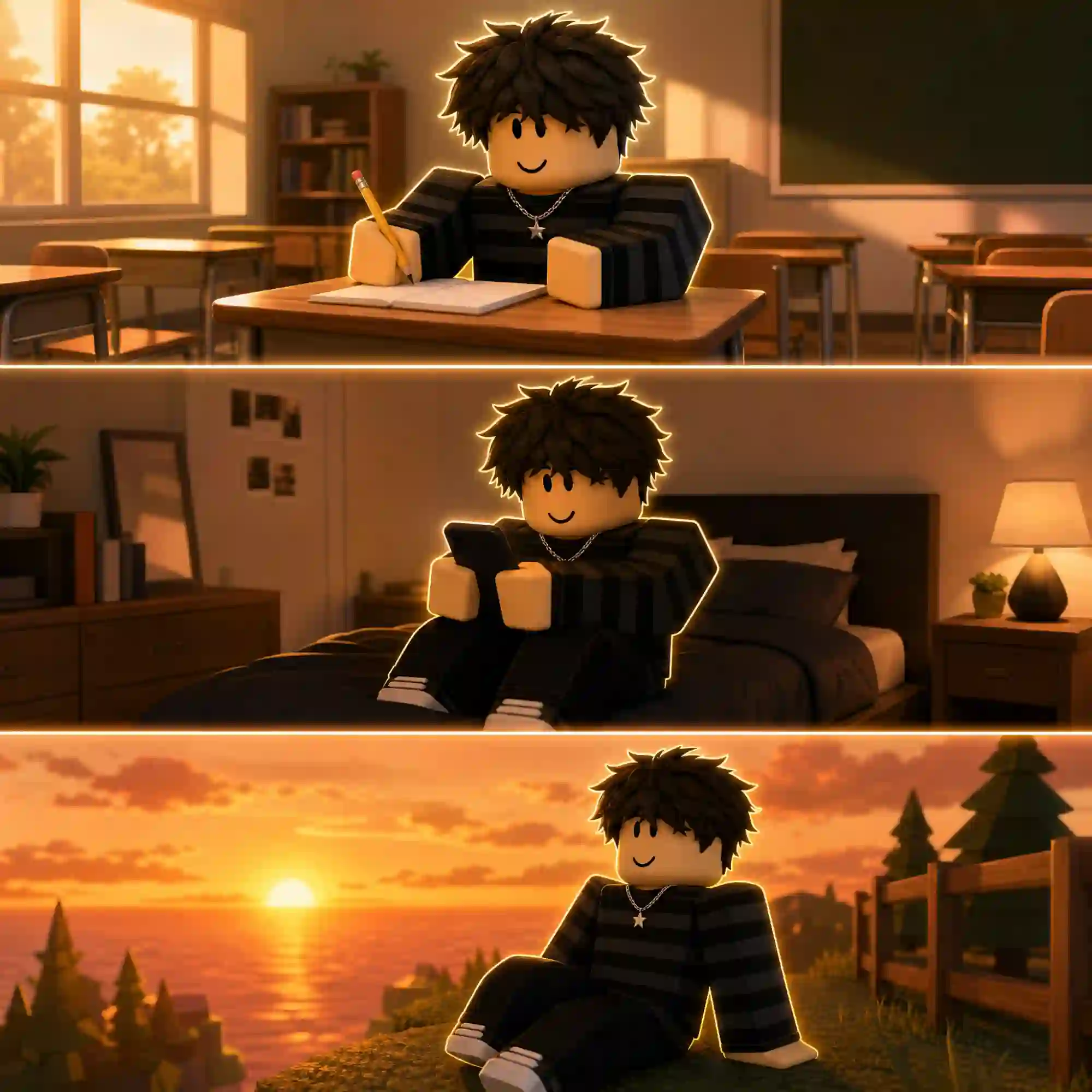
Keep Characters Consistent Across Scenes
Design your blocky characters once, and Anijam keeps their look, proportions, and color scheme consistent from the opening shot to the final twist — so your story feels like one continuous world instead of mismatched clips.
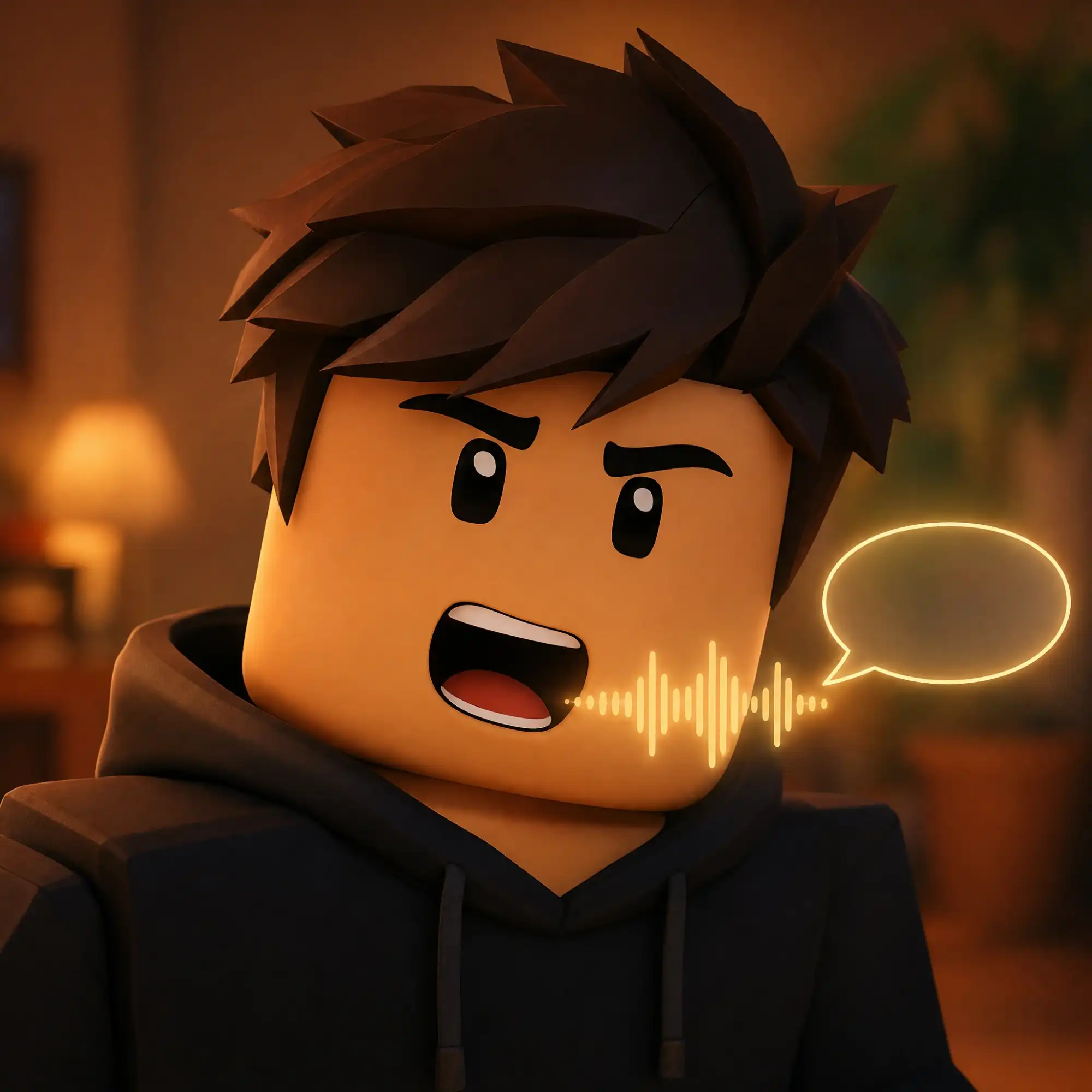
Make Your Roblox Style Character Speak
Pick a narrator voice for storytime pacing or assign distinct voices to each character for roleplay and rant scenes. Anijam's lip-sync engine matches mouth movement to dialogue automatically, so your blocky cast actually looks like it's talking.

Build a Reusable Roblox-Style Look
Start from a blocky, Roblox-inspired preset, or train a custom look so your channel has a recognizable visual identity across every story you publish.
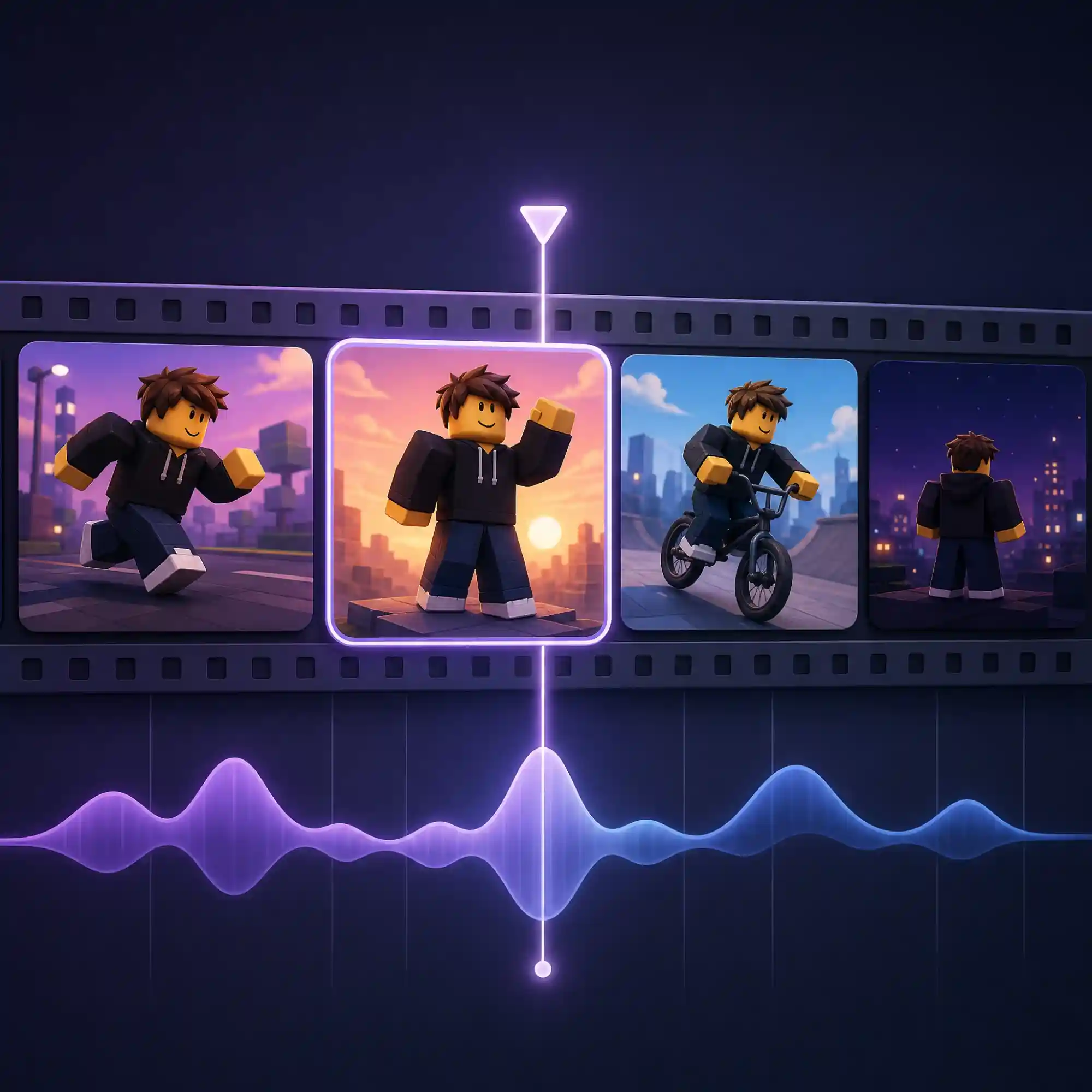
Fine-Tune Every Scene's Pacing
Use the timeline editor to tighten a scene, hold on a reaction a beat longer, or re-time a lip-sync moment — the kind of fine control that keeps storytime and rant videos feeling intentional instead of automated.
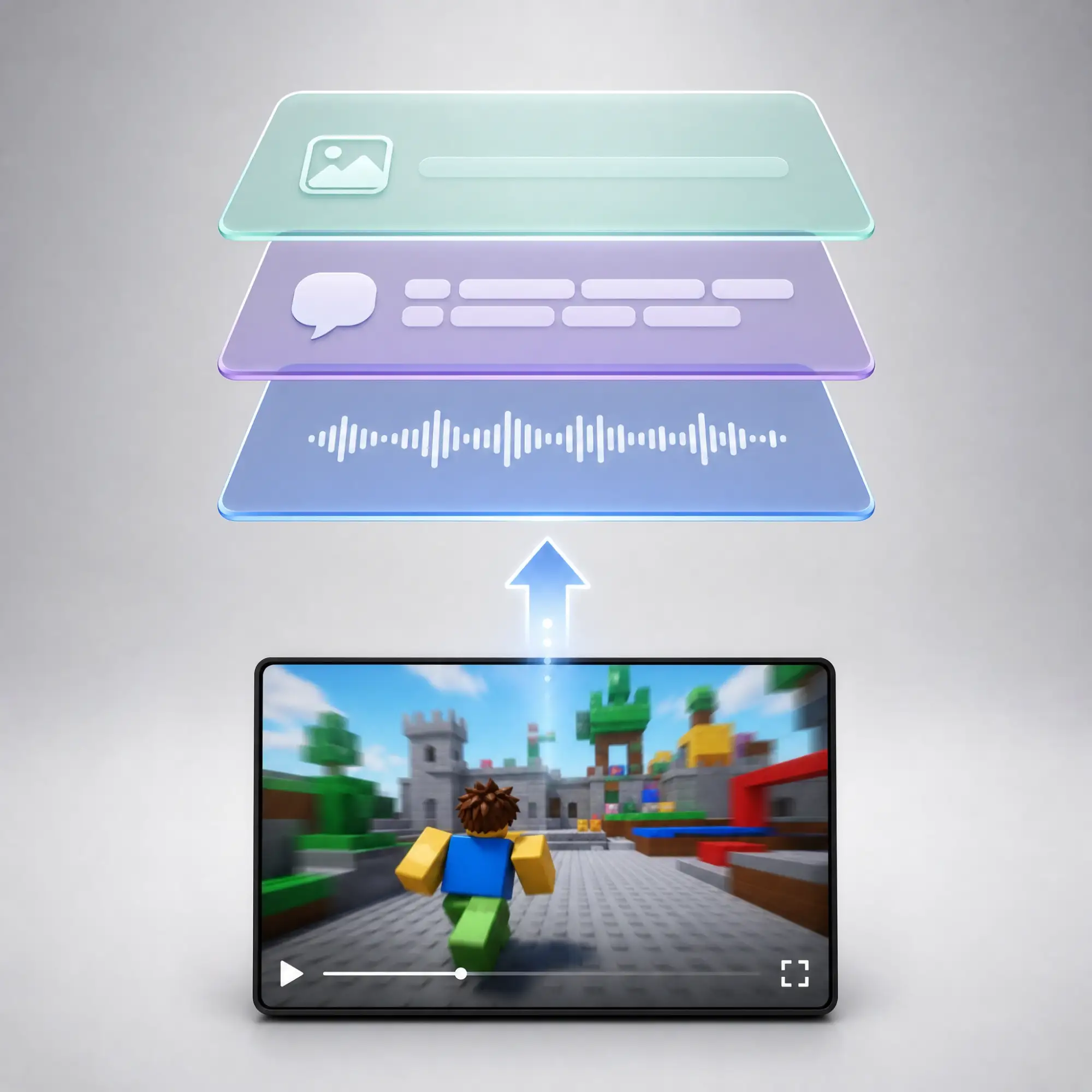
Upload Your Own Roblox Footage
Skip the generation step entirely and upload your own Roblox gameplay recording. Anijam keeps your original clip intact as its own layer on the timeline — reposition, resize, or trim it, then add AI voiceover, character dialogue, sound effects, and auto-generated captions directly on top.
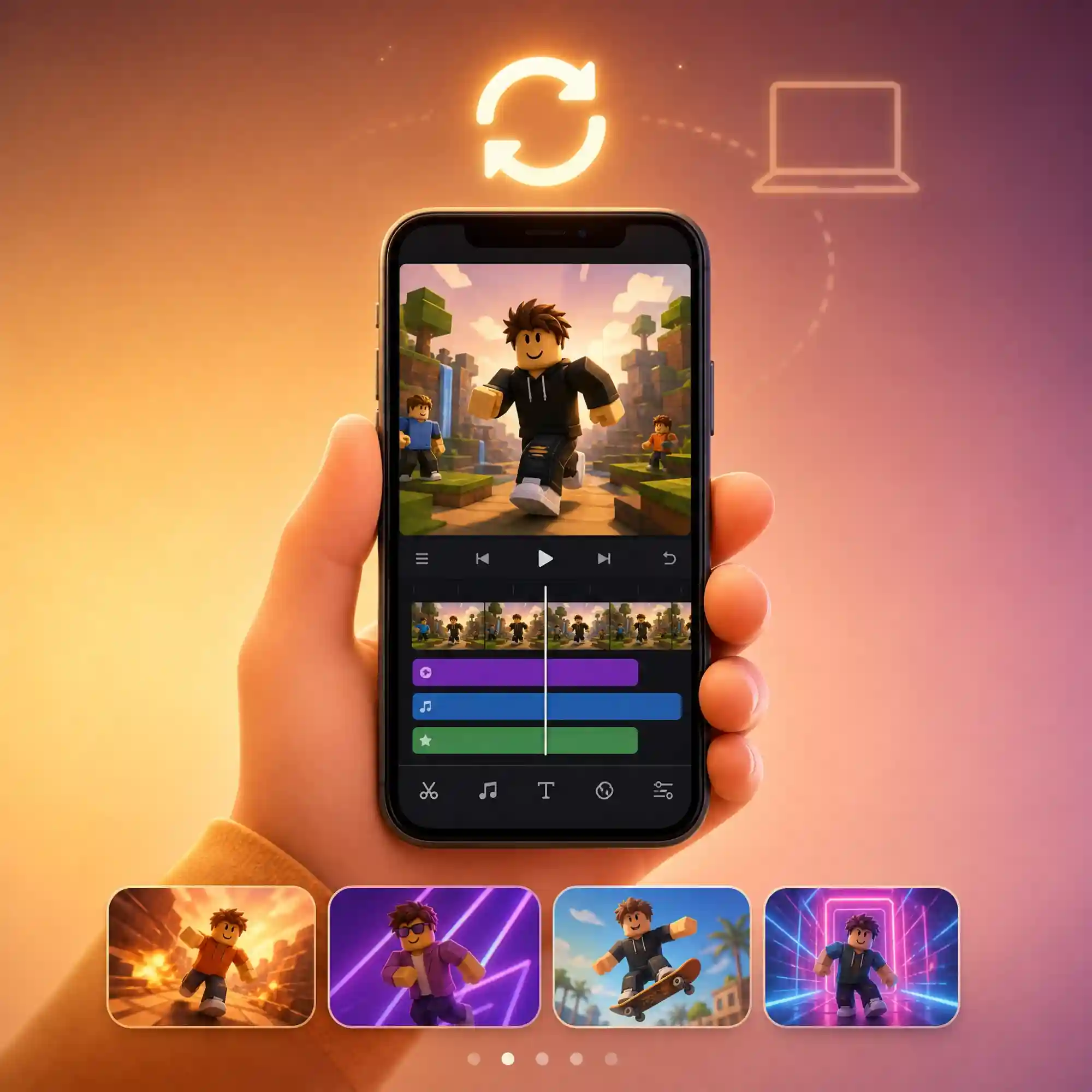
Create Anywhere with the Anijam App
Write a story idea, generate scenes, and keep working from your phone with the Anijam app — every project syncs automatically across devices. The app also surfaces a constantly updated feed of trending video templates, so your next Roblox-style story always has a fresh format to fit.
How to Make an AI Roblox Story Video with Anijam
Step 1: Start From a Script or Your Own Footage
Drop in a script, a storytime you've written, a rant, or just a plot idea, and Anijam's AI outlines the scenes. Already have a Roblox gameplay recording? Upload it instead — it lands on the timeline as its own layer, ready for voiceover and captions.
Step 2: Pick a Style and Set Up Your Characters
Choose a blocky, Roblox-inspired look from the style library, design your characters so they stay consistent across every scene, and select a voice for narration or dialogue.
Step 3: Refine the Timeline and Export
Use the timeline editor to adjust pacing, lip sync, and camera movement scene by scene. When it's ready, export in vertical or horizontal format and post to TikTok, YouTube Shorts, or Reels.
Why Choose Anijam Roblox-Style Story Video Maker

Fast Generation
Go from a pasted script to a fully animated Roblox-style scene in minutes, not the hours a real recording-and-editing workflow takes.

Free to Start
New accounts get credits to try Anijam's AI Roblox story video generator with no credit card required.

Generate From Scratch or Upload Your Own
Skip screen capture entirely and let Anijam generate the scenes from your script, or upload your own Roblox gameplay recording and add voiceover and captions on top — your choice.

Consistent Characters
Your blocky cast keeps the same look, proportions, and color scheme across every scene, so multi-part stories don't feel disjointed.

No Special Skills Needed
No rigging, no keyframing, no recording setup. If you can write or paste a script, you can generate a video.
App-Synced Creation
Start a story on desktop and pick it up on the Anijam app, with projects and trending templates synced across every device.
Explore Anijam AI's Other Cutting-Edge Animation Tools

What Our Users Say
More about AI Video Creation & Inspiration
FAQ
What is an AI Roblox story video?
An AI Roblox story video is a short, blocky-avatar-style video — storytime, rant, roleplay, or horror content — made with AI instead of being fully hand-recorded and edited. Some tools do this by pairing AI narration with real Roblox gameplay footage; Anijam can do that too, and can also generate the blocky characters, scenes, and dialogue from scratch based on your script or story description.
How do I make a Roblox story video with AI?
Write or paste your story, script, or rant into Anijam's story-to-animation tool, choose a blocky, Roblox-inspired visual style, and set up your characters so they stay consistent across scenes. The AI generates the animation and lip-synced dialogue, and you can fine-tune pacing and timing in the timeline editor before exporting.
Do I need to record real Roblox gameplay to use Anijam?
No. Anijam's AI Roblox story video generator can build the blocky characters and scenes from your text or script alone — no screen capture, gameplay recording, or Roblox account required. If you already have your own Roblox gameplay recording, you can upload it instead and keep it as-is on the timeline while adding AI voiceover, dialogue, sound effects, or captions on top.
Is Anijam's Roblox story video generator free?
Yes. New users can generate Roblox-style story videos using the free credits included at signup, with no credit card required. Longer projects, higher-resolution export, and full commercial usage rights are available on paid plans.
Can I make Roblox rant or horror story videos too, not just storytime?
Yes. The same script-to-animation workflow works for rants, horror shorts, roleplay drama, and comedic obby scenes — describe the tone and pacing you want in your prompt or script, and Anijam adjusts the mood, camera work, and character expressions to match.
Does Anijam add captions to Roblox story videos?
Yes. Anijam's timeline editor includes a dedicated captions panel alongside the scene properties, so you can add and style captions on top of an AI-generated story or an uploaded gameplay clip in the same workspace — no separate captioning tool needed.
Can I use these videos on TikTok, YouTube Shorts, and Reels commercially?
es, you can use Anijam-generated videos for social media content creation. Commercial usage rights depend on your selected plan. Paid plans support commercial and monetized use on platforms like TikTok, YouTube Shorts, and Instagram Reels, while free-tier generations are intended for testing, previews, and personal exploration. Please check Anijam’s latest plan details for the specific usage rights included with each plan.