


Text to Music AI: Turn Your Ideas Into Full Songs
Describe a mood, genre, or scene — or paste your own lyrics — and Anijam's text to music AI writes, arranges, and produces a complete track with vocals or instruments in seconds. Generate full songs, background music, or a quick instrumental for your next project, no music experience required.
Create Original Music for Any Creative Project
Anijam text to music AI helps you create original songs, background music, and soundtracks from simple ideas, prompts, or lyrics. Generate music for videos, social content, and creative projects without any music skills.
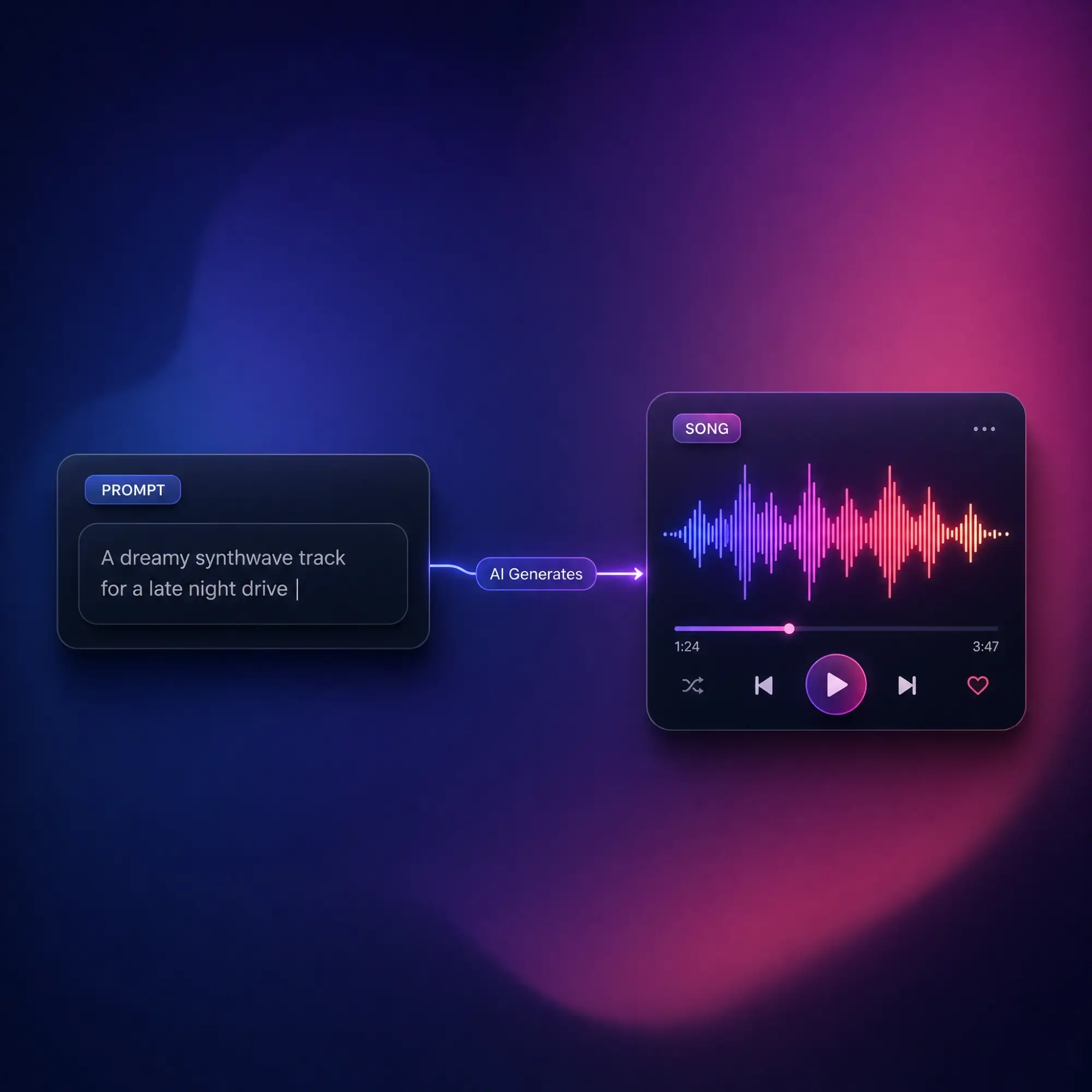
Write a Song From a Text Prompt
Type a short description of the theme, genre, and mood you want, and Anijam's AI writes original lyrics, composes a matching melody, and arranges a full instrumental backing — all from a single line of text.
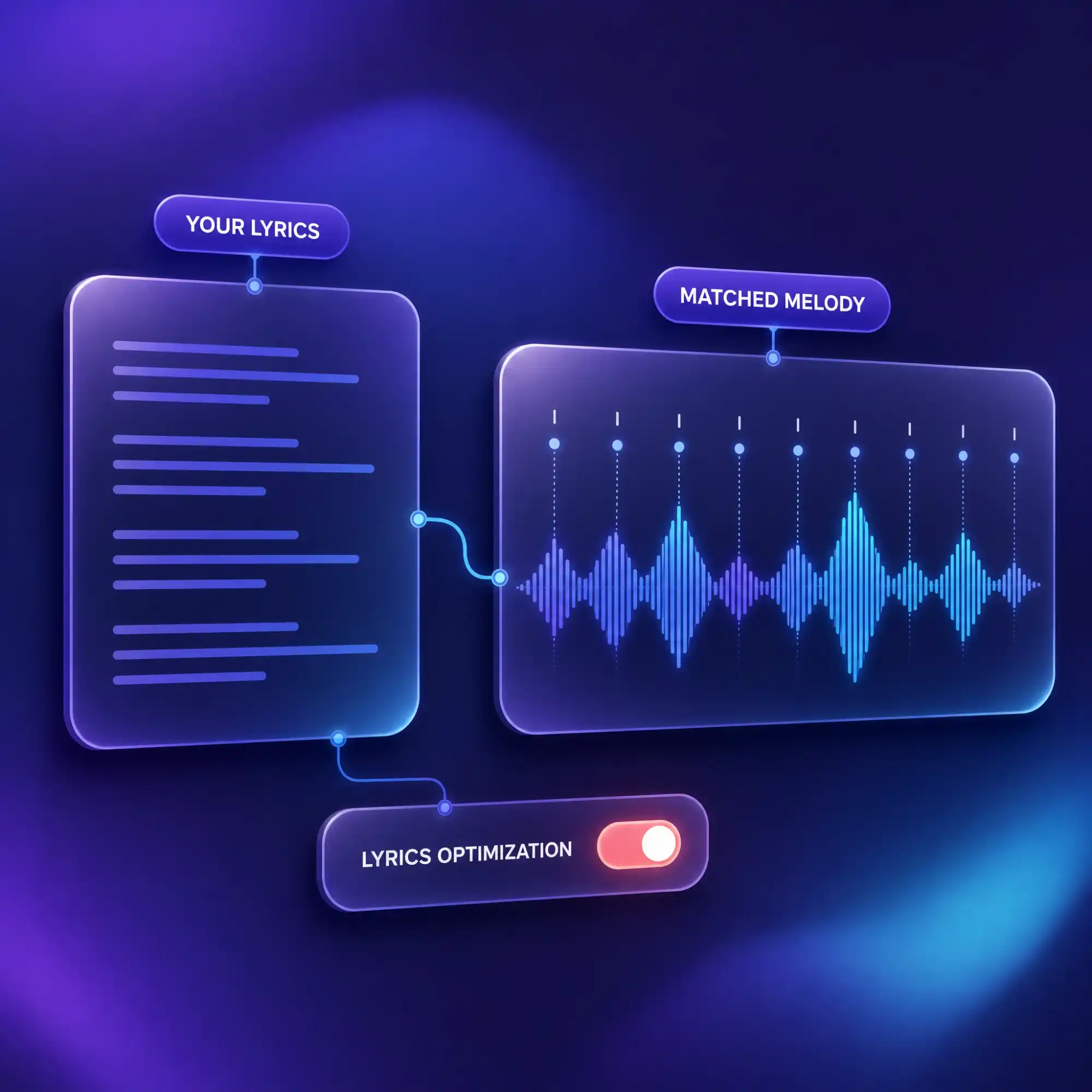
Turn Your Lyrics Into a Song
Already have lyrics written? Paste them into Anijam and the AI sets them to a melody, matching syllable timing and phrasing for a natural vocal flow — with an optional lyrics-optimization step for an even smoother performance.
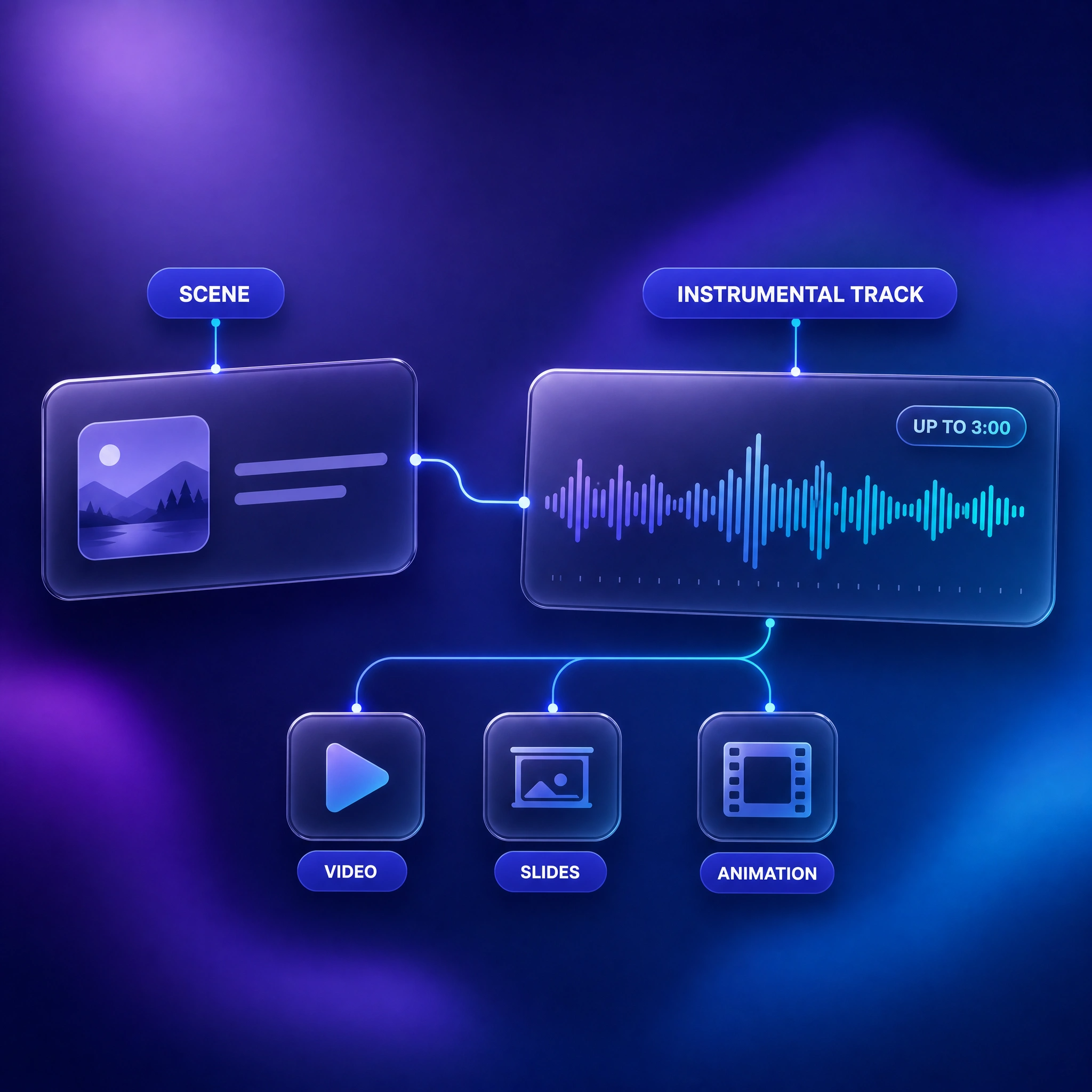
Generate Background Music for Any Scene
Describe the mood, style, and scene in a single line and generate an instrumental track up to 3 minutes long — a fast way to score a video, presentation, or Anijam animation without hunting through stock libraries.
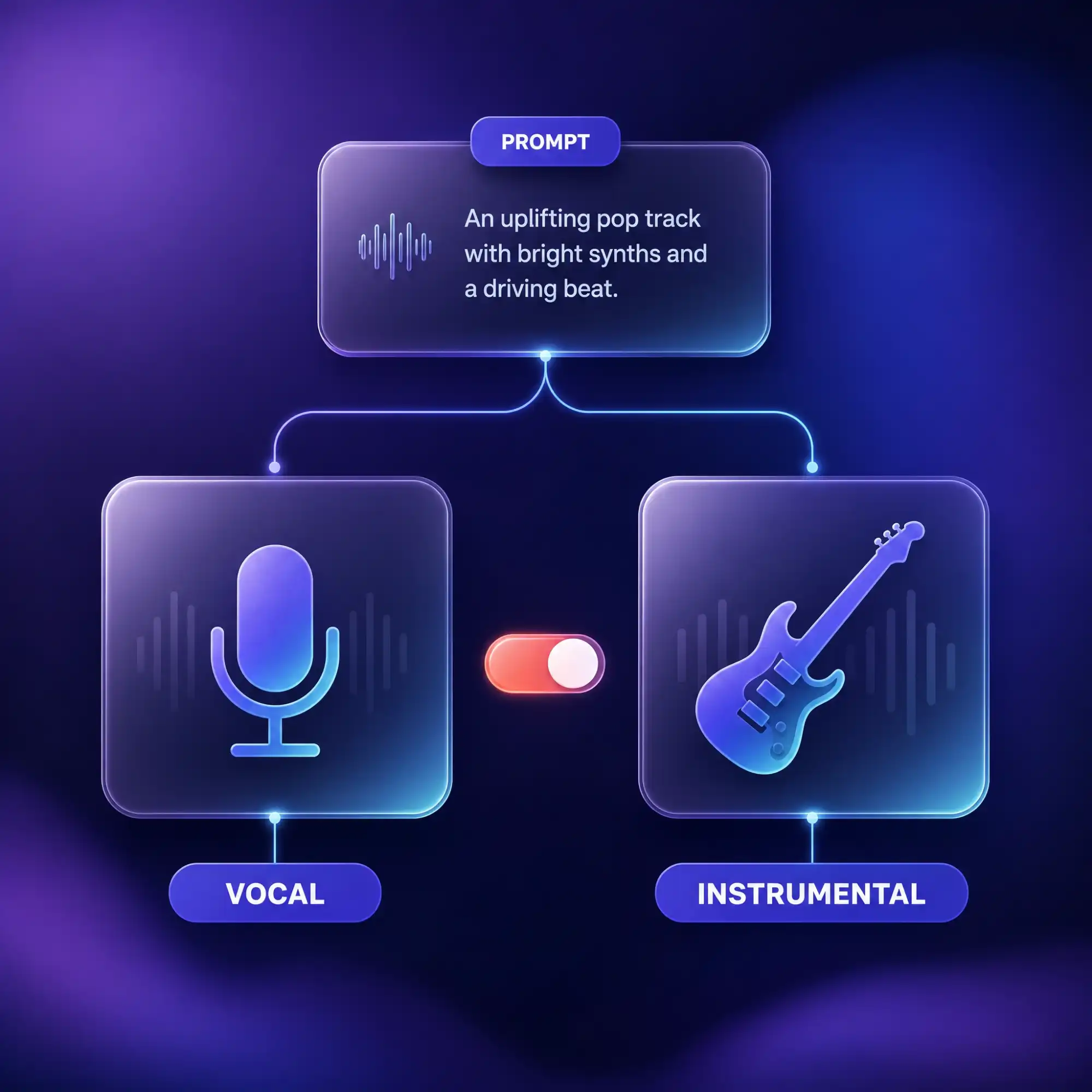
Choose Vocal or Instrumental Output
Generate a full song with a sung vocal performance, or keep it instrumental for scoring a video or building a background track. Switch between the two from the same prompt without starting over.
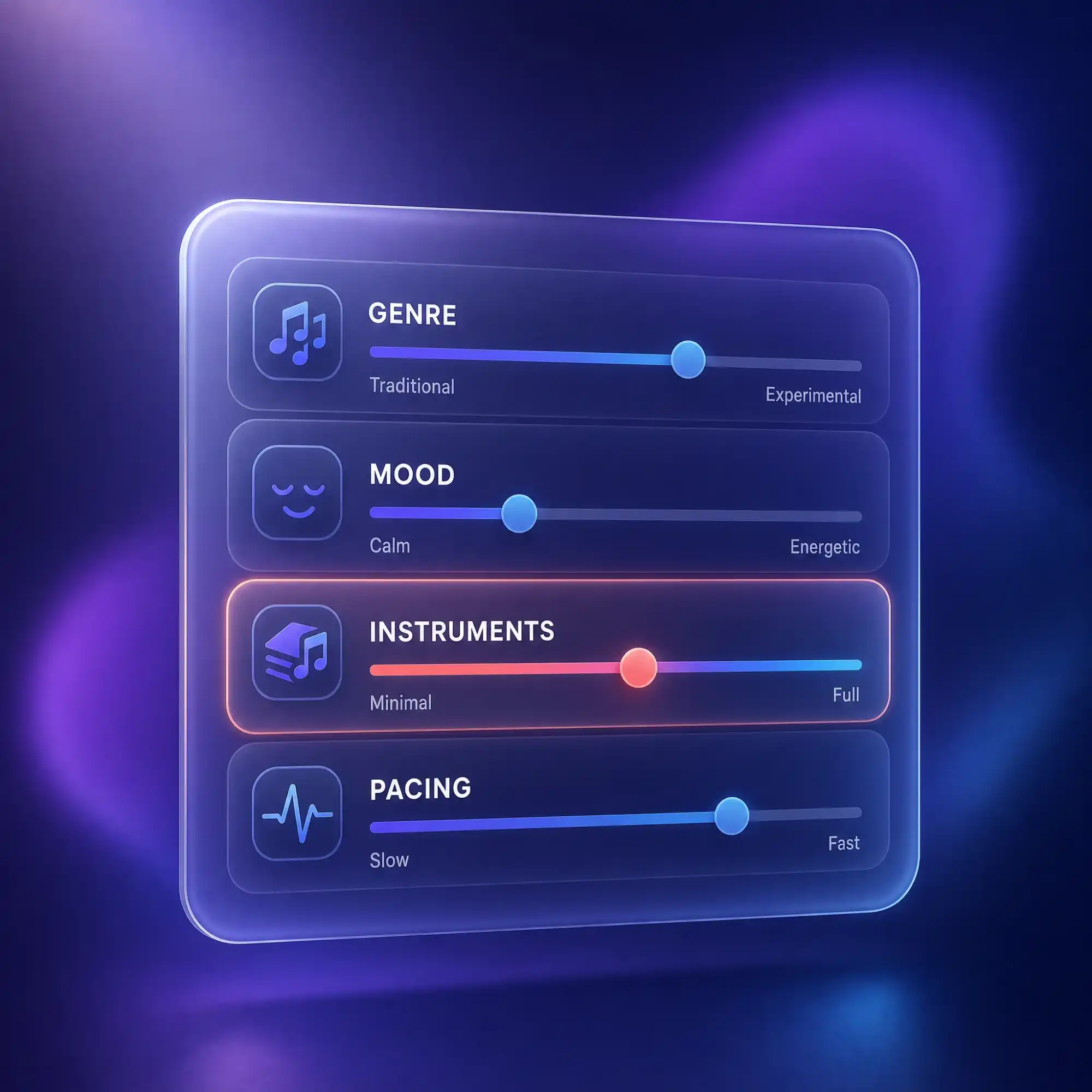
Fine-Tune Genre Mood and Instruments
Specify genre, mood, instruments, and pacing to guide the AI precisely, or leave the details out and let Anijam suggest a fitting arrangement. Every setting is adjustable before you generate.
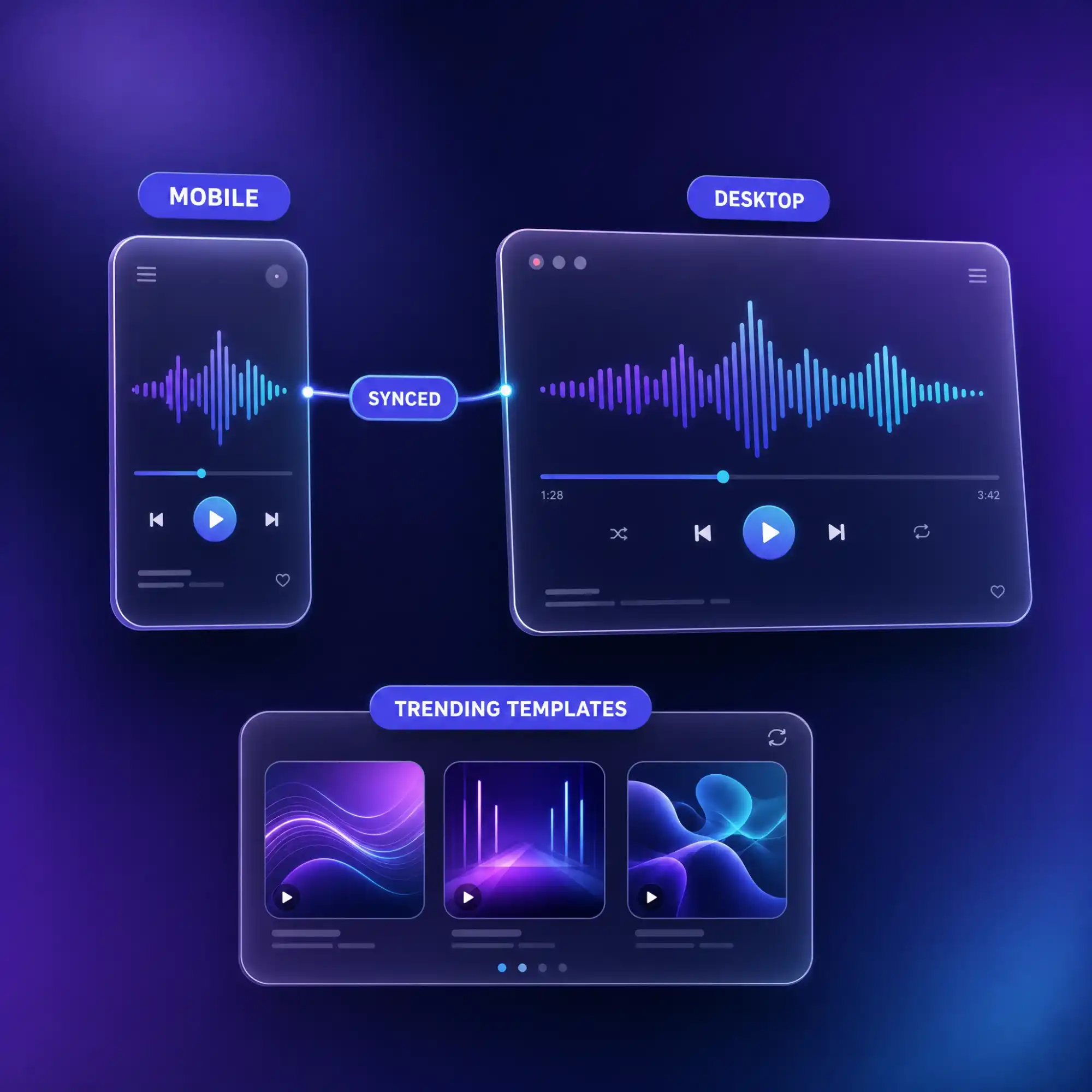
Create and Sync With the Anijam App
Write lyrics or generate a track from your phone with the Anijam mobile app. Every project syncs automatically with your desktop workspace, and a constantly updated library of trending video templates is always ready when you want to build on your song.
What You Can Make with Text to Music AI
From viral social videos to original songs and creative demos, Anijam turns your words and ideas into finished music with AI.
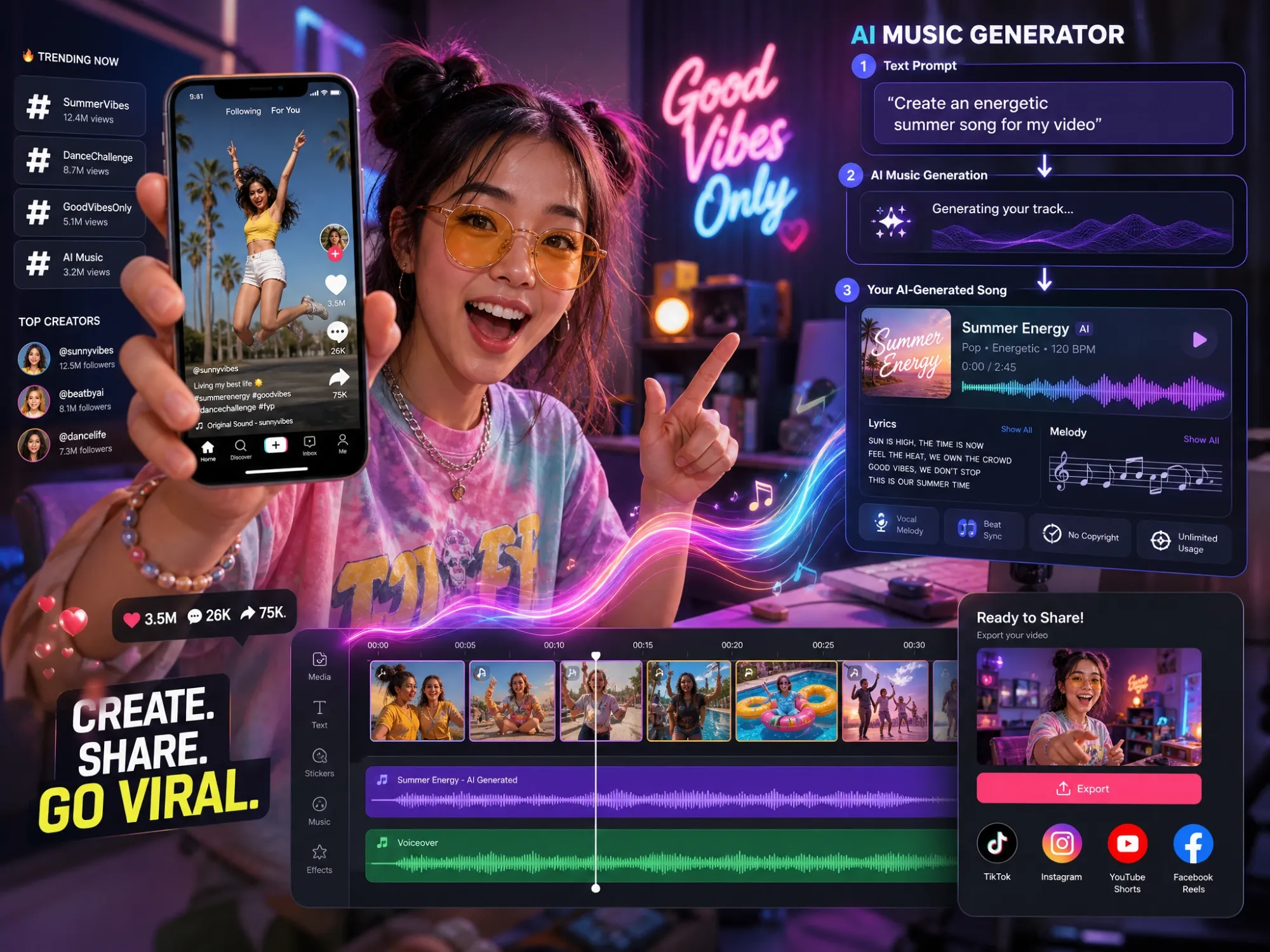
Create Music for Social Videos
Generate original songs and soundtracks for TikTok, YouTube Shorts, Reels, and other social content. Describe the mood, style, or scene you want, and Anijam creates music that matches your video in seconds.
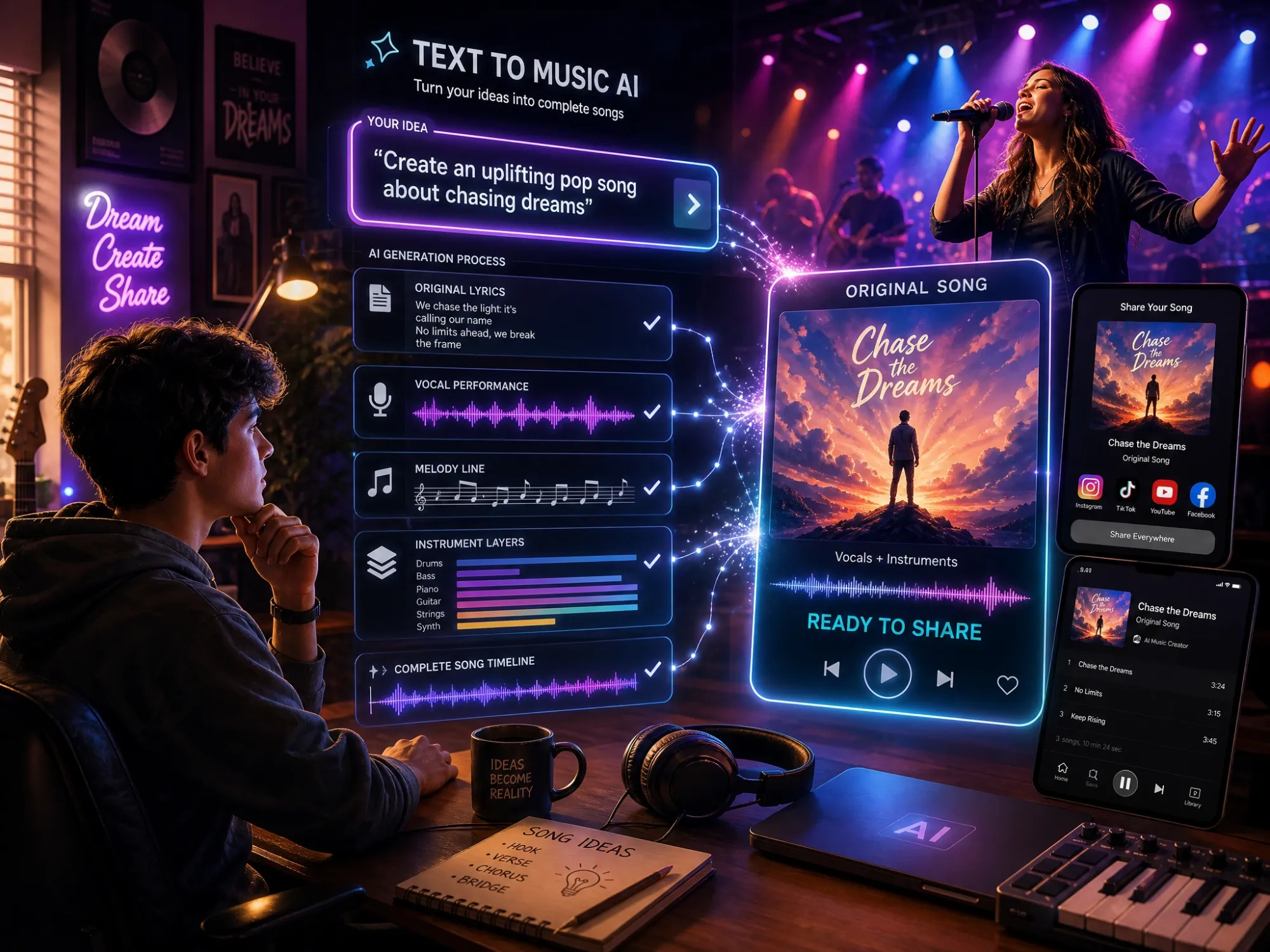
Turn Ideas Into Full Songs
Transform a simple idea, story, or mood into a complete song with vocals, melody, and instruments. Whether you're creating for fun or sharing your music with others, Anijam helps bring your ideas to life instantly.
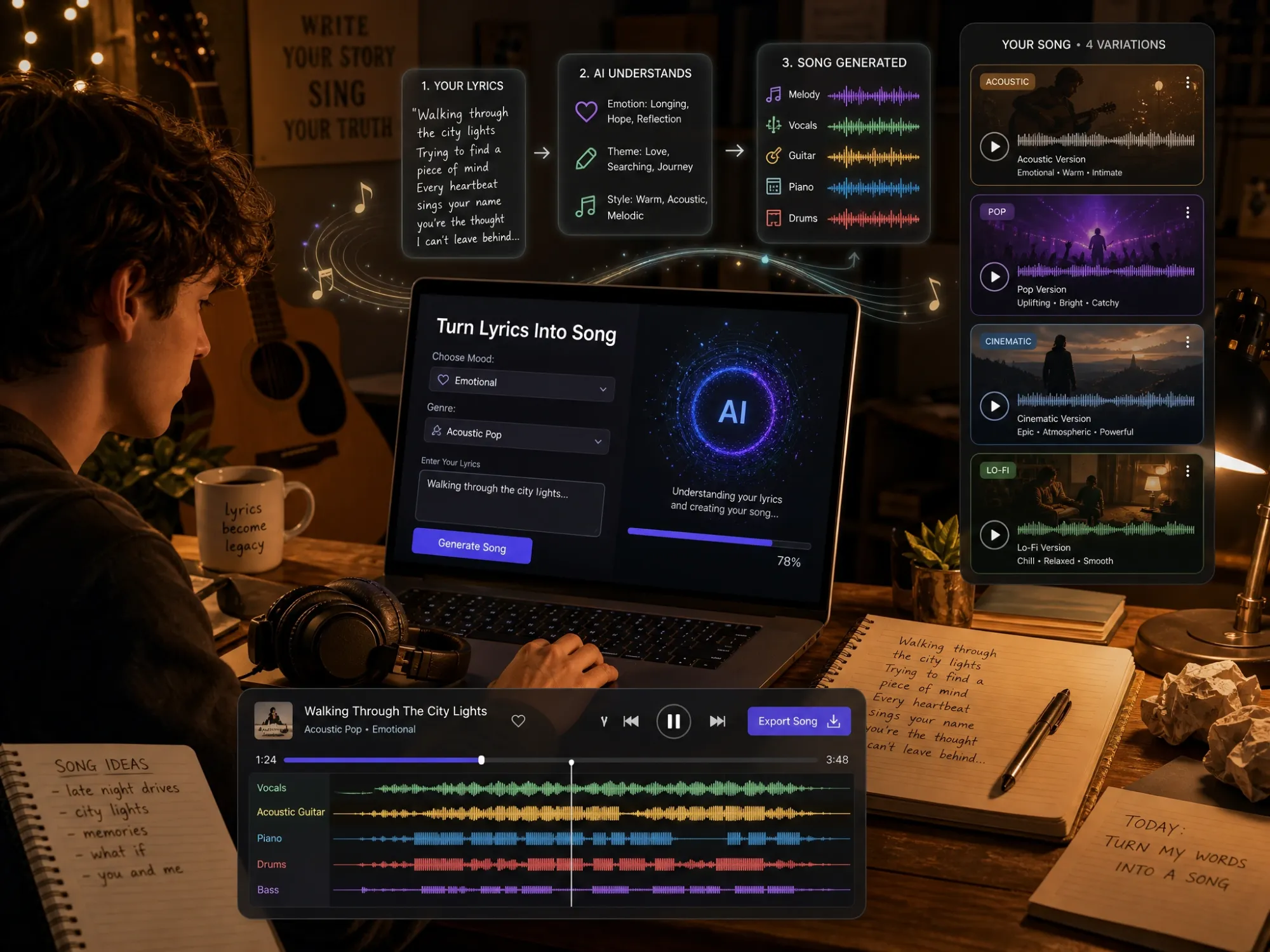
Turn Lyrics Into Real Songs
Paste your own lyrics and hear them become a fully arranged song with AI-generated melodies, vocals, and instrumentation. Quickly test new ideas, explore different styles, and create demos without studio equipment.
How to Turn Text into Music with Anijam AI
Step 1: Describe Your Song or Paste Your Lyrics
Open the AI Audio panel and describe the mood, genre, and scene you want in plain language — or paste lyrics you've already written. No music theory or production knowledge required.
Step 2: Set the Details and Generate
Choose instrumental or vocal, pick a genre and mood, set the pacing and instruments, and select a duration up to 3 minutes. Anijam's AI composes the melody, arrangement, and vocal performance in one pass.
Step 3: Preview, Refine, and Download
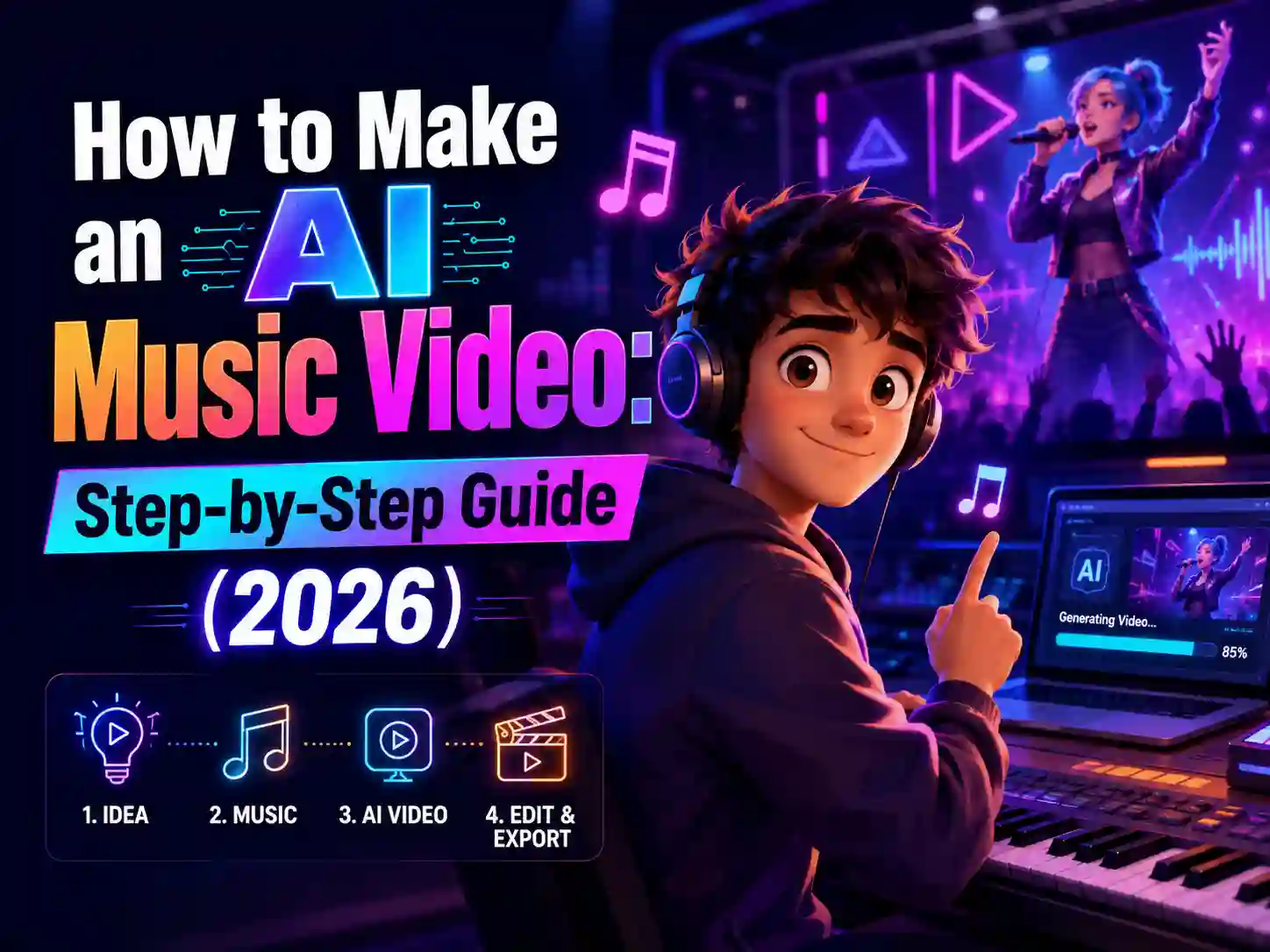
Listen to your track and tweak the prompt or lyrics if it's not quite right. When you're happy with it, download the MP3 — or keep going and turn it into a synced music video with MV Mode.
Why Generate Music with Anijam Text to Music AI

Full Songs in Under a Minute
Generate a complete track — melody, instruments, and vocals — from a single text prompt or your own lyrics in under a minute.

Free to Start
Anijam offers free credits on sign-up so you can generate real tracks and test the full text to music workflow before upgrading.

Professional-Sounding
Anijam's engine produces natural-sounding vocal performances and full instrumental arrangements — not thin, robotic loops — so tracks are ready to publish straight out of generation.

Every Genre, One Engine
Pop, lo-fi, cinematic, acoustic, EDM, and more — generate across genres from the same tool instead of switching platforms for different moods.

No Music Skills Needed
No instruments, no DAW, no production experience required. Describe what you want, and the AI handles composition, arrangement, and mixing.

Create On the Go with the Mobile App
Generate songs from the Anijam app, with every project synced to your desktop and a regularly refreshed library of trending video templates.
Explore Anijam's Other AI Creation Tools


What Our Users Say
More about AI Video Creation & Inspiration
FAQ
What is text to music AI?
Text to music AI is a technology that uses artificial intelligence to turn written descriptions, ideas, or lyrics into original music. Instead of composing melodies manually, you can describe the mood, genre, instruments, or story you want, and the AI generates a complete track with elements like vocals, melody, and arrangement.
Anijam's text to music AI helps creators turn simple prompts into full songs, background music, and soundtracks for videos, social content, and other creative projects — no music production experience required.
How do I convert text into a song with AI?
Once you submit a prompt or lyrics, Anijam's engine writes or matches a melody, arranges the instrumentation to fit your chosen genre and mood, and — if you selected vocals — generates a sung performance timed to the lyrics. All of this happens in a single generation, so you get a finished, mixed track rather than separate stems to assemble yourself.
Is Anijam's text to music AI free?
Yes. Anijam gives new users free credits on sign-up, which cover generating tracks with the Text to Music panel — no credit card required to start. Free generations are great for testing prompts and hearing your lyrics as a full song; premium plans add longer generation limits, higher-quality exports, and full commercial usage rights.
Can I use my own lyrics instead of letting the AI write them?
Yes. Paste your own lyrics into the Text to Music panel, and Anijam sets them to a melody instead of generating new lyrics from scratch. An optional lyrics-optimization step can adjust timing and phrasing for a smoother vocal flow — you can turn it on or off.
How long can an AI-generated song be?
Anijam's text to music AI generates tracks up to 180 seconds (3 minutes) per generation, whether you're creating a full vocal song, an instrumental score, or a background track.
Is making AI music legal, and who owns the rights to it?
Yes, generating music with an AI tool like Anijam is legal — you're creating a new track from your own prompt or lyrics, not copying an existing recording. Ownership and copyright registration for AI-assisted work is still an evolving legal area and varies by country, so this isn't legal advice — if registration matters for your project, check current guidance in your jurisdiction. What Anijam does guarantee directly is usage rights: free-plan tracks are yours to use personally, and premium plans add full commercial usage rights for ads, client work, and monetized content.
Can I monetize AI-generated songs on YouTube or TikTok?
Generally yes — most platforms care about whether you have the rights to the music, not whether AI made it. Anijam's premium plans include commercial usage rights for your generated tracks, and platforms increasingly ask creators to disclose when content includes AI-generated or altered audio, so check the current AI-disclosure settings on whichever platform you're publishing to before uploading.
Can I turn my AI-generated song into a video?
Yes. Once your track is generated, you can send it into MV Mode and Anijam automatically creates a scene-by-scene music video synced to your song's structure and rhythm — a bonus step if you want more than an audio file, without needing a separate video editor.