


URL to Video AI
Turn any link into an engaging video with Anijam Sensei. Easily convert product pages, articles, social posts, and websites into videos for marketing, social media, and more, without filming or editing.
Turn Any Link into an Engaging Video
Turn articles, news stories, product pages, e-commerce listings, websites, and video links into engaging videos with Anijam Sensei. Simply paste a link and describe what you want to create. Sensei analyzes the source, develops a script, and plans the visuals to bring your content to life.
Choose Fable 5.2, Opus 5.5, or Sonnet 5.5 to power your creation workflow. With advanced reasoning, visual understanding, and complex task-handling capabilities, Anijam Sensei helps you create high-quality explainers, news recaps, product ads, social media videos, and music videos.
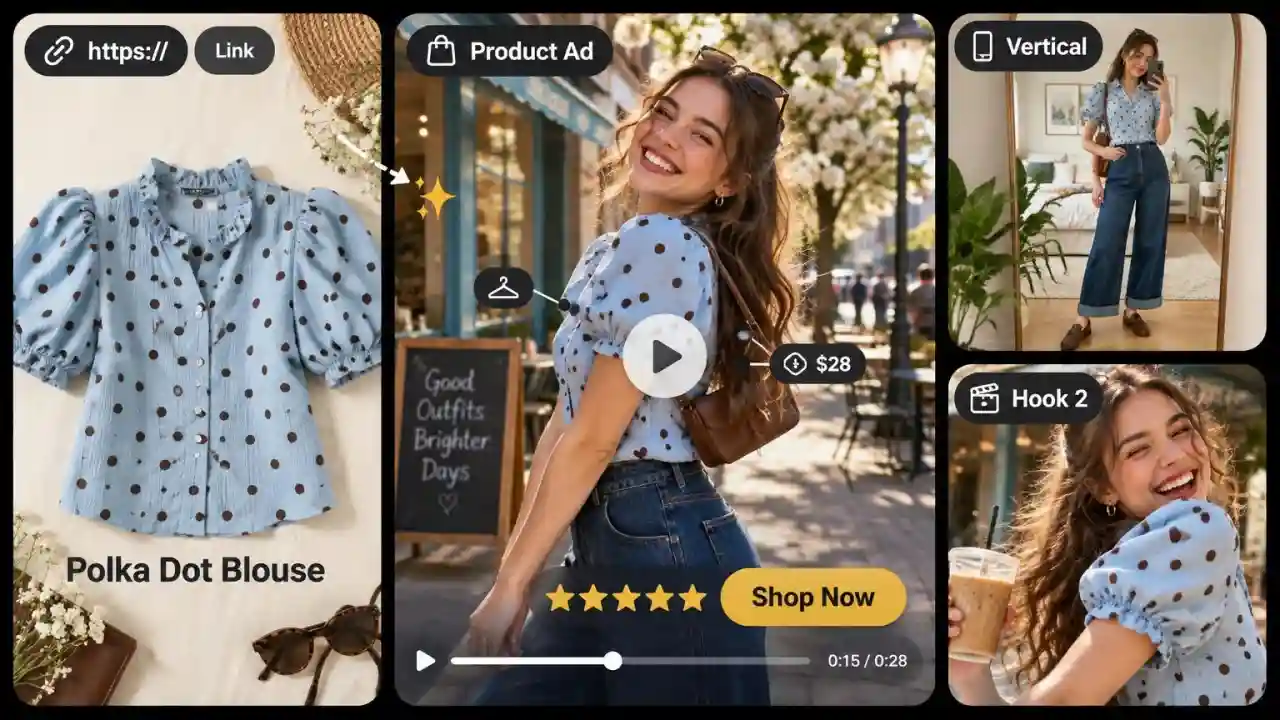
Turn Product Page Links into Video Ads
Paste a product page or Shopify link and turn product features, benefits, and offers into engaging video ads. Create product videos for TikTok, Instagram Reels, YouTube, and more.
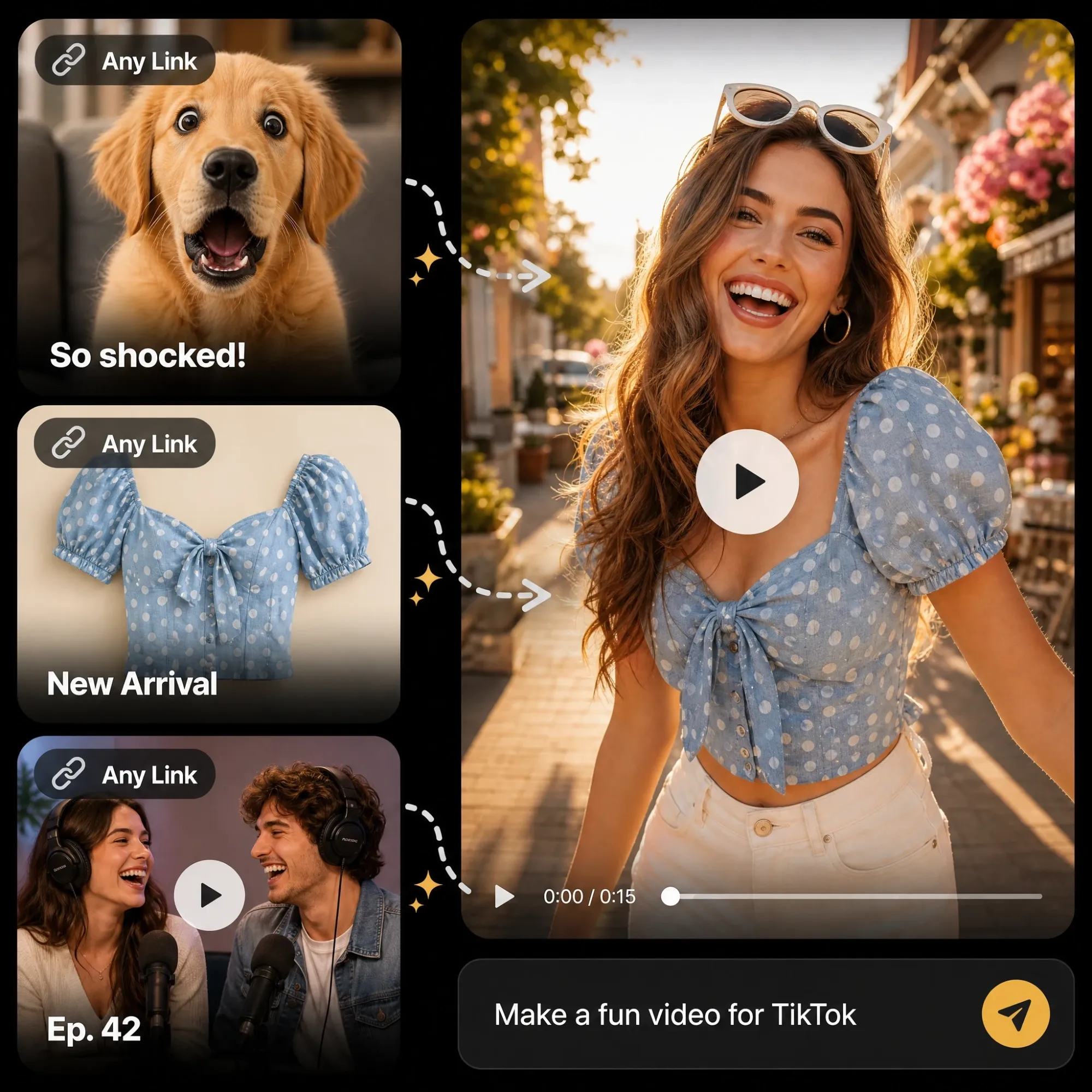
Create a Video from Any Link
Paste a link, drop a file or describe your idea, and Anijam Sensei turns it into a finished video. It works with tweets, websites, papers, GitHub repos, podcasts, long YouTube videos, songs, Shopify products and memes, and you can add files, images, video or audio as extra context.
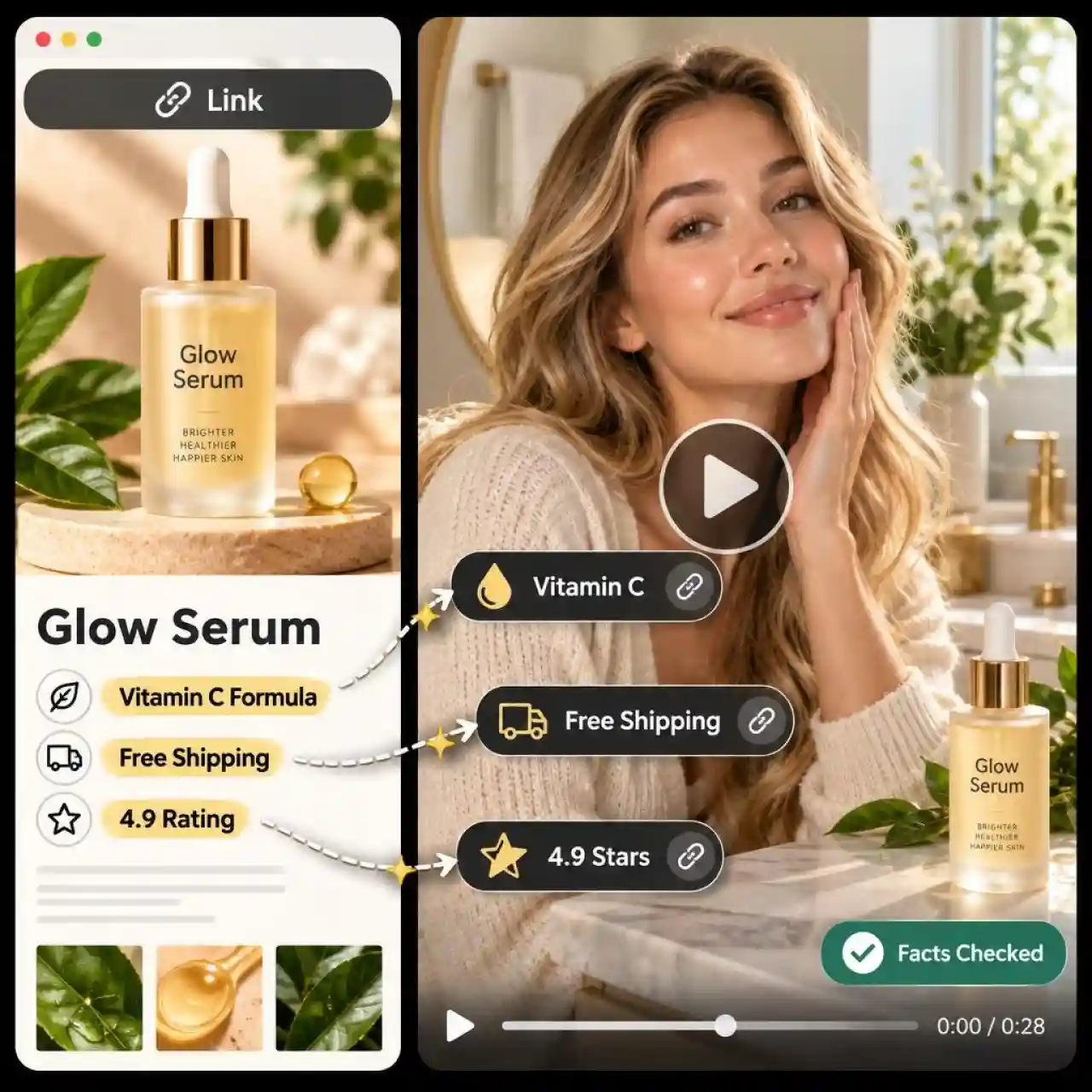
Extract Key Content from Any URL
Anijam Sensei reads the whole page and the sources around it before it writes a single scene. It researches hundreds of sources for every video, keeps track of where each fact came from, and checks the facts again in a final review, so your video says what the page actually says.
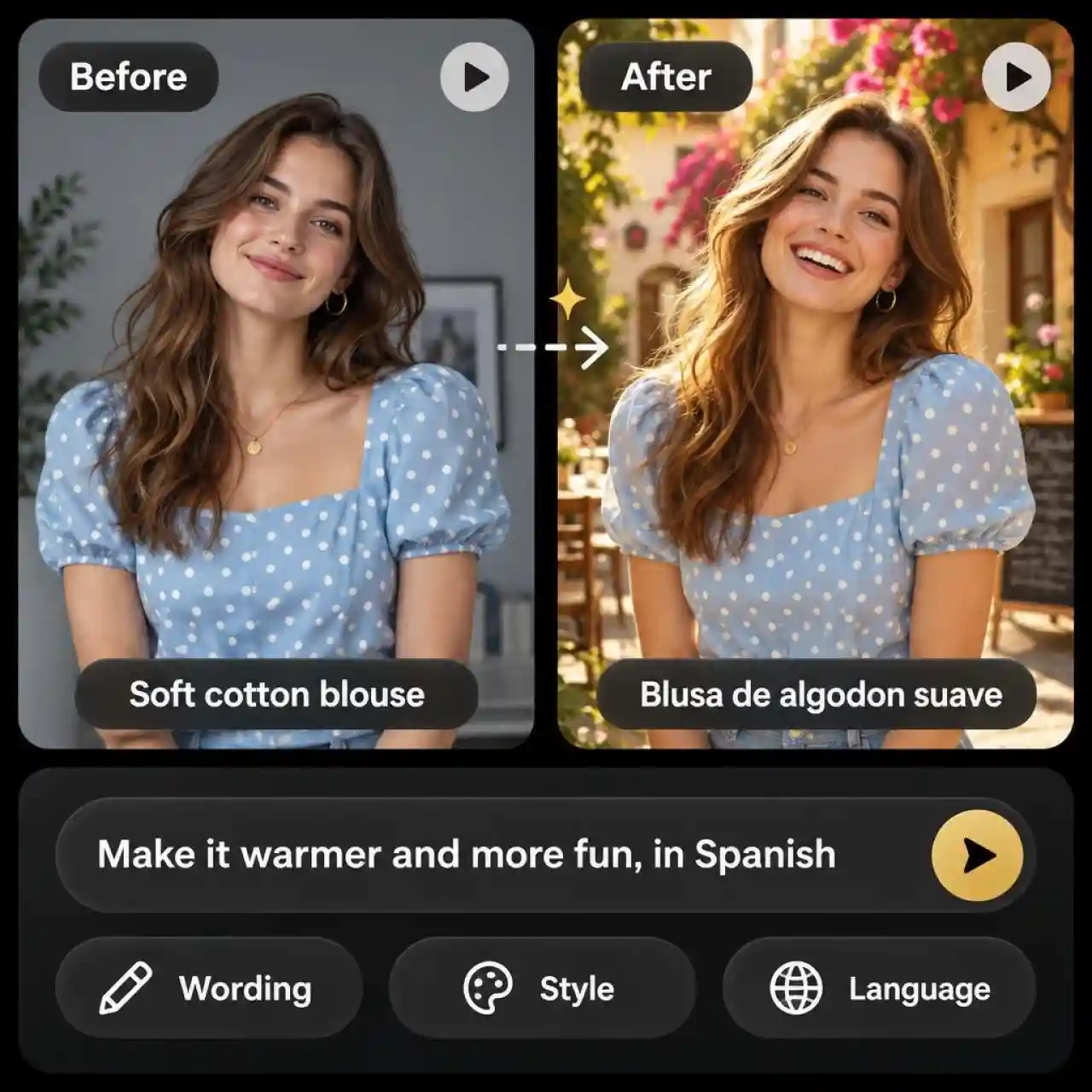
Customize Link-to-Video Results with Prompts
Review and refine AI-generated scripts, scenes, visuals, and voiceovers through natural language prompts. Adjust the wording, visual style, and language to shape your video before generation.
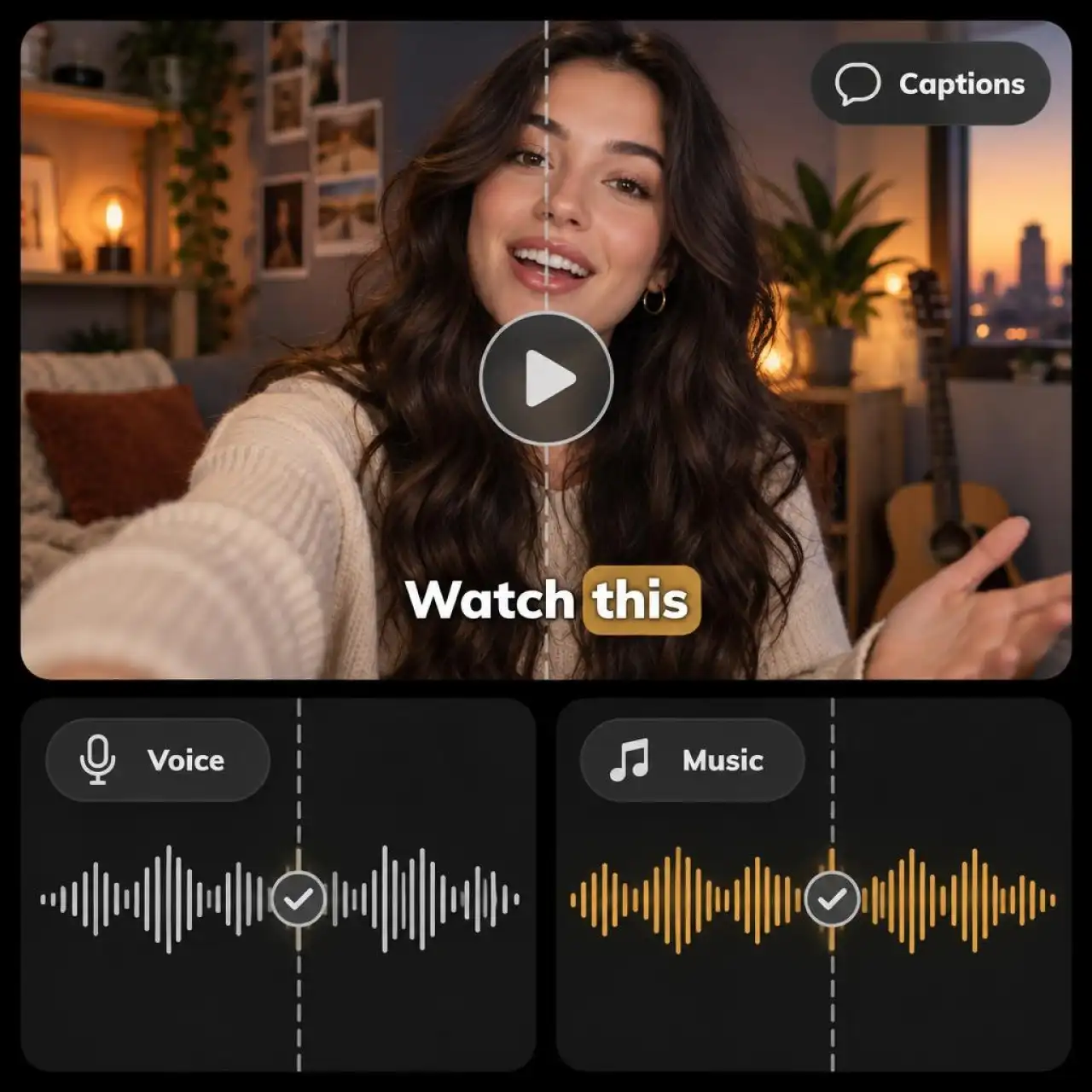
Generate Voiceover Captions and Music from Your Link
Every video comes with narration, captions and music built in, so you do not need separate tools. Anijam Sensei builds the motion, edits and voice in real code, then watches its own video to check caption sync and voice timing. You can also upload your own music, as long as you have the rights to use it.

Add Talking AI Avatars to Your Link-Based Videos
Add expressive AI avatars to your link-based videos. Use virtual presenters with natural voices and synchronized lip movements to narrate key information, explain products, and make your videos more engaging.
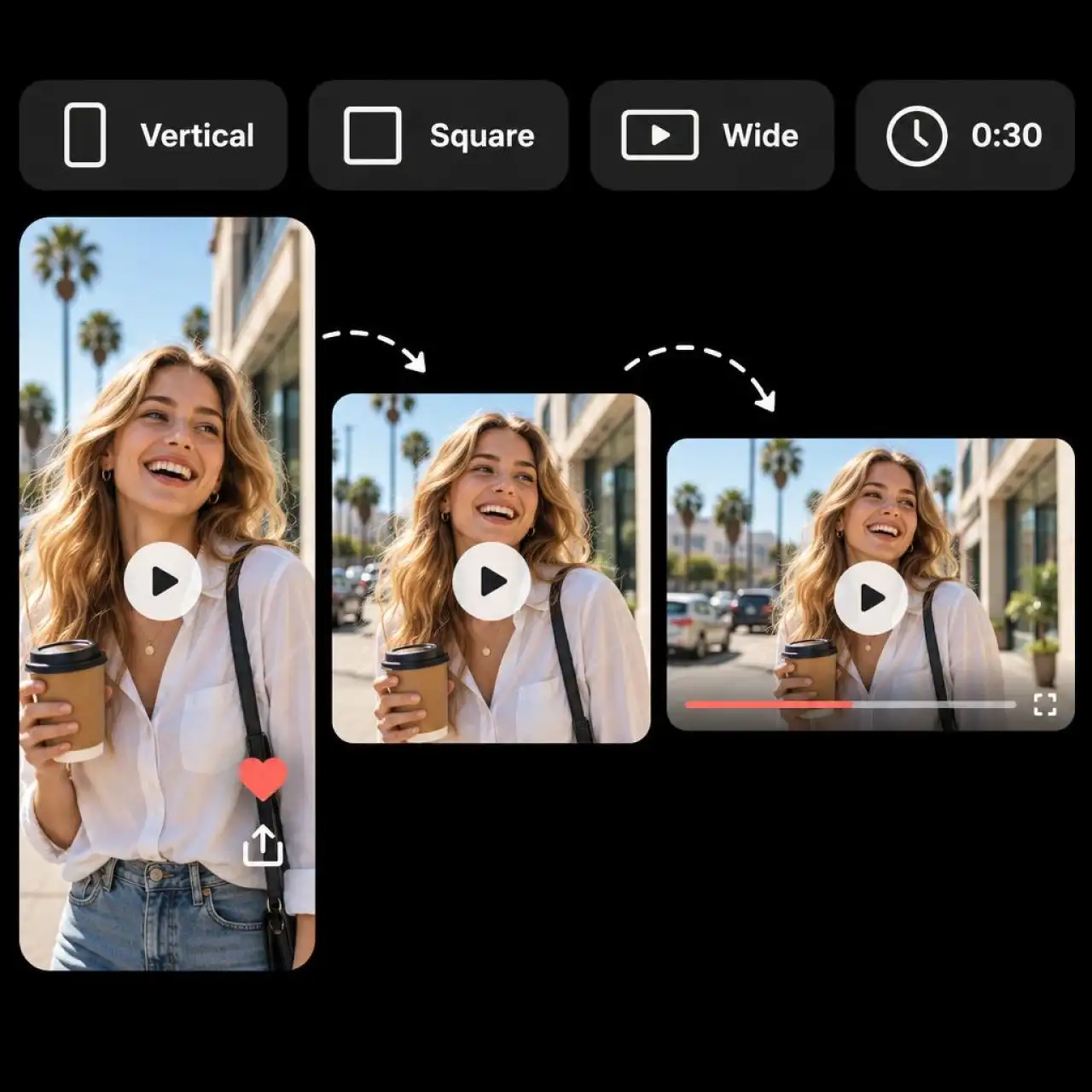
Create Videos from Links for Every Platform
Choose your target platform, aspect ratio, and video length before generation. Create vertical videos for TikTok, Instagram Reels, and YouTube Shorts, or landscape videos for YouTube and web content. Anijam Sensei plans your video around the format you want to publish.
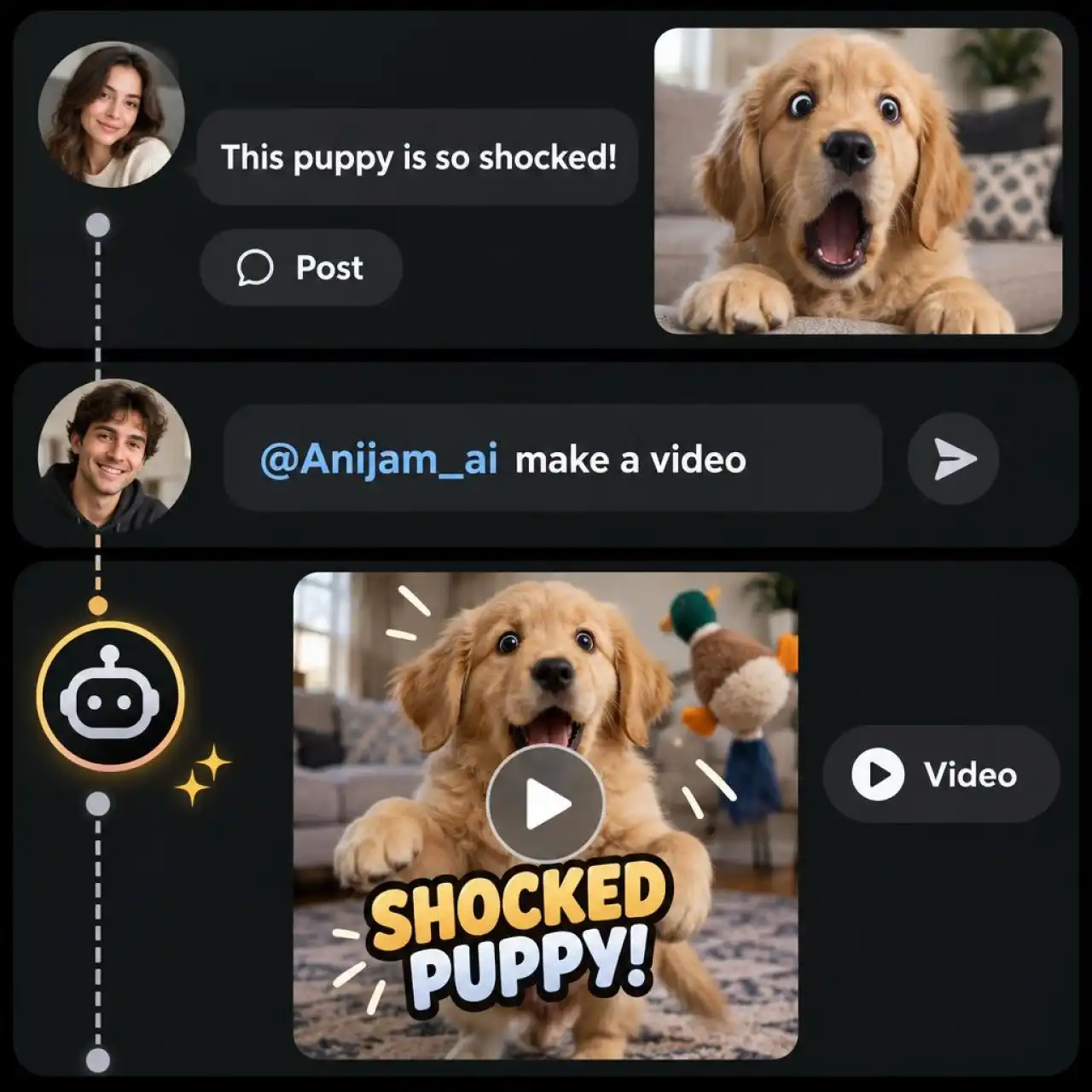
Create Videos Directly from X Posts
Turn posts and conversations on X into new videos without copying links into another tool. Simply reply to a post, mention @Anijam_ai, and describe the video you want. Sensei uses the post as source material, generates a new video, and replies with the result in the same conversation.
How to Turn a URL into a Video with Anijam Sensei
Step 1: Paste Your Link and Pick Settings
Open Anijam Sensei, switch to Sensei and paste your link. Choose Fable 5.2, Opus 5.5 or Sonnet 5.5 as your model, then set the platform (YouTube, Shorts or Ads), sound, aspect ratio and length, and click Start.
Step 2: Let Anijam Sensei Research and Create
Click the arrow to get started. Sensei researches your topic, develops the script, selects a fitting visual style, plans the shots, and generates your video. You can also specify your preferred style or creative direction in your prompt.
Step 3: Preview and Refine Your Video
Watch your finished video and download or share it. Want a different look or direction? Give Sensei another prompt to refine your creation.
Who Uses Anijam Sensei Link to Video AI
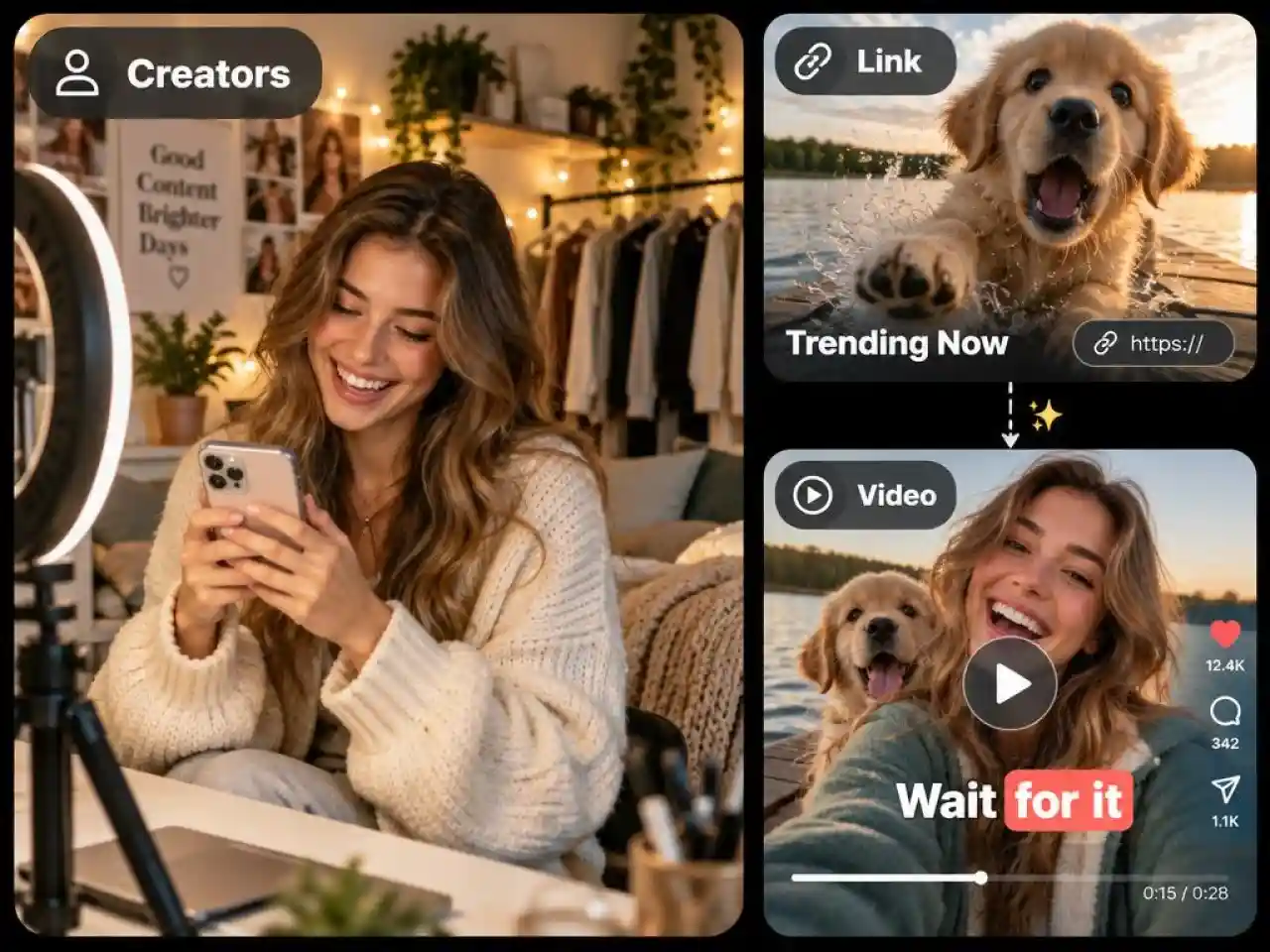
Content Creators
Turn tweets, threads, and long YouTube videos into short-form videos for TikTok, Reels, and Shorts. Repurpose trending content quickly without spending hours editing.
Why Creators Choose Anijam Link to Video

Free Credits to Start
Sign up or log in to get free credits and start creating videos with Sensei. Check in daily to earn more credits and keep bringing your ideas to life.

Fast AI Video Generation
Go from a topic, link, or file to a finished video with less manual work. Sensei handles the research, scripting, visual planning, and video creation so you can bring your ideas to life faster.

No Editing Skills Needed
No video editing skills or complicated workflows required. Simply describe what you want, add a link or file if needed, and let Sensei handle the research, scripting, and video creation.

Powerful AI Models
Choose from Fable 5.2, Opus 5.5, and Sonnet 5.5 to power your creative workflow. Use advanced AI models to research topics, develop scripts, plan scenes, and create high-quality videos.

Creator Rewards Program
Join the Anijam Creator Program to share your creations, grow your audience, and get rewarded for your creative contributions.

Watermark-Free Exports
Export your finished videos without watermarks for a clean, professional look, ready to share across your website and social media channels.
Explore More Anijam AI Video Tools


What Creators Say About Anijam URL to Video
Explore More AI Animation Creation Guides


FAQ
What is an AI link to video generator?
An AI link to video generator turns a webpage, article, or product link into an AI-generated video. Simply paste a URL, and Anijam Sensei analyzes the source, extracts key information, and creates a video with visuals and subtitles based on your instructions. It's an easy way to turn online content into engaging videos without starting from scratch.
What kinds of links can I turn into a video?
You can turn tweets, websites, papers, GitHub repos, podcasts, long YouTube videos, songs, Shopify products and memes into videos. If a link is hard to read, you can drop in a file or describe your idea in the prompt box instead.
Can I use this AI link to video generator for free?
Yes. Sign up or log in to Anijam to get free credits and earn more through daily check-ins. You can use these credits to try Sensei and generate videos without a credit card. Credit consumption depends on the AI model, video length, and generation settings you choose.
Can I use AI-generated videos for commercial purposes?
Commercial use depends on your Anijam plan and the rights to the source materials. Paid plans include commercial usage rights, while free-tier content is intended for personal use. Make sure you have permission to use any third-party text, images, videos, music, or other materials included in your source links. Refer to Anijam's Terms of Service for the applicable conditions.