


Invitation Video Maker: Turn Any Event Into a Video Invitation
Skip the static card. Anijam's AI invitation video maker turns a simple idea, photo, or a few event details into a complete invitation video — complete with consistent characters, cinematic scenes, and a voice that speaks your message. Describe your event, pick a style, and let the AI Agent write the scenes, generate the motion, and sync the voice - no templates to drag, no design skills required.
An AI Invitation Video Maker for Every Occasion
Anijam is an all-in-one AI video platform, and this invitation video maker puts its full AI Agent behind one job: turning your event into a video your guests will actually watch. Type your invitation details or upload a photo, and the agent writes the scene, designs your characters, applies cinematic camera movement, and syncs the voice - all on one canvas, for weddings, birthdays, baby showers, graduations, and business events alike.
Anijam is also available as an app on iPhone and Android, so you can start an invitation on your phone and finish it on the web - every scene, character, and edit syncs automatically. The app's Inspiration screen adds a growing library of trending invitation and celebration templates, updated regularly, so you're never starting from a blank canvas.
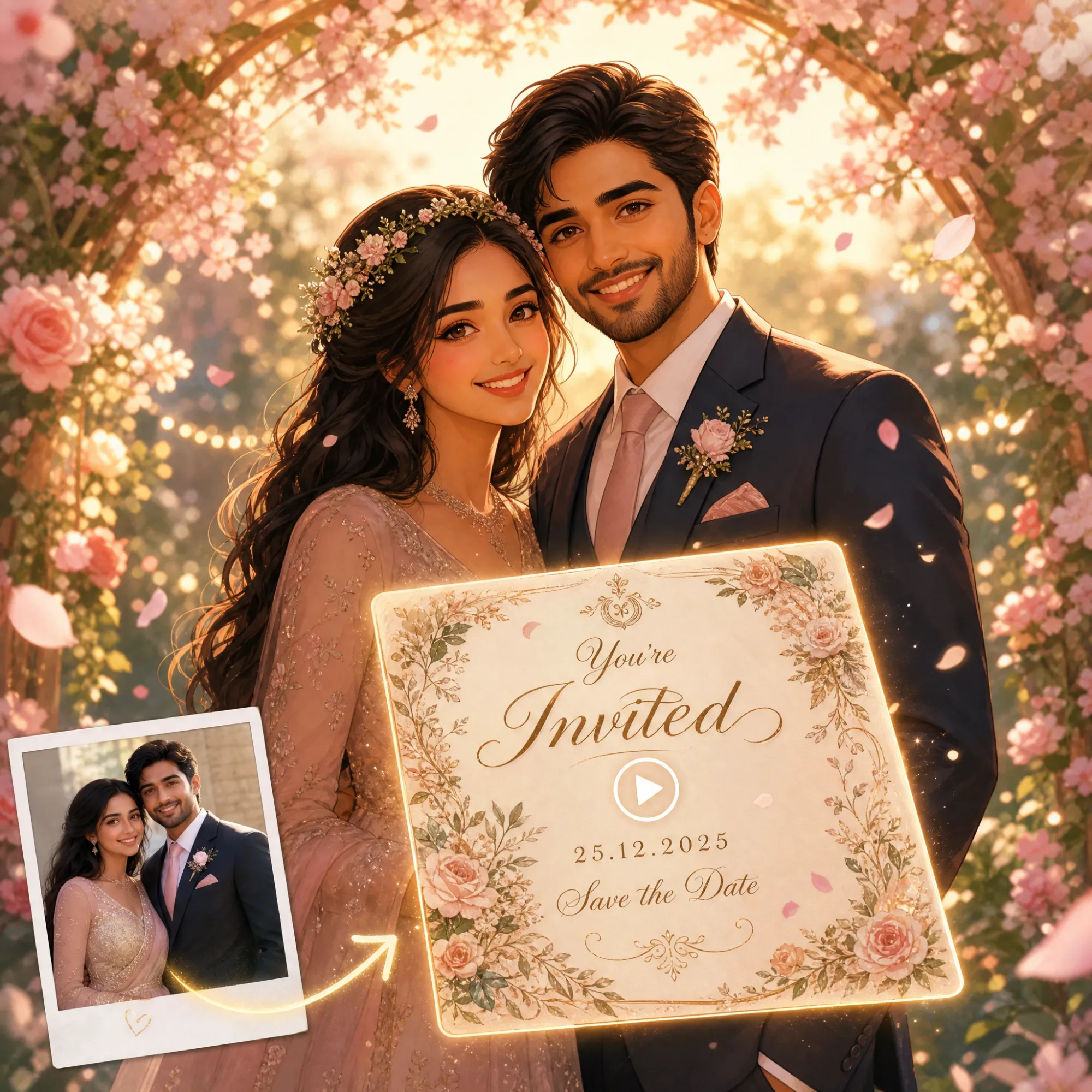
Turn a Photo or Printed Card Into an Invitation Video
No illustration skills needed. Upload a photo of the guest of honor, a couple's portrait, or even your existing printed invitation card, and Anijam's AI Image Animator brings it to life with natural motion, cinematic camera work, and your chosen visual style - no need to redesign from scratch.
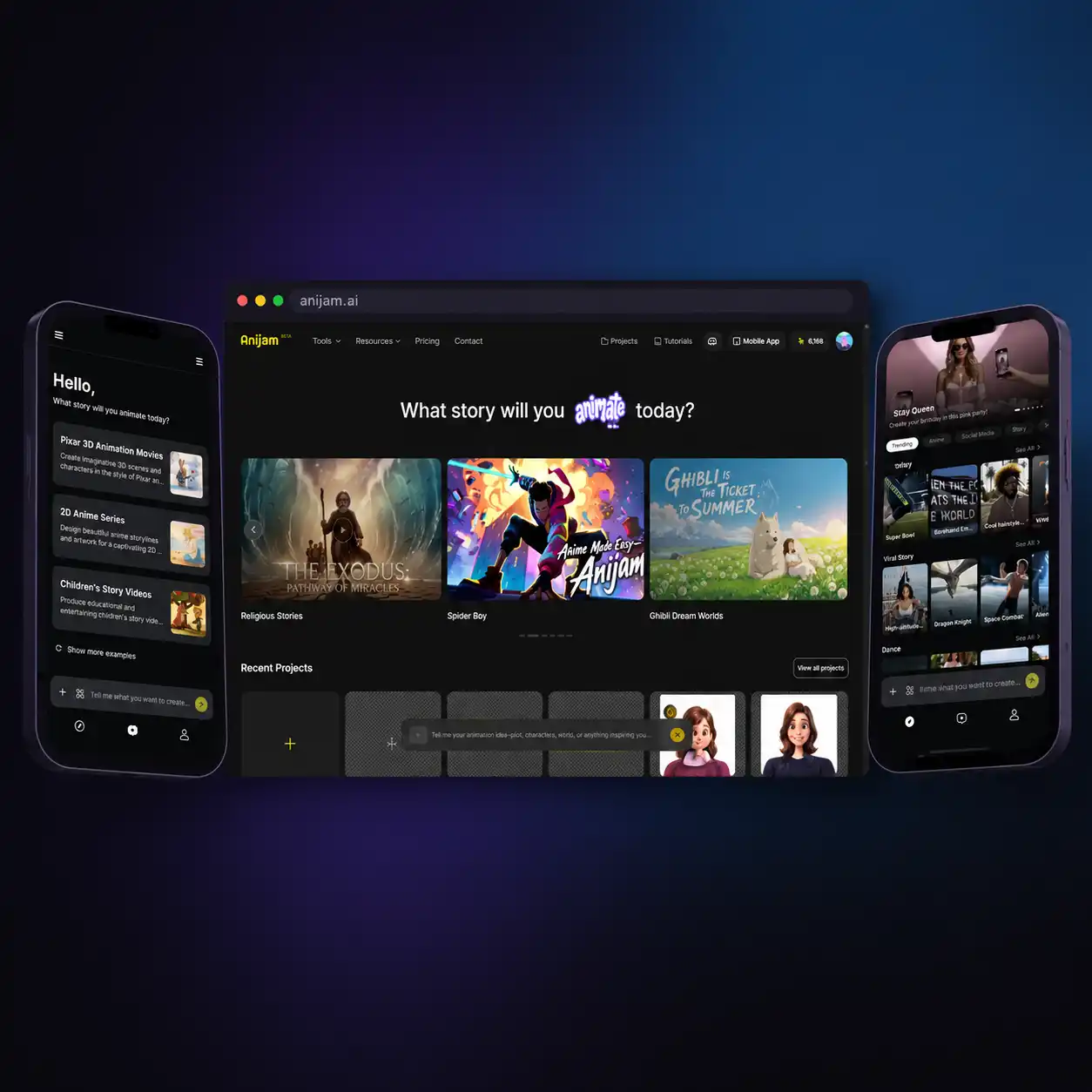
Trending Invitation Templates - Create Anywhere with the Anijam App
Anijam is also an invitation video maker app, available on iPhone and Android. Browse a growing library of trending invitation and celebration templates that's updated regularly, start an animated invite the moment inspiration strikes, and keep editing on the web later - every project, character, and scene syncs automatically between your phone and your desktop.
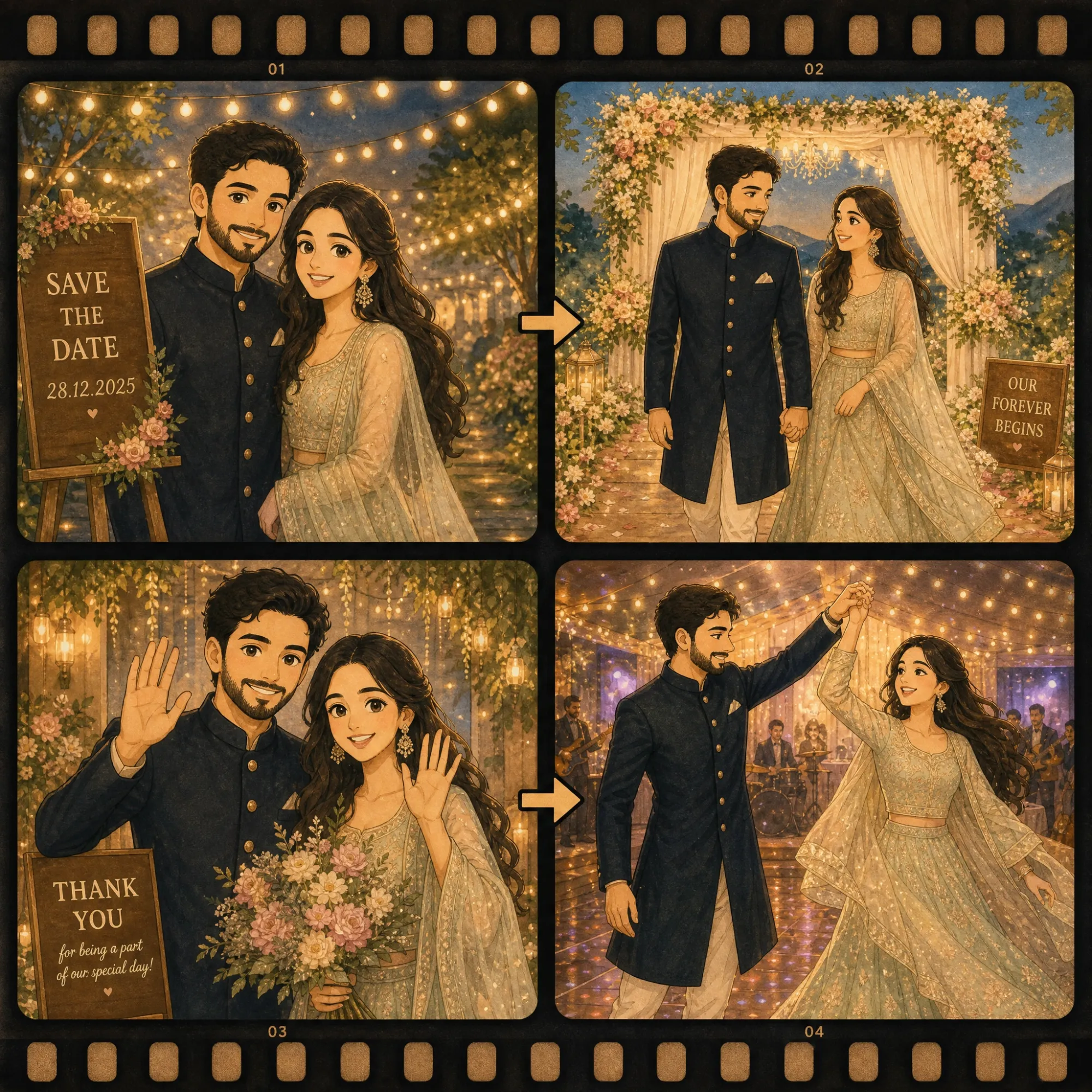
Consistent Characters Across Every Invite
Design the guest of honor, the couple, or the whole family once - their look, outfit, and personality - and Anijam keeps them identical across every scene. That means your animated invitation, your save-the-date, and your thank-you video all feature the same recognizable characters, with no redesigning between clips.
Let Your Invitation Speak - With Lip Sync in 30+ Languages
Upload your own recorded voice, choose from a rich AI voice library, or generate narration in 30+ languages, and Anijam's professional-grade lip-sync engine matches every mouth movement automatically. Perfect for a personal invite read aloud by the couple, the birthday kid, or the whole family - no separate lip-sync tool required.
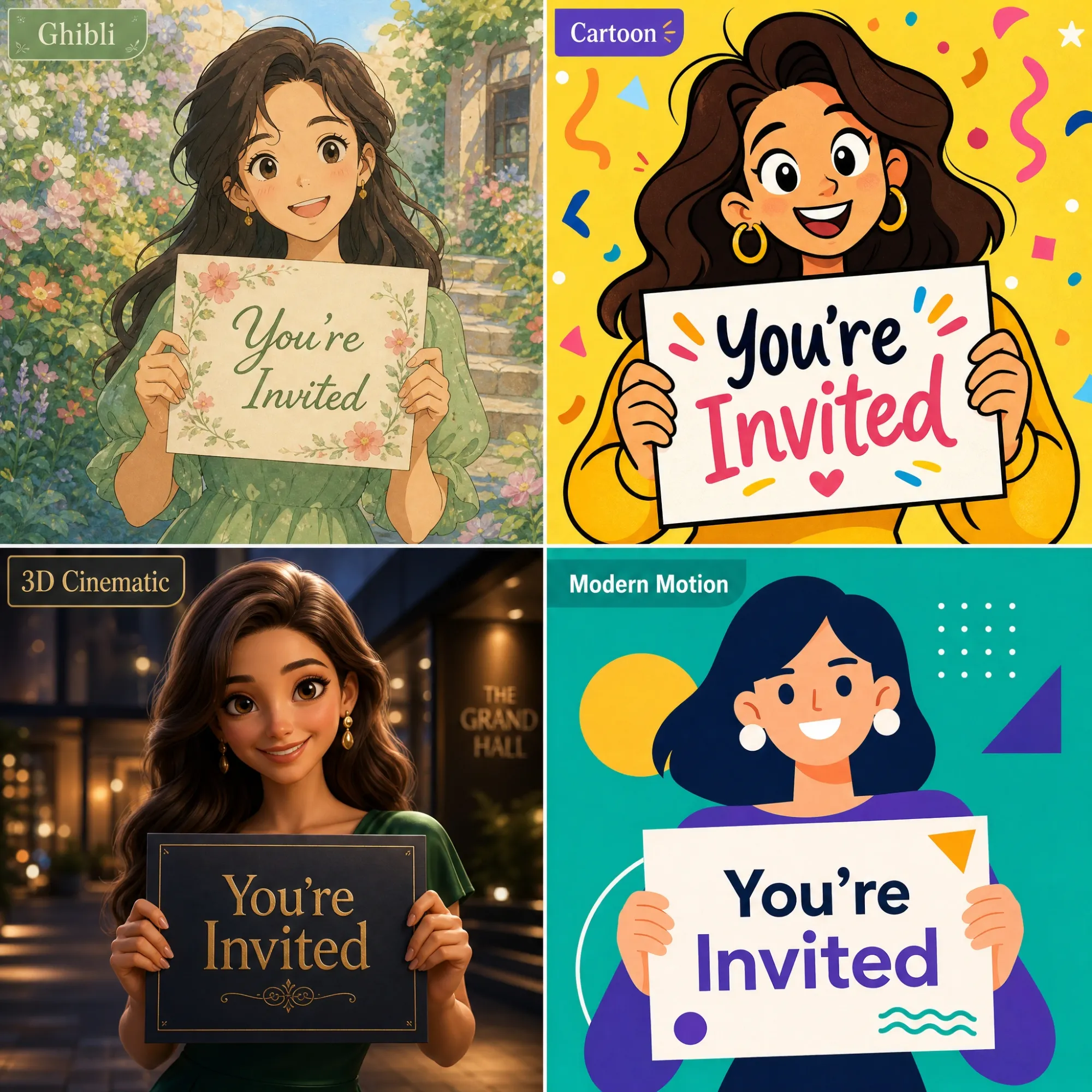
A Style Library Built for Every Celebration
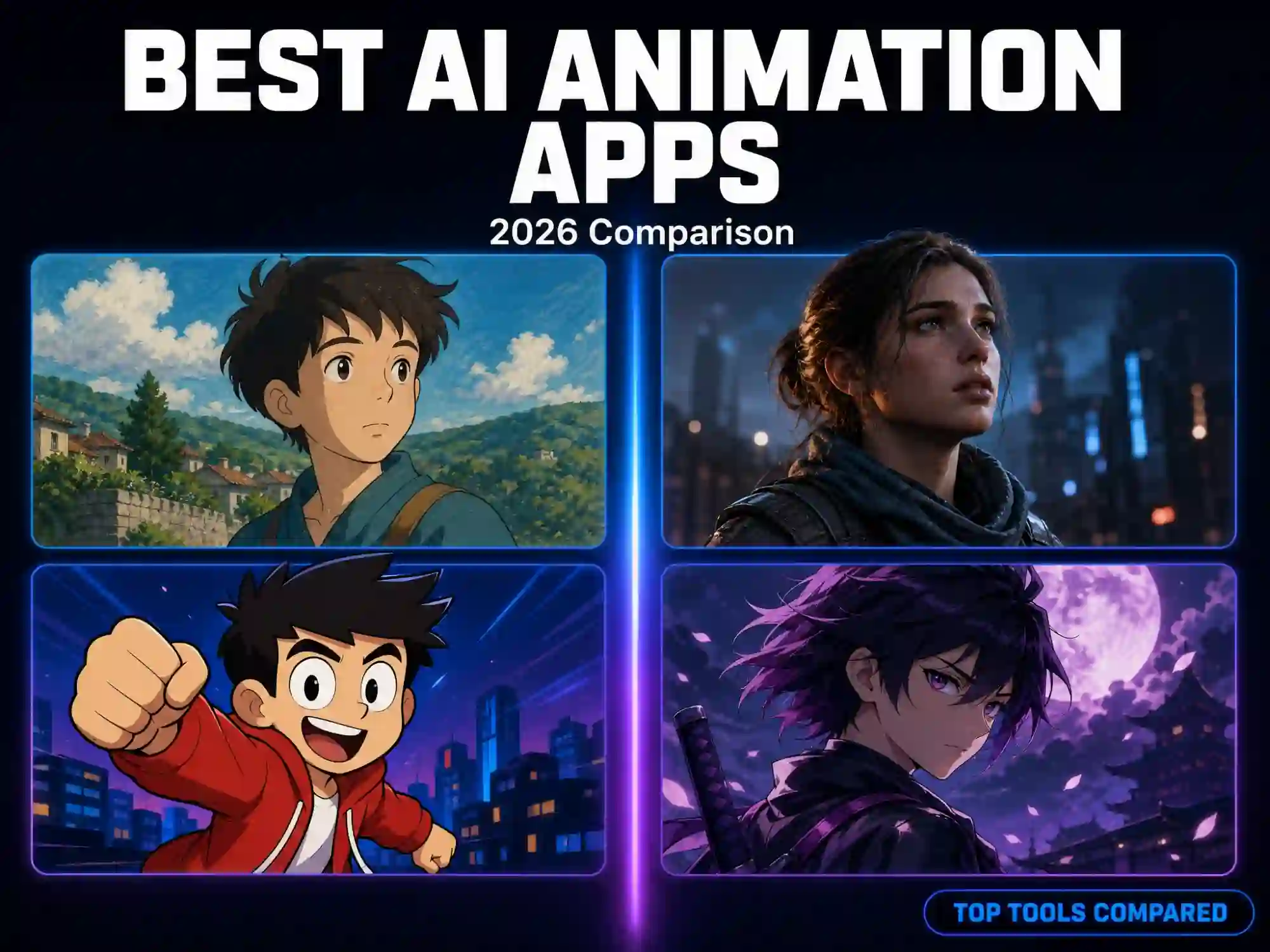
Access a professional library of visual styles - soft Ghibli watercolor for a romantic wedding invite, playful cartoon for a kid's birthday, elegant 3D cinematic for a milestone anniversary, or clean modern motion graphics for a corporate event - or train your own custom style for a completely unique invitation look.
Everyone Can Create an Invitation Video with Anijam AI
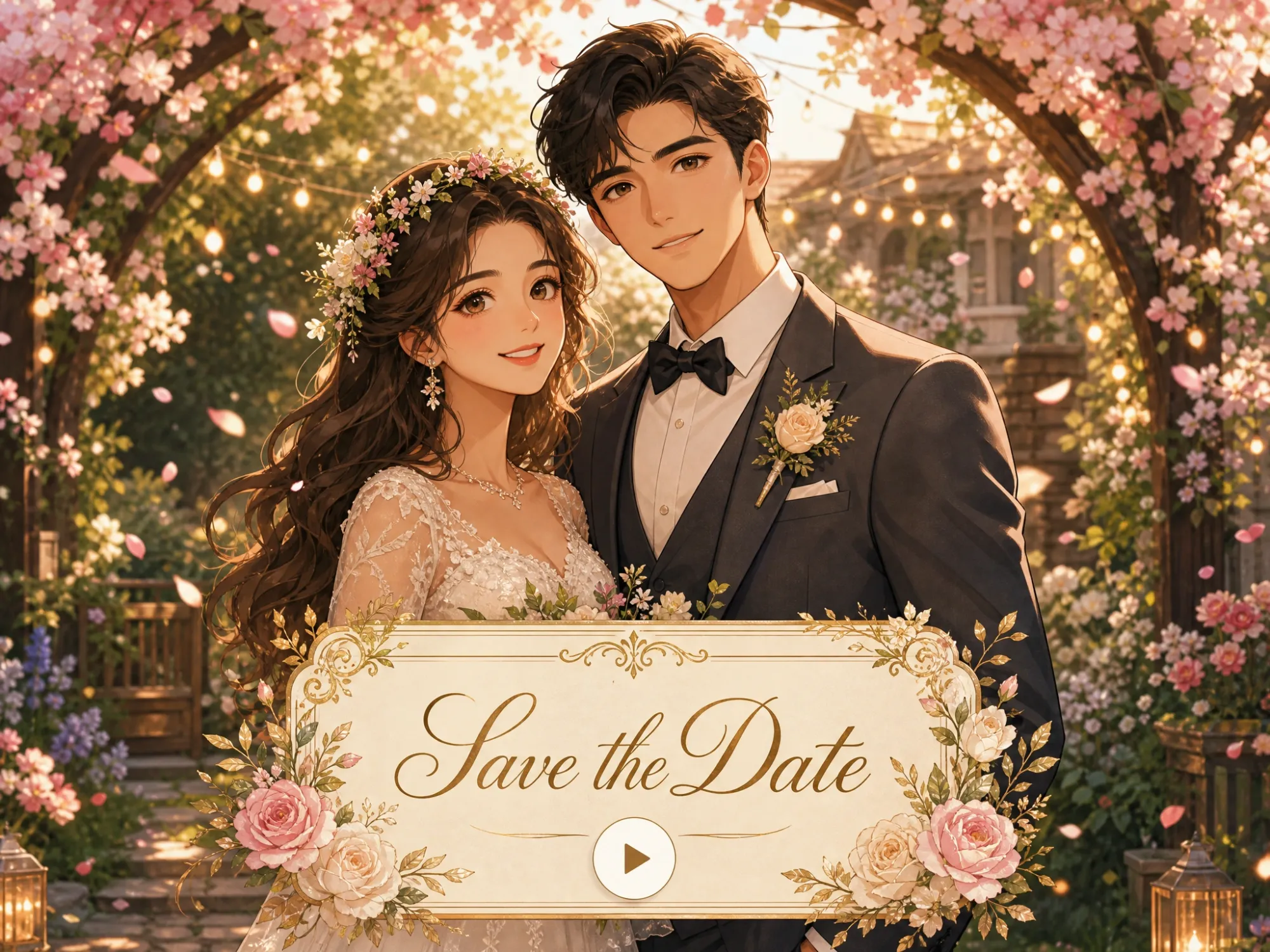
Wedding Invitation Videos
Generate a romantic animated wedding invitation with consistent bride and groom characters, elegant styles, and your wedding details - then reuse the same couple for save-the-dates and thank-you videos. For deeper wedding-specific tools, try Anijam's dedicated AI Wedding Animation generator.
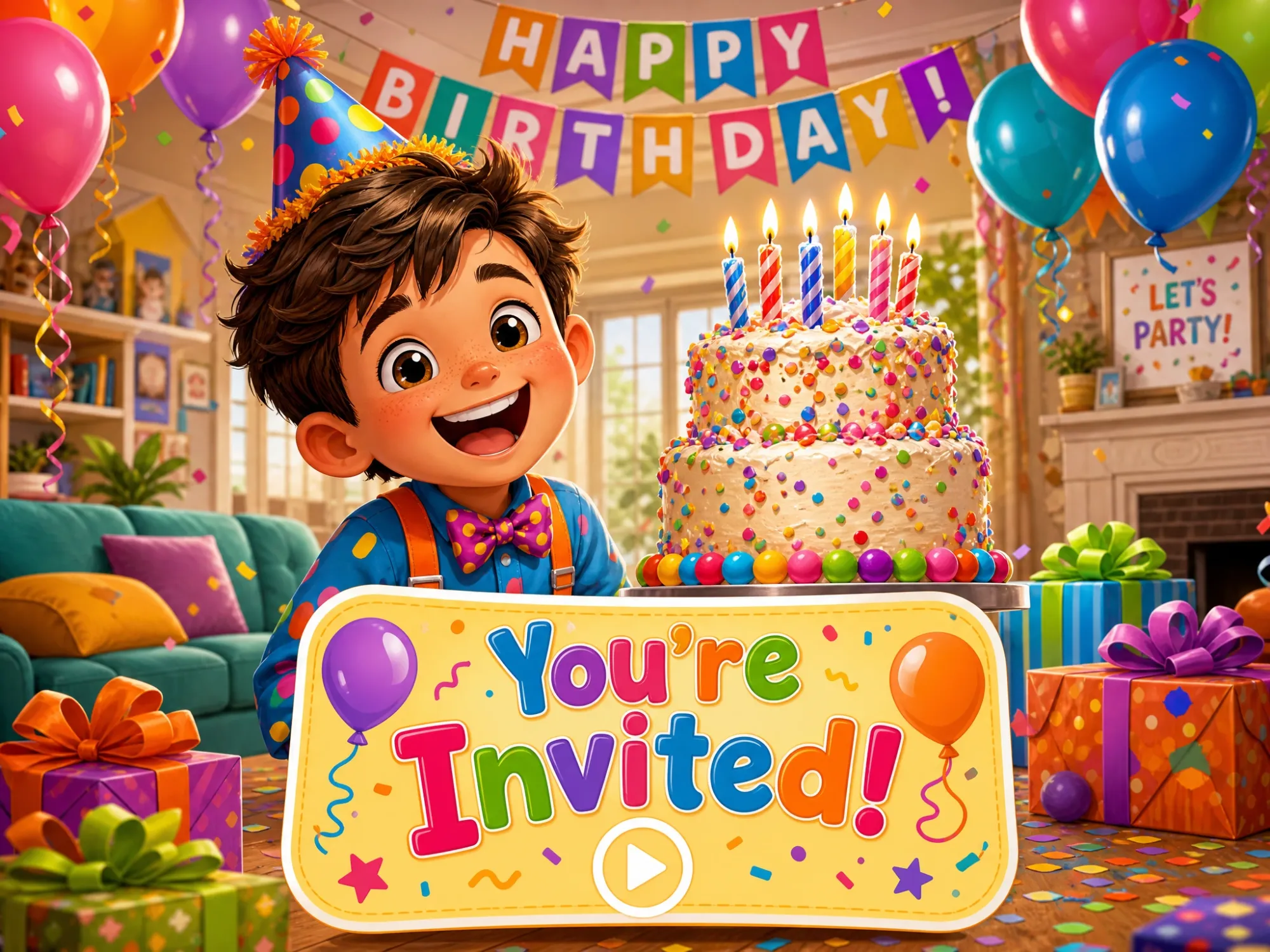
Birthday & Family Invitation Videos
From a first birthday to a milestone celebration, baby shower, or gender reveal, describe the theme - dinosaurs, disco, princess, pastel nursery - and generate a fun animated invitation the whole family will watch.

Business, Community & Every Other Event
Produce branded invitation videos for product launches, conferences, fundraisers, reunions, and community gatherings. Consistent characters and visual style reinforce your brand or theme across every save-the-date and reminder video - no production team required.
How to Make an Invitation Video with Anijam
Step 1: Describe Your Event or Upload a Photo
Type the event details in plain language - the occasion, the names, the date, the vibe you want - or upload a photo of the guest of honor, the couple, or your printed invitation card. Not sure where to start? Browse the Inspiration library for ready-made invitation templates you can apply with one click.
Step 2: Design Your Characters & Pick a Style
Anijam automatically generates a story outline and consistent characters from your input. Choose a visual style - Ghibli watercolor, 3D cinematic, cartoon, or a custom style you train yourself - and your characters, colors, and mood stay identical across every scene.
Step 3: Add Voice & Download Your Invitation Video
Upload your own voice, add music, or let AI generate narration in 30+ languages with automatic lip sync. Fine-tune scenes in the built-in timeline editor, then export and share your finished invitation video on WhatsApp, Instagram, email, or anywhere else.
Why Choose Anijam's Invitation Video Maker

Fast Generation
Generate a complete invitation video in minutes, not days - ideal for last-minute invites as well as carefully planned celebrations.

Free to Start
Use free credits to create personalized invitation videos and see your ideas come alive instantly.

Built for Any Occasion
One AI invitation video maker for weddings, birthdays, baby showers, graduations, corporate events, and more - not a single-purpose template tool.

No Design Skills Needed
No storyboarding, no manual animation, no video editing expertise. Describe your event in plain language and let the AI Agent handle the rest.

Web, iPhone & Android App
Create your invitation video from your phone or your desktop - every project, character, and edit syncs automatically between the Anijam app and the web.

Watermark-Free
Create polished invitation videos with clean, watermark-free exports ready to share with guests, clients, or your audience.
Explore More Anijam AI Video Tools


What Our Users Said
More about AI Video Creating & Inspiration
FAQ
What is an AI invitation video maker?
An AI invitation video maker uses artificial intelligence to turn a text description, script, or photo into a complete invitation video - generating the scene, characters, camera movement, and voice automatically. With Anijam, you describe your event once and the AI Agent handles the story, visuals, and voiceover, instead of you dragging clips and text boxes onto a template.
Is Anijam's invitation video maker free?
Yes. Sign up and log in to Anijam, and you can earn free credits through daily check-ins to try the invitation video maker at no cost.
Is there an invitation video maker app?
Yes. Anijam is available as an app on iPhone and Android, in addition to the web platform. You can start an invitation video on your phone, browse a library of trending invitation and celebration templates that's updated regularly, and keep editing later on the web - your project syncs automatically across devices.
What kinds of events can I make invitation videos for?
Anijam's invitation video maker isn't limited to one occasion. It works for weddings, birthdays, baby showers, gender reveals, engagement parties, graduations, anniversaries, holiday gatherings, and corporate or community events - the AI Agent adapts the story, style, and tone to match whatever you're celebrating.
Do my invitation videos come with a watermark?
Free-plan exports include a watermark, which is normal for previewing your invitation before committing to a paid plan. Watermark-free downloads, along with commercial usage rights, are available starting on Anijam's paid plans.
Can I use my own photos in my invitation video?
Yes. Upload a photo of the guest of honor, the couple, your family, or even a printed invitation card, and Anijam's AI Image Animator turns it into an animated invitation with natural motion and your chosen visual style - no need to design characters from scratch.