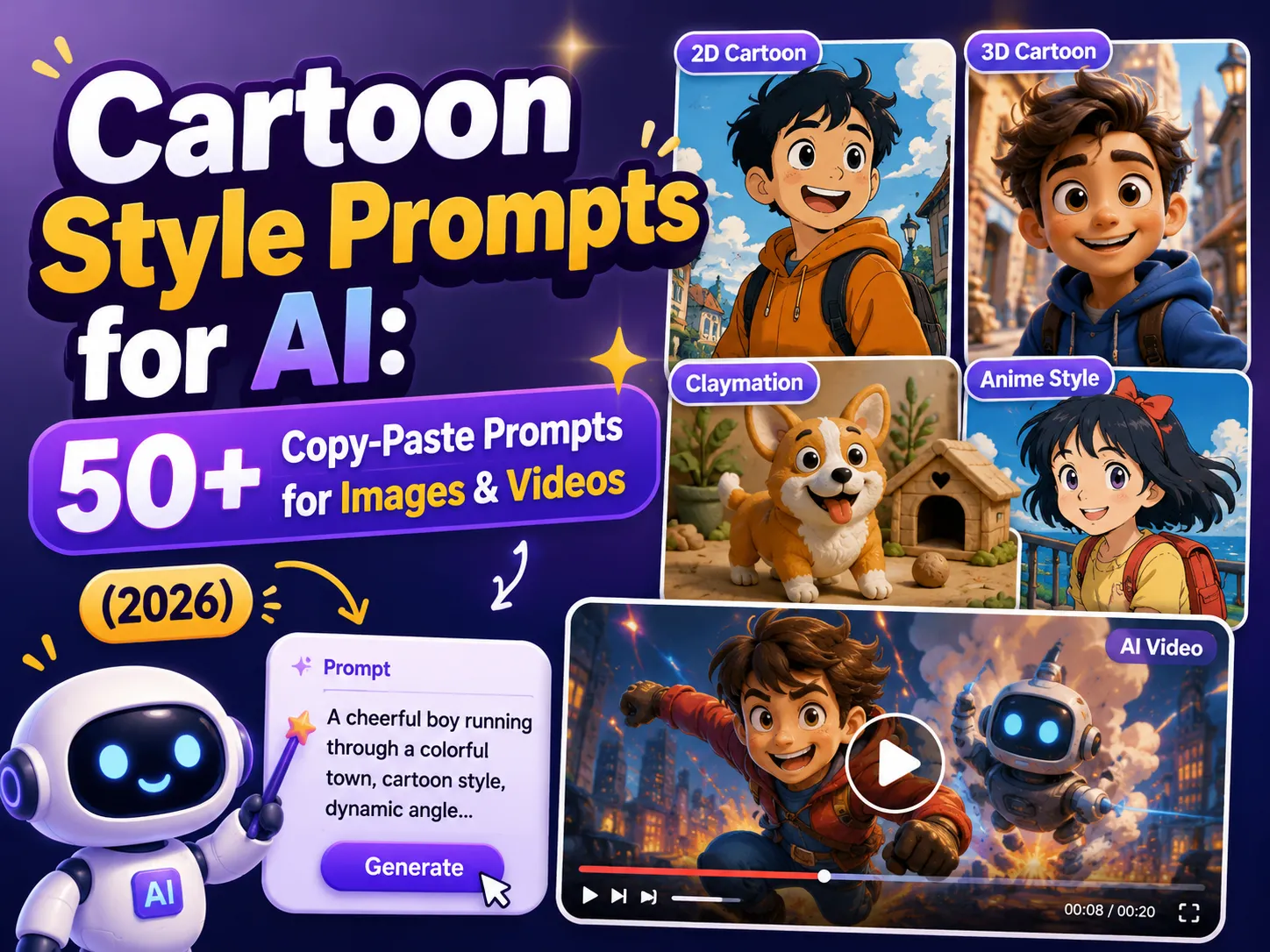
Cartoon Style Prompts for AI: 50+ Copy-Paste Prompts for Images & Videos (2026)
Type “cute cartoon character” into an AI image generator and you’ll get something. Round eyes, maybe. Bright colors, probably. But rarely the exact look you had in mind.
That’s because “cartoon” isn’t one style - it’s dozens of them, each built from a different mix of linework, shading, and color rules. The AI needs the right cartoon style prompt to know which one you mean.
This guide collects 50+ cartoon style prompts for AI image and video generation, organized into 2D, 3D, and trending categories, plus a formula for writing your own AI cartoon prompt from scratch. Copy any prompt below, paste it into your favorite AI tool, and adjust the subject to match your project - then bring it to life as a full animated video.
What Makes a Great Cartoon Art Style Prompt for AI?
AI image models don’t recognize “cartoon” as a single trained concept. They respond to keyword clusters - specific words that activate specific visual patterns learned from millions of labeled images. Say “flat colors, thick outline, minimal shading” and the model leans toward modern vector cartoons. Say “clay texture, visible fingerprints, studio lighting” and it leans toward claymation instead.
A strong cartoon style prompt for AI follows a simple structure:
Subject + Style Lock + Linework + Shading + Color Palette + Camera/Composition
The style lock is the non-negotiable part. Drop it, and the AI defaults to whatever look is most common in its training data - usually a generic, photorealistic-leaning illustration that looks nothing like the cartoon you pictured.
| Element | What It Controls | Example Keywords |
|---|---|---|
| Style Lock | Forces the cartoon aesthetic | flat cartoon, 3D Pixar-style render, claymation, ligne claire |
| Linework | How outlines behave | thick black outline, thin clean line, no outline (lineless) |
| Shading | How depth is shown | flat cel shading, soft gradients, crosshatching |
| Color Palette | Sets the emotional tone | bright primary colors, pastel palette, muted earth tones |
| Camera | Composition and framing | front-facing portrait, full-body turnaround, dynamic action pose |
| Quality Tags | Raises output polish | ultra-detailed, studio-quality render, clean vector |
Pro tips before you start:
-
Keep each prompt to 15-20 style words. More words don’t mean more control - they usually cancel each other out.
-
Reuse the exact same style phrase across every image in a series. Swapping “pastel” for “soft colors” halfway through is a fast way to lose consistency.
-
Add a negative prompt when your tool supports it: avoid photorealistic or 3D render for 2D styles, avoid flat or hand-drawn for 3D styles.
-
Pick one style per prompt. Mixing “anime claymation pop art” forces the model to average three aesthetics into a blurry compromise.
50+ Cartoon Art Style Prompts for AI (Copy-Paste Ready)
These 50+ prompts are grouped into two families: 2D cartoon styles, which read best at small sizes and feel hand-drawn or illustrated, and 3D cartoon prompt styles, which add depth, materials, and lighting for a more polished, dimensional look. Pick a style, copy the prompt, and swap in your own subject.
2D Cartoon Style Prompts:
Classic Retro 2D Cartoon Style
Long before Disney went digital, “rubber hose” animation defined the 1930s golden age of cartoons - bendy limbs, pie-cut eyes, and no visible joints. It’s still one of the most requested throwback looks in cartoon style prompts for AI.
-
vintage 1930s rubber hose cartoon, noodle limbs, pie-cut eyes, black and white, film grain, vignette edges
-
classic Disney-era hand-drawn cartoon, bold ink outline, warm flat colors, expressive linework, friendly proportions
-
golden age cartoon character, rounded shapes, bouncy pose, simple background, halftone texture
-
retro 90s Saturday morning cartoon, bold shapes, bright primary palette, playful proportions, clean line
Modern Flat Vector Cartoon Style
Flat vector cartoons trade texture for clarity - thick outlines, solid color fills, and zero gradients. It’s the go-to look for app mascots, explainer videos, and anything that needs to read clearly at thumbnail size.
-
modern flat vector cartoon, thick black outline, flat colors, minimal shading, clean edges
-
mascot-style flat illustration, big expressive eyes, rounded shapes, vector color blocks, transparent background
-
minimal line cartoon, thin outline, flat color fills, simple geometric shapes
-
sticker mascot cartoon, bold outline, high-contrast flat colors, white border, isolated character
Anime & Studio Ghibli-Inspired Style
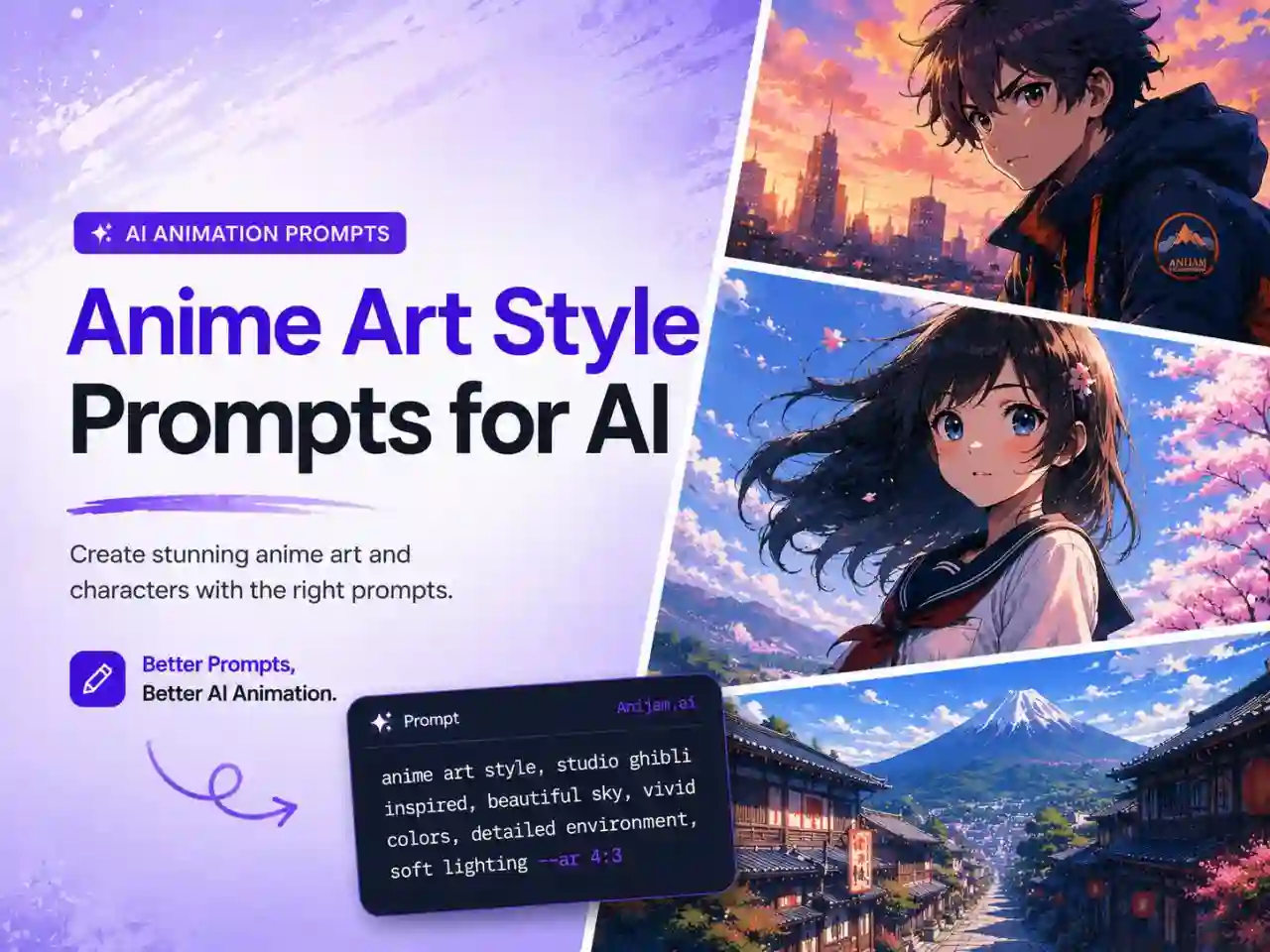
Anime isn’t one style - it’s a family of conventions around eyes, linework, and shading. For a deeper dive into cel shading, chibi proportions, and Ghibli’s painterly backgrounds, see our full anime art style prompts for AI guide.
-
anime key visual, crisp linework, cel shading, vibrant color palette, clean background
-
Ghibli-inspired painterly cartoon, soft watercolor background, warm golden light, gentle expressive character
-
chibi anime cartoon, big head small body, simple cel shading, pastel palette
-
slice-of-life anime cartoon style, soft lighting, gentle colors, cozy everyday scene
Chibi & Cute Cartoon Style
Chibi proportions - oversized head, tiny body - read as instantly “cute,” which is why this cute cartoon prompt style dominates stickers, mascots, and profile pictures.
-
kawaii chibi character, oversized head, tiny rounded body, pastel color palette, simple shading
-
cute mascot cartoon, big round eyes, soft rounded shapes, bright cheerful colors
-
chibi sticker character, thick outline, flat pastel colors, white sticker border, big smile
-
baby animal chibi cartoon, oversized eyes, soft fur texture, gentle pastel background
Comic Book & Pop Art Cartoon Style
Comic art has its own visual grammar - bold inks, halftone dots, and color choices built for print. You can turn a static panel into motion with Comic to Animation tool.
-
classic comic book style, bold ink outlines, halftone dot shading, primary color palette
-
ligne claire comic illustration, uniform line weight, flat colors, no cross-hatching, clean composition
-
pop art cartoon, bold outlines, flat saturated colors, comic-style dot pattern, high contrast
-
noir comic cartoon, heavy shadow, high contrast ink, rain-soaked street, dramatic lighting
Caricature & Custom Avatar Cartoon Style
Caricature prompts exaggerate a subject’s most recognizable features - great for personalized avatars, gifts, and profile art that still looks unmistakably like the person.
-
caricature cartoon portrait, exaggerated features, bold ink outline, playful expression, simple background
-
custom cartoon avatar, clean vector style, rounded shapes, simplified facial features, flat color
-
digital caricature illustration, big expressive head, small body, humorous exaggeration, bright palette
-
profile picture cartoon avatar, soft cel shading, clean outline, friendly exaggerated smile
3D Cartoon Prompt Styles:
3D cartoon prompt styles trade the flatness of hand-drawn work for materials, lighting, and depth. They’re the default choice for premium mascots, hero images, and anything that needs to feel more “produced.”
3D Pixar & Disney-Style Cartoon
Ever since Pixar’s Toy Story became the first fully CGI feature film in 1995, “soft 3D cartoon” has meant rounded shapes, warm lighting, and expressive faces.
-
3D animated film character, soft global illumination, rounded proportions, expressive eyes, warm cinematic lighting
-
3D-style cartoon render, smooth materials, soft rim light, plush rounded shapes
-
3D toon-shaded character, crisp outlines, cel-shaded render, bright studio lighting
-
cinematic 3D cartoon portrait, shallow depth of field, soft ambient light, ultra-detailed materials
Claymation & Stop-Motion 3D Cartoon Style
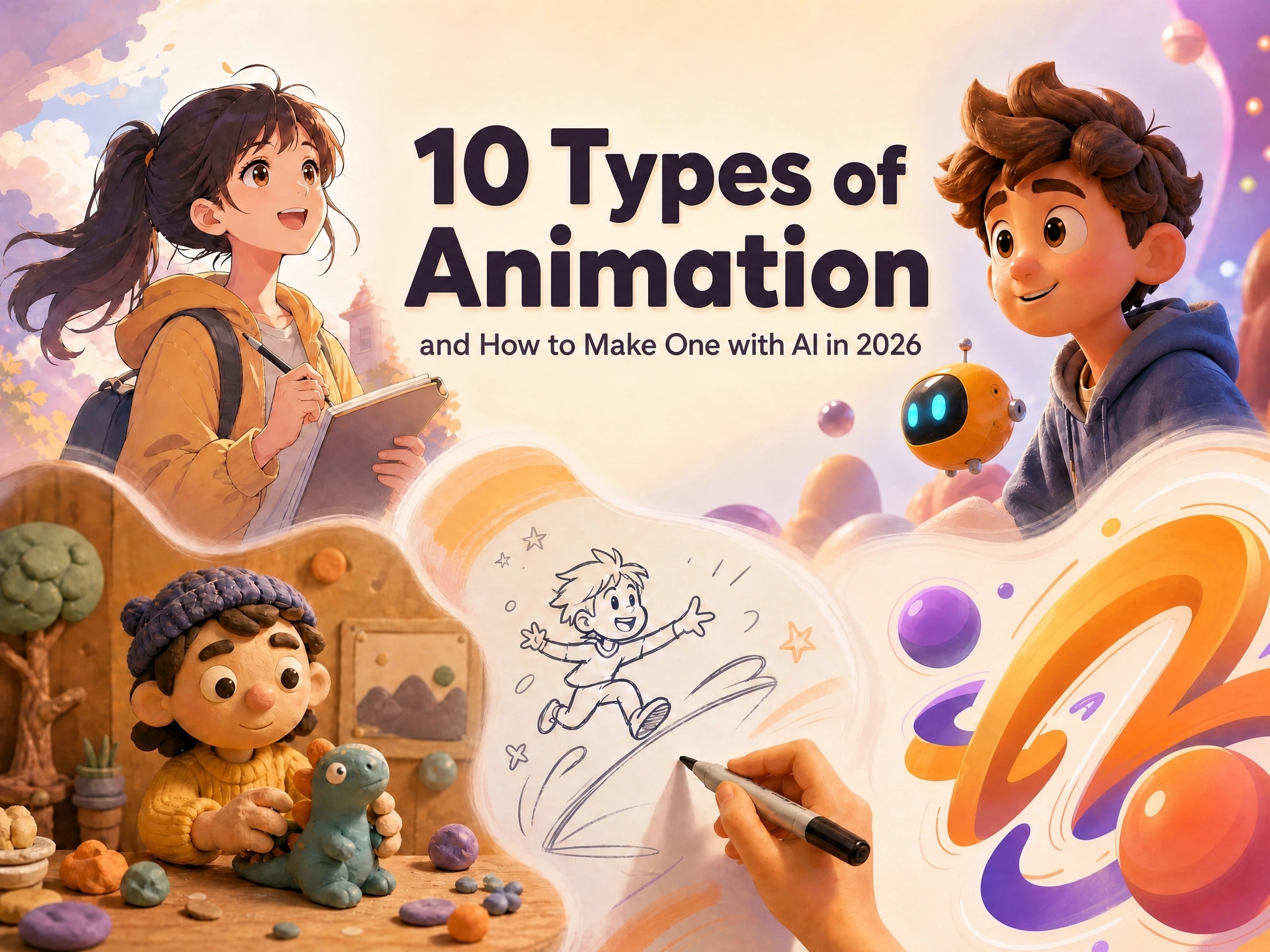
Claymation is a stop-motion technique that shapes clay or plasticine figures frame by frame - Aardman’s Wallace & Gromit is the classic reference. Try our AI claymation generator to turn any idea into a clay-style animated clip without touching real clay.
-
claymation character render, visible fingerprints, soft clay texture, warm studio lighting, shallow depth of field
-
stop-motion puppet style, fabric and felt texture, miniature set background, handcrafted look
-
clay animation scene, plasticine figures, rounded soft forms, cozy diorama lighting
-
handcrafted clay diorama, soft directional light, miniature props, tactile surface detail
Low-Poly 3D Cartoon Style
Low-poly strips 3D models down to their basic geometric faces - fewer polygons, sharper facets, a distinctly retro-gaming feel.
-
low-poly 3D character, faceted geometric shapes, simple flat lighting, minimal detail
-
voxel-style 3D cartoon, blocky pixel-like forms, bright flat colors, simple shading
-
geometric low-poly scene, angular terrain, limited color palette, soft ambient light
-
low-poly mascot render, faceted surfaces, pastel gradient sky, minimal shadow
Vinyl Toy & 3D Collectible Style
Designer vinyl toys - think collectible figures on a store shelf - translate into a specific AI prompt recipe: glossy plastic, oversized proportions, minimal detail.
-
designer vinyl toy character, oversized head, glossy molded plastic, rounded forms, studio background
-
collectible figure render, smooth plastic surface, soft reflections, pastel studio backdrop
-
3D toy-style character, chibi proportions, clean color blocking, minimal detail, centered composition
-
blind-box collectible render, glossy highlights, soft studio lighting, simple pedestal display
Trending Cartoon AI Prompt Styles Right Now
Cartoon trends move fast - a niche animated show or a single viral filter can dominate feeds within weeks. Here’s what’s actually circulating in cartoon AI prompt communities and on TikTok right now.
Charlie and Lola-Style Sketch Cartoon
The British children’s series Charlie and Lola - known for its wobbly hand-drawn lines, textured crayon fills, and collage-style backgrounds - became a viral TikTok filter trend in late 2025, with creators redrawing themselves into the show’s world.
-
Charlie and Lola-inspired sketch cartoon, wobbly hand-drawn lines, crayon texture fill, collage-style background, childlike charm
-
storybook sketch cartoon, loose pencil linework, textured color fill, handmade paper background
-
wobbly-line children’s book illustration, soft crayon shading, pastel collage elements
Pixar-Style Photo Transformations
Turning an ordinary selfie into a Pixar-style character remains one of the most consistently viral cartoon AI prompt trends, prized for its warm color grading and exaggerated, friendly expressions.
-
3D animated photo transformation, soft cinematic lighting, warm color grading, exaggerated friendly expression, rounded proportions
-
3D animated character transformation, rounded proportions, expressive eyes, studio-quality render, cheerful lighting
-
soft 3D portrait render, warm skin tones, big expressive eyes, gentle cinematic light
Chibi Sticker Pack Style
Chibi sticker packs - small sets of the same character in different poses and expressions - are a staple of messaging app content and merch mockups.
-
chibi sticker pack character, multiple expressions, thick white border, flat pastel colors, transparent background
-
chibi emoji-style character, simplified face, bold outline, bright solid color, sticker-ready crop
-
chibi reaction sticker, exaggerated expression, flat color fill, clean white outline
Claymation × Fine Art Mashup Styles
Mashup prompts - blending claymation textures with fine art references like Van Gogh’s brushwork - have been trending as a way to make familiar clay-style characters feel unexpected.
-
claymation character with impressionist brushwork texture, thick painterly clay surface, warm swirling color, studio light
-
clay-textured portrait in painterly fine art style, visible sculpting marks, rich brushstroke color blending
-
clay diorama scene with painterly texture overlay, swirling color strokes, warm gallery lighting
How to Generate Cartoon Art and Animation with Anijam AI
Once you’ve picked a style and prompt, the next step is turning a single image into something you can actually publish - a short video, a mascot intro, a social clip. That’s where Anijam comes in: an AI animation platform that takes your prompt, locks in a consistent character, and builds a full animated scene around it, without requiring any animation software experience.
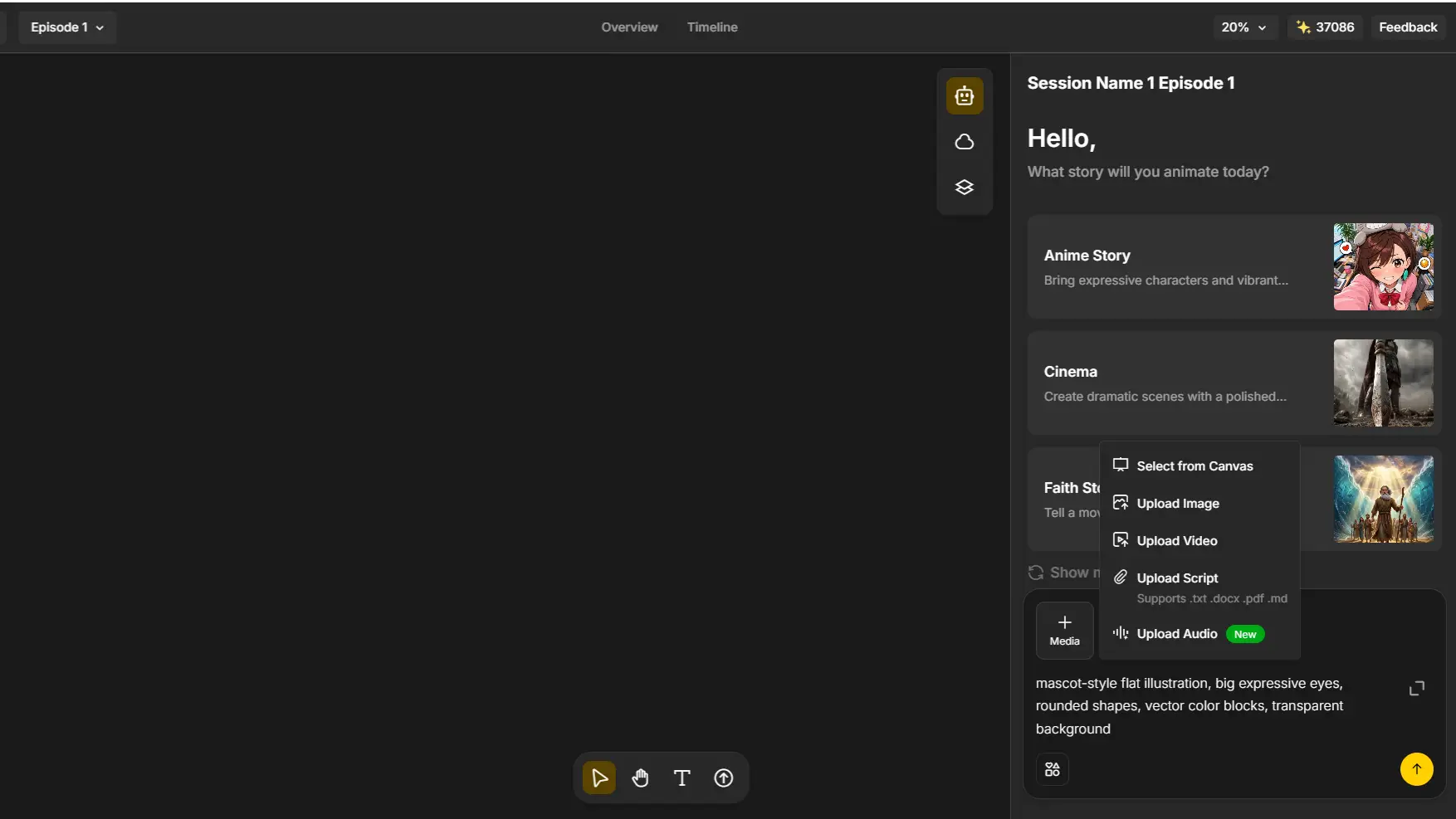
Step 1: Describe Your Idea or Upload a Photo
Start with plain language, not a finished prompt. Describe who your character is, what they’re wearing, and where the scene takes place - Anijam AI’s agent turns that description into a scene breakdown and concept art automatically. If you already have one of the 50+ prompts above, paste it in directly.
Step 2: Pick Your Cartoon Style, Voice & Characters
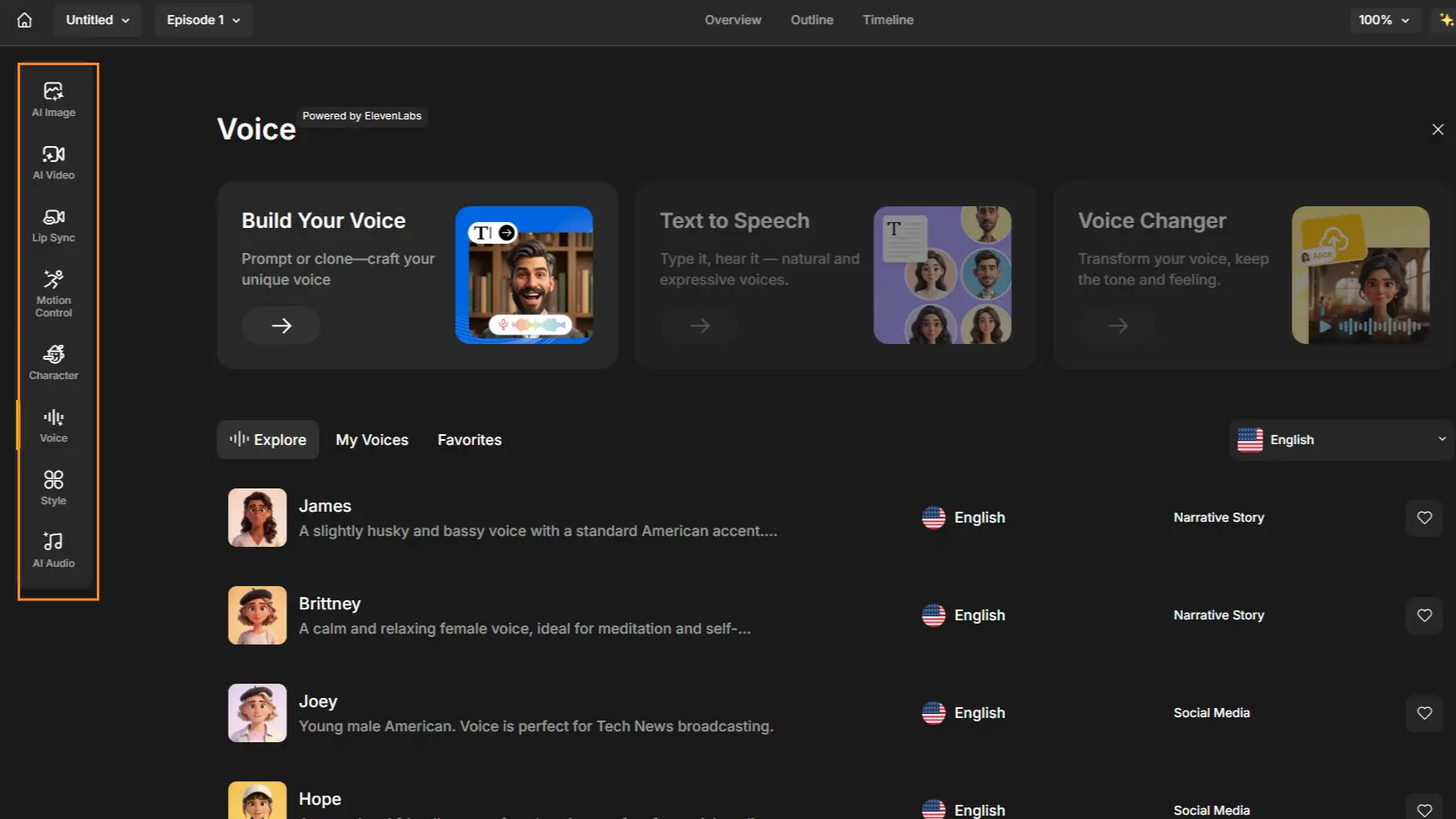
Choose a style from Anijam AI’s professional style library - flat 2D, Pixar-style 3D, anime, or claymation among them - or paste in your own custom style phrase from this guide.
Add a voice track (recorded or AI-generated) and Anijam AI’s Cartoon Video Generator will handles lip sync automatically, matching mouth movement to dialogue.
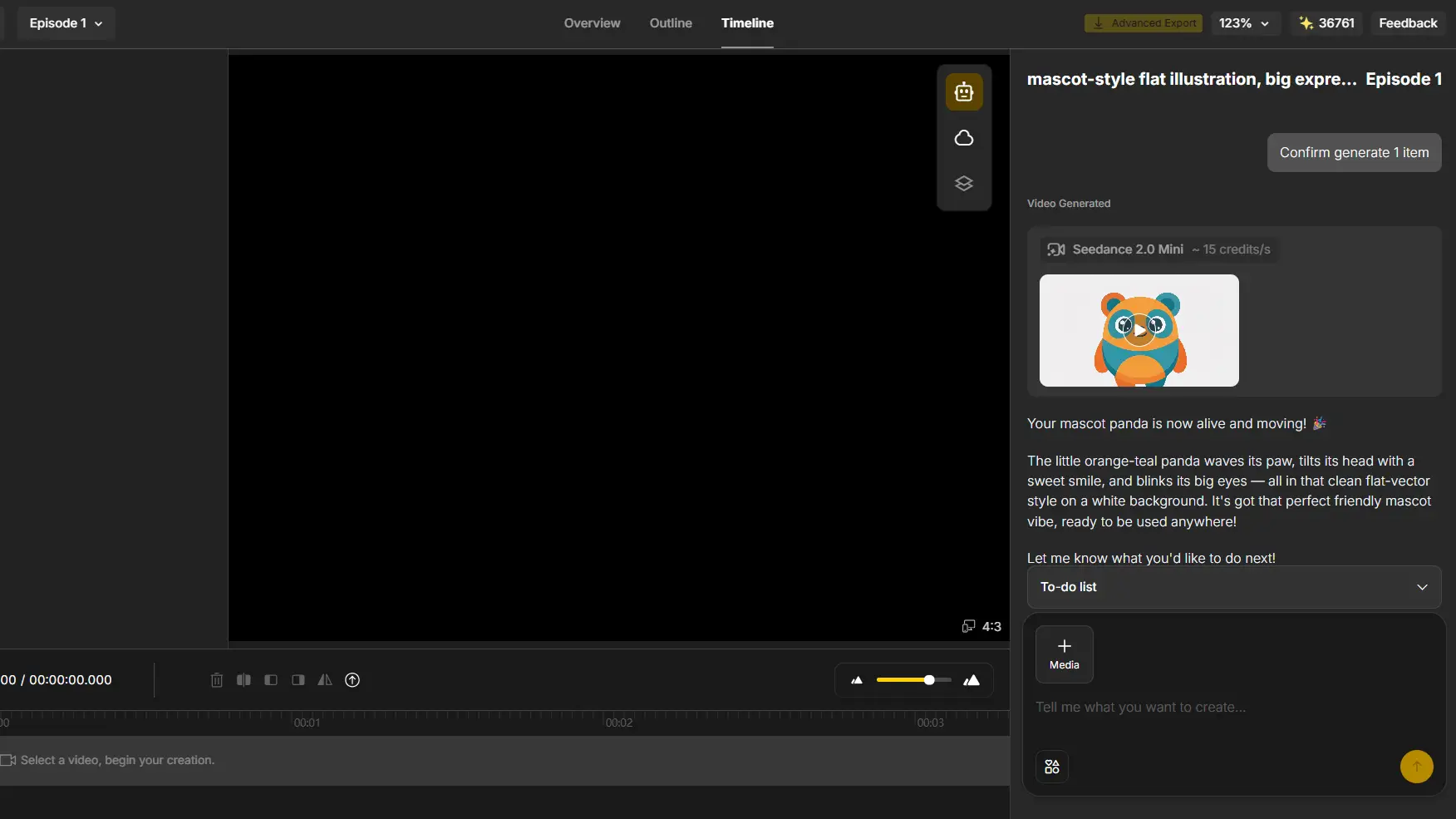
Step 3: Timeline and Export
Adjust timing in the built-in timeline editor, then export - no watermark on eligible plans.
Cartoon Style Prompt Mistakes to Avoid
-
Skipping the style lock. Without an explicit style phrase, the AI defaults to a generic look regardless of your other keywords.
-
Mixing incompatible styles. “Anime claymation pop art” in one prompt forces the model to blend three aesthetics into a muddy compromise.
-
Changing your style phrase mid-series. Swapping “pastel” for “soft colors” between images is one of the fastest ways to lose character consistency.
-
Overloading the prompt. More than 15-20 style words creates conflicting signals rather than more control.
-
Forgetting camera and composition. A great style with no framing instruction often ends up cropped wrong for its final use case.
-
Requesting copyrighted studio names directly. “Pixar style” or “Disney style” can trigger refusals in some tools - describe the look instead (“3D animated film style, soft lighting, rounded shapes”).
Final Thoughts
Cartoon style prompts for AI aren’t about memorizing 50 magic phrases - they’re about understanding the handful of levers (linework, shading, color, camera) that actually move the output. Once that clicks, you can build a prompt for any look, trending or not.
Start with a style from this list, adjust the subject and colors to fit your idea, then take it further: generate a full scene, add a voice, and export a finished cartoon video with Anijam AI. From a single copy-paste prompt to a polished animated clip - no drawing tablet required.
Frequently Asked Questions
What are the best keywords for cartoon AI art prompts?
The most reliable style-locking phrases name the medium and rendering method directly: “flat vector cartoon,” “3D Pixar-style render,” “claymation,” or “ligne claire.” Pair them with a linework and shading cue - thick outline, cel shading - for the most predictable results.
Do these cartoon style prompts work for AI video as well as images?
Yes, with one addition: motion. For video, add cues like “slow pan,” “character waves,” or “camera pushes in.” Anijam AI’s AI animation video generator builds full scenes with camera movement and lip sync from the same style prompts used for still images.
How do I keep a cartoon character consistent across multiple AI images?
Reuse the exact same style phrase, face description, and outfit details in every prompt - don’t swap synonyms between generations. For projects with many scenes, a dedicated character-consistency tool locks the design in once and reuses it automatically.
What cartoon style is trending right now for AI prompts?
As of 2026, Charlie and Lola-style sketch filters, Pixar-style photo transformations, and chibi sticker packs are among the most consistently viral cartoon AI prompt trends - see the Trending section above for ready-to-use prompts.
Can I use these cartoon style prompts for commercial projects?
Usually yes, but check your specific AI tool’s terms - most platforms grant commercial usage rights on paid plans. Avoid prompting for named studios, franchises, or living artists directly, since that can raise trademark and content-policy issues; describe the look instead.
by Evan
Evan is an AI content creator and video technology writer at Anijam AI, focused on how generative AI is transforming storytelling and video production. He shares social trends, creative workflows, prompt strategies, and practical insights to help creators turn ideas into engaging videos and visual content.