


AI Comic Generator: Turn Any Idea into a Comic with Anijam
Type a story idea or upload a photo, and Anijam's AI comic generator builds the panels, characters, and layout for you. No drawing skills, no design software - just describe your scene and watch a full comic strip, manga page, or webtoon panel come together in seconds.
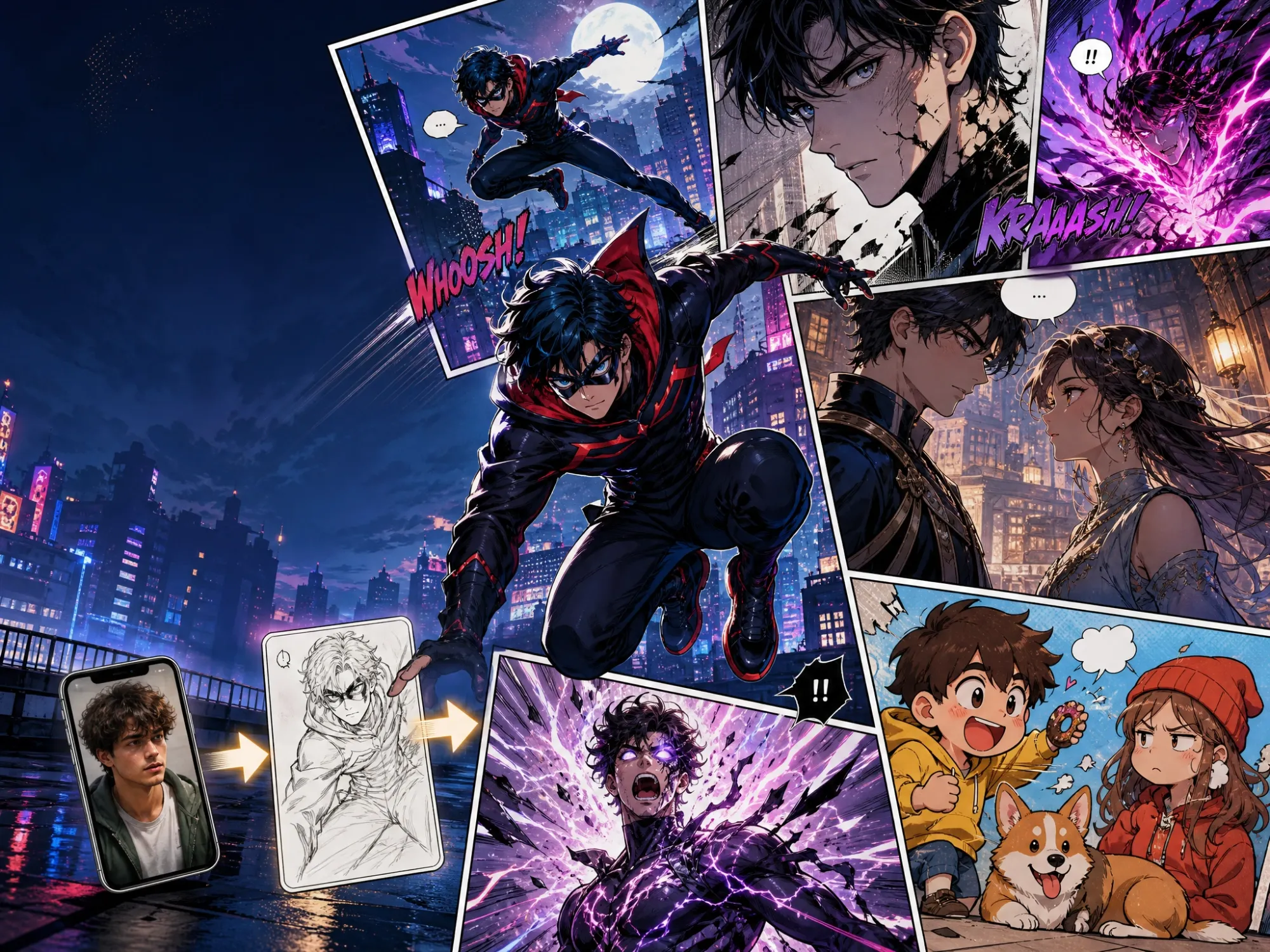
A Free AI Comic Generator That Works From Text or a Photo
Anijam is a free AI comic generator built for anyone who has a story but not a sketchbook. Describe a scene in plain language, or upload a selfie, a pet photo, or an existing sketch, and Anijam's AI agent handles the art, the panel layout, the speech bubbles, and the character consistency across the whole page.
Anijam isn't limited to a single output either. Once your comic panels look right, the same canvas lets you push straight into comic to animation, adding motion, camera moves, and lip-synced dialogue to the exact characters you just generated - something a static comic maker simply can't do on its own.
You're also not tied to your desktop. Anijam's mobile app lets you create and pick up a project from anywhere, keeps everything synced with your web account, and ships a steady stream of new trending video templates so you always have a fresh format to remix your comic into.
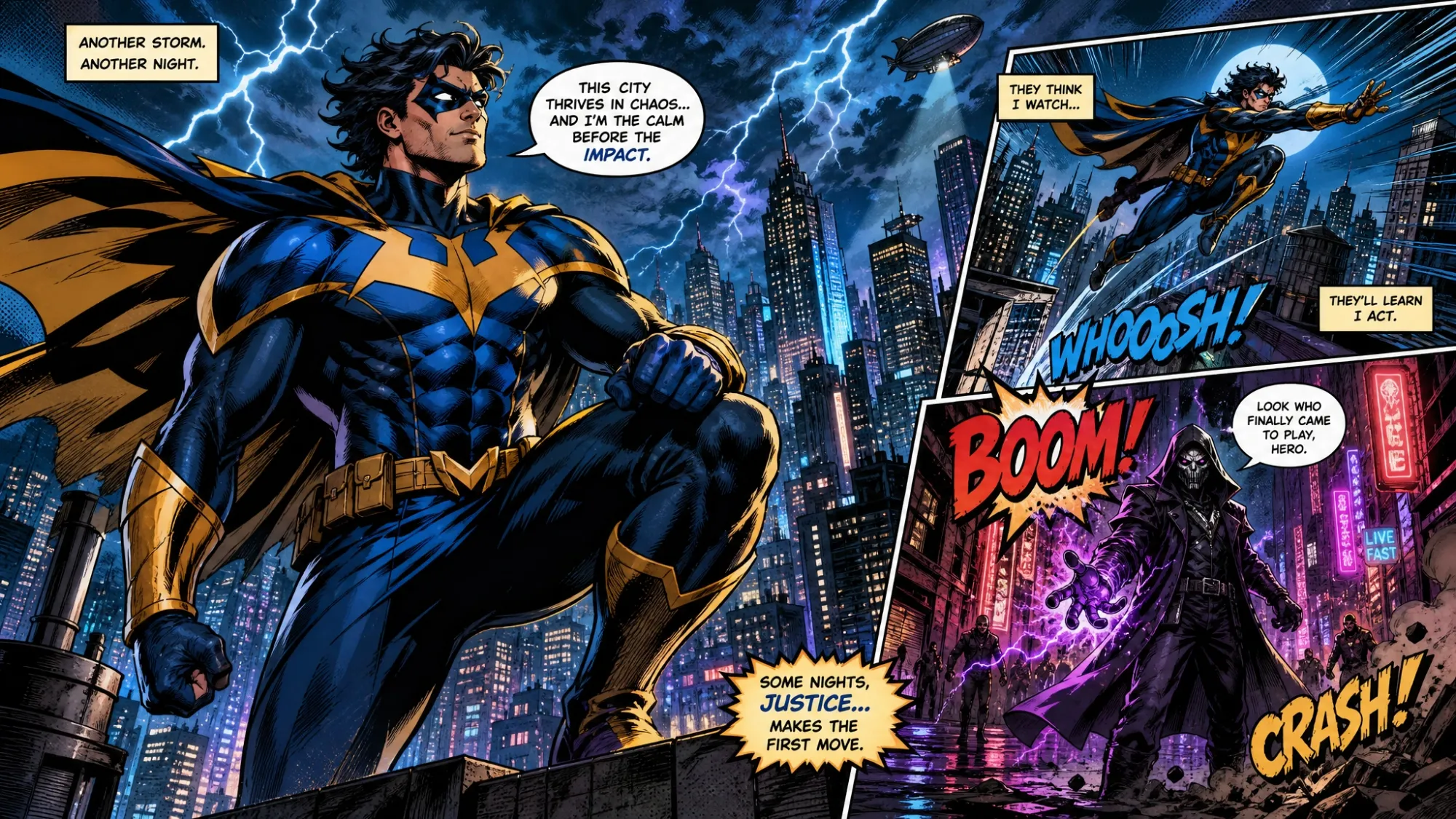
Classic American Comic Book Style
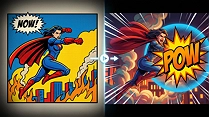
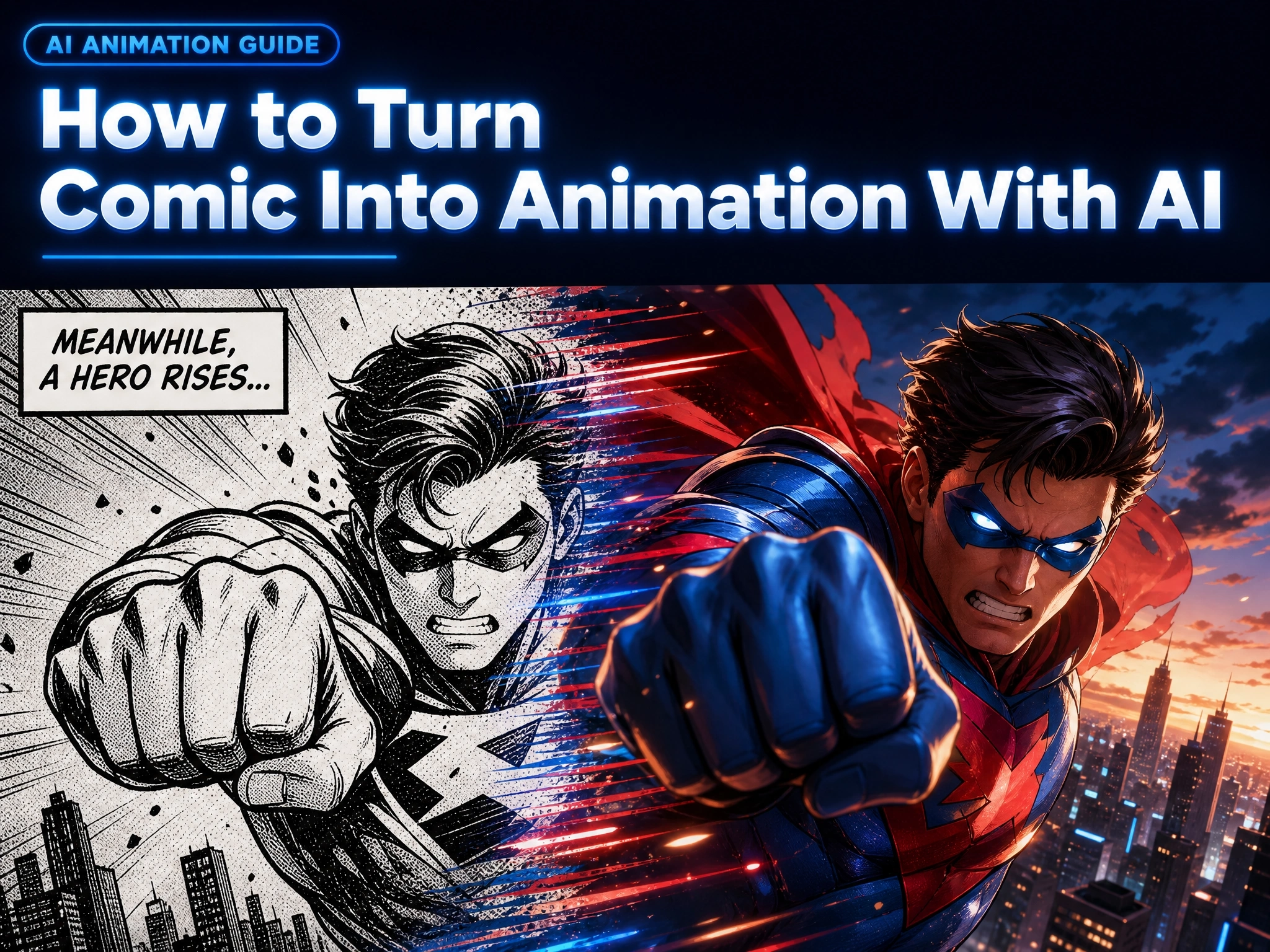
Bold ink outlines, halftone shading, and dynamic action poses - Anijam's ai comic book generator recreates the classic superhero-comic look from a single prompt.
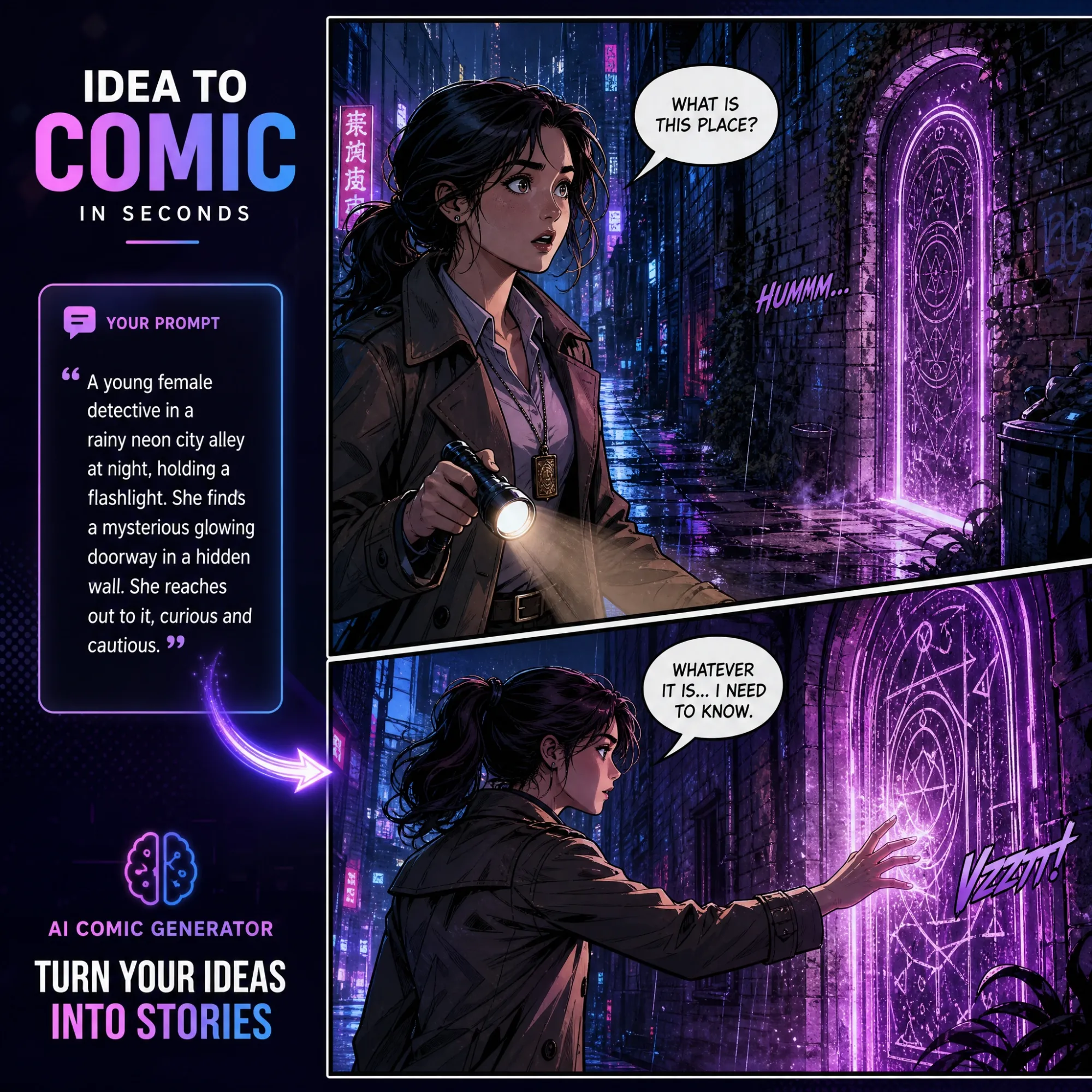
Generate Comic Panels from Text
As an ai comic generator from text, Anijam reads your full scene description - character, setting, action, mood - and builds a cohesive panel or multi-panel strip around it, not just one disconnected image. Describe "a cyberpunk hacker cornered in a neon alley" and get a comic panel with composition, lighting, and framing that actually reads like a comic page.
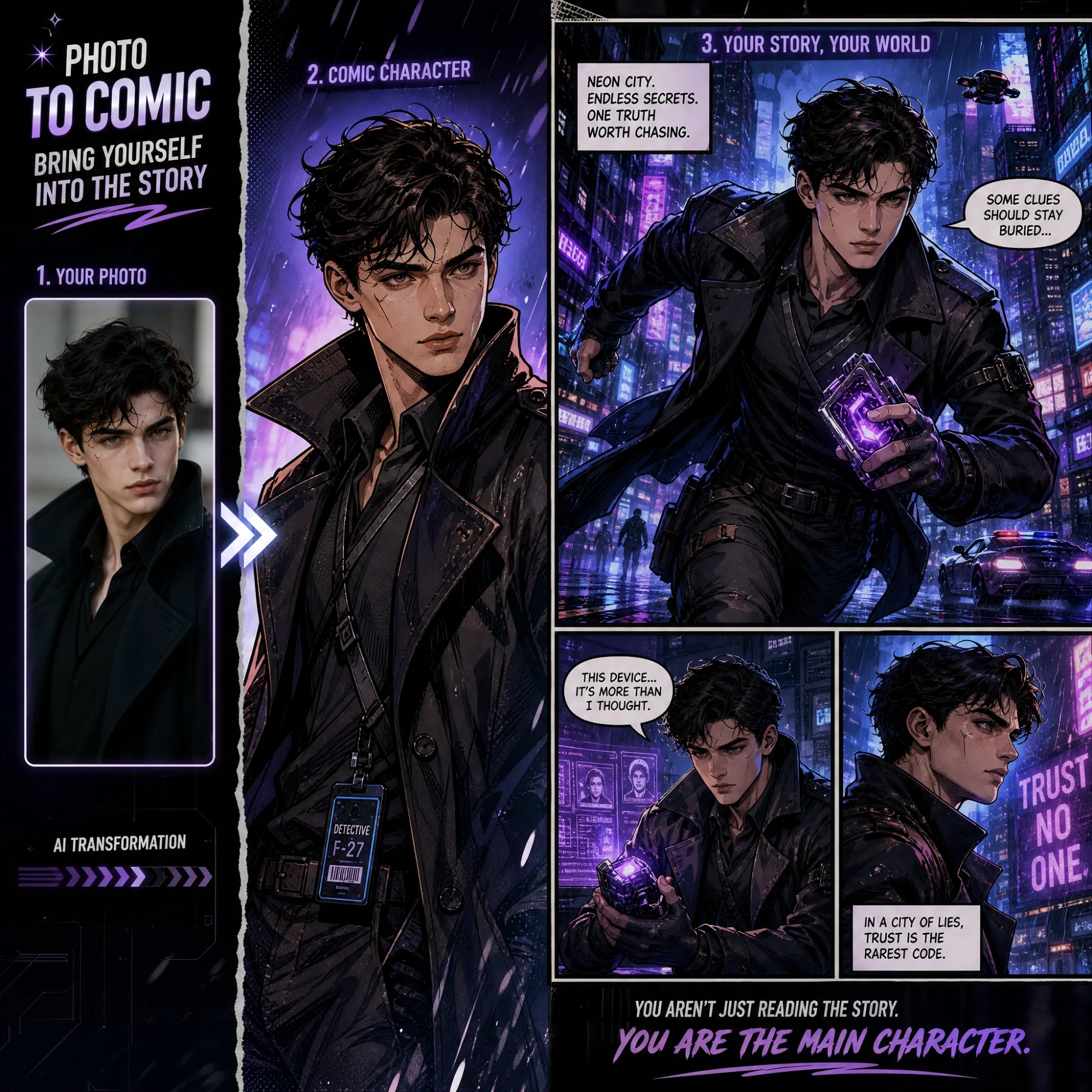
Turn Photos into Comic Characters
Upload a selfie, a friend's photo, or a pet picture, and Anijam's ai comic generator from photo mode turns it into a stylized comic character while keeping the features recognizable. Want to go further and give that character a face and voice? Pair it with Anijam's AI character generator to keep the same design animated across scenes.
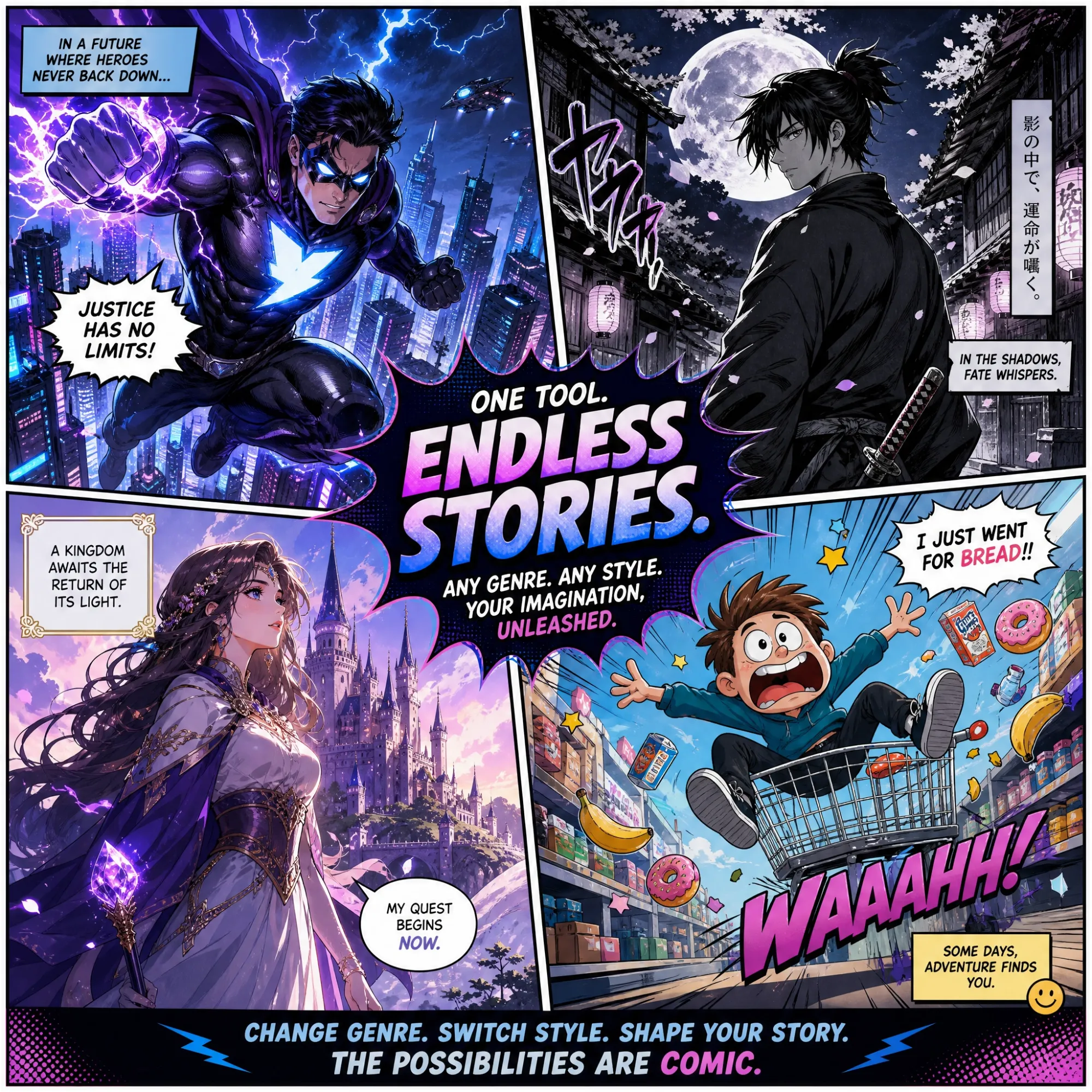
Explore Every Comic Style and Genre
Whether you're building a superhero one-shot, a slice-of-life webtoon, a political satire strip, or a horror comic, Anijam's ai comic generator no restrictions approach means the style library and prompt box adapt to whatever story you're telling - not the other way around.
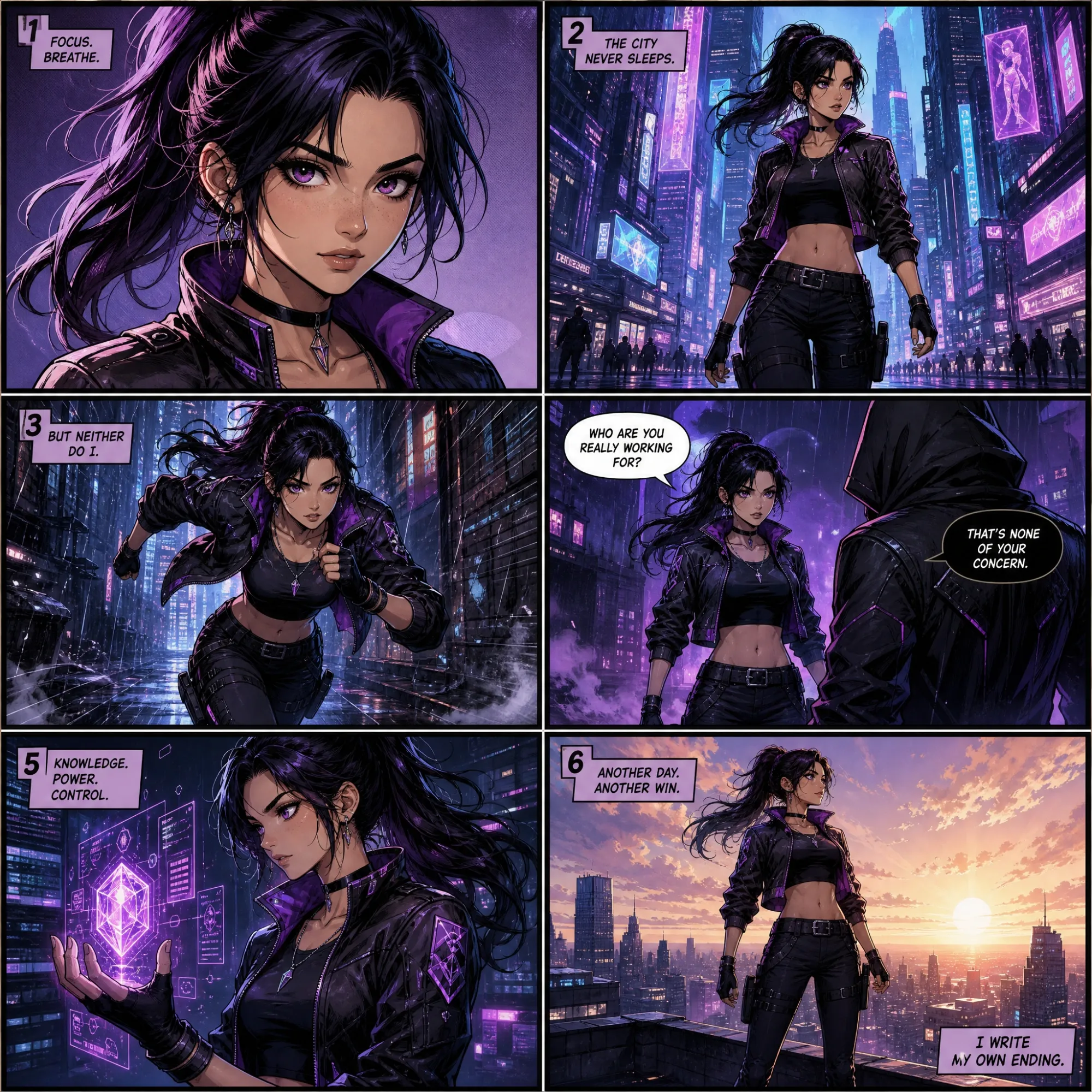
Keep Characters Consistent Across Panels
Most single-image generators redraw a character every time. Anijam locks in facial features, outfit, and proportions so your hero looks the same across every panel of a full comic strip or page, without extra reference uploads for each shot.
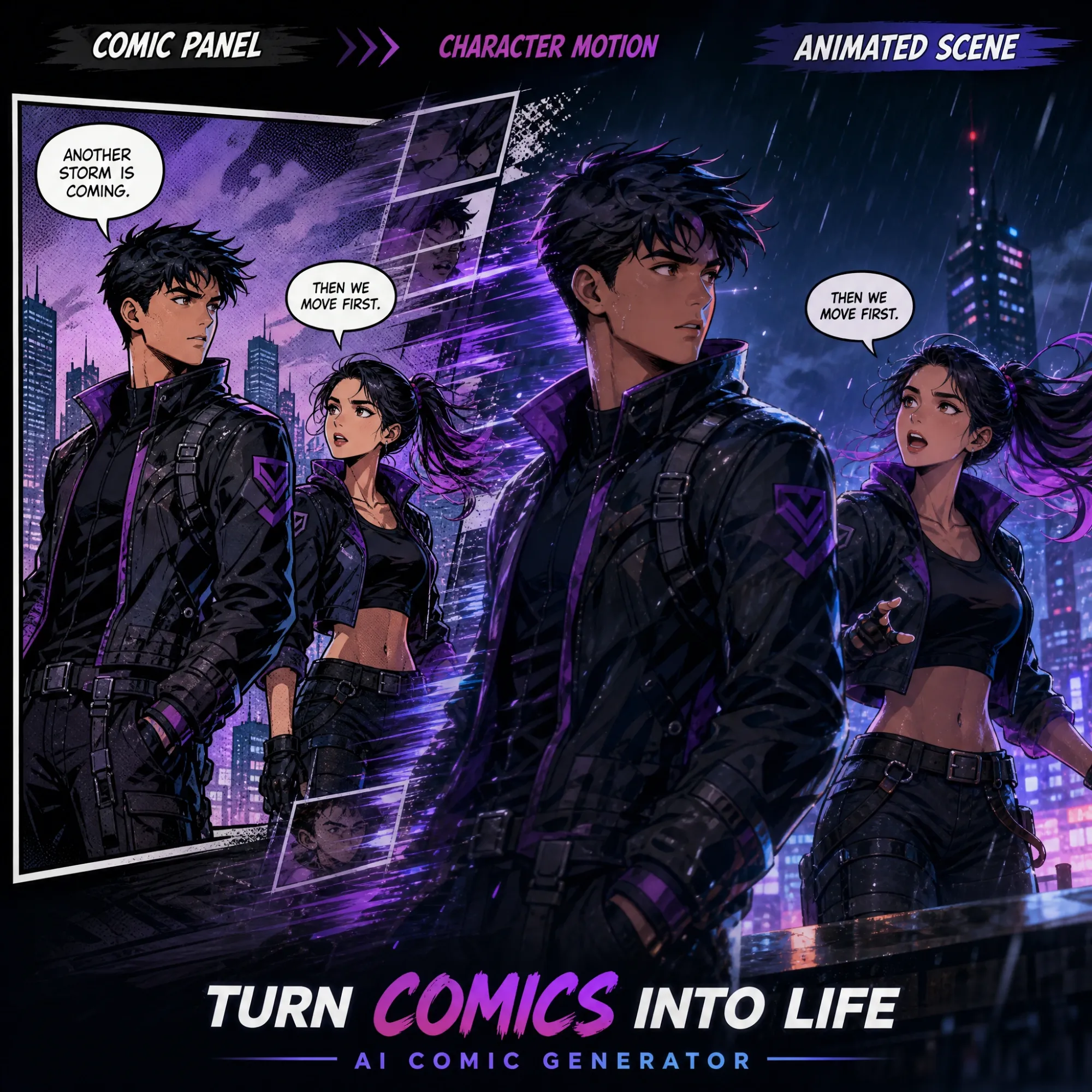
Animate Your Comic into a Video
Once your comic looks right, don't stop at a still image. Send it straight into Anijam's comic to animation tool to add camera movement, character motion, and AI lip sync - turning a static comic maker output into a shareable video without leaving the platform.
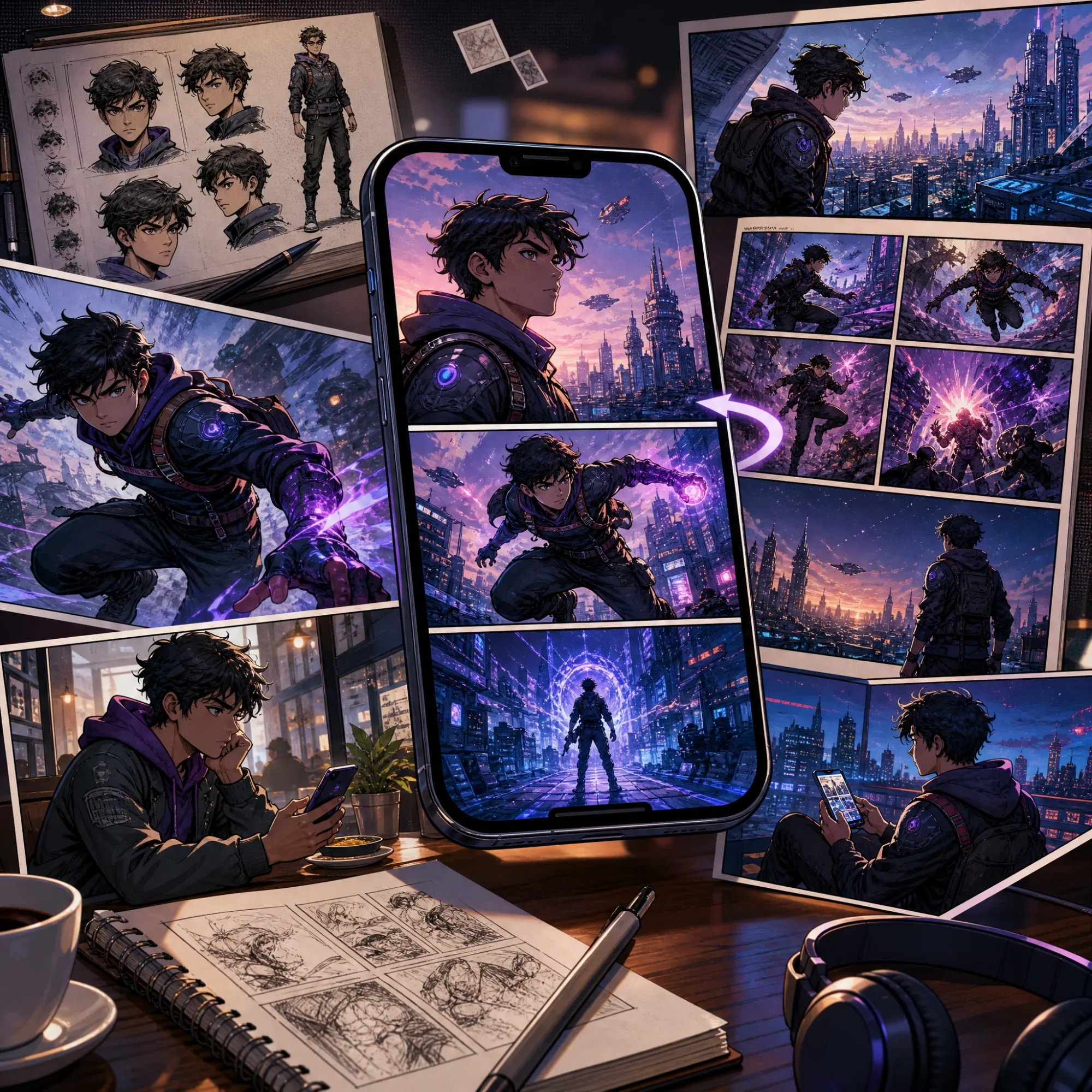
Create Comics Anywhere with the App
Your comic doesn't have to wait for a laptop. The Anijam app lets you generate panels, review drafts, and pick up a project exactly where you left it - everything syncs automatically with your web account. The app also gets a steady drop of new trending video templates, so once your comic is done you always have a fresh, on-trend format to turn it into a clip.
How to Use Anijam's AI Comic Generator
Step 1: Describe Your Scene or Upload a Photo
Type what's happening in your comic - the character, the setting, the action - or upload a photo you want turned into a comic character. This is where the ai comic generator from text and the ai comic generator from photo paths both start.
Step 2: Pick a Style, Color Theme & Ratio
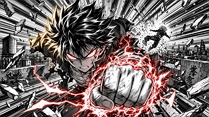
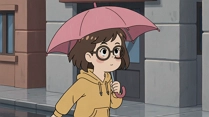
Choose your comic look - American comic book, manga, webtoon, or cartoon strip - then set the color palette and panel ratio. Add a style reference image if you want Anijam to match a specific art direction more closely.
Step 3: Generate, Edit & Download
Click generate and Anijam produces your comic panel or full strip in seconds. Regenerate individual panels, tweak the prompt, or add captions before downloading - without a watermark.
Why Creators Choose Anijam as Their Comic Maker

Free Credits to Start
Sign up for a free signup bonus, plus more free credits every day just for checking in - enough to try the ai comic generator before you pay for anything.

Fast Generation Time
Comic panels and full strips generate in seconds, not the hours a traditional comic maker or illustrator would need for the same page.

Watermark-Free Downloads
Download clean comic pages and panels without any watermark, ready to post, print, or share as they are.

No Skill Required
No drawing tablet, no illustration background, no design software - describe your idea or upload a photo and Anijam builds the comic for you.

No Content Restrictions
Any genre, any style, any story - superhero, manga, satire, or horror - without being locked into one look or one type of scene.

Create Anywhere
Available on web and the Anijam mobile app, with everything synced automatically so you can start a comic on one device and finish it on another.
Explore More of Anijam's AI Creation Tools
What Our Users Said
More about AI Video Creation & Inspiration
FAQ
What is an AI comic generator?
An AI comic generator is a tool that turns a text description or an uploaded photo into comic-style artwork automatically - handling character design, panel composition, and art style without manual drawing. Anijam's ai comic generator online works from either input and keeps characters consistent across a full page.
Is Anijam a free AI comic generator?
Yes. Sign up and log in to claim free credits, plus more free credits every day just for checking in, so you can try the AI comic generator without paying upfront. Upgrading to a paid plan unlocks higher-resolution exports, more generations, and full commercial usage rights.
Can I upload my own photo to become a comic character?
Yes. Upload a selfie, a friend's photo, or even a pet picture, and Anijam's photo-to-comic mode restyles it into a comic character while keeping the recognizable features, then carries that same design across every panel you generate.
Does the AI comic generator support manga, webtoon, and cartoon styles?
Yes. Anijam includes American comic book, manga, webtoon, and cartoon strip styles out of the box, plus the option to upload a style reference image for a more specific look.
Can I turn my finished comic into a video?
Yes. Once your comic panels are generated, you can send them directly into Anijam's comic to animation tool to add camera movement, character motion, and AI lip-synced dialogue - all inside the same canvas.
Can I use the comics I generate commercially?
Yes, on paid plans. Comics generated on the free tier are fine for personal use and sharing; commercial use in ads, products, or client work requires a premium plan with full usage rights.