How to Create A Travel Video with AI: The Complete Guide (2026)
You get home from a trip with 400 photos, a few shaky clips, and every intention of making a video. Three weeks later, it’s still a folder on your phone. Sound familiar?
This is exactly where AI helps. Learning how to create travel videos with AI is now less about editing skills and more about knowing which tool to pick and what to tell it. You can turn your own photos into a trip recap, or build a cinematic travel guide for a place you’ve never been, starting from a single text prompt.
In this guide, we’ll cover what an AI travel video actually is, a handful of ideas worth trying, five popular tools side by side, a step-by-step walkthrough with Anijam AI, and some tips for getting your videos seen.
What Is an AI Travel Video?
Put simply, an AI travel video is a travel clip that AI generates or does most of the editing for. It can show a trip you actually took, a dream destination you’ve never visited, a day-by-day itinerary, or even a time-travel vlog, all without complex editing skills.
Two Ways People Use AI to Make Travel Videos
Way 1: Use AI tools to polish footage you already have. You start with what you’ve already shot: photos and clips from a real trip. AI-powered photo and video editors help you pick the best moments, enhance them, add captions and music, and stitch everything into one video. You’re still the one assembling the story, and AI simply speeds up the editing.
Way 2: Let AI video makers create the video from start to finish. Here, AI handles the whole job. You can upload a few photos as a starting point, or just describe the trip you have in mind, and the AI generates the visuals, motion, voiceover and music for you. That makes it handy for places you haven’t visited yet, travel guides, time-travel clips, or faceless travel channel videos where you never appear on camera.
The two aren’t always mutually exclusive. Plenty of creators mix them: real photos for authenticity, generated scenes to fill the gaps. This guide focuses on the second route, since many AI video makers now can take you from a photo folder or a one-line idea to a finished video in one place.
What You Need Before You Start
- A destination and a story angle. Weekend escape? Food crawl? Hidden gems? One clear angle gives the AI something to build around.
- A prompt or rough script. Even two or three sentences covering the places, mood and key moments will do. Some AI video makers can write or refine the full script for you.
- Your assets like photos, plus any clips, or audio you’d like to use. Sharp, well-lit photos make the best starting point. Short video clips or your own audio, like a voice note or a favorite track, are nice extras but not required. No assets at all? A text description is enough.
- A visual style and mood. Cinematic, vintage film, or bright and playful? Knowing the look you want saves you rounds of tweaking.
- Voice and music preferences. Decide whether you want a voiceover (and in which language), background music, or both. Most tools offer AI voices and a music library.
- A target platform, length and format. Vertical 9:16 for Reels, TikTok and Shorts; widescreen for YouTube.
AI Travel Video Ideas to Try
Not sure what to make? Here are six travel video ideas that work well with AI, whether you’re documenting a trip or running a travel channel.
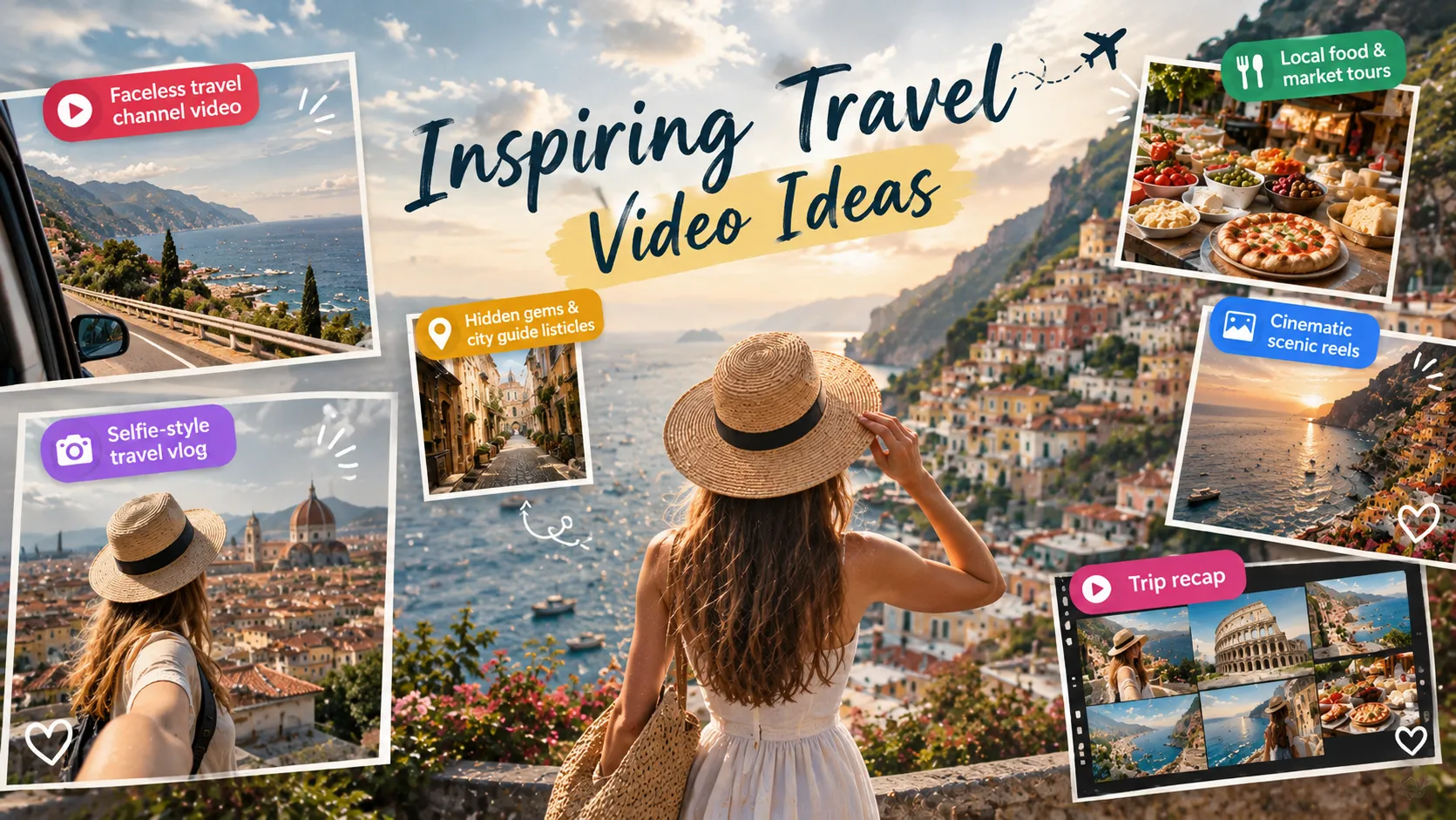
- Faceless travel channel video. AI voiceover over generated or stock-style visuals for formats like “5 hidden gems in Lisbon.” No camera, no on-screen presence
- Selfie-style travel vlog. Use a clear selfie as your on-screen character and put yourself anywhere: a place you’ve actually been, a dream destination, or even ancient Rome or a fantasy world. Support varies by tool, so test a short clip first, and label AI-generated scenes.
- Hidden gems and city guide listicles. Think “Top 5 underrated towns in Europe” or a one-minute guide to a single city, with a synced voiceover and background music.
- Local food and market tours. Script a day in a foreign city, from a diner breakfast to a bustling night street food stall. Food scenes are sensory, which keeps viewers watching.
- Cinematic scenic reels. Turn a landscape or street photo into a moving shot with a slow aerial pan, a sunrise-to-sunset time-lapse, or an FPV-style dive through a narrow alley. They’re quick to make and built for Reels and TikTok.
- Trip recap from your own assets. Turn a week of pictures into a 60-second highlight reel with music and captions. It’s the easiest first project.
Any of these can double as a Reel or Short. If you’re after more travel video ideas, think in series: “48 hours in…”, “Budget eats in…”, “One street, five stops.” A repeatable format makes it much easier to keep posting.
5 Popular AI Travel Video Makers Worth Considering
There’s no single best AI travel video maker. The right pick depends on what assets you have, what you want to start with, what you want to get, and how much you want to spend. Below are five popular options deserve your attention.
A quick note on cost: if you’re looking for an AI travel video generator free to try, most of these offer a free tier or trial credits, usually with limits like watermarks or a monthly cap. Plans change often, so double-check each tool’s pricing page.
| Tool | Best for | Animated & Hybrid Formats | Free option |
|---|---|---|---|
| Anijam AI | Social-ready, story-driven travel video series & channel in different styles | Highly stylized, artistic transition clips or animated mashups of travel environments. | Free sign-up credits and daily check-in bonuses; Limited in resolution & watermark |
| Invideo AI | Faceless B-roll & Quick Vlogs | Destination listicles, itineraries, and rapid vertical shorts (e.g., “Top 5 spots in Tokyo”). | 50 sign-up credits; Limited in resolution & watermark |
| Magiclight.AI | Long-form, story-style videos | Visual storytelling, sequenced routes, and longer, cinematic multi-scene trip summaries. | 800 sign-up credits; Resolution & Watermark limitation based on models selected |
| Steve.AI | Animated & Hybrid Formats | Fun, educational, or animated children’s travel guides and social media explainers. | 500 sign-up credits; Limited in standard resolution with watermark. |
| HeyGen | Presenter-style guides with AI avatars | On-screen “digital twin” travel guides, agency pitches, and multi-language travel tips. | 3 videos/month, videos up to 1 min; Access to 500+ stock video avatars; Limited in resolution & watermark |
1. Anijam AI
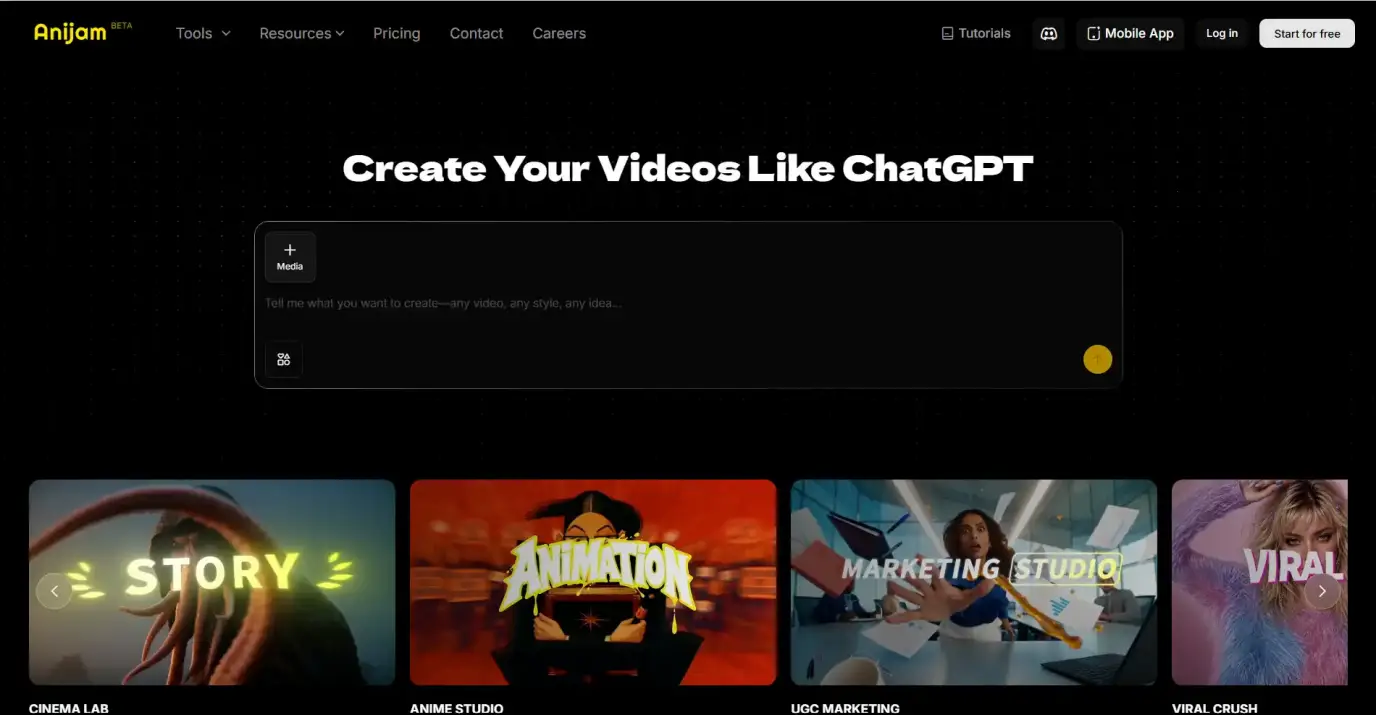
Anijam AI is an AI creative platform built around a chat-based AI video agent. You start with travel video templates for Reels and Shorts; or describe your trip ideas, add media assets like photos, audio, videos or raw clips, and the agent builds the storyboard, generates the scenes, and adds music and narration. It suits anyone who doesn’t want to juggle a script tool, a stock library, a voiceover app and an editor.
Key Features:
- Chat-based AI agent that handles the storyboard, scenes, music and editing
- AI Image Tools & AI Video Tools in the same workflow
- Travel video templates and a library of visual styles, from cinematic and vintage film to watercolor
- Lip-sync and voiceover in 30+ languages
Pros:
- Beginner-friendly, with no timeline to learn
- Works for both your own photos and from-scratch videos
- Script, visuals, voice and music live in one workspace
- Free to try: get sign-up credits and daily check-in bonuses at no cost
Cons:
- Generation can take longer during peak hours
- The free plan has limited usage; for heavier needs, a paid plan is the better choice
2. Invideo AI
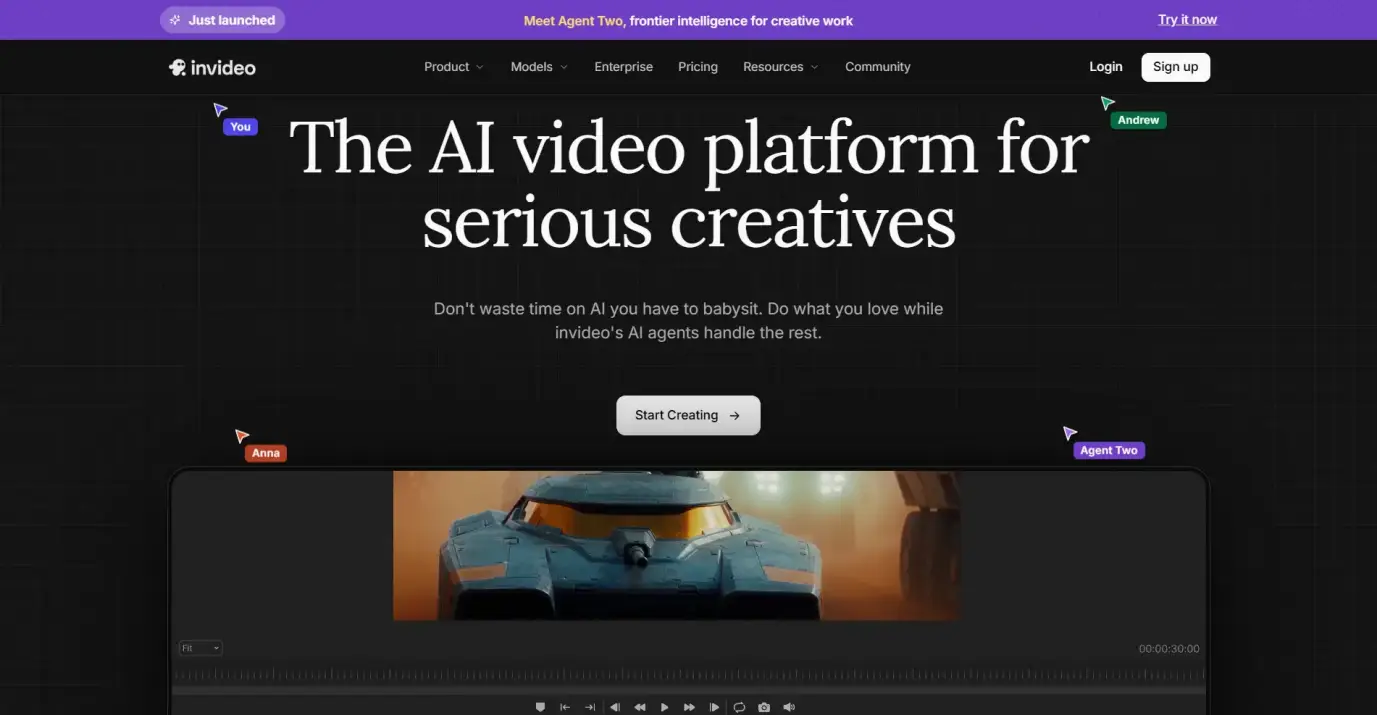
Invideo AI is a browser-based tool that turns a prompt or script into a video by assembling stock footage, motion graphics, AI voiceover, and text overlays. It’s built primarily around long-form, narrated content and popular with faceless channel creators.
Key Features:
- Large stock footage and music library
- AI voiceovers, subtitles, avatars and voice clones
- Text-based editing, such as swapping a clip or changing the music
Pros:
- Quick draft from ideas to several vertical cuts for social platforms
- Stock footage makes real places look real
- Easy to learn, even if you’ve never edited a video
- Premium stock footage plus access to many video and image models
Cons:
- The free plan adds a watermark and limits how much you can generate
- Stock-heavy videos can feel generic compared with your own trip photos
3. Magiclight.AI
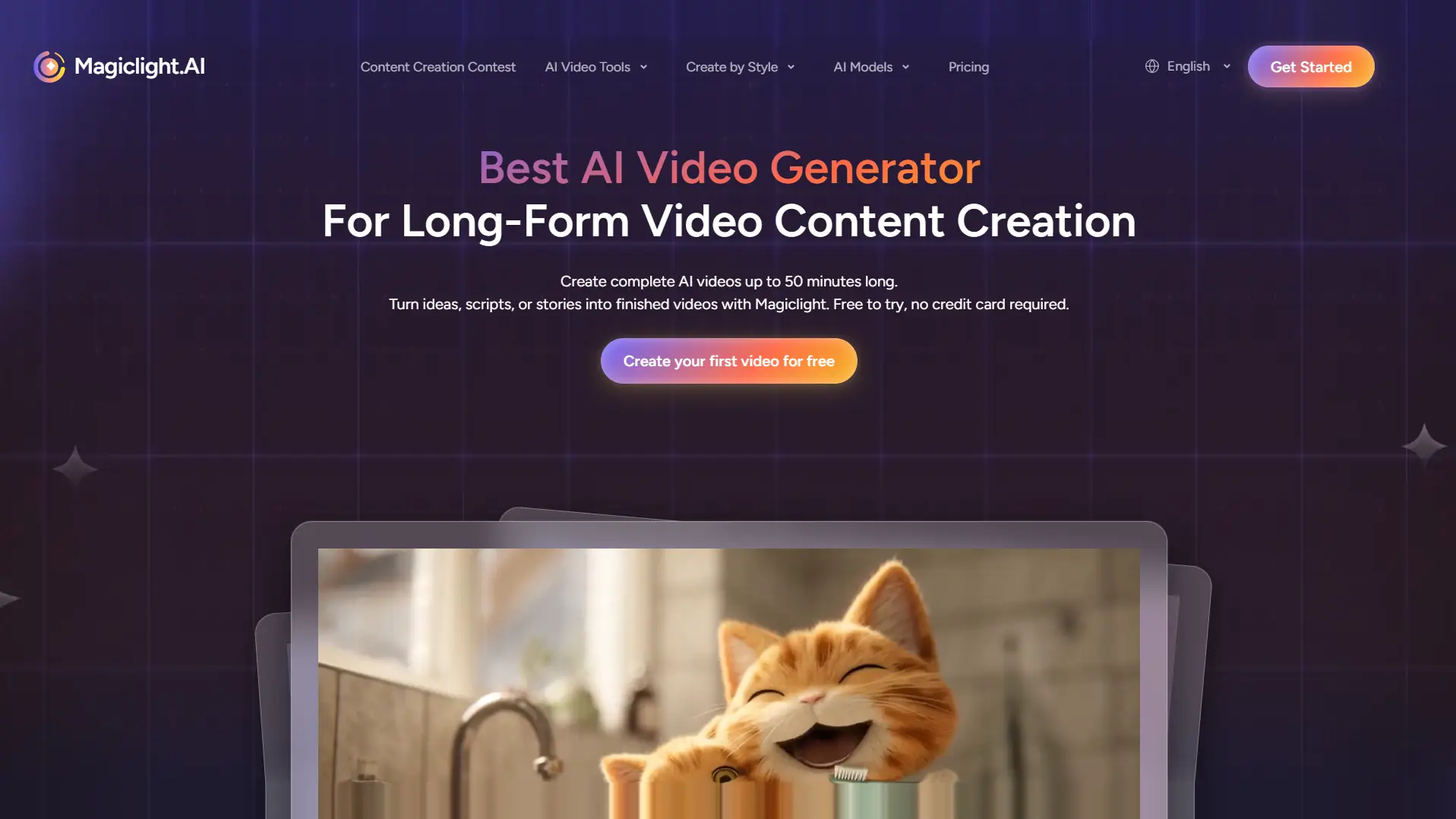
Magiclight.AI is a story-to-video platform designed for longer, narrative-style videos. You feed it a prompt or story outline, and it builds scenes, characters, voices and subtitles. That makes it a decent match for travel storytelling, like a multi-part series with a recurring narrator, more than for quick social clips.
Key Features:
- Story-to-video and long-form generation, with character and scene consistency
- A range of video models, including Seedance, Kling, Veo 3, Sora 2 and Wan
- Templates and genre packs to start from
- Multiple input modes: text, script, image and music
Pros:
- Consistent characters help if you want a recurring host or series
- Designed for longer videos with steady characters and tone
- Script, visuals, voice and subtitles in a single pipeline
- Free plan of 800 sign-up credits before subscribing a paid plan
Cons:
- Story-and-character focused, no dedicated travel templates
- Credit-based, so long videos and retries add up
4. Steve.AI
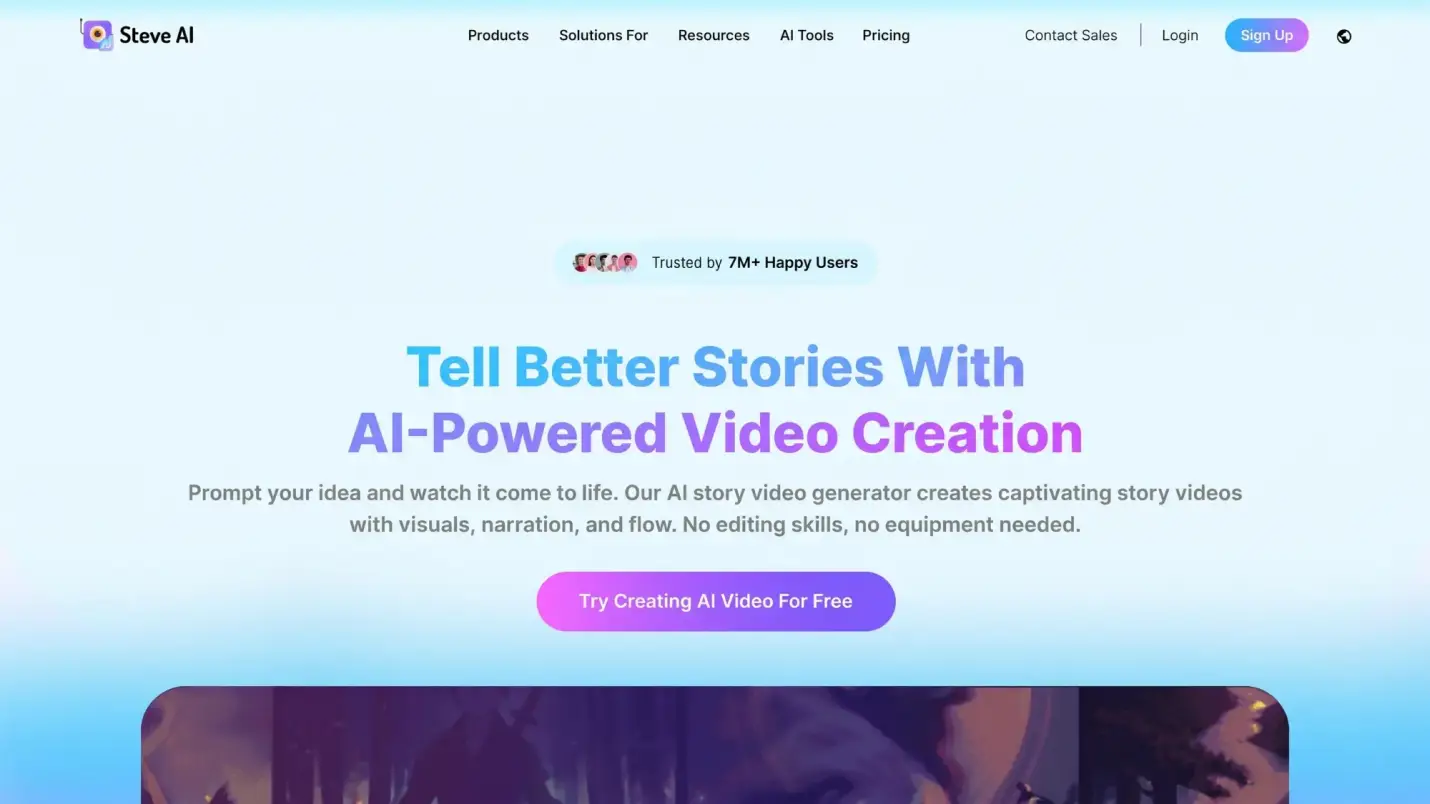
Steve.AI is a browser-based video generator working best for animated and hybrid formats. You can start from a prompt, script, blog post, voice recording or page URL, then choose live-action stock footage, animation, or generative AI visuals. The blog-to-video option is a nice touch if you’ve already written a travel post and want a video version.
Key Features:
- AI voiceovers with multi-voice options, plus AI talking-head avatars
- Multiple inputs, including text, blog post, audio and URL
- Animated characters, motion effects and a ClipMaker for short clips
- A video translator for 10+ languages, and an iOS app
Pros:
- offer a free plan with sign-up credits to get started
- Flexible inputs, including turning a blog post into a video
- Several video styles in one tool, which suits mixed animated and live-action formats
Cons:
- Free exports carry a watermark and limited video resolution
- Template-based and stock-based workflow limits how far you can customize
5. HeyGen
HeyGen is best known for realistic AI avatars and multilingual videos, which makes it a natural fit for presenter-style travel guides. Its Video Agent turns a prompt into a full video plan with script, avatar placement, pacing and captions. If you picture a travel guide with a friendly presenter on screen, or want the same video in several languages, HeyGen is built for that.

Key Features:
- Hundreds of stock AI avatars, plus custom and photo avatars
- 1,000+ AI voices with voice cloning capability
- Video translation with lip sync in well over 170 languages and dialects
- More than 75 templates plus caption and on-screen text tools
Pros:
- Polished presenter-led guides without filming anyone
- Strong choice for multilingual audiences
- Free plan with no credit card required, including access to Avatar IV and custom video avatar
Cons:
- The free plan is tight: a few short videos a month, with a watermark
- Premium features like Avatar IV and Video Agent use credits quickly
So which one should you pick?
Roughly speaking: Try Anijam AI if you want to create long-form travel videos, tell travel stories as a series, or run a travel channel with videos in different styles; Making faceless guides from stock footage, look at Invideo AI; Planning a long story series, consider Magiclight.AI; Want to repurpose a blog post or mix styles, choose Steve.AI; Prefer a presenter on screen, try HeyGen. Since most have a free tier, the easiest test is to make the same 30-second video in two or three of them and compare.
How to Make A Travel Video with Anijam AI
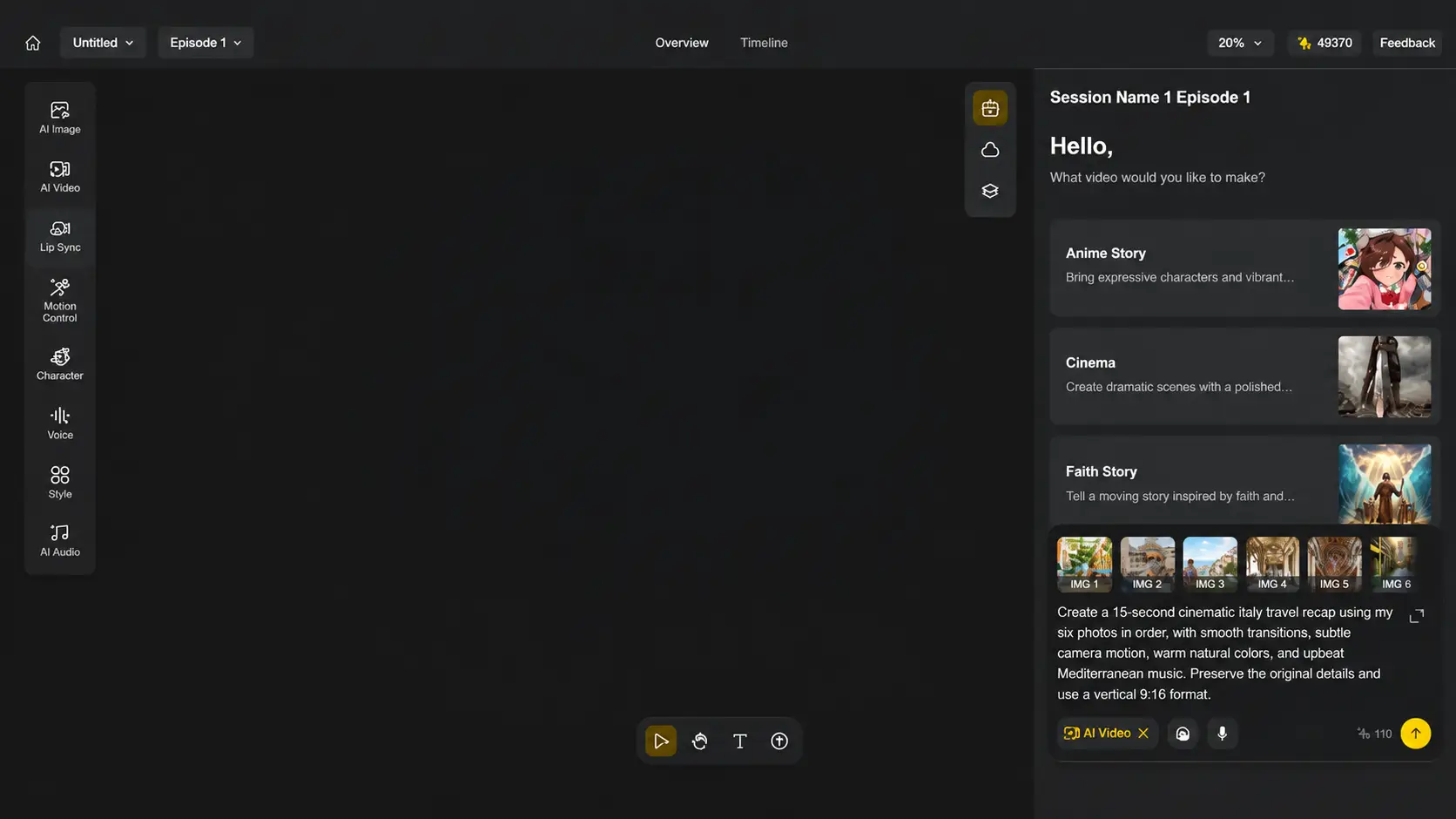
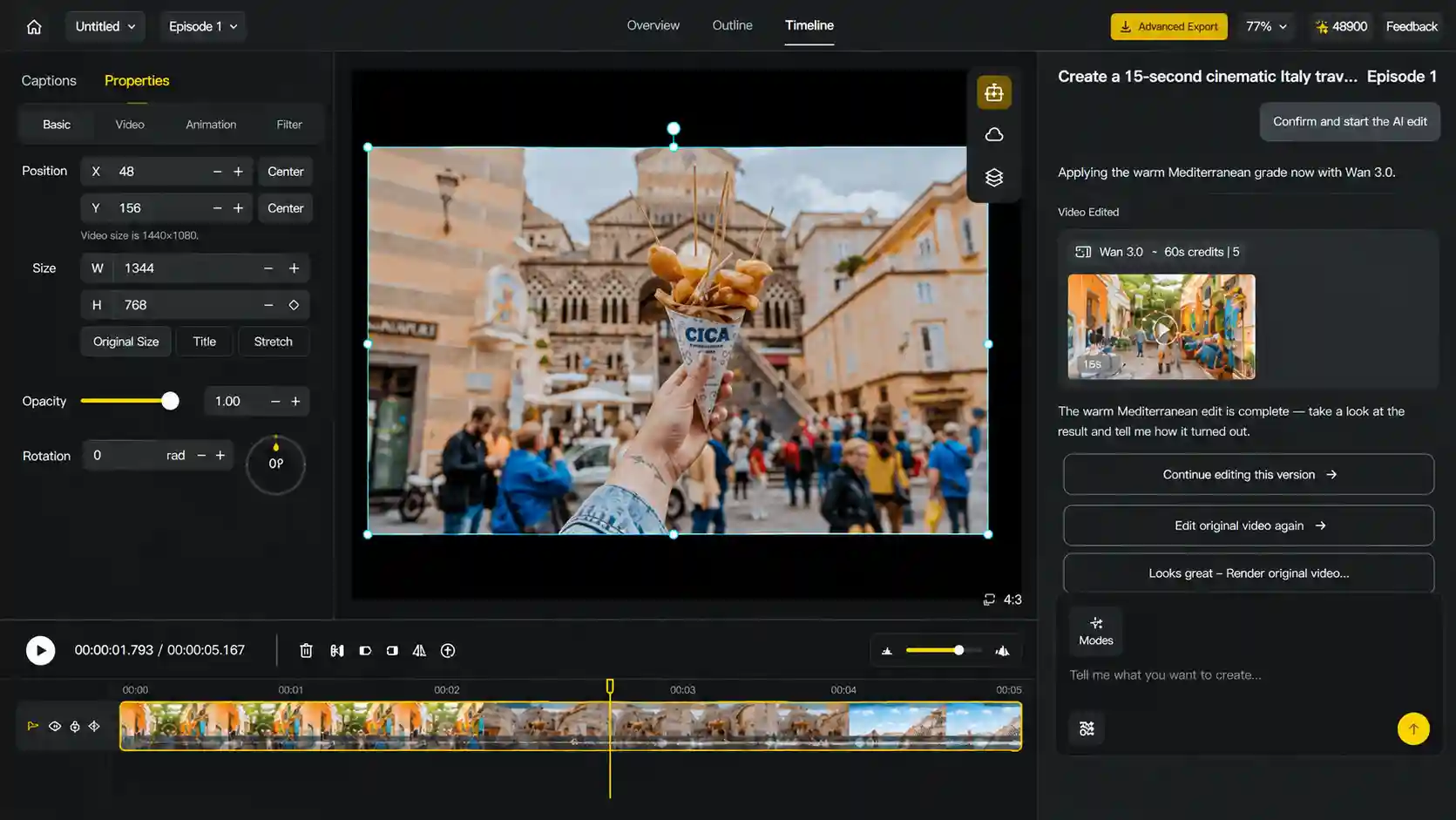
Here, we’ll use Anijam AI, a chat-based creative platform, as an example to see how a travel video comes together from start to finish. Its travel video maker lets you pick from a wide range of visual styles, bring still photos to life, and add voiceover with lip sync, all in the same chat. Here’s how to put it all together in three simple steps.
Step 1: Choose a Template or Chat with the Agent
Head to the Anijam homepage and either pick a ready-made travel video template or open a new project and chat with the agent. If you have photos from your trip, upload them here, and the image-to-video tool brings your still shots to life with motion.
Step 2: Set Your Video Length and Style
Pick a short format for Instagram Reels, TikTok and YouTube Shorts, or a longer one for a full trip recap. Then choose a visual style, or keep the template’s look, and tell the agent the mood you’re going for.
Step 3: Generate, Refine and Export
Click “Generate” button and let the agent build your video. Once the preview is ready, watch it through with a critical eye and then download it or share it straight to your favorite platform.
Tips to Make Viral Travel Videos on Social Media
No tool can promise a viral hit. But if you want to know how to make viral travel videos using AI, a few habits make a real difference.
Open with Your Best Shot
People decide within a few seconds whether to keep watching. Start with the most striking frame, like a cliffside view or a steaming street-food stall, not a logo or a slow intro.
Mix Up Your Shots
A video made of ten identical wide shots feels like a slideshow. Alternate wide establishing shots, medium shots and close-up details like food, hands and textures. If you’re generating scenes, ask for that variety in your prompt.
Create for different social platforms
Each platform has its own sweet spot.
- Instagram Reels, TikTok and YouTube Shorts: vertical 9:16, usually 15 to 60 seconds, with a strong hook and quick pacing.
- YouTube: widescreen, longer recaps and guides of a few minutes, with a clear title and thumbnail.
Planning to post on all three? Make the vertical cut first, then create a widescreen version for YouTube.
Don’t Skip Captions and Sound
Lots of people watch on mute, so burn in captions. Then match your music to the mood: upbeat for city breaks, something softer for quiet nature escapes.
Be Upfront About AI Use
Viewers appreciate honesty. Platforms such as YouTube, TikTok and Instagram have introduced labels or disclosure options for AI-generated content. If your video includes generated scenes of real places, say so, and avoid presenting them as actual footage. It protects your credibility, and it keeps viewers’ trust for your next post.
Post as a Series
One-off videos rarely build an audience. A repeatable format, like “48 hours in…”, gives viewers a reason to come back, and makes it easier for you to keep going.
Final Thoughts
Making a travel video no longer requires a drone, a camera bag or a weekend of editing. Whether you’re turning a photo folder into a recap or generating a destination guide from scratch, AI gets you from idea to finished video in minutes.
Start small. Pick one idea from the list above, write a specific prompt, and make a 30-second draft. If you want an easy place to begin, give Anijam AI a go. New users get free starting credits, so you can see how far one chat can take your next trip video.
Frequently Asked Questions
Can I create travel videos with AI for free?
Yes. Many AI video makers offer a free tier or trial credits to try. On Anijam AI, new users can claim free starting credits and daily check-in bonuses and generate a first video before deciding on a paid plan.
Can I edit the travel video after the AI generates it?
Yes, all five tools in this guide support refining after it’s generated, though each works a little differently. With Anijam AI, you just tell what to change in the chat, like making the video shorter, swapping the ending or trying a different mood, and it revises the video for you. If you want more hands-on control, there’s also a Scene Editor for fine-tuning.
What is the best AI video tools to create travel videos?
It depends on how you like to work. If you want to go from an idea or a photo folder to a finished video in one chat, an AI video agent like Anijam AI fits well. If you prefer cutting every clip yourself, you can try traditional editors such as CapCut or Premiere Pro.
Can AI turn my travel pictures into a video?
It can. Upload your travel photos, describe the story you’d like to tell, and the AI adds motion, music and captions to turn them into a short video. Tools like Anijam AI also let you mix your photos with generated scenes.
Do I need real footage to make a travel video with AI?
Not at all. You can create a travel video from a text description alone. That said, real photos and clips add authenticity, which is why many creators combine both.
by Evan
Evan is an AI content creator and video technology writer at Anijam AI, focused on how generative AI is transforming storytelling and video production. He shares social trends, creative workflows, prompt strategies, and practical insights to help creators turn ideas into engaging videos and visual content.