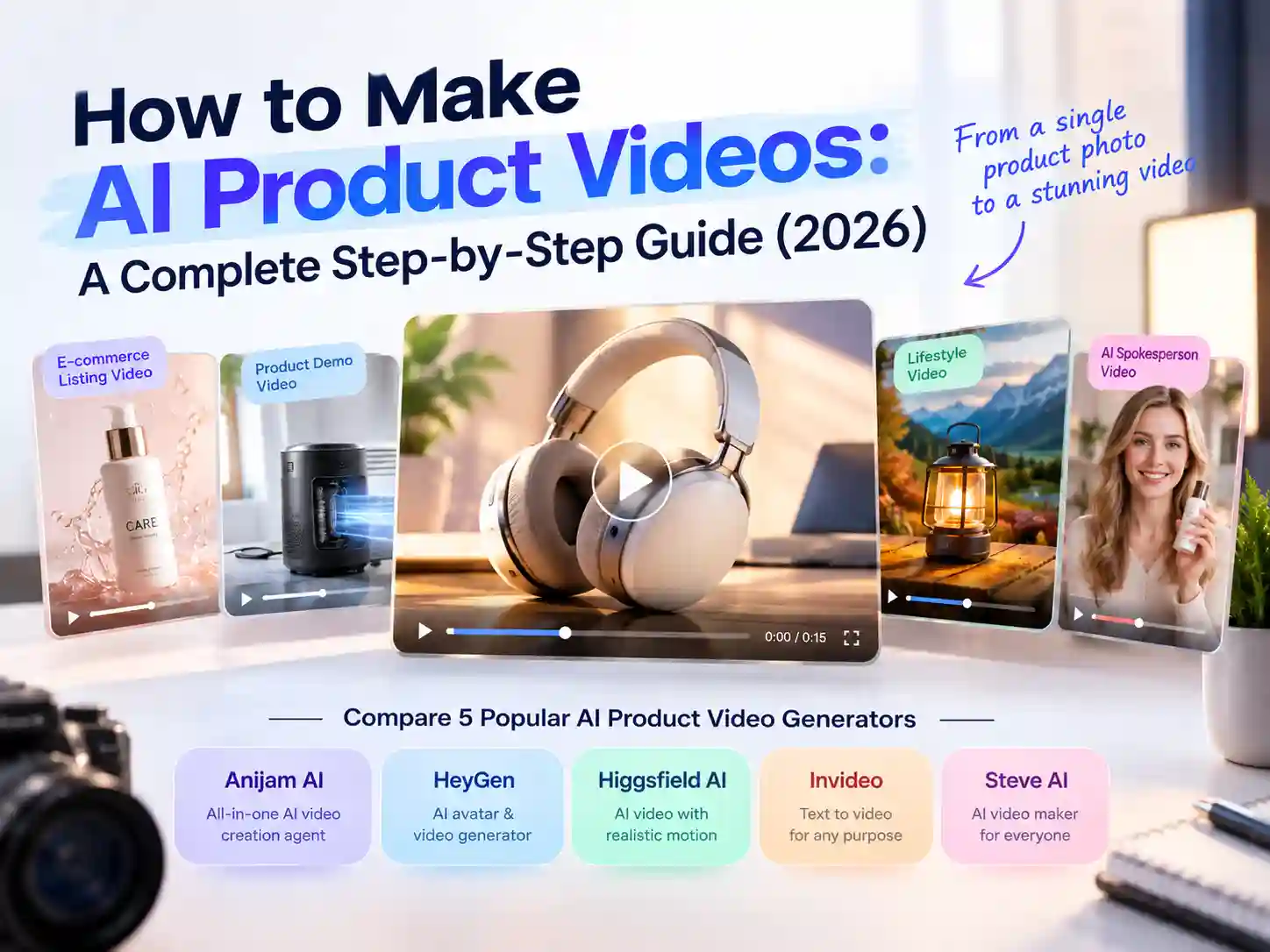
How to Make AI Product Videos: A Complete Step-by-Step Guide (2026)
A good product video used to mean booking a studio, hiring a photographer, and clearing a few days on the calendar - for a clip that might run fifteen seconds. That math never made much sense for most sellers, marketers, or solo creators, which is exactly why AI product video tools have taken off so fast this year.
Today you can turn a single product photo, a short prompt, or a rough ad script into a publish-ready video in a few minutes. No camera, no crew, no editing background required.
This guide walks through what an AI product video generator actually does, the situations it fits best, how five of the most-searched tools in this space compare, and a step-by-step tutorial of making your first one with Anijam AI.
What Is an AI Product Video?
An AI product video is a video showcasing a product - a demo, an ad, a listing clip, a launch teaser - generated by AI from an image, a text description, or a script, instead of being filmed with a camera and crew.
You give the tool something to start from: a product photo, a few lines describing what you’re selling, or a full ad script. The AI handles the rest - writing the scene breakdown, generating the motion and visuals, adding a voiceover, and assembling a finished clip.
This is also where the category has shifted over the past year. Early AI product video tools leaned heavily on cartoon-style templates. Most of what’s searched for and generated today is realistic, camera-like footage: a product spinning on a clean background, a lifestyle scene, or an AI presenter holding the item to camera.
Key Features to Look For
Picking the right one comes down to a handful of specifics - here’s what to check before you commit, and the AI product video generator you choose should cover most of these:
- Flexible input options - most tools let you start from a product photo or a text prompt; some also accept a full script or a product page link. Check which inputs a tool actually supports before assuming it covers your workflow.
- Camera and scene generation - a real 360° spin, a push-in, a lifestyle background - not just a static image with motion effects layered on top.
- Product and brand consistency - the same packaging, color, and shape held steady from the first shot to the last, so a multi-scene video doesn’t look like it’s showing several slightly different products.
- AI voiceover and captions - narration and on-screen text generated automatically, ideally in more than one language if you sell internationally.
- An avatar or spokesperson option - useful if you want a presenter to hold, demo, or endorse the product without hiring a creator.
- Multi-format export - 9:16 for TikTok, Instagram Reels and YouTube Shorts; 16:9 for standard long-form YouTube videos and many product pages; 1:1 for most feed placements, without reshooting or regenerating for each one.
With those in mind, the tool that fits best usually comes down to which use case you’re solving for - a demo, an ad, a listing video, or something else. That’s what the next section breaks down.
Best Use Cases for AI Product Video Generators
“Product video” covers a lot of ground. Which use case you’re solving for changes what to look for in a tool - and how long, and in what style, the finished video should be.
Product Demo & Feature Walkthrough Videos
If you need to show how something works - a physical product, a SaaS dashboard, an app feature - a demo video is usually more convincing than a spec list. This is the most common way people search for how to make a product demo video with AI, and most generators handle it by pairing a product image or screen recording with a scripted voiceover that walks through each feature in order.
E-Commerce Listing Videos
A short video on a Shopify, Amazon, or Etsy listing consistently outperforms static photos alone, especially for anything that moves, pours, folds, or has a size that’s hard to judge from a still image. This is one of the more straightforward use cases: upload the same product photo already on your listing, and most tools can turn it into a spin, a close-up, or a quick usage clip.
Social Media & Paid Ad Videos
TikTok, Instagram Reels, and Meta feeds reward video that’s built for the format, not a resized landscape clip. This is the use case behind most searches for how to make product video ads with AI - a short, vertical, hook-driven clip meant to stop a scroll in the first second or two, not a full walkthrough.
Product Launch & Teaser Videos
Announcing something new used to eat up a chunk of a marketing calendar. AI product video tools compress that timeline - you can script the announcement once and generate a teaser cut and a fuller reveal video in the same afternoon, instead of scheduling a separate shoot for each.
UGC-Style Testimonial Videos
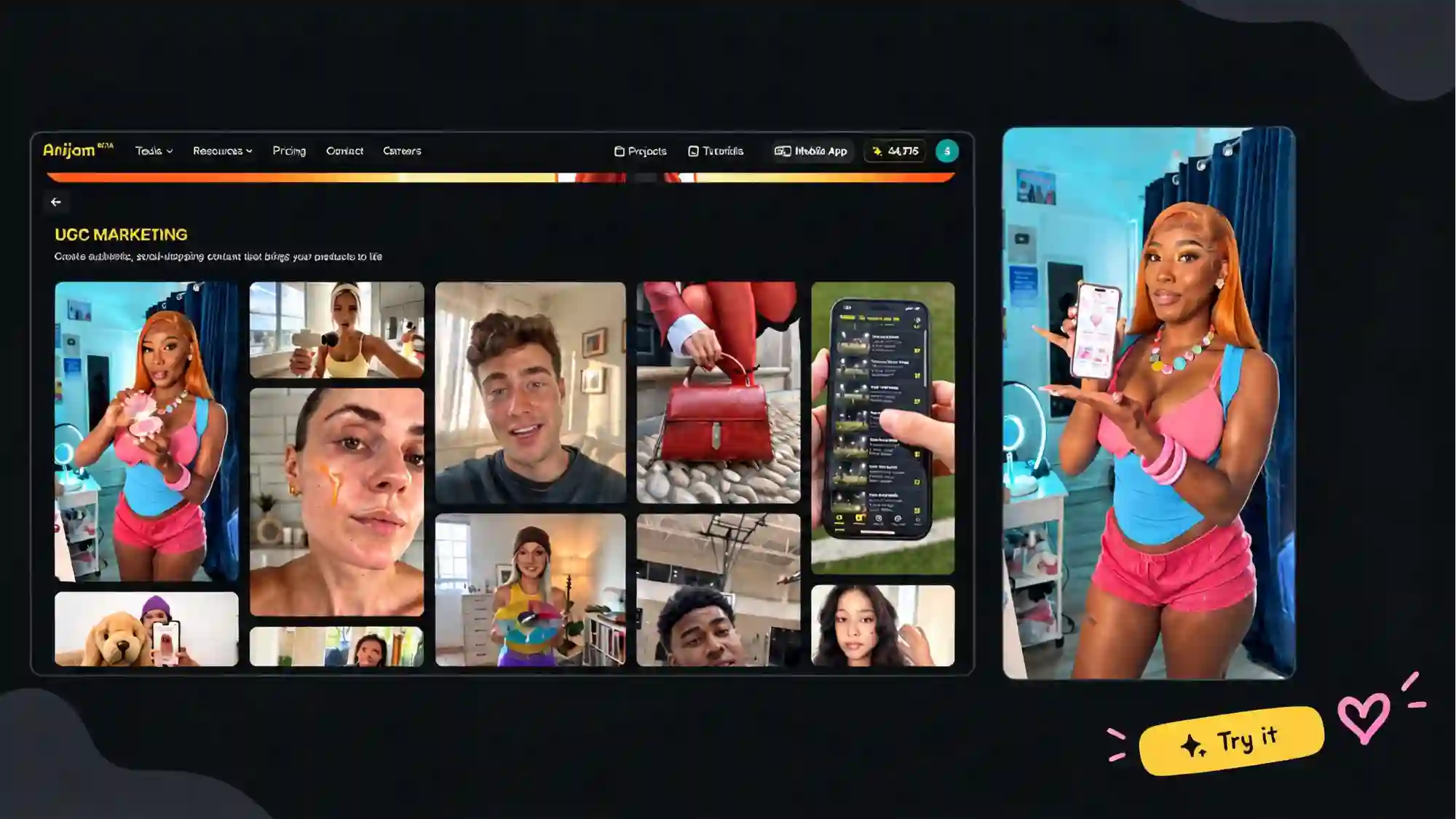
Not every brand has an influencer roster or a budget for one. UGC-style AI videos - an AI avatar holding the product, reacting to it, or giving a casual review to camera - fill that gap, and let you test several hooks or presenters without coordinating real creators for each variant.
5 Popular AI Product Video Generators Worth Trying
Here’s how five of the most-searched names in this space compare, based on what each is actually built to do best.
| Tool | Known For | Free Plan | Best For |
|---|---|---|---|
| Anijam AI | All-in-one, chat-based AI video agent with ready-made product video templates that turns a product photo, prompt, or script into a complete video with scripting, styling, voiceover, and lip sync in one workspace | Sign-up credits plus daily check-in bonuses; 720p export; access to tools like character consistency engine and AI lip-syncing; watermarked export; non-commercial | Character-driven, multi-scene narrative videos, image-to-video ads on social media |
| HeyGen | AI avatar engine with lifelike presenters and voiceover/lip-sync translation in 175+ languages | 3 videos/month; max duration 1 minute/video; standard video processing speed; screen recorder; watermarked export; 720p export | Presenter-led demos and multilingual localized product videos for global markets |
| Higgsfield AI | Multi-model marketing studio with real camera control - 360° spins, lifestyle scenes, ad-reference recreation | 1-day free trial of unlimited access to top AI models; 1 concurrent job; access to Higgsfield ads; no access to UGC builder; non-commercial | High-volume e-commerce, 360-degree product spins, and ad teams that want to switch between several video models per shot |
| Invideo AI | Turns a script or product brief into a fully assembled video with stock media, AI voiceover, and captions | Watermarked export; 720p export; limited weekly video generation; limited weekly AI credits; feature restrictions | Beginners and small business owners who want fast, scalable content without filming or editing skills |
| Steve AI | Template-driven text-to-video maker with 1,000+ product video templates | Limited AI video creation time and credits per month; watermarked export; restricted local file downloads; 720p export | Fast, template-based videos, product demos, and high-volume social media clips from text |
Here’s a closer look at what each one does well, and where it’s a better or weaker fit.
Anijam AI
Anijam AI product video generator can turn a product photo, a written description, or a full script into a finished product video - handling the scene breakdown, visuals, voiceover, and lip sync in one workspace rather than requiring separate tools for each step.
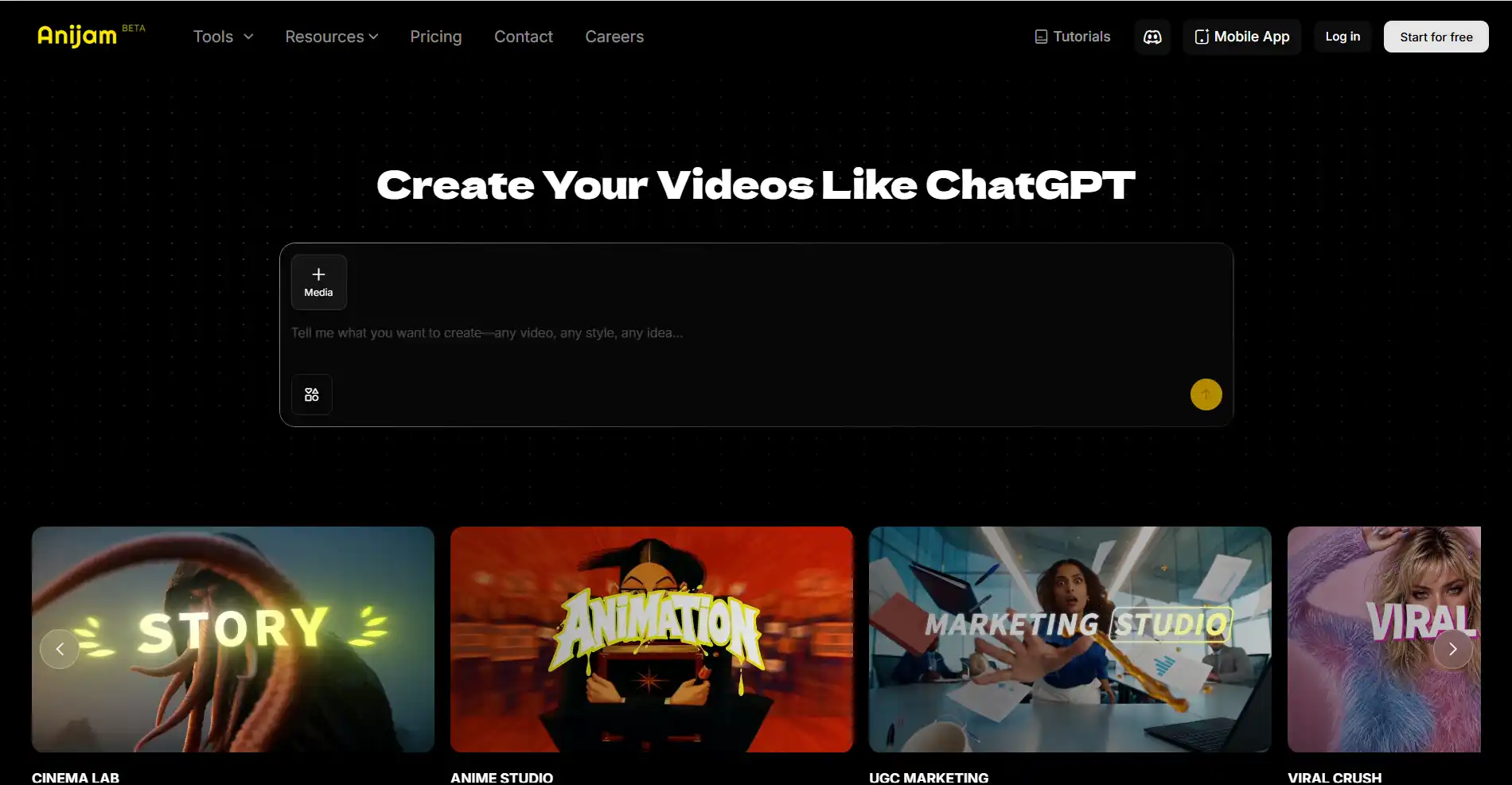
Key Features
- Multiple entry points for every format - start from a photo, script, or idea and the AI agent reads your input and drafts the scene breakdown, visuals, and voiceover automatically.
- Brings a static product photo to life - through Image to Video AI, adding natural camera motion like pans, push-ins, and spins, without needing a script at all.
- Keeps product and character consistent, with a full style library - packaging, color, and any AI presenter selected through the AI avatar generator stay the same across every scene, and you can switch between cinematic 3D, realistic, UGC-style, or cartoon looks depending on the campaign.
- Automatic lip-sync with 30+ languages - the lip sync engine syncs mouth movement to any script or uploaded audio, with ready-made templates and series support for recurring campaigns.
Pros
- Covers product demos, UGC-style ads, and campaign-ready ads through purpose-built tools, without switching apps mid-project
- Keeps a product and any AI presenter consistent scene after scene, so a multi-shot campaign stays on-brand
- Available on web and a dedicated mobile app, so a video can be started and finished from a phone
Cons
- During peak hours, rendering can take a little longer than usual
- Highly customized, multi-scene projects sometimes need a bit of manual fine-tuning in the timeline editor to get exactly right
HeyGen
HeyGen is an AI avatar platform built around lifelike presenters that can hold, demo, or endorse a product on camera, with strong lip sync and translation across a wide range of languages.
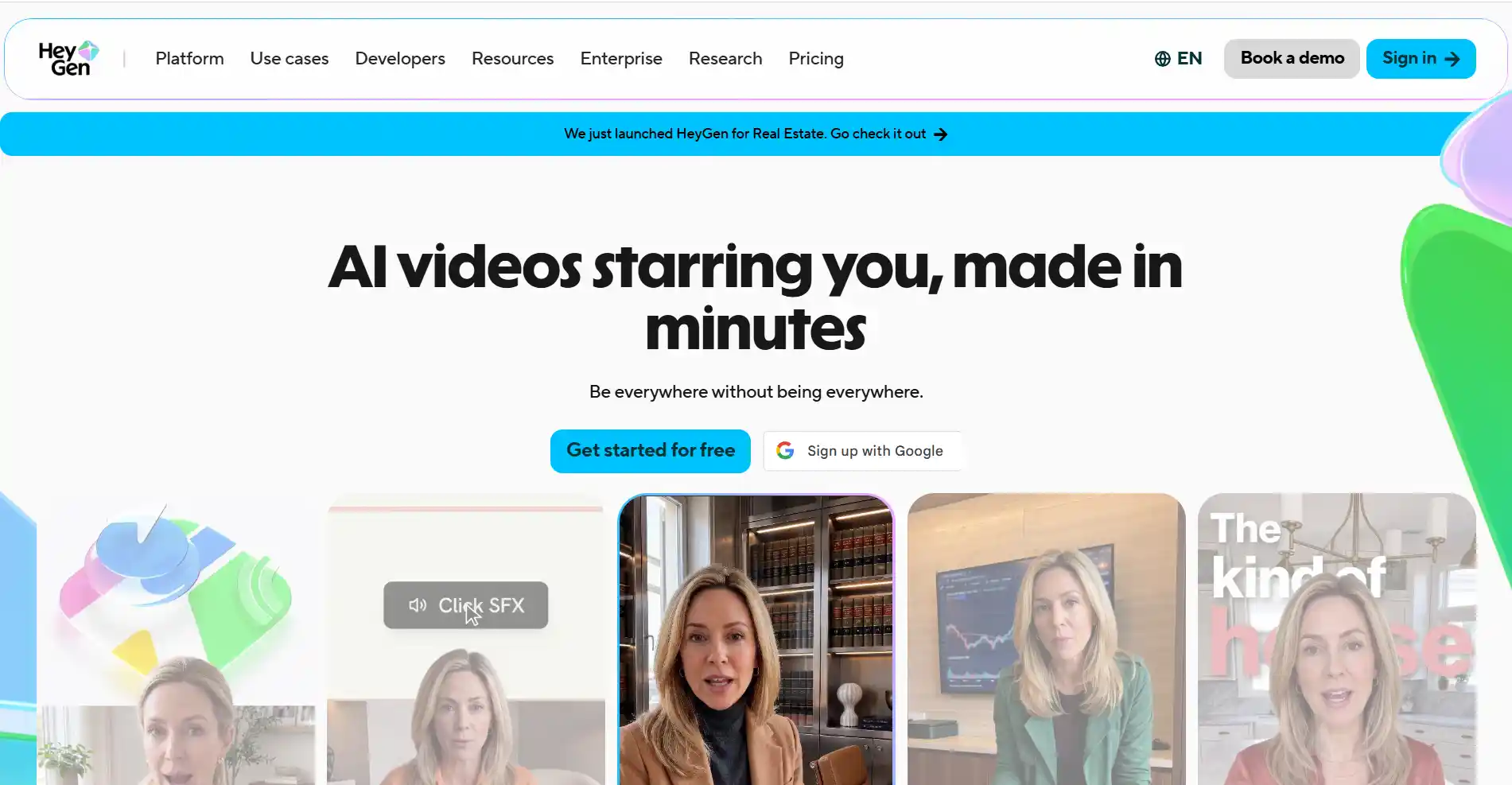
Key Features
- Product demo generation from multiple starting points - build a demo from a script, product photos, or a product URL, with the AI handling the scene breakdown automatically.
- Realistic AI avatars as presenters - lifelike avatars with natural gestures and expressions that can hold, demo, or endorse a product on camera.
- Voiceover and dubbing in 175+ languages - one product video can be localized into nearly any market without re-filming.
- Cinematic B-roll alongside presenter footage - generate polished product shots to pair with avatar scenes, without a separate shoot.
Pros
- One of the strongest options for presenter-led, talking product videos
- Language coverage well ahead of most competitors, useful for global listings
- Straightforward four-step workflow from product details to export
Cons
- Free plan is fairly limited - a few short videos a month at 720p
- Built primarily around a presenter format, so it’s less suited to a pure product-only showcase without an avatar
Higgsfield AI
Higgsfield AI is a marketing-focused studio that gives you real camera control - spins, push-ins, lifestyle scenes - over a product photo, and lets you switch between more than a dozen underlying video models per shot.
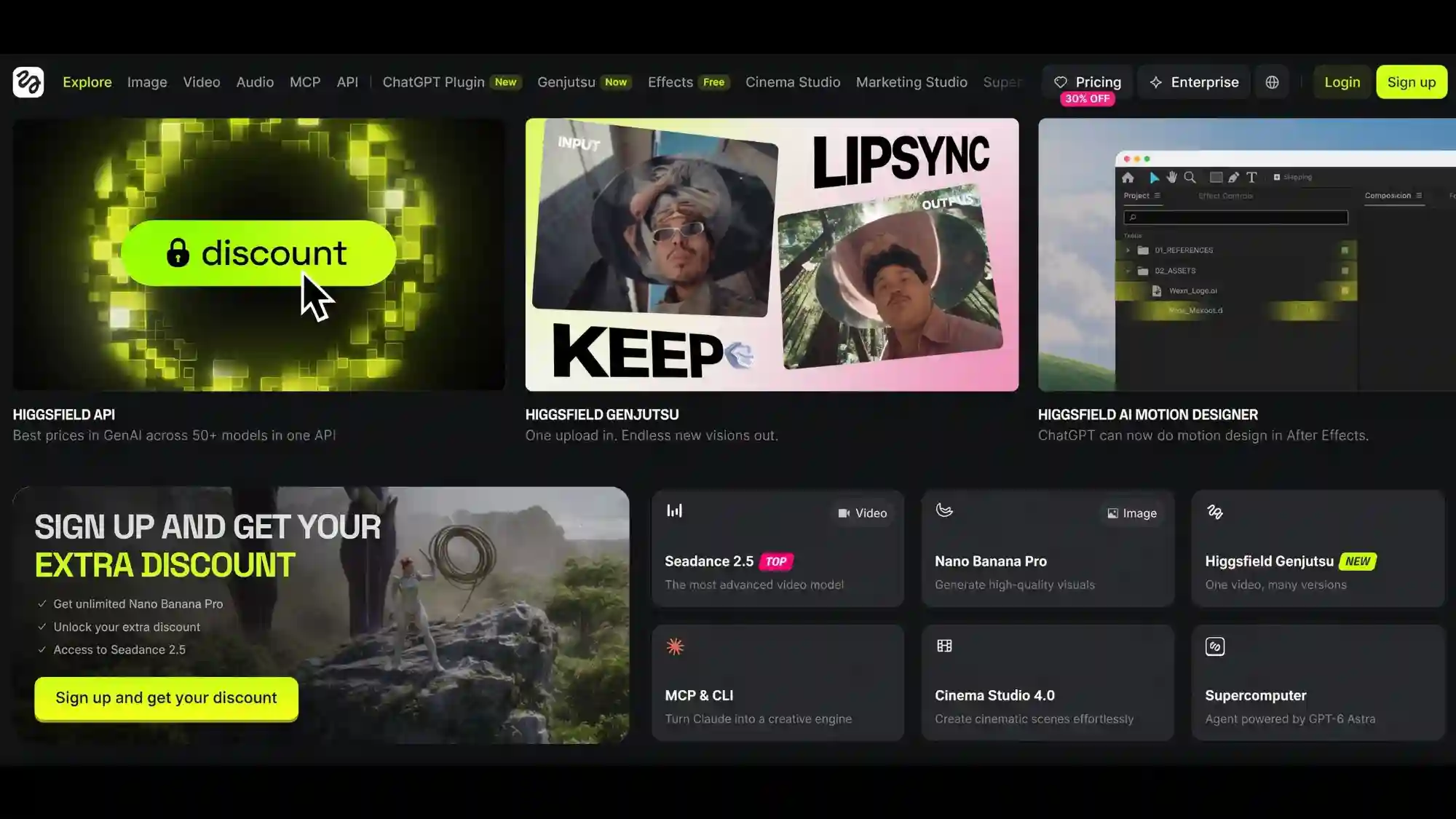
Key Features
- Flexible starting points - begin from a product photo, a store link, or a plain-text prompt, whichever you already have on hand.
- Real camera control over every shot - direct 360° spins, push-ins, and lifestyle scene placement rather than leaving the motion to chance.
- Access to 15+ underlying video models - switch between Kling, Sora, Veo, Seedance, and others per shot.
- Batch generation for full catalogs - turn an entire product line into video at once instead of one item at a time.
Pros
- Genuine shot-by-shot camera control for creators who want to art-direct rather than fully delegate
- Strong fit for sellers who need to turn an entire catalog into video quickly
- Frequent new model additions under the same plan
Cons
- The range of tools and models can feel like a lot to learn at first
- More geared toward advanced, hands-on direction than a single guided workflow
Invideo AI
Invideo AI turns a product brief or prompt into a complete marketing video, combining AI-generated product visuals, stock media, AI voiceovers, subtitles, music, and AI actors.
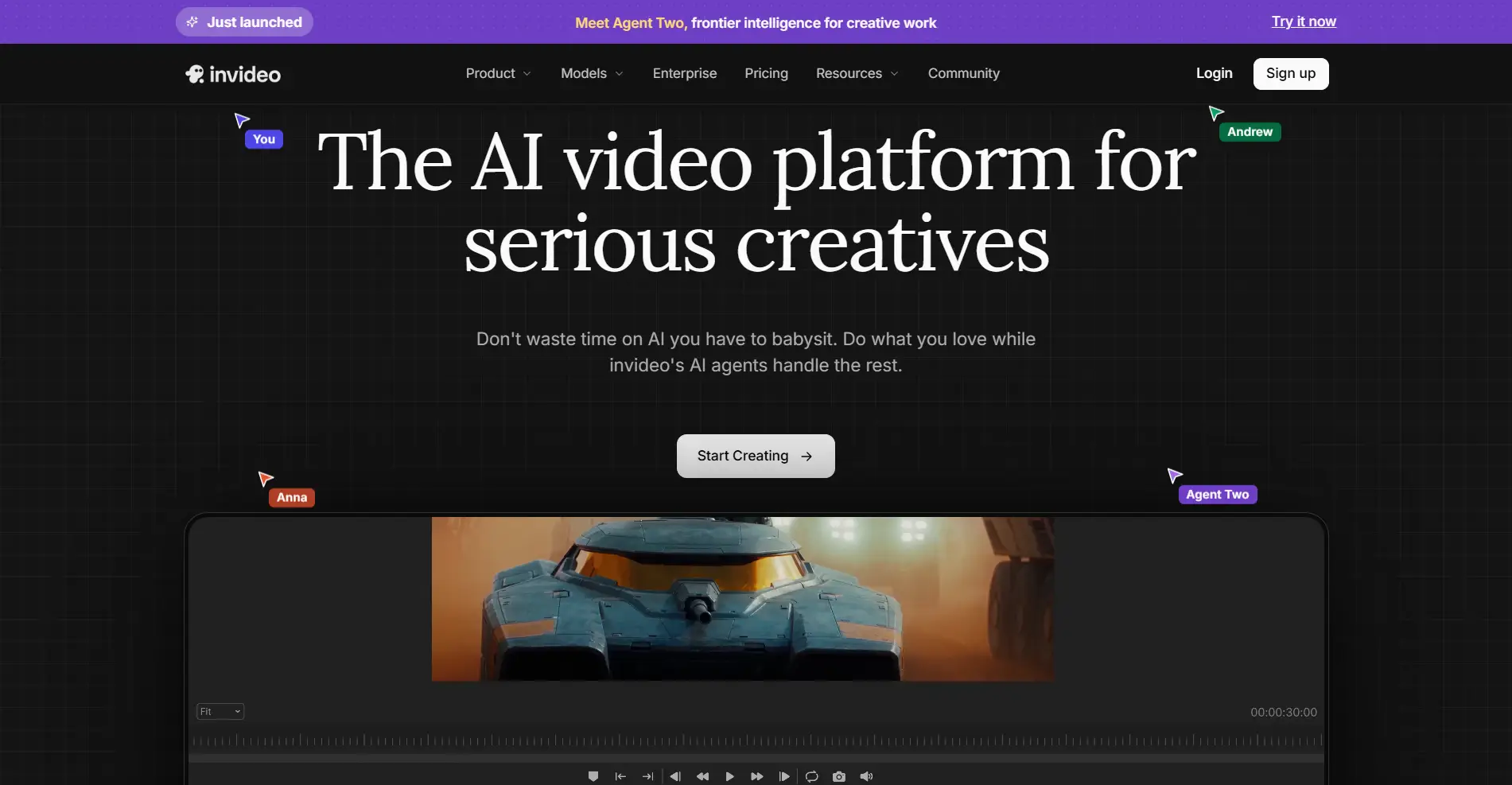
Key Features
- Chat-based editing - revise pacing or swap a visual in plain text command, without starting the video over.
- Script or topic to a fully assembled video - visuals, voiceover, captions, music, and other elements are generated together as a complete video rather than as a single clip.
- 8 million+ stock media library - draws on a large pool of footage and images to fill out a video around your product.
- AI voiceovers in 50+ languages - generates voiceovers in more than 50 languages for product and marketing videos.
Pros
- Fast way to produce a narrated, longer-form explainer or marketing video
- Large stock and template library covers a wide range of product categories
- Low learning curve for anyone who’s never used a video tool before
Cons
- Free plan is fairly tight - a few credits a week, enough for roughly one or two short test videos
- Leans on stock assets and templates, so it’s a weaker fit if you want the video built entirely around your own product visuals
Steve AI
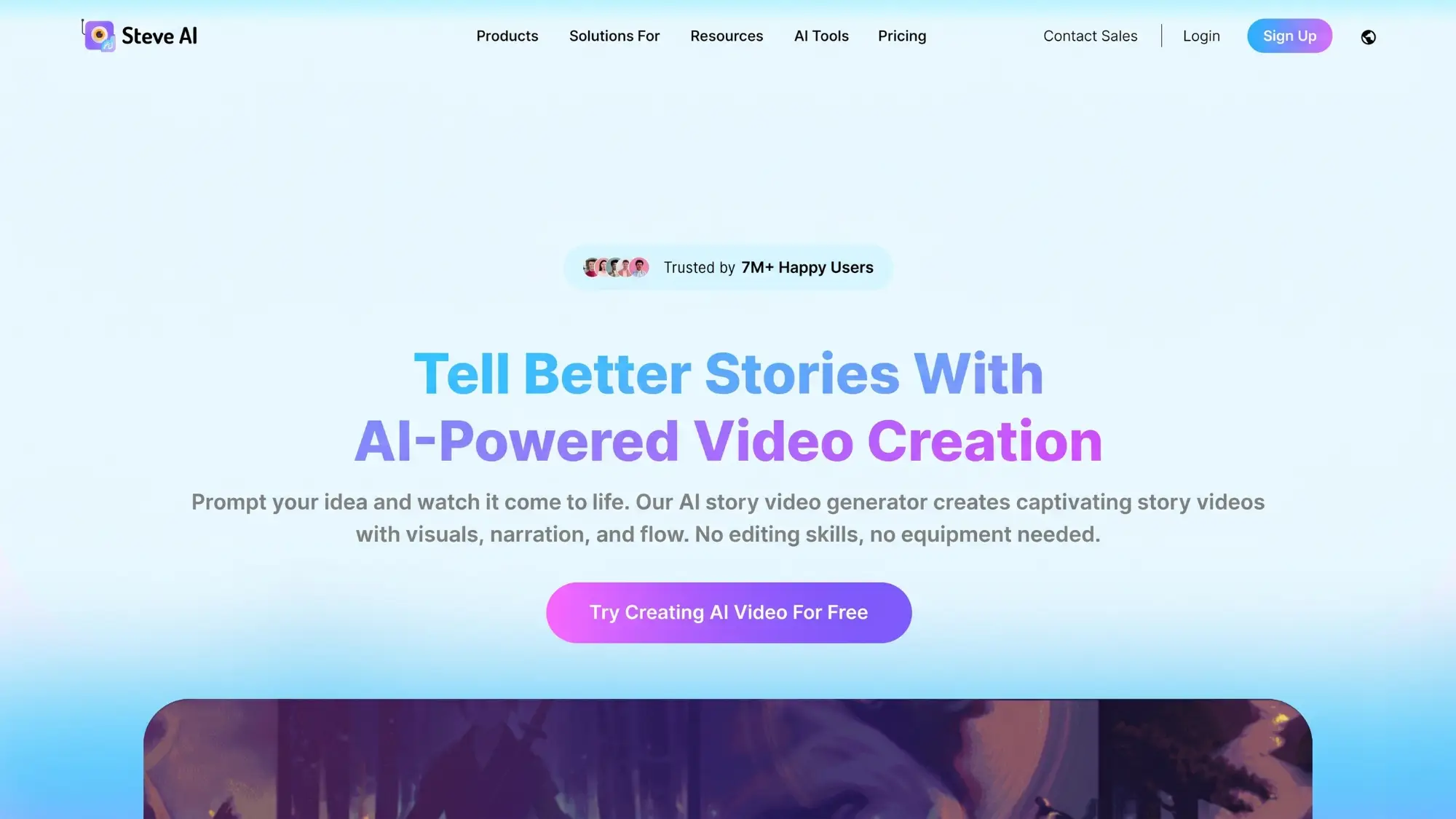
Steve AI is a template-driven product video maker with a large library of pre-built formats, built around turning a script into a video quickly rather than generating original visuals from a photo.
Key Features
- 1,000+ product video templates - a ready-made structure for nearly any product category, rather than a blank canvas.
- AI-generated scripts - drafts a script based on your product or business type, which you can edit or replace.
- Rich stock graphics, video, and music assets - fills out a video without needing to source separate media.
- Cross-device editing and collaboration - start a video on one device and pick it up on another, or work on it with a team.
Pros
- Fast for teams that want a guided, template-first workflow
- Large asset library means less starting from a blank page
- Straightforward five-step process from script to export
Cons
- Free tier is watermarked; removing it requires a paid plan
- Template-based approach means less flexibility if you want a video built specifically around your product’s actual look
How to Make Your First AI Product Video Using Anijam AI (Step-by-Step)
With a sense of how these tools compare, here’s what actually using one looks like in practice - using Anijam’s product video generator as the example. The steps below work the same on web or the mobile app, so you can start on one and finish on the other.
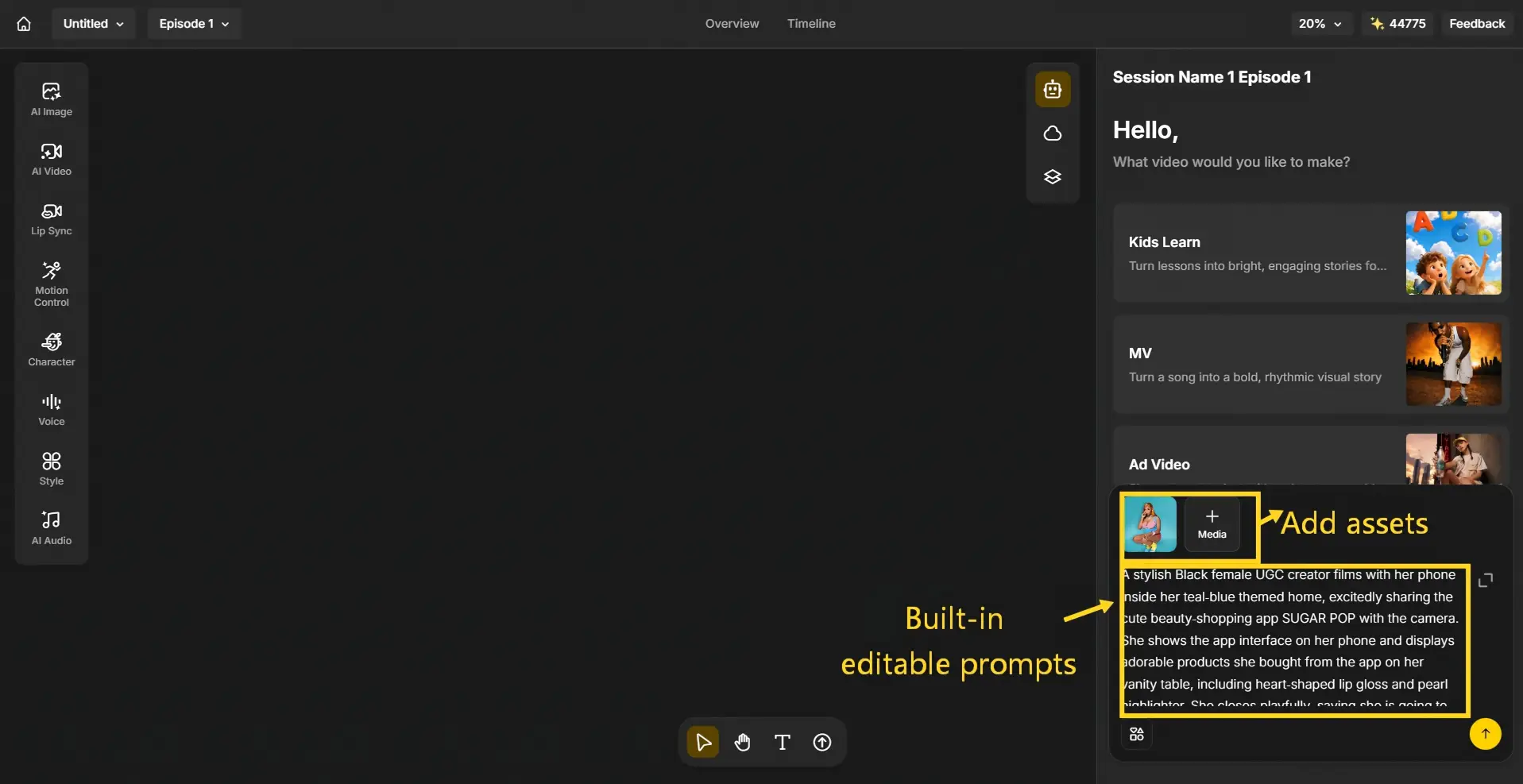
Step 1: Start with a Template, a Product Photo or an Idea
- Pick a ready-to-use product video template and swap in a product photo, or type a description, paste a marketing brief, or drop in a full ad script if you don’t have a photo yet.
- Either way, the AI agent reads your input and generates a scene breakdown and story outline automatically.
Step 2: Choose a Style, Add an Avatar or Voice, Lock In Consistency
- Pick a visual style - cinematic 3D, UGC-style, realistic, or cartoon - depending on what fits your brand. If you want a presenter, select an AI avatar to hold or demo the product on camera.
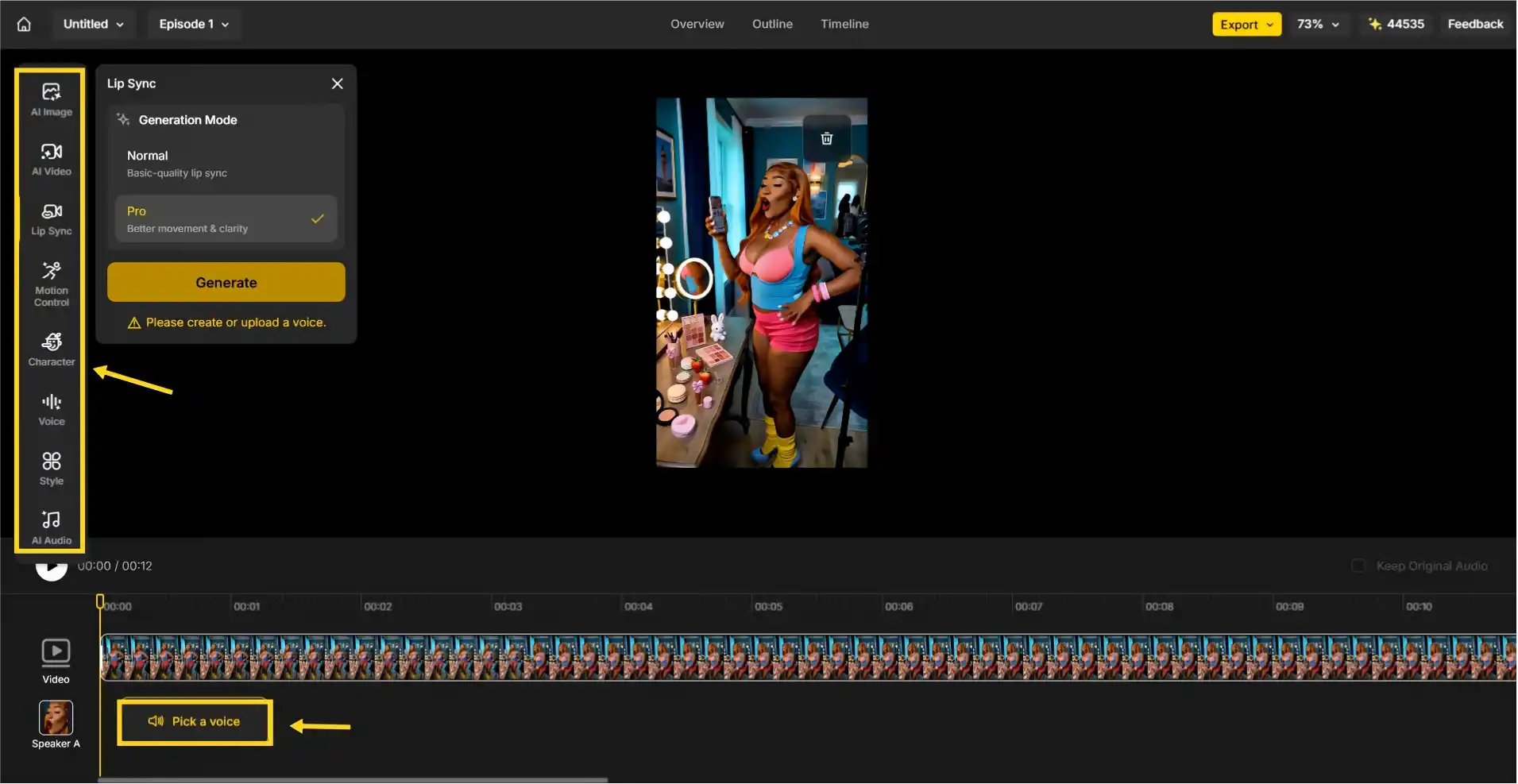
- Add a voice from the voice library of 30+ languages, or upload your own audio, and Anijam keeps the product’s shape, color, and packaging consistent across every scene.
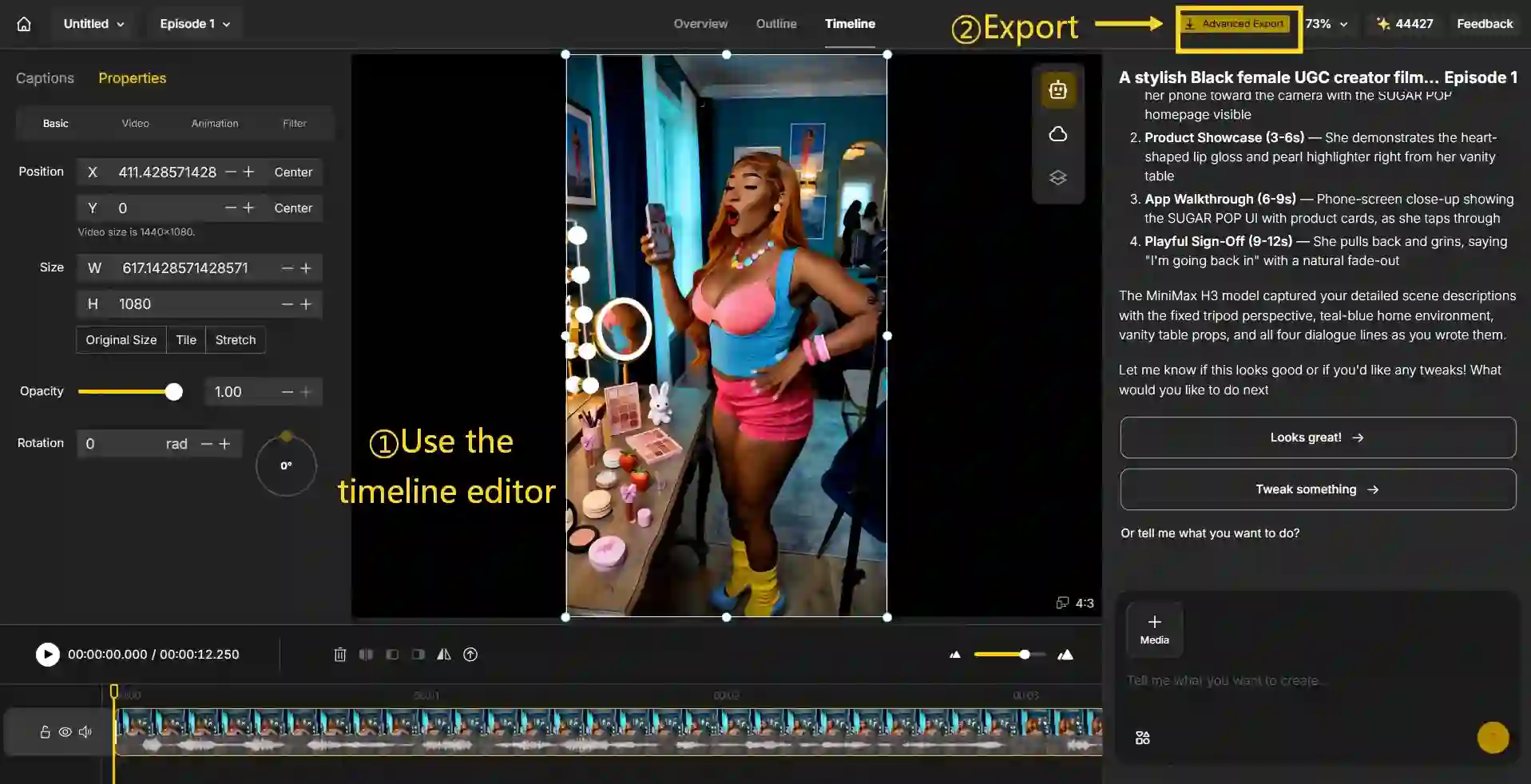
Step 3: Fine-Tune on the Timeline and Export
- Use the timeline editor to adjust pacing, trim a scene, or fix a single detail.
- Export when it looks right - watermark-free - choosing 9:16 for TikTok and Reels, 16:9 for YouTube and product pages, or 1:1 for feed placements.
Tips for Creating Engaging Product Videos with AI
Getting a tool to generate a video is the easy part. Getting people to actually watch and act on it takes a bit more thought.
- Tell a story, don’t just list specs. A video that’s purely feature-and-price tends to get scrolled past. Give it a beginning, a problem, and a payoff.
- Hook viewers in the first three seconds. Open on the product in use, the result, or the most visually interesting moment - not a slow logo reveal.
- Highlight the benefit, not just the feature. “Keeps drinks cold for 24 hours” lands harder than “double-walled vacuum insulation,” even though it’s the same product detail.
- Match the length to the placement. Keep social ads and listing clips in the 15-30 second range; demos can hold attention up to about two minutes. Cut a shorter version from the same script rather than starting over.
- Add a clear call-to-action. Tell viewers exactly what to do next - shop now, swipe up, learn more - instead of ending on the product shot alone.
- Test a few variants before committing to one. Since generating a variation costs a fraction of what reshooting would, it’s worth trying two or three hooks or styles and seeing which one actually performs.
Final Thoughts
Making a product video used to require a budget and a production schedule most people didn’t have. That’s no longer the bottleneck - the real skill now is picking a workflow that takes you from a photo or an idea to a finished, publish-ready video without bouncing between five separate tools to get there.
If you’re ready to try it, Anijam AI handles scripting, styling, voiceover, and editing in one place, with a free plan to start.
Frequently Asked Questions
Which AI tool is best for creating product videos?
It depends on what you need. If you want one tool that covers demo, ad, and UGC-style videos with character consistency, Anijam is a strong all-in-one option. If you specifically need a presenter speaking to camera in dozens of languages, HeyGen is built around that. For catalog-scale e-commerce video with heavy camera control, Higgsfield is worth a look.
Can I create AI product videos for free?
Yes. Most tools on this list offer a free plan with starter credits so you can generate and test a video before paying for anything. Some free tiers add a watermark or cap resolution, so it’s worth checking those limits before you plan to publish.
Do I need a real product photo, or can I start from just a script?
Either works. If you have a product photo, most generators - Anijam included - can animate it directly into a video. If you don’t have a photo yet, you can start from a text description or a full script, and the AI will generate the visuals for you.
Can I use AI-generated product videos for ads, listings, or client work?
Generally yes, but commercial use almost always depends on your plan. Free tiers are typically for personal or non-commercial use, while paid plans unlock commercial usage rights for ads, client deliverables, and monetized platforms. Check the specific tool’s terms before running anything as a paid ad.
How long should an AI product video be for ads or listings?
Shorter than you’d think. Social ads and marketplace listings tend to perform best between 15 and 30 seconds, while a fuller product demo can hold attention up to a few minutes. A good approach is to generate the longer version first, then cut a shorter clip from the same script for social feeds.
by Evan
Evan is an AI content creator and video technology writer at Anijam AI, focused on how generative AI is transforming storytelling and video production. He shares social trends, creative workflows, prompt strategies, and practical insights to help creators turn ideas into engaging videos and visual content.