


AI GTA Filter
Turn your selfies and portraits into bold GTA-inspired artwork with Anijam's AI GTA Filter. Create eye-catching character illustrations, iconic loading screen art, and original game-inspired visuals from your photos. No design skills needed.
Turn Your Photos Into GTA 6 Inspired Artwork With AI
Anijam's AI GTA Filter transforms your photos into iconic GTA 6-inspired artwork, capturing the distinctive aesthetics of Los Santos and Vice City. Whether you want to create a GTA 6-style character portrait, a classic loading screen, or a custom gaming poster, explore different looks and bring your own GTA-inspired creations to life.
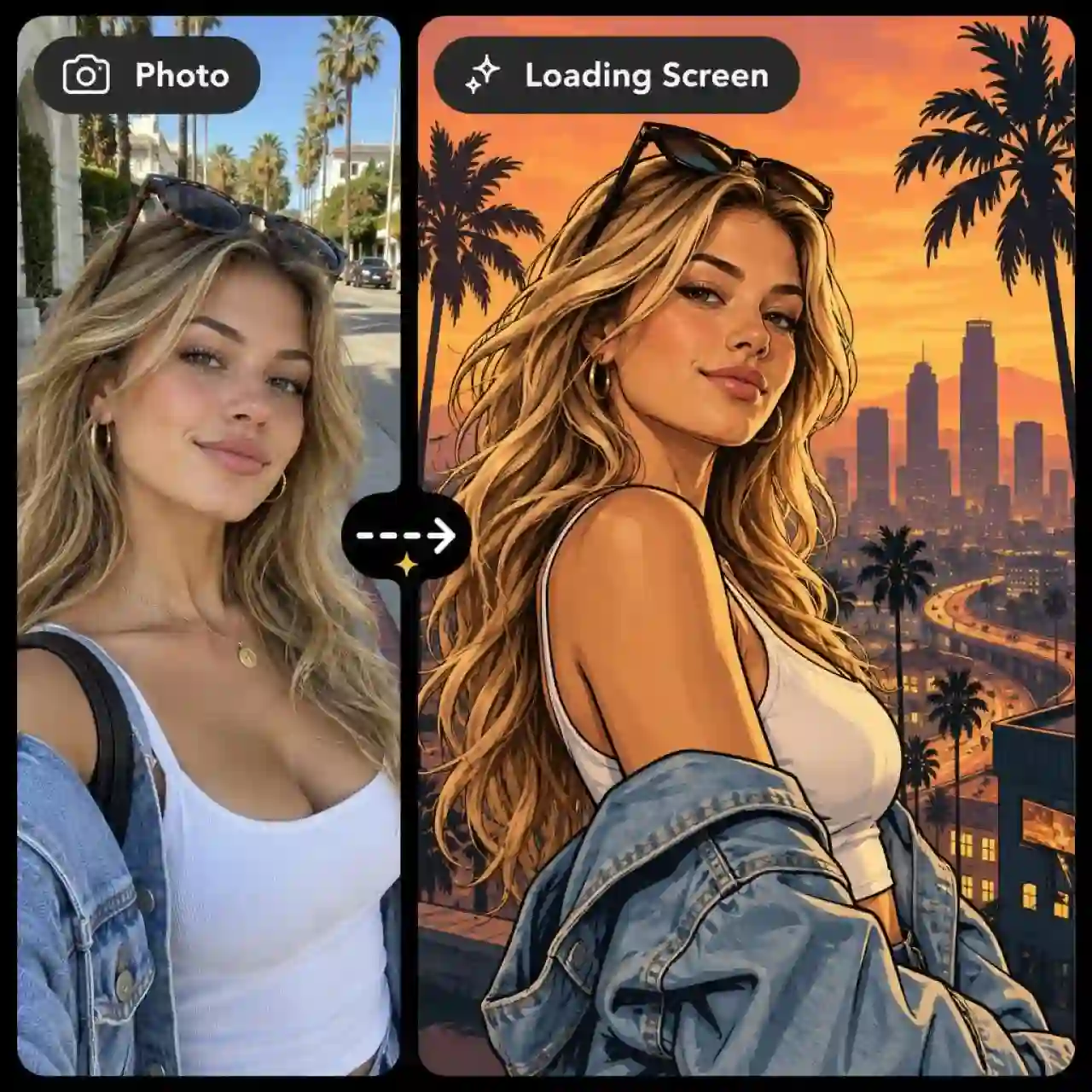
Turn Your Photo Into GTA 6 Loading Screen Art
Give your portrait the look of iconic GTA 6 loading screen artwork, with bold ink outlines, smooth cel shading, vivid colors, and a cinematic city backdrop. Create a personalized game-style illustration inspired by the series.
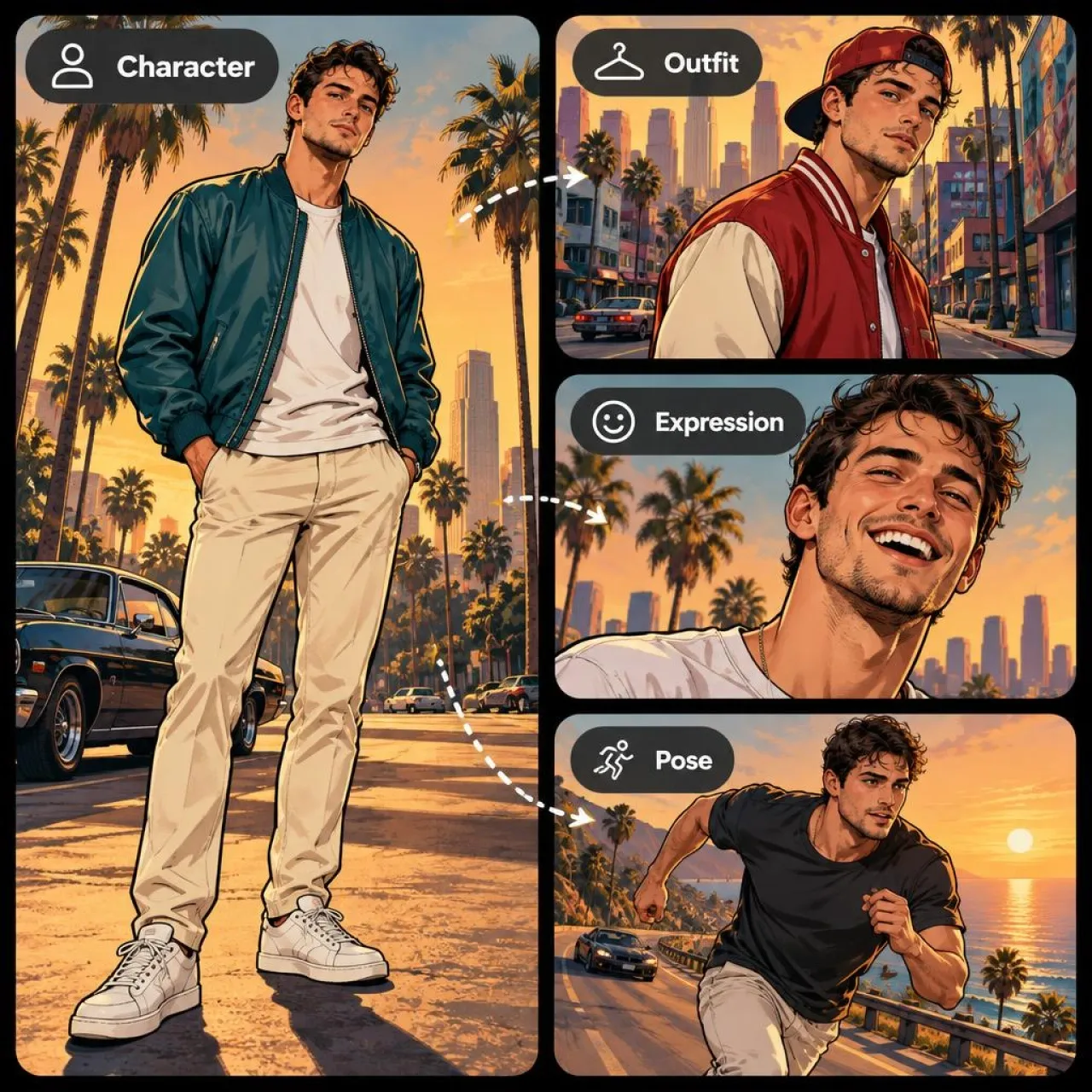
Create Your Own GTA-Style Character
Reimagine yourself as an original open-world game character. Explore different outfits, hairstyles, facial expressions, poses, and environments to create a distinctive character design.
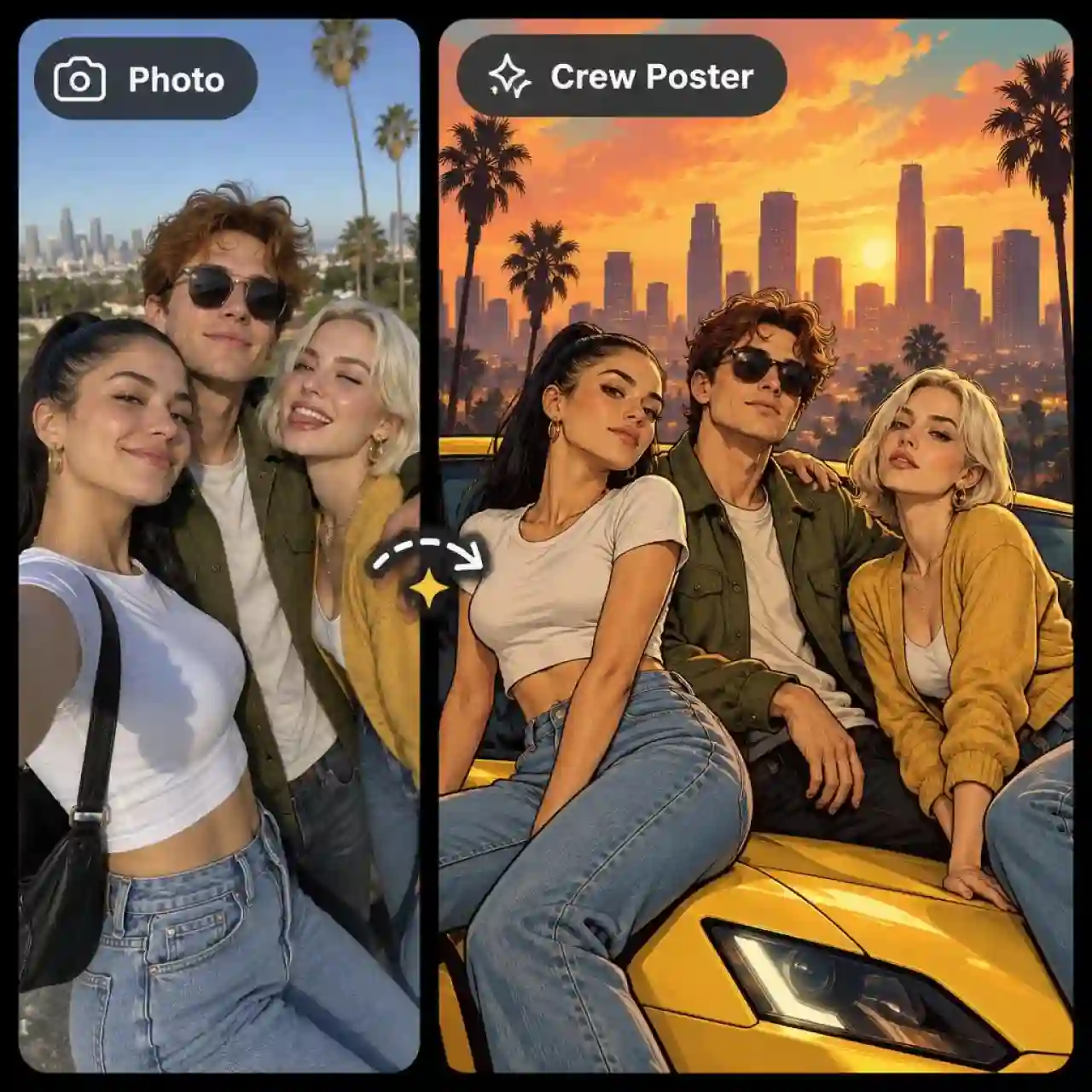
Make a GTA-Style Poster With Friends
Turn a photo featuring you and your friends or partner into a shared game-inspired poster. Create a memorable crew portrait with distinctive character styling, expressive poses, and a cinematic city background.
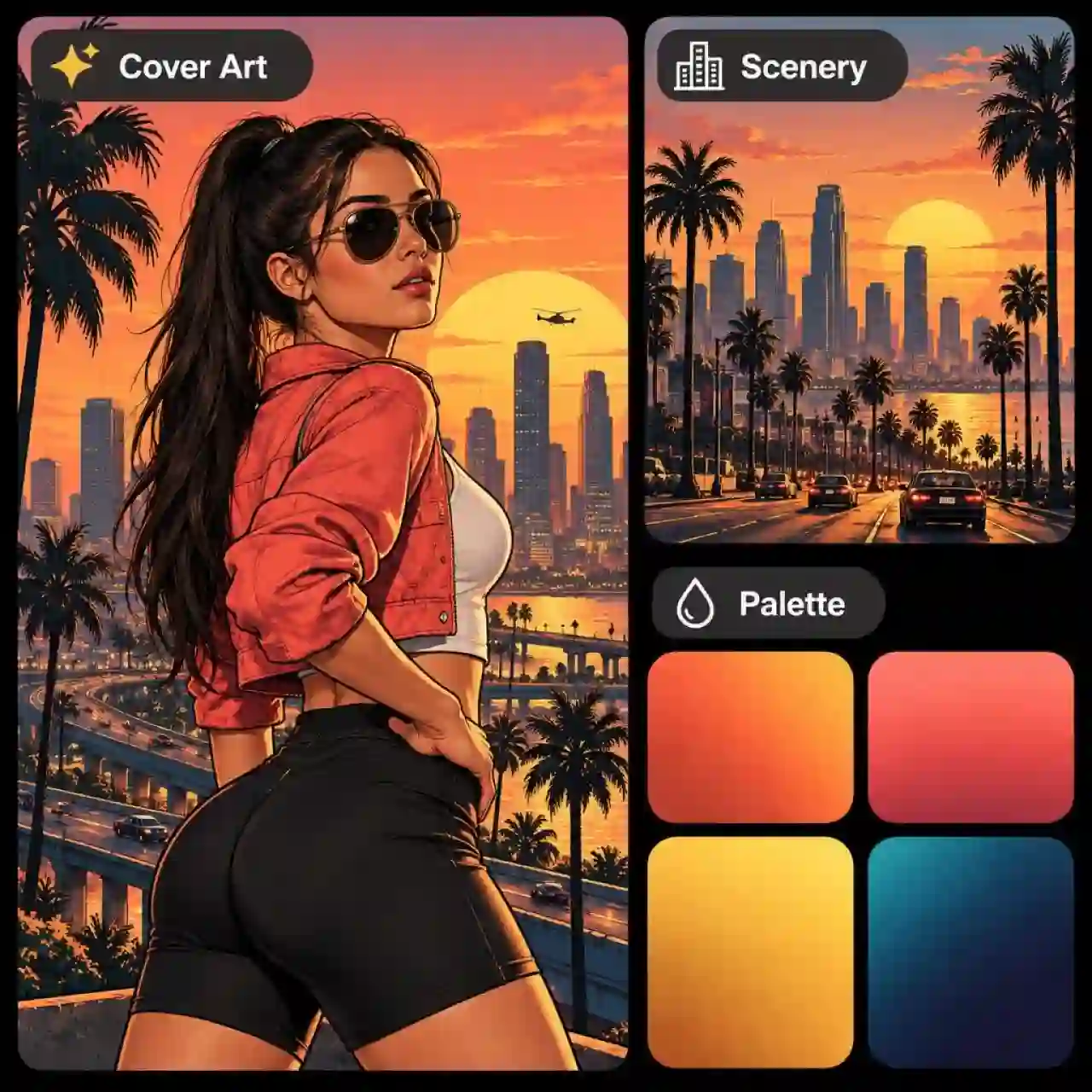
Design GTA-Inspired Cover Art
Create original game-inspired cover artwork featuring a central character, dramatic city scenery, and a vivid sunset color palette. Give your design the look of a cinematic open-world game poster.
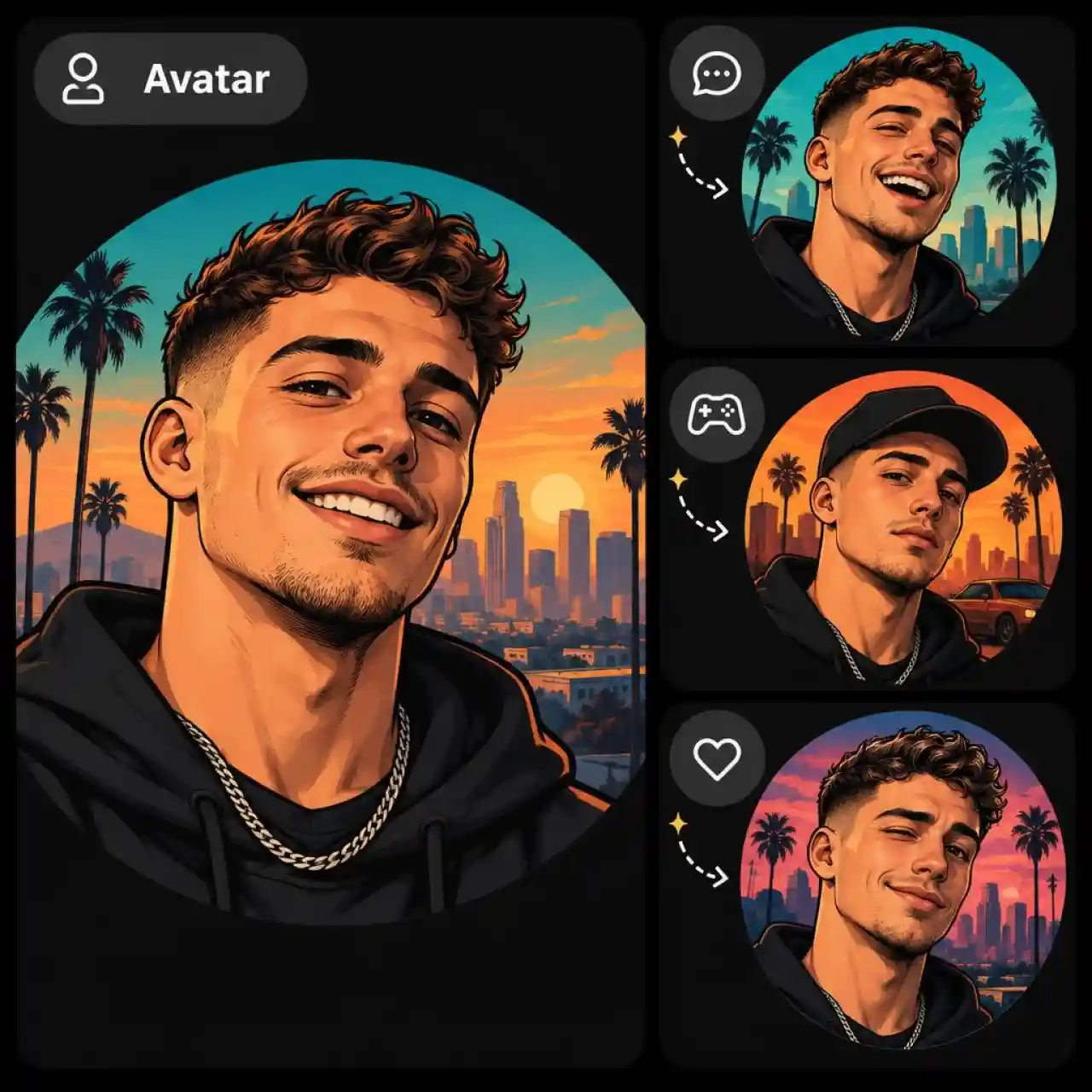
Generate GTA-Style Gaming Avatars
Turn your portrait into a bold illustrated avatar with distinctive outlines, detailed facial features, and a vibrant background. Create profile images for Discord, Steam, and social media.
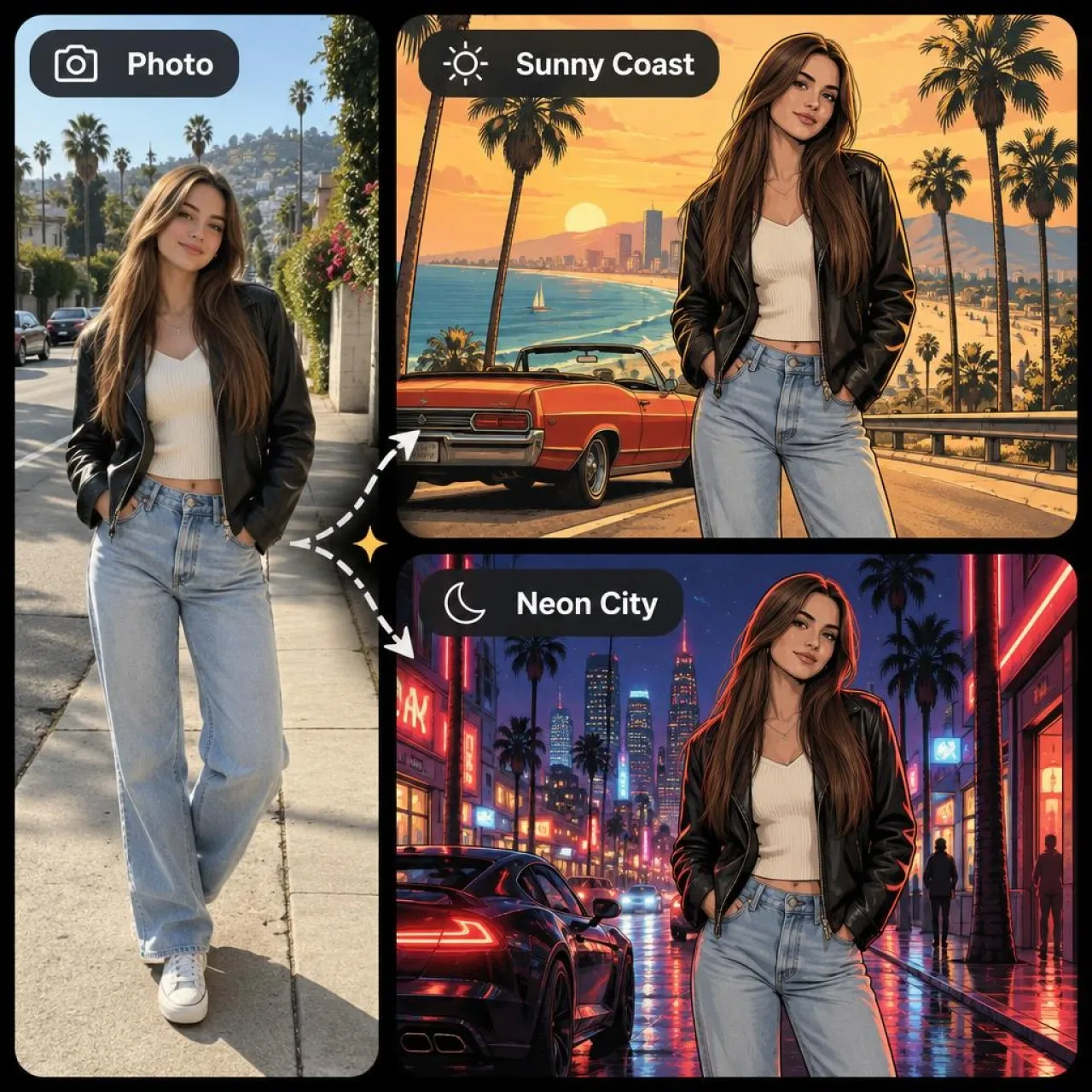
Create Your Own GTA World
Reimagine a reference photo with open-world-inspired surroundings, from sunlit coastal roads to neon-lit city streets. Explore different environments, lighting, and visual moods.
How to Use the GTA AI Filter in 3 Steps
Step 1: Select the AI Image Tool
Open Anijam and select AI Image Tool to start creating GTA-inspired artwork.
Step 2: Upload Your Photo and Choose a Model
Upload a clear selfie, portrait, or other photo as your reference. Choose an AI image model and describe the GTA style you want to create.
Step 3: Generate, Refine, and Download
Generate your GTA-style image, then chat to adjust details like colors, outfits, backgrounds, lighting, and composition. Download your finished artwork when you're happy with the result.
Where You Can Use GTA-Style AI Photos
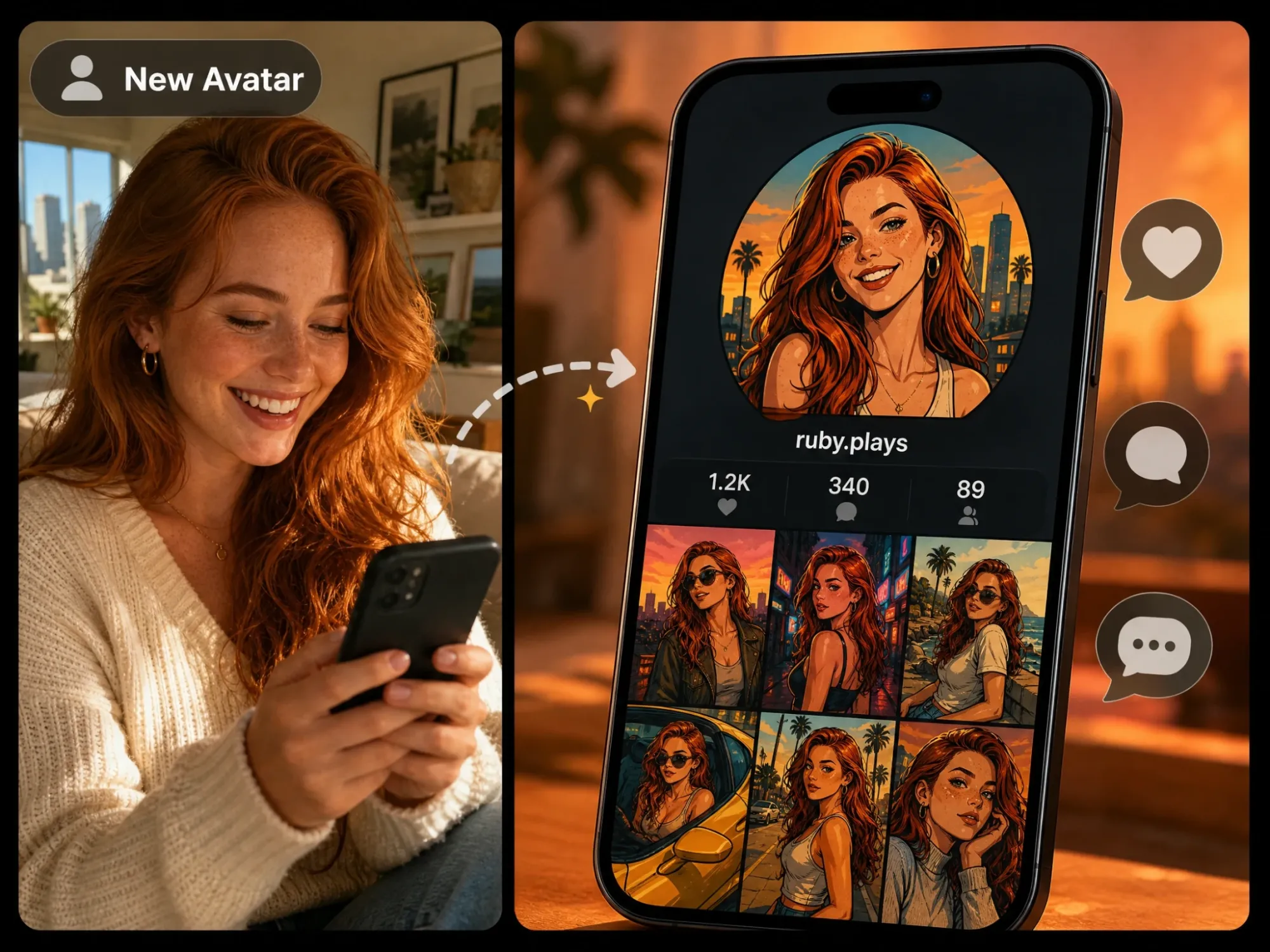
Profile Pictures and Social Posts
Give your social profiles a distinctive gaming look with GTA-inspired portraits. Share a new avatar, post a character illustration, or create eye-catching visuals for Instagram and Discord.
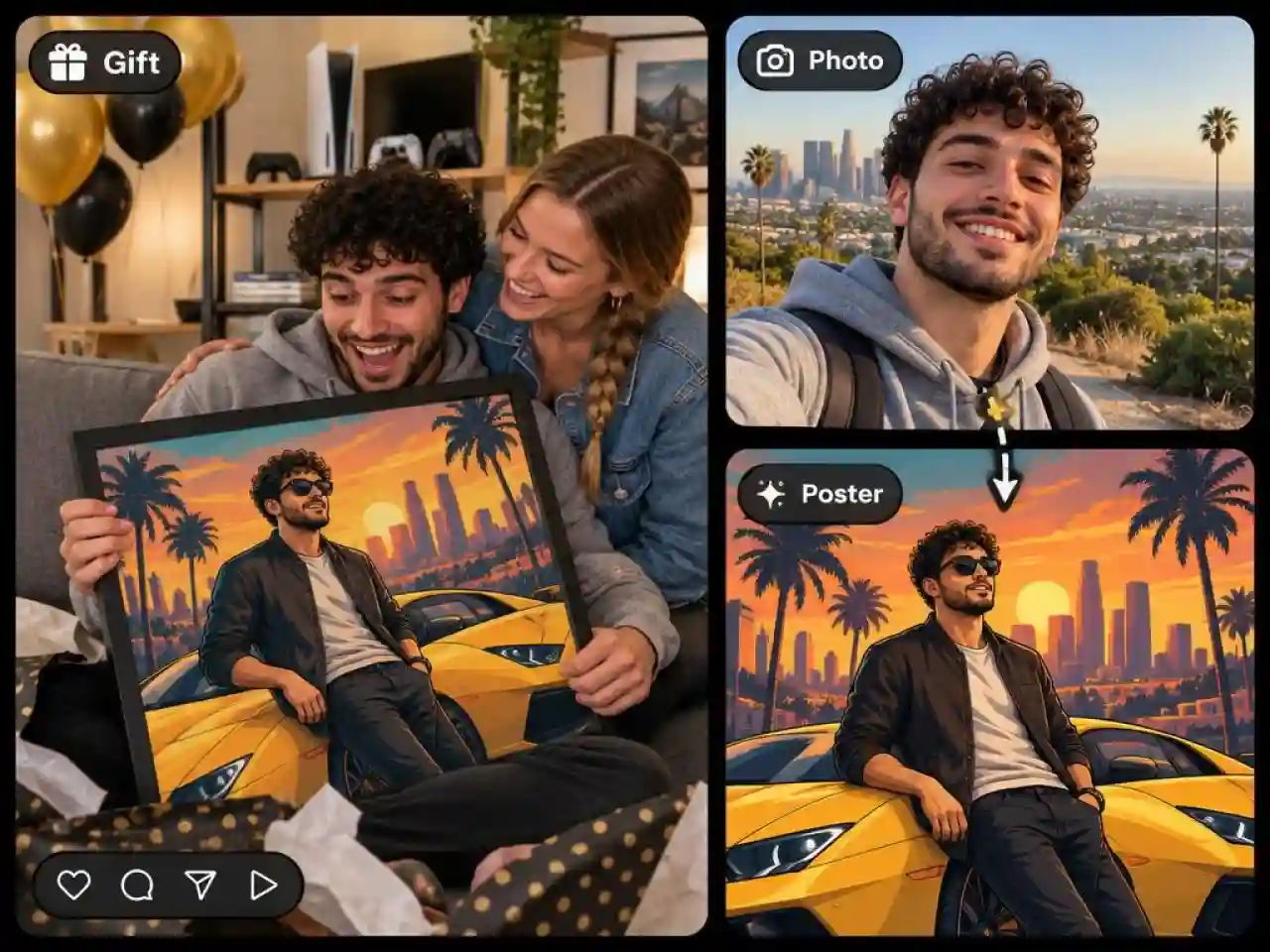
Gifts and Posters for Gamer Friends
Turn memorable photos into personalized GTA-inspired artwork for birthdays, gaming fans, and friends. Create custom posters that make fun keepsakes or digital gifts.
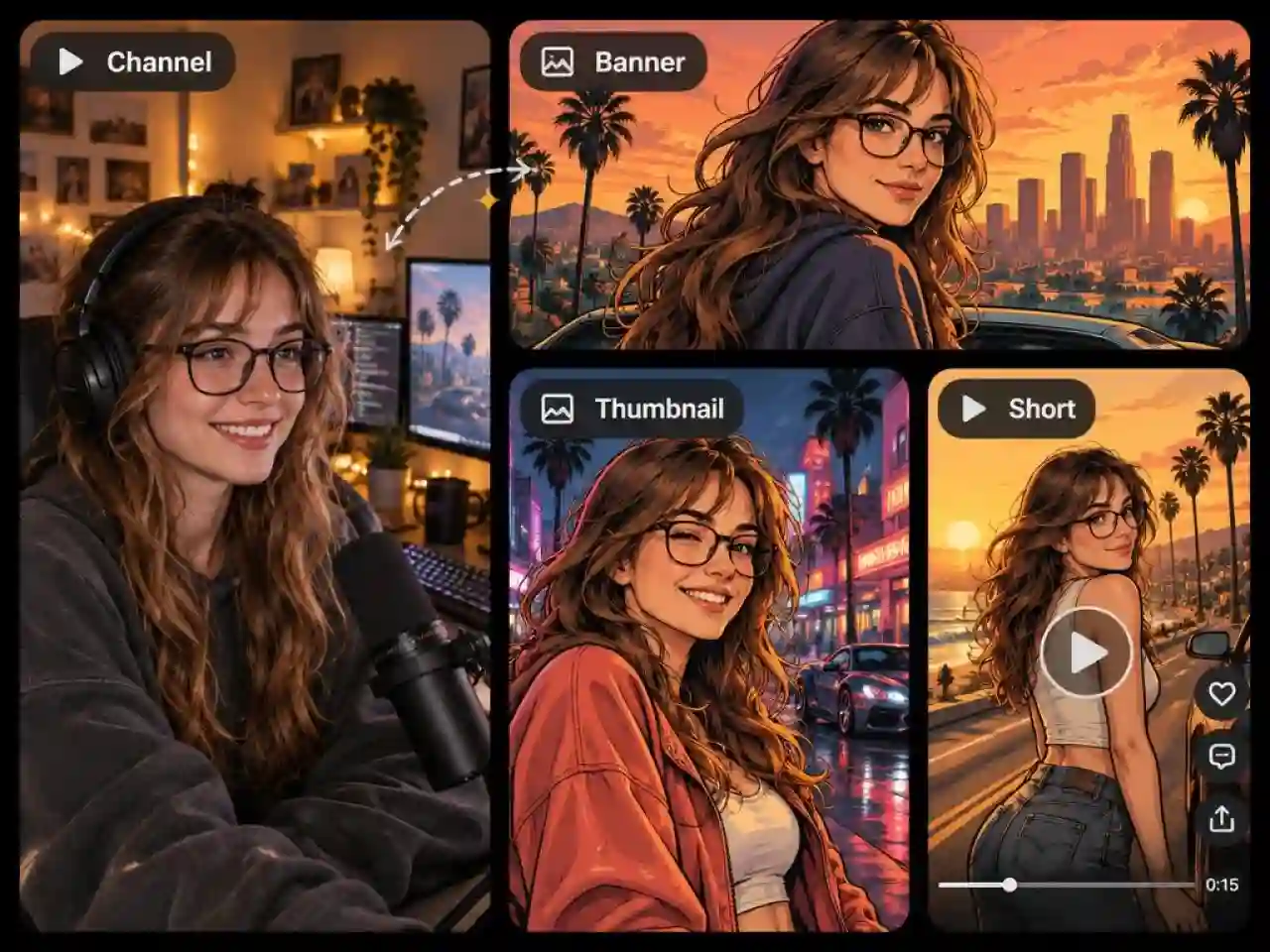
Channel Art and Short Videos
Create distinctive thumbnails, banners, and visual assets for gaming channels. You can also use your finished artwork as a reference for AI video generation to create short clips for social media.
GTA Style Photo Prompts to Try
Loading Screen Portrait: Turn my photo into a hand-painted loading screen portrait, thick dark ink outlines, airbrushed saturated color, confident pose, sunny city skyline with palm trees behind me, no logo, no text, keep my face recognizable.
Vice City Sunset: Redraw me standing on a rooftop at sunset, pink-orange sky, glowing skyline, palm trees, cel-shaded comic shading, vertical 4:5, no logo, keep my face recognizable.
Neon Alley Night: Place me in a neon-lit alley at night, wet pavement, glowing signs, red and blue light on my face, dramatic rim lighting, dynamic running pose, bold outlines, keep my face recognizable.
Duo Poster: Create a poster of the two of us leaning on a yellow sports car at golden hour, bold outlines, empty space at the top, poster composition, keep both faces recognizable.
GTA Profile Picture: Make a profile picture of me as a bold-outline illustration, shoulders up, face centered for a circle crop, teal and orange background, keep my face recognizable.
Why Creators Choose Anijam for GTA-Style Photos

Free Credits to Start
Sign up to get free credits and start creating GTA-inspired portraits, posters, and profile pictures without a credit card. Daily check-ins offer more credits to explore different styles.

Fast Generation
Turn your selfies and portraits into GTA-inspired artwork in seconds. Create bold character illustrations, loading screen art, and custom game-inspired visuals with Anijam AI.

Chat-Based Refinement
Fine-tune your GTA-style artwork through chat. Adjust details like outfits, colors, backgrounds, lighting, and composition with simple text instructions.

High-Quality
Create polished GTA-inspired artwork with crisp details, rich colors, and refined visual elements. Turn ordinary photos into eye-catching portraits, posters, and gaming avatars.

Create on the Go
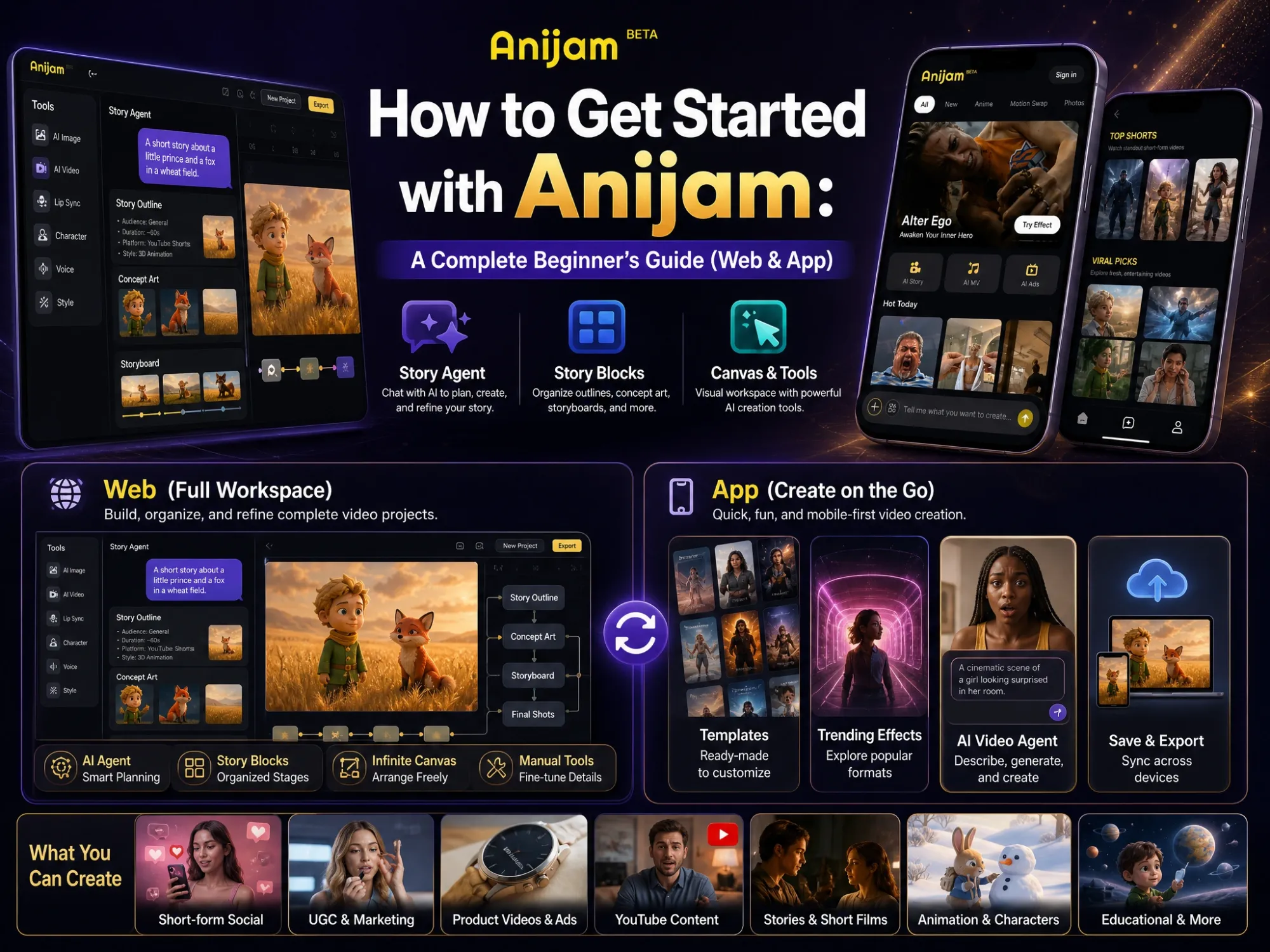
Create GTA-inspired artwork on your phone wherever inspiration strikes. Upload photos, refine your images, and bring your creative ideas to life on the go.

From Photo to Video
Bring your GTA-style artwork to life with AI video generation. Add motion to your images and create engaging short clips for TikTok, Instagram Reels, and YouTube Shorts
Explore More Anijam AI Creative Tools

More About AI Creation and Inspiration

FAQ
Is Anijam's GTA AI filter free?
Yes. Sign up to get free credits and start creating GTA-inspired portraits, posters, and profile pictures without a credit card. You can also earn additional credits through daily check-ins. More credits are available when you want to create more.
What type of photos work best with the GTA Filter?
Use a clear, front-facing photo with good lighting and minimal obstructions. Avoid sunglasses, heavy beauty filters, and blurry images for better results. You can also include instructions like "keep my face recognizable" and ask for adjustments through chat, though the final resemblance may vary.
Can I turn my GTA-style image into a video?
Yes. You can use your GTA-style image as a reference for AI video generation in Anijam. Describe the motion you want, such as a slow camera push-in or drifting clouds, and turn your image into a short video for TikTok, Instagram Reels, or YouTube Shorts.
Can I make GTA-style photos on my phone?
Yes. You can use Anijam on your phone to upload a photo, choose an AI image model, and create GTA-inspired artwork. Refine your image through chat and save your finished creation to share. Download the Anijam app from the Apple App Store or Google Play.