


AI Video Summarizer
Turn long videos into clear summaries or shareable recap videos with Anijam Sensei, powered by Fable 5.2. Upload a video or paste a link to identify key moments and understand the content without watching the entire recording.
Summarize Videos and Create Recap Videos With AI
Upload a video or paste a link into Anijam, and let Sensei do the watching for you. Now integrating Fable 5.2, Anijam Sensei analyzes visual content and audio to identify key moments, capture on-screen details, and generate a clear summary with timestamps. Ask follow-up questions to explore specific parts or turn the highlights into a recap video, all in the same chat.
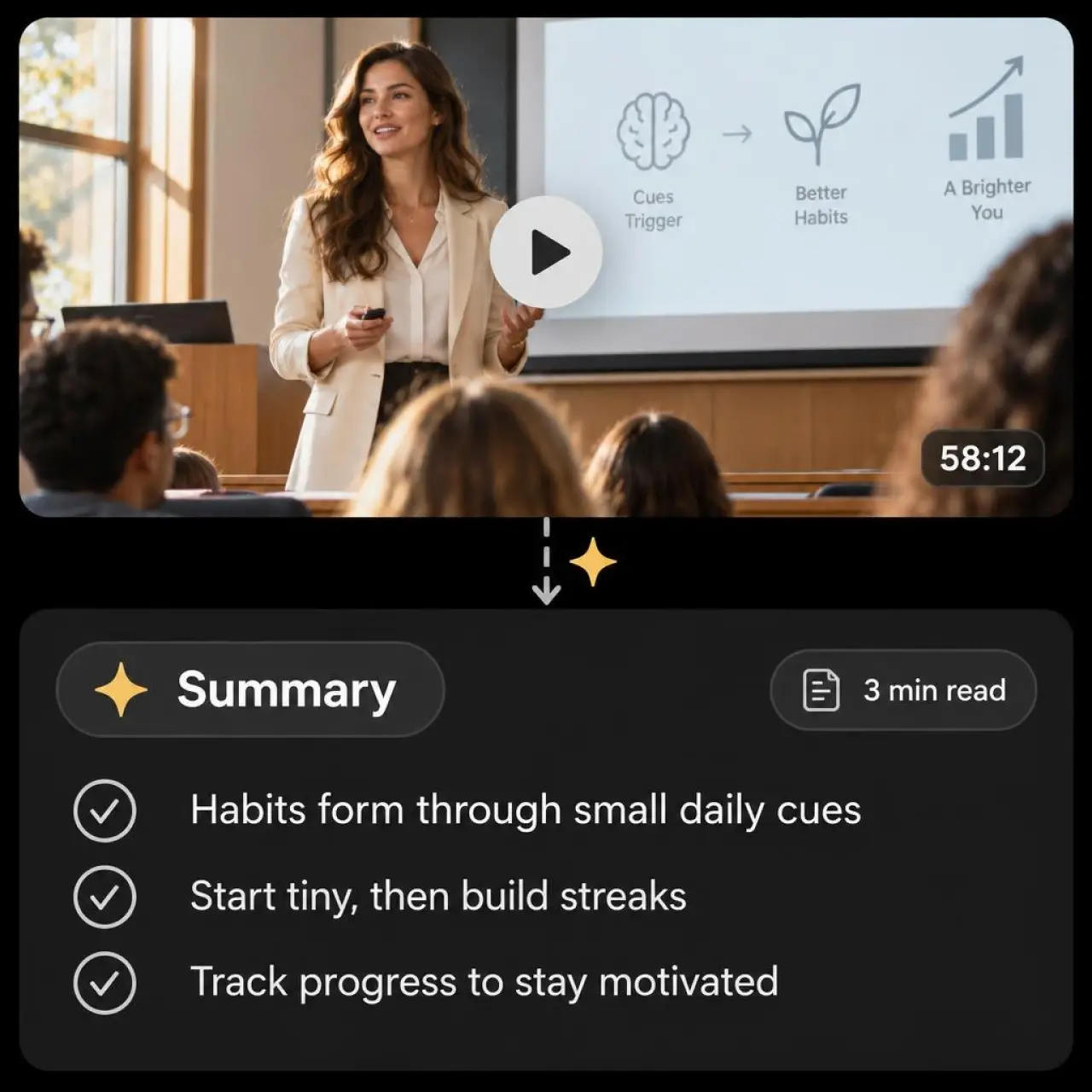
Get a Quick Summary of Any Video
Turn a lengthy video into a short, easy-to-read text overview. Anijam Sensei picks out the main ideas, important details, and key takeaways, so you can understand what a video covers in a few minutes without watching it from start to finish.
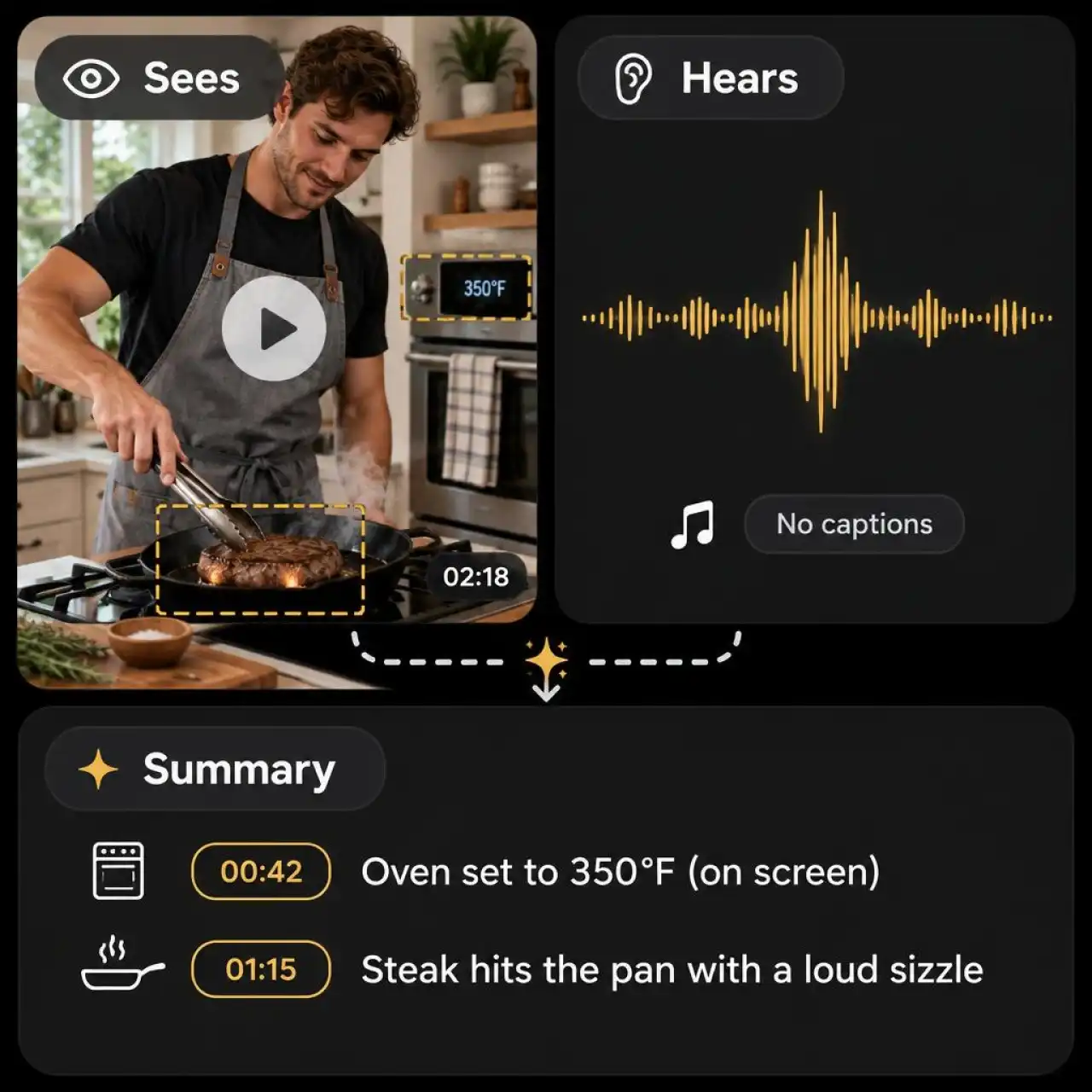
AI Video Analysis Beyond Transcripts
Sensei summarizes what it sees and hears, not just what is said. Fable 5.2 reads the frames across your video, and Sensei listens to the sound and narration, so silent scenes, on-screen details, and clips with no captions still make it into the summary.
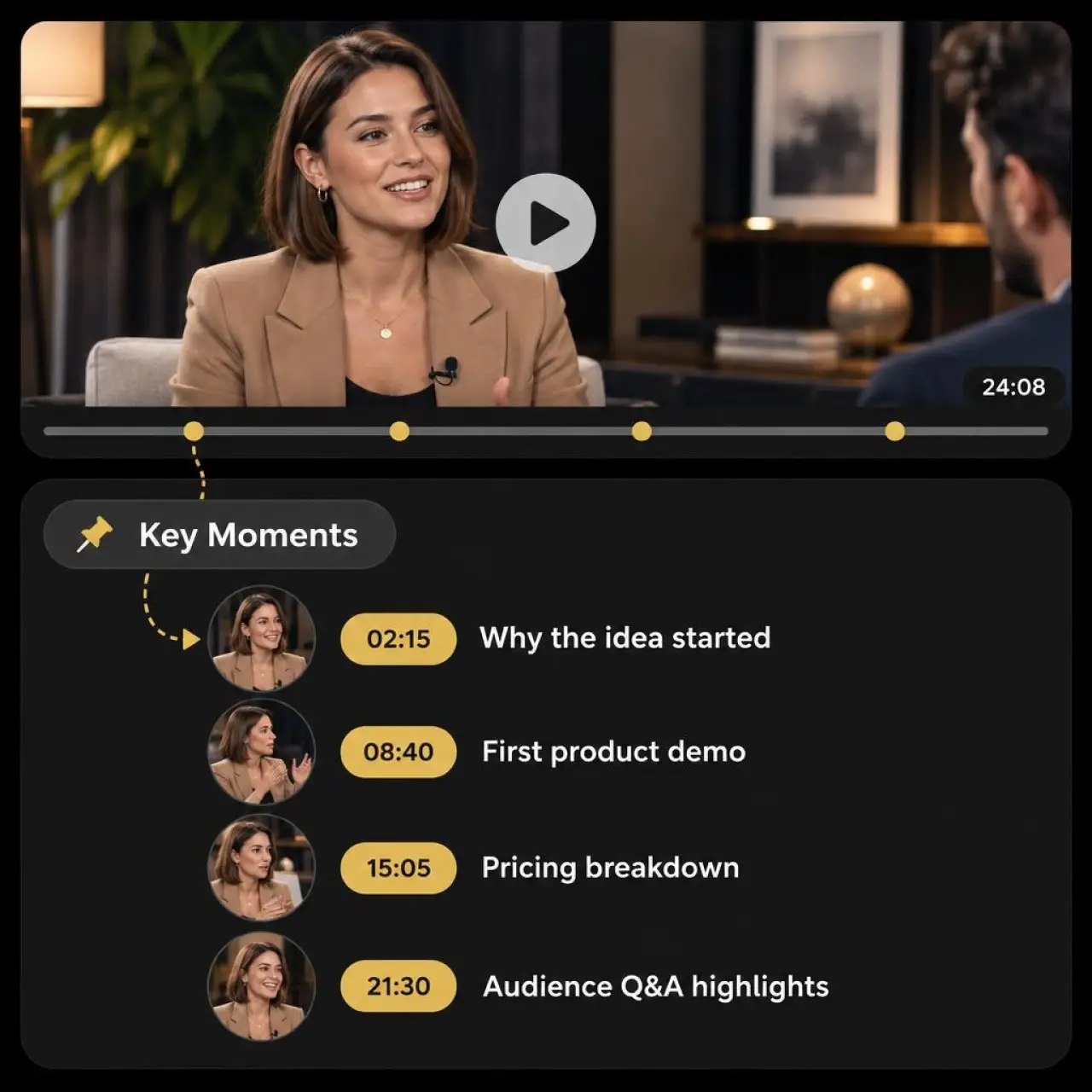
Find Key Moments With Video Timestamps
Skip straight to the parts that matter. Anijam Sensei organizes your video into timestamped sections, each with a brief description of what happens. Quickly locate important scenes, statements, and details without searching through the entire recording.
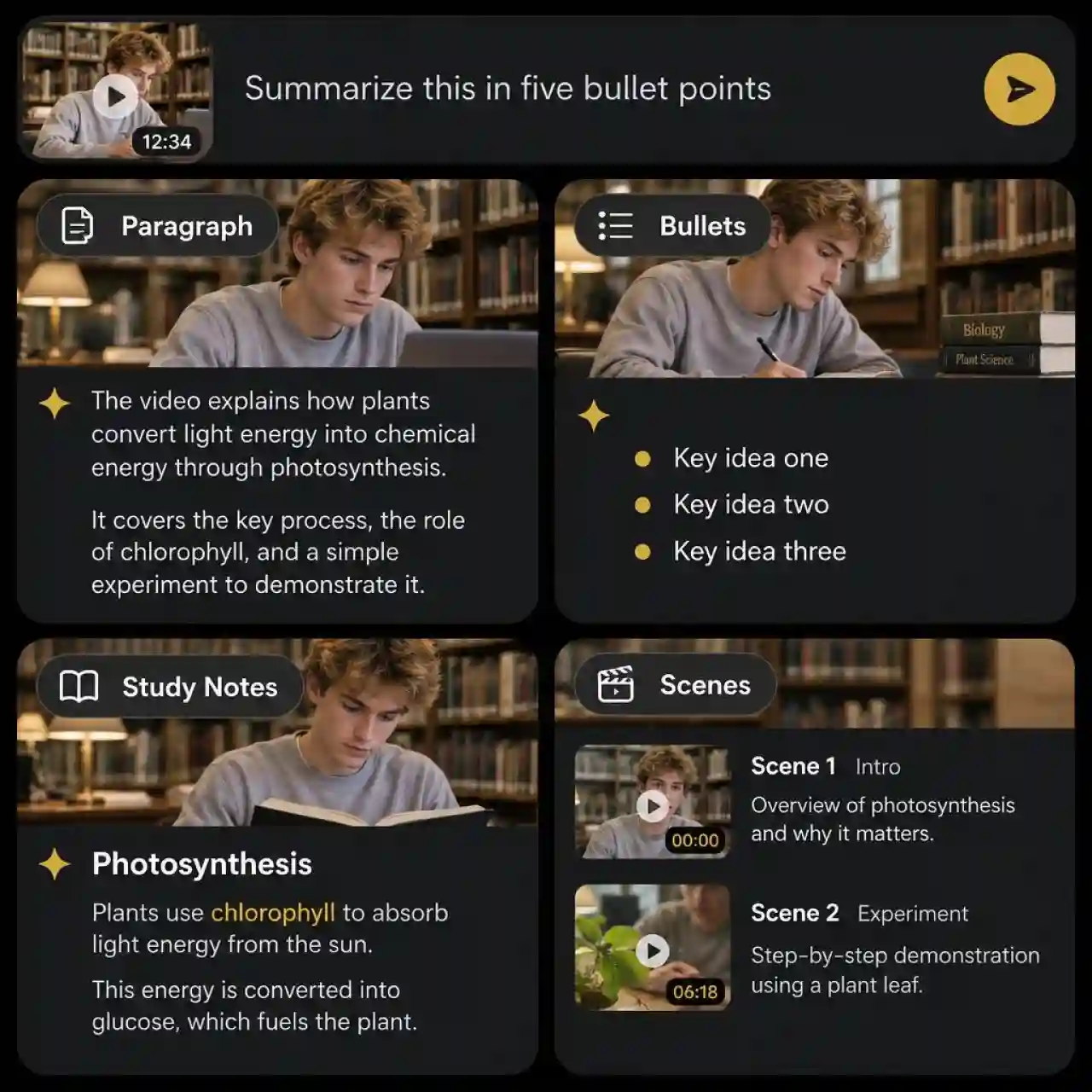
Summarize Video to Text in Your Preferred Format
Tell Anijam Sensei how you want the information organized. Get concise paragraphs, bullet-point highlights, study notes, or scene-by-scene breakdowns. You can also extract key quotes, explore specific topics, and refine the results with follow-up prompts.
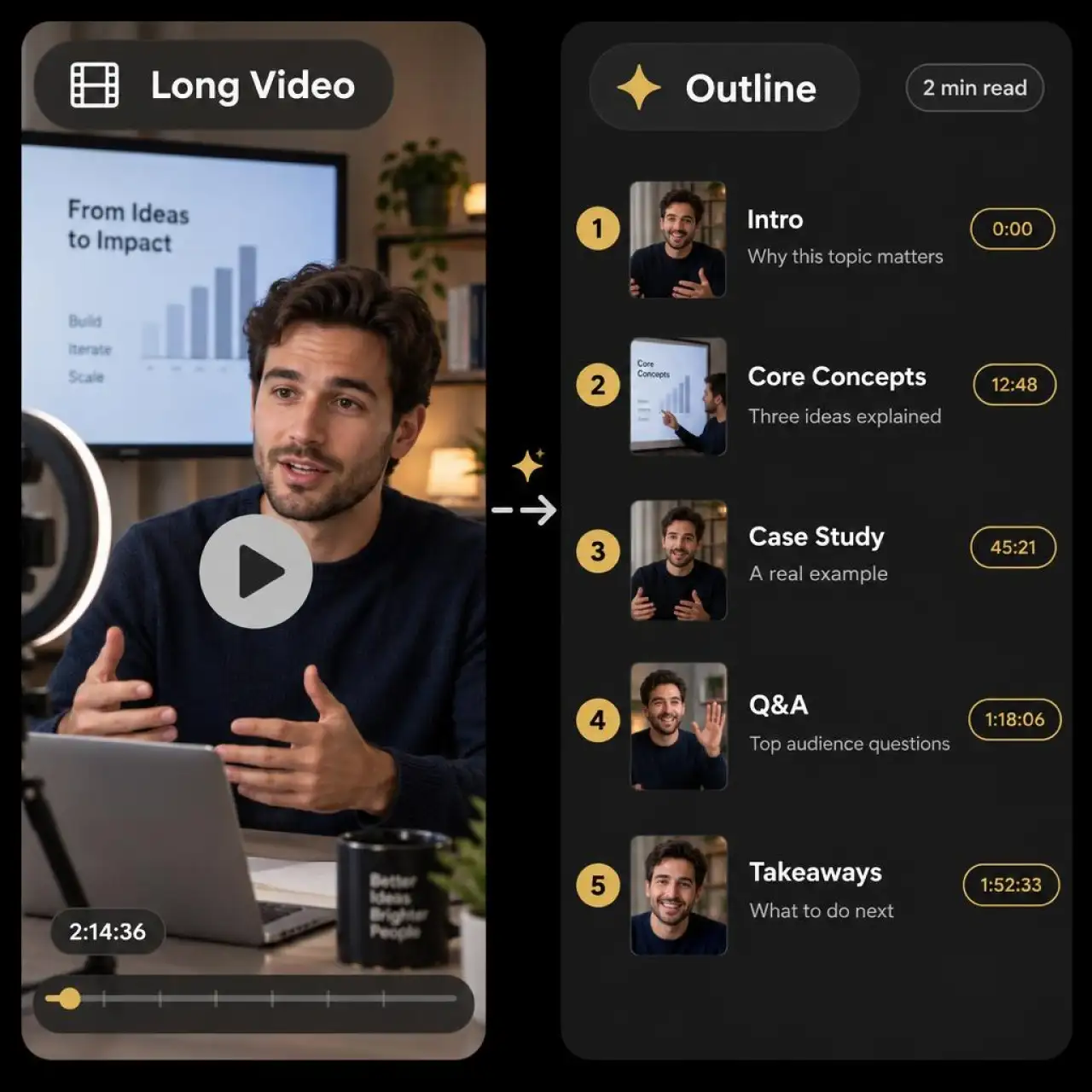
Turn Long Videos Into Structured Summaries
Anijam Sensei turns a long recording into a short read you can scan in minutes. It looks across the whole video, listens to the audio, and organizes what it finds into sections, so a webinar, lecture, or interview becomes a clear outline.

Turn a Video Summary Into a Recap Video
Go beyond text summaries. Ask Anijam Sensei to turn the key points and highlights into a short recap video. With video summarization and creation in the same chat, you can move from understanding the content to creating a visual recap without switching tools.
How to Use Anijam AI Video Summarizer
Step 1: Add Your Video in Sensei
Open Anijam, switch to Sensei, and click Add files to upload your video. You can also paste a video link into the prompt box.
Step 2: Ask for the Summary You Want
Type summarize this video and send it. Add details like "in five bullet points" or "focus on the pricing section" to shape the result.
Step 3: Read, Ask, or Make a Recap Video
Sensei analyzes your video and generates a timestamped summary with key moments and important details. Ask follow-up questions to explore specific parts, or request a short recap video based on the highlights.
Who Uses Anijam AI Video Summarizer
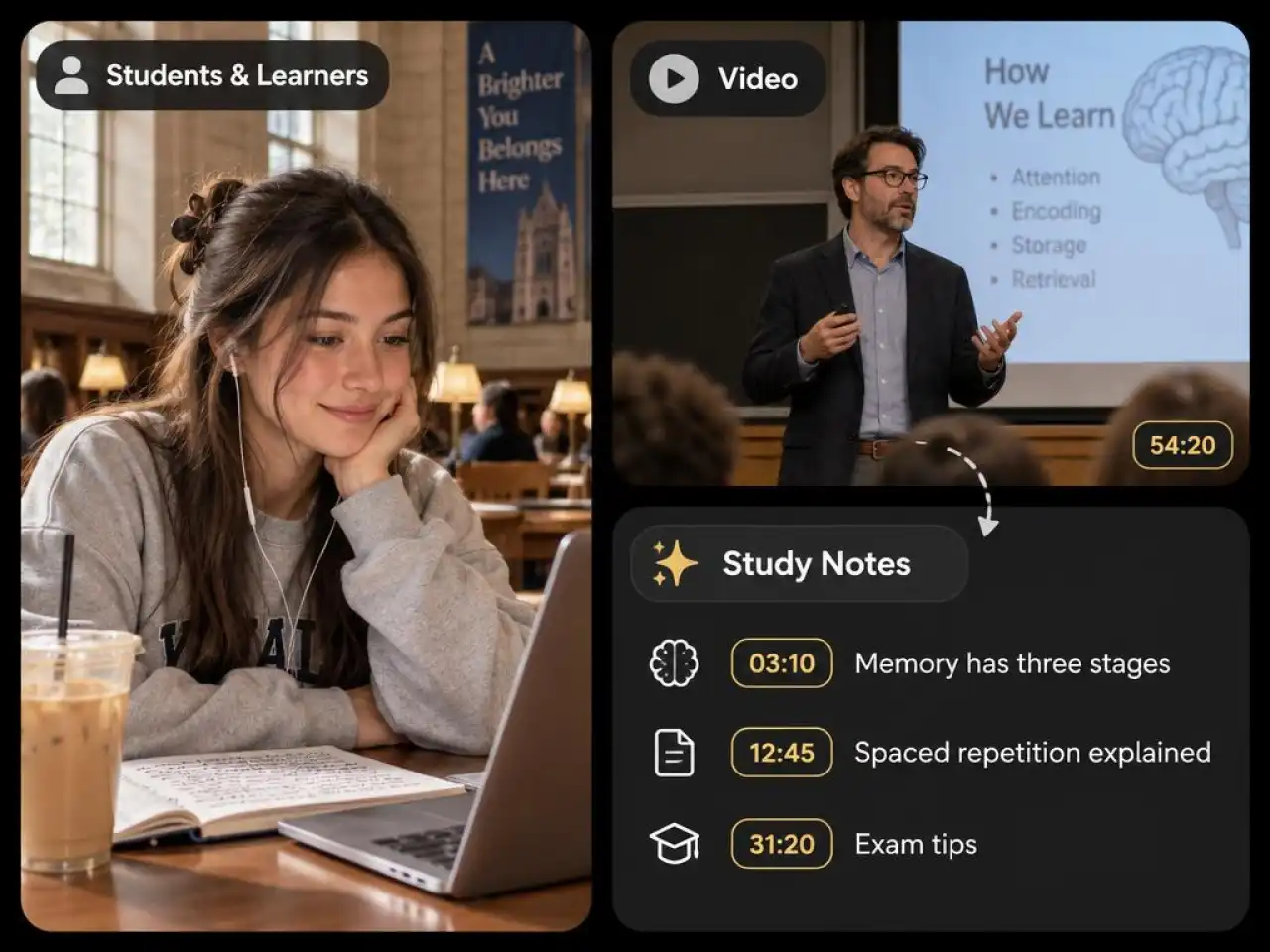
Students & Lifelong Learners
Turn recorded lectures and online courses into organized study notes with key concepts, important details, and timestamps. Review lessons, revisit specific topics, and find the information you need without replaying entire videos.
What You Can Do With Anijam AI Video Summarizer
From classroom recordings to viral clips, Anijam Sensei turns watch time into a few lines you can act on.
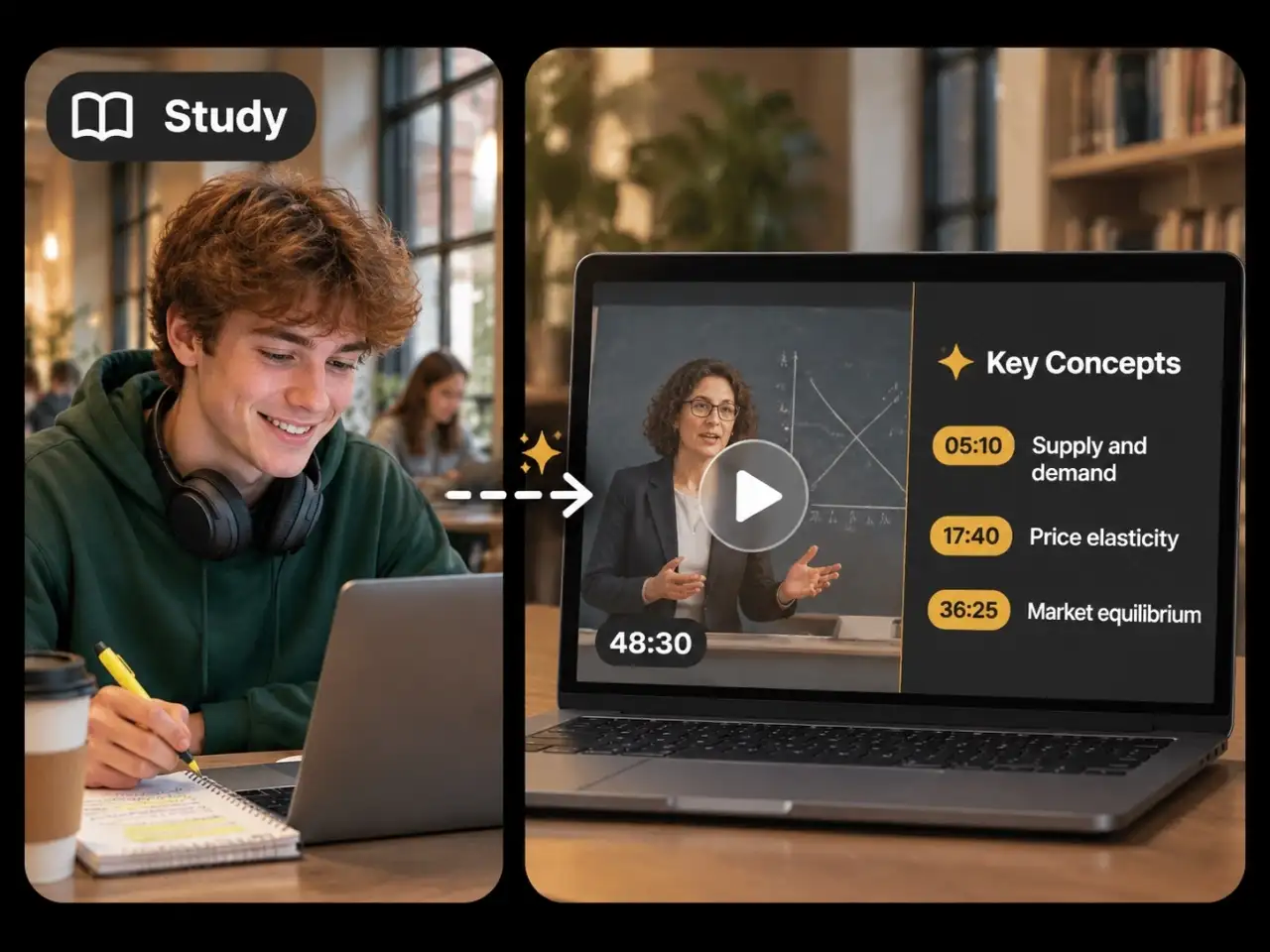
Study Smarter From Lectures and YouTube Videos
Turn long lectures, tutorials, and YouTube videos into organized study notes with key concepts and timestamps. Use Anijam as a free AI YouTube video summarizer to review important topics, revisit specific moments, and study at your own pace.
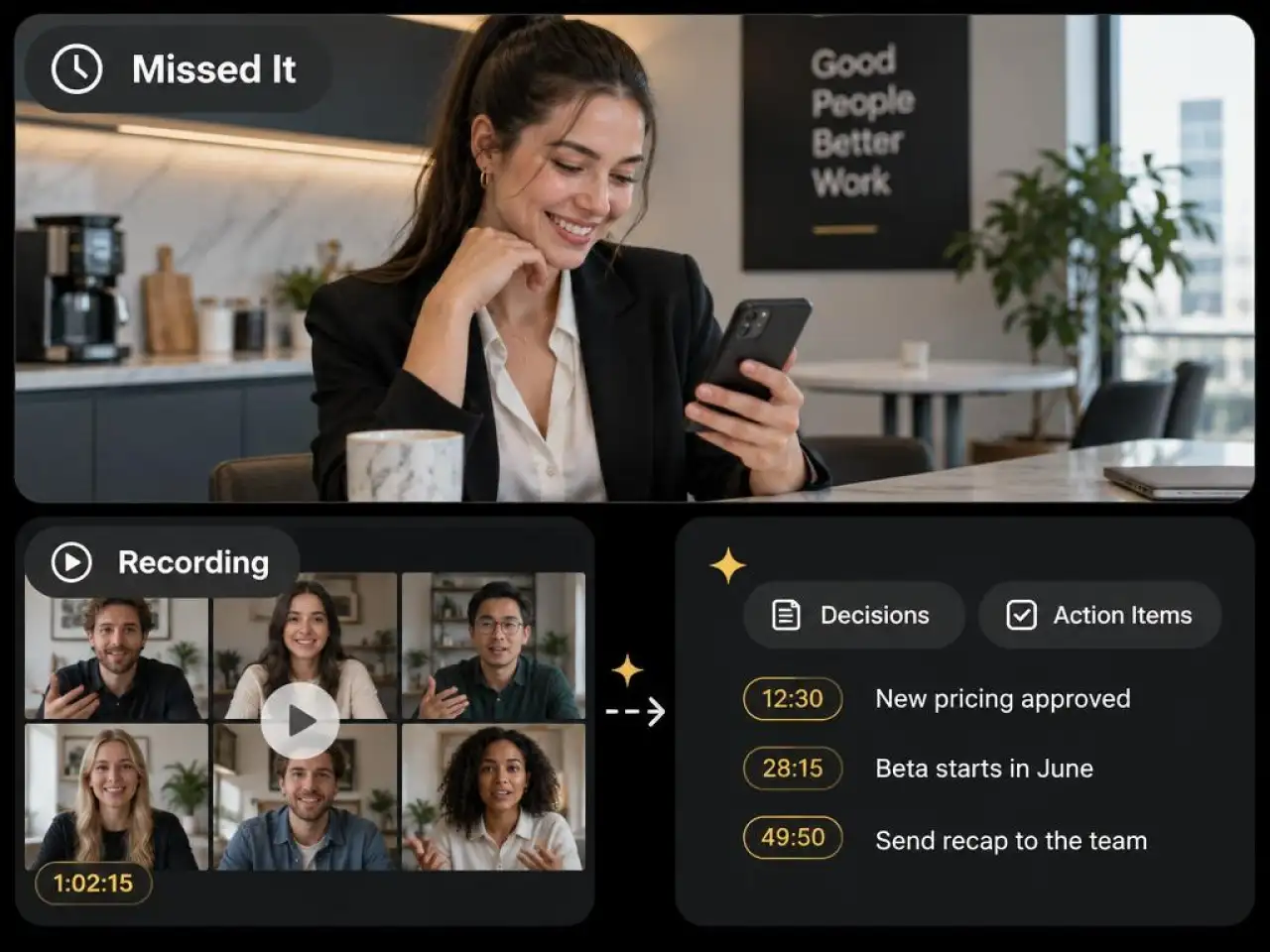
Catch Up on Meetings and Webinars in Minutes
Missed the live session? Drop in the recording and ask for the main points, decisions, and action items, with timestamps to check the details.
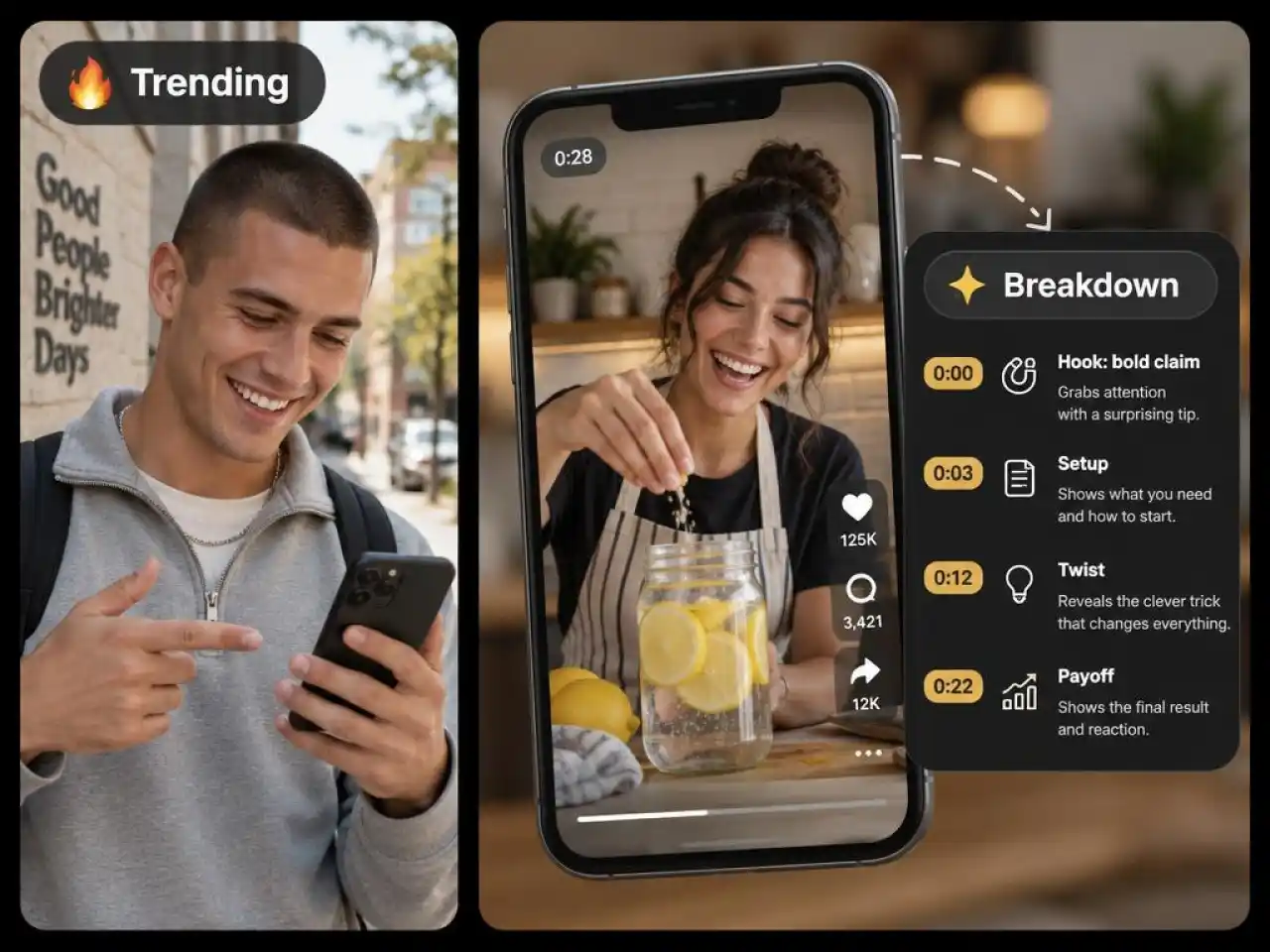
Break Down Viral TikTok and Facebook Videos
Use Sensei to summarize TikTok videos and understand how viral clips are structured, from the opening hook to the final scene. You can also analyze Facebook Reels and longer videos to identify engaging moments, storytelling techniques, and content ideas worth exploring.
Why Choose Anijam AI Video Summarizer

Free Credits to Start
Every new account starts with free credits, so you can use Anijam as a video summarizer free of charge before you pay for anything.

Fast Video Summarization
Get the key points and important moments without watching a video from beginning to end. Sensei helps you move from a lengthy recording to a clear, easy-to-read summary in less time.

Easy to Use Through Chat
There are no settings to learn. Add your video, type what you want, and read the answer, the same way you would message a person.

AI Model and Speed Options
Choose Fable 5.2 for powerful, high-quality results, Sonnet 5.5 for balanced quality and speed, or Opus 5.5 for complex tasks. You can also select Fast mode to speed up processing.

Reliable Results With Clear Uncertainty
Sensei indicates when certain speakers, scenes, or details are difficult to identify instead of presenting uncertain interpretations as facts.

Flexible Output Options
Choose the format that works for you. Turn video content into concise summaries, bullet-point highlights, study notes, or scene-by-scene breakdowns. You can also transform key moments into a short recap video.
Explore More Anijam AI Creative Tools




More about AI Video Creation & Inspiration
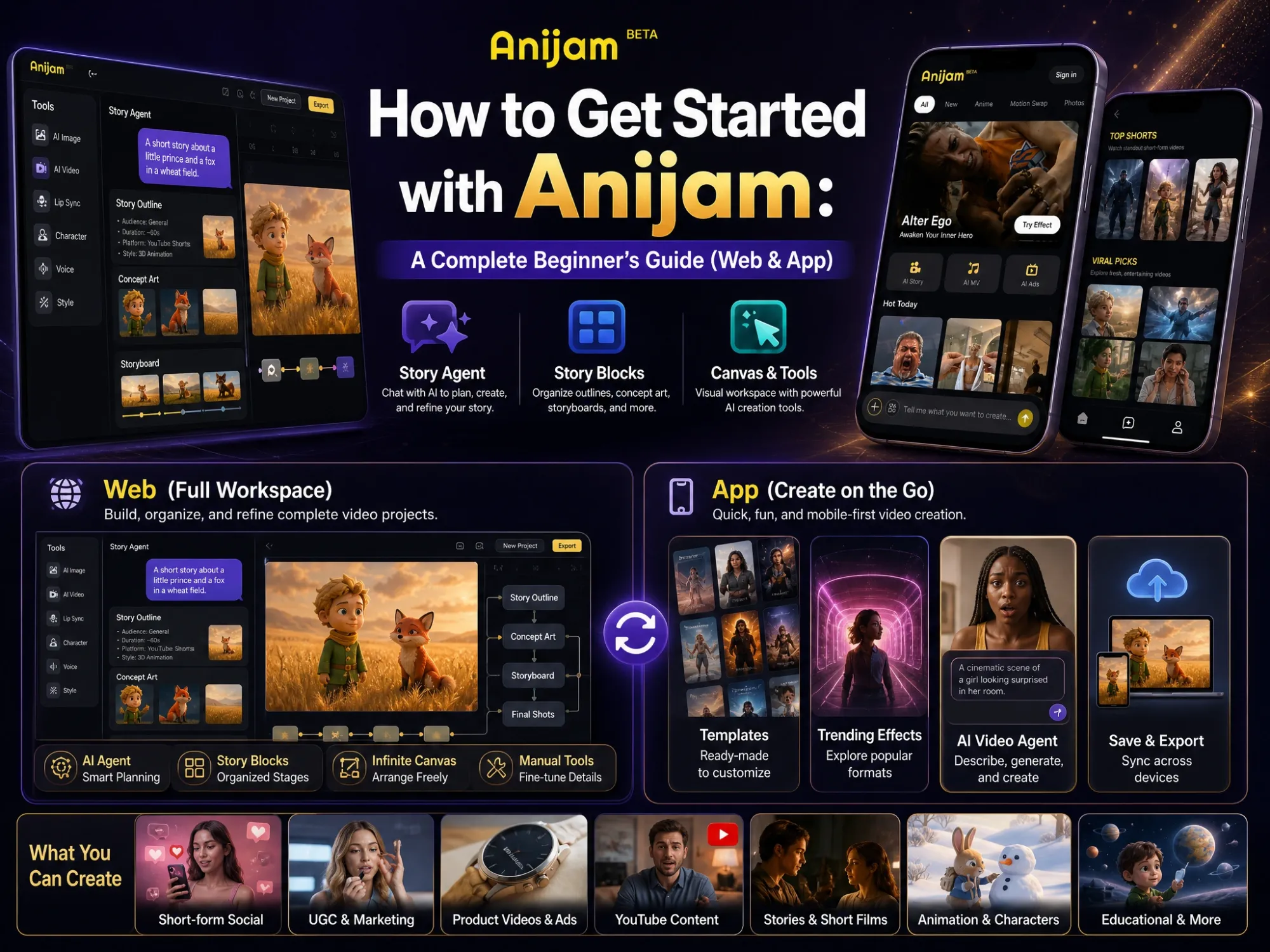
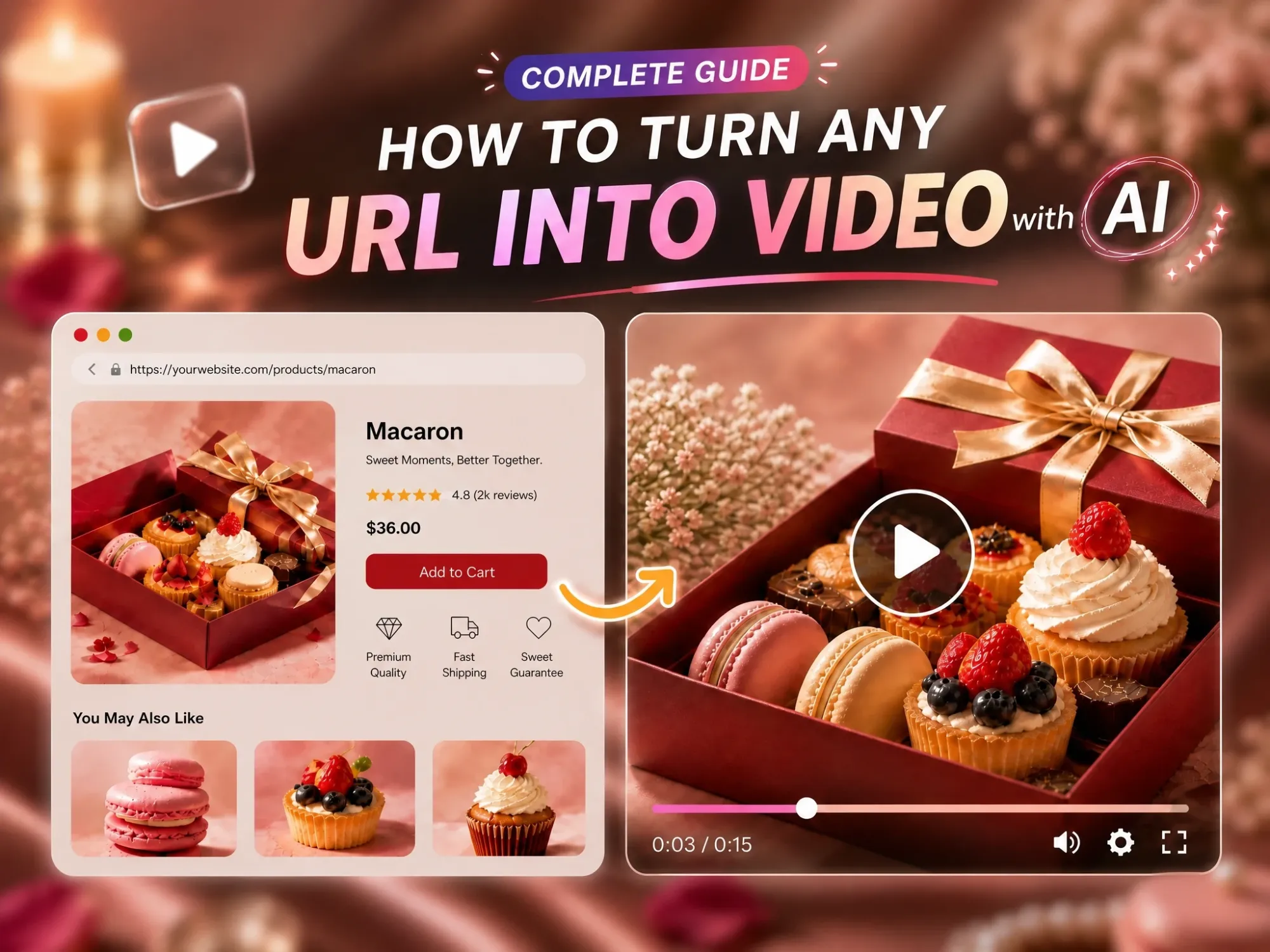


FAQ
Is there any AI that summarizes videos?
Yes. Anijam Sensei is an AI video summarizer that watches your video, listens to its audio, and returns a timestamped text summary. You can ask for bullet points, study notes, or a scene-by-scene breakdown, and follow up with questions in the same chat.
Is it free to summarize a video with Anijam?
You can start for free. New accounts come with free credits you can spend on summaries, and paid plans add more credits when you need them. Check the Pricing page for current plan details.
Can it summarize videos with no captions or no dialogue?
Yes. Anijam Sensei does not rely on captions. It studies frames from the video and listens to the sound, so music-only clips, silent scenes, and on-screen action are covered too. If part of a video is unclear, Sensei tells you which part it is least sure about.
How do I summarize a video to text?
Open Anijam Sensei, upload your video or paste a link, and type "summarize this video to text." You will get a written summary with timestamps, and you can ask for bullet points, study notes, or key quotes. You can copy the text into your notes or documents.
What kinds of videos can I summarize?
You can summarize lectures, webinars, meeting recordings, interviews, tutorials, ads, and short social clips, including videos from YouTube, TikTok, and Facebook. Upload a video file in Sensei or paste a supported link into the prompt box, then tell Sensei what you need, such as key moments, a timestamped summary, or specific information. For private or restricted videos, upload an accessible video file instead.