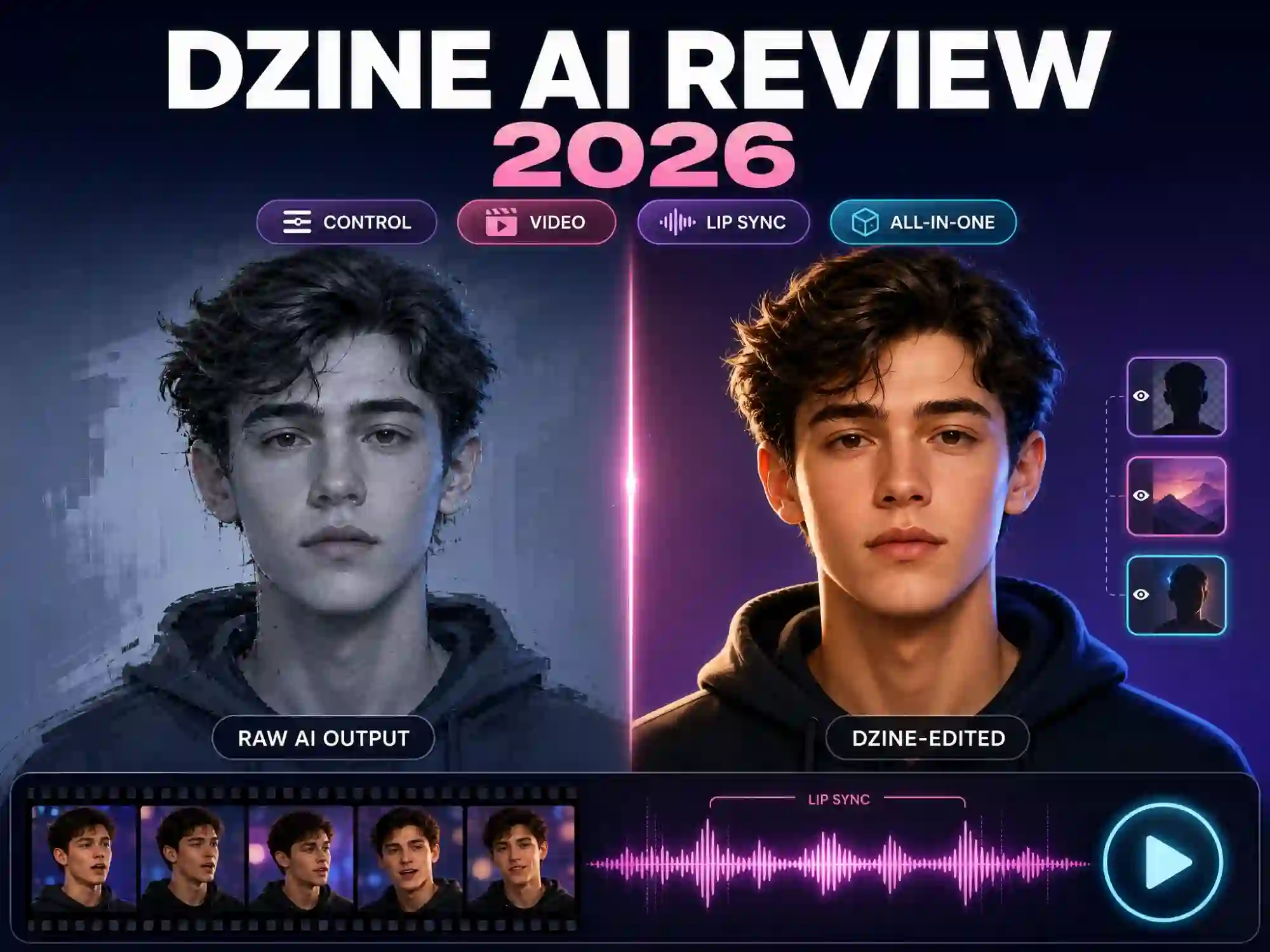
Dzine AI Review 2026: One Platform for Top AI Image & Video Models
If you create with AI regularly, your subscription list has probably gotten out of hand. Midjourney for images. Kling or Sora for video. A separate lip-sync or talking-avatar tool for anything with a voice. Each one costs money on its own, each one has its own interface, and none of them talk to each other.
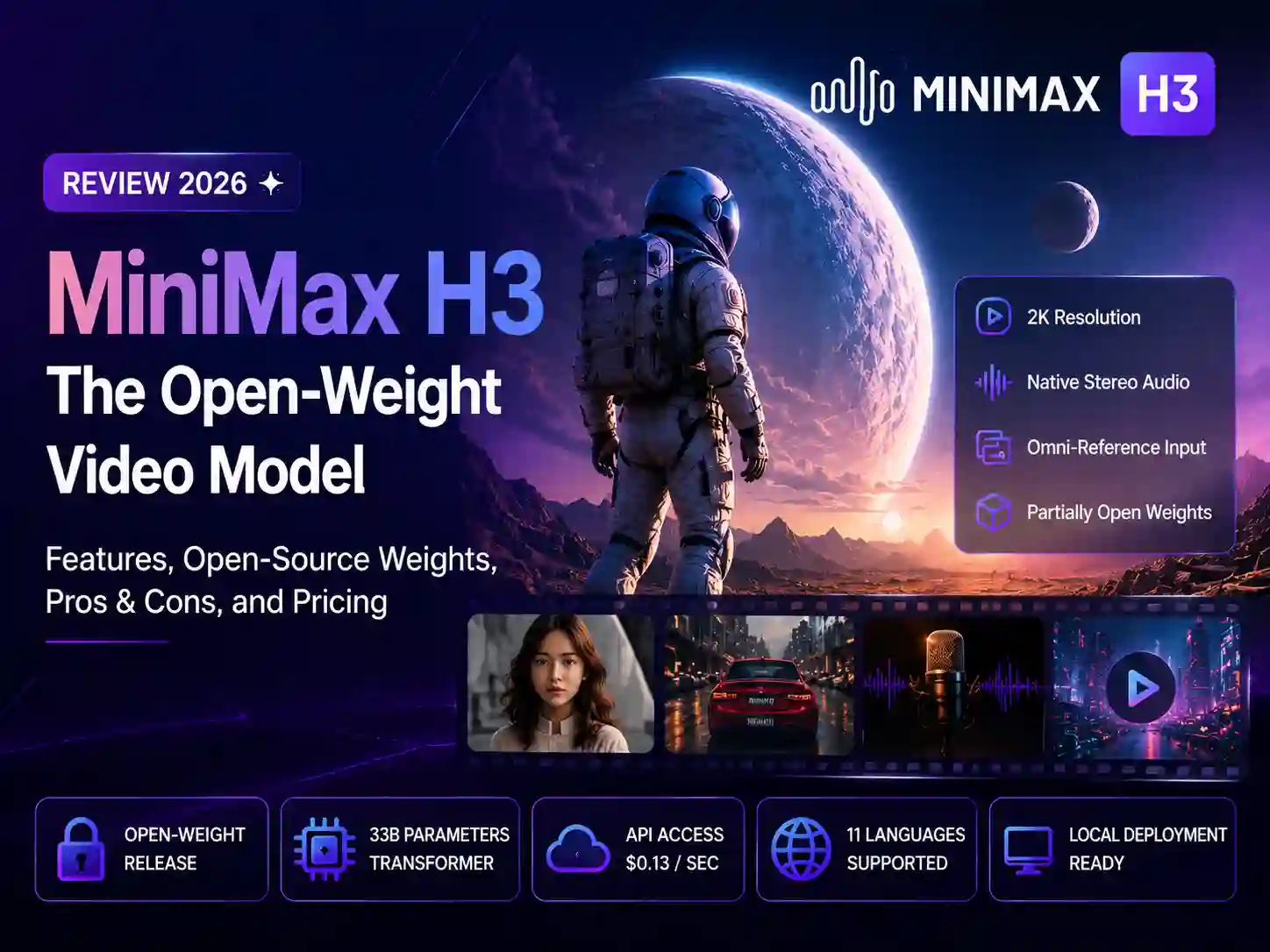
Dzine AI was built to collapse that whole stack into one place. Instead of picking a single model and living with its limits, Dzine plugs into most of the AI models people actually want — Nano Banana Pro, Sora, Kling, Veo, Hailuo, Wan, Seedream, and more — and puts them behind one editor and one subscription. On top of that, it layers its own editing tools (layers, chat editing, consistent characters, multi-person lip sync) so a generated result isn’t a dead end, it’s a starting point.
We tested Dzine’s model selection, editor, and pricing structure, and cross-checked real user feedback from Trustpilot, Reddit, and G2. Here’s whether the “one subscription for everything” pitch actually holds up.
What is Dzine AI?
Dzine AI is an all-in-one AI image and video platform, and its defining trait isn’t a proprietary model — it’s the fact that it isn’t tied to just one. Dzine positions itself as a single platform that brings multiple AI visual tools together. Rather than forcing you to pick a single engine and accept its strengths and weaknesses, Dzine sits on top of a rotating lineup of the market’s leading image and video models, letting you switch engines depending on the job — photoreal product shots from one model, stylized character art from another, cinematic video from a third — all inside a single account.
Dzine has grown into a full “Image & Video Studio” that covers lip sync, talking avatars, product photography, and short-form video ads, on top of its original image generation and editing tools.
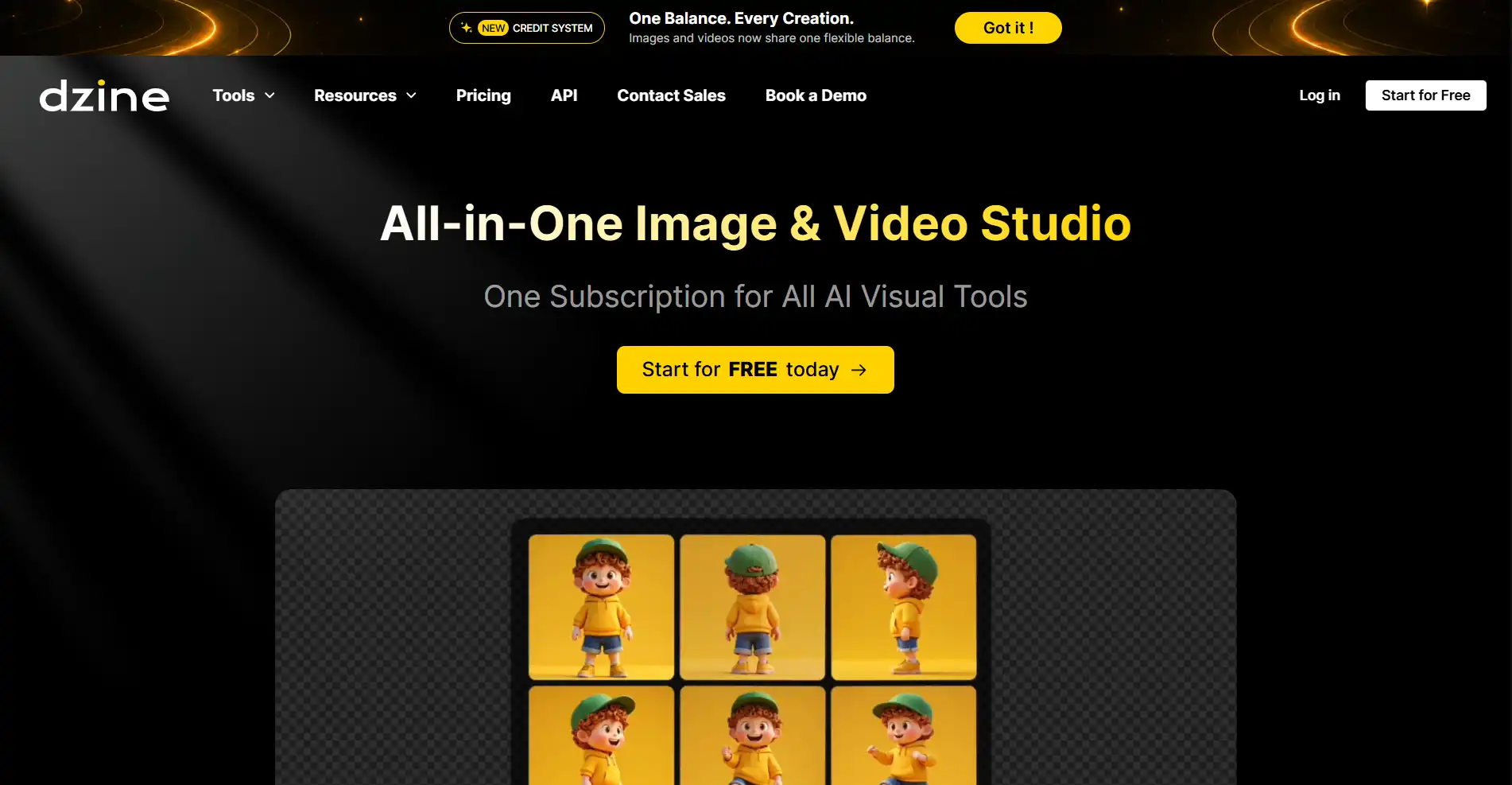
Key Features of Dzine AI
1. Multiple AI Image & Video Models in One Platform
One of Dzine AI’s biggest advantages is bringing multiple AI image and video models together in one platform.
Instead of switching between different AI tools, creators can access various models for image generation, video creation, and creative workflows in one place. This makes it easier to experiment with different AI capabilities and choose the right model for each project.
2. Controllable Image Generation & Editing
This is Dzine’s core differentiator. A layer-based composition board lets you drag, position, and sketch elements instead of relying purely on text prompts. Generative fill, object removal, background replacement, and one-click “Enhance” tools handle the common trouble spots of AI images, like fixing hands, faces, and artifacts, without needing Photoshop-level skills.
3. Chat Editor for Prompt-Based Edits
Instead of hunting through menus, you can simply describe the change you want — “make the background sunset orange” or “remove the object on the left” — and the Chat Editor applies it directly to the image. This lowers the learning curve significantly compared to traditional design software.
4. Consistent Character Creation
Dzine’s Consistent Character tool lets you lock in a character’s design and reuse it across multiple images and scenes, which is one of its most-praised features among designers, marketers, and indie creators building recurring mascots or brand characters.
5. Multi-Character Lip Sync
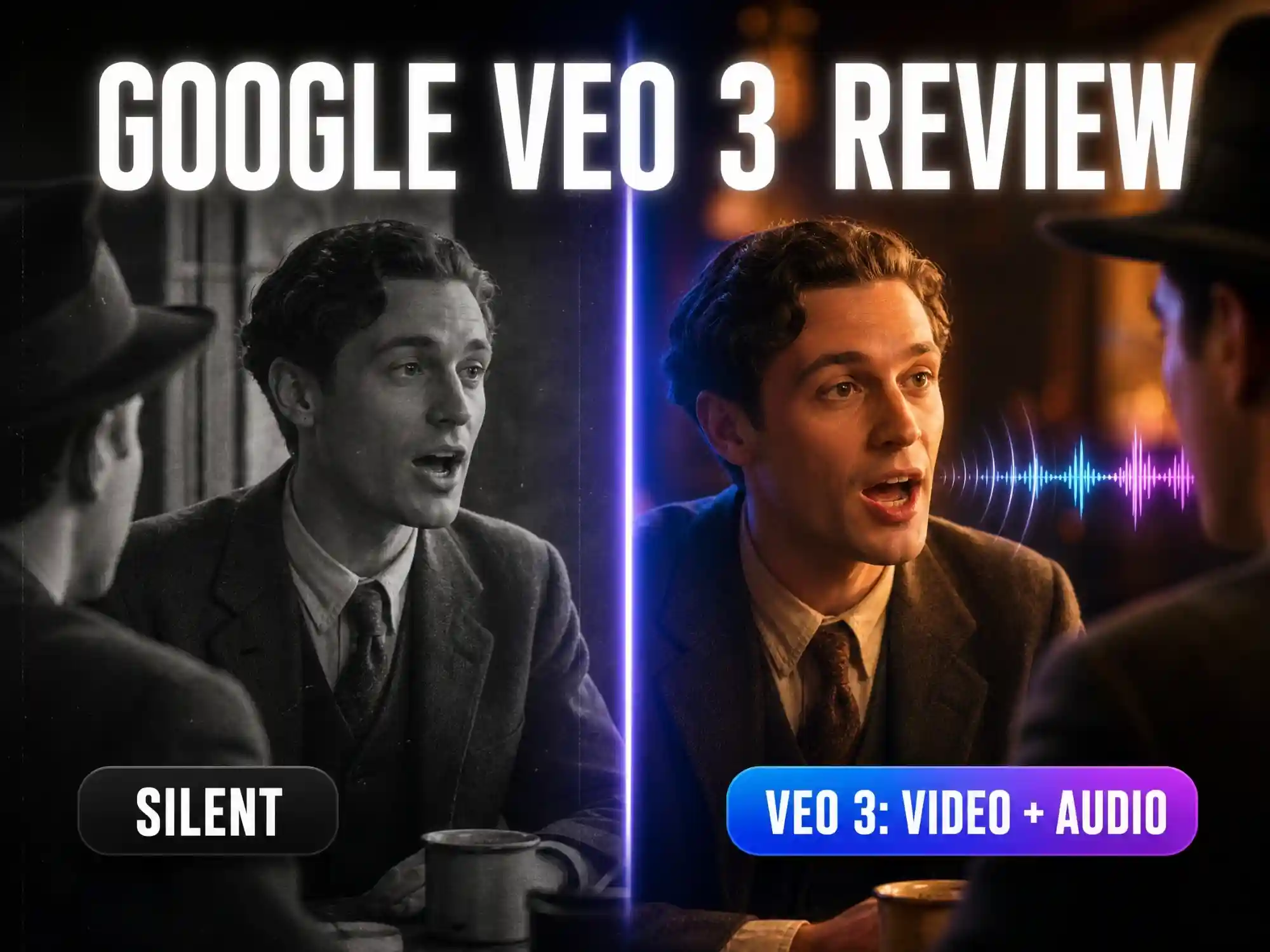
Dzine’s lip-sync engine is frequently called out as one of its strongest features, with natural mouth movement and support for syncing multiple characters in the same scene — a feature that is becoming increasingly useful for character-based AI videos.It supports a wide voice library and multiple languages.
6. AI Filters & Style Library
Beyond raw generation, Dzine ships with a large library of stylistic filters — Ghibli-style, Pixar-style, anime transfer, retro PS2-style rendering, and more — plus the ability to train and save custom styles for consistent branding across projects.
7. Video & Photo Enhancement
Upscaling and enhancement tools go up to 8K on higher-tier plans, with video enhancement multipliers for cleaning up lower-resolution generations before export.
8. Product Photography & Ad Creation
Dzine also includes tools built specifically for e-commerce: turning a product photo into a styled ad shot, generating virtual try-on visuals, and producing short promotional video ads from a single product image.
Dzine AI Pricing: How Much Does It Cost?
Dzine runs on a unified credits system that covers both image and video generation, with four paid tiers on top of a free plan.
Note:
- Pricing may change over time. Check Dzine’s official website for the latest plans.
| Plan | Monthly Price | Annual Price | Credits/mo | Highlights |
|---|---|---|---|---|
| Free | $0 | — | 100 credits (one-time, 12-month validity) | Try core image & video tools |
| Beginner | $4.49/mo | ~$7/mo billed annually | 1,000 | 10 GB storage, 8 concurrent jobs |
| Creator | $12.49/mo | ~$20/mo billed annually | 6,000 | Credit rollover up to 3 months, 10 saved characters/styles |
| Master | $29.99/mo | ~$50/mo billed annually | 9,000 + unlimited images | Unlimited generation on most image models under fair use, up to 8K video upscale |
| Master Pro | $74.99/mo | ~$120/mo billed annually | 30,000 + unlimited images | 200 GB storage, 18 concurrent jobs, largest character/style library |
Pros and Cons of Dzine AI
Pros
- Genuine control over AI output through layers, sketching, and chat-based editing, not just prompt-and-pray generation
- Combines image generation, editing, video generation, and lip sync in one subscription instead of several
- Access to many leading third-party models (Nano Banana, Seedream, Sora, Kling, Veo, and others) from a single interface
- Multi-character lip sync is one of Dzine’s notable features, especially for creators producing character-based videos
- Frequent updates and an active Discord community for support and feature requests
Cons
- Third-party review scores lean positive overall, though a portion of users have noted occasional slower generation times during busier periods
- Results can vary depending on the selected AI model
How to Use Dzine AI – 3 Steps
Getting started with Dzine AI doesn’t require any design background.
Step 1: Sign Up and Get Free Credits
Create a free account to receive starter credits (Dzine currently offers 100 free credits at signup, valid for 12 months), which you can use across both image and video tools.
Step 2: Choose Your Tool and Generate
Pick the workflow you need — text-to-image, image-to-image, chat editing, or video generation — upload a reference image if you have one, and let Dzine’s built-in prompt assistant help translate your idea into a usable prompt.
Step 3: Refine, Enhance, and Export
Use the layer-based canvas or Chat Editor to fine-tune the result: fix a detail, swap a background, adjust a pose, or add lip sync. Once you’re happy with it, export in high resolution (up to 6144×6144px for images) or download your finished video.
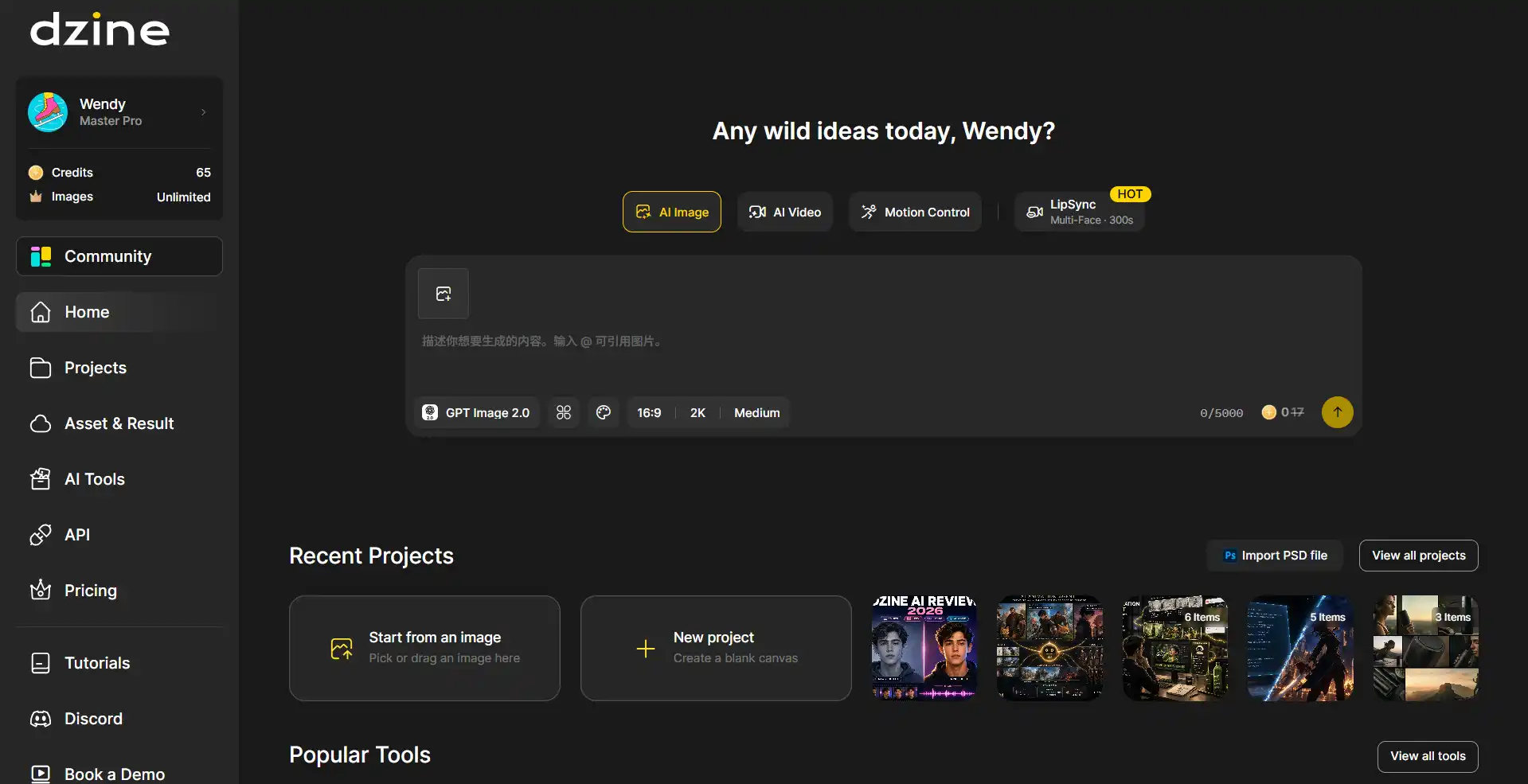
Dzine AI Use Cases
E-commerce and Product Marketing — Turning flat product photos into polished ad creative, lifestyle shots, and short promotional videos without a studio shoot.
Character Design and Illustration — Building and reusing consistent characters for comics, print-on-demand designs, games, and brand mascots.
Social Content and AI Influencers — Creating talking-avatar videos, dialogue clips, and short-form social content using Dzine’s lip-sync and voice tools.
Concept and Creative Work — Drafting quick visual concepts, mood boards, or stylized art using the style library and generative fill tools.
Dzine AI vs. Alternatives
No single tool wins on every dimension, so here’s how Dzine AI stacks up against the platforms people most often compare it with.
| Tool | Best For | Free Plan | Starting Paid Price | Built-In Video Generation |
|---|---|---|---|---|
| Midjourney | High-end artistic image generation | No | From $10/mo | No — image only |
| Kling AI | Dedicated AI video generation | Yes | From ~$7/mo | Yes — Kling’s own models only |
| Leonardo.AI | Image generation with strong prompt control | Yes | From ~$12/mo | Yes, on select third-party models |
| Canva | Templates, collaboration, marketing assets | Yes | From ~$15/mo | Limited, via add-on AI tools |
| Dzine AI | Multi-model image + video hub with built-in editing | Yes (100 credits) | From $4.49/mo | Yes — Sora 2, Kling, Veo, Hailuo, Wan & more |
Is Dzine AI Worth It?
Based on Trustpilot and community feedback, Dzine AI sits in solidly positive-but-mixed territory. Long-time users frequently point to the model variety and lip-sync quality as reasons they’ve stuck with it — several reviewers describe it as replacing multiple separate subscriptions — while a smaller group has flagged slower generation speeds and support response times during busy periods.
The honest verdict: Dzine AI earns its keep fastest if you’re already paying for two or more separate AI tools — an image generator, a video model, maybe a lip-sync app — and would rather consolidate them into one bill and one editor.
Dzine AI vs Anijam AI: Choosing the Right AI Creation Workflow
Dzine covers standalone images, video clips, and lip-sync shots well. If what you’re actually building is different — a narrative animation with a story and recurring characters across multiple scenes — that’s a more specialized kind of project, and it’s worth knowing that Anijam exists for exactly that. If your goal is creating complete animated stories rather than standalone images or video clips, a dedicated AI animation workflow may be a better fit.
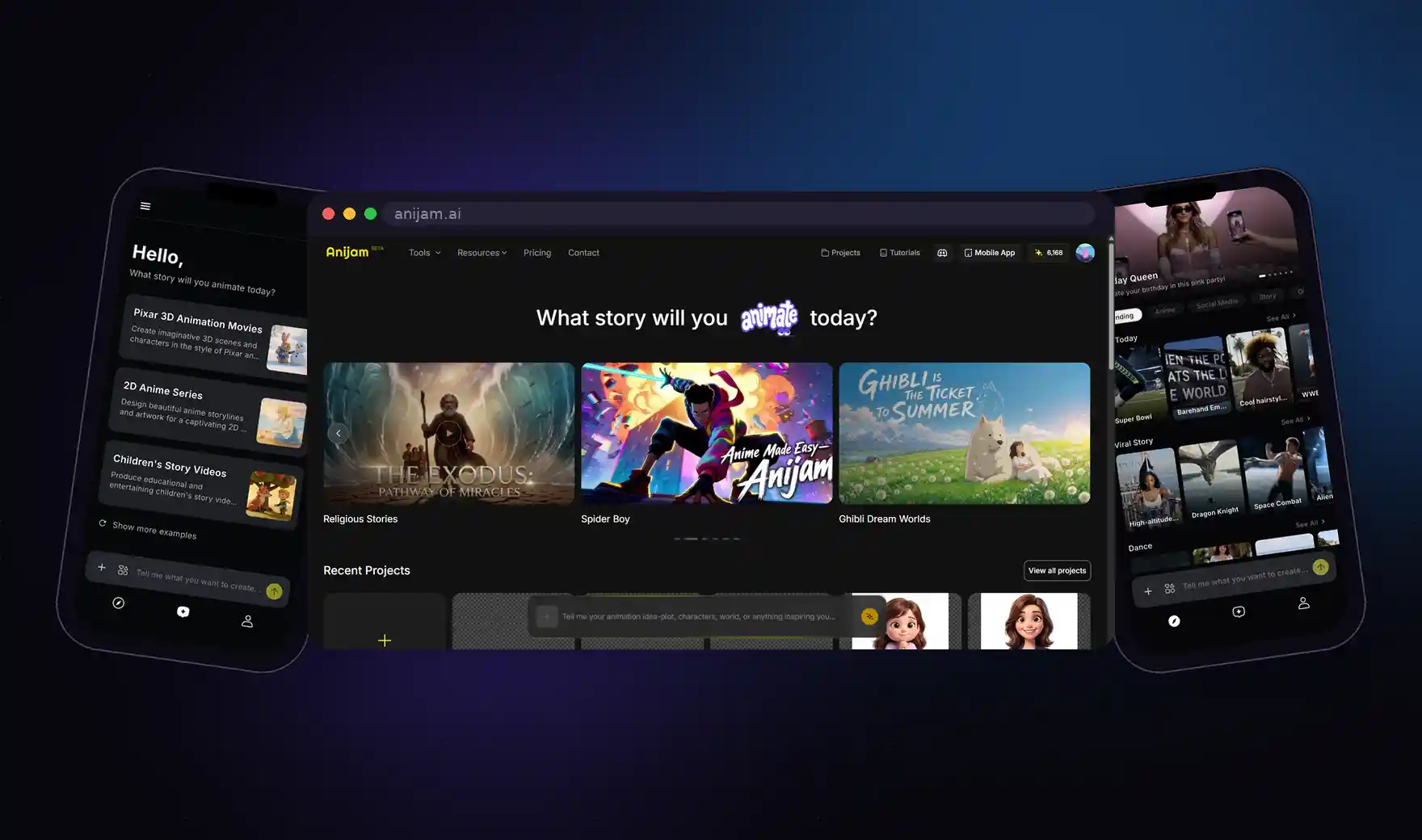
Anijam works on a “Production Workflow on the Canvas” model — describe a story idea, and its AI Agent handles the full pipeline from outline to finished scenes. Its key features include:
- Story-to-Animation AI Agent — turns a text idea, script, image, or even audio into a full story outline and shot sequence automatically
- Powered by Top AI Models — draws on leading image and video generation models under the hood, so scene quality isn’t limited to a single engine
- Ready-to-Use Templates — trending, pre-built templates let you drop in your own characters or footage and get a finished scene without starting from a blank canvas
- Consistent Characters Across Scenes — the same character keeps their design, proportions, and personality from the first shot to the last
- Built-In Lip Sync — dialogue is synced to character mouths automatically as scenes are generated
- Timeline Editor — a canvas-based editor for adjusting pacing, scene order, and details after the AI Agent’s first pass
- Wide Style Range — covers Ghibli-style, 3D cinematic, classic cartoon, and Minecraft-style animation, not just anime
- Built for Series, Not Just Clips — designed around use cases like YouTube intros, social shorts, branded promos, and full episodic series
- Create Anywhere: Web & App — available both in the browser and as a mobile app, so a project isn’t tied to one device
Put simply: reach for Dzine AI when the job is picking the right model for a standalone image, video clip, or lip-sync shot. Reach for Anijam when the job is animation — a story that needs to hold together, character by character and scene by scene, from start to finish.
Conclusion
Dzine AI’s real pitch isn’t a proprietary model chasing state-of-the-art benchmarks — it’s consolidation. One platform gets you top models like Nano Banana Pro, Sora 2, and Veo 3.1, plus an editing layer, lip sync, and character consistency tools none of those models offer on their own. If your AI workflow currently spans three or four separate apps, Dzine is one of the more practical ways to fold them into one.
Ready to see it for yourself? Start with Dzine AI’s free credits and put its editing tools to the test on your own project.
by Wendy
Wendy is a passionate writer and AI video enthusiast at Anijam, exploring creative ways to bring stories to life with AI-powered image and video tools. She shares practical tips, prompt ideas, and insights to help creators turn their imagination into engaging visual content.