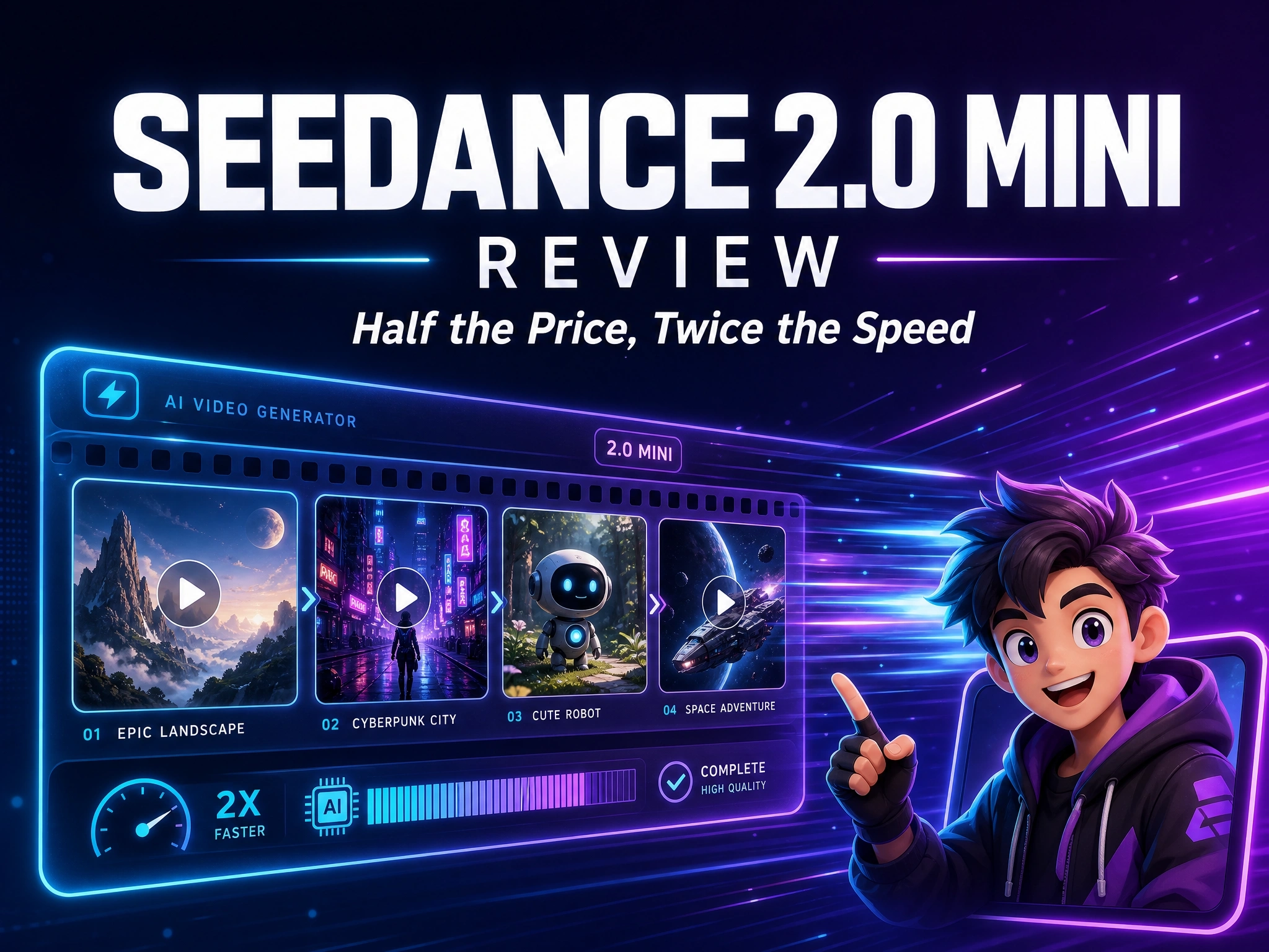
Seedance 2.0 Mini Review: Half the Price, Twice the Speed?
AI video generation is moving faster than ever, but better quality often comes with higher costs and longer wait times. Seedance 2.0 Mini enters the market as a more affordable, faster alternative in the Seedance 2.0 family - built for creators who need to generate more videos, test more ideas, and iterate faster without spending as much.
But cheaper and faster doesn’t always mean better. The real question is how much quality you give up compared with Seedance 2.0 Standard and Fast.
In this Seedance 2.0 Mini review, we’ll break down its features, pricing, generation speed, resolution, and real-world performance, then compare Seedance 2.0 Mini vs Standard and Fast to see which creators and workflows it fits best.
What Is Seedance 2.0 Mini?
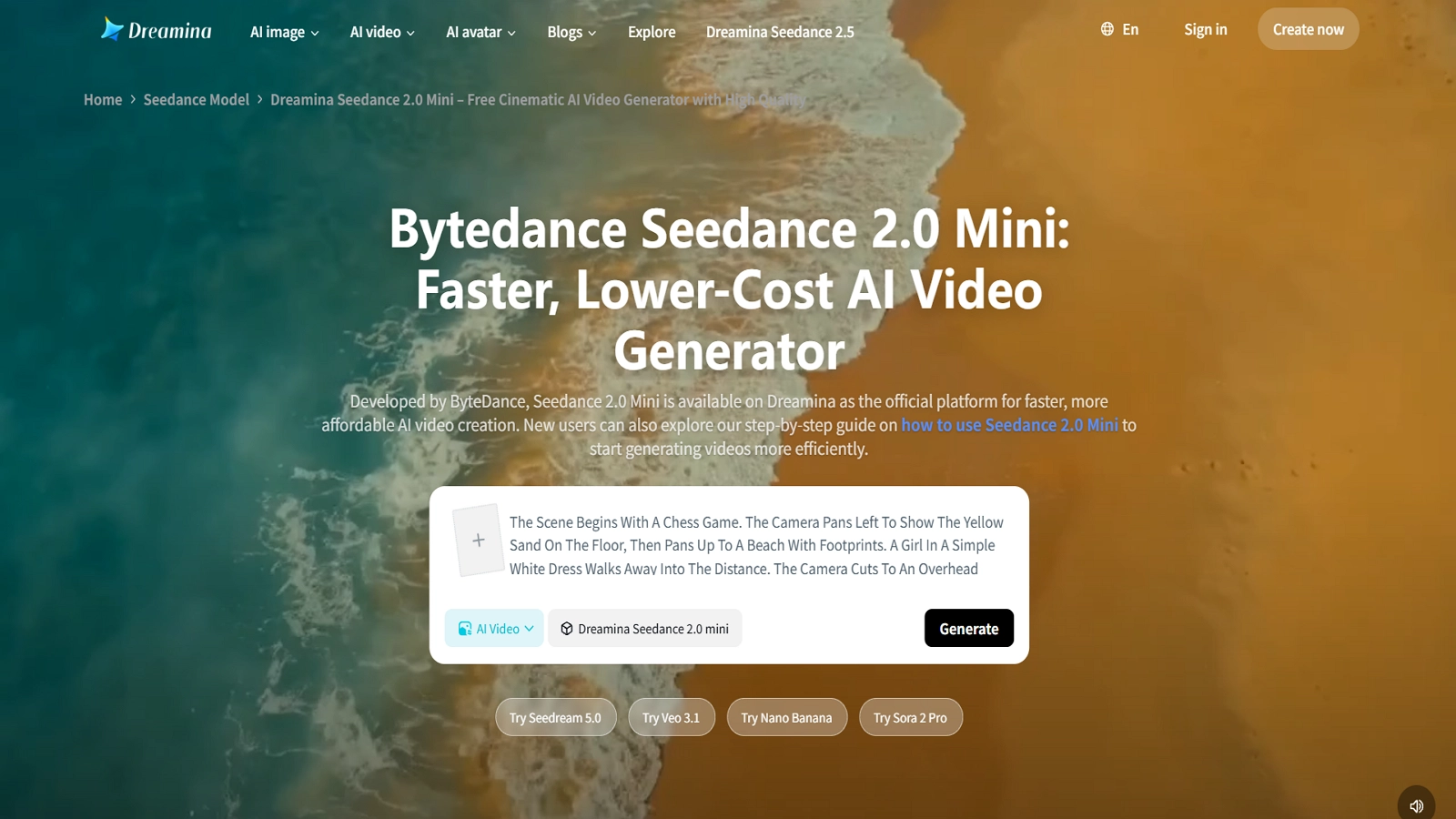
Seedance 2.0 Mini is the lightest, lowest-cost tier in the Seedance 2.0 video generation family, sitting alongside the Standard and Fast tiers rather than replacing either of them.
It was launched on June 16, 2026, through Volcano Engine’s Ark Experience Center. It’s positioned as a high-value option built for everyday, large-scale video production - not as a replacement for the flagship model.
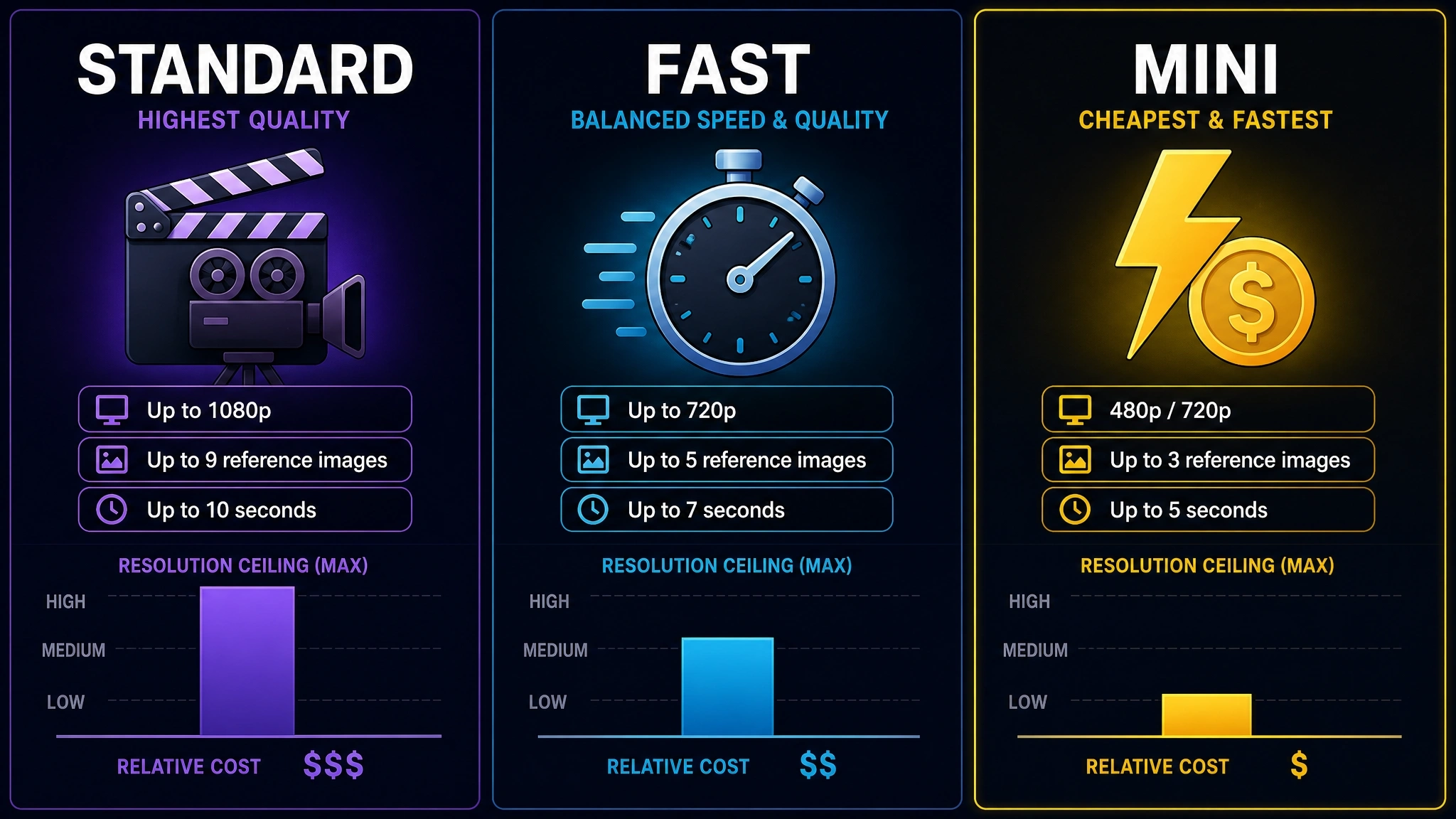
- Standard Seedance 2.0 - the flagship tier, built for maximum fidelity. Supports up to 9 reference images, 3 videos, and 3 audio clips; outputs up to 1080p.
- Seedance 2.0 Fast - a quicker, lower-cost draft tier, capped around 720p resolution. Its visual quality is close to Mini’s.
- Seedance 2.0 Mini - the newest, cheapest, fastest tier, launched June 16, 2026. Supports 480p/720p, 4-15 second clips, and a smaller reference set (6 images, 3 videos, 3 audio).
Half the Price, Twice the Speed - But Compared to What?
The headline claim needs a bit of unpacking, because the two numbers aren’t measured against the same baseline:
- “Half the price” is measured against Standard Seedance 2.0. Volcano Engine’s official token pricing for Mini is exactly half of Standard’s rate (details below).
- “Twice the speed” is measured against Seedance 2.0 Fast, the previous budget tier - not against Standard.
Against Standard 2.0 specifically, the speed gap is reportedly larger - third-party hands-on testing puts it at roughly 3-4x faster, though that figure comes from independent testing rather than an official benchmark, so treat it as directionally accurate rather than an exact spec.
Core Features Deep Dive
Mini isn’t a stripped-down toy version of Seedance 2.0 - it keeps the same core multimodal capabilities that make the 2.0 family distinctive, just at a smaller, faster, cheaper scale.
Multimodal Reference System (6 Images + 3 Videos + 3 Audio)
Mini accepts up to 6 reference images, 3 reference video clips, and 3 reference audio clips in a single generation. Each asset is typically tagged for a specific role in the prompt - for example, one image defining a character’s face, a reference video supplying a camera movement, and an audio clip driving lip-sync or rhythm - a tagging workflow documented across multiple Seedance 2.0 integration guides.
That’s a smaller reference budget than Standard and Fast, which both support up to 9 reference images alongside the same 3 videos and 3 audio clips. For single-character, single-scene shots, this difference is rarely noticeable; it starts to matter in complex, multi-subject scenes that need more visual anchors to stay consistent.
Cinematic Multi-Shot Storytelling & AI Camera Control
Rather than stitching separate clips together manually, Mini generates multi-shot sequences from a single prompt, carrying character appearance and scene continuity across each shot. Camera behavior can be directed two ways: describing moves in natural language (pans, zooms, tracking shots, handheld feel), or uploading a reference video for the model to replicate the camera technique and pacing directly.
Consistent Character Generation Across Scenes
Character identity - face, clothing, and other visual details - is maintained across multiple shots within a sequence, addressing the “character drift” problem common in earlier AI video models, where a character’s appearance would subtly shift from one generated shot to the next. This reduces the need to manually re-establish a character’s look in every new shot, which matters for anything with a recurring character across a longer sequence.
Native Audio-Visual Sync
Dialogue, ambient sound, and music generate in the same pass as the video, rather than through a separate voice or sound pipeline. This means lip movement can sync to spoken dialogue automatically, without a manual dubbing or alignment step - a capability the wider Seedance 2.0 family is built around, and one Mini inherits rather than trims down.
Speed & Cost Benchmark: Mini vs. Fast vs. Standard 2.0
Pricing Comparison
The math checks out exactly: Mini’s official per-token rate is precisely half of Standard’s, on both the no-video-input and with-video-input tiers. “Half the price” isn’t marketing rounding - it’s the literal published rate.
| Tier | No video input | With video input | Approx. cost at 720p |
|---|---|---|---|
| Seedance 2.0 Mini | $0.0034 / 1,000 tokens | $0.0021 / 1,000 tokens | ~$0.07 per second |
| Seedance 2.0 Standard | $0.0068 / 1,000 tokens | $0.0041 / 1,000 tokens | ~$0.15 per second |
| Seedance 2.0 Fast | Not officially published | Not officially published | Positioned below Standard, above Mini on cost |
Speed Comparison
- Mini generates roughly twice as fast as Fast, while landing at a similar visual quality - making it the better default for repeated, high-volume generation runs rather than one-off shots.
- Against Standard 2.0, the gap widens further: Mini generates roughly 3-4x faster, since it’s built specifically for lighter, quicker output rather than maximum fidelity.
- Short clips typically finish in well under a minute on Mini, so iterative sessions - tweaking a prompt and regenerating - feel responsive rather than stop-and-wait, which matters most when producing dozens of variants in one sitting.
Resolution & Duration Comparison
| Tier | Resolution | Duration | Frame rate |
|---|---|---|---|
| Seedance 2.0 Mini | 480p / 720p | 4-15 seconds | 24 fps |
| Seedance 2.0 Standard | Up to 1080p (2K support noted in some docs) | 4-15 seconds | 24 fps |
| Seedance 2.0 Fast | Up to 720p | 4-15 seconds | 24 fps |
Who Should Use Seedance 2.0 Mini?
Best For: High-Volume, Cost-Sensitive Workflows
- Testing many prompt or storyboard variations before committing to a final render
- E-commerce product clips and ad variant testing
- Social media shorts and quick-turnaround UGC-style content
- Early-stage previz for a project that will later move to Standard for the final cut
Not Ideal For: Final-Delivery, High-Fidelity Projects
- Deliverables that need 1080p or higher output
- Scenes with more than 6 reference images or complex multi-character casts
- Projects where every generation needs to be publish-ready on the first pass
How to Access Seedance 2.0 Mini via Anijam
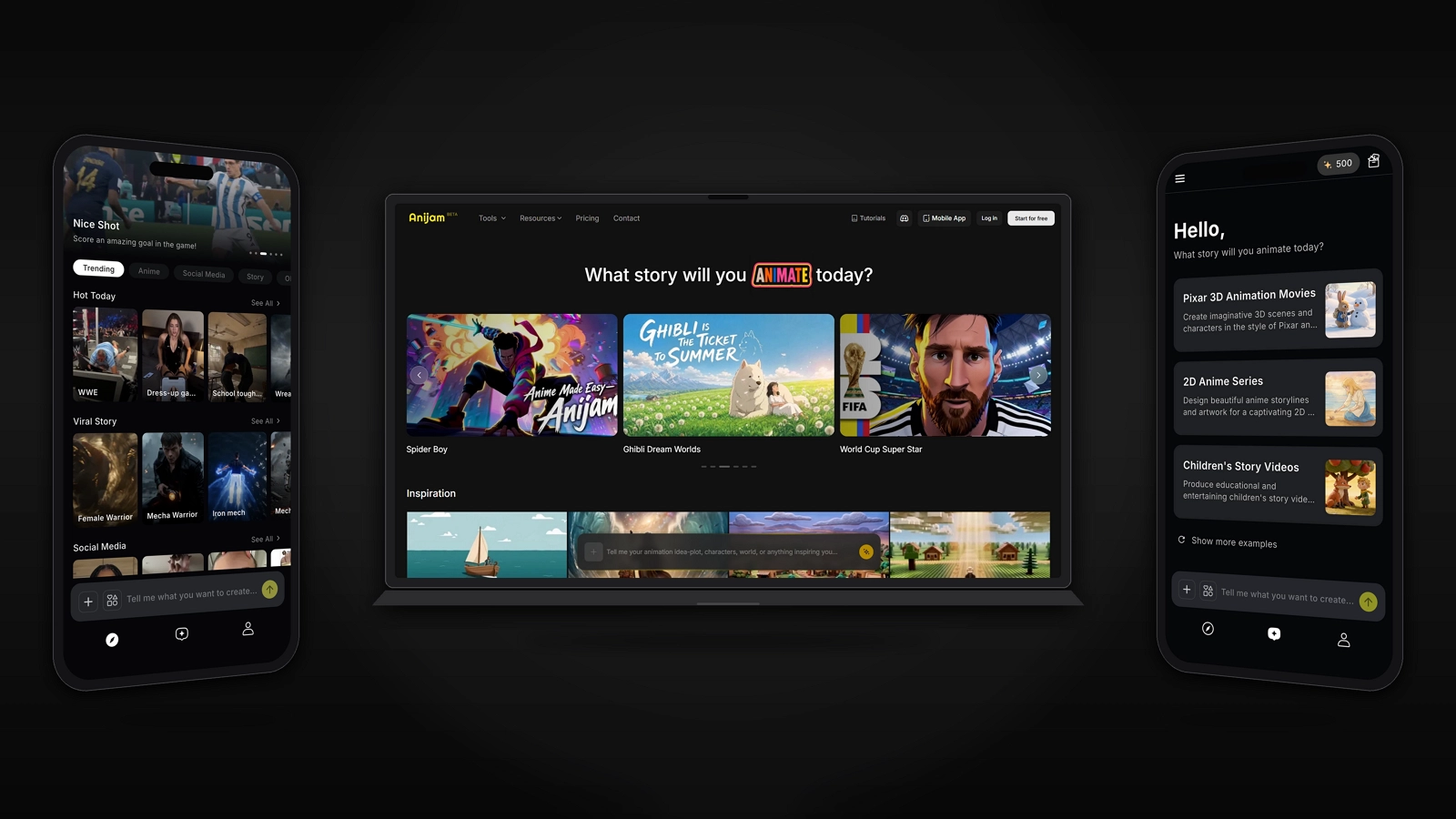
Anijam AI is an all-in-one AI animation platform that takes a project from a written idea to a finished animated video — handling story outlining, character consistency, lip sync, and timeline editing within a single workspace, rather than requiring separate tools for each step. It’s available on both web and app, so you can create wherever you are.
Anijam’s One Canvas already lets you work across leading video models inside a single workflow, without switching between separate platforms or accounts — and Seedance 2.0 Mini is part of that lineup, alongside other frontier models the platform keeps adding as they launch.
Here’s the general workflow:
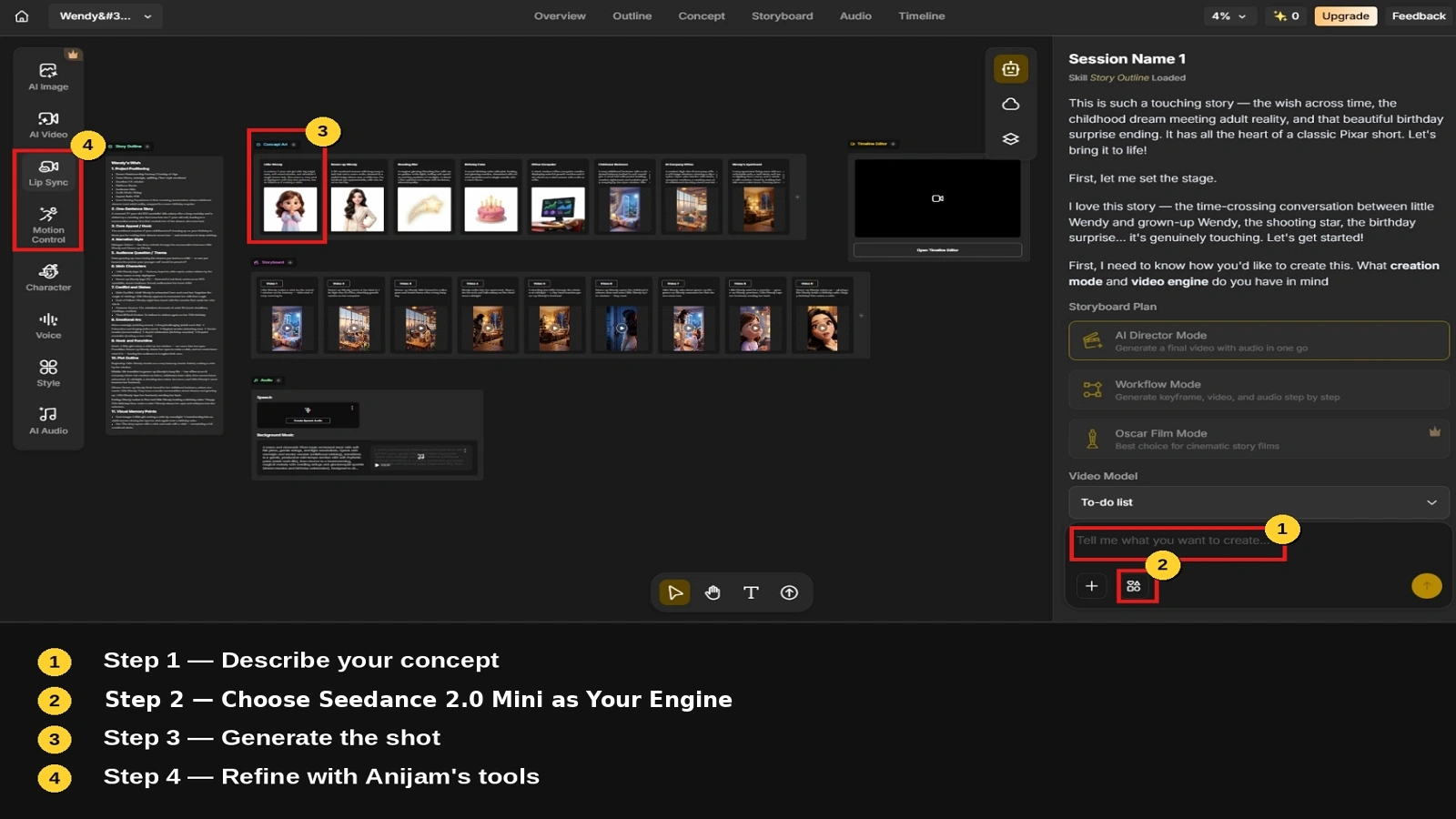
Step 1: Describe Your Concept
Type your idea in plain language - a scene, a story beat, or a full concept. Anijam interprets the input and generates a story outline along with initial assets, such as characters, settings, and a rough shot breakdown.
Step 2: Choose Seedance 2.0 Mini as Your Engine
For shots where speed and cost matter most - like testing multiple directions for the same scene - select Seedance 2.0 Mini as the underlying model. For a final, high-fidelity shot, you can switch to Standard 2.0 or another supported engine within the same project.
Step 3: Generate the Shot
Anijam sends your prompt and any reference materials - images, video, or audio - to Seedance 2.0 Mini and returns the generated clip directly inside the canvas.
Step 4: Refine with Anijam’s Tools
Once shots are generated, Anijam’s own capabilities - character consistency across scenes, automatic lip-syncing, and timeline editing - turn individual Mini-generated clips into one coherent, finished piece.
Seedance 2.0 Mini Community Prompts
Here are a few examples we came across on X, from creators putting Seedance 2.0 Mini to the test.
Example 1
Example 2
Example 3
Conclusion: Is Seedance 2.0 Mini Worth It?
Judged against its own claim, yes - the price is exactly half of Standard’s, and the speed advantage over Fast is real and consistently reported.
The trade-offs are real too: a lower resolution ceiling, a smaller reference budget. None of that makes Mini a lesser product - it makes it a different tool for a different stage of the workflow.
For high-volume, cost-sensitive production - ad variants, social content, early-stage previz - Mini is a genuinely strong default.
Frequently Asked Questions
Is Seedance 2.0 Mini worth using? For high-frequency, budget-conscious video production, yes. It delivers quality comparable to Seedance 2.0 Fast at a lower cost and higher speed, though it isn’t built to replace Standard 2.0 for final, high-fidelity deliverables.
How is it different from Seedance 2.0 Standard? Mini costs exactly half as much per token, caps out at 720p instead of Standard’s higher resolution ceiling, and accepts fewer reference images (6 vs. 9). Independent testing suggests it also generates roughly 3-4x faster.
How is it different from Seedance 2.0 Fast? Mini is reported to generate roughly twice as fast as Fast, at comparable visual quality, making it the newer default for most draft and high-volume work.
Is the API available yet? Seedance 2.0 Mini launched on June 16, 2026, initially available only through Volcano Engine’s console experience center. According to official documentation, API access opened June 25, 2026 - check Volcano Engine’s current documentation for the latest status before building a workflow around it.
How much does Seedance 2.0 Mini actually cost? Officially, $0.0034 per 1,000 tokens without video input, or $0.0021 per 1,000 tokens with video input - working out to roughly $0.07 per second of 720p video.
Can I use Seedance 2.0 Mini inside Anijam? Yes - Anijam’s One Canvas supports multiple leading video models in a single workflow, and Seedance 2.0 Mini can be selected as the engine for individual shots, then combined with Anijam’s character consistency, lip-sync, and editing tools.
by Evan
Evan is an AI content creator and video technology writer at Anijam AI, focused on how generative AI is transforming storytelling and video production. He shares social trends, creative workflows, prompt strategies, and practical insights to help creators turn ideas into engaging videos and visual content.