[Complete Guide] How to Make AI Wedding Invitation Videos in 2026
Your wedding invitation is often the first glimpse guests get of your big day. But a static card can only show so much. What if you could bring your names to life with elegant motion, add a favorite song, and give guests a little taste of the celebration before it even begins?
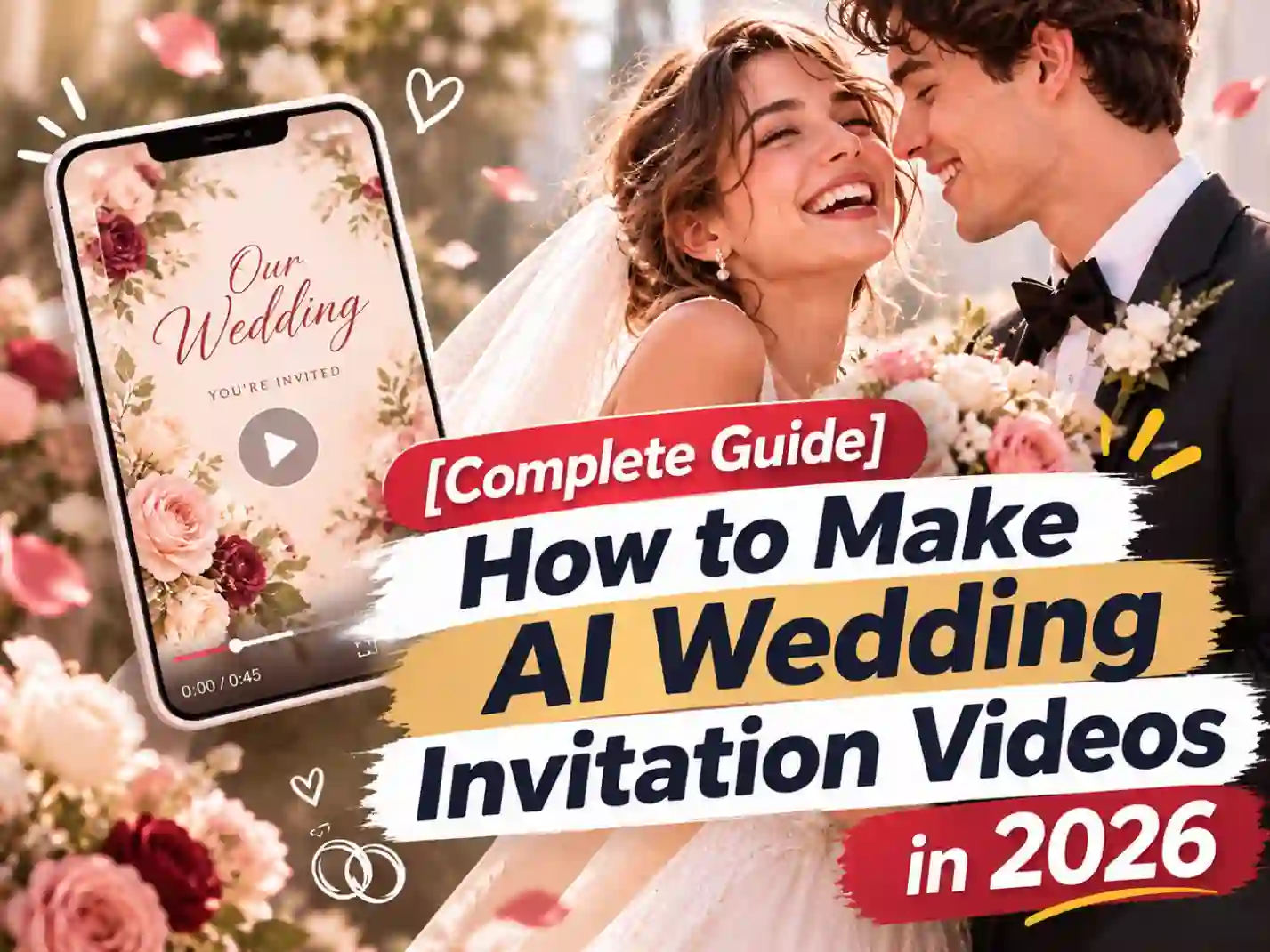
That’s the appeal of a wedding invitation video. It combines essential wedding details with music, photos, and personal touches in a short, easy-to-share clip. And with AI wedding invitation video makers, you don’t need professional editing skills or a big design budget to create one.
Not sure which style to choose or which tool to use? This guide explores what AI wedding invitation videos are, six template styles worth trying, and three wedding invitation video makers compared side by side. You’ll also find ready-to-use AI prompts and practical tips for creating a video that looks great and plays smoothly on your guests’ phones.
What Is an AI Wedding Invitation Video?
A wedding invitation video is a short clip, usually 30 to 60 seconds, that carries the same information as a printed invitation: your names, the date and time, the venue, and how to RSVP. The difference is that it uses motion, music, and style instead of paper. You may also see it called a digital wedding invitation video or a video e-invite. Same thing.
The “AI” part changes how it gets made. The traditional route is to pick a template, replace the placeholder text, drop in your photos, and fix the timing yourself. With an AI wedding invitation video maker, you describe the look you want, or upload a couple photo, and the tool generates the scenes, the motion, and sometimes the voiceover. It feels closer to briefing a designer than operating an editor.
Neither route wins every time. Templates give you predictable layouts. AI gives you something that looks made for you, and a wedding invitation video starring your own couple is hard to get from a fixed template.
Whichever you choose, a solid invitation video covers a few basics:
- Couple names, spelled the way you want them shown
- Date and time, with a time zone if guests are traveling
- Venue name and city
- RSVP method and deadline
- A personal touch, such as music, a short line of text, or a voice message
Format matters too. Vertical 9:16 fits WhatsApp and Stories, square 1:1 works in feeds, and 16:9 suits email and wedding websites. It’s worth deciding before you start making anything.
Popular Wedding Invitation Video Template Styles to Try
Before you pick a tool, pick a look. The style decides the music, the fonts, the pacing, and how much text you can fit on screen. Here are six directions that keep showing up in wedding invitation video templates, and what each one is best at.
Romantic Floral & Watercolor
Think hand-painted blooms in blush pink, ivory, and peach, softened with sage greens and a touch of dusty blue. Colors blur into each other like wet paint on paper, and a loose floral wreath often frames the couple’s names in delicate script. Petals drift down, a watercolor wash spreads across the frame, and the mood stays airy and unhurried, which suits garden weddings and spring or summer dates.
One tip: Florals can quickly make a frame feel busy. Keep the wording concise and place it in a clean, low-detail area of the background. For a more romantic touch, use elegant script fonts for the couple’s names and subtle animations, such as gently drifting petals or blooming flowers. Keep the key wedding details clear and easy to read.
Luxury & Elegant
Gold foil lettering, ivory or deep navy backgrounds, serif fonts, and refined details like embossed monograms, silk ribbons, and wax seals define this style. This style suits slow, cinematic reveals. It works especially well for black-tie venues, ballroom receptions, and celebrations at luxury hotels or historic estates.
One tip: Restraint is what makes it work. A few slow, deliberate moves look expensive. Too many transitions, sparkles, or effects can make the invitation look cluttered.
Modern Minimalist
Generous white space, clean sans-serif typography, and a limited color palette define this style. For video invitations, subtle effects like line-by-line text reveals or gentle fades keep the design polished without adding visual clutter. It works especially well for modern city weddings, smaller guest lists, contemporary venues, and couples who prefer understated elegance.
One tip: Simplicity is the key. Give each element room to breathe, keep the layout uncluttered, and use only a few complementary colors. The goal is to make every detail feel intentional, not empty.
Editorial & Cinematic
Inspired by film trailers and fashion editorials, this style combines full-frame couple portraits, cinematic close-ups of hands or rings, dramatic titles, and film-inspired color grading. For video invitations, try slow camera pushes, subtle film grain, smooth transitions, and a carefully chosen soundtrack. A short voiceover can add a personal touch, too.
One tip: When generating multiple AI shots, use the same reference photos and describe the couple’s appearance and outfits consistently. Keep the lighting and color palette cohesive across scenes, and add titles and wedding details during editing for cleaner, more reliable text.
Illustrated, Cartoon & Anime-Inspired
Imagine you and your partner as illustrated characters, walking hand in hand under a floral arch, sharing a first dance, or waving at the camera. From soft watercolor illustrations to playful 2D cartoons and anime-inspired designs, this style turns your invitation into a fun, personalized little story. With Anijam AI wedding animation generator, you can turn your couple photos into animated character, keep them consistent across multiple scenes, and create a short visual story around your relationship.
One tip: Start with a clear photo of both partners and define their hairstyles, outfits, and illustration style before generating multiple scenes. Reuse the same character references throughout the video to avoid changes in appearance, and add wedding details during editing for cleaner text.
Cultural & Traditional
For couples who want to celebrate their heritage, this style brings cultural details into the invitation through traditional attire, colors, patterns, music, and symbols. An Indian wedding video, for example, might feature marigold garlands, a mandap backdrop, and shehnai or dhol music, with wording in the family’s preferred language.
One tip: Provide reference images for traditional clothing, decorations, and cultural symbols. Check the results carefully to ensure these details are represented accurately and respectfully.
3 AI Wedding Invitation Video Makers Worth Considering 🔥
Once you’ve settled on a style, it’s time to find a tool that can bring it to life. We picked three options, each with a different approach: Anijam AI lets you create videos from various inputs, including photos, existing video clips, audio, or templates. Magnific combines AI video tools with a stock media library, while Canva offers customizable templates and an easy-to-use video editor. Here’s how they compare for creating wedding invitations.
Note: Features, plans, and pricing for the tools below may change, so please check each tool’s official website for the latest details. This article was last updated in November 2026.
| Tool | Best For | Customization | Free plan & Starting Price | Platforms |
|---|---|---|---|---|
| Anijam AI | • Personalized invites featuring animated versions of the couple • Story-driven wedding invites | • Character references • Personalized scenes & voices • Voiceovers & lip sync • Image-to-video | • Free sign-up and daily check-in credits • $16/month billed annually; • $19/month billed monthly | Web & App |
| Magnific | • Cinematic and visually creative invitations with custom-generated scenes and sound | • Character references • Image-to-video • Cinematic visuals • Custom styles | • limited access to free video editing templates • No free plan on AI video creation • $14.50/month billed annually • $20/month billed monthly | Web & App |
| Canva | • Quick, template-based wedding invitations with editable event details | • Customize a template in a drag-and-drop editor • Text & typography changes • Beat sync & Motion effects | • Limited access to templates and editors on a free plan • $9/month billed monthly • $144/year billed annually | Web & App |
Anijam AI
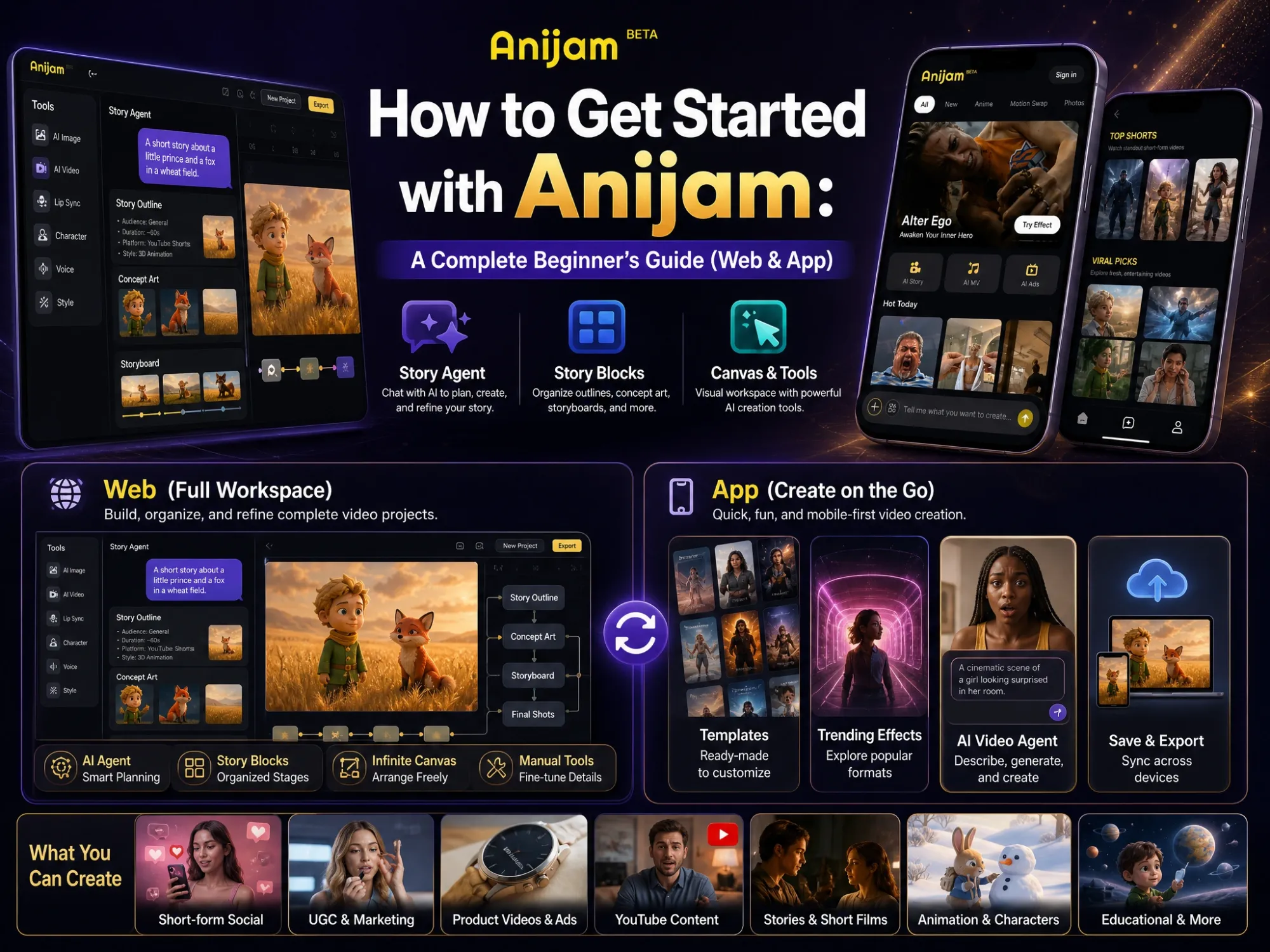
Anijam AI is an all-in-one AI video platform built around an AI agent and a growing library of ready-made templates. For wedding invitations, its invitation video maker takes your event details or a photo and builds the video for you, from scenes and characters to camera movement and lip-syncs. It’s also available as an app on iPhone and Android, so you can start your wedding invitation on your phone and finish it on the web.
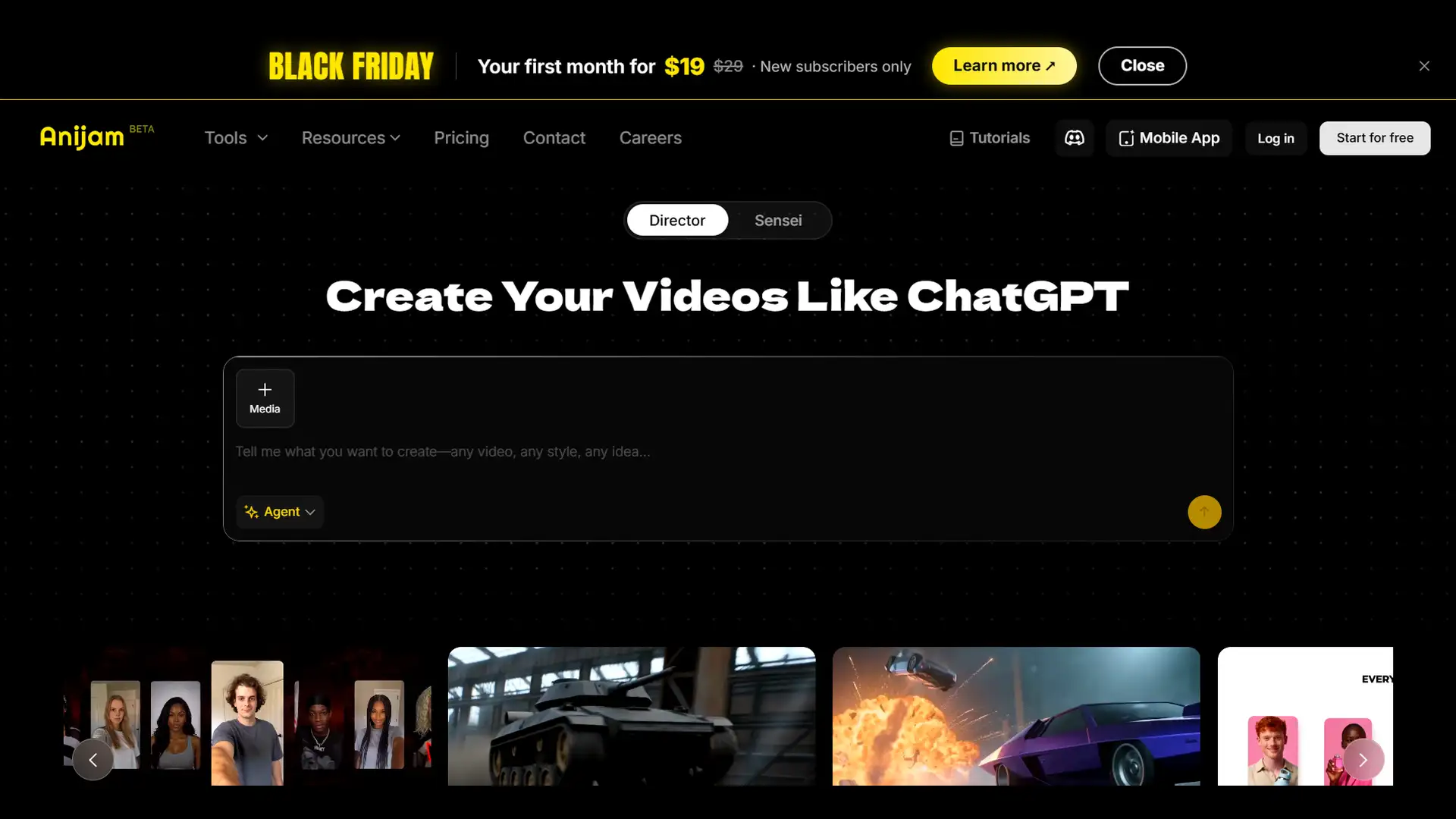
Key features:
- Consistent characters across every scene: Design the couple once, and they look the same in the invitation, the save-the-date, and the thank-you clip.
- Flexible creative control: Edit text in any block, add reference images, rearrange or compare scenes on the canvas, and edit, regenerate, add, or remove AI-generated images and videos. You can also review and approve clips before generation.
- Let your wedding invitation speak with lip sync: Record your own voice or generate narration in 30+ languages.
- A style library: Realistic, portrait, cartoon, or anime.
- Web and mobile: Apps for iPhone and Android, plus an Inspiration library of invitation templates, with projects syncing between devices.
Pros:
- Beginner-friendly, with no timeline to learn
- Free to try: get sign-up credits and daily check-in bonuses at no cost
Cons:
- Generation can take longer during peak hours
- The free plan has limited usage; for heavier needs, a paid plan is the better choice
How to Make a Wedding Invitation Video with Anijam AI
Here’s the workflow from start to finish. If you’re new to the platform, the beginner’s guide to Anijam walks through the web and app versions.
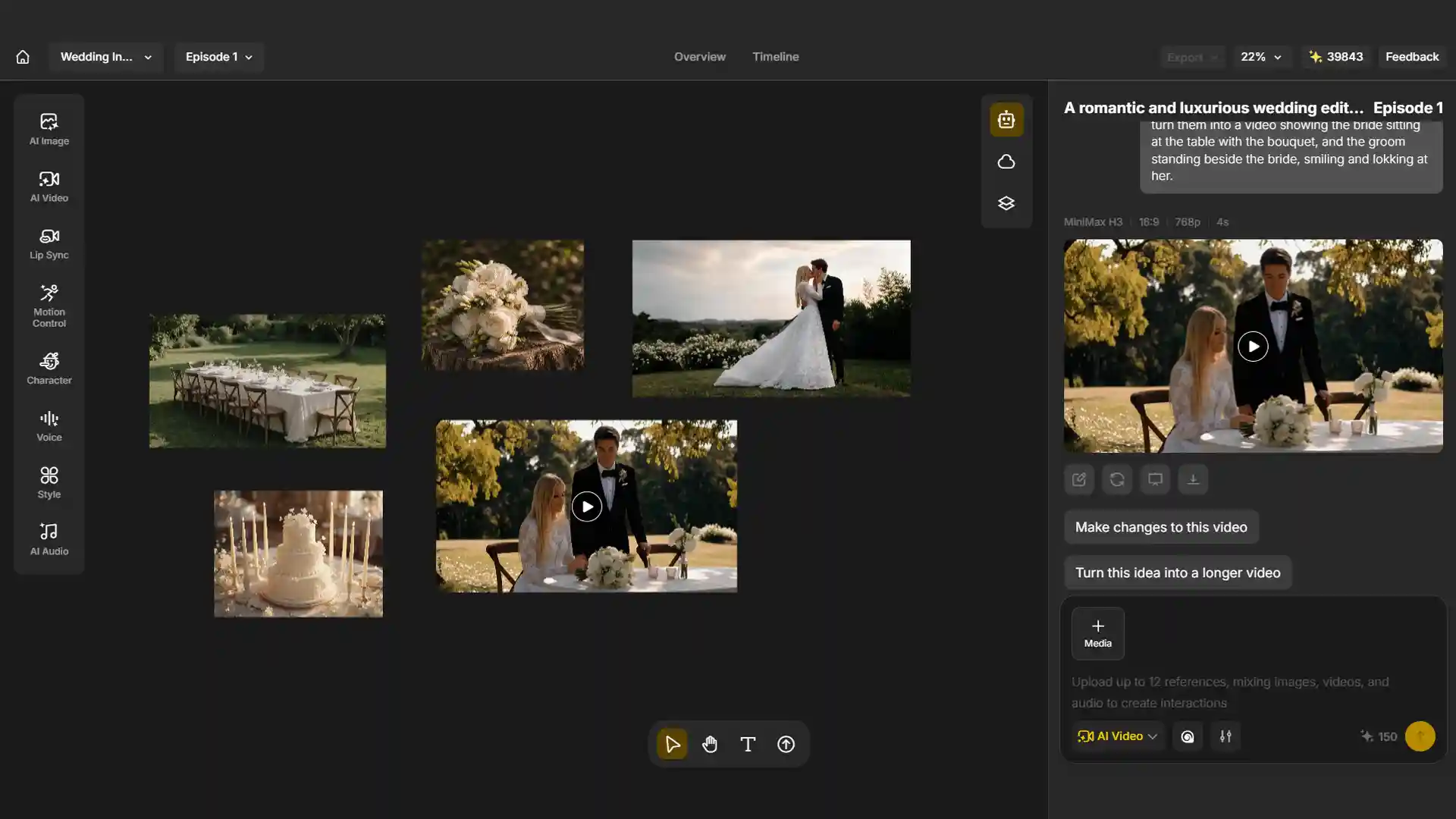
Step 1: Describe your wedding or upload a photo
Type the details in plain language: the names, the date, the venue, the mood you want. Or upload a couple portrait and other references, and let the image to video bring it to life. If you’d rather not start blank, browse the Inspiration library and apply an invitation template in one click.
Step 2: Pick a style and lock your couple
Anijam AI generates a story outline and characters from your input. Choose a visual style, adjust the outfits and looks, and your characters stay identical in every scene.
Step 3: Add voice, music, and timing
Upload your own voice, add a song, or generate narration. Lip sync is automatic. Then fine-tune scene lengths in the timeline editor.
Step 4: Export for where it’s going
Choose 9:16 for WhatsApp and Stories, 1:1 for feed posts, or 16:9 for email and your wedding website. Watch it on your phone once before you send it.
Magnific
Magnific is the name Freepik adopted in 2026, and it’s an end-to-end AI creative and visual production platform---shifting from a traditional stock-asset library to a full creative stack. For invitations, it offers two things: a large stock library with wedding invitation footage and editable video templates (many clips are marked Premium, and some are AI-generated), and AI tools such as a video generator that runs models like Kling, Seedance, and Veo, plus a video editor, a lip-sync tool, and an upscaler.
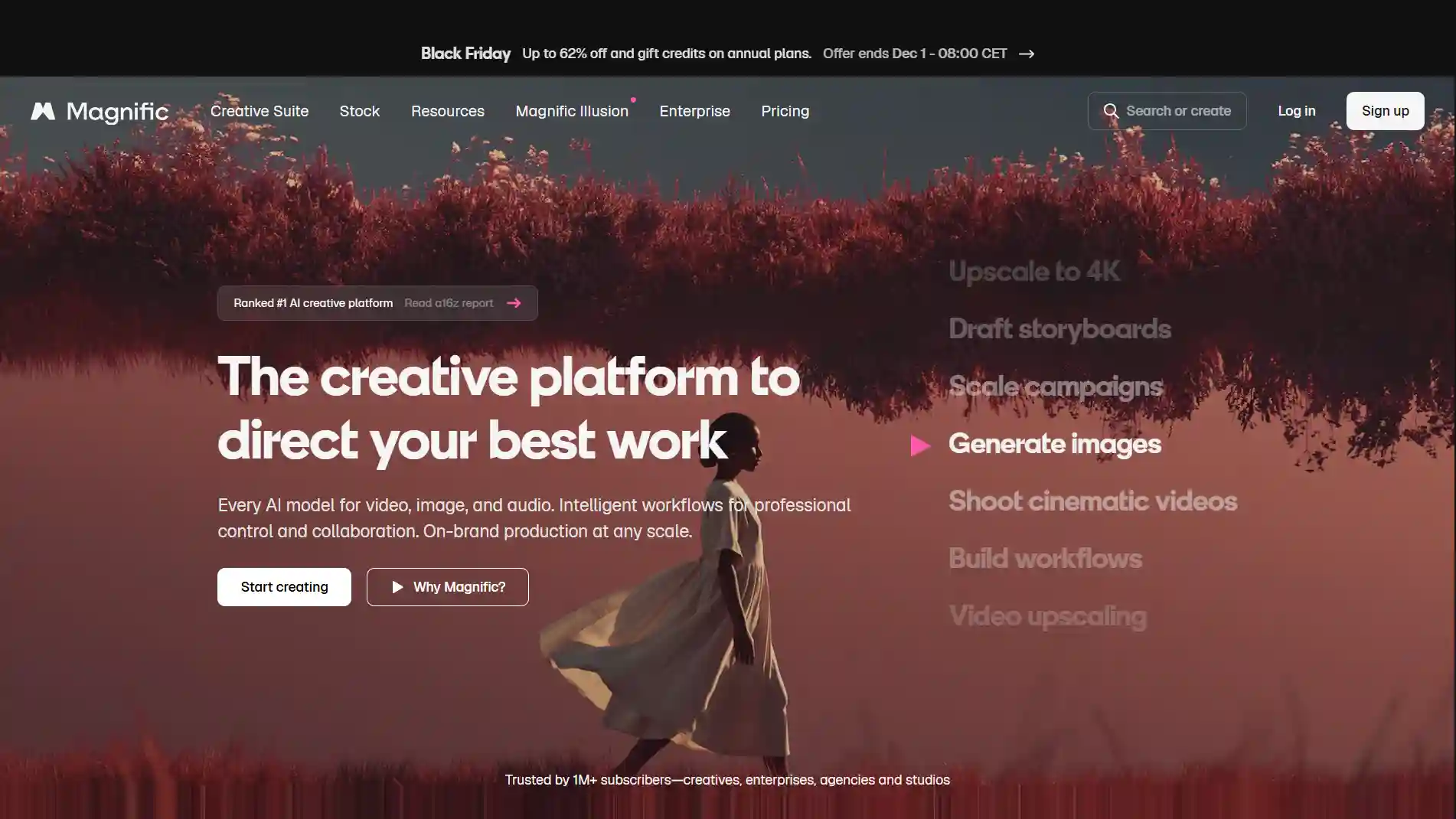
Key Features:
- Multiple AI video models: Access models from Kling, Google Veo, Runway, Seedance, MiniMax, and more, with different strengths in realism, motion, and cinematic quality.
- Text-to-video and image-to-video: Generate clips from prompts or animate existing photos, making it possible to bring wedding portraits and romantic still images to life.
- Visual reference controls: Use start and end frames, character references, and style references (depending on the model) to guide the look and continuity of generated scenes.
- Built-in audio generation and editing: Selected models generate synchronized dialogue, music, and sound effects. You can also add separate voiceovers or sound through its audio tools and Clip Editor.
Pros:
- You have a wide model selection for different video needs.
- It provides free plan on video editing templates.
Cons:
- There’s no free plan on AI video creation.
- Credit consumption can add up, so video costs vary significantly by model, resolution, and duration.
Canva
Canva offers an easy, template-based way to make wedding invitation videos. Start with a ready-made design, then use its drag-and-drop editor to add your photos and clips, customize the wording, animate text, and add music. You can collaborate with your partner, edit across web, desktop, and mobile, and export a watermark-free MP4 using free assets. Canva also includes AI tools for video creation and editing, although usage limits apply and some features, such as Beat Sync, require Pro.
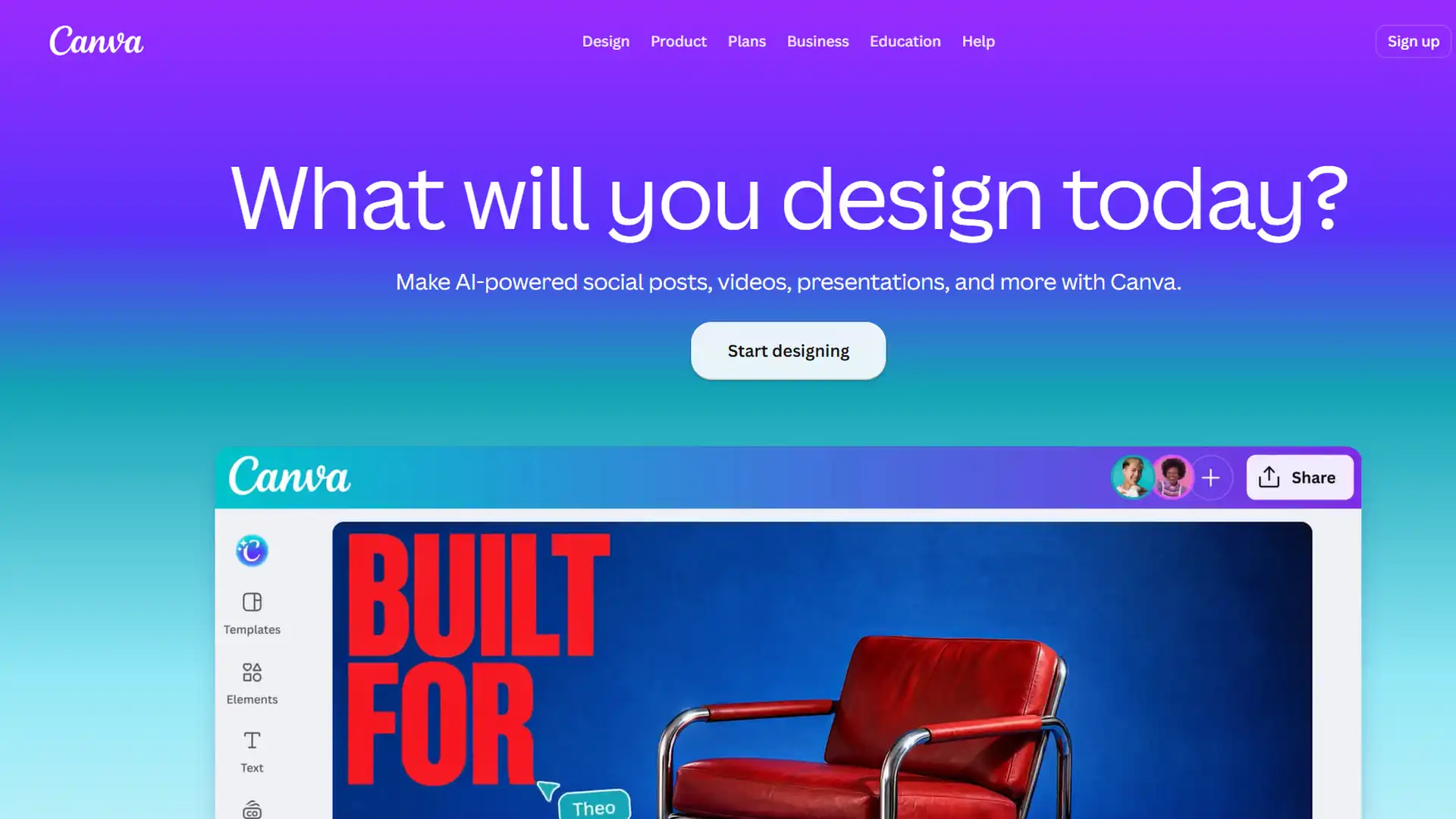
Key Features
- Wedding invitation video templates: Ready-made designs in styles such as floral, minimalist, and cartoon, which users can customize with their own photos and event details.
- AI video generation: Magic Media creates short videos from text prompts; Canva AI can generate 8-second clips with synchronized audio, while Magic Video turns uploaded photos and clips into an automatically edited video.
- Image-to-video animation: Converts still photos into short, 5-second clips with automatic or prompt-guided motion. Useful for adding movement to engagement or couple portraits.
- Built-in video editing and audio tools: Drag-and-drop timeline editing, animated text, transitions, music, and collaboration, with MP4 export and shareable links.
Pros
- Beginner-friendly and flexible: Templates and drag-and-drop editing make it easy to create a complete invitation without advanced video-editing skills.
- Real-time team collaboration: You can invite your partner or other collaborators to edit the same design, leave comments, and make changes together, making it easier to create and review the invitation as a team.
Cons
- Limited control over AI-generated videos: AI-generated clips are relatively short, and the results may require multiple attempts to match your intended motion and visual details.
- Some features require a paid plan: Premium assets and advanced tools such as Beat Sync require Pro, while AI generation is subject to usage limits.
How to Choose?
The best tool depends on the kind of wedding invitation video you want to create. Choose Anijam AI for personalized AI storytelling, consistent couple characters, and greater creative control. Choose Magnific for cinematic AI-generated scenes and visual experimentation. Choose Canva for quick, template-based invitations with flexible text editing and real-time collaboration.
Wedding Invitation Video Prompts You Can Customize 🔥
The right wedding invitation video prompt depends on one thing: do you have a photo to start from? Without one, the prompt has to describe the couple, the setting, and the look from scratch. With one, your photo already supplies the people, so the prompt only needs to direct the style, the movement, the text, and the sound.Every style below comes in both versions.
Without a photo, use this formula:
[Couple] + [setting] + [style] + [on-screen text] + [music mood] + [format]
With a photo, your upload stands in for the couple and setting, and you add the movement you want:
[Reference photo, keep faces and outfits] + [style change] + [motion] + [on-screen text] + [music mood] + [format]
Swap the bracketed details for your own, then paste a prompt into Anijam’s chat and refine from there.
1. Romantic Floral & Watercolor
No photo:
Romantic watercolor wedding invitation video, a hand-painted bride and groom standing inside a loose floral wreath of blush pink peonies, ivory roses, and sage greenery, petals drifting down as a soft watercolor wash spreads across the frame, delicate script text reading “[Name] & [Name], [Date], [Venue, City],” gentle piano with soft strings, 9:16 vertical format
With your photo:
Turn the uploaded couple photo into a romantic watercolor wedding invitation video, keeping their faces and outfits unchanged, a hand-painted wreath of blush pink peonies, ivory roses, and sage greenery grows around them, a soft watercolor wash spreads across the frame, petals drift down, delicate script text reading “[Name] & [Name], [Date], [Venue, City],” gentle piano with soft strings, 9:16 vertical format
2. Luxury & Elegant
No photo:
Luxury wedding invitation video, an ivory envelope sealed with gold wax opens in slow motion to reveal a gold-foil invitation card, deep navy background with fine gold dust, slow camera push-in, elegant serif lettering reading “[Name] & [Name], [Date], [Venue, City],” refined orchestral strings, 9:16 vertical format
With your photo:
Using the uploaded couple photo, create a luxury wedding invitation video, keeping their faces and outfits unchanged, an ivory envelope with a gold wax seal opens to reveal the photo, slow camera push-in, drifting gold dust and soft golden light, a thin gold-foil frame appears around the couple, elegant serif text reading “[Name] & [Name], [Date], [Venue, City],” refined orchestral strings, 9:16 vertical format
3. Modern Minimalist
No photo:
Modern minimalist wedding invitation video, a single black-and-white portrait of the couple on a clean white background with plenty of empty space, names appearing line by line in thin sans-serif type, followed by the date and city, subtle fade transitions, soft ambient piano, 9:16 vertical format
With your photo:
Animate the uploaded couple photo as a modern minimalist wedding invitation video, keeping the couple unchanged, clean white background with generous empty space, a very slow zoom toward the couple, names appearing line by line in thin sans-serif type, followed by the date and city, subtle fade transitions, soft ambient piano, 9:16 vertical format
4. Editorial & Cinematic
No photo:
Cinematic editorial wedding invitation video, the couple walking hand in hand along a coastal cliff at golden hour, slow drone-style pull-back, shallow depth of field and light film grain, a large magazine-style title “[Name] & [Name]” with the date and city appearing below, emotional cinematic score building softly, 16:9 horizontal format
With your photo:
Turn the uploaded couple photo into a cinematic editorial wedding invitation video, keeping their faces unchanged, slow dolly-in with gentle parallax, shallow depth of field, warm golden-hour color grade, light film grain, a large magazine-style title “[Name] & [Name]” with the date and city below, emotional cinematic score building softly, 16:9 horizontal format
5. Illustrated, Cartoon & Anime-Inspired
No photo:
Illustrated anime-inspired wedding invitation video, the couple as soft-colored cartoon characters in wedding outfits waving at the camera under a flower arch, hearts and petals floating around them, pastel palette, bouncy hand-lettered text reading “[Name] & [Name] are getting married! [Date], [Venue],” playful upbeat acoustic music, 1:1 square format
With your photo:
Transform the uploaded couple photo into an anime-inspired illustrated wedding invitation video, keeping their hairstyles, outfits, and key features recognizable as soft-colored cartoon characters, a flower arch behind them, hearts and petals floating around, pastel palette, bouncy hand-lettered text reading “[Name] & [Name] are getting married! [Date], [Venue],” playful upbeat acoustic music, 1:1 square format
6. Cultural & Traditional (Indian wedding example)
No photo:
Indian wedding invitation video, the couple in traditional red and gold attire standing before a floral mandap, marigold garlands framing the scene, a small Ganesha motif opening the video, warm festive lighting, slow camera glide, text in Hindi and English reading “[Name] weds [Name], [Date], [Venue, City],” dhol and shehnai-inspired music, 9:16 vertical format
With your photo:
Using the uploaded couple photo, create an Indian wedding invitation video, keeping their faces and attire unchanged, a marigold garland frames the photo, a small Ganesha motif appears in the opening, warm festive lighting with gold sparkles, slow camera glide, text in Hindi and English reading “[Name] weds [Name], [Date], [Venue, City],” dhol and shehnai-inspired music, 9:16 vertical format
Tips for Better Wedding Video Results
A great prompt gets you most of the way. These habits get you the rest.
- Start with a sharp, well-lit photo. If you’re working from your own pictures, choose one where both faces are clearly visible. When you upload more than one, explain what each is for, for example “Photo 1 opens the video, Photo 2 closes it.” Then generate a short test first to check that the two of you still look like yourselves.
- Keep it to 30—60 seconds. Guests watch on phones, and a shorter file is easier to send and more likely to be watched to the end.
- Put the essentials up front. Names and date should appear in the first few seconds. Save the venue details and RSVP for a closing card.
- Proofread like it’s going to print. Check name spelling, AM or PM, the time zone, the venue address, and the RSVP deadline. Once shared, a video may be saved or forwarded, so it’s worth checking every detail before sending it out.
- Match the format to the platform. Use a vertical 9:16 format for Instagram Stories and Reels. For WhatsApp, choose a format that displays well on your guests’ phones. Since video quality can vary after sharing, send yourself a test copy and check that the text remains clear.
- Create a second version if needed. A formal version for older relatives and a more playful one for friends.
Final Thoughts
A good wedding invitation video isn’t about piling on effects. It’s clear details, a style that feels like you, and a format that opens easily on a phone. Start with the look, choose the tool that matches how hands-on you want to be, and keep the message simple.
If you’d like to skip the blank canvas, the Anijam AI video generator lets you describe your wedding or upload a photo and get a finished invitation, with free sign-up and daily check-in credits to try it first. Whichever route you take, send the first version to yourself and watch it on your own phone before it goes to anyone else.
Frequently Asked Questions
Can I make a wedding invitation video for free?
Yes, most tools have a free way in, but “free” varies. Some offer free templates, some offer free credits, and some charge once at download. With Anijam AI, you can earn free credits with a new sign-up account and through daily check-ins to try it out.
How long should a wedding invitation video be?
Aim for 30 to 60 seconds. That’s long enough for names, date, venue, and RSVP, and short enough to send easily and keep guests watching.
Where can I download the best free wedding invitation video templates?
Template libraries inside video editors and invitation sites are the usual places, and many include a few free designs. Before you download, check for a watermark, premium-only elements, and whether you can edit the text. If nothing fits your style, you can generate a custom design with one of the prompts above instead of settling for a template.
Which tool is best for wedding invitation videos?
It depends on how hands-on you want to be. If you’d rather describe the video and let AI build it, a generator like Anijam AI is the quickest route. If you want to design every frame yourself, a template editor suits you better. The comparison above breaks down the three options.
Can I use a popular song in my wedding invitation video?
It depends on how you plan to use and share the video. Buying a song or crediting the artist doesn’t automatically grant permission to include it in a video. Instagram’s licensed music library is generally intended for personal, non-commercial use on the platform, while YouTube may restrict videos containing copyrighted tracks. For fewer copyright concerns, choose royalty-free music or a track licensed for video use on your intended platforms.
by Evan
Evan is an AI content creator and video technology writer at Anijam AI, focused on how generative AI is transforming storytelling and video production. He shares social trends, creative workflows, prompt strategies, and practical insights to help creators turn ideas into engaging videos and visual content.